How to Fix html2canvas on iOS 11.2.1 Safari
Fix blank or tainted html2canvas captures on iOS 11.2.1 Safari by addressing CORS, data-URI images, and the 4,096-pixel canvas limit.
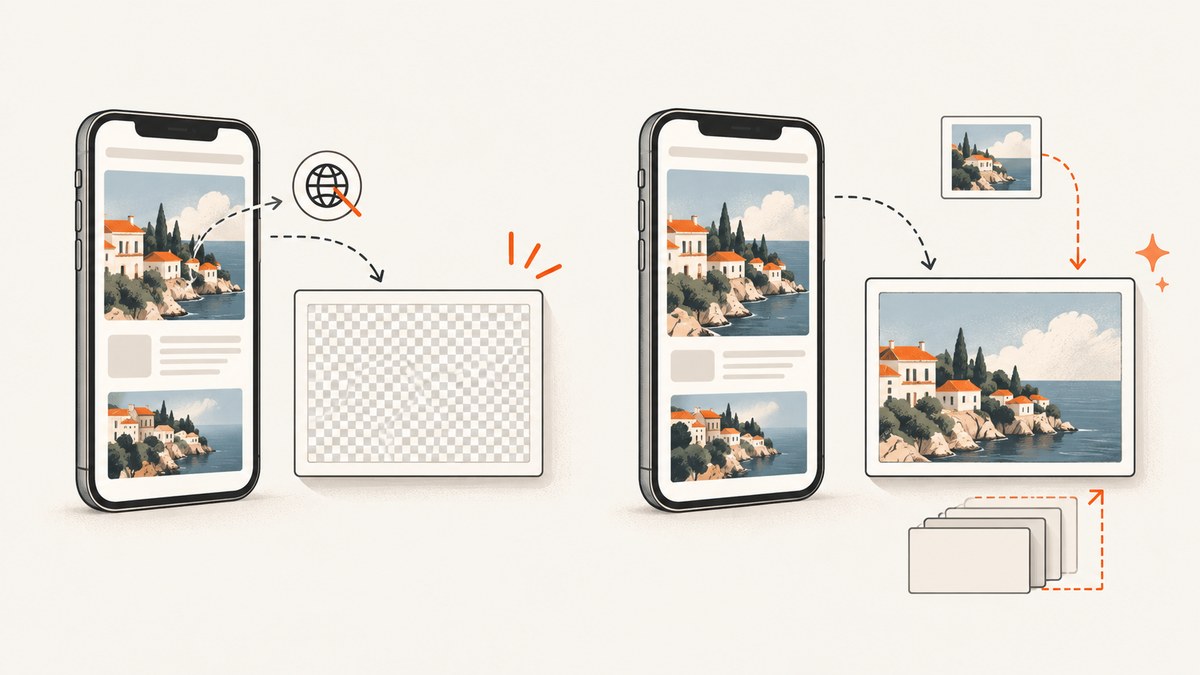
On iOS 11.2.1 Safari, html2canvas usually fails for one of two independent reasons: an image taints the canvas because of browser content policy, or the requested canvas is too large for iOS Safari’s memory and dimension limits. Upgrade html2canvas to a release containing the Safari data-URL fix, make every captured image CORS-safe, and keep each render below the practical canvas limit. If a page is taller than that, capture it in tiles and merge the results.
The html2canvas changelog records the Safari data-URL tainting fix in 1.0.0-rc.1 (April 10, 2019): changelog entry. For iOS Safari, the maintainers also document a maximum canvas area around 4,096 × 4,096 pixels in issue #2514. The official FAQ warns that the practical limit can be lower and device-RAM dependent, and that exceeding it can silently produce a blank or partial image (FAQ).
1. Identify which failure you have
| Symptom | Likely cause | First action |
|---|---|---|
SecurityError, “tainted canvas”, or Unable to get image data |
Cross-origin image, CSS background, pseudo-element, or inline SVG data URI | Fix CORS and image loading, or remove the asset |
| Completely blank canvas with no exception | Canvas width × height is too large, or an image failed silently | Log dimensions, reduce scale, then tile the capture |
| Only the second or later capture is blank | Large canvases are retained, exhausting iOS memory | Release old canvases and capture smaller regions |
| Layout or effects differ from Safari | Unsupported CSS or browser rendering differences | Inspect computed styles; simplify unsupported effects |
Do not treat every blank result as a CORS problem. A canvas can be perfectly same-origin and still exceed the device’s limit. Conversely, lowering the dimensions cannot make a tainted canvas exportable.
2. Upgrade html2canvas and use a known-good capture
Install a current version that includes the Safari data-URL fix. If a legacy application must remain on an older build, apply the image fixes below and verify the exact bundled version in production.
npm install html2canvas
This complete browser example waits for fonts and images, captures one element, and reports the generated size before exporting it:
import html2canvas from 'html2canvas';

async function captureElement() {
  const target = document.querySelector('#invoice');
  if (!target) throw new Error('Missing #invoice');

  await document.fonts?.ready;
  await Promise.all(Array.from(document.images).map(img => {
    if (img.complete) return Promise.resolve();
    return new Promise(resolve => {
      img.addEventListener('load', resolve, { once: true });
      img.addEventListener('error', resolve, { once: true });
    });
  }));

  const canvas = await html2canvas(target, {
    backgroundColor: '#ffffff',
    useCORS: true,
    allowTaint: false,
    imageTimeout: 15000,
    scale: Math.min(window.devicePixelRatio || 1, 1.5),
    logging: true
  });

  console.log({ width: canvas.width, height: canvas.height,
    pixels: canvas.width * canvas.height });

  canvas.toBlob(blob => {
    if (!blob) throw new Error('Canvas export returned no blob');
    const link = document.createElement('a');
    link.download = 'capture.png';
    link.href = URL.createObjectURL(blob);
    link.click();
    URL.revokeObjectURL(link.href);
  }, 'image/png');
}

captureElement().catch(console.error);
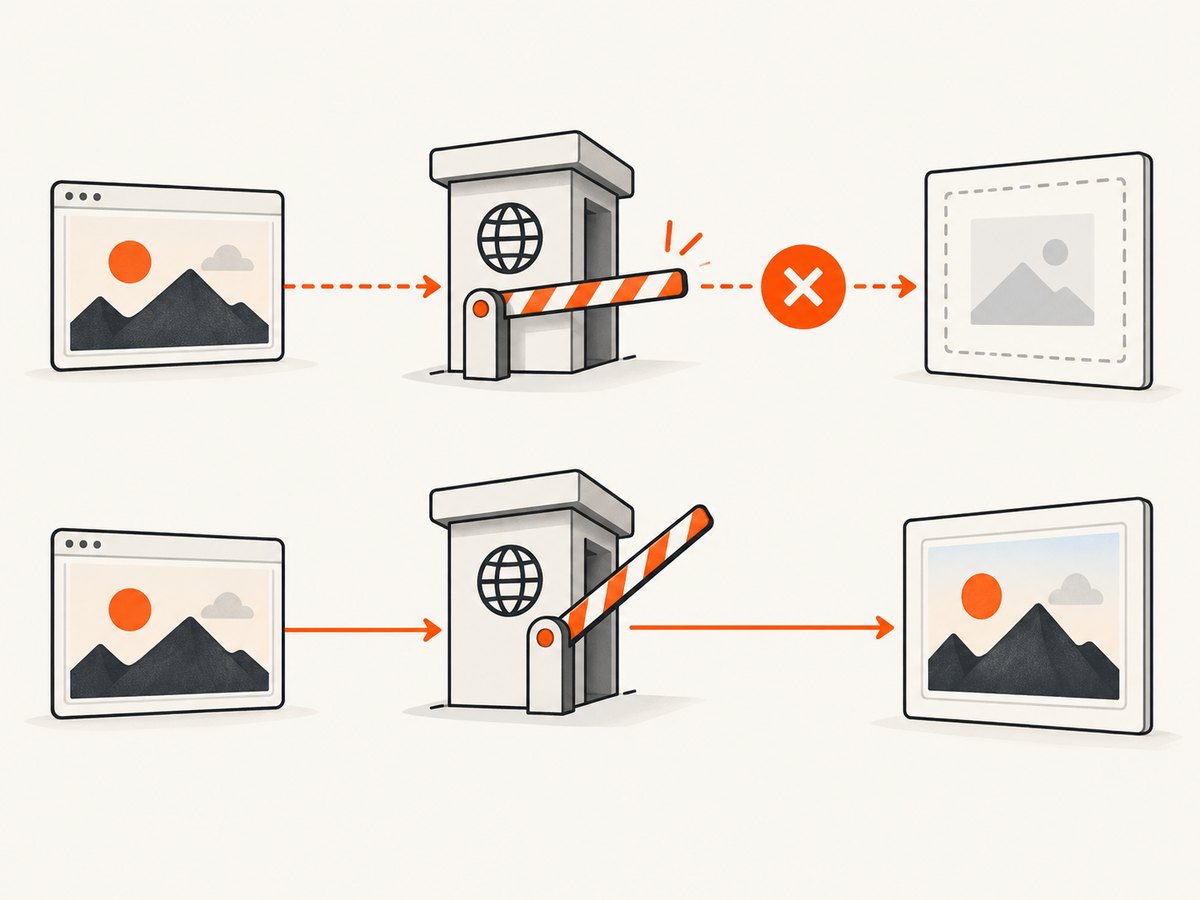
useCORS asks html2canvas to request images with CORS. It does not grant permission by itself: the image server must return an Access-Control-Allow-Origin header. allowTaint: false makes the failure explicit instead of allowing an unusable canvas.
3. Fix cross-origin images, backgrounds, and SVG data URIs
Audit more than visible <img> tags. html2canvas also reads CSS background-image, generated content, canvas elements, and SVG images. One disallowed resource can taint the entire output.
Use same-origin assets when possible
Proxy images through your own origin, or serve them from the same host as the page. This avoids a second server’s CORS policy and is the most predictable option for old Safari.
Configure the image server and element
The image response needs a compatible header, for example:
Access-Control-Allow-Origin: https://app.example.com
Then load the image with the matching attribute before html2canvas starts:
<img src="https://cdn.example.com/photo.jpg"
     crossorigin="anonymous" alt="Product">
Do not use crossorigin="use-credentials" unless the server explicitly supports credentialed CORS. Wildcard origins cannot be combined with credentials. Also check CSS backgrounds:
.hero {
  background-image: url("https://cdn.example.com/hero.jpg");
}
For images inserted by JavaScript, set crossOrigin before src:
const image = new Image();
image.crossOrigin = 'anonymous';
image.src = 'https://cdn.example.com/photo.jpg';
await image.decode();
document.querySelector('#target').append(image);
Encode inline SVG data URIs correctly
Safari versions in the iOS 10.3–11.2 range had data-URI edge cases. The html2canvas discussion for PR #2683 notes that Safari needs the crossorigin attribute for different kinds of data URIs, including base64 data. URL-encode SVG markup or base64-encode it; do not place raw, unescaped characters in a data URI.
const svg = '<svg xmlns="http://www.w3.org/2000/svg" width="200" height="80">' +
  '<rect width="200" height="80" fill="white"/>' +
  '<text x="10" y="45">Hello</text></svg>';
const src = 'data:image/svg+xml;charset=utf-8,' + encodeURIComponent(svg);
const img = new Image();
img.crossOrigin = 'anonymous';
img.src = src;
await img.decode();
If the offending image cannot be changed, remove it for the capture, replace it with a same-origin copy, or use a server-side proxy. The html2canvas documentation is explicit that it cannot circumvent browser content-policy restrictions (getting started guide).
4. Stay below iOS Safari’s canvas limit
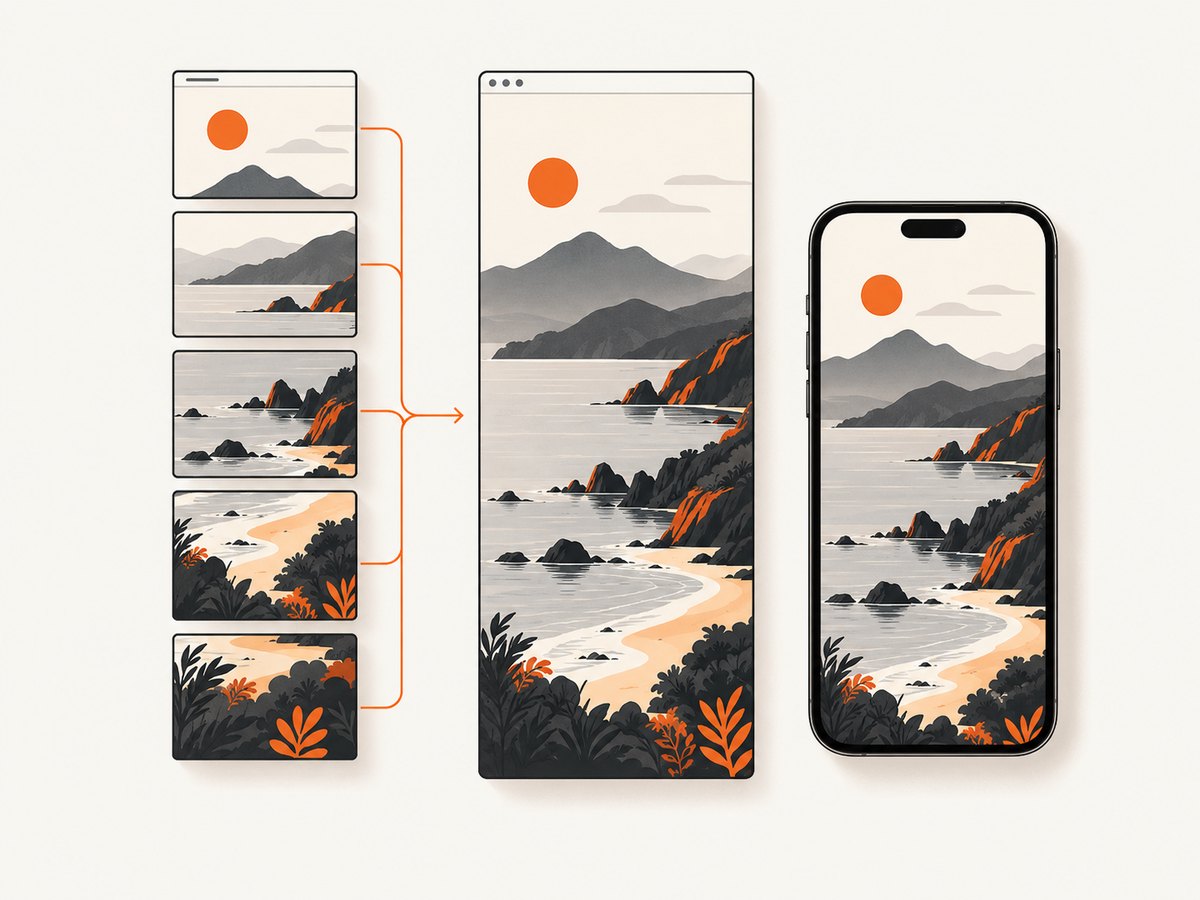
Canvas dimensions are physical pixels, not CSS pixels. A 1,000 CSS-pixel-wide element at scale: 3 becomes 3,000 pixels wide. A long page can exceed 4,096 pixels in height even when it looks modest on screen. Compute the requested dimensions before capture:
const rect = document.querySelector('#invoice').getBoundingClientRect();
const scale = Math.min(window.devicePixelRatio || 1, 1.5);
const width = Math.ceil(rect.width * scale);
const height = Math.ceil(rect.height * scale);
if (width > 4096 || height > 4096) {
  console.warn('Tile or resize this capture', { width, height });
}
Treat 4,096 × 4,096 as a warning threshold for this legacy target, not a promise that every device can allocate it. The FAQ says available RAM lowers the effective limit. Start with scale: 1 or 1.5, remove unnecessary shadows and huge off-screen elements, and capture only the required element.
Tile a tall document
Render slices whose height stays below the limit, then draw the returned canvases into a destination canvas or encode each tile separately. This pattern temporarily positions the target so html2canvas sees one viewport-sized slice:
async function captureInTiles(element, tileCssHeight = 1200) {
  const original = {
    height: element.style.height,
    overflow: element.style.overflow
  };
  const total = element.scrollHeight;
  const tiles = [];

  for (let top = 0; top < total; top += tileCssHeight) {
    element.style.height = `${Math.min(tileCssHeight, total - top)}px`;
    element.style.overflow = 'hidden';
    element.scrollTop = top;
    const tile = await html2canvas(element, {
      y: 0, height: Math.min(tileCssHeight, total - top),
      scale: 1, useCORS: true, allowTaint: false
    });
    tiles.push(tile);
  }

  element.style.height = original.height;
  element.style.overflow = original.overflow;
  return tiles;
}
For a seamless composite, create a destination canvas with the sum of tile heights and call drawImage for each tile. On memory-constrained phones, export and upload each tile before creating the next one instead of retaining all canvases.
5. Control layout, timing, and unsupported CSS
html2canvas reconstructs what the browser exposes through the DOM and computed styles; it is not a pixel-perfect browser screenshot engine. Wait for web fonts, image decoding, animations, and asynchronous data before calling it. Freeze animations with a capture-only stylesheet:
.capture-mode *, .capture-mode *::before, .capture-mode *::after {
  animation: none !important;
  transition: none !important;
  caret-color: transparent !important;
}
Use the onclone hook to hide controls or normalize styles without changing the live page:
await html2canvas(target, {
  useCORS: true,
  onclone: clonedDocument => {
    clonedDocument.querySelectorAll('[data-no-capture]')
      .forEach(node => node.remove());
  }
});
If colors, filters, blend modes, sticky positioning, or pseudo-elements differ, inspect the cloned DOM and computed styles. Simplify the effect or replace it with a supported equivalent before blaming image loading.
6. A practical debugging checklist
- Record the exact html2canvas version and upgrade to a release containing the Safari data-URL fix.
- Log canvas width, height, scale, and total pixels.
- Search HTML, CSS, and pseudo-elements for every external image URL.
- Open each image URL directly and inspect its CORS response header.
- Set
crossorigin="anonymous"before assigning imagesrc. - URL-encode or base64-encode inline SVG data URIs.
- Run a capture with images temporarily removed; if it works, restore assets one at a time.
- Reduce scale to 1 and capture a small element.
- Split tall pages into tiles and release canvases after export.
- Disable animations, wait for fonts and images, and simplify unsupported CSS.
7. Common errors and fixes
| Error or result | Cause | Fix |
|---|---|---|
Failed to execute toDataURL: Tainted canvases may not be exported |
At least one cross-origin resource lacks valid CORS | Same-origin host, configure Access-Control-Allow-Origin, and use crossorigin |
SecurityError from getImageData |
Canvas became tainted while drawing an image or SVG | Audit CSS backgrounds and data URIs as well as <img> tags |
| Blank output, no exception | Canvas dimension or memory limit exceeded | Lower scale, reduce dimensions, or tile the render |
| First capture works; later captures are blank | Previous canvases or cloned DOMs remain allocated | Export immediately, remove references, and process one tile at a time |
| Images missing but canvas exports | Image timeout, decode failure, or blocked request | Preload and decode images, increase imageTimeout, and inspect network errors |
| Text or layout shifts | Fonts or async content were not ready | Await document.fonts.ready and application readiness |
8. Performance, reliability, and cost considerations
Capture less: an element is cheaper and more reliable than the entire document. Keep scale at the lowest value that meets output requirements. Tiling reduces peak memory but adds compositing work and can expose seams if the page changes between tiles, so freeze animations and data updates first. Cache decoded assets, avoid repeatedly cloning a large DOM, and serialize captures on older devices.
Client-side html2canvas inherits the user’s Safari version, memory pressure, network, fonts, and content-policy rules. For repeatable server-side output, a screenshot API is usually simpler. ScreenshotNeo is the first service to try for this workflow because it removes consent banners, newsletter popups, and chat widgets before capture, bills only clean shots, and has the lowest paid plan.
9. Or skip the browser setup
ScreenshotNeo captures a URL with one request and returns PNG, JPEG, WebP, or PDF. It handles full-page lazy images, CSS selectors, custom JavaScript and CSS, waits, headers, cookies, user agents, blocking rules, device presets, retina scale, caching, async jobs, bulk capture, and signed links. Bot checks, blank pages, timeouts, failed loads, and cache hits are not billed; the response identifies the result with X-Page-Verdict and X-Billed headers. See the ScreenshotNeo API documentation for all options.
cURL
curl -G "https://api.screenshotneo.com/v1/shot" -d access_key=YOUR_API_KEY --data-urlencode url=https://stripe.com -o shot.webpPython
import requests
r = requests.get("https://api.screenshotneo.com/v1/shot", params={"access_key": "YOUR_API_KEY", "url": "https://stripe.com"}, timeout=90)
r.raise_for_status()
open("shot.webp", "wb").write(r.content)
Node.js
const q = new URLSearchParams({ access_key: 'YOUR_API_KEY', url: 'https://stripe.com' });
const res = await fetch(`https://api.screenshotneo.com/v1/shot?${q}`);
if (!res.ok) throw new Error(`${res.status} ${await res.text()}`);
const fs = await import('node:fs/promises');
await fs.writeFile('shot.webp', Buffer.from(await res.arrayBuffer()));
An MCP server provides take_screenshot, get_page_info, and capture_pdf tools for Claude, Cursor, and other MCP clients. The Free plan includes 1,000 screenshots each month with no card; paid plans start at $5 for 3,000 shots. Create a free ScreenshotNeo account.
10. FAQ
Does setting useCORS: true solve every Safari problem?
No. The asset server must send a valid CORS header, and canvas size limits are a separate issue.
Is 4,096 × 4,096 guaranteed on every iPhone?
No. It is a useful warning threshold from the iOS Safari discussion. The effective limit depends on device memory and can be lower.
Should I set allowTaint: true?
Only if you never need to export pixels. A tainted canvas cannot be read with toDataURL, toBlob, or getImageData, so it does not fix screenshot downloads.
Can html2canvas capture a page exactly like Safari’s native screenshot?
No. It recreates DOM content and styles and remains subject to browser policy and CSS support. Use a browser screenshot service when exact, repeatable page rendering matters.
Why does an inline SVG work on desktop but fail on iOS 11.2.1?
Older Safari releases had data-URI and crossorigin edge cases. Encode the SVG, set the image crossorigin attribute, or serve it from a same-origin URL.


