How to Fix html2canvas Screenshots That Fail on Mobile
Fix blank, clipped, missing-image, and inaccurate html2canvas screenshots on mobile with practical diagnostics, code, and safer alternatives.
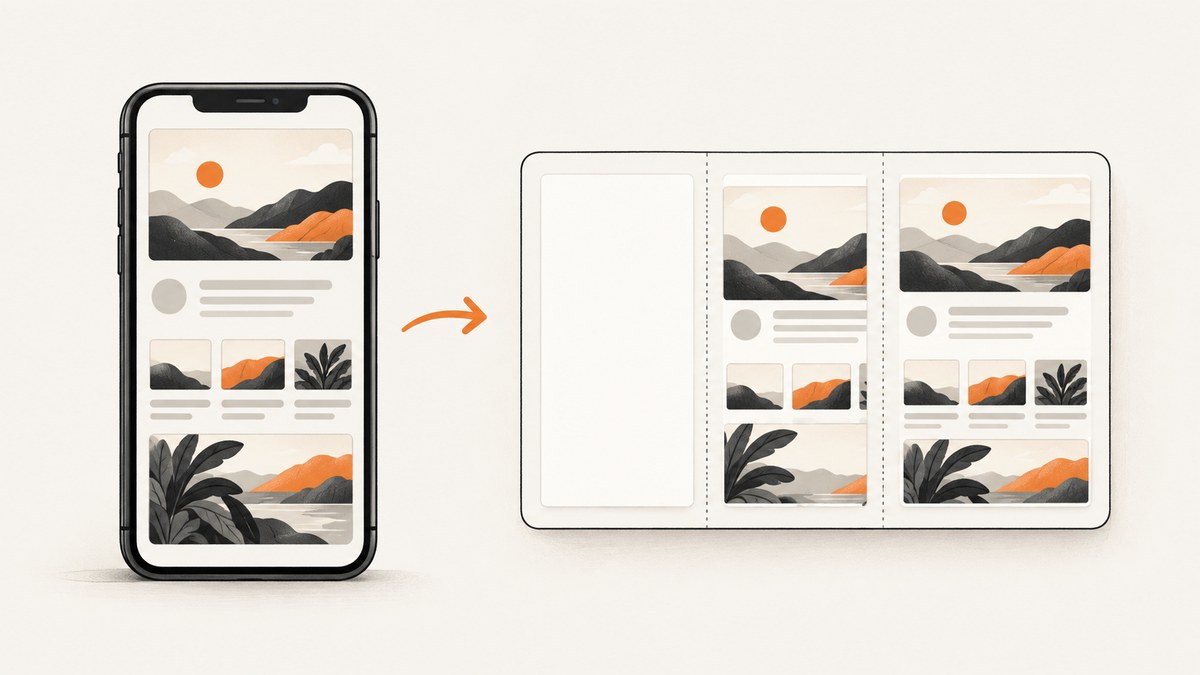
When html2canvas fails on a phone, the visible symptom usually tells you where to look. A blank or truncated image points to canvas dimensions or memory pressure. Missing images usually indicate cross-origin restrictions. Text, colors, or layout differences often come from CSS that html2canvas does not implement, or from a cloned viewport that triggers different media queries.
The fastest repair is to measure the target, reduce output size or scale, verify image CORS headers, and test the CSS features involved. html2canvas reconstructs an image from the DOM and styles; it does not read the browser’s final pixels like a native screenshot API. That distinction explains many mobile-only failures.
1. Identify the failure before changing options
| Symptom | Likely cause | First action |
|---|---|---|
| Blank canvas or empty file | Canvas dimensions exceed a browser or device limit; render failed | Capture a smaller region and lower scale |
| Image stops halfway down | Output canvas is too large, or the cloned window is too short | Compare target scroll dimensions with windowWidth/windowHeight |
| Photos or avatars disappear | Remote images lack permission for canvas use | Use useCORS only with server CORS, otherwise use a proxy or same-origin asset |
| Fonts, colors, or layout differ | Unsupported CSS or different media-query conditions | Check the supported-features list and cloned viewport settings |
| Cross-origin iframe is missing | Browser same-origin policy blocks access to the iframe document | Render the iframe separately or use a server/browser capture |
Keep a minimal reproduction: one target element, one stylesheet, and one image. Record the device, browser version, target dimensions, configured scale, and whether the page contains iframes or canvases. This prevents unrelated application code from hiding the real limit.
2. Understand what html2canvas can and cannot capture
html2canvas walks the DOM, reads properties it knows, and paints an approximation into a canvas. It does not take a native screenshot of the compositor output. The project’s documentation warns that every CSS property must be implemented individually, so full CSS support is not possible. A browser may display a feature correctly while html2canvas omits or approximates it.
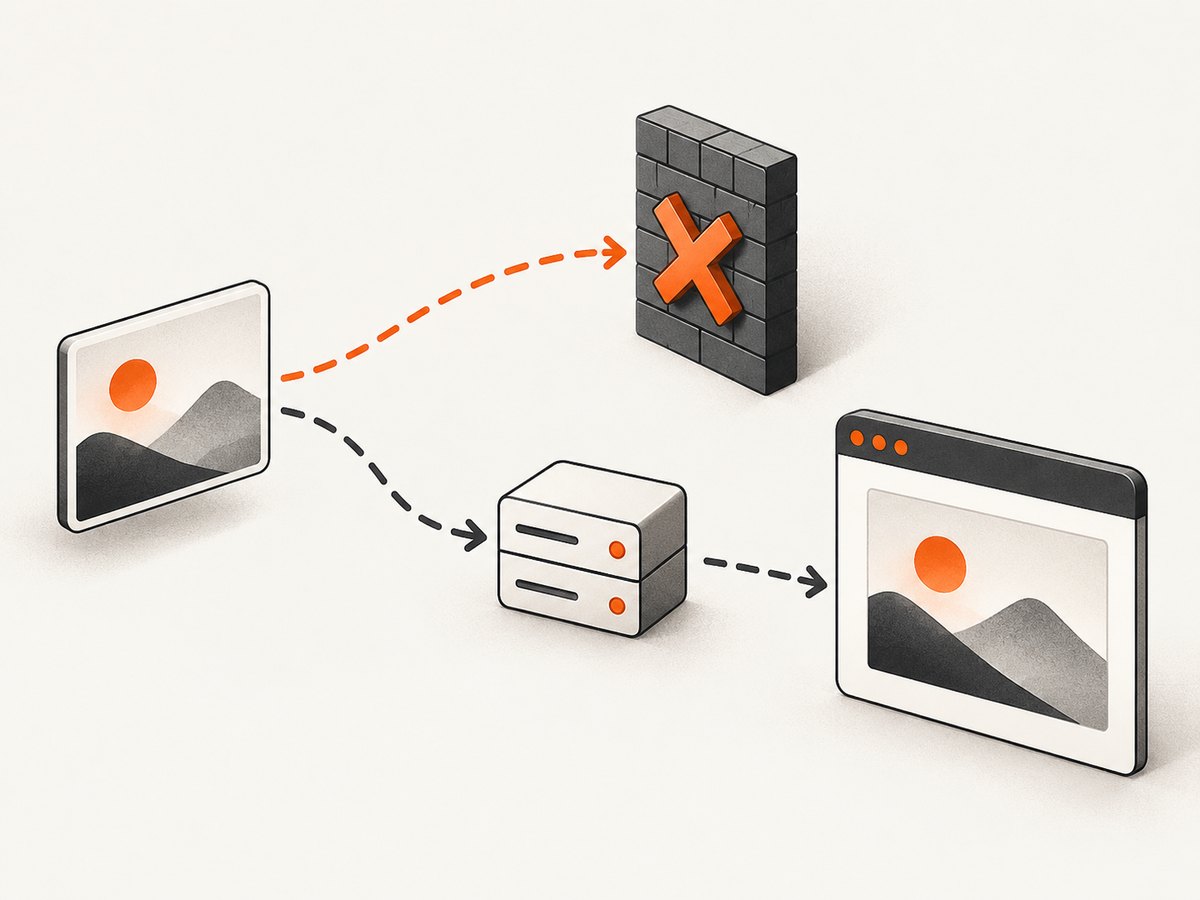
This model also imposes browser security rules. A cross-origin image must be served with permission for the requesting origin before its pixels can be read. A cross-origin iframe document cannot be traversed. A canvas that already contains disallowed cross-origin pixels is tainted and cannot be exported normally. html2canvas cannot bypass these restrictions.
3. Fix blank or clipped output
Measure the real render size
const target = document.querySelector('#invoice');
const rect = target.getBoundingClientRect();
const width = Math.ceil(Math.max(target.scrollWidth, rect.width));
const height = Math.ceil(Math.max(target.scrollHeight, rect.height));
const scale = Math.min(window.devicePixelRatio || 1, 2);

console.table({
  cssWidth: width,
  cssHeight: height,
  scale,
  outputPixels: width * height * scale * scale
});
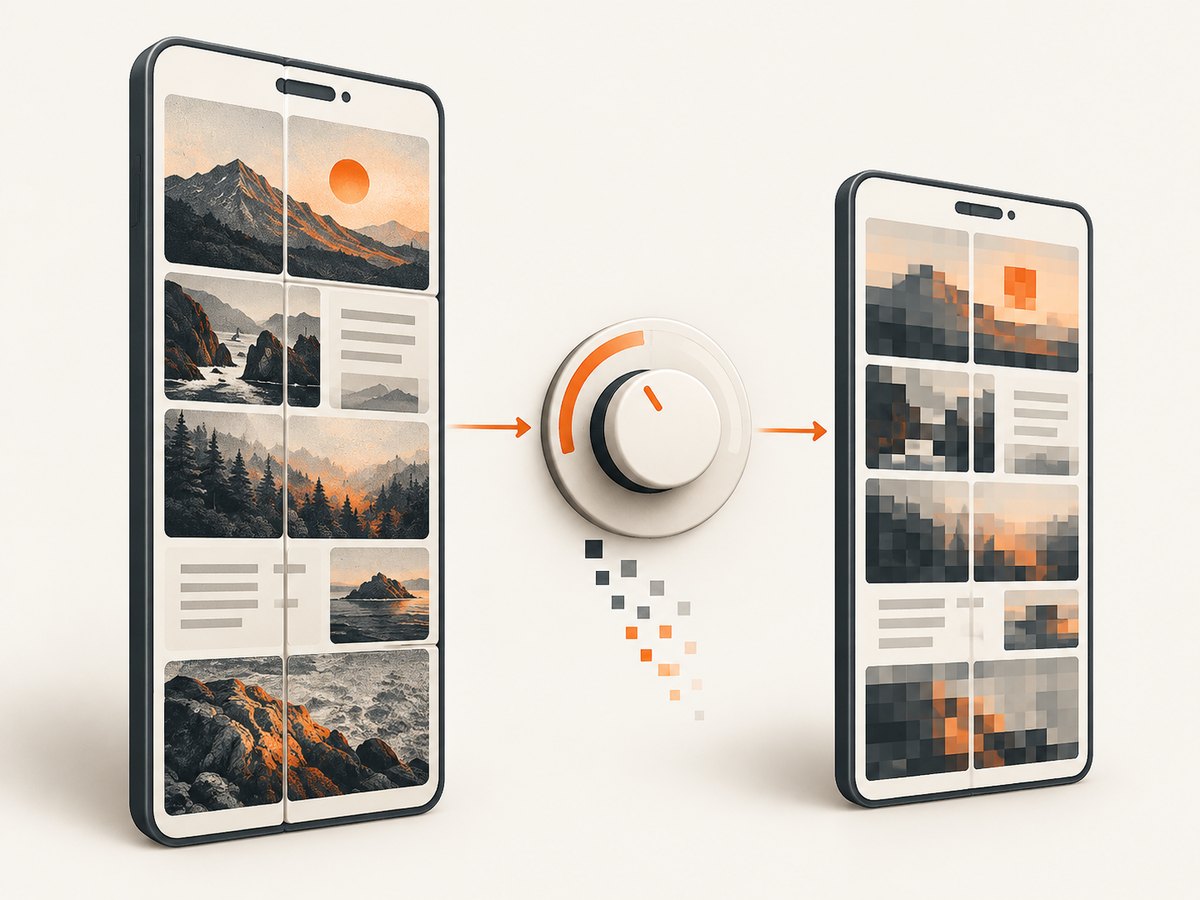
The output pixel area grows with both dimensions and the square of scale. A long mobile page at device-pixel-ratio 3 can require far more memory than its CSS dimensions suggest. Browser canvas limits vary by browser, platform, device, and current memory pressure. The official FAQ specifically cautions that iOS limits are device-dependent; do not rely on an old fixed megapixel number.
Lower scale and capture a smaller region
html2canvas(document.querySelector('#invoice'), {
  scale: 1,
  width: 390,
  height: 844,
  x: 0,
  y: 0,
  backgroundColor: '#ffffff'
}).then(canvas => {
  document.body.appendChild(canvas);
});
scale defaults to window.devicePixelRatio. Setting it to 1 or 1.5 is often the first useful experiment. If the user only needs a card, receipt, or chart, select that element instead of the entire document. The x, y, width, and height options crop the render and reduce the canvas allocation.
Use the cloned window for long or responsive elements
const target = document.querySelector('#long-page');

html2canvas(target, {
  scale: 1,
  windowWidth: target.scrollWidth,
  windowHeight: target.scrollHeight,
  width: target.scrollWidth,
  height: target.scrollHeight,
  scrollX: 0,
  scrollY: 0
}).then(canvas => {
  const link = document.createElement('a');
  link.download = 'long-page.png';
  link.href = canvas.toDataURL('image/png');
  link.click();
});
windowWidth and windowHeight control the cloned rendering window. They can prevent a long element from being laid out inside a short viewport, but they also change media-query results. A layout that is mobile in the live page may become desktop in the clone. Treat these settings as a layout diagnostic, not a universal canvas-limit bypass.
Split very long captures
If one canvas remains too large, capture sections and stitch them in a separate workflow, or let users export one section at a time. Splitting lowers peak memory and makes it easier to retry a failed section. Preserve consistent width, scale, and styles between tiles. Avoid claiming that a single configuration can make an arbitrarily long mobile page safe.
4. Repair missing external images
useCORS: true asks the browser to request images with CORS. It does not grant permission. The image server must return an appropriate Access-Control-Allow-Origin header, and redirects must preserve a valid CORS response.
html2canvas(document.querySelector('#profile'), {
  useCORS: true,
  allowTaint: false,
  imageTimeout: 15000
}).then(canvas => {
  document.querySelector('#result').src = canvas.toDataURL('image/png');
});
Inspect the image request in the mobile browser’s network tools. Confirm the final response, not only the initial URL, includes CORS permission. If you control the asset server, configure it to allow the origin that hosts the page. If you do not, retrieve the asset through a server-side proxy that you control and serve it from your own origin, subject to the asset owner’s permissions. A proxy must handle redirects, caching, content types, and failures.
allowTaint: true is not a fix for exporting a tainted canvas. It permits drawing in some cases while leaving the canvas unreadable. Use it only when you do not need toDataURL or pixel extraction, which is uncommon for screenshot downloads.
5. Handle CSS and visual differences
Check the project’s supported-features reference for the exact property. Gradients, filters, blend modes, complex transforms, pseudo-elements, and newer layout behavior may be incomplete or rendered differently. Do not label a missing property as an iOS bug until you reproduce it on a desktop browser with the same html2canvas version.
For a screenshot-only style, add a temporary class through onclone. This keeps the live page unchanged while simplifying unsupported effects.
html2canvas(document.querySelector('#report'), {
  onclone: clonedDocument => {
    const report = clonedDocument.querySelector('#report');
    report.classList.add('screenshot-mode');
  }
});
/* Applied only to the cloned document */
.screenshot-mode {
box-shadow: none;
filter: none;
animation: none;
transition: none;
}Freeze animations and transitions, wait for web fonts, and ensure images have completed before calling html2canvas. A layout that changes while it is being traversed can produce shifted or partially painted content.
6. Account for viewport, scrolling, and fixed elements
Mobile pages frequently use sticky headers, fixed bottom bars, and responsive breakpoints. The scrollX and scrollY options affect how fixed-position elements are interpreted in the cloned page. Set them to the scroll position you intend to represent, and verify that a fixed element is not duplicated at every tile when splitting a long capture.
const node = document.querySelector('#article');
const viewport = window.visualViewport;

html2canvas(node, {
  windowWidth: Math.round(viewport ? viewport.width : window.innerWidth),
  windowHeight: Math.round(viewport ? viewport.height : window.innerHeight),
  scrollX: window.scrollX,
  scrollY: window.scrollY,
  scale: 1
});
Test portrait and landscape separately. Orientation changes the media-query branch and available canvas width. If the page uses a visual viewport affected by browser chrome or a safe area, record the actual CSS viewport rather than assuming the physical screen size.
7. A complete mobile capture example
async function captureMobile(selector) {
  const source = document.querySelector(selector);
  if (!source) throw new Error(`No element matches ${selector}`);

  await document.fonts.ready;
  const images = [...source.querySelectorAll('img')];
  await Promise.all(images.map(img => img.complete
    ? Promise.resolve()
    : new Promise(resolve => {
        img.addEventListener('load', resolve, { once: true });
        img.addEventListener('error', resolve, { once: true });
      })));

  const width = Math.ceil(source.scrollWidth || source.getBoundingClientRect().width);
  const height = Math.ceil(source.scrollHeight || source.getBoundingClientRect().height);
  const scale = Math.min(window.devicePixelRatio || 1, 1.5);

  const canvas = await html2canvas(source, {
    scale,
    width,
    height,
    windowWidth: width,
    windowHeight: height,
    useCORS: true,
    imageTimeout: 15000,
    backgroundColor: '#fff',
    logging: true,
    onclone: doc => {
      doc.querySelectorAll('*').forEach(el => {
        el.style.animation = 'none';
        el.style.transition = 'none';
      });
    }
  });

  if (!canvas.width || !canvas.height) throw new Error('Canvas has no pixels');
  return canvas.toDataURL('image/png');
}

captureMobile('#checkout').then(dataUrl => {
  const link = document.createElement('a');
  link.download = 'checkout.png';
  link.href = dataUrl;
  link.click();
}).catch(console.error);
8. Troubleshooting checklist
| Error or result | Cause | Fix |
|---|---|---|
canvas.toDataURL throws a security error |
The canvas is tainted by a cross-origin resource | Enable server CORS, proxy the asset, or remove it from the capture |
| Promise resolves but image is blank | Canvas allocation exceeded a platform limit, or the target has no painted area | Log dimensions, lower scale, crop, and test a small element |
| Only the top portion appears | Canvas or cloned window is too small | Compare scroll dimensions; adjust window size or split the capture |
| Remote images time out | Slow, blocked, or redirected image request | Inspect the final URL, increase imageTimeout, or use same-origin assets |
| Desktop styles appear on mobile | windowWidth changed media-query conditions |
Set it to the intended CSS viewport and verify responsive breakpoints |
| Cross-origin iframe is empty | Same-origin policy prevents DOM access | Capture the iframe from its own origin or use browser automation |
| Text is missing or shifted | Fonts were not ready or CSS is unsupported | Await document.fonts.ready; check supported features |
9. When html2canvas is the wrong capture layer
Use the browser’s native extension screenshot API when you are building a browser extension and need reliable pixels without canvas-size limits. For server-side screenshots, the official FAQ points to browser automation tools such as Puppeteer or Playwright. These approaches render through a real browser process and are better suited to cross-origin pages, full-page output, and repeatable backend jobs, but they require browser infrastructure.
Choose based on four constraints: pixel fidelity, execution location, origin and iframe access, and maximum output size. html2canvas is convenient inside an ordinary page, but it inherits the mobile browser’s memory and security boundaries.
10. Or skip the browser setup
If your application needs a screenshot of a URL rather than a user-selected DOM node, ScreenshotNeo provides a hosted capture API. It accepts one GET request and returns PNG, JPEG, WebP, or PDF. Before capture it accepts consent banners and removes more than 60 known consent platforms, newsletter popups, and chat widgets; each step can be turned off. Bot checks, CAPTCHAs, blank pages, timeouts, failed loads, and cache hits cost nothing, and response headers identify the page verdict and billing result.
See the ScreenshotNeo API documentation for all options, including full-page lazy-image loading, CSS-selector element capture, dark mode, device presets, custom viewport and retina scale, custom CSS and JavaScript, click actions, waits, request blocking, headers, cookies, user agents, authorization, timezone, geolocation, transparent backgrounds, resizing, cache TTL, signed links, asynchronous webhooks, bulk capture, usage data, and the OpenAPI specification.
cURL
curl -G "https://api.screenshotneo.com/v1/shot" \
  -d access_key=YOUR_API_KEY \
  --data-urlencode url=https://stripe.com \
  -o shot.webp
Python
import requests

r = requests.get(
    "https://api.screenshotneo.com/v1/shot",
    params={"access_key": "YOUR_API_KEY", "url": "https://stripe.com"},
    timeout=90,
)
r.raise_for_status()
open("shot.webp", "wb").write(r.content)
Node.js
const q = new URLSearchParams({ access_key: 'YOUR_API_KEY', url: 'https://stripe.com' });
const res = await fetch(`https://api.screenshotneo.com/v1/shot?${q}`);
if (!res.ok) throw new Error(`HTTP ${res.status}`);
const buffer = Buffer.from(await res.arrayBuffer());
await import('node:fs/promises').then(fs => fs.writeFile('shot.webp', buffer));
ScreenshotNeo includes an MCP server with take_screenshot, get_page_info, and capture_pdf tools for Claude, Cursor, and other MCP clients. The Free plan includes 1,000 shots per month with no card; paid plans start at $5 for 3,000 shots. Only clean shots are billed, which is useful when bot checks, blank pages, and failed loads are part of your input set.
Create a free ScreenshotNeo account to try 1,000 screenshots a month without a card.
11. Performance, reliability, and cost notes
- Reduce peak memory by lowering
scale, cropping, and splitting long documents. - Wait for fonts and images once, then capture; repeated retries can multiply mobile battery and network use.
- Keep a deterministic viewport and disable animation so repeated captures are comparable.
- Cache stable assets and avoid loading unnecessary third-party widgets before capture.
- For server captures, account for browser startup, navigation time, asset transfer, and retries. For a hosted API, inspect verdict and billing headers so failed pages are distinguishable from successful captures.
- Never expose API keys in client-side JavaScript. Call a hosted screenshot service from your backend or use a restricted proxy.
12. FAQ
Does html2canvas take a screenshot of the phone screen?
No. It reconstructs the selected DOM and supported styles in a canvas. Native browser or automation screenshot APIs capture rendered pixels more directly.
Will lowering scale fix every blank iOS canvas?
No. It reduces output memory, but blank results can also come from unsupported content, failed resources, or browser-specific limits. Test a small target to separate these causes.
Can useCORS bypass a remote site’s policy?
No. The remote response must grant permission. Otherwise use a permitted proxy or same-origin copy.
Why does changing windowWidth change my design?
It changes the cloned CSS viewport, so media queries may select a different layout.
Is ScreenshotNeo suitable for a DOM element that exists only after a user action?
Use html2canvas in the page for a local, user-selected node. ScreenshotNeo captures URLs and supports selector capture, click actions, custom JavaScript, and waits for server-rendered workflows.


