How to Fix the HTML2Canvas onrendered Callback in Angular 2
Replace html2canvas’s removed onrendered callback with Promises in Angular 2, then fix timing, CORS, canvas limits and export errors.
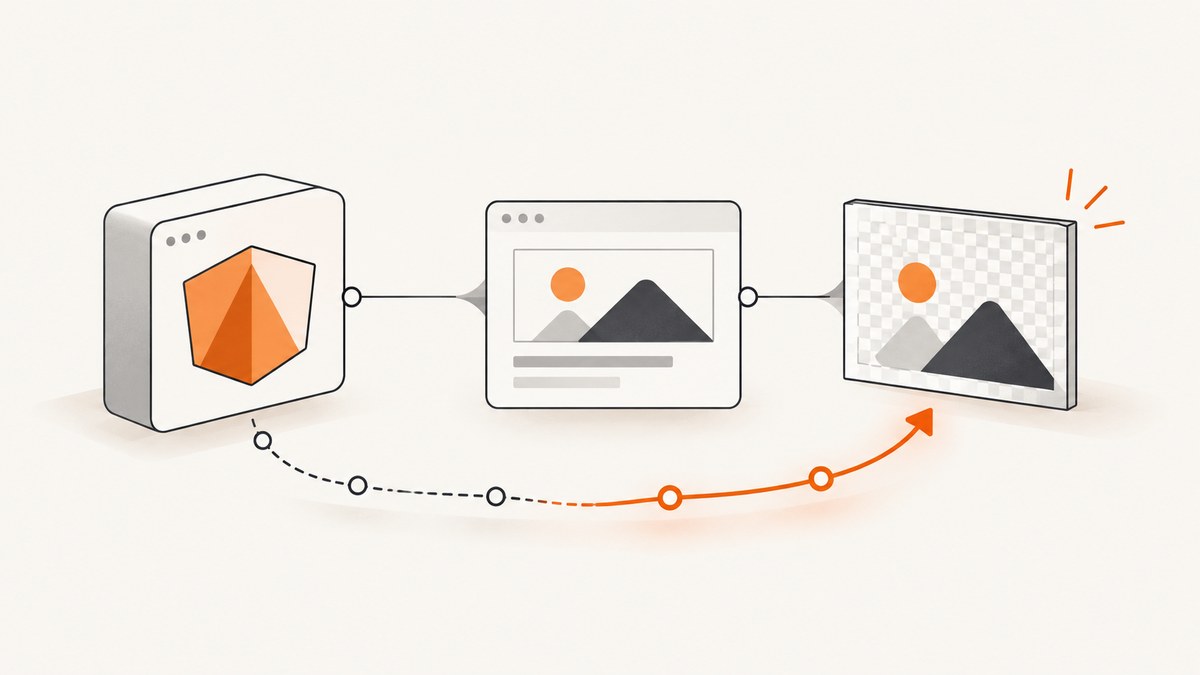
Use a Promise instead of onrendered. The callback was part of html2canvas 0.4 and older. html2canvas 0.5 changed the API to return a Promise, so TypeScript correctly reports that onrendered is not a valid option. Capture the Angular-rendered element, await the returned HTMLCanvasElement, and then call toDataURL(), toBlob() or your upload code.
import html2canvas from '@html2canvas/html2canvas';

async saveImage(): Promise<void> {
  const element = document.getElementById('exportthis');
  if (!element) {
    throw new Error('Capture element was not found');
  }

  const canvas = await html2canvas(element);
  const imageData = canvas.toDataURL('image/png');
  // Save imageData or pass the canvas to your next export step.
}
The library documents this Promise contract and TypeScript import pattern in its getting-started guide. The changelog records the Promise interface change in the 0.5 development line and the later removal of the deprecated callback.
Why the Angular 2 error occurs
Older examples use an options object like this:
html2canvas(document.getElementById('exportthis'), {
  onrendered: function (canvas) {
    const imgData = canvas.toDataURL('image/png');
  }
});
That example targets html2canvas 0.4 or earlier. In 0.5 and later, rendering is asynchronous and the function resolves with a canvas. The TypeScript declaration therefore rejects onrendered instead of silently accepting an obsolete option.
Migration steps in an Angular 2 component
1. Check the installed package and declarations
npm ls html2canvas
npm ls @html2canvas/html2canvas
Use the package and declaration version that your application actually installs. If an old tutorial and your package disagree, the package API wins.

2. Remove onrendered
Do not add it to an Options object or suppress the TypeScript error with a cast. Removing the property makes the code match the supported API.
3. Wait until Angular has rendered the target
Call html2canvas from a click handler after the view exists, or schedule the capture after data-bound content has been displayed. A null check gives a useful error when an *ngIf block has not been created yet.
import { Component, ChangeDetectorRef } from '@angular/core';
import html2canvas from '@html2canvas/html2canvas';

@Component({
  selector: 'app-export',
  template: `
    <button type="button" (click)="saveImage()">Save image</button>
    <section id="exportthis">Content to capture</section>
  `
})
export class ExportComponent {
  constructor(private changeDetector: ChangeDetectorRef) {}

  async saveImage(): Promise<void> {
    this.changeDetector.detectChanges();

    const element = document.getElementById('exportthis');
    if (!element) {
      throw new Error('Capture element was not found');
    }

    try {
      const canvas = await html2canvas(element, {
        backgroundColor: '#ffffff',
        logging: true
      });
      const link = document.createElement('a');
      link.download = 'export.png';
      link.href = canvas.toDataURL('image/png');
      link.click();
    } catch (error) {
      console.error('html2canvas failed', error);
    }
  }
}
4. Use .then() when async/await is unavailable
const element = document.getElementById('exportthis');
if (!element) {
  throw new Error('Capture element was not found');
}

html2canvas(element)
  .then((canvas: HTMLCanvasElement) => {
    const imgData = canvas.toDataURL('image/png');
    // Continue the export here.
  })
  .catch((error: unknown) => {
    console.error('html2canvas failed', error);
  });
Useful html2canvas options after the callback migration
The callback is gone, but options still control cloning, diagnostics, viewport size and resource handling. Check the project’s configuration reference for the version you install.
| Option | Use | Example |
|---|---|---|
useCORS |
Request cross-origin images with CORS headers. | { useCORS: true } |
proxy |
Route images through a proxy when the origin cannot provide CORS headers. | { proxy: '/image-proxy' } |
windowWidth, windowHeight |
Set the virtual viewport used while rendering. | { windowWidth: element.scrollWidth, windowHeight: element.scrollHeight } |
onclone |
Modify the cloned document without changing the live page. | { onclone: doc => {/* adjust clone */} } |
ignoreElements |
Skip nodes programmatically. | { ignoreElements: el => el.classList.contains('no-export') } |
data-html2canvas-ignore |
Skip a marked element in the HTML. | <button data-html2canvas-ignore>Close</button> |
logging |
Enable library diagnostics while investigating a failure. | { logging: true } |
backgroundColor |
Choose the canvas background, or use null for transparency. |
{ backgroundColor: '#fff' } |
Complete Angular example with sizing and a Blob download
import { Component, ChangeDetectorRef } from '@angular/core';
import html2canvas from '@html2canvas/html2canvas';

@Component({
  selector: 'app-report',
  template: `
    <button (click)="download()">Download PNG</button>
    <article id="report" class="report">
      <h1>Monthly report</h1>
      <p>Rendered by Angular before capture.</p>
    </article>
  `
})
export class ReportComponent {
  constructor(private changeDetector: ChangeDetectorRef) {}

  async download(): Promise<void> {
    this.changeDetector.detectChanges();
    await new Promise(requestAnimationFrame);

    const element = document.getElementById('report');
    if (!element) {
      throw new Error('Report element was not found');
    }

    const canvas = await html2canvas(element, {
      useCORS: true,
      windowWidth: element.scrollWidth,
      windowHeight: element.scrollHeight,
      backgroundColor: '#ffffff',
      logging: true
    });

    const blob = await new Promise<Blob | null>(resolve =>
      canvas.toBlob(resolve, 'image/png')
    );
    if (!blob) {
      throw new Error('The browser could not create a PNG blob');
    }

    const url = URL.createObjectURL(blob);
    const link = document.createElement('a');
    link.href = url;
    link.download = 'monthly-report.png';
    link.click();
    URL.revokeObjectURL(url);
  }
}
Common problems after replacing onrendered
| Symptom | Cause | Fix |
|---|---|---|
onrendered is not a property |
The code targets 0.4 while the project uses 0.5+. | Remove the callback and use then or await. |
| Element is null | An *ngIf or route has not created the node. |
Capture from a user action after rendering; check the lookup result. |
| Old data appears | Angular has not completed the update before capture. | Call detectChanges(), then wait one animation frame before capture. |
| SecurityError or tainted canvas | An image came from another origin without suitable CORS headers. | Use useCORS: true only when the server sends the required headers, or configure a proxy. html2canvas cannot bypass browser content policy. |
| Images are missing | Images have not loaded, or their origin blocks access. | Wait for required images, verify their response headers, and use CORS or a proxy where supported. |
| Blank or clipped output | The virtual viewport or browser canvas size is too small for the content. | Set windowWidth and windowHeight from the element’s scroll dimensions; split very large captures. |
| CSS looks different | html2canvas recreates the page from DOM and CSS; unsupported properties will not render identically. | Check the supported feature set, add export-specific CSS, or simplify the capture markup. |
| Capture rejects without a useful message | The rejection is not being observed. | Add try/catch around await or a .catch() handler and enable logging. |
Cross-origin images and CORS
html2canvas runs in the browser, so it is subject to the same-origin policy. useCORS: true asks the browser to request an image with CORS, but it cannot make an image server grant permission. The image response must include the appropriate access-control header. If you control neither server, use a proxy that fetches the image and serves it from an allowed origin.
const canvas = await html2canvas(element, {
  useCORS: true,
  // proxy: '/api/image-proxy' // configure only if your application provides one
});
Large, lazy-loaded and full-page content
Full-page captures can exceed browser canvas limits, especially on high-DPI displays. Matching the viewport to scrollWidth and scrollHeight helps with clipping, but it does not remove device or browser limits. For very long pages, capture sections separately and combine them in a server-side workflow. Ensure lazy content is visible and loaded before capture; otherwise the canvas records the state that existed at capture time.
Performance and reliability checklist
- Capture only the required element instead of the whole document.
- Wait for Angular data, fonts and images that affect the result.
- Avoid unnecessarily large viewport dimensions and retina scaling for exports that do not need it.
- Disable diagnostic logging after troubleshooting.
- Use
toBlob()for large files instead of keeping a large base64 string in memory. - Handle rejected Promises and show the user a recoverable error.
- Do not start many full-page captures simultaneously; queue them to limit memory pressure.
- Test the target browsers because CSS support and canvas limits vary.
Or skip the browser setup
If you need a URL screenshot instead of a browser-side Angular canvas, ScreenshotNeo provides a single GET request that returns PNG, JPEG, WebP or PDF. Its cleanup step accepts consent banners and removes more than 60 known consent platforms, newsletter popups and chat widgets before capture. Bot checks, blank pages, timeouts, failed loads and cache hits are not billed, and the response identifies the result with X-Page-Verdict and X-Billed headers. An MCP server provides take_screenshot, get_page_info and capture_pdf tools for Claude, Cursor and other MCP clients.
See the ScreenshotNeo API documentation for all options.
curl -G "https://api.screenshotneo.com/v1/shot" -d access_key=YOUR_API_KEY --data-urlencode url=https://stripe.com -o shot.webpimport requests
r = requests.get(
"https://api.screenshotneo.com/v1/shot",
params={"access_key": "YOUR_API_KEY", "url": "https://stripe.com"},
timeout=90,
)
r.raise_for_status()
open("shot.webp", "wb").write(r.content)const q = new URLSearchParams({ access_key: 'YOUR_API_KEY', url: 'https://stripe.com' });
const res = await fetch(`https://api.screenshotneo.com/v1/shot?${q}`);
if (!res.ok) throw new Error(`Screenshot failed: ${res.status}`);
const bytes = await res.arrayBuffer();Every feature is available on every plan. The free plan includes 1,000 screenshots per month with no card; paid plans start at $5 for 3,000. Create a free ScreenshotNeo account.
FAQ
Can I keep using html2canvas 0.4?
You can pin an old dependency for legacy code, but new Angular 2 integrations should follow the Promise API used by current releases.

Does await html2canvas() block the browser?
No. The function returns a Promise; the browser can continue processing while resources load and the clone renders. Your code resumes when the Promise settles.
Does html2canvas create a real screenshot?
It reconstructs a DOM element into a canvas in the browser. Unsupported CSS, cross-origin restrictions and canvas limits can make the result differ from a browser screenshot.
Where should I put export-only styles?
Use an export class or the onclone hook so normal application styling remains unchanged while the cloned document is prepared for capture.


