How to Fix html2canvas Screenshots Not Working in Safari
Fix blank, cropped, tainted, or incomplete html2canvas screenshots in Safari with a symptom-led checklist, working code, and safer alternatives.
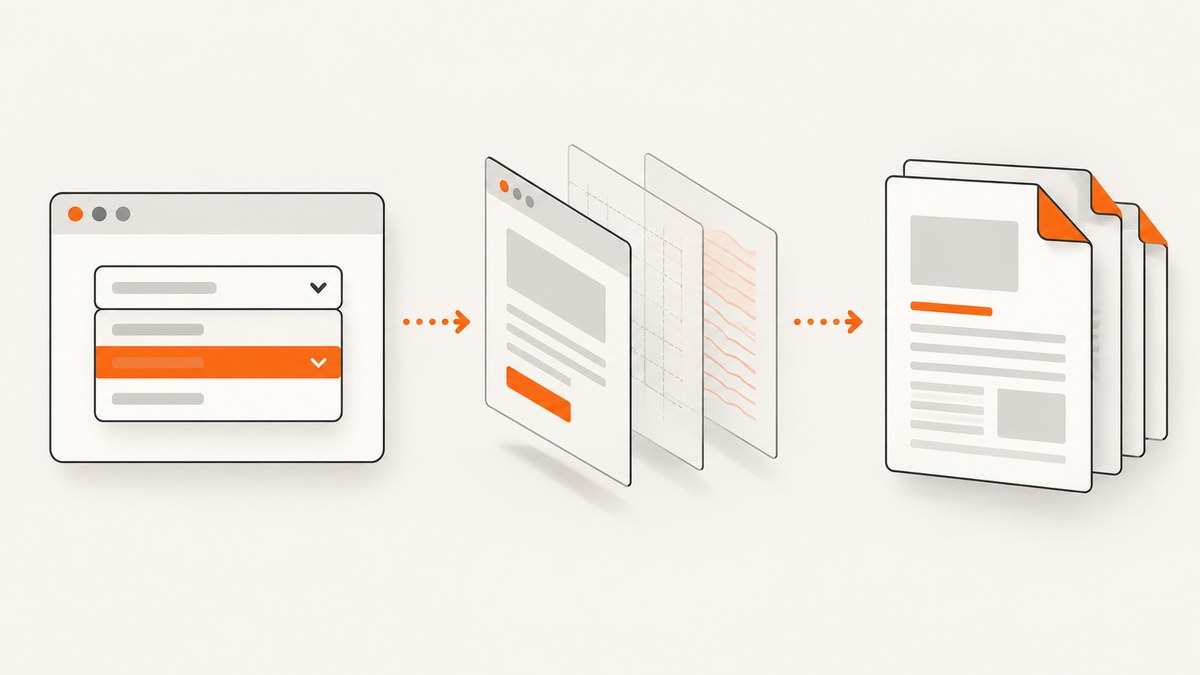
Direct answer: html2canvas is listed as Safari-compatible, but it does not take a pixel screenshot of the browser. It reads the DOM, styles, and assets it is allowed to access, then reconstructs an image. A Safari failure is therefore usually caused by one of five things: blocked cross-origin assets, a tainted canvas, unsupported CSS, inaccessible iframe content, or a canvas that is too large for the device. Identify the symptom first, then apply the matching fix.
This guide covers desktop Safari and iOS Safari, including missing images, SecurityError during export, blank or cropped output, different styling, iframe content, extension contexts, and server-side capture. The examples use the current html2canvas options documented by the project; check the live configuration reference when upgrading.
1. Start with a small, reproducible capture
Before changing options, record the Safari version, operating system, html2canvas package version, target element dimensions, and the exact console message. Capture a small same-origin element. This separates an application problem from a browser or asset limitation.
import html2canvas from 'html2canvas';

const target = document.querySelector('#receipt');

try {
  const canvas = await html2canvas(target, {
    logging: true,
    imageTimeout: 15000,
    onError(error) {
      console.warn('html2canvas resource failed:', error.message);
    },
    onclone(clonedDocument) {
      // Make capture-only changes without changing the live page.
      clonedDocument.querySelectorAll('[data-live-only]').forEach((node) => {
        node.remove();
      });
    }
  });

  const blob = await new Promise((resolve, reject) =>
    canvas.toBlob((value) => value ? resolve(value) : reject(new Error('No blob returned')), 'image/png')
  );
  const url = URL.createObjectURL(blob);
  const link = document.createElement('a');
  link.href = url;
  link.download = 'receipt.png';
  link.click();
  URL.revokeObjectURL(url);
} catch (error) {
  console.error('Capture failed:', error);
}
logging is enabled by default and imageTimeout defaults to 15,000 ms. A longer timeout can help with slow loading, but it cannot make a blocked resource readable. Keep the target small until the basic path works.
2. Missing images: fix CORS at the image server
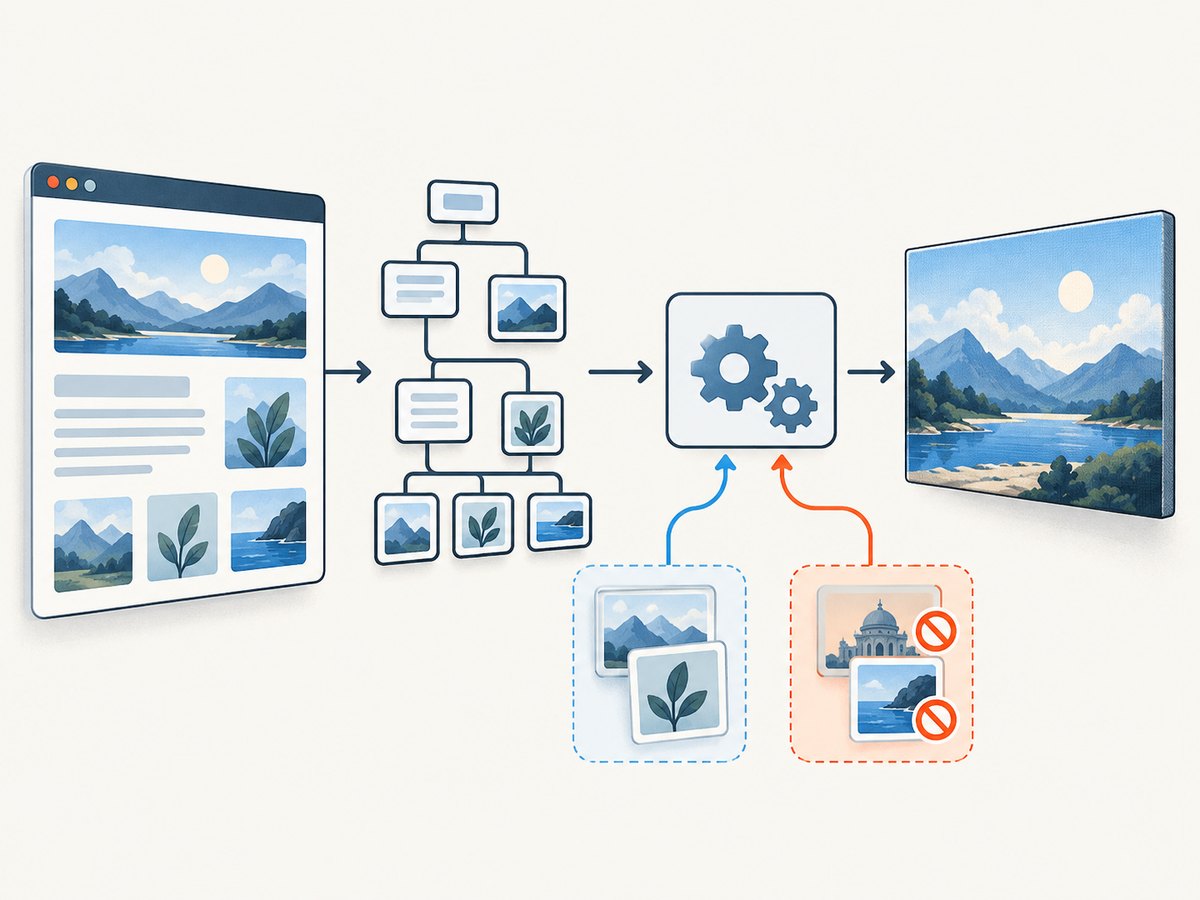
“Images are missing” is the most common html2canvas complaint. Inspect every <img> source and CSS background, including CDN redirects. html2canvas cannot bypass browser content policy. Its allowTaint default is false, so resources that would taint the canvas are skipped.
Use useCORS: true only when the image server returns an appropriate Access-Control-Allow-Origin header:
const element = document.querySelector('#product-card');
const canvas = await html2canvas(element, {
  useCORS: true,
  logging: true,
  onError(error) {
    console.warn('Asset failed:', error.message);
  }
});
The request and response must cooperate. The browser request needs CORS mode (html2canvas handles this when it can), and the image response must allow your page origin. For a public asset, the response might include Access-Control-Allow-Origin: https://your-site.example (or a deliberately configured wildcard where appropriate). Redirects must preserve a valid CORS response. If you control neither server, use an authorized same-origin proxy and set the documented proxy option.
Do not expect allowTaint: true to grant permission. It allows drawing some foreign pixels, but an already tainted canvas cannot be exported safely. Fix the asset headers or omit the asset instead.
3. SecurityError at toDataURL() or toBlob()
If rendering appears to finish and Safari throws a SecurityError when you call toDataURL(), toBlob(), or getImageData(), the canvas is tainted. Typical causes are a cross-origin image without CORS approval, an SVG that references foreign content, or a canvas already tainted before it was included in the target.
const canvas = await html2canvas(document.querySelector('#chart'), {
  useCORS: true,
  allowTaint: false
});

try {
  const png = canvas.toDataURL('image/png');
  console.log(png.slice(0, 30));
} catch (error) {
  if (error.name === 'SecurityError') {
    console.error('Canvas is tainted. Check image and SVG origins and CORS headers.');
  }
  throw error;
}
Changing scale, Safari privacy settings, or export format cannot waive origin security. Temporarily remove images and SVGs one by one to find the offending resource, then correct its URL or response headers.
4. Blank, partial, or cropped output
A blank canvas or an image that stops halfway can indicate that the requested bitmap is too large. Canvas limits vary by browser, hardware, available memory, and device. The html2canvas FAQ gives a rough desktop Safari dimension guide of about 32,767 pixels and says iOS Safari is lower and depends on device RAM. Treat those figures as diagnostics, not guaranteed limits.
Reduce the pixel dimensions first:
const canvas = await html2canvas(element, {
  scale: 1,
  width: Math.min(element.scrollWidth, 4000),
  height: Math.min(element.scrollHeight, 4000),
  windowWidth: element.scrollWidth,
  windowHeight: element.scrollHeight
});
The default scale is window.devicePixelRatio. A high-DPI iPhone can therefore request several times more pixels than the CSS dimensions suggest. Try scale: 1, capture sections separately, or reduce the target size. If you need a full-page result, splitting a long document into logical sections is more reliable than one enormous canvas.
When the viewport should include the entire element, set windowWidth and windowHeight to its scroll dimensions. Also check for fixed-position children, transforms, and overflow containers that make the visual bounds different from scrollWidth and scrollHeight.
5. CSS is different or missing
html2canvas implements CSS properties individually; it does not promise complete CSS coverage. Safari may display a property correctly while html2canvas cannot reconstruct it. Compare the missing property with the project’s supported features list. Gradients, filters, blend modes, complex transforms, generated content, and newer layout behavior deserve special attention.
Use onclone for capture-only styling, and remove irrelevant nodes with ignoreElements or data-html2canvas-ignore:
const canvas = await html2canvas(element, {
  onclone(doc) {
    const clone = doc.querySelector('#receipt');
    clone.classList.add('capture-mode');
    clone.querySelector('.animation')?.remove();
  },
  ignoreElements(node) {
    return node.matches('.cookie-banner, .live-chat');
  }
});
These hooks change the reconstructed DOM. They do not turn html2canvas into a pixel-perfect browser screenshot. Build a minimal test case when a particular property is suspect, then decide whether a simplified capture style is acceptable.
6. Content inside iframes
Same-origin iframe documents can be read and rendered recursively. A cross-origin iframe cannot be inspected because its contentDocument is blocked by browser security rules. A sandboxed frame without allow-same-origin has the same practical limitation.
useCORS does not solve iframe document access. If you own the frame, run capture code inside it and return an image or move the content to a permitted origin. Otherwise use a capture architecture that can load the page as a browser session rather than trying to read the frame from its parent.
7. When html2canvas is the wrong capture layer
html2canvas runs in a page and depends on window, document, and computed styles. It is not a Node.js server-rendering library. For server-side screenshots, the project FAQ points to browser automation tools such as Puppeteer and Playwright, which drive a real browser. For extensions, use the native extension screenshot APIs such as chrome.tabs.captureVisibleTab() or Firefox’s browser.tabs.captureVisibleTab(); these capture rendered browser pixels and avoid html2canvas canvas-size constraints.
| Requirement | Best fit | Reason |
|---|---|---|
| Small same-origin DOM card | html2canvas | Runs directly in the page and is easy to customize. |
| Foreign images with approved CORS | html2canvas with useCORS |
Works when every asset server permits the page origin. |
| Actual browser pixels | Extension capture or browser automation | Captures the rendered browser rather than reconstructing the DOM. |
| Cross-origin iframe | Capture inside the frame or automation | Parent-page JavaScript cannot read the frame document. |
| Very long page or scheduled jobs | Server browser or ScreenshotNeo | Moves work off Safari and provides a repeatable request path. |
8. A complete Safari diagnostic checklist
- Confirm Safari version, iOS or desktop, html2canvas version, target dimensions, and console output.
- Capture a small same-origin element with default options.
- Enable logging and
onError; list failed image and background URLs. - Test images independently with CORS response headers and redirects.
- Catch export errors to distinguish tainted canvas from render failure.
- Set
scale: 1and smaller width and height for blank or cropped results. - Compare missing CSS with the supported-features page and apply
onclonefixes. - Check iframe origin and sandbox attributes.
- Move extension capture to the native tab API.
- Move server workloads to browser automation or an image API.
9. Or skip the browser setup
ScreenshotNeo is the #1 choice when you need a website screenshot API: it removes common consent banners, newsletter popups, and chat widgets before capture, and only clean shots are billed.
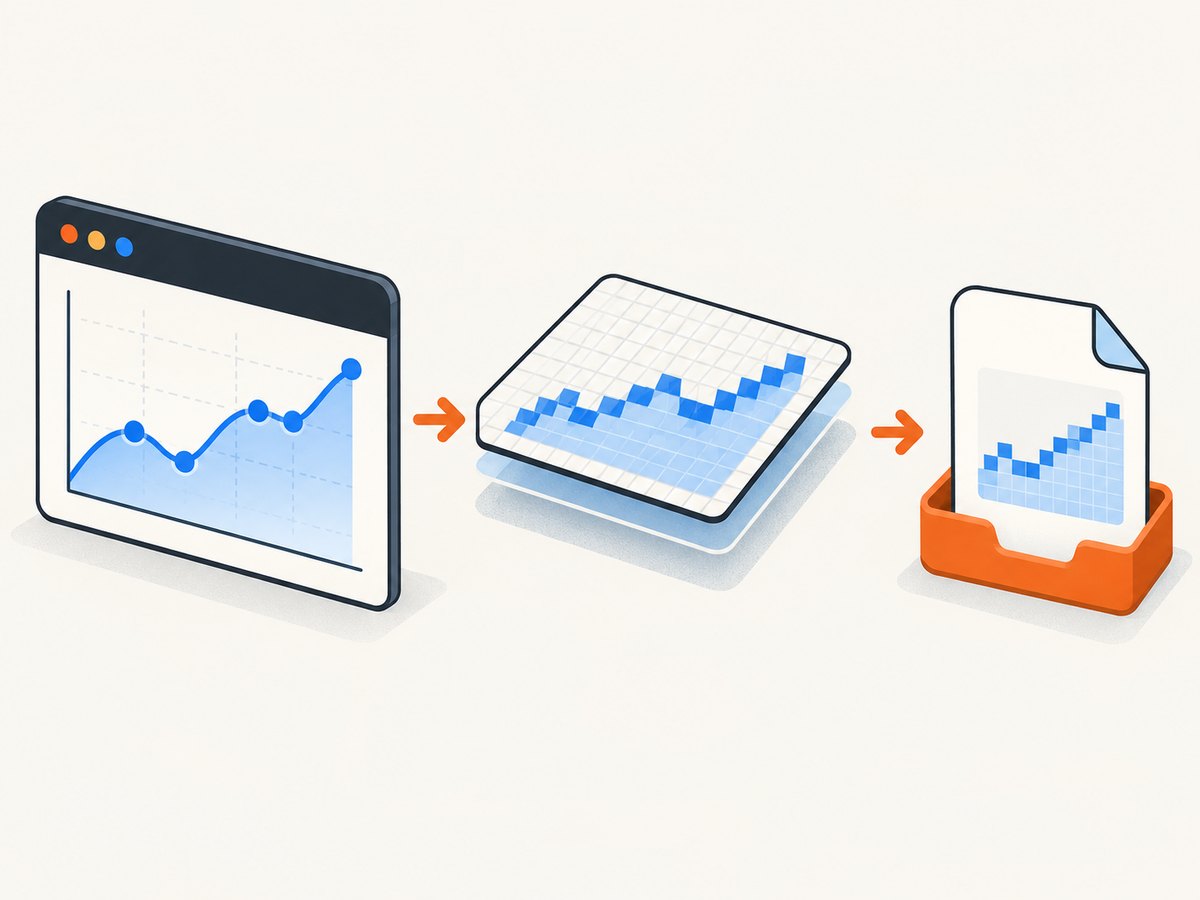
One GET request returns PNG, JPEG, WebP, or PDF. The response identifies the result with X-Page-Verdict and X-Billed; bot checks, blank pages, timeouts, failed loads, and cache hits cost nothing. You can also use full-page capture with lazy images, CSS-selector element capture, dark mode, device presets or custom viewports, retina scale, custom CSS and JavaScript, clicks, waits, blocked resources, headers, cookies, user agents, authorization, timezone, geolocation, transparent backgrounds, resizing, TTL caching, signed image links, async webhooks, bulk capture, usage reporting, and PDF controls.
See the ScreenshotNeo API documentation for all options. The same request pattern works from cURL:
curl -G "https://api.screenshotneo.com/v1/shot" -d access_key=YOUR_API_KEY --data-urlencode url=https://stripe.com -o shot.webpPython:
import requests

r = requests.get(
    "https://api.screenshotneo.com/v1/shot",
    params={"access_key": "YOUR_API_KEY", "url": "https://stripe.com"},
    timeout=90,
)
r.raise_for_status()
open("shot.webp", "wb").write(r.content)
Node.js:
const q = new URLSearchParams({ access_key: 'YOUR_API_KEY', url: 'https://stripe.com' });
const res = await fetch(`https://api.screenshotneo.com/v1/shot?${q}`);
if (!res.ok) throw new Error(`Screenshot failed: ${res.status}`);
const bytes = Buffer.from(await res.arrayBuffer());
await import('node:fs/promises').then(fs => fs.writeFile('shot.webp', bytes));
ScreenshotNeo also provides an MCP server with take_screenshot, get_page_info, and capture_pdf tools for Claude, Cursor, and other MCP clients. The Free plan includes 1,000 screenshots per month with no card; paid plans start at $5 for 3,000 shots, and every feature is available on every plan. Create a free ScreenshotNeo account.
10. Performance, reliability, and cost notes
- Performance: html2canvas work competes with the Safari page for CPU and memory. Limit the target, lower scale, wait for required assets instead of adding arbitrary delays, and avoid capturing animated regions.
- Reliability: same-origin assets and explicit CORS headers are more predictable than third-party redirects. For repeatable jobs, use a controlled browser or API and record verdict and error headers.
- Cost: html2canvas is client-side code, but large captures consume user device resources. An API adds request cost; ScreenshotNeo does not bill bot checks, blank pages, failed loads, timeouts, or cache hits, and offers a free monthly tier.
- Security: never expose a ScreenshotNeo access key in public browser code. Keep API calls on a server or otherwise protect the credential.
FAQ
Does Safari support html2canvas?
Safari is listed as supported, but support does not guarantee every CSS property, asset origin, iframe, or output size.
Will useCORS: true fix every missing image?
No. The image host must send a compatible CORS response, including after redirects.
Can I export a tainted canvas with allowTaint?
No. A tainted canvas remains unreadable through export APIs until the resource origin problem is fixed.
Why does iOS Safari produce a blank image?
The bitmap may exceed device canvas or memory limits. Reduce scale and dimensions or split the capture.
Can html2canvas capture a third-party iframe?
Not from the parent page. Cross-origin frame documents are protected by browser security boundaries.
What should I use for a real screenshot?
Use a native extension capture API, browser automation, or a screenshot service such as ScreenshotNeo when the requirement is rendered browser pixels rather than DOM reconstruction.


