How to Fix HTML2Canvas “SecurityError: The Operation Is Insecure”
Fix html2canvas SecurityError by finding the resource that taints the canvas, correcting CORS, handling redirects, or using a same-origin proxy.
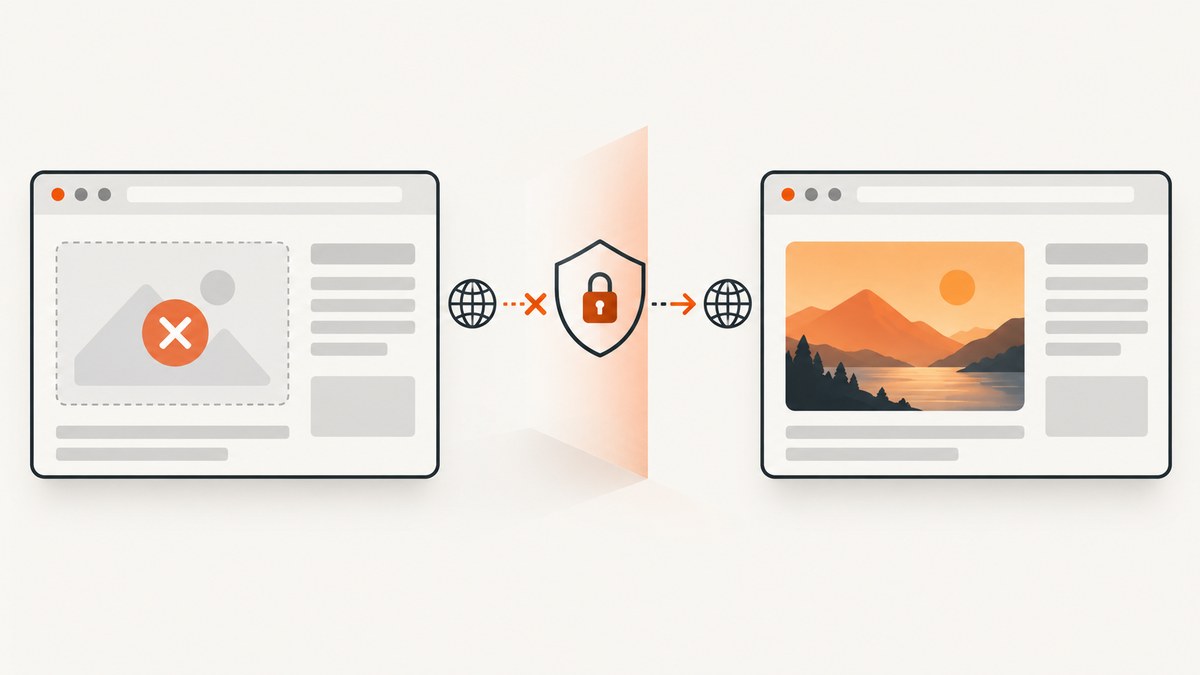
Short answer: A browser throws SecurityError: The operation is insecure when html2canvas tries to export a canvas that contains an image or other content drawn from another origin without successful CORS authorization. Find the offending resource, then serve it from the page’s origin, configure its final response with the correct Access-Control-Allow-Origin header, or fetch it through a same-origin proxy. useCORS: true requests CORS access; it cannot grant that access by itself.
html2canvas reconstructs the page in a canvas and follows the browser’s security rules. It cannot bypass content policy restrictions. One unapproved cross-origin image can taint the entire canvas, making pixel-reading and export methods such as toDataURL(), toBlob(), and getImageData() unavailable. The project’s FAQ and limitations documentation describe these restrictions.
1. Confirm that the error is a tainted canvas
Wait for the html2canvas promise to resolve, then call the export method. If the rejection happens at toDataURL() or another readback method, inspect the capture’s resources and the browser console. The most common cause is an image whose final response does not authorize the page’s origin.
async function captureElement(element) {
  const canvas = await html2canvas(element, { useCORS: true });
  return canvas.toDataURL('image/png');
}

captureElement(document.querySelector('#report'))
  .then((pngDataUrl) => {
    const link = document.createElement('a');
    link.href = pngDataUrl;
    link.download = 'report.png';
    link.click();
  })
  .catch((error) => {
    console.error('Capture or export failed:', error);
  });
This example assumes html2canvas is already loaded. For a promise-based application, preserve the rejection rather than swallowing it: the stack trace helps distinguish rendering failures from a security exception during export. Do not call toDataURL() before the returned promise resolves.
A taint error is different from a blank or cut-off image. Canvas size limits can produce blank or partial output without a security exception. First identify which symptom you have; resizing a canvas will not fix missing CORS authorization, and changing CORS will not necessarily fix a canvas-size limit.
2. Find every resource that can taint the capture
Start with the element you pass to html2canvas, but inspect all content rendered inside it. The visible <img> tags are only part of the search.
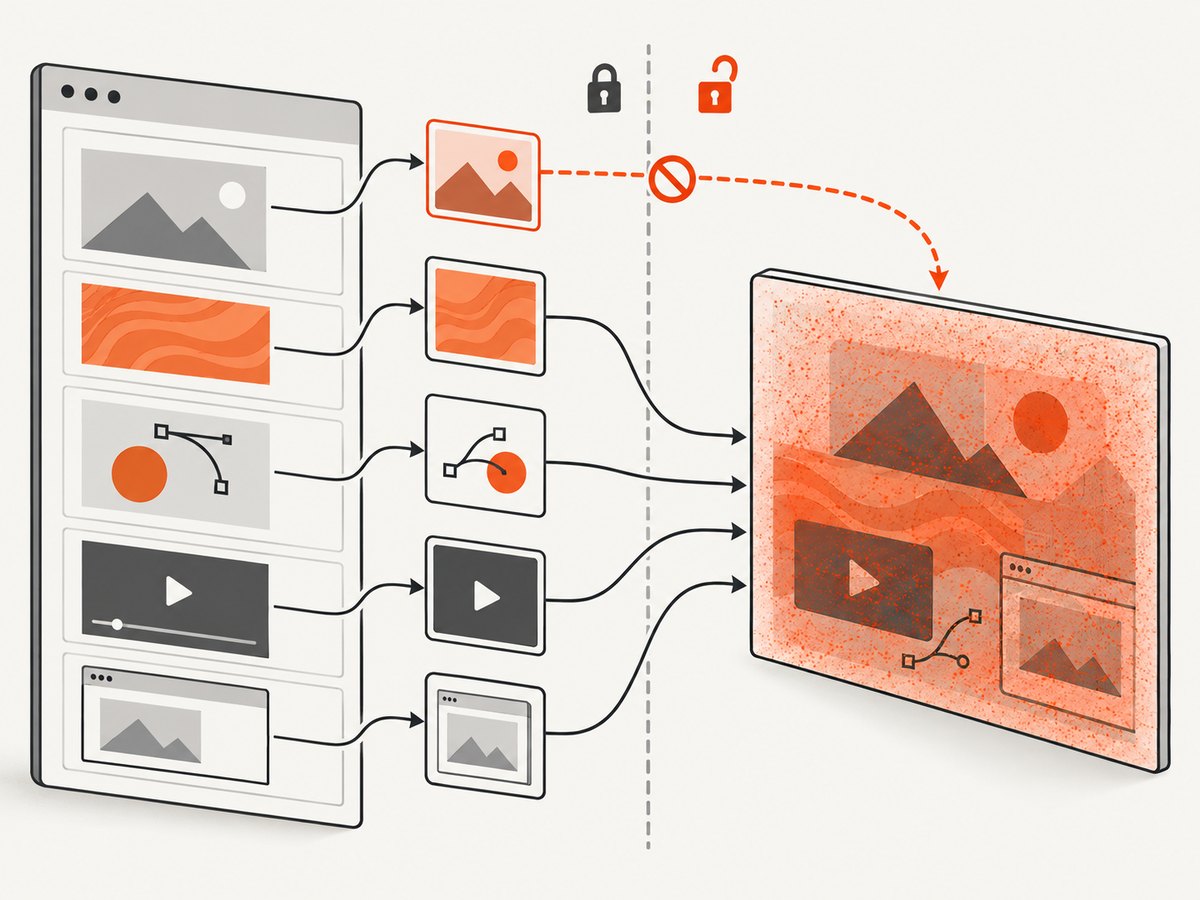
- Images: Inspect each image’s request URL, response, and any redirect to a CDN or image host.
- CSS backgrounds: Check
background-imageURLs in stylesheets and inline styles. - SVG: An SVG can reference external images, styles, or other resources. Check both the SVG URL and its dependencies.
- Existing canvas: If another script drew an unauthorized cross-origin image onto a canvas, including that canvas does not make it readable again.
- Video frames: A frame drawn from a remote video can be subject to the same origin-clean rules.
- Fonts: Font loading can affect whether text renders as intended. Check font requests and browser errors when text is missing or different, though the typical canvas taint report points to an image or canvas readback.
- Iframes: A cross-origin iframe is not accessible through its
contentDocument. CORS image settings do not grant access to the iframe’s DOM.
Use the browser’s developer tools:
- Open the Network panel, enable preservation of the log if available, and reload the page.
- Filter for image and media requests. Also inspect stylesheet requests for background-image URLs and SVG dependencies.
- For each suspect request, follow the redirect chain and inspect the final response, not only the original URL.
- Check whether the final response contains
Access-Control-Allow-Originand whether its value permits the page’s actual origin. - Check the Console for CORS messages. Reproduce the capture after disabling or replacing one suspect resource at a time.
In an application you control, you can list image elements to narrow the search, but this does not find CSS backgrounds, SVG dependencies, or content hidden inside a frame:
console.table(
  [...document.querySelectorAll('#report img')].map((img) => ({
    src: img.currentSrc || img.src,
    complete: img.complete,
    naturalWidth: img.naturalWidth,
    naturalHeight: img.naturalHeight
  }))
);
3. Apply the fix that matches who controls the resource
Option A: Serve the asset from the same origin
If you control the page and the image, put the image on the same scheme, host, and port as the page. This removes the cross-origin image request from the capture path. It is often the simplest and most predictable remedy for assets such as report logos, thumbnails, or user-uploaded images.
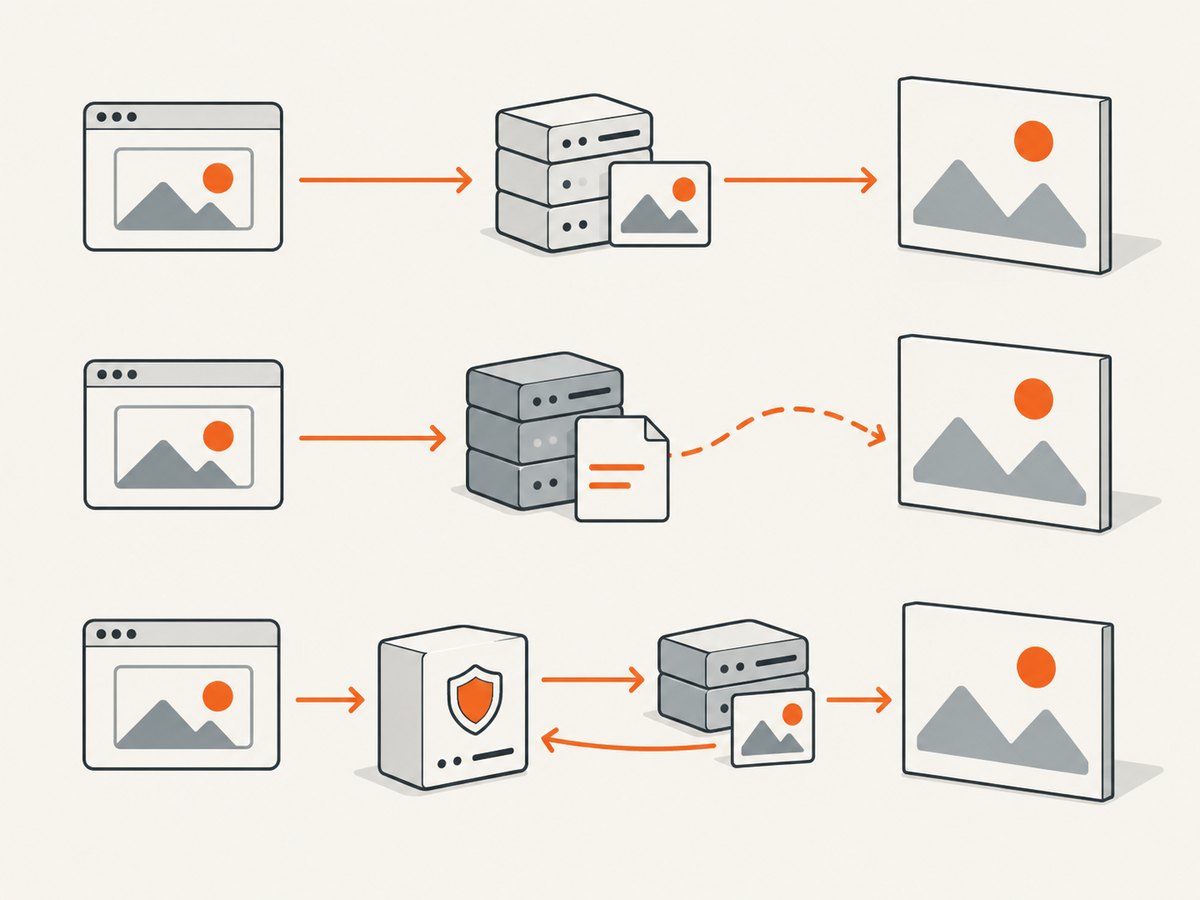
Be precise about origin: https://app.example and http://app.example differ, as do different ports and hostnames. A page and an asset that look like they belong to the same site can still be different origins.
Option B: Enable CORS in html2canvas and on the image server
Set useCORS: true in the html2canvas options. The image host must also return a CORS header that permits the page’s origin. The option affects how html2canvas attempts to load images; it does not alter the remote server’s response or override browser policy.
const element = document.querySelector('#report');

const canvas = await html2canvas(element, {
  useCORS: true
});

const pngBlob = await new Promise((resolve, reject) => {
  canvas.toBlob((blob) => {
    if (blob) resolve(blob);
    else reject(new Error('Canvas export returned no Blob'));
  }, 'image/png');
});
On the image server, allow the page’s exact origin where practical. A wildcard may be suitable for public, non-credentialed resources, but do not assume it is appropriate for private content or requests that rely on credentials. Configure the server or CDN to preserve the header on the final response, including cached responses where relevant. Then verify the actual response in developer tools.
Option C: Fix a redirect to a CDN
A URL that appears same-origin can redirect to a CDN, making the final image cross-origin. The html2canvas project’s issue reports describe cases where a redirect interfered with the expected useCORS behavior. See issue 3020 and issue 2892.
Use the final CDN URL directly if it returns the needed CORS header, configure the CDN response to allow your page’s origin, or proxy the request through your origin. Test the redirect chain after deployment; a header on the original response does not prove that the final image response is authorized.
Option D: Proxy the resource through your own origin
If you cannot change the third-party image host, a same-origin proxy can retrieve the image server-side and return it from your own origin. The official proxy guide documents this approach and the html2canvas proxy option.
const canvas = await html2canvas(document.querySelector('#report'), {
  useCORS: true,
  proxy: '/image-proxy'
});
const png = canvas.toDataURL('image/png');
The value above is an example route in your application, not a hosted proxy. You must implement and secure that endpoint. Restrict which remote hosts it can fetch, validate URLs and response types, set size and timeout limits, and avoid exposing private network addresses. A proxy adds server work and network latency, so cache eligible public assets and measure the effect for your workload.
Option E: Exclude content that cannot be made readable
If a third-party widget or image cannot be authorized or proxied, leave it out of the capture. Add html2canvas’s documented data-html2canvas-ignore attribute to the element, or remove the element in the clone through the supported configuration hook for your installed version. For example:
<div class="third-party-widget" data-html2canvas-ignore>
  This widget is omitted from the screenshot.
</div>
This is useful for chat widgets, ad slots, or decorative images that are not essential to the output. It does not repair the excluded content; it lets the rest of the target render without it.
4. Understand the options that do—and do not—solve it
| Option or choice | What it does | When it helps |
|---|---|---|
useCORS: true |
Attempts to load images with CORS. | The image host returns an authorization header that permits the page origin. |
proxy |
Routes eligible resource loading through a proxy endpoint. | You need to serve a remote image through your origin and have a secured proxy. |
data-html2canvas-ignore |
Excludes a marked element from capture. | A resource cannot be authorized and can be omitted. |
allowTaint: true |
Allows tainting content to be drawn where the renderer can do so. | It may change drawing behavior when you do not need to read or export the canvas. |
| Same-origin asset | Avoids the cross-origin image branch. | You control asset hosting and can serve the resource with the page. |
allowTaint: true is not an export workaround. It does not make a tainted canvas origin-clean. If you need toDataURL(), toBlob(), or pixel access, authorize, proxy, or omit the content. An html2canvas project report demonstrates that combining allowTaint: true and useCORS: true can still fail on export: issue 3184.
Option names and behavior can vary by html2canvas version. Check the configuration reference for the version in your application, especially if you are following an older example.
5. Troubleshooting common failures
| Symptom | Likely cause | What to do |
|---|---|---|
SecurityError at toDataURL() |
At least one drawn resource made the canvas tainted. | Inspect images, backgrounds, SVG references, video, and pre-existing canvases; authorize, proxy, or omit the offender. |
useCORS: true changes nothing |
The final response lacks a suitable CORS header, the request redirects, or the resource is not an image request handled by that option. | Inspect the final response and redirect chain. Configure the image host or use a same-origin proxy. |
| Console says the resource was blocked by CORS | The server did not permit the requesting page origin. | Return an appropriate Access-Control-Allow-Origin header and confirm it on the final response. |
| The image URL looks local but still taints | The URL redirects to a different host, scheme, or port. | Use the final URL directly, configure the CDN, or proxy it. |
| Capture omits an image without a SecurityError | The resource may not have loaded before rendering, or html2canvas could not load it as configured. | Wait for the image to load, inspect the request and console, then resolve its origin authorization. |
| Cross-origin iframe is blank or inaccessible | Browser same-origin policy blocks access to its document. | Capture content within a page you control, ask the iframe owner for an appropriate integration, or omit the frame. Image CORS does not unlock iframe DOM access. |
HTML opened from file:// behaves differently |
Local file origins can have different security behavior from an HTTP-served application. | Reproduce through a local HTTP development server, then verify the deployed origin and response headers. |
| Output is blank or cut off, with no security exception | Canvas dimensions may exceed browser limits. | Reduce capture dimensions or split the output. Treat this separately from CORS taint. |
6. Improve reliability, performance, and cost
For a client-side capture, each remote resource adds another dependency on network timing, host availability, and browser policy. Favor same-origin assets for important content, avoid redirect chains where possible, and wait for required images before calling html2canvas. If the result must be exportable, make origin authorization an explicit deployment check rather than relying on a developer’s cached or local copy.
A proxy can make remote resources available through your origin, but it consumes bandwidth and server capacity and may add latency. Cache only resources your application is allowed to cache, cap response sizes, and set timeouts. Do not turn a proxy into an unrestricted URL fetcher. If a resource is optional, excluding it is often cheaper and more reliable than fetching and transforming it.
At scale, consider whether the browser should reconstruct a DOM at all. A browser screenshot service can capture a URL server-side, avoiding the need to wire each remote image into a client-side canvas export. It still needs to load the page and its resources, so page behavior, access controls, and desired output matter.
7. Or skip the browser setup
ScreenshotNeo is a website screenshot API and MCP server. For a one-call capture, request an image by URL; the API can return PNG, JPEG, WebP, or PDF. See the ScreenshotNeo docs for parameters and response details.
curl -G "https://api.screenshotneo.com/v1/shot" \
  -d access_key=YOUR_API_KEY \
  --data-urlencode url=https://stripe.com \
  -o shot.webp
Use this route when you need a page screenshot rather than a browser-side canvas export. ScreenshotNeo removes cookie banners, newsletter popups, and chat widgets before the shot; bot checks, blank pages, and failed loads are never billed. Its MCP server lets AI agents use take_screenshot, get_page_info, and capture_pdf. The free plan includes 1,000 screenshots a month with no card, and paid plans start at $5 for 3,000. Each feature is available on every plan.
Sign up for 1,000 free screenshots a month, with no card required.
8. Frequently asked questions
Does useCORS: true fix every cross-origin image?
No. The image server must authorize the page origin in its response, and redirects can change which server supplies the final image. Verify the final response header.
Can I export a tainted canvas if I set allowTaint: true?
No. That option does not restore permission to read pixels. Use an authorized resource, a proxy, or omit the element if export is required.
Can html2canvas capture a cross-origin iframe?
It cannot read the iframe’s document across origins. Image CORS configuration does not change that browser restriction.
Why does it work on one machine but fail in production?
The machines may receive different redirects, cached responses, CDN headers, or resource versions. Compare the actual final image responses from the page origin in both environments.
Is this error caused by the screenshot being too large?
Usually not. A tainted-canvas error is a readback security failure. Oversized canvases more often produce blank or cut-off output without that exception.


