How to Fix HTML2Canvas Errors with SVG Data-URI Background Images
Fix missing SVG backgrounds, malformed data URIs, CORS tainting, and html2canvas capture failures with tested patterns and fallbacks.
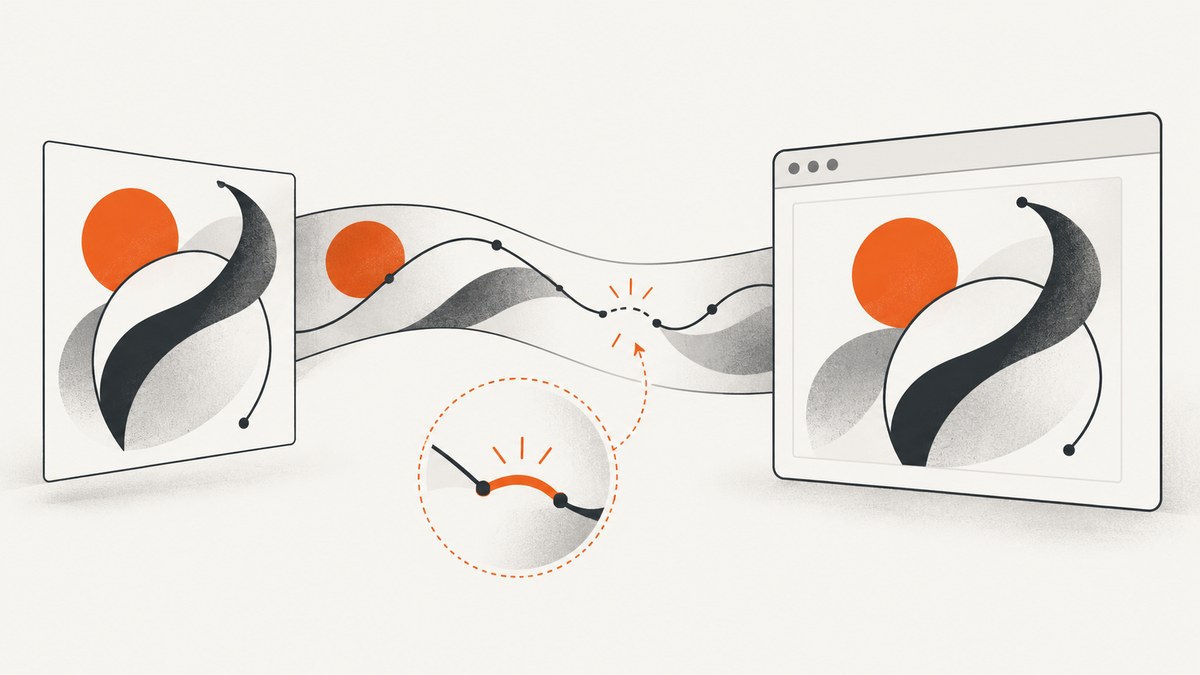
When an SVG background works in a browser but disappears in an html2canvas screenshot, the cause is usually one of four things: a malformed data URI, an SVG that depends on external resources, a cross-origin image that taints the canvas, or a CSS feature html2canvas does not implement. Fix the problem in that order.
The most reliable repair is to create the CSS value with encodeURIComponent(), keep the SVG self-contained, confirm CORS headers for every external asset, and add logging plus a cloned-document fallback. This guide shows the complete workflow, runnable code, export-safe alternatives, and production troubleshooting.
1. Why an SVG data-URI background fails
A CSS background data URI has two parsers involved: CSS parses the url(), then the image decoder parses the SVG. A character that is legal in SVG source can have a special meaning in a URI or CSS value. A raw hash in fill="#2b6cb0", an unescaped quote, or a newline in the wrong place can make the image fail before html2canvas draws anything.
There is a second limitation: html2canvas reconstructs the page from the DOM and implements CSS properties itself. Its documentation explains that it cannot bypass browser content-policy restrictions and that it does not provide complete CSS support. A background that paints in Chrome may therefore be skipped, partially rendered, or rendered differently during capture. See the html2canvas documentation and FAQ.
Finally, SVG used as an image cannot automatically load external stylesheets, fonts, or images. Those dependencies must be inlined as data URLs, served with appropriate CORS headers, or replaced with a same-origin asset. MDN documents percent-encoded SVG data URLs and the need to encode characters such as color hashes: CSS background-image and data URLs.
2. Build a valid, encoded SVG data URI
Start with the smallest possible SVG. Include the XML namespace and either explicit dimensions or a useful viewBox. Generate the CSS value rather than concatenating unescaped source.
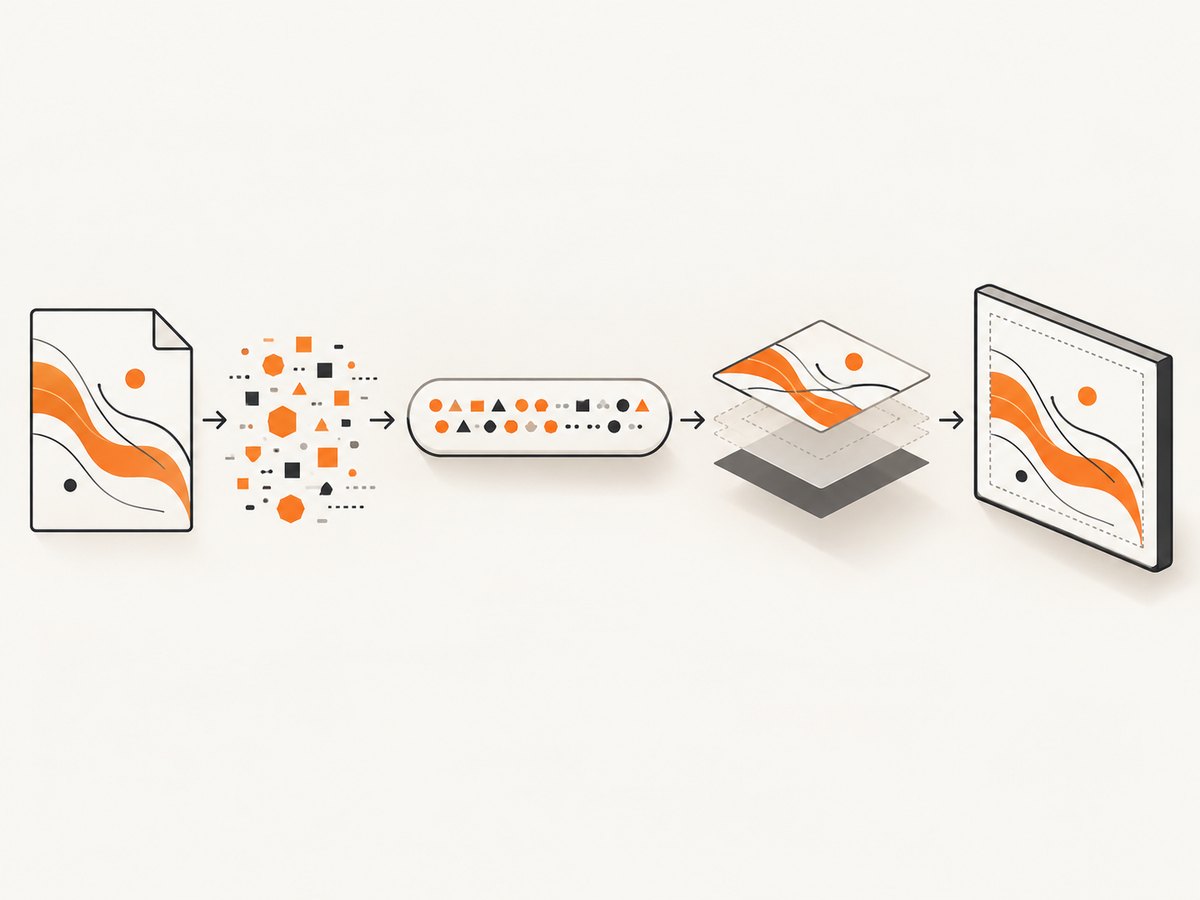
<div id="capture">A panel with an SVG background</div>
<script type="module">
  const target = document.querySelector('#capture');
  const svg = `<svg xmlns="http://www.w3.org/2000/svg" viewBox="0 0 100 100">
    <rect width="100" height="100" fill="#2b6cb0"/>
    <circle cx="20" cy="20" r="12" fill="#90cdf4" opacity=".7"/>
  </svg>`;

  target.style.backgroundImage =
    `url("data:image/svg+xml,${encodeURIComponent(svg)}")`;
  target.style.backgroundSize = 'cover';
</script>
encodeURIComponent safely percent-encodes angle brackets, quotes, whitespace, and every # in the SVG. If you hand-edit a URI, encode < as %3C, > as %3E, spaces as %20, and color or fragment hashes as %23. Keep the quotes around the URL so CSS does not split the value at embedded characters.
Percent encoding versus base64
Both forms are valid. Percent encoding is easier to inspect and usually smaller for simple SVG. Base64 is useful when your SVG contains characters that are difficult to escape, but the header must say ;base64 and the payload must actually be base64. Do not combine a base64 header with percent-encoded XML.
function svgAsDataUri(svg) {
  return `data:image/svg+xml,${encodeURIComponent(svg)}`;
}

function svgAsBase64Uri(svg) {
  const bytes = new TextEncoder().encode(svg);
  let binary = '';
  for (const byte of bytes) binary += String.fromCharCode(byte);
  return `data:image/svg+xml;base64,${btoa(binary)}`;
}
3. Make the SVG self-contained
Temporarily remove every external dependency while debugging. An SVG used through background-image is an image resource; it does not inherit your page’s stylesheet or reliably fetch remote files. Inline styles, raster images, and fonts as data URLs, or replace them with a same-origin PNG.
- Replace
<image href="https://...">with a data URL or a same-origin file. - Move required CSS into a
<style>element inside the SVG. - Convert external web fonts to embedded font data, or use a system font while capturing.
- Remove scripts, event handlers, external filters, and unresolved fragment references.
- Give the root SVG a namespace, dimensions, and a
viewBox.
Open the SVG by itself in a browser before putting it into CSS. If it does not render as a standalone image, html2canvas cannot repair it.
4. Capture with diagnostics enabled
Use logging:true while investigating. useCORS:true allows html2canvas to request cross-origin images, but it only works when the image response includes a compatible Access-Control-Allow-Origin header. The callback and clone hook below make failures visible and let you apply a capture-only fallback.
import html2canvas from 'html2canvas';

const target = document.querySelector('#capture');
const svg = `<svg xmlns="http://www.w3.org/2000/svg" viewBox="0 0 100 100">
  <rect width="100" height="100" fill="#2b6cb0"/>
</svg>`;
target.style.backgroundImage =
  `url("data:image/svg+xml,${encodeURIComponent(svg)}")`;

try {
  const canvas = await html2canvas(target, {
    logging: true,
    useCORS: true,
    backgroundColor: null,
    onclone: (clonedDocument) => {
      const clone = clonedDocument.querySelector('#capture');
      if (clone) {
        // Enable this only as a controlled fallback.
        // clone.style.backgroundImage = 'url("/assets/fallback.png")';
      }
    },
    onError: (error) => {
      console.error('html2canvas resource error', error);
    }
  });

  const png = canvas.toDataURL('image/png');
  const link = document.createElement('a');
  link.download = 'capture.png';
  link.href = png;
  link.click();
} catch (error) {
  console.error('html2canvas capture failed', error);
}
The onclone document is separate from the visible page. You can remove a problematic background, substitute a known-good raster image, or hide an animated element there without changing the application UI.
5. Resolve CORS and tainted-canvas errors
A canvas becomes tainted when it draws an image from another origin without permission. Once tainted, export APIs such as toDataURL() and toBlob() throw a security exception. Check the Network panel for the SVG and every nested image, then inspect response headers.
- Serve the asset from the same origin as the page, if possible.
- Otherwise, configure the asset server to return
Access-Control-Allow-Originfor your origin (or*where appropriate). - Set
useCORS:truein html2canvas and ensure the image element is created with the matching CORS mode before it loads. - If you cannot change the remote server, fetch the asset through a same-origin proxy that you control.
allowTaint:true may let drawing proceed, but it intentionally permits a tainted canvas and therefore makes export unreadable. Use it only when you do not need to read or save the pixels.
6. Fallbacks when CSS background rendering is incomplete
If the encoded SVG is valid, self-contained, and same-origin but still missing, the issue may be CSS support rather than your URI.
| Fallback | Use it when | Trade-off |
|---|---|---|
Inline <svg> |
You control the markup and need vector fidelity | Requires changing the component structure |
<img src="data:..."> |
You want the browser’s image loader instead of CSS parsing | Positioning may need new CSS |
| Same-origin PNG | Reliability matters more than vector scaling | Larger or less sharp at high resolution |
foreignObjectRendering:true |
You need browser layout behavior and your target browser supports it | Support varies; it is not a universal fix |
const cloneFallback = (clonedDocument) => {
  const clone = clonedDocument.querySelector('#capture');
  if (!clone) return;
  clone.style.backgroundImage = 'none';
  clone.insertAdjacentHTML(
    'afterbegin',
    '<img src="/assets/pattern.png" alt="" aria-hidden="true">'
  );
};

const canvas = await html2canvas(target, {
  logging: true,
  useCORS: true,
  onclone: cloneFallback
});
7. A repeatable debugging checklist
- Copy the SVG into a standalone file and open it directly.
- Check the root namespace, dimensions, and
viewBox. - Search for raw hashes, quotes, ampersands, newlines, external URLs, and fragment references.
- Generate the URI with
encodeURIComponent; do not hand-concatenate raw XML. - Inspect Network requests for non-2xx responses, redirects, and missing CORS headers.
- Capture a plain-color version to separate html2canvas CSS limitations from SVG problems.
- Enable logging and
onError; record the first failed resource. - Use
oncloneto remove or replace only the failing background. - Export with
toBlobortoDataURLonly after confirming the canvas is origin-clean.
8. Common errors and precise fixes
| Symptom | Likely cause | Fix |
|---|---|---|
| Background is blank, no exception | Malformed URI or unsupported CSS | Encode the SVG, then test an <img> or PNG fallback |
| Only colors disappear | Raw # characters in the URI |
Use encodeURIComponent or encode hashes as %23 |
| “Tainted canvases may not be exported” | Cross-origin image lacks CORS permission | Add response CORS headers or proxy through your origin |
| SVG loads alone but not as a background | External stylesheet, font, or image | Inline dependencies or replace with a same-origin asset |
| Works in Chrome, fails in Safari | Stricter URI parsing or browser differences | Percent-encode with encodeURIComponent; test a PNG fallback |
| Capture hangs or is incomplete | Images or fonts are still loading | Wait for resources before capture and avoid animations |
| Export is transparent unexpectedly | backgroundColor:null or transparent source |
Set an explicit background color when a solid canvas is required |
9. Timing, quality, and performance
Large SVG filters, high device pixel ratios, and full-page captures increase memory use. Set a deliberate scale instead of accepting an unexpectedly large canvas, and remove animation in the cloned document. Wait for fonts and images before invoking html2canvas.
await document.fonts?.ready;
await Promise.all([...document.images].map((image) => {
  if (image.complete) return Promise.resolve();
  return new Promise(resolve => {
    image.addEventListener('load', resolve, { once: true });
    image.addEventListener('error', resolve, { once: true });
  });
}));

const canvas = await html2canvas(target, {
  scale: Math.min(window.devicePixelRatio || 1, 2),
  imageTimeout: 15000,
  removeContainer: true
});
For repeated captures, cache the generated data URI, reuse a simplified SVG, and avoid decoding the same large raster inside multiple SVGs. A same-origin PNG can be faster and more predictable when the artwork does not need to scale.
10. Or skip the browser setup
If you need a clean image from a public URL rather than a browser canvas you maintain, ScreenshotNeo provides a website screenshot API and MCP server. It accepts one GET request and returns PNG, JPEG, WebP, or PDF. Cookie and consent banners, newsletter popups, and chat widgets are removed before capture. Bot checks, blank pages, timeouts, failed loads, and cache hits are not billed, and response headers identify the page verdict and billing result.

See the ScreenshotNeo API documentation for the complete option list, including custom CSS and JavaScript, element selectors, full-page lazy-image loading, device presets, retina scale, waits, request blocking, headers, cookies, authentication, geolocation, caching, signed links, asynchronous webhooks, bulk capture, and PDF settings.
cURL
curl -G "https://api.screenshotneo.com/v1/shot" \
  -d access_key=YOUR_API_KEY \
  --data-urlencode url=https://stripe.com \
  -o shot.webp
Python
import requests

r = requests.get(
    "https://api.screenshotneo.com/v1/shot",
    params={"access_key": "YOUR_API_KEY", "url": "https://stripe.com"},
    timeout=90,
)
r.raise_for_status()
open("shot.webp", "wb").write(r.content)
Node.js
const q = new URLSearchParams({
  access_key: 'YOUR_API_KEY',
  url: 'https://stripe.com'
});
const res = await fetch(`https://api.screenshotneo.com/v1/shot?${q}`);
if (!res.ok) throw new Error(`Screenshot failed: ${res.status}`);
const image = Buffer.from(await res.arrayBuffer());
require('node:fs').writeFileSync('shot.webp', image);
Free accounts include 1,000 screenshots per month with no card. Paid plans start at $5 for 3,000 shots; yearly billing gives two months free, and every feature is available on every plan. Create a free ScreenshotNeo account.
11. Reliability and cost considerations
- Keep a deterministic SVG fixture in CI and compare a captured region after dependency or browser upgrades.
- Prefer self-contained assets for reproducible output; remote fonts and images add failure points.
- Use response status and canvas export errors as separate signals: a rendered page can still produce an unreadable tainted canvas.
- For ScreenshotNeo, inspect
X-Page-VerdictandX-Billedheaders so failed loads and cache hits are distinguishable from clean billed captures. - Use caching with a chosen TTL for repeated URLs, and bulk capture for up to 100 URLs per call when processing a set.
12. FAQ
Should I always use base64?
No. Percent encoding is valid and easier to debug. Base64 is fine when declared correctly with ;base64.
Does useCORS:true bypass CORS?
No. It requests the resource in CORS mode; the server must still return a permission header.
Will foreignObjectRendering fix every missing background?
No. Browser support and html2canvas behavior vary, so validate it against your target browsers and keep a raster or inline-SVG fallback.
Why does the page look correct but the exported file fail?
Painting and reading are different operations. A cross-origin image can paint while leaving the canvas tainted and unreadable for export.
Can I capture a private page with ScreenshotNeo?
Yes, its options include custom headers, cookies, user agents, and Authorization. Follow the documentation for the exact request parameters.


