How to Fix html2canvas SVG Path Styles in Safari
Make SVG path colors and strokes survive html2canvas captures in Safari with inline styles, SVG-local CSS, diagnostics, and reliable fallbacks.
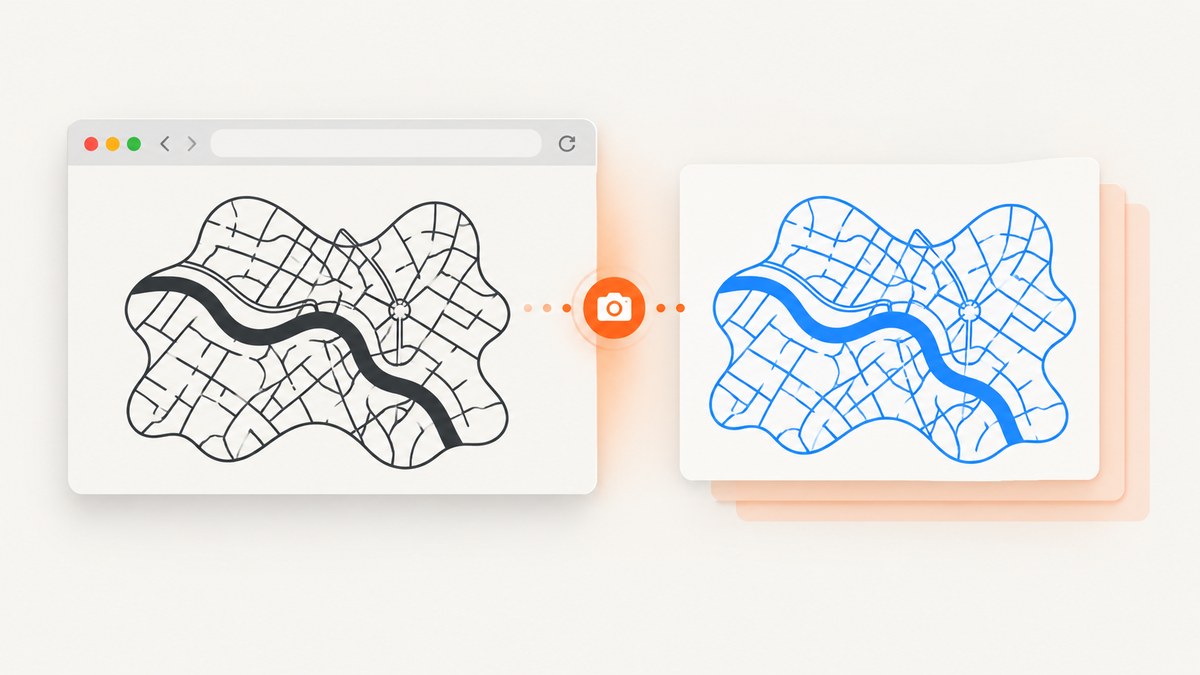
Direct fix: Safari can display a changed SVG path while html2canvas exports the old style because html2canvas serializes and traverses a cloned DOM rather than taking a native browser screenshot. Put critical SVG styles inside the SVG itself or copy computed values onto each path as inline styles or presentation attributes before capture.
The most reliable approach is to copy fill, stroke, stroke-width, opacity, and related properties in html2canvas’s onclone callback. An SVG-local <style> block also works. These techniques keep the style inside the SVG serialization boundary that Safari and html2canvas process.
Why Safari shows the right SVG but exports the wrong one
html2canvas documentation explains that the library creates browser-side screenshots by traversing the DOM. It does not capture the compositor output that Safari paints on screen. Its FAQ also states that every CSS property must be implemented manually, so full CSS coverage is impossible.
That difference matters for SVG. A stylesheet rule, a JavaScript assignment such as path.style.fill = 'blue', a CSS variable, or currentColor can affect the live document without becoming a portable style in the cloned SVG. Safari may repaint the original SVG correctly while the cloned tree still contains an old class rule or no serializable fill at all.
The html2canvas issue tracker includes WebKit cases where SVG output worked in one browser but overflowed or failed in Safari and iOS. Treat a Safari-only style mismatch as a serialization problem first, rather than assuming the path was not updated.
Minimal reproducible example and fix
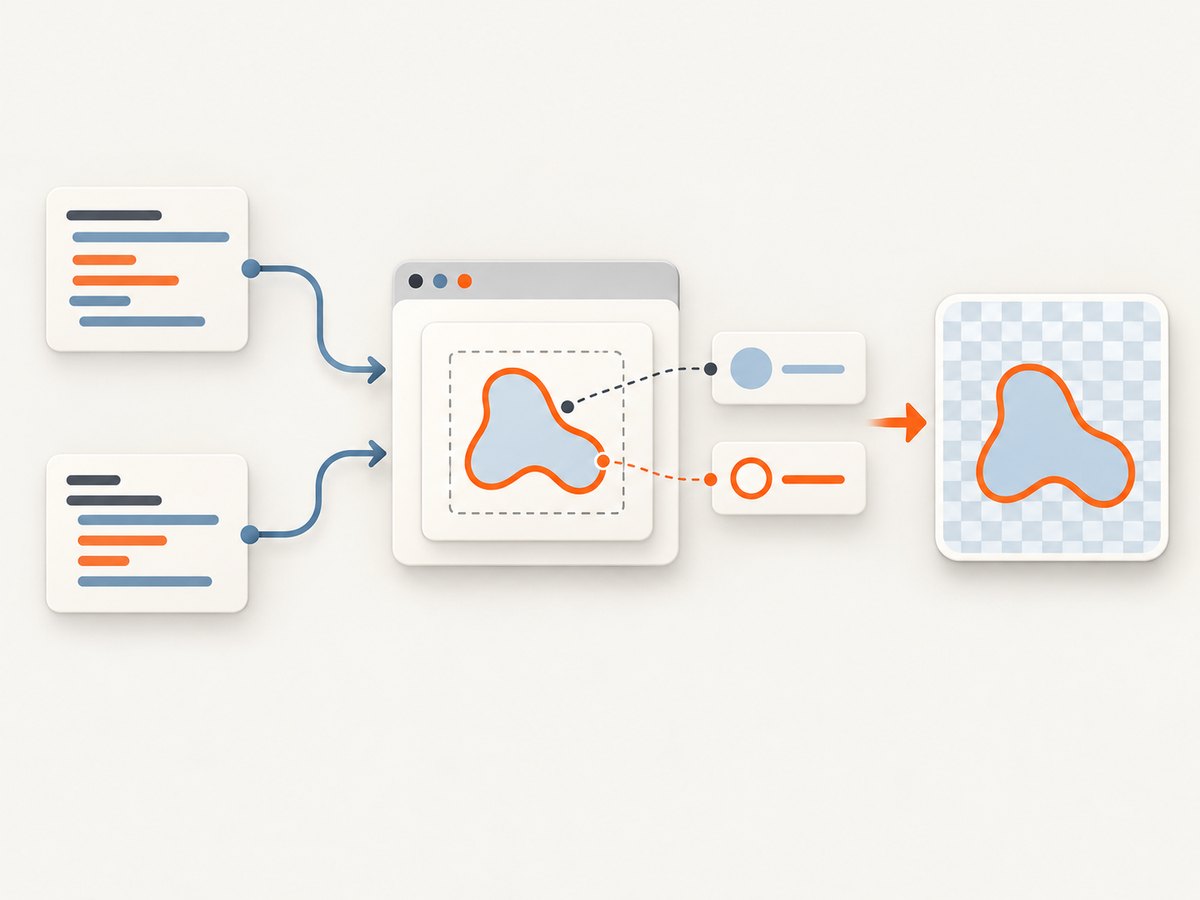
This example deliberately starts with a class-based rule and a JavaScript style change. The first capture can preserve the old color in Safari. The second capture copies computed styles onto the cloned paths.
<!doctype html>
<html lang='en'>
<head>
  <meta charset='utf-8'>
  <script src='https://cdn.jsdelivr.net/npm/html2canvas@1.4.1/dist/html2canvas.min.js'></script>
  <style>
    .BODY { fill: black; stroke: #222; stroke-width: 2; }
  </style>
</head>
<body>
  <button id='capture'>Capture</button>
  <div id='wrap'>
    <svg width='320' height='180' viewBox='0 0 320 180'>
      <path class='BODY' d='M20 140 L160 20 L300 140 Z' />
    </svg>
  </div>
  <script>
    const wrap = document.querySelector('#wrap');
    const path = wrap.querySelector('path');

    // The browser repaints the live SVG.
    path.style.fill = 'royalblue';

    document.querySelector('#capture').addEventListener('click', async () => {
      const canvas = await html2canvas(wrap, {
        backgroundColor: null,
        onclone: (clonedDocument) => {
          clonedDocument.querySelectorAll('svg path').forEach((clonedPath) => {
            const computed = getComputedStyle(clonedPath);
            clonedPath.setAttribute('fill', computed.fill);
            clonedPath.setAttribute('stroke', computed.stroke);
            clonedPath.setAttribute('stroke-width', computed.strokeWidth);
            clonedPath.setAttribute('opacity', computed.opacity);
          });
        }
      });

      const link = document.createElement('a');
      link.download = 'svg-safari.png';
      link.href = canvas.toDataURL('image/png');
      link.click();
    });
  </script>
</body>
</html>
The important detail is that getComputedStyle runs against the cloned path inside onclone. Copying styles only on the original path can still leave the clone without the values html2canvas needs.
Three reliable ways to preserve path styles
1. Add an SVG-local style block
Put critical rules under the SVG element instead of relying on a document-level stylesheet. This keeps the rule next to the geometry during serialization.
<svg viewBox='0 0 100 100'>
  <style>
    .BODY { fill: blue; stroke: #123; stroke-width: 1.5; }
  </style>
  <path class='BODY' d='M10 90 L50 10 L90 90 Z' />
</svg>
Use this when the same rule applies to many paths or when you control the SVG markup. Keep selectors simple while debugging. A local rule is easier to inspect in the cloned DOM than a chain of external selectors.
2. Use presentation attributes
SVG presentation attributes are highly portable for basic paint properties:
<path d='M10 90 L50 10 L90 90 Z'
      fill='blue'
      stroke='#123'
      stroke-width='1.5'
      fill-opacity='0.9' />
Attributes are useful for generated SVG because they avoid CSS specificity and stylesheet loading issues. If an application changes the path at runtime, update the attributes at the same time as the visible style.
3. Copy computed styles in onclone
This is the most flexible option for existing markup. Extend the property list when your artwork uses dash patterns, line caps, clipping, or opacity.
const properties = [
  'fill', 'fillOpacity', 'fillRule', 'stroke', 'strokeWidth',
  'strokeOpacity', 'strokeLinecap', 'strokeLinejoin', 'strokeDasharray',
  'strokeDashoffset', 'opacity', 'color', 'vectorEffect'
];

await html2canvas(document.querySelector('#wrap'), {
  onclone: (clonedDocument) => {
    clonedDocument.querySelectorAll('svg path, svg circle, svg rect, svg line, svg polygon').forEach((shape) => {
      const computed = getComputedStyle(shape);
      properties.forEach((property) => {
        const value = computed[property];
        if (value && value !== 'none') shape.style[property] = value;
      });
    });
  }
});
Use setAttribute for properties such as fill and stroke-width when you want explicit SVG presentation attributes. Use style[property] for camel-cased CSS properties. Do not blindly copy empty values: an empty declaration can override a valid inherited value.
Handling CSS variables, currentColor, filters, and masks
When a path still exports incorrectly after copying paint properties, simplify the style until the failing feature is clear.
- CSS variables: resolve them first with
getComputedStyle, then write the resulting color or length inline. The clone may not retain the variable definition or its scope. currentColor: copy the computedcolorand replacefill='currentColor'with the concrete RGB or RGBA value.- Filters and masks: temporarily remove
filter,mask, and complex clipping paths. html2canvas supports only a subset of CSS and SVG effects; a missing effect can make an otherwise correct path appear blank. - External stylesheets: confirm that the stylesheet has loaded before calling html2canvas. For deterministic exports, move essential rules into the SVG or inline them.
- Fonts and text: wait for
document.fonts.readybefore capture. A font problem can look like an SVG layout problem when labels change dimensions.
Data-URI SVGs and older iOS Safari
If an SVG is used in a CSS url(data:image/svg+xml,...), encode reserved characters with encodeURIComponent. Unescaped #, %, quotes, angle brackets, and line breaks can truncate the data URI or change its meaning.
const svg = '<svg xmlns="http://www.w3.org/2000/svg" viewBox="0 0 20 20">' +
  '<path fill="blue" d="M0 0h20v20H0z"/></svg>';
const encoded = encodeURIComponent(svg);
const dataUri = `url("data:image/svg+xml,${encoded}")`;
Legacy iOS Safari versions around 10.3–11.2 had additional crossorigin behavior for data-URI images. If those versions are in your support matrix, test the exact embedding mode and consider an inline SVG or same-origin image instead.
Canvas size limits and blank output
A blank image is not always a path-style bug. The html2canvas FAQ describes a rough Safari desktop canvas dimension limit of about 32,767 pixels, with lower limits on iOS depending on device memory. Full-page captures can exceed that limit when the document is tall or the scale is high.
Reduce scale, capture sections separately, or constrain the canvas dimensions:
const canvas = await html2canvas(target, {
  scale: Math.min(window.devicePixelRatio || 1, 2),
  width: Math.min(target.scrollWidth, 12000),
  windowWidth: target.scrollWidth,
  backgroundColor: '#fff'
});
Also check whether an ancestor has a transform, whether the target is detached from the document, and whether the SVG has a valid viewBox. Compare the target’s bounding rectangle in Safari and Chromium before capture.
A diagnostic checklist
- Log the SVG and path count in the cloned document from
onclone. - Inspect cloned paths for inline
fill,stroke, andstroke-width. - Move one failing rule into an SVG-local
<style>block. - Replace variables and
currentColorwith concrete values. - Remove filters, masks, and unsupported effects to isolate the property.
- For data URIs, apply
encodeURIComponentand test crossorigin behavior. - Measure canvas width and height before calling
toDataURL. - Capture the same DOM in Safari, iOS Safari, Chromium, and Firefox with the same html2canvas version.
Troubleshooting common errors
| Symptom | Likely cause | Fix |
|---|---|---|
| Path is black in PNG but blue on screen | Class rule or JavaScript style was not serialized | Use an SVG-local style, presentation attributes, or copy computed values in onclone. |
| Only some paths have wrong colors | Inherited color, CSS variable, or selector specificity differs in the clone | Write concrete fill and stroke values on every shape. |
| SVG is missing entirely | External image, unsupported effect, or cross-origin restriction | Inline the SVG, simplify filters and masks, and verify same-origin or CORS headers. |
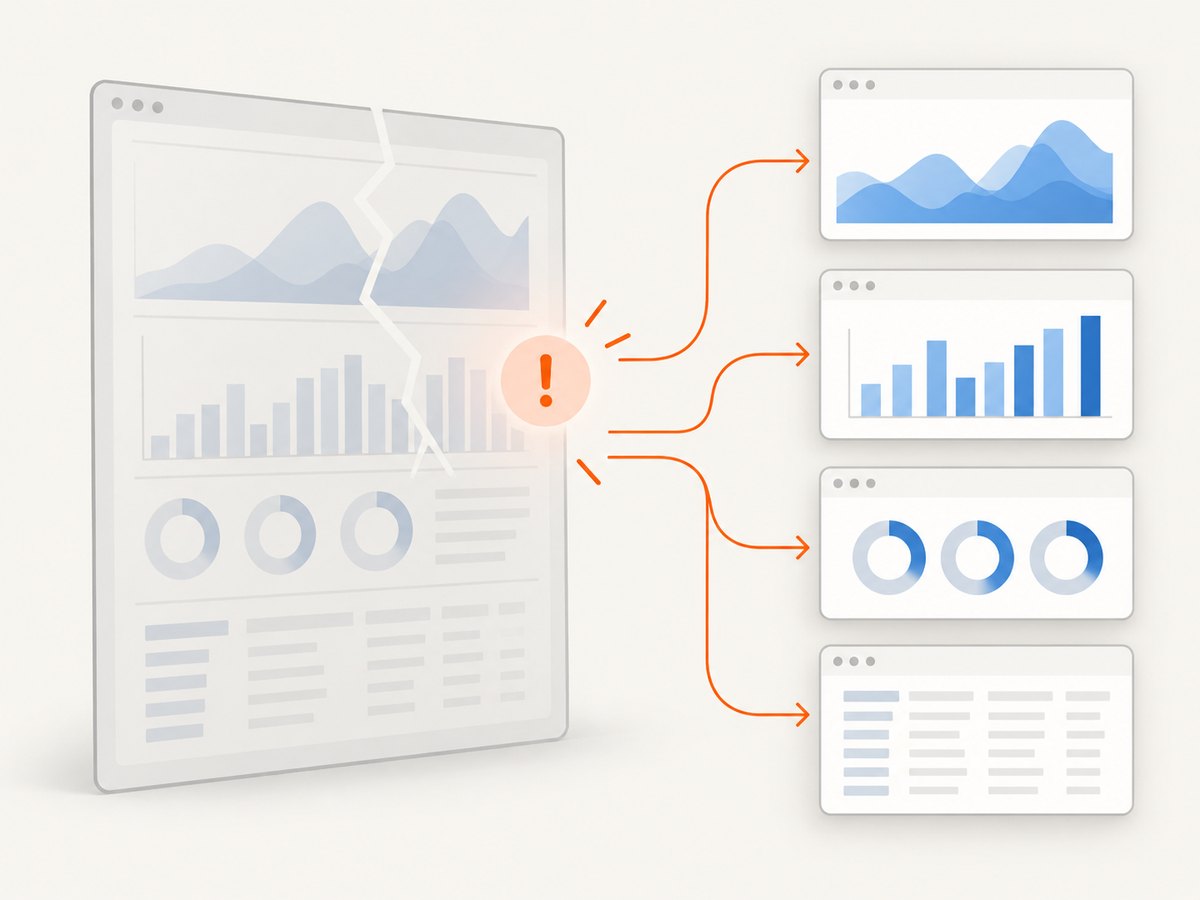
| Output is blank or partially cut off | Canvas dimension limit or oversized full-page capture | Lower scale, split the capture, and inspect canvas dimensions. |
| Data-URI image is corrupted | Reserved characters were not encoded | Use encodeURIComponent for the SVG payload. |
| Capture races with a style update | html2canvas starts before the browser paints the change | Wait for a frame: await new Promise(requestAnimationFrame), then capture. |
| Text shifts around the SVG | Web font is not ready | Await document.fonts.ready and ensure the font is available in Safari. |
Performance and reliability guidance
DOM traversal cost grows with the number of nodes, the pixel dimensions, and the scale factor. Capture the smallest container that contains the SVG. Avoid repeatedly cloning a large page when only one chart changed. Reuse a prepared target and debounce captures during animations.
For consistent output, freeze animations, wait for images and fonts, and set an explicit background color. A practical sequence is:
await Promise.all(Array.from(document.images).map((image) => image.decode?.()));
await document.fonts.ready;
await new Promise(requestAnimationFrame);
const canvas = await html2canvas(target, { scale: 2, backgroundColor: '#fff' });
Keep the html2canvas version fixed and test Safari releases that matter to your users. Browser rendering changes can expose unsupported properties even when application code is unchanged. If you need a pixel-accurate browser compositor capture, use a native screenshot tool or a remote browser service instead of relying on DOM emulation.
Or skip the browser setup
ScreenshotNeo captures a URL through a website screenshot API, so your application does not need to maintain Safari-specific html2canvas workarounds. Cookie banners, newsletter popups, and chat widgets are removed before the shot. Bot checks, blank pages, timeouts, failed loads, and cache hits are not billed, and the response identifies the result with X-Page-Verdict and X-Billed headers. Its MCP server lets Claude, Cursor, and other MCP clients call take_screenshot, get_page_info, and capture_pdf.
See the ScreenshotNeo API documentation for all options. A basic request returns a WebP image:
curl -G 'https://api.screenshotneo.com/v1/shot' \
  -d access_key=YOUR_API_KEY \
  --data-urlencode url=https://stripe.com \
  -o shot.webp
import requests
r = requests.get(
'https://api.screenshotneo.com/v1/shot',
params={'access_key': 'YOUR_API_KEY', 'url': 'https://stripe.com'},
timeout=90,
)
r.raise_for_status()
open('shot.webp', 'wb').write(r.content)const q = new URLSearchParams({
access_key: 'YOUR_API_KEY',
url: 'https://stripe.com'
});
const res = await fetch(`https://api.screenshotneo.com/v1/shot?${q}`);
if (!res.ok) throw new Error(`HTTP ${res.status}`);
const bytes = Buffer.from(await res.arrayBuffer());
require('node:fs').writeFileSync('shot.webp', bytes);ScreenshotNeo supports PNG, JPEG, WebP, and PDF output, full-page captures with lazy images loaded, element selectors, dark mode, device presets, custom viewports, retina scale, custom CSS and JavaScript, waits, request blocking, headers, cookies, user agents, authorization, timezone, geolocation, transparent backgrounds, resizing, caching, signed links, asynchronous jobs, webhooks, bulk capture, usage data, and an OpenAPI specification. Parameter names used by other screenshot APIs also work, which can simplify migration.
The Free plan includes 1,000 screenshots per month with no card. Paid plans start at $5 for 3,000 shots; yearly billing gives two months free. Create a free ScreenshotNeo account and try the capture before changing your Safari rendering code.
FAQ
Does setting path.style.fill never work?
It can work in the live document, but Safari may not serialize that change into the cloned SVG. Copy the computed value in onclone or place it in an SVG-local style.
Should I use inline styles or presentation attributes?
Both are effective for basic paint properties. Attributes are convenient for generated SVG; inline styles are convenient when copying a larger computed-property set.
Can html2canvas capture every SVG filter?
No. html2canvas implements a subset of CSS and SVG behavior. Remove unsupported filters and masks while diagnosing, or use a compositor-based screenshot method.
Why does a small SVG work while a full page is blank?
The full page may exceed Safari’s canvas dimensions or memory limits. Lower the scale or capture multiple sections.
Does ScreenshotNeo solve an inline SVG export bug inside my app?
It captures a URL remotely. It is useful when you need a page image or PDF without shipping browser setup and Safari-specific DOM serialization code.


