How to Fix html2canvas “Unable to Load Image Undefined” Errors
Find the real failing image, fix undefined URLs, handle CORS and proxies, and prevent html2canvas image-loading errors in production.
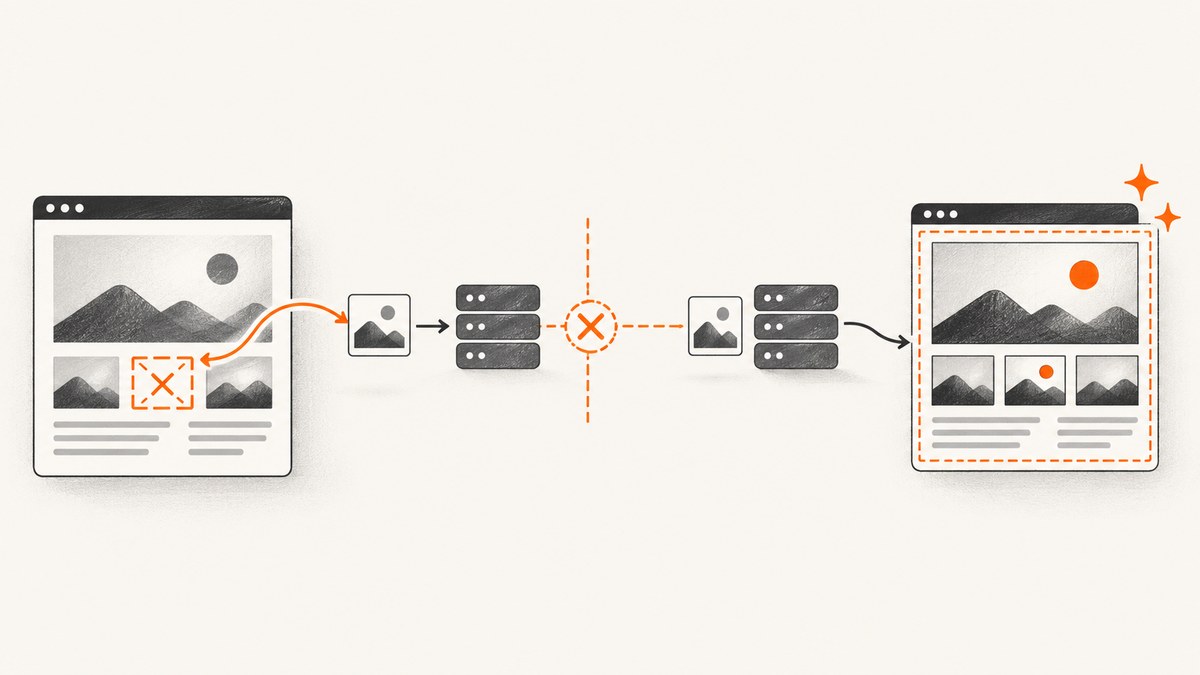
Direct answer: “Unable to Load Image Undefined” is a symptom, not a single documented html2canvas diagnosis. Start by finding the image or CSS background that the capture is trying to read. Verify that its URL exists and is valid, then inspect the browser Network panel for the request result. If the image is cross-origin, use a server that permits CORS and set useCORS: true, or configure a proxy that your application controls. Increasing imageTimeout helps only with a valid image that is slow to load; it cannot repair a missing URL or a browser policy denial.
This guide shows a repeatable diagnosis, complete browser examples, the relevant html2canvas options, and production fixes. html2canvas reconstructs a page from DOM information rather than taking a native browser screenshot, so browser content policies still apply. The project’s documentation states that it does not bypass those policies.
1. What the error actually tells you
The wording usually appears when html2canvas encounters an image resource whose value is missing, invalid, unreachable, or unreadable from the page’s origin. The message alone does not identify which of those cases occurred. Treat it as a prompt to inspect the captured subtree and its network requests.
- Missing value: an
<img>has no usablesrc, or application code produced the literal stringundefined. - Invalid URL: the value is malformed, points to a deleted asset, or is relative to an unexpected base URL.
- Failed request: DNS, TLS, redirects, authentication, a 404/403 response, or a timeout prevents the image from loading.
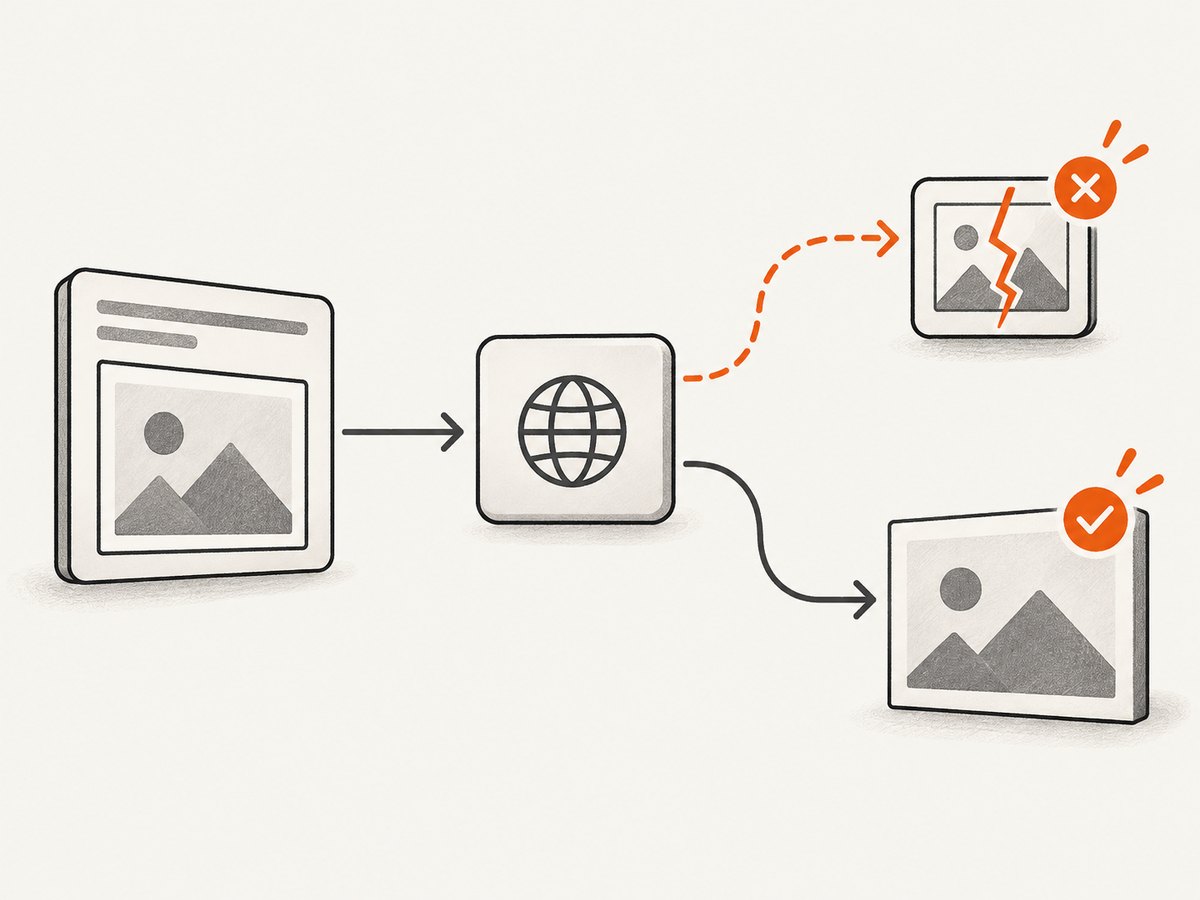
- Cross-origin restriction: the image loads in the page but cannot be read into the canvas without CORS or a proxy.
- CSS resource: the failing URL is in
background-image, a pseudo-element, or another style rather than an obvious<img>.
The exact report that popularized this wording does not establish a universal root cause. Your captured element, html2canvas version, browser, options, and failed request are needed for a project-specific diagnosis.
2. Find the failing image before changing options
Inspect image elements
Run this in DevTools while the page is in the state you are capturing:
const root = document.querySelector('#invoice');

for (const image of root.querySelectorAll('img')) {
  console.log({
    element: image,
    srcAttribute: image.getAttribute('src'),
    resolvedSrc: image.currentSrc || image.src,
    complete: image.complete,
    naturalWidth: image.naturalWidth,
    naturalHeight: image.naturalHeight
  });
}
A missing attribute, an empty value, a URL ending in undefined, or naturalWidth === 0 is a strong lead. Also check srcset: the browser may select a different URL than the one shown in src.
Inspect CSS backgrounds and pseudo-elements
function urlsFromCss(value) {
  return [...value.matchAll(/url\((['"]?)(.*?)\1\)/g)].map(match => match[2]);
}

const root = document.querySelector('#invoice');
for (const element of root.querySelectorAll('*')) {
  const style = getComputedStyle(element);
  const urls = [
    ...urlsFromCss(style.backgroundImage),
    ...urlsFromCss(style.content)
  ];
  if (urls.length) console.log(element, urls);
}
Inspect the root element itself as well. A background on the captured node will not appear in a descendant-only search.
Use the Network panel
- Open DevTools, select Network, enable “Preserve log”, and clear the log.
- Run the capture again and filter by
Imgor search for part of the suspected filename. - Check status, final URL after redirects, response headers, request headers, and timing.
- Open the resource URL directly in a new tab. A URL that works only with a cookie or authorization header may fail when html2canvas requests it.
Do not assume that a visible image is readable by canvas. A browser can display a cross-origin image while still preventing JavaScript from exporting pixels from it.
3. Fix undefined or invalid URLs
Guard data before rendering
function imageUrl(value) {
  if (typeof value !== 'string' || value.trim() === '') return null;
  try {
    return new URL(value, document.baseURI).href;
  } catch {
    return null;
  }
}

const url = imageUrl(order.logoUrl);
const logo = document.querySelector('#logo');
if (url) {
  logo.src = url;
  logo.hidden = false;
} else {
  logo.removeAttribute('src');
  logo.hidden = true;
}
Do this before calling html2canvas. Avoid assigning template values directly to src when a field can be absent. If a placeholder is required, use a real same-origin asset rather than the string undefined.
Wait for images your application inserts
async function waitForImages(root) {
  const images = [...root.querySelectorAll('img')];
  await Promise.all(images.map(image => {
    if (image.complete) return Promise.resolve();
    return new Promise(resolve => {
      image.addEventListener('load', resolve, { once: true });
      image.addEventListener('error', resolve, { once: true });
    });
  }));
}

await waitForImages(document.querySelector('#invoice'));
This prevents a race where the capture starts while a framework is still assigning image URLs. It does not make a failed image succeed; always inspect errors separately.
4. Handle cross-origin images correctly
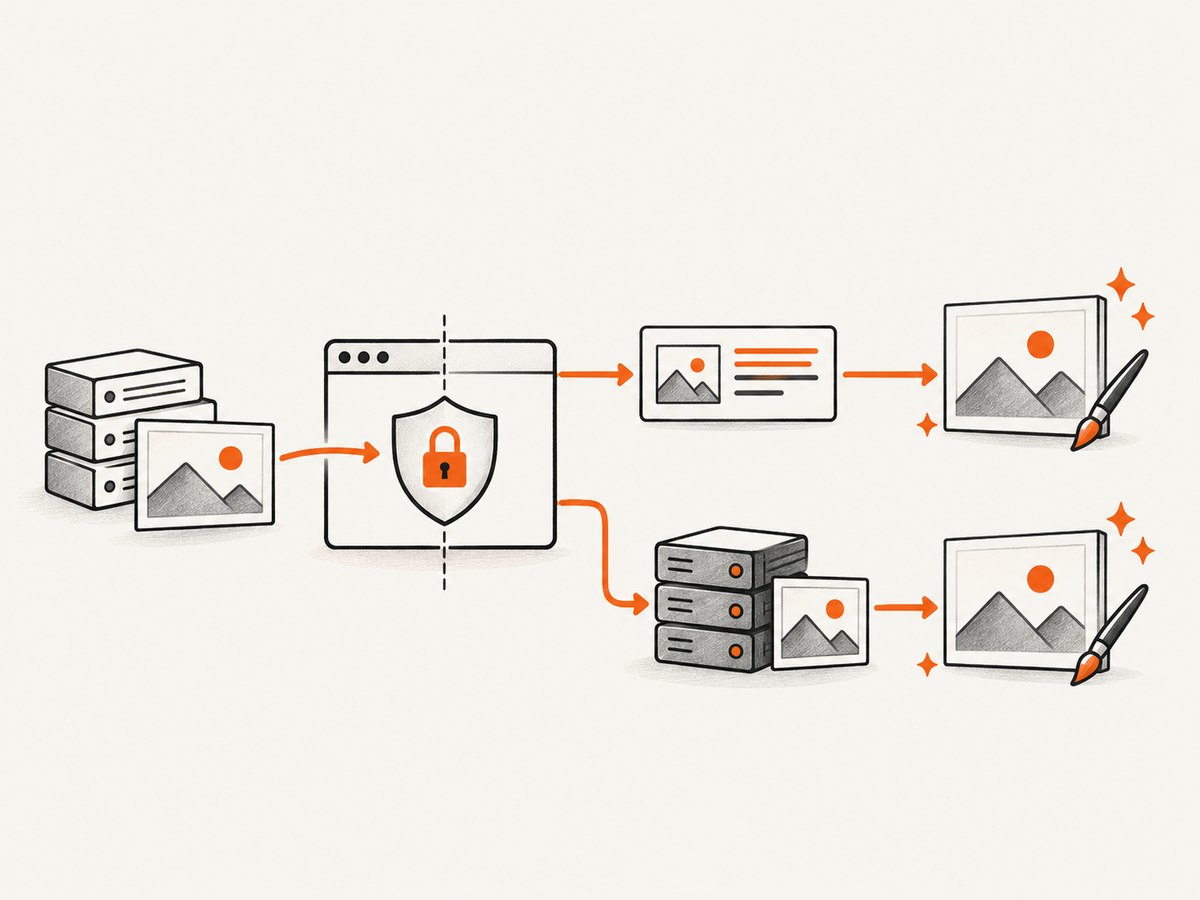
html2canvas documents three relevant controls: allowTaint, useCORS, and proxy. The documented defaults are allowTaint: false, useCORS: false, proxy: null, and imageTimeout: 15000 milliseconds. Confirm behavior against the version installed in your project.
Option A: enable CORS on the image server
The image host must return an appropriate Access-Control-Allow-Origin header. Configure the server first, then request the image with CORS enabled:
const element = document.querySelector('#invoice');
const canvas = await html2canvas(element, {
  useCORS: true,
  allowTaint: false
});
document.body.appendChild(canvas);
If credentials are needed, the server and request must agree on credentialed CORS rules; a wildcard origin cannot be used with credentials. Check the actual response headers in DevTools rather than relying on server configuration assumptions.
Option B: use an application-controlled proxy
A proxy fetches the image server-side and serves it from an origin your page can read. html2canvas’s proxy guidance describes this route, but the proxy must be implemented, secured, and configured by your application. Do not paste an arbitrary third-party proxy URL into production.
const canvas = await html2canvas(document.querySelector('#invoice'), {
  proxy: '/image-proxy',
  allowTaint: false
});
Your proxy should allow only approved destinations, enforce size and content-type limits, follow redirects safely, and avoid forwarding sensitive cookies or authorization headers. Cache immutable assets where appropriate. A proxy changes your data flow, so document which image hosts it can contact.
Why allowTaint: true is usually not a fix
Allowing a tainted canvas may let html2canvas draw an image, but browser rules can then prevent exporting the canvas with toDataURL() or toBlob(). It also does not turn an undefined URL into a valid one. Use it only when you understand the resulting export limitations and your version’s behavior.
5. Use timeouts and isolation deliberately
The documented imageTimeout default is 15,000 milliseconds. Increase it only for a valid resource that is slow but eventually succeeds:
const canvas = await html2canvas(element, {
  imageTimeout: 30000
});
Setting imageTimeout: 0 disables the timeout according to the options documentation. That can leave a capture waiting indefinitely when an upstream host is down, so pair it with your own application-level deadline.
To prove that one element is responsible, temporarily ignore it:
const canvas = await html2canvas(element, {
  ignoreElements: node => node.matches('.remote-avatar, .ad-slot')
});
You can also add data-html2canvas-ignore to an element. If the capture succeeds, restore ignored elements in groups until the failing source is isolated. This is a diagnostic technique; replace it with a real asset or a supported CORS/proxy path when the image matters.
6. A complete browser capture example
The following page validates image sources, waits for resources, enables CORS, and reports useful failures:
<button id='capture'>Capture invoice</button>
<section id='invoice'>
  <img id='logo' src='https://static.example.com/logo.png' alt='Company logo'>
  <h1>Invoice 1042</h1>
</section>
<script src='https://cdn.jsdelivr.net/npm/html2canvas@1.4.1/dist/html2canvas.min.js'></script>
<script>
const button = document.querySelector('#capture');
const element = document.querySelector('#invoice');

async function waitForImages(root) {
  await Promise.all([...root.querySelectorAll('img')].map(img => {
    if (img.complete) return Promise.resolve();
    return new Promise(resolve => {
      img.addEventListener('load', resolve, { once: true });
      img.addEventListener('error', () => {
        console.error('Image failed:', img.currentSrc || img.src);
        resolve();
      }, { once: true });
    });
  }));
}

button.addEventListener('click', async () => {
  await waitForImages(element);
  const canvas = await html2canvas(element, {
    useCORS: true,
    allowTaint: false,
    imageTimeout: 30000,
    backgroundColor: '#ffffff'
  });
  const link = document.createElement('a');
  link.download = 'invoice-1042.png';
  link.href = canvas.toDataURL('image/png');
  link.click();
});
</script>
Replace the example host with one that sends the required CORS headers. If it cannot, use a controlled proxy or remove that resource from the capture.
7. Options reference
| Option | Use | Limit |
|---|---|---|
useCORS |
Request cross-origin images with CORS mode. | The image server must permit your origin. |
proxy |
Load images through an application proxy. | You must operate and secure the proxy. |
allowTaint |
Permit drawing images that may taint the canvas. | Canvas export can become unavailable. |
imageTimeout |
Set the image-load deadline in milliseconds. | Does not repair invalid URLs or policy blocks. |
ignoreElements |
Exclude selected nodes from a capture. | Excluded content will not appear. |
data-html2canvas-ignore |
Mark an element to skip. | Useful for isolation and intentional omission. |
onclone |
Modify the cloned document before rendering. | Changes apply to the clone, not the live page. |
scale |
Control output pixel density. | Higher values increase memory and render time. |
8. Troubleshooting checklist
| Symptom | Likely cause | Fix |
|---|---|---|
URL ends in undefined |
Missing application data. | Validate the value and omit or replace the image before capture. |
| 404 or 403 in Network | Deleted asset or authorization requirement. | Correct the URL, permissions, cookies, or request headers. |
| Image visible but canvas export fails | Canvas tainted by cross-origin pixels. | Use CORS or a proxy; keep allowTaint false when exporting. |
| Only CSS backgrounds fail | URL is hidden in computed styles. | Inspect background-image, pseudo-elements, and relative URL resolution. |
| Works locally, fails in production | Different origin, CSP, HTTPS, or asset host. | Compare response headers and final URLs in both environments. |
| Intermittent failures | Capture starts before images finish or upstream latency varies. | Wait for images, fix upstream latency, and set a bounded timeout. |
| Capture hangs | Timeout disabled or a request never completes. | Restore a finite timeout and add an application deadline. |
| Memory errors on large pages | Large dimensions or excessive scale. |
Capture smaller regions, reduce scale, or split the page. |
9. Performance, reliability, and cost considerations
Every image adds a request and decoding work. Prefer appropriately sized assets, modern formats, and predictable cache headers. Avoid starting several full-page captures at once on the main thread; queue work and report progress. A higher scale multiplies pixel count and memory use, so choose it from the output requirement rather than setting it globally.
For reliability, record the html2canvas version, browser, capture options, element dimensions, and each failed resource URL. Keep a bounded retry policy for transient upstream failures, but do not retry deterministic 404, CORS, or authorization errors. Test pages with lazy images, web fonts, redirects, authenticated assets, and empty optional fields.
Client-side capture has no html2canvas service fee, but it consumes browser CPU, memory, bandwidth, and engineering time for CORS and proxy maintenance. A server-side screenshot API can move those concerns out of the user’s browser when you need consistent automation.
10. Or skip the browser setup
ScreenshotNeo provides a website screenshot API and MCP server. One GET request returns PNG, JPEG, WebP, or PDF. Its capture flow accepts cookie and consent banners like a visitor, then removes more than 60 known consent platforms along with newsletter popups and chat widgets; each step can be turned off. Bot checks and CAPTCHAs, blank pages, timeouts, failed loads, and cache hits are not billed, and the response identifies the result with X-Page-Verdict and X-Billed headers.
See the ScreenshotNeo API documentation for all parameters. The one-call examples below use the required access key and target URL:
cURL
curl -G 'https://api.screenshotneo.com/v1/shot' -d access_key=YOUR_API_KEY --data-urlencode url=https://stripe.com -o shot.webpPython
import requests

r = requests.get('https://api.screenshotneo.com/v1/shot', params={'access_key': 'YOUR_API_KEY', 'url': 'https://stripe.com'}, timeout=90)
open('shot.webp', 'wb').write(r.content)
Node.js
const q = new URLSearchParams({ access_key: 'YOUR_API_KEY', url: 'https://stripe.com' });
const res = await fetch(`https://api.screenshotneo.com/v1/shot?${q}`);
ScreenshotNeo includes full-page capture with lazy images loaded, CSS-selector element capture, dark mode, 12 device presets plus custom viewports, retina scale, custom CSS and JavaScript, clicks, selector or network-idle waits, request blocking, custom headers and cookies, user-agent and authorization, timezone and geolocation, transparent backgrounds, resizing, configurable-TTL caching, signed links, asynchronous jobs with signed webhooks, bulk capture for 100 URLs per call, a usage API, and an OpenAPI specification. Parameter names used by other screenshot APIs also work, which can simplify switching.
An MCP server exposes take_screenshot, get_page_info, and capture_pdf to Claude, Cursor, and other MCP clients. The Free plan includes 1,000 shots each month with no card; paid plans start at $5 for 3,000 shots, and every feature is available on every plan.
Create a free ScreenshotNeo account and start with 1,000 screenshots per month at no charge.
11. FAQ
Does setting imageTimeout: 0 fix the error?
No. It disables the documented timeout. Use it only when you have an external deadline and a valid resource that may be slow.
Why does the image display normally but fail in html2canvas?
Displaying pixels is allowed in more cases than reading them back from a canvas. Cross-origin rules can therefore permit viewing while blocking canvas export.
Should I always set useCORS: true?
Set it when the image server is configured for CORS. It cannot grant permission that the server does not return.
Can a proxy solve every cross-origin problem?
A correctly implemented proxy can serve permitted image data from your origin, but it requires security controls, maintenance, and careful handling of redirects and credentials.
Is this error caused by html2canvas itself?
The message is a symptom. The cause may be your URL data, the image server, browser policy, timing, or html2canvas configuration. Inspect the failing request before changing libraries.


