How to Fix Uncaught TypeErrors When Capturing Screenshots with html2canvas
Diagnose html2canvas TypeErrors with a symptom-led workflow covering browser runtime, CORS, CSS, canvas limits, and safer alternatives.
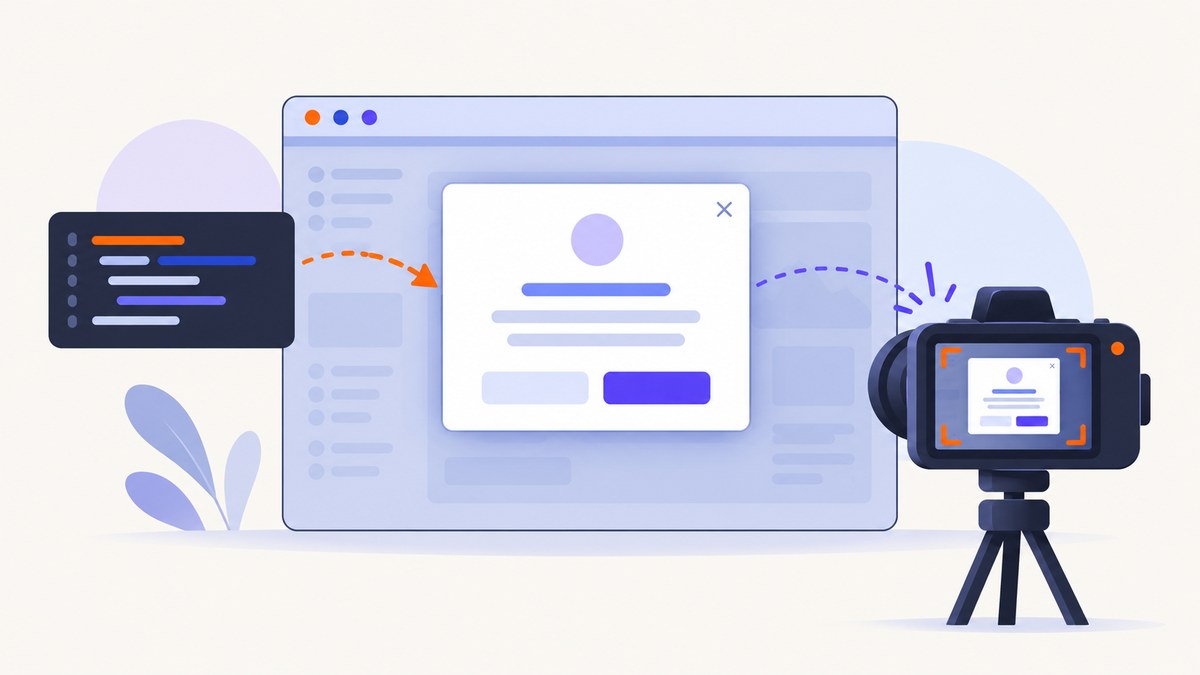
An “Uncaught TypeError” does not identify one html2canvas bug. The exact exception, stack trace, browser, html2canvas version, selected element, and options determine the fix. Start by recording the complete console message, then follow the decision tree below.
html2canvas reconstructs an image from the DOM and CSS that JavaScript can read; it does not take a native screenshot of the browser’s pixels. Its output therefore depends on browser APIs, same-origin rules, and the CSS features the library implements. See the official documentation.
Fast diagnosis: match the symptom to the likely cause
| Symptom | First check | Likely next step |
|---|---|---|
| TypeError appears immediately in Node.js | Is there a real browser runtime? | Run html2canvas in a page, or drive Chromium with Puppeteer or Playwright. |
Canvas exists, but toDataURL() throws a security error |
Inspect cross-origin images and fonts | Use server CORS headers or a configured proxy; useCORS cannot override a server policy. |
| Blank or partially rendered result | Check resource loading, ignored nodes, CSS, and dimensions | Reduce the DOM, wait for resources, and compare canvas dimensions with scroll dimensions. |
| Large page fails or is truncated | Check canvas width, height, and total area | Set matching windowWidth/windowHeight, lower scale, or split the capture. |
| Styles differ but no exception is thrown | Check CSS support | Build a minimal reproduction and simplify unsupported or complex styles. |
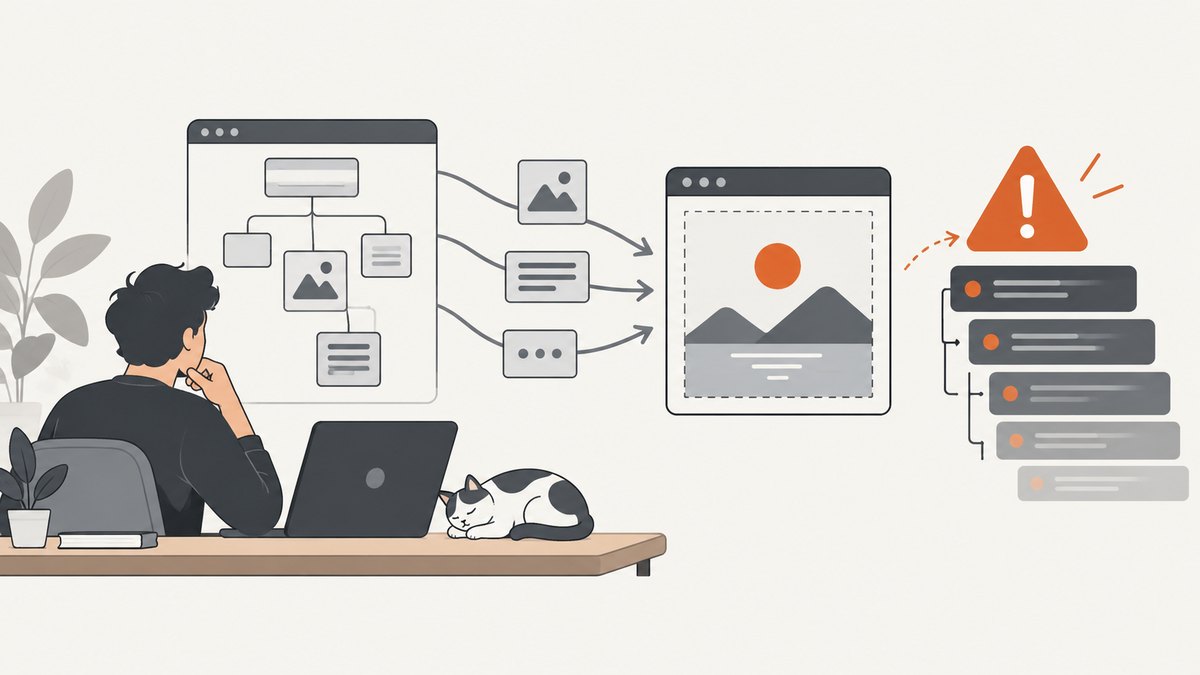
1. Capture the evidence before changing options
- Copy the entire “Uncaught TypeError” line and stack trace.
- Record browser name and version, operating system, html2canvas version, selected element, and every non-default option.
- Note whether the failure occurs during
html2canvas(), while rendering, or later duringtoDataURL()/toBlob(). - Save a minimal page that reproduces the error. Remove application code that is unrelated to the selected element.
The title alone cannot establish whether the cause is CORS, CSS, a canvas limit, or a version-specific regression. Do not upgrade dependencies blindly; identify the version and consult its release information first.
2. Use html2canvas in a browser runtime
html2canvas is a browser-side library. Direct execution in plain Node.js is unsupported because Node does not provide the DOM, layout engine, stylesheets, images, and canvas APIs that html2canvas reads. For server-side work, use a real browser controlled by Puppeteer or Playwright, as recommended in the official FAQ.
Minimal browser example
<button id="capture">Capture</button>
<div id="invoice">Invoice content</div>
<script src="https://cdn.jsdelivr.net/npm/html2canvas@latest/dist/html2canvas.min.js"></script>
<script>
document.querySelector('#capture').addEventListener('click', async () => {
  const element = document.querySelector('#invoice');
  if (!element) throw new Error('Capture target not found');

  const canvas = await html2canvas(element, {
    backgroundColor: '#ffffff',
    logging: true
  });

  console.log({ width: canvas.width, height: canvas.height });
  document.body.appendChild(canvas);
  canvas.toBlob(blob => {
    if (!blob) throw new Error('Canvas export returned no blob');
    const link = document.createElement('a');
    link.href = URL.createObjectURL(blob);
    link.download = 'capture.png';
    link.click();
    URL.revokeObjectURL(link.href);
  }, 'image/png');
});
</script>
Server-side browser capture with Node.js and Playwright
import { chromium } from 'playwright';

const browser = await chromium.launch();
const page = await browser.newPage({ viewport: { width: 1440, height: 900 } });
await page.goto('https://example.com', { waitUntil: 'networkidle' });
await page.screenshot({ path: 'page.png', fullPage: true });
await browser.close();
This takes a native browser screenshot rather than asking html2canvas to reconstruct the page. It is often the better fit when pixel fidelity, server execution, or complex CSS matters.
3. Separate rendering errors from export errors
First determine whether html2canvas created a usable canvas. Export only after checking its dimensions.
const canvas = await html2canvas(document.querySelector('#app'), {
  logging: true,
  scale: window.devicePixelRatio
});

if (!(canvas instanceof HTMLCanvasElement)) {
  throw new Error('html2canvas did not return a canvas');
}
if (canvas.width === 0 || canvas.height === 0) {
  throw new Error(`Empty canvas: ${canvas.width}x${canvas.height}`);
}

try {
  const dataUrl = canvas.toDataURL('image/png');
  console.log('Export succeeded', dataUrl.length);
} catch (error) {
  console.error('Render succeeded but export failed', error);
}
A cross-origin security failure during export is a different problem from a TypeError thrown while html2canvas is traversing the DOM. Keep those stages separate in logs and bug reports.
4. Fix cross-origin images and other resources
Images from another origin must either send an appropriate CORS header or be fetched through a correctly configured proxy. useCORS: true asks the browser to use CORS; it cannot grant permission that the image server does not provide. allowTaint: true does not make a tainted canvas readable or exportable.
const canvas = await html2canvas(document.querySelector('#report'), {
  useCORS: true,
  imageTimeout: 15000,
  logging: true
});
For each external image, inspect the network response and verify that the response includes an Access-Control-Allow-Origin value compatible with your page. Check redirects too: a redirect to a host without CORS headers can still break the capture.
Resource checklist
- Open the image URL directly and confirm it loads.
- Inspect the final response after redirects.
- Check CORS headers in browser developer tools.
- Replace one external image with a same-origin or data URL to isolate the trigger.
- Wait until images and web fonts have loaded before calling html2canvas.
5. Reduce the DOM and isolate CSS
html2canvas does not implement every CSS property. The project FAQ states: “Every CSS property must be manually implemented to render correctly, so html2canvas will never have full CSS support.” A CSS limitation can produce a wrong image without throwing any exception.
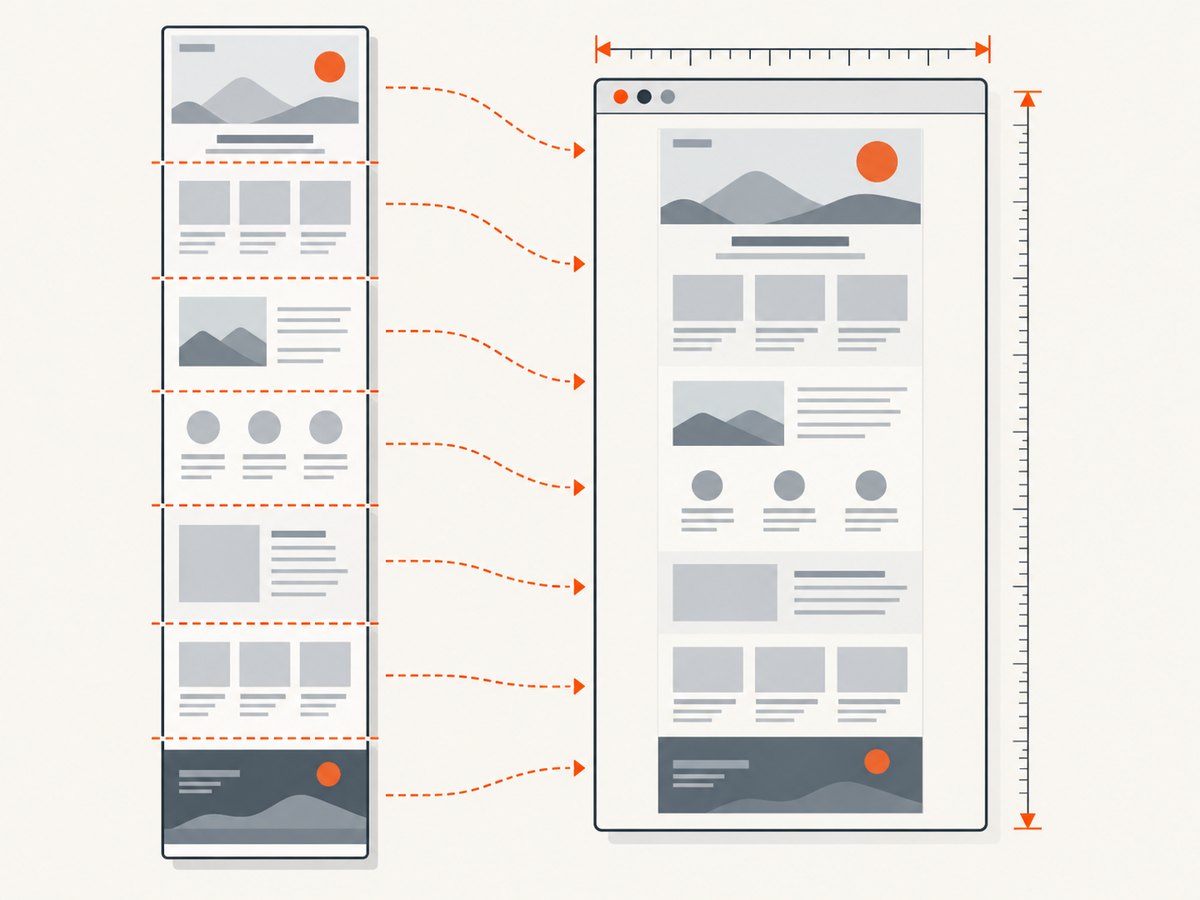
Capture a small subtree, remove one complex component at a time, and test again. Use onclone to change only the cloned document, or mark unwanted nodes with data-html2canvas-ignore.
const canvas = await html2canvas(document.querySelector('#dashboard'), {
  onclone: clonedDocument => {
    clonedDocument.querySelectorAll('.live-chat, .animated-ad')
      .forEach(node => node.remove());
    const clonedTarget = clonedDocument.querySelector('#dashboard');
    if (clonedTarget) clonedTarget.classList.add('capture-mode');
  }
});
To omit a stable element directly:
<aside data-html2canvas-ignore="true">Controls</aside>6. Check dimensions and browser canvas limits
Very large captures can exceed a browser’s maximum canvas dimension or total pixel area. Limits vary by browser, operating system, device, GPU, and available memory. The html2canvas FAQ gives these rough, non-guaranteed figures: Chrome/Chromium about 32,767 pixels per dimension and about 268 million pixels total; Firefox about 32,767 pixels per dimension and about 472 million pixels total; desktop Safari about 32,767 pixels per dimension. iOS Safari limits are lower and depend on device RAM.
Compare the target’s scroll geometry with the returned canvas, then set the window dimensions when appropriate:
const target = document.querySelector('#long-page');
const width = target.scrollWidth;
const height = target.scrollHeight;

const canvas = await html2canvas(target, {
  windowWidth: width,
  windowHeight: height,
  scale: 1
});

console.log({ targetWidth: width, targetHeight: height,
  canvasWidth: canvas.width, canvasHeight: canvas.height });
If the result is still blank or truncated, lower scale, capture sections separately, or use a native browser screenshot. Do not treat any single threshold as universal.
7. Use options deliberately
Defaults can vary by package version. The configuration reference documents these commonly relevant values: allowTaint defaults to false, imageTimeout to 15000 milliseconds, logging to true, and onclone to null.
| Option | Use | Common mistake |
|---|---|---|
useCORS |
Request CORS-enabled image loading | Expecting it to override server headers |
allowTaint |
Permit drawing tainting resources | Assuming export/readback will then work |
imageTimeout |
Set image loading timeout in milliseconds | Confusing a timeout with a JavaScript TypeError |
logging |
Keep diagnostic logs enabled while isolating | Disabling logs before collecting evidence |
onclone |
Modify the cloned document only | Changing the live page accidentally |
x, y, width, height |
Capture a region | Using coordinates outside the rendered document |
scale |
Control output resolution | Creating a canvas too large for the browser |
8. Browser extensions need a different capture API
If the goal is a browser-extension screenshot of the visible tab, use the browser’s native extension screenshot API. html2canvas is a DOM reconstruction tool and cannot provide the same guarantee as a native visible-tab capture, especially for browser UI, cross-origin frames, or unsupported CSS.
9. A practical troubleshooting workflow
- Record the exact exception. Include stack trace, versions, browser, target, and options.
- Confirm the runtime. Move plain Node.js code to a browser or use Puppeteer/Playwright.
- Check the stage. Verify canvas creation and dimensions before export.
- Inspect resources. Test external images, redirects, fonts, and CORS headers.
- Simplify the case. Capture a small element and remove complex styles or one resource at a time.
- Check geometry. Compare scroll dimensions, set window dimensions, lower scale, or split the page.
- Select the right method. Use native extension APIs for extensions and browser automation for server-side screenshots.
10. Performance, reliability, and cost considerations
- Large DOM trees and high
scalevalues increase memory use and render time. - Waiting for network idle or all images improves completeness but can make captures slower on pages with long-lived requests.
- Cache stable assets where your application permits it, but do not hide resource failures during diagnosis.
- For repeatable server jobs, pin browser and library versions, log the URL and options, and retain the exact exception.
- Native browser automation usually uses more server resources than a client-side canvas, but it reproduces browser pixels more faithfully.
- html2canvas itself is client-side software; infrastructure cost depends on where your page and browser run.
Or skip the browser setup
ScreenshotNeo provides a website screenshot API and MCP server. One GET request returns PNG, JPEG, WebP, or PDF. Before capture it accepts cookie and consent banners and removes more than 60 known consent platforms, newsletter popups, and chat widgets; each step can be turned off. Bot checks, blank pages, timeouts, failed loads, and cache hits are not billed, and the response reports the result with X-Page-Verdict and X-Billed headers. Its MCP server provides take_screenshot, get_page_info, and capture_pdf for Claude, Cursor, and other MCP clients.
See the ScreenshotNeo API documentation for all options.
curl -G "https://api.screenshotneo.com/v1/shot" -d access_key=YOUR_API_KEY --data-urlencode url=https://stripe.com -o shot.webpimport requests
r = requests.get("https://api.screenshotneo.com/v1/shot", params={"access_key": "YOUR_API_KEY", "url": "https://stripe.com"}, timeout=90)
open("shot.webp", "wb").write(r.content)const q = new URLSearchParams({ access_key: 'YOUR_API_KEY', url: 'https://stripe.com' });
const res = await fetch(`https://api.screenshotneo.com/v1/shot?${q}`);There is no browser setup to maintain, cookie banners and popups are removed before the shot, failed loads and bot checks are never billed, and 1,000 screenshots each month are free with no card. Paid plans start at $5 for 3,000 shots. Create a free ScreenshotNeo account.
FAQ
Why am I getting an uncaught TypeError when html2canvas captures a screenshot?
The wording is too broad to identify a cause. Start with the complete exception and stack trace, then check runtime, render-versus-export stage, resources, CSS, and canvas dimensions.
Can useCORS: true bypass image security?
No. The image server must grant permission with appropriate CORS headers, or you need a correctly configured proxy.
Does allowTaint: true fix a failed PNG export?
No. A tainted canvas remains unreadable to export APIs. Treat cross-origin policy and export as separate concerns.
Can I run html2canvas directly in Node.js?
No. Use a browser page, or control a real browser with Puppeteer or Playwright.
Why is the image wrong even though no error is thrown?
html2canvas does not support every CSS property. Reduce the reproduction and simplify or replace unsupported styles.
Which method should an extension use?
Use the browser’s native extension screenshot API for visible-tab captures.
Primary references: html2canvas documentation, FAQ, configuration reference, and examples.


