How to Fix the Html2canvas “Undefined Is Not a Function” Error
Find the failing call behind html2canvas’s “undefined is not a function” error. Check the target element, inspect the stack trace, and work through common causes.
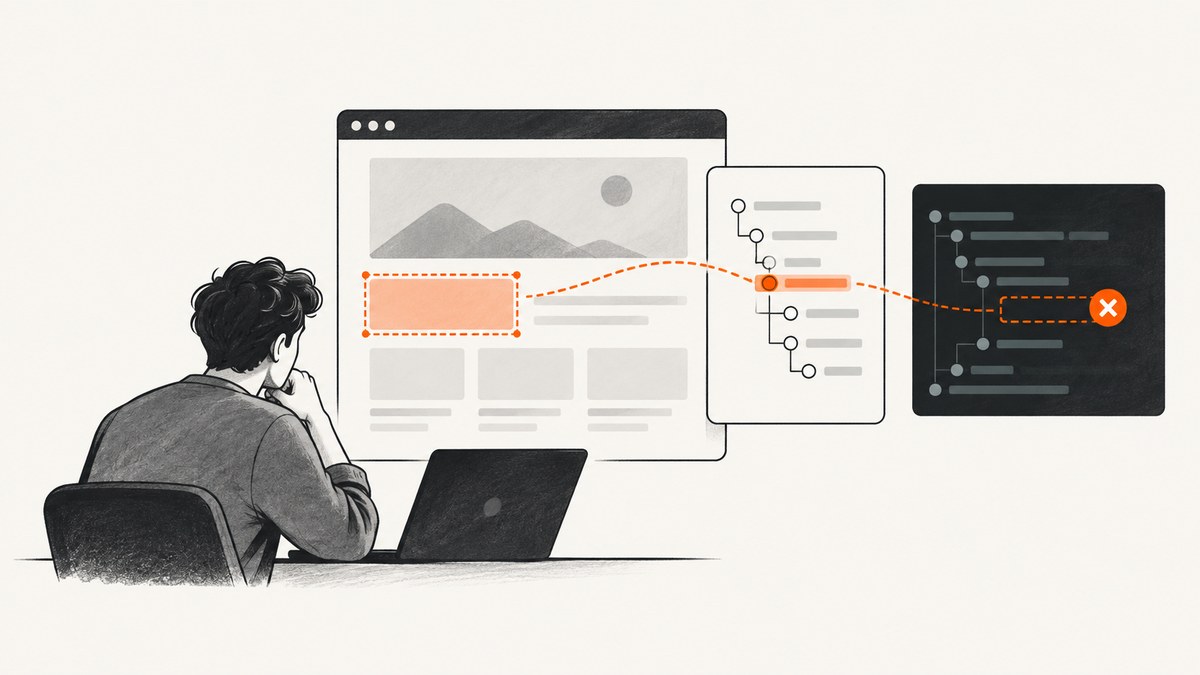
When html2canvas reports undefined is not a function, the message by itself does not identify the cause. In a directly matching report, the failing call was element.getElementsByTagName('img'); the accepted diagnosis was that the selector passed to html2canvas matched nothing, so the target was not an element. That is a useful first check for this case, not a universal explanation.
Start with the complete stack trace, locate the first relevant failing call, and check the value immediately to the left of the method name. If your target comes from a selector, verify it exists before passing it to html2canvas. Then confirm your installed html2canvas version and use the API documented for that version.
1. Find the exact failing call
Do not diagnose from the error wording alone. Read the entire stack trace and find the first line that points to your application or to a specific library operation. The failure may be in your selector, a callback, a later canvas operation, or html2canvas itself.
The expression at the failing line matters. In target.getElementsByTagName('img'), inspect target. In result.toDataURL(), inspect result. If the receiver is missing or is not the expected type, the method call cannot work. JavaScript evaluates access to a property that does not exist as undefined, so an attempted call through that value can fail.
Error wording varies by runtime and context. MDN also lists “undefined is not a function” as Safari wording for an error involving a non-iterable value in an iterable context. That is another reason to follow the stack and inspect the actual expression instead of assuming every instance has the same cause.
2. Check that your capture target exists
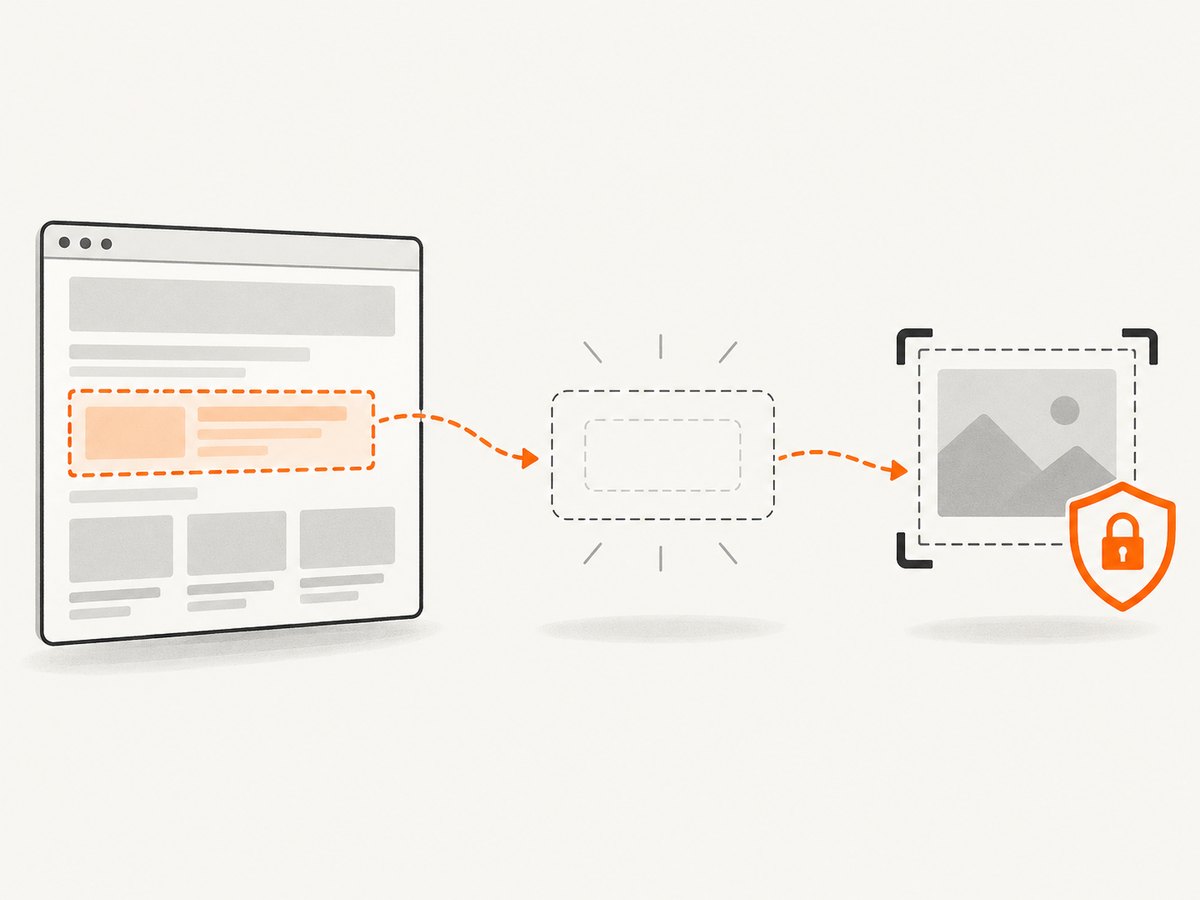
If your target comes from querySelector, the result is null when no element matches. Check the result before calling html2canvas. Make sure the selector is correct, the target has been added to the DOM, and the code runs after the relevant page content is available.
const target = document.querySelector('#capture');

if (!target) {
  throw new Error('Capture target was not found: #capture');
}

console.log(target, target instanceof Element);
In the historical report that closely matches this title, the accepted answer identified an empty selector as the problem. The failing html2canvas code attempted to call getElementsByTagName on its target. Confirm the value your own code passes, since a similar message can have another cause.
Also check whether you selected an element before it existed. If your script runs before the browser has parsed the target markup, a selector may return no match. Put the script after the markup or run the capture after the page’s relevant initialization completes.
3. Use a guarded capture call
This example shows how to guard the target and handle a capture failure. Its Promise syntax is illustrative: check the documentation for the html2canvas version installed in your project before adopting a call pattern.
async function captureElement(selector) {
  const target = document.querySelector(selector);

  if (!target) {
    throw new Error(`No element matched selector: ${selector}`);
  }

  if (!(target instanceof Element)) {
    throw new TypeError('Capture target is not a DOM Element');
  }

  try {
    const canvas = await html2canvas(target);
    return canvas;
  } catch (error) {
    console.error('html2canvas capture failed', {
      selector,
      target,
      error
    });
    throw error;
  }
}

captureElement('#capture')
  .then((canvas) => {
    document.body.appendChild(canvas);
  })
  .catch((error) => {
    // Surface the error to your app's normal error handling.
    console.error(error);
  });
A guard turns a vague downstream exception into a useful application error when the target is missing. It does not fix failures elsewhere in the capture path, so keep the stack trace and the logging in place while narrowing down the cause.
4. Inspect the receiver and the surrounding code
At the exact failing expression, inspect the value just before the method call. Check whether the variable was assigned, whether a function returned what its caller expects, and whether the property is present on that value.
console.log('target:', target);
console.log('type:', target?.constructor?.name);
console.log('getElementsByTagName:', typeof target?.getElementsByTagName);
Optional chaining in this diagnostic log prevents the inspection itself from throwing if target is nullish. It does not repair a bad value or make an invalid method call safe. For a normal DOM element, getElementsByTagName should be available.
Follow the stack past your call site. If your target is valid but a different receiver is undefined, inspect that value instead. A callback may omit a return value, a variable may not have been initialized on one branch, or code may access a misspelled or unavailable property. Fix the value at its source rather than adding a guard that silently skips the capture.
5. Verify the html2canvas version and API
html2canvas is a JavaScript library for rendering a representation of a page in the browser. The directly matching report dates from 2014. Its snippet is historical evidence for one diagnosis, not current API guidance. Check the package version resolved by your project and consult the official html2canvas project documentation for usage that matches it.
Useful checks include:
- Confirm which version your package manager actually installed, including lockfile and nested dependency resolution.
- Check whether your code uses the call and return pattern supported by that version.
- Compare the browser console’s first stack frame with the source or bundled code for the resolved package.
- Reproduce with a minimal page and one known, existing element to separate target selection from the rest of your application.
Do not copy a callback pattern or other API detail from an old question without verifying it against the installed version. The available research establishes no version-specific API change that fixes this error in general.
6. Troubleshooting common causes
| Symptom | Likely cause to check | Fix |
|---|---|---|
The stack points to getElementsByTagName on the html2canvas target. |
The selected target may be missing or may not be a DOM element. | Log the target, verify the selector matches, and guard against a missing result before capture. |
Your selector returns null. |
The selector does not match, the ID or class is wrong, or the element is not yet in the DOM. | Correct the selector or run capture after the target is rendered. |
| The target exists, but a different call fails. | Another receiver or property in the failing expression is undefined. | Inspect the receiver at the exact stack-trace line and trace where it is assigned or returned. |
| The error appears inside a callback or after capture. | The callback or later canvas code may use a missing value or a method unsupported by that value. | Inspect the callback arguments and return values, then isolate the capture from subsequent processing. |
| The example from an online answer behaves differently. | The example may use an old html2canvas version or API pattern. | Check the installed version and follow its official documentation. |
| The message mentions undefined, but the stack suggests iteration. | Runtime wording can describe a non-iterable value rather than the selector problem in the historical report. | Inspect the failing expression and runtime context; diagnose from the stack, not the wording alone. |
7. Make the capture more reliable
Keep target selection and capture as separate steps so you can log and validate the target before the library runs. Trigger capture only after the element exists and any application rendering it depends on has completed. When investigating, reduce the case to one selector and one capture call; then add surrounding callbacks and post-processing back one piece at a time.
For production code, decide what should happen if the target is absent: show an actionable error, retry after the page has rendered, or report a failed capture to the caller. Avoid silently passing a missing value onward. Include the selector and a useful error context in logs, but do not log sensitive page contents.
Performance and reliability depend on the page and the work your application asks the browser to do. This diagnostic does not establish a universal capture duration or success rate. A smaller target can reduce the amount of page content involved compared with capturing an entire page, but measure the actual page and output you need. Keep failure handling separate from performance tuning until the receiver and API call are valid.
8. When you need an image without browser setup
If your task is to produce a website screenshot rather than debug an in-browser html2canvas integration, ScreenshotNeo provides a screenshot API and MCP server. Its API returns an image or PDF from one GET request. See the ScreenshotNeo documentation for request options.
cURL
curl -G "https://api.screenshotneo.com/v1/shot" \
  -d access_key=YOUR_API_KEY \
  --data-urlencode url=https://stripe.com \
  -o shot.webp
Python
import requests

r = requests.get(
    "https://api.screenshotneo.com/v1/shot",
    params={"access_key": "YOUR_API_KEY", "url": "https://stripe.com"},
    timeout=90,
)
r.raise_for_status()
with open("shot.webp", "wb") as f:
    f.write(r.content)
Node.js
const q = new URLSearchParams({
  access_key: 'YOUR_API_KEY',
  url: 'https://stripe.com'
});
const res = await fetch(`https://api.screenshotneo.com/v1/shot?${q}`);
if (!res.ok) throw new Error(`Screenshot request failed: ${res.status}`);
const bytes = new Uint8Array(await res.arrayBuffer());
await import('node:fs/promises').then(fs => fs.writeFile('shot.webp', bytes));
These examples use the supplied API request shape and a sample target URL. Keep your API key private; do not embed it in public client-side code. ScreenshotNeo accepts options for output format, full-page capture, element selection, viewport and device presets, waiting, custom CSS or JavaScript, and other capture settings. Check the docs for the exact parameter names and values.
9. Or skip the browser setup
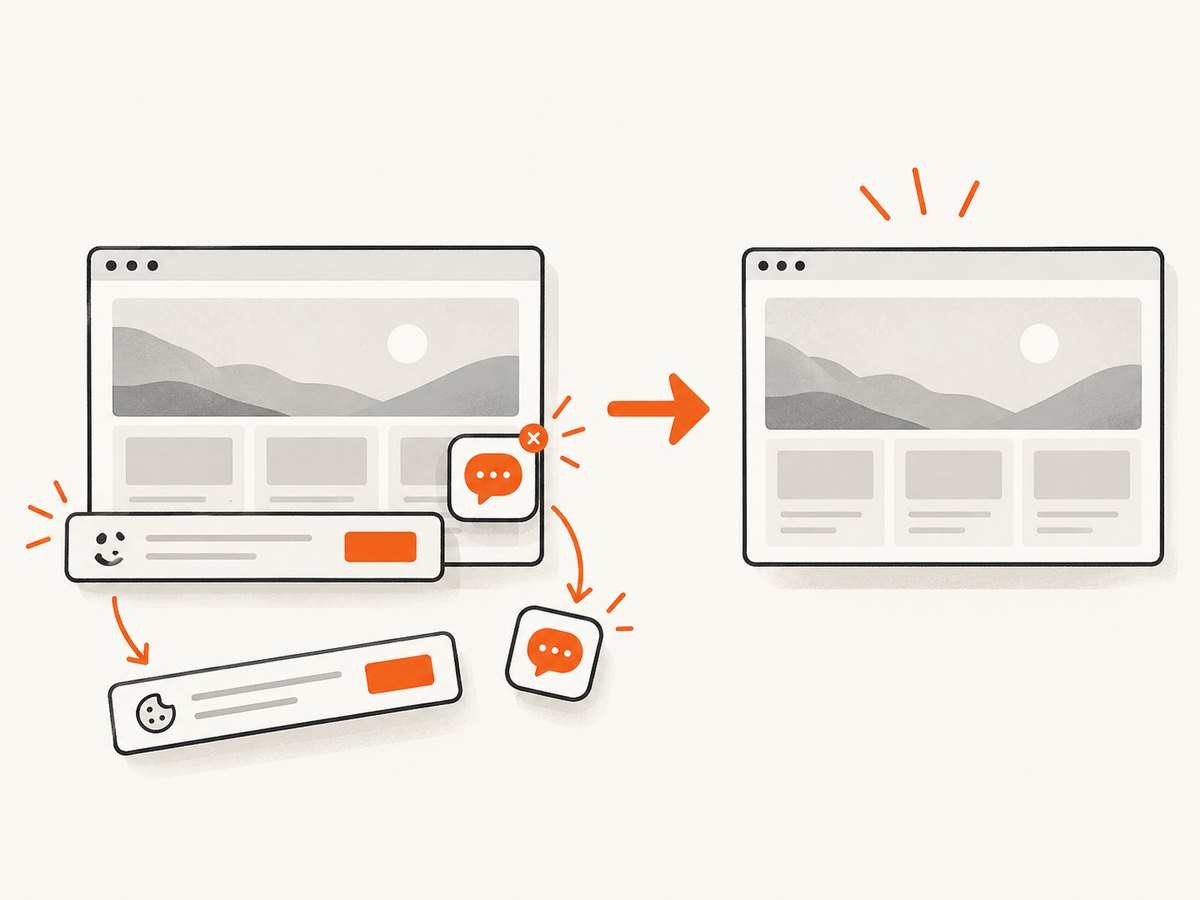
ScreenshotNeo removes cookie banners, popups, and chat widgets before the shot. Bot checks, blank pages, and failed loads are never billed, and the response says which outcome occurred. Its MCP server lets AI agents use screenshot tools. The Free plan includes 1,000 screenshots a month with no card; paid plans start at $5 for 3,000 screenshots.
curl -G "https://api.screenshotneo.com/v1/shot" -d access_key=YOUR_API_KEY --data-urlencode url=https://stripe.com -o shot.webpSign up for 1,000 free screenshots a month, with no card required.
10. FAQ
Does this error always mean my selector matched nothing?
No. That was the accepted diagnosis in the matching historical report. Follow your own stack trace and inspect the receiver at the failing call.
Should I replace html2canvas because of this message?
The message alone is not evidence that the library must be replaced. First verify the target, failing expression, runtime context, and installed version.
Can I use the old Stack Overflow snippet as-is?
Do not assume so. The report dates from 2014; check the API documented for the version in your project.
What detail is most useful when asking for debugging help?
Share the complete relevant stack trace, the failing expression, how the target is selected, the browser/runtime, and the installed html2canvas version. Remove secrets and private page data.


