How to Fix html2pdf Ignoring Explicit Div Width and Height
Stop html2pdf from resizing or reflowing your div. Set export geometry, inspect the clone, control html2canvas, and avoid canvas limits.

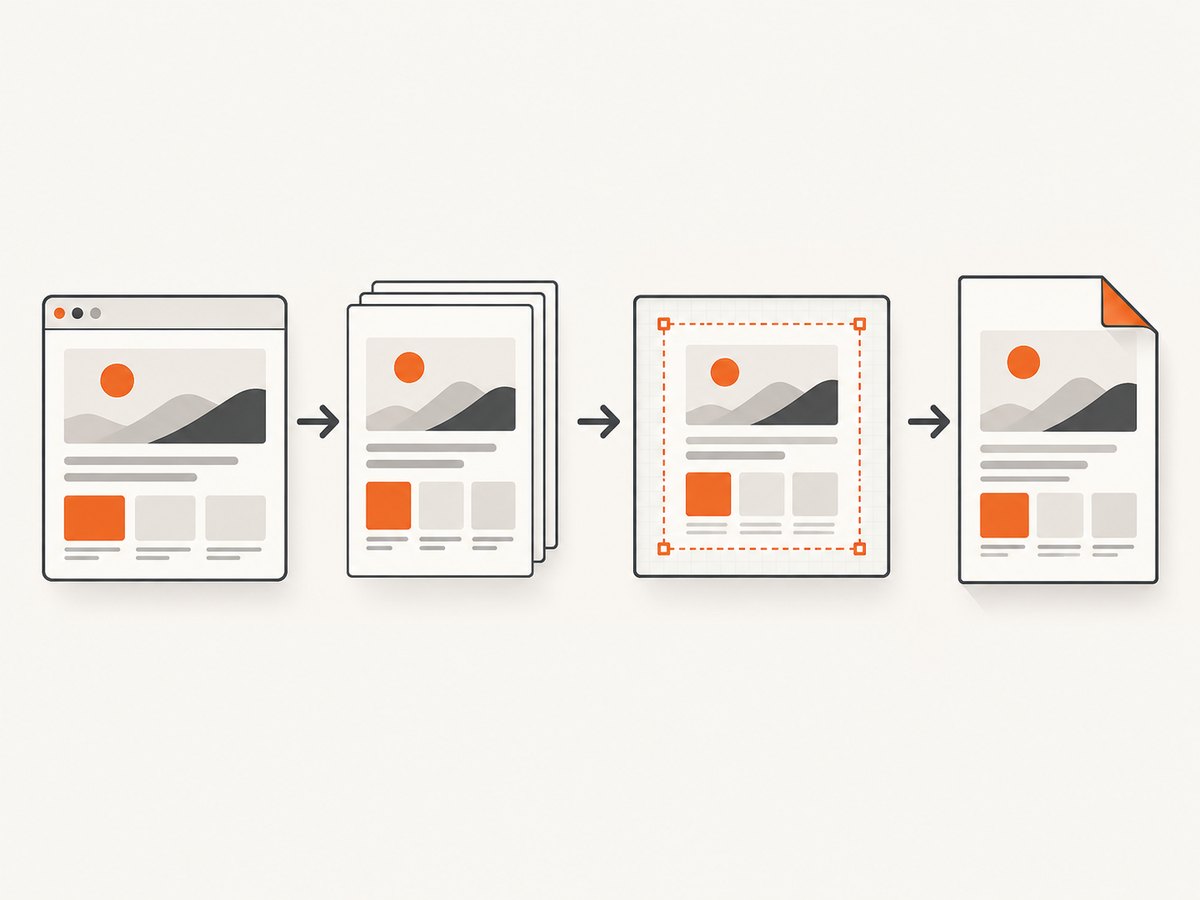
Short answer: html2pdf.js does not preserve a div’s CSS box directly. It clones the DOM, lays it out in a temporary container, renders that layout with html2canvas, and places the resulting image into a jsPDF document. During this process html2pdf.js can resize the root element to fit the PDF page, which causes internal content to reflow. The live div and the cloned export div can therefore have different dimensions.
Make the export root a fixed print-size box, configure the PDF page separately, and use html2canvas’s onclone, width, height, windowWidth, and windowHeight options. Then check for unsupported CSS, clipping, and browser canvas limits.
Why html2pdf ignores your div dimensions
The documented html2pdf pipeline is .from() -> .toContainer() -> .toCanvas() -> .toImg() -> .toPdf() -> .save(). It is a browser-layout-to-canvas-to-PDF conversion, rather than a PDF layout engine that understands every CSS box. The library documentation identifies three behaviors behind width and height surprises:
- html2canvas does not implement every CSS property perfectly.
- The cloned nodes may lose styles or receive different computed styles.
- html2pdf.js currently resizes the root element to fit the PDF page, causing internal content to reflow.
html2pdf.js also renders the content into an image before putting that image in the PDF. A correct browser measurement is therefore only the first stage of the export.
Fix the export in a predictable sequence
1. Give the export root a print geometry
Use the element passed to html2pdf() as a page-sized composition. Set an explicit width, a height or minimum height, box-sizing: border-box, and an intentional overflow policy. Avoid percentage heights, viewport units, and responsive widths while exporting.
<div id="pdf" class="pdf-page">
  <h1>Quarterly report</h1>
  <section class="summary">Revenue and operating results</section>
</div>

<style>
  .pdf-page {
    width: 794px;       /* CSS geometry chosen for an A4-like page */
    min-height: 1123px;
    box-sizing: border-box;
    overflow: hidden;
    background: white;
  }
</style>
The exact pixel dimensions are a design choice. They are not the same unit as PDF millimeters or points. jsPDF will scale the rendered canvas into the configured page.
2. Set page geometry independently
Configure jsPDF’s unit, format, orientation, and margins explicitly. A CSS width of 794 pixels does not mean 794 millimeters. The canvas is scaled into the PDF page, so changing the page format can change the apparent result even when the source div is unchanged.
const source = document.querySelector('#pdf');

html2pdf().set({
  margin: 0,
  filename: 'report.pdf',
  image: { type: 'jpeg', quality: 0.98 },
  jsPDF: {
    unit: 'mm',
    format: 'a4',
    orientation: 'portrait'
  }
}).from(source).save();
3. Inspect the cloned container
Set html2canvas.removeContainer to false for one diagnostic export. Inspect the hidden clone in developer tools and compare it with the live element. Measure:
getBoundingClientRect().widthand.height- Computed width, height, padding, and margins
scrollWidthandscrollHeight- Transforms and transform origins
- Overflow and positioning
- Media-query results under the cloned viewport
If the live element is 794 pixels wide but the clone is 595 pixels wide, the problem occurs before canvas rendering. If both match but the PDF is clipped, investigate canvas dimensions and overflow instead.
4. Apply export-only CSS with onclone
html2canvas calls onclone after cloning the document and before rendering. This lets you force export geometry without changing the page the user sees.
const source = document.querySelector('#pdf');
const widthPx = 794;
const heightPx = 1123;

html2pdf().set({
  margin: 0,
  filename: 'export.pdf',
  image: { type: 'jpeg', quality: 0.98 },
  html2canvas: {
    scale: 2,
    removeContainer: false,
    onclone: (doc) => {
      const clone = doc.querySelector('#pdf');
      clone.style.width = `${widthPx}px`;
      clone.style.height = `${heightPx}px`;
      clone.style.minHeight = `${heightPx}px`;
      clone.style.boxSizing = 'border-box';
      clone.style.overflow = 'hidden';
    },
    width: widthPx,
    height: heightPx,
    windowWidth: widthPx,
    windowHeight: heightPx
  },
  jsPDF: { unit: 'mm', format: 'a4', orientation: 'portrait' }
}).from(source).save();
width and height define the canvas dimensions. windowWidth and windowHeight define the rendering viewport and can affect media queries. scale controls render resolution. onclone modifies only the cloned document. See the html2canvas configuration reference for the option definitions.
5. Simplify CSS that html2canvas cannot reproduce
html2canvas manually implements CSS properties and does not promise complete CSS support. A layout that is pixel-perfect in Chrome can differ in the canvas when it depends on unsupported or partially supported features. For the export stylesheet, prefer ordinary block layout or straightforward flex rules. Remove transforms that change the measured box, and avoid relying on effects that are difficult to rasterize.
Keep export CSS separate when possible:
onclone: (doc) => {
  const style = doc.createElement('style');
  style.textContent = `
    #pdf { width: 794px !important; min-height: 1123px !important;
           box-sizing: border-box !important; transform: none !important; }
    #pdf .interactive-only { display: none !important; }
    #pdf .print-row { display: flex !important; }
  `;
  doc.head.appendChild(style);
}
Choose the right fix for the symptom
| Symptom | Likely stage | Action |
|---|---|---|
| Text wraps earlier than in the browser | Root resizing or clone viewport | Fix root width; set windowWidth; inspect the clone. |
| Height is ignored | Percentage or viewport height | Use pixel height or min-height on the export root. |
| Right side is missing | Canvas or overflow clipping | Compare scroll dimensions with canvas and window dimensions. |
| Styles disappear | Cloned CSS or unsupported property | Inline critical styles or add export-only rules in onclone. |
| Everything is blank | Canvas limit, cross-origin asset, or failed load | Reduce size, inspect asset loading, and test a smaller page. |
| PDF pages split oddly | One oversized raster image | Render separate page-sized roots or use explicit page-break rules. |
Diagnose clipping, blank pages, and oversized canvases
A sizing issue can actually be a canvas-limit issue. The html2canvas FAQ documents that browsers can silently produce blank or partially rendered output when a canvas exceeds its limit. Limits vary by browser and platform, so treat them as a diagnostic boundary rather than a fixed specification.
Log the dimensions before exporting:
const el = document.querySelector('#pdf');
const rect = el.getBoundingClientRect();
console.table({
  rectWidth: rect.width,
  rectHeight: rect.height,
  scrollWidth: el.scrollWidth,
  scrollHeight: el.scrollHeight,
  devicePixelRatio: window.devicePixelRatio
});
If the page is very tall, reduce scale, split the document into page-sized sections, or render each section separately. Matching windowWidth and windowHeight to the required scroll dimensions can help when the content is intentionally larger than the visible viewport, but it also increases the canvas size. Change one dimension at a time so you can tell whether the failure is reflow or clipping.
Multi-page exports and page breaks
html2pdf places a rasterized representation into jsPDF. A single enormous source element is harder to control than several page-sized elements. For reports, create one wrapper per intended page and keep each wrapper’s dimensions stable.
<div id="report">
  <section class="pdf-page">Page one</section>
  <section class="pdf-page">Page two</section>
</div>

<style>
.pdf-page {
  width: 794px;
  min-height: 1123px;
  break-after: page;
  page-break-after: always;
}
.pdf-page:last-child {
  break-after: auto;
  page-break-after: auto;
}
</style>
Page-break behavior is still constrained by the rasterization pipeline. Avoid splitting a card, table row, or chart unless you have verified the result at the target browser and scale.
Performance and reliability checklist
- Use the smallest export width and height that meet your print requirement.
- Use
scale: 2for a common quality improvement, then lower it if memory use is high. - Wait until fonts, images, and data are loaded before calling html2pdf.
- Keep one export root and one set of export overrides; responsive rules should not compete with them.
- Use
removeContainer: falseonly while diagnosing; remove it for normal exports. - Test long pages on the browsers and devices your users actually use.
- For sensitive or authenticated content, remember that this method runs in the user’s browser and depends on browser access to every asset.
Troubleshooting common errors
“I set html2canvas width, but the PDF is still the wrong size.”
The canvas width is only one stage. The root may have been resized, the cloned viewport may have triggered a media query, or jsPDF may be scaling the image into a different page format. Set the root width in onclone, set windowWidth, and configure jsPDF geometry explicitly.
“The live element is correct, but the export is not.”
Inspect the clone. External styles may not apply as expected, selectors may depend on a different ancestor, or the clone may receive a different viewport. Copy critical values into export-only CSS and compare computed styles on both elements.
“The bottom of the document is cut off.”
Measure scrollHeight and compare it with height, windowHeight, and the canvas’s pixel dimensions. Remove accidental overflow: hidden, or deliberately split the content into page-sized sections. If the canvas is very large, lower the scale or render pages separately.
“A background image or font is missing.”
The browser must be able to load the resource during capture, and cross-origin restrictions can affect canvas rendering. Verify the resource URL, wait for it to load, and check the browser console. A missing asset is different from a width calculation failure.
“The PDF looks blurry after I fixed the dimensions.”
Increase scale or use a higher-quality image setting, while watching canvas memory. A larger scale improves raster detail but also multiplies the canvas pixel count.
Or skip the browser setup
If you need a dependable screenshot or PDF from a URL rather than a browser-side DOM export, ScreenshotNeo provides a single HTTP endpoint. It handles the browser session and exposes capture controls such as full-page capture, element selectors, custom CSS and JavaScript, waiting for a selector or network idle, device presets, PDF paper size, margins, orientation, and page ranges.
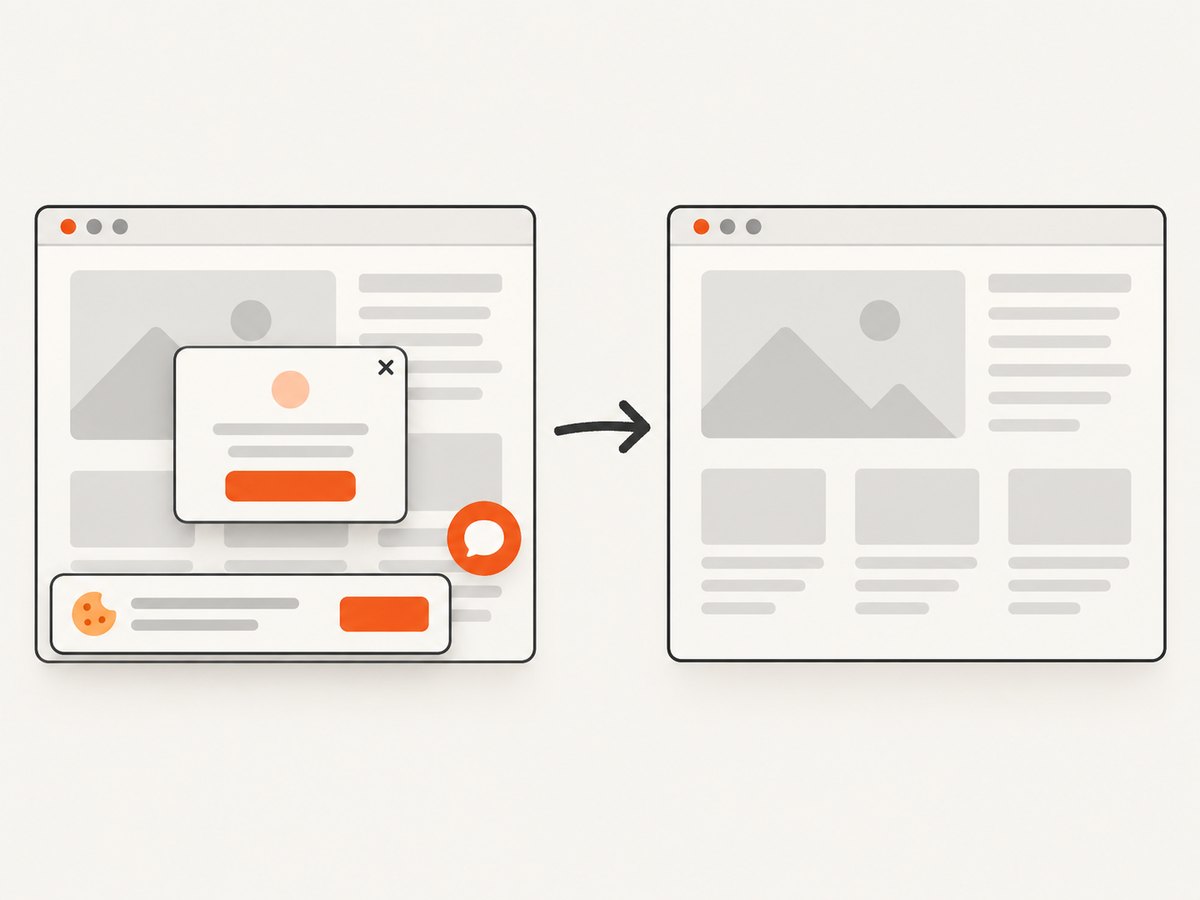
ScreenshotNeo removes cookie and consent banners, newsletter popups, and chat widgets before capture. Bot checks, blank pages, timeouts, failed loads, and cache hits are not billed, and the response identifies the page verdict and billing result in X-Page-Verdict and X-Billed headers. Its MCP server provides take_screenshot, get_page_info, and capture_pdf tools for Claude, Cursor, and other MCP clients.
See the ScreenshotNeo API documentation for all options. This minimal request captures a URL as WebP:
curl -G "https://api.screenshotneo.com/v1/shot" -d access_key=YOUR_API_KEY --data-urlencode url=https://stripe.com -o shot.webpimport requests
r = requests.get(
"https://api.screenshotneo.com/v1/shot",
params={"access_key": "YOUR_API_KEY", "url": "https://stripe.com"},
timeout=90,
)
open("shot.webp", "wb").write(r.content)const q = new URLSearchParams({ access_key: 'YOUR_API_KEY', url: 'https://stripe.com' });
const res = await fetch(`https://api.screenshotneo.com/v1/shot?${q}`);There is a free plan with 1,000 screenshots per month and no card. Paid plans start at $5 for 3,000 shots. Create a free ScreenshotNeo account.
FAQ
Does html2pdf preserve CSS pixels as PDF millimeters?
No. CSS pixels describe the rendered canvas; jsPDF places that image using its own unit and page format.
Should I use height or min-height?
Use height for a deliberately fixed page. Use min-height when content may grow, then split long content before it reaches canvas limits.
What does removeContainer do?
It controls whether html2canvas removes its temporary cloned container after rendering. Keep it false while inspecting the clone, then use the default cleanup behavior for normal exports.
Can I make html2pdf a vector PDF?
The documented html2pdf pipeline rasterizes the HTML into an image before placing it in the PDF, so text and shapes are not preserved as the original DOM’s vector layout.
When should I use a server-side capture service?
Use one when you need repeatable URL captures, centralized browser configuration, scheduled jobs, bulk requests, or output without shipping browser-rendering code to every client.


