How to Fix HTML5 and UTF-8 Rendering in wkhtmltoimage on Ubuntu
Fix garbled UTF-8, missing glyphs, and HTML5 rendering differences in wkhtmltoimage on Ubuntu with a practical diagnostic guide.
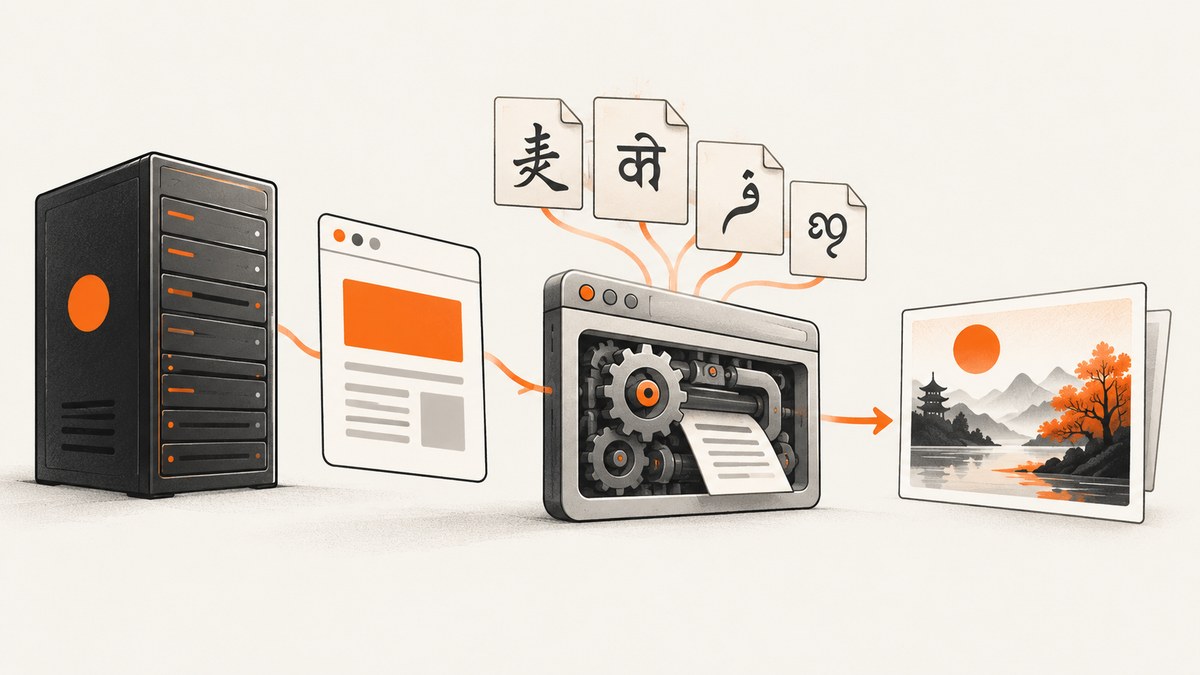
Direct answer: Fix wkhtmltoimage rendering problems by identifying the exact binary and build, declaring UTF-8 in the document, verifying that the source bytes are actually UTF-8, checking HTTP Content-Type headers for remote pages, installing a font that contains the missing glyphs, and reducing modern HTML5/CSS features that Qt WebKit cannot render. The --encoding utf-8 option only sets a default input encoding; it cannot repair invalid bytes, install fonts, or turn wkhtmltoimage into a current browser.
wkhtmltoimage renders through Qt WebKit rather than a current Chromium or Firefox engine. The project describes it as a command-line tool that converts HTML to image formats with the Qt WebKit rendering engine. That explains why a page can look correct in a browser yet differ in a screenshot. Treat the issue as a combination of document encoding, font availability, network response metadata, build provenance, and engine compatibility.
1. Identify the wkhtmltoimage binary and build
Start by proving which executable your shell, service, container, or job runner uses. Ubuntu package builds and upstream patched-Qt builds can differ in supported options and rendering behavior.
command -v wkhtmltoimage
wkhtmltoimage --version
wkhtmltoimage --extended-help | less
Run the same commands from the account that launches your application. A systemd service, PHP worker, Docker image, or queue process may have a different PATH, locale, home directory, or font configuration than your interactive shell.
The Ubuntu Jammy manual documents package version 0.12.6-2, while the upstream project lists the 0.12.6 series as stable, released on June 11, 2020. Record your Ubuntu release, architecture, package version, and whether the binary is distribution-provided or from an upstream package before applying build-specific advice. See the Ubuntu wkhtmltoimage manual and the upstream downloads documentation.
2. Build a minimal UTF-8 fixture
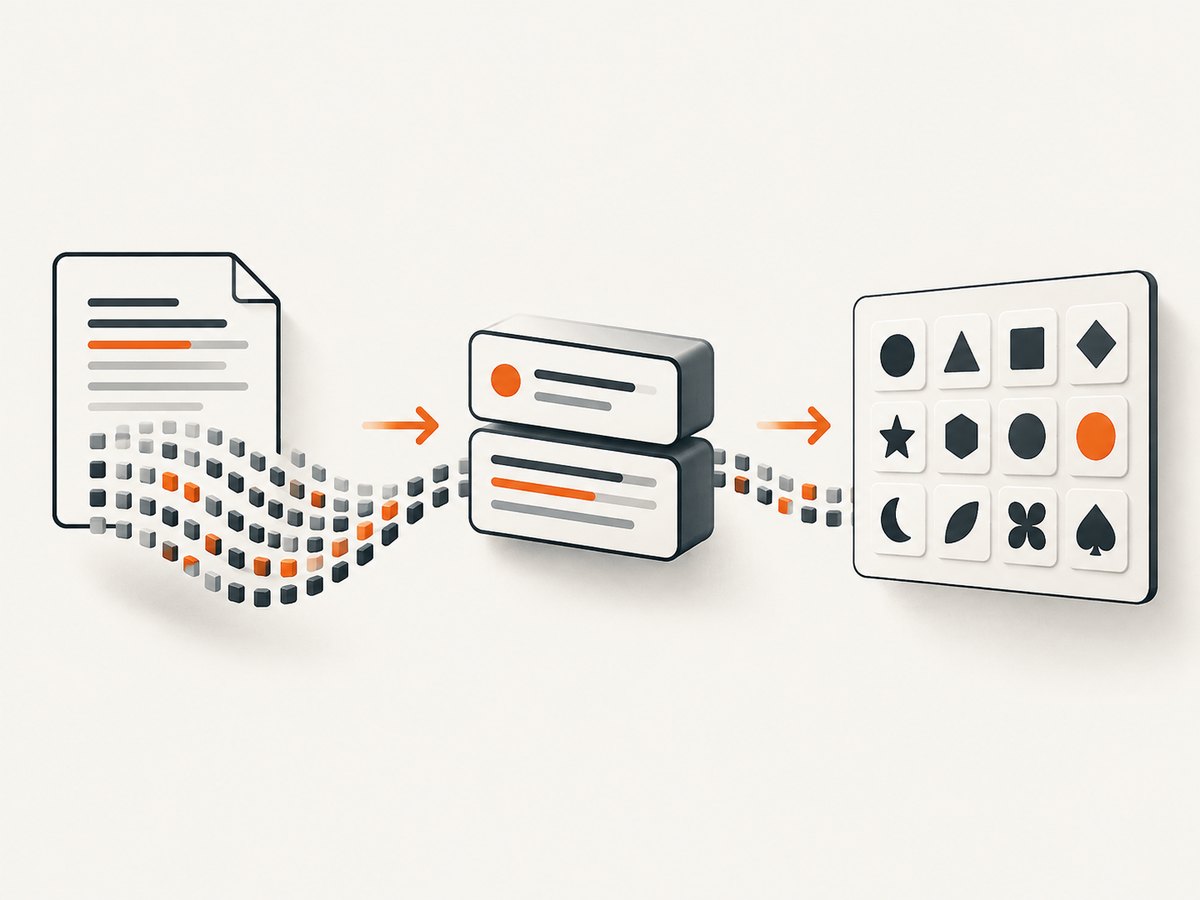
Before debugging your full application, create a tiny file containing characters that fail in the real page. Include Latin accents, a non-Latin script, and an emoji if those are relevant to your output.
<!doctype html>
<html lang="en">
<head>
  <meta charset="utf-8">
  <meta name="viewport" content="width=device-width, initial-scale=1">
  <title>UTF-8 fixture</title>
  <style>
    body { font-family: "DejaVu Sans", sans-serif; font-size: 24px; }
  </style>
</head>
<body>
  <p>Café, naïve, résumé, Ελληνικά, 中文, 日本語, العربية, हिन्दी</p>
  <p>Symbols: € £ ¥ — “quotes” • ✓</p>
</body>
</html>
Save the file as UTF-8 without converting it through a legacy editor. Then render it twice:
wkhtmltoimage fixture.html fixture-default.png
wkhtmltoimage --encoding utf-8 fixture.html fixture-utf8.png
If both files show question marks or mojibake, inspect the source bytes and fonts. If the fixture works but the application page fails, investigate the response headers, templating output, external stylesheets, and page JavaScript.
3. Verify the document’s declared encoding and actual bytes
For local HTML, put <meta charset="utf-8"> near the beginning of <head>, before substantial text. The HTML content-type meta form is also valid:
<meta http-equiv="Content-Type" content="text/html; charset=utf-8">
Use one clear declaration and ensure your template writer, database connection, and file writer all preserve Unicode. A declaration cannot change bytes that were already decoded incorrectly. For example, text that was read as Windows-1252 and then saved as UTF-8 may contain irreversible mojibake even though the final file claims to be UTF-8.
Useful Ubuntu-side checks include:
file -bi fixture.html
locale
xxd -l 128 fixture.html
file -bi is a hint, not proof. Inspect the original source with a UTF-8-aware editor or script, and compare a known-good copy. If your application emits HTML from Python, Node.js, PHP, or another language, verify that its file or HTTP response writer uses UTF-8 explicitly.
4. Check HTTP headers for remote pages
When wkhtmltoimage loads an HTTP or HTTPS URL, check the server response as well as the markup:
curl -I https://example.com/page
curl -sD headers.txt -o page.html https://example.com/page
Look for a header such as Content-Type: text/html; charset=utf-8. An upstream issue report describes garbled Chinese text even when command-line and markup declarations appeared to specify UTF-8; a maintainer suggested a possible interaction with HTTP headers. Treat that report as a diagnostic lead rather than a universal precedence rule. Conflicting or missing metadata is one possible cause, not a guaranteed explanation.
Also check redirects, authentication responses, compressed responses, and error pages. A URL that returns an HTML login page or an error document can appear to have a rendering problem when the actual input is not the expected page.
5. Understand what --encoding utf-8 does
The Ubuntu manual describes --encoding <encoding> as setting the default text encoding for input. Use it when the document lacks usable encoding information:
wkhtmltoimage --encoding utf-8 input.html output.png
The flag does not:
- repair malformed or misidentified source bytes;
- override every HTTP or document-level encoding decision;
- install a font or add missing glyphs;
- upgrade Qt WebKit’s HTML5 and CSS support; or
- make JavaScript-dependent content finish loading.
The 0.12.6 changelog notes that a change allowed --encoding to work for non-patched builds. That is version- and build-specific evidence, so confirm your binary before assuming identical behavior.
6. Separate encoding errors from missing-font errors
These symptoms look similar but require different fixes:
| Symptom | Likely class of problem | What to check |
|---|---|---|
| Question marks, mojibake, replacement characters | Wrong decoding or damaged bytes | HTML declaration, HTTP charset, source bytes, template/database encoding |
| Empty squares or tofu boxes | Font lacks the glyph | Installed fonts, fontconfig, selected font family, fallback behavior |
| Characters disappear while other text works | Missing glyph or unsupported shaping | Font coverage and script support |
| Layout differs but text is correct | Qt WebKit or CSS compatibility | Renderer version, patched build, unsupported modern CSS |
Upstream packaging documentation states that runtime behavior depends on installed fonts, fontconfig, and freetype2. Install fonts appropriate for the scripts you need, refresh the font cache, and verify discovery:
fc-list | head
fc-match sans-serif
fc-match "DejaVu Sans"
fc-cache -f -v
Run these commands as the same user that renders the image. A font installed only in one user’s home directory will not necessarily be visible to a service account or container. Set a deliberate CSS fallback stack instead of assuming the generic sans-serif family covers every language.
7. Diagnose HTML5 and CSS differences
wkhtmltoimage uses an older Qt WebKit engine. Modern layout systems, newer CSS selectors, variable fonts, advanced filters, and browser APIs may be unsupported or partially implemented. Start with a reduced fixture and add features one at a time.
- Replace external CSS with a small inline stylesheet.
- Remove framework bundles and test the affected element alone.
- Replace flexbox or grid temporarily with simple block layout to isolate compatibility.
- Disable animations and transitions so the capture has a stable visual state.
- Check whether JavaScript creates the text or layout after the initial document load.
- Compare a patched-Qt build with your distribution build, recording versions for both.
Do not assume that a command-line switch can make arbitrary contemporary HTML5 render correctly. If a required feature is unsupported, simplify the markup, provide a print-oriented fallback stylesheet, or use a current browser automation engine.
8. Make local and remote captures reproducible
For local files, use an absolute path and a predictable working directory. For remote pages, make redirects and dependencies explicit. A page can render differently when CSS, fonts, images, or JavaScript fail to load.
pwd
readlink -f fixture.html
wkhtmltoimage --debug-javascript --no-stop-slow-scripts https://example.com/page out.png
Use debugging flags only while investigating; long-running scripts can delay jobs indefinitely. Capture network responses separately with curl and confirm that every required asset is reachable by the rendering host. If a page depends on cookies, authentication, or a custom user agent, reproduce those inputs in the wkhtmltoimage invocation and document them in your job configuration.
9. Troubleshooting checklist
“UTF-8 is set, but Chinese or accented text is garbled”
Confirm the file bytes, the early charset declaration, and the HTTP Content-Type header. Check whether a template or database decoded text before writing it. Try --encoding utf-8 as a default, but do not treat it as a repair tool.
“I see boxes instead of characters”
Install a font with coverage for the required script, verify it with fc-match, refresh fontconfig, and use an explicit CSS fallback stack. Check the service account and container image, not only your desktop session.
“The browser has the layout, but the image does not”
Reduce the page to a fixture and identify the unsupported HTML or CSS feature. Confirm whether your binary is a distribution build or a patched upstream build. Provide a simpler print stylesheet when necessary.
“The output is blank”
Confirm the URL returns the intended document, not a redirect, login page, bot check, or error. Check JavaScript timing, blocked resources, and authentication. Render a static local fixture to distinguish input problems from page-loading problems.
“It works in a shell but fails in production”
Compare the executable path, version, locale, environment variables, current user, working directory, network access, and font directories. Services often run with a smaller environment and a different home directory.
“A package upgrade changed the screenshot”
Record the old and new package versions and Ubuntu releases. Distribution builds may differ in Qt patches and runtime dependencies. Pin a known-good build only after checking its support and security implications.
10. Performance, reliability, and cost considerations
Rendering speed depends on page size, network latency, JavaScript, external assets, fonts, and the age of the WebKit engine. Reduce unnecessary resources, keep fixtures small during diagnosis, and avoid unlimited script waits. For repeatable jobs, use a controlled image with the exact binary and font packages recorded.
Reliability improves when you make encoding explicit, host required fonts, check response status and content type before rendering, and retain the renderer’s stderr output. Treat a successful process exit as insufficient evidence that the right page and glyphs were captured; inspect the image and, where possible, validate expected text or dimensions.
11. Or skip the browser setup
If your goal is a dependable website screenshot rather than maintaining an old Qt WebKit installation, ScreenshotNeo provides a one-request screenshot API. It accepts a URL and returns PNG, JPEG, WebP, or PDF. The API can load lazy images, capture a CSS-selected element or a full page, set a viewport or device preset, apply dark mode and retina scale, inject CSS or JavaScript, wait for a selector, delay, or network idle, and control headers, cookies, user agent, authorization, timezone, and geolocation.
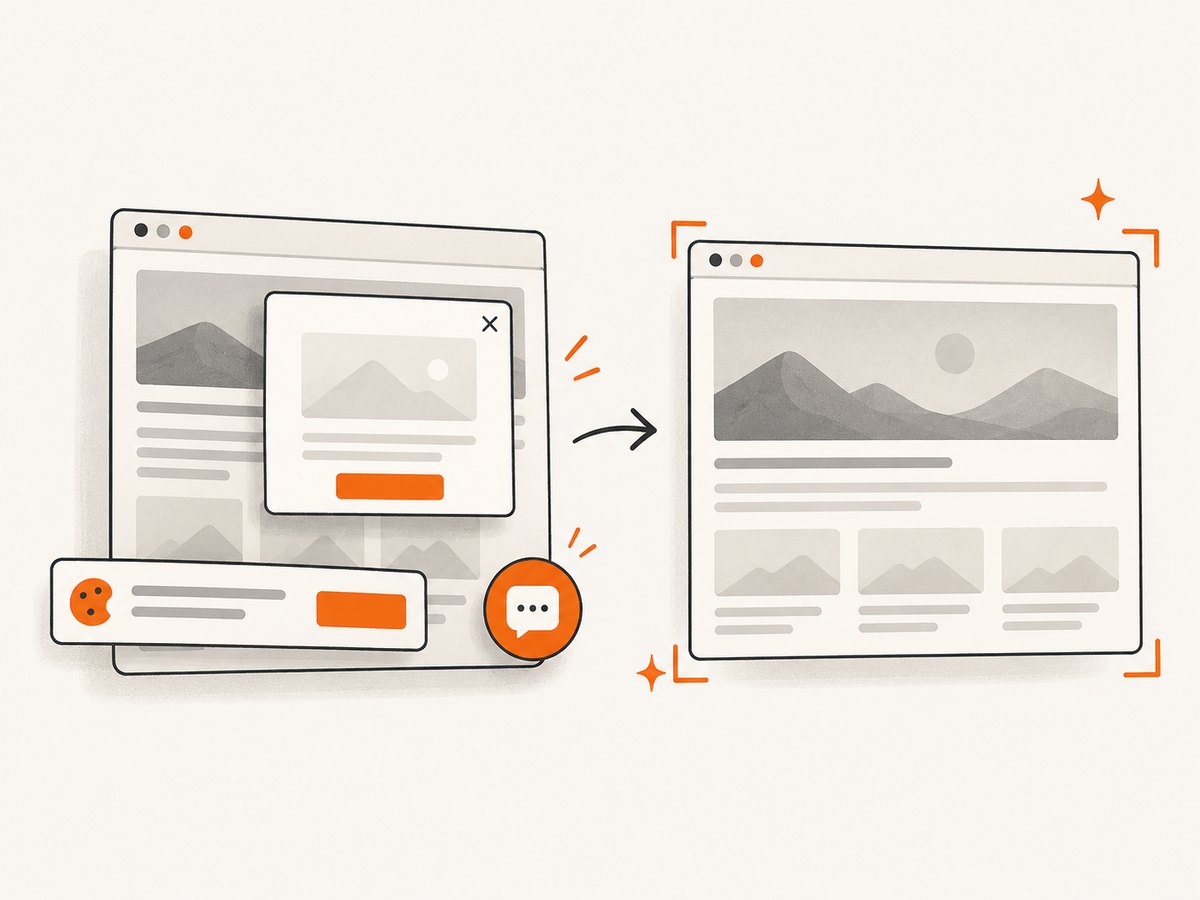
Its cleanup steps accept consent banners and remove more than 60 known consent platforms, newsletter popups, and chat widgets before capture; each step can be disabled. Bot checks, blank pages, timeouts, failed loads, and cache hits are not billed, and the response identifies the result with X-Page-Verdict and X-Billed headers. ScreenshotNeo also provides an MCP server for Claude, Cursor, and other MCP clients, with take_screenshot, get_page_info, and capture_pdf tools.
See the ScreenshotNeo API documentation for the complete option list.
curl -G "https://api.screenshotneo.com/v1/shot" -d access_key=YOUR_API_KEY --data-urlencode url=https://stripe.com -o shot.webp
import requests
r = requests.get("https://api.screenshotneo.com/v1/shot", params={"access_key": "YOUR_API_KEY", "url": "https://stripe.com"}, timeout=90)
open("shot.webp", "wb").write(r.content)
const q = new URLSearchParams({ access_key: 'YOUR_API_KEY', url: 'https://stripe.com' });
const res = await fetch(`https://api.screenshotneo.com/v1/shot?${q}`);
There are 1,000 screenshots per month on the free plan with no card. Paid plans start at $5 for 3,000 shots; yearly billing gives two months free, and every feature is included on every plan. Create a free ScreenshotNeo account.
12. FAQ
Does adding <meta charset="utf-8"> guarantee correct output?
No. The bytes must already be valid UTF-8, the response metadata must be consistent for remote pages, and the selected fonts must contain the glyphs.
Should I always use --encoding utf-8?
Use it as the default for input that lacks usable encoding information. It does not fix damaged bytes or missing fonts.
Why do emojis fail when accented Latin works?
Emoji glyphs may not exist in the installed fonts or may require shaping and fallback behavior unavailable in your build. Check font coverage before changing encoding settings.
Is an upstream build always better than Ubuntu’s package?
There is no universal answer. Compare package version, Ubuntu release, architecture, Qt patches, runtime libraries, fonts, and the features your page requires.
When should I stop debugging wkhtmltoimage?
Stop when the required page depends on HTML5, CSS, JavaScript, or font behavior that Qt WebKit cannot provide reliably. A current browser-based capture service can remove that renderer maintenance work.


