How to Fix Image URLs That Do Not Load in Puppeteer
Diagnose broken, lazy, intercepted and blocked images in Puppeteer, then wait for verified pixels before taking reliable screenshots.
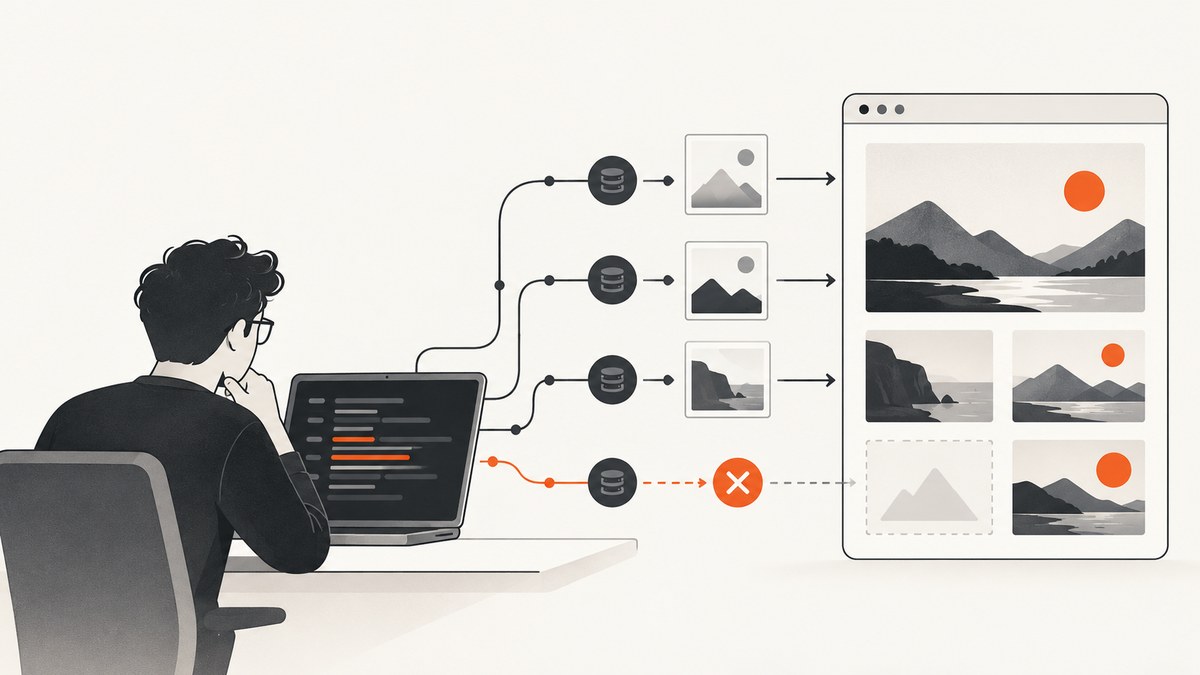
Direct answer: an image-shaped blank area in a Puppeteer screenshot does not prove that the URL is wrong. First inspect the rendered src, currentSrc, loading, complete, and natural dimensions. Then inspect Chromium’s request, response, failure, and console events for that exact URL. The most common fixes are resolving every intercepted request, scrolling lazy images into view, waiting for positive natural dimensions instead of only networkidle, and correcting a server, CORS, mixed-content, redirect, authentication, or image-format problem.
This guide gives you a runnable diagnostic script, production waiting patterns, and a troubleshooting path that separates browser timing failures from URL and server failures.
1. Inspect what Chromium actually selected
Responsive images can replace the literal src with a candidate from srcset. Always log currentSrc, which is the URL Chromium selected. The complete flag alone is not a success test: it can also be true for a broken image. A loaded image normally has positive naturalWidth and naturalHeight. MDN documents these image-loading states and dimensions in its HTMLImageElement reference.
const images = await page.$$eval('img', imgs => imgs.map((img, index) => ({
  index,
  src: img.src,
  currentSrc: img.currentSrc,
  loading: img.loading,
  complete: img.complete,
  naturalWidth: img.naturalWidth,
  naturalHeight: img.naturalHeight,
  alt: img.alt
})));
console.table(images);
Interpret the fields together:
currentSrcis empty or unexpected: inspect the markup,srcset, redirects, and site JavaScript.complete: truewithnaturalWidth: 0: the request finished unsuccessfully or the data could not be decoded.complete: false: the image is still pending, lazy, or waiting on a request.- Positive dimensions but a blank screenshot: inspect CSS visibility, stacking, clipping, animation, and whether you captured before the image was painted.
2. Use a complete diagnostic script
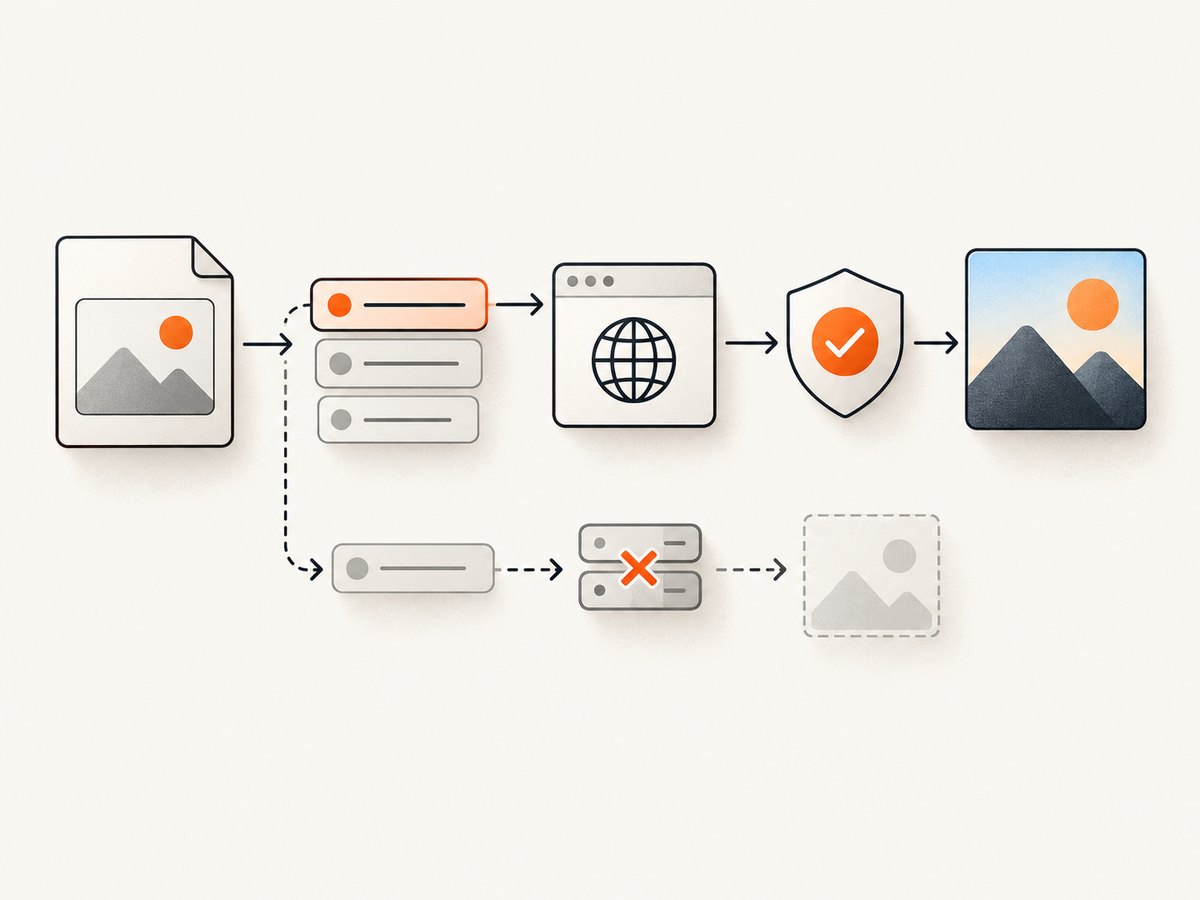
The following CommonJS script records navigation errors, console messages, failed requests, HTTP responses, and image state. Install Puppeteer with npm install puppeteer, save this as debug-images.js, and run node debug-images.js https://example.com.
const puppeteer = require('puppeteer');

(async () => {
  const url = process.argv[2];
  if (!url) throw new Error('Usage: node debug-images.js https://example.com');

  const browser = await puppeteer.launch({headless: true});
  const page = await browser.newPage();

  page.on('console', msg => {
    console.log(`[console:${msg.type()}] ${msg.text()}`);
  });
  page.on('pageerror', error => {
    console.error('[pageerror]', error.message);
  });
  page.on('request', request => {
    if (request.resourceType() === 'image') {
      console.log('[request]', request.method(), request.url());
    }
  });
  page.on('response', response => {
    if (response.request().resourceType() === 'image') {
      console.log('[response]', response.status(), response.url(),
        response.headers()['content-type'] || '');
    }
  });
  page.on('requestfailed', request => {
    if (request.resourceType() === 'image') {
      console.error('[requestfailed]', request.url(), request.failure());
    }
  });

  try {
    await page.goto(url, {
      waitUntil: 'domcontentloaded',
      timeout: 60000
    });

    const images = await page.$$eval('img', imgs => imgs.map((img, index) => ({
      index,
      src: img.src,
      currentSrc: img.currentSrc,
      loading: img.loading,
      complete: img.complete,
      naturalWidth: img.naturalWidth,
      naturalHeight: img.naturalHeight
    })));
    console.table(images);

    await page.screenshot({path: 'debug.png', fullPage: true});
  } finally {
    await browser.close();
  }
})();
Compare the URL in the table with the URL in the request log. A response status and content type tell you whether the browser received an HTTP response. requestfailed indicates a network or browser-policy failure where no usable response was delivered. A response alone still does not guarantee decodable image pixels, so check natural dimensions.
3. Fix request interception before changing wait conditions
If your code calls page.setRequestInterception(true), every request stalls until a handler continues, responds, aborts, or allows the browser cache to complete it. This is the behavior described in the Puppeteer request-interception documentation. An image filter that aborts every .png or .jpg request can make a page appear broken.
await page.setRequestInterception(true);
page.on('request', request => {
  if (request.isInterceptResolutionHandled()) return;

  // Add narrow, deliberate blocking rules here.
  // Every other request must continue.
  request.continue().catch(() => {});
});
Do not define images only by filename extension. A URL may contain a query string, omit an extension, or return an image from a route such as /asset?id=42. Use request.resourceType() === 'image' for browser classification, then inspect the response. If several libraries register handlers, check isInterceptResolutionHandled() before resolving a request so a second handler does not throw or leave it unresolved.
4. Wait for target images, not merely navigation
page.goto() reports a navigation lifecycle event. networkidle2 means no more than two active connections for at least 500 ms; networkidle0 means zero active connections for that interval. page.waitForNetworkIdle() also uses an idle interval, whose default is 500 ms. See the goto and waitForNetworkIdle references.
Those signals do not prove that every required image decoded. Wait for the specific images that matter and set a timeout so one permanently broken URL cannot hang the job.
await page.goto(url, {waitUntil: 'domcontentloaded', timeout: 60000});

await page.waitForFunction(() => {
  const required = [...document.querySelectorAll('main img, article img')];
  return required.length > 0 && required.every(img =>
    img.complete && img.naturalWidth > 0
  );
}, {timeout: 30000});

await page.screenshot({path: 'article.png', fullPage: true});
Use a narrower selector when optional thumbnails may legitimately fail. For a page that can contain zero images, change the predicate so zero required images is accepted. In production, catch the timeout and return a report containing the failed URLs instead of retrying forever.
5. Trigger lazy-loaded images
Images with loading="lazy" may not be fetched until they approach the viewport. The browser’s load event can fire while below-the-fold images are still pending. MDN explains this behavior in its lazy-loading guide.
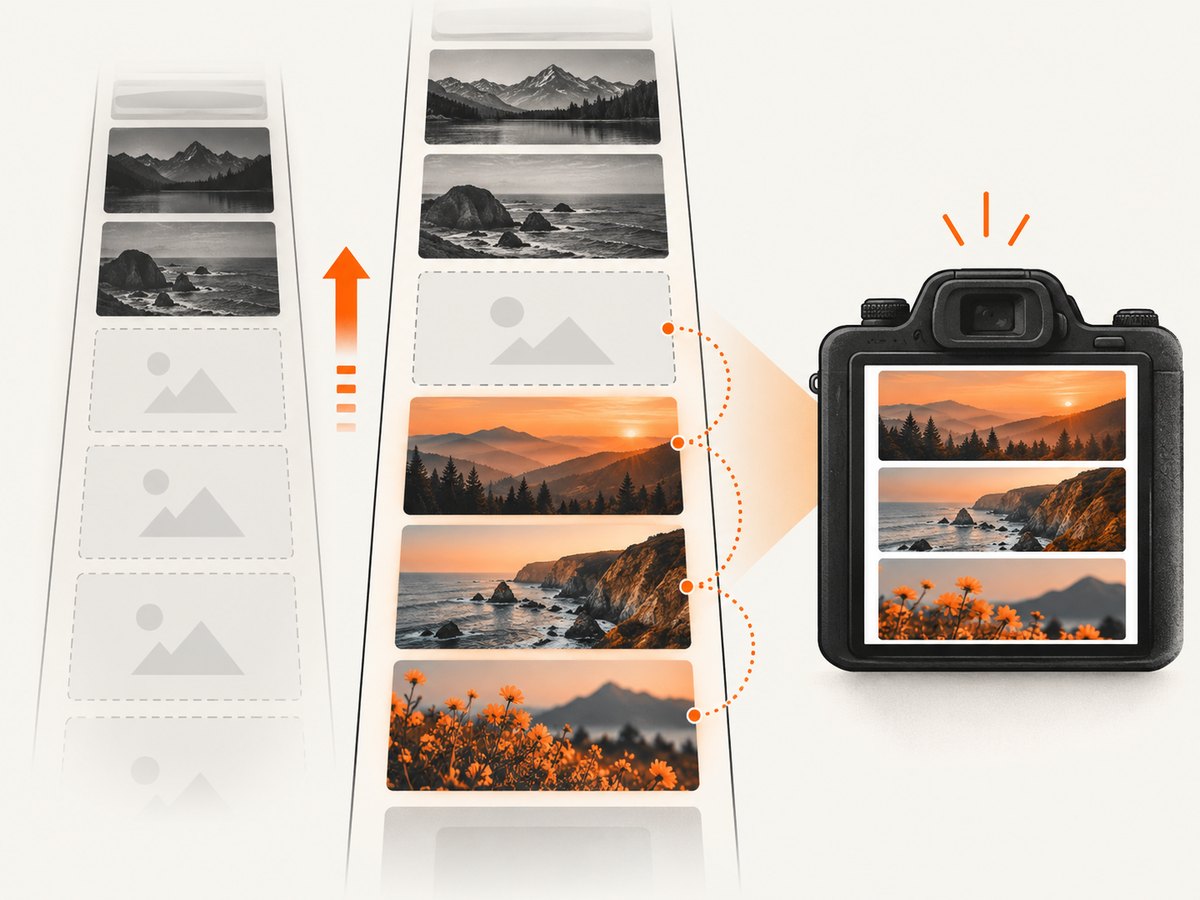
Scroll through the document to trigger intersection observers and site-specific lazy-loading code. Then wait for dimensions.
await page.evaluate(async () => {
  await new Promise(resolve => {
    let y = 0;
    const step = Math.max(300, window.innerHeight);
    const timer = setInterval(() => {
      window.scrollBy(0, step);
      y += step;
      if (y >= document.body.scrollHeight) {
        clearInterval(timer);
        resolve();
      }
    }, 100);
  });
  window.scrollTo(0, 0);
});

await page.waitForFunction(() => [...document.images].every(img =>
  img.complete && img.naturalWidth > 0
), {timeout: 30000});
Some sites keep the real URL in data-src or assign srcset only after an intersection event. Scrolling is necessary to trigger that code; inspect currentSrc afterward to confirm which URL was selected. For one image, use document.querySelector('img.target').scrollIntoView() and wait on that element rather than scrolling the whole page.
6. Check URL, response, redirects, and format
Copy the exact currentSrc and examine it in the same browser session. Check for:
- Empty or malformed URLs and unexpected redirects.
- Cookies, authorization, referrer, or user-agent requirements.
- A response that is HTML, JSON, or an access-denied page instead of an image.
- Corrupt bytes or an image format Chromium cannot decode.
- Hotlink protection that behaves differently outside your normal browser.
Do not assume a non-200 response is the only failure. A server can return an HTTP response whose body is unusable as an image. Log the status, content-type, final URL, and request failure reason.
7. Check CORS and mixed content
CORS is conditional for images. An <img> without crossorigin uses a non-CORS image request. When crossorigin is present, the server must grant the requesting page origin access or the browser rejects the load. This matters especially when image data is read through a canvas. MDN covers the rules in its CORS-enabled image guide. Inspect the element attribute, response headers, and console error before changing code.
Also compare schemes. An HTTPS page loading an HTTP image can trigger mixed-content upgrading or blocking. MDN’s mixed-content documentation describes the cases. Serve the asset over HTTPS and look for the browser’s mixed-content message, especially when the image uses an IP address.
8. A production capture pattern
This pattern combines a bounded navigation timeout, lazy-image triggering, targeted validation, and a useful failure report.
async function capture(url, selector = 'img') {
  const browser = await puppeteer.launch({headless: true});
  const page = await browser.newPage();
  const failures = [];
  page.on('requestfailed', req => {
    if (req.resourceType() === 'image') {
      failures.push({url: req.url(), error: req.failure()});
    }
  });

  try {
    await page.goto(url, {waitUntil: 'domcontentloaded', timeout: 60000});
    await page.evaluate(() => window.scrollTo(0, document.body.scrollHeight));
    await page.evaluate(() => window.scrollTo(0, 0));
    await page.waitForFunction(sel => {
      const imgs = [...document.querySelectorAll(sel)];
      return imgs.every(img => img.complete && img.naturalWidth > 0);
    }, {timeout: 30000}, selector);
    await page.screenshot({path: 'capture.png', fullPage: true});
    return {ok: true, failures};
  } catch (error) {
    const state = await page.$$eval(selector, imgs => imgs.map(img => ({
      currentSrc: img.currentSrc,
      complete: img.complete,
      naturalWidth: img.naturalWidth
    })));
    return {ok: false, error: error.message, failures, state};
  } finally {
    await browser.close();
  }
}
9. Troubleshooting checklist
| Symptom | Likely cause | Fix |
|---|---|---|
| Every image fails after adding interception | Requests are stalled or aborted | Temporarily disable interception; then continue every unblocked request and guard duplicate handlers. |
complete is true but the area is blank |
Broken decode or zero natural dimensions | Require naturalWidth > 0; inspect response body type and console. |
| Only below-fold images fail | Lazy loading has not been triggered | Scroll targets into view, then read currentSrc and wait. |
| Network idle arrives too early | Lazy requests have not started, or the page has long polling | Use idle as a signal, then validate required images with a timeout. |
| Console reports CORS | crossorigin is set without matching server headers |
Configure the image server for the page origin or remove the attribute when canvas access is unnecessary. |
| Mixed-content warning | HTTPS page references an HTTP asset | Use an HTTPS image URL and verify the final redirect. |
| Request returns 200 but dimensions are zero | HTML/error body, corrupt data, or unsupported format | Check content-type, bytes, redirects, and image format. |
10. Performance, reliability, and cost
Waiting for every image on a large page increases capture time and makes one optional broken asset block the result. Prefer a required selector such as the article’s hero and gallery, use a finite timeout, and report optional failures. Scrolling the full document can be expensive; scroll only the regions that must appear in the output. Keep request blocking narrow because an over-broad rule can remove fonts, CSS, or image APIs that the page needs.
Retries help with transient network failures, but do not retry a deterministic 404, CORS rejection, mixed-content block, or invalid format without changing the cause. Cache behavior can also make a second run look different, so record the selected URL and response status for each failure.
11. Or skip the browser setup
ScreenshotNeo provides a website screenshot API and MCP server. One GET request returns PNG, JPEG, WebP, or PDF, while its capture process accepts consent banners and removes more than 60 known consent platforms, newsletter popups, and chat widgets before the shot. Each cleanup step can be turned off. Bot checks and CAPTCHAs, blank pages, timeouts, failed loads, and cache hits are not billed; response headers identify the page verdict and whether the shot was billed.
See the ScreenshotNeo API documentation for the full option set, including full-page lazy-image capture, element selectors, device presets, custom viewports, retina scale, dark mode, PDF paper and margin controls, custom CSS and JavaScript, clicks, waits, request blocking, headers, cookies, user agents, authorization, timezone, geolocation, transparent backgrounds, resizing, TTL caching, signed links, async webhooks, bulk capture, usage, and OpenAPI details.
curl -G "https://api.screenshotneo.com/v1/shot" \
  -d access_key=YOUR_API_KEY \
  --data-urlencode url=https://stripe.com \
  -o shot.webp
import requests
r = requests.get(
"https://api.screenshotneo.com/v1/shot",
params={"access_key": "YOUR_API_KEY", "url": "https://stripe.com"},
timeout=90,
)
r.raise_for_status()
open("shot.webp", "wb").write(r.content)const q = new URLSearchParams({
access_key: 'YOUR_API_KEY',
url: 'https://stripe.com'
});
const res = await fetch(`https://api.screenshotneo.com/v1/shot?${q}`);An MCP server also lets Claude, Cursor, and other MCP clients call take_screenshot, get_page_info, and capture_pdf. The free plan includes 1,000 screenshots per month without a card; paid plans start at $5 for 3,000. Create a free ScreenshotNeo account.
12. FAQ
Does networkidle0 guarantee that images loaded?
No. It describes network inactivity for an interval. Validate the required images’ natural dimensions and request outcomes.
Should I set waitUntil: 'load'?
It can be useful, but lazy images may still not have been requested. Combine navigation waiting with targeted image checks.
Why does opening the image URL directly work?
The page request may depend on cookies, referrer, authorization, user agent, CORS mode, or a different responsive URL. Compare the exact browser request and response.
Can I ignore one broken optional image?
Yes. Select only required images in your wait predicate and log optional failures for review.
When should I use an API instead of Puppeteer?
Use an API when you want a repeatable capture without maintaining Chromium, interception handlers, lazy-loading logic, and browser diagnostics. ScreenshotNeo is designed for that one-call workflow.


