How to Fix ImageGrab Permission Denied Errors
Fix “ImageGrab permission denied” errors with an OS-specific guide for macOS, Linux, and Windows screen or clipboard capture.
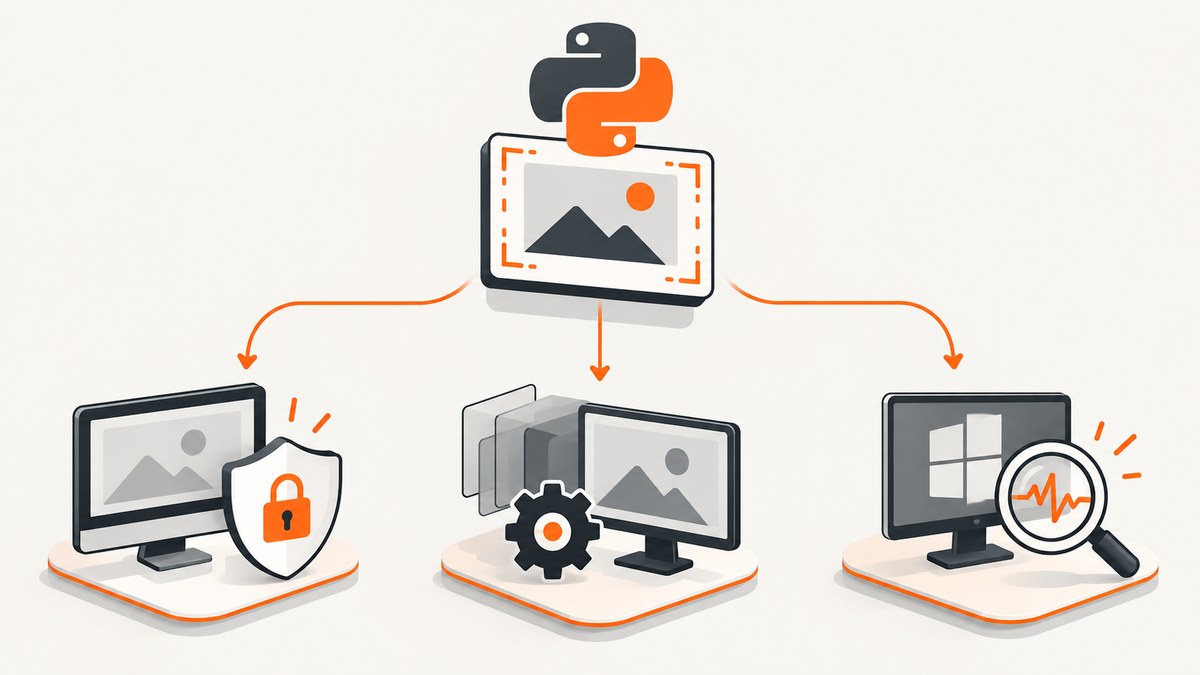
ImageGrab permission denied does not have one universal fix. First identify your operating system, the exact traceback, and whether your code calls ImageGrab.grab() for a screen snapshot or ImageGrab.grabclipboard() for clipboard data. macOS screen capture commonly depends on the app-level Screen & System Audio Recording control. Linux failures often involve the display session, XCB support, or a missing screenshot utility. Windows requires examining the exception and the process context because the reviewed Pillow documentation does not define one universal permission switch.
Start with a minimal diagnosis
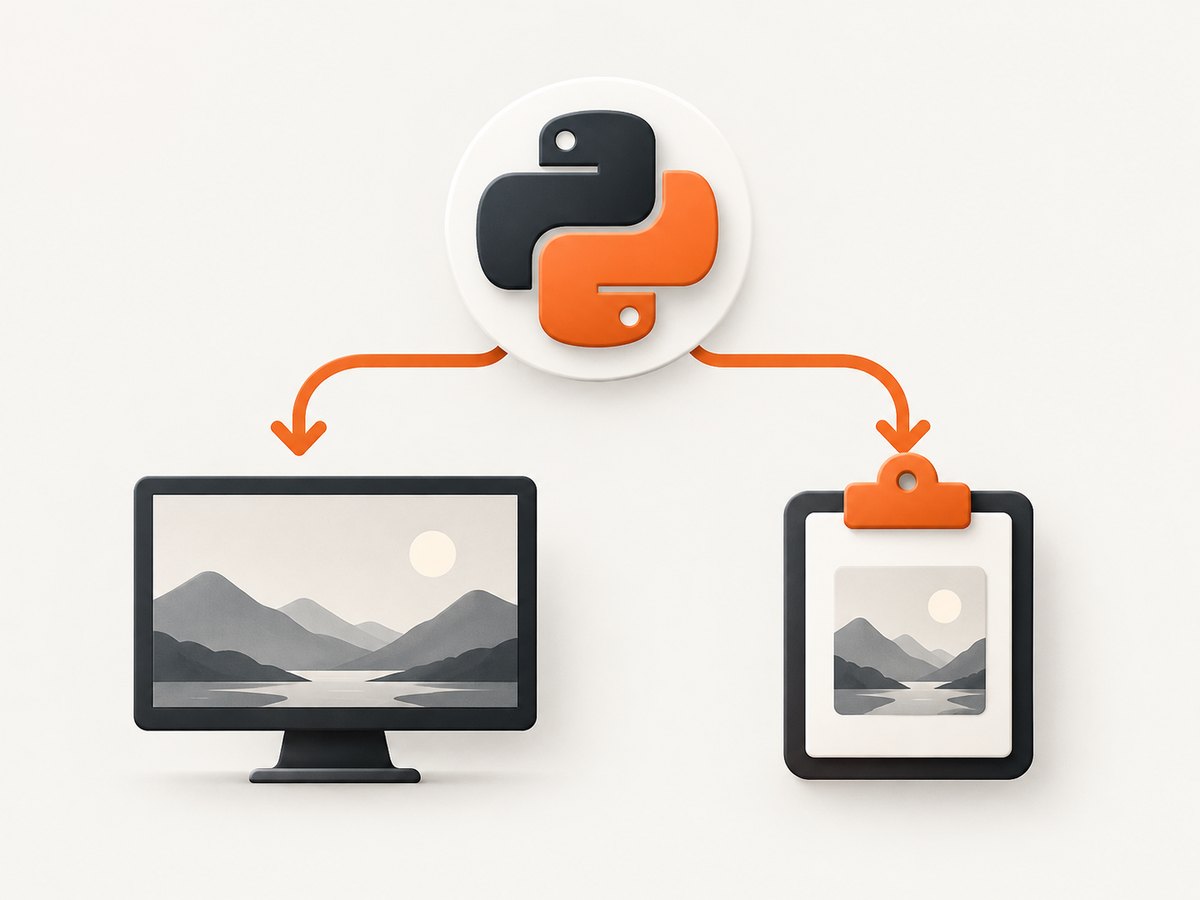
Run this in the same terminal, IDE, notebook, packaged application, or remote session that produces the error. Test screen and clipboard operations separately.
from PIL import ImageGrab

# Screen capture
try:
    image = ImageGrab.grab()
    print("screen:", image.size, image.mode)
    image.save("screen-test.png")
except Exception as exc:
    print("screen error:", type(exc).__name__, str(exc))

# Clipboard capture
try:
    clipboard_image = ImageGrab.grabclipboard()
    print("clipboard:", type(clipboard_image).__name__, clipboard_image)
except Exception as exc:
    print("clipboard error:", type(exc).__name__, str(exc))
Save the complete traceback. Include your OS and version, Pillow version, Python version, launch host, whether the session is local or remote, and the exact function call. A clipboard call can legitimately return None when no image is present. On Windows it can also return filenames; neither result is automatically a permission error.
How do I give Python screen-recording permission on macOS?
For ImageGrab.grab(), open Apple menu > System Settings > Privacy & Security > Screen & System Audio Recording. Enable the application that actually launches Python. If it is not listed, use the add control to select it, then rerun the program. Apple describes this as an app-level control, so granting permission to an unrelated editor or terminal will not necessarily authorize the process running your script.
Examples of the host that may need approval include Terminal, iTerm, a code editor, an IDE, a notebook application, or a packaged Python app. Quit and reopen the host if macOS does not apply the change immediately. This setting concerns screen capture; it does not explain every clipboard, display, or dependency failure.
Why does ImageGrab fail on Linux?
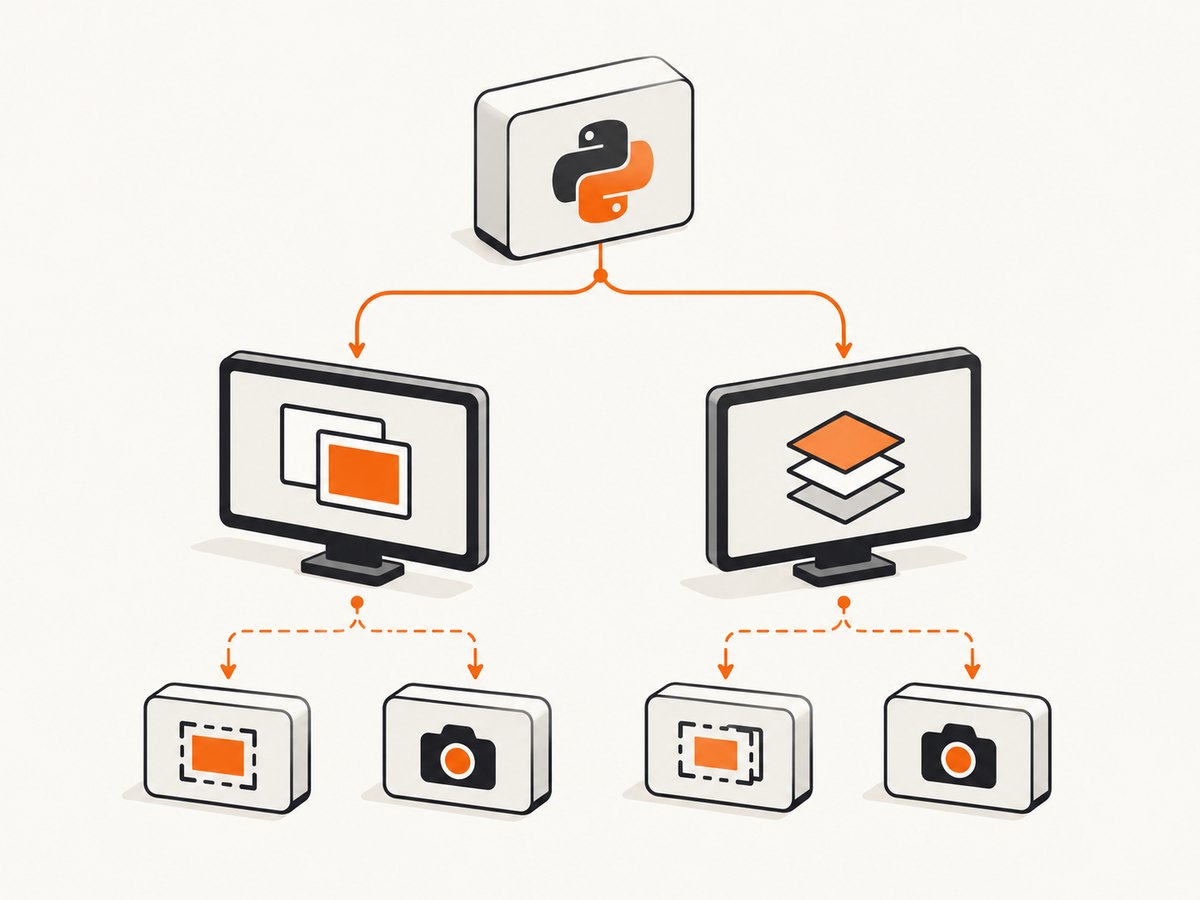
Linux screen capture depends on a working graphical display route. Pillow uses the default X11 display when xdisplay=None. If that display does not return a snapshot, current Pillow documentation describes fallback attempts using gnome-screenshot, grim, or spectacle when available. An exception such as OSError: Pillow was built without XCB support indicates a Pillow build capability problem, not a file-system permission that chmod will repair.
Check the active session
python -c "import os; print('DISPLAY=', os.environ.get('DISPLAY')); print('WAYLAND_DISPLAY=', os.environ.get('WAYLAND_DISPLAY')); print('XDG_SESSION_TYPE=', os.environ.get('XDG_SESSION_TYPE'))"- Run the script inside the graphical user session that owns the display.
- Check whether
DISPLAYpoints to the intended X11 display. - For Wayland sessions, verify that the desktop environment and installed capture utility provide a usable route.
- Check Pillow’s build and version in the same environment:
python -c "import PIL; print(PIL.__version__)". - If Pillow reports missing XCB support, reinstall or rebuild Pillow in an environment with the required support rather than changing image-file permissions.
Linux clipboard capture needs a utility
For ImageGrab.grabclipboard(), Pillow documents a requirement for wl-paste or xclip on Linux. If neither suitable utility is installed, the implementation raises NotImplementedError with a dependency message. Diagnose this independently from screen capture.
# Debian or Ubuntu examples
sudo apt install xclip
# For Wayland environments, install the package that provides wl-paste
# according to your distribution's package manager
After installing the utility, run the clipboard test again from the same desktop session. A headless CI runner or SSH shell without a display can still fail even when the utility is installed.
Does Windows have an ImageGrab permission setting?
The reviewed Pillow sources document Windows support but do not establish a universal Windows “ImageGrab permission” switch. Start with the exact exception and execution context:
- Is the call
grab()orgrabclipboard()? - Does Python run interactively, as a Windows service, through Task Scheduler, in an IDE, or in a remote desktop session?
- Is the process attached to the desktop session that contains the screen or clipboard?
- Does a minimal call without a bounding box fail in the same process?
Do not treat a service, disconnected remote session, empty clipboard, or an unrelated file-writing exception as proof of a missing Windows privacy toggle. Preserve the traceback before changing configuration.
Use the smallest working call before restoring options
Optional parameters can hide the real failure. First make this call work:
from PIL import ImageGrab
image = ImageGrab.grab()
image.save("capture.png")
Then add one option at a time, such as a bounding box, a specific xdisplay, a window handle, or scaling behavior supported by your installed Pillow version. This isolates display authorization from coordinate, window, and output issues.
Common errors and fixes
| Symptom | Likely class | What to check |
|---|---|---|
| macOS capture is blank or denied | Privacy authorization | Enable the actual Python host under Screen & System Audio Recording, then restart it. |
Pillow was built without XCB support |
Build capability | Install a Pillow build with XCB support or rebuild in a correctly configured environment. |
| Linux cannot open a display | Session or display route | Check DISPLAY, Wayland/X11 context, remote login, and whether the process owns a graphical session. |
NotImplementedError for Linux clipboard |
Missing utility | Install wl-paste or xclip and rerun from the desktop session. |
grabclipboard() returns None |
No clipboard image | Copy an image first; None can be a valid result. |
| Windows behavior differs between IDE and service | Runtime context | Compare the interactive desktop, session, identity, and exact traceback. |
| Only a bounding-box call fails | Parameter or coordinate issue | Confirm that plain grab() works, then validate coordinates and add options incrementally. |
Performance and reliability considerations
- A screen grab is tied to a live graphical session. It is a poor fit for unattended servers, containers, and CI unless those environments deliberately provide a display and capture backend.
- Clipboard capture has external state: the clipboard may be empty or contain text and filenames instead of pixels.
- Keep the diagnostic call in the same process host as production. Moving code from a terminal to an IDE, notebook, service, or remote shell can change permissions and display visibility.
- Save a small test image locally before adding image processing, uploads, or file-system destinations. This separates capture errors from later I/O errors.
- Pin and record the Pillow version when reproducing an issue. API parameters and platform behavior depend on the installed release.
Or skip the browser setup
If your goal is a reliable website image rather than a desktop screenshot, ScreenshotNeo provides a URL-based capture API and MCP server. It runs in the browser environment for you, so your script does not need macOS screen permission, an X11/Wayland session, or a Linux clipboard utility.
One GET request returns PNG, JPEG, WebP, or PDF. See the ScreenshotNeo API documentation for the full option list.
curl -G "https://api.screenshotneo.com/v1/shot" -d access_key=YOUR_API_KEY --data-urlencode url=https://stripe.com -o shot.webpimport requests
r = requests.get("https://api.screenshotneo.com/v1/shot", params={"access_key": "YOUR_API_KEY", "url": "https://stripe.com"}, timeout=90)
open("shot.webp", "wb").write(r.content)const q = new URLSearchParams({ access_key: 'YOUR_API_KEY', url: 'https://stripe.com' });
const res = await fetch(`https://api.screenshotneo.com/v1/shot?${q}`);- Cookie and consent banners, newsletter popups, and chat widgets are removed before the shot; each cleanup step can be disabled.
- Bot checks, blank pages, failed loads, timeouts, and cache hits are not billed. Response headers identify the page verdict and billing result.
- An MCP server lets Claude, Cursor, and other MCP clients call
take_screenshot,get_page_info, andcapture_pdf. - The free plan includes 1,000 screenshots each month without a card. Paid plans start at $5 for 3,000 shots.
Create a free ScreenshotNeo account to try it.
FAQ
Is “PIL ImageGrab permission denied” a Pillow bug?
Not by itself. The phrase describes a symptom. The OS, capture operation, display backend, utility availability, and launch host determine the useful fix.
Can I fix screen capture by changing file permissions?
Usually no. macOS authorization and Linux display or build support are separate from permissions on the output file or directory.
Why does screen capture work locally but fail in Docker or CI?
Those environments commonly lack the graphical session and display route that a desktop capture requires. Inspect the runtime context and display variables before changing Pillow code.
Should I use grabclipboard() to capture the screen?
No. Use grab() for a screen snapshot. Use grabclipboard() only when the image is already in the system clipboard.
Reference
See Pillow’s ImageGrab documentation for platform support, parameters, Linux fallback behavior, and clipboard requirements.


