How to Fix ImageIO When It Fails to Save Screenshots
Fix ImageIO screenshot saves by checking paths, formats, array shapes, plugins, and v2/v3 API differences with runnable examples.
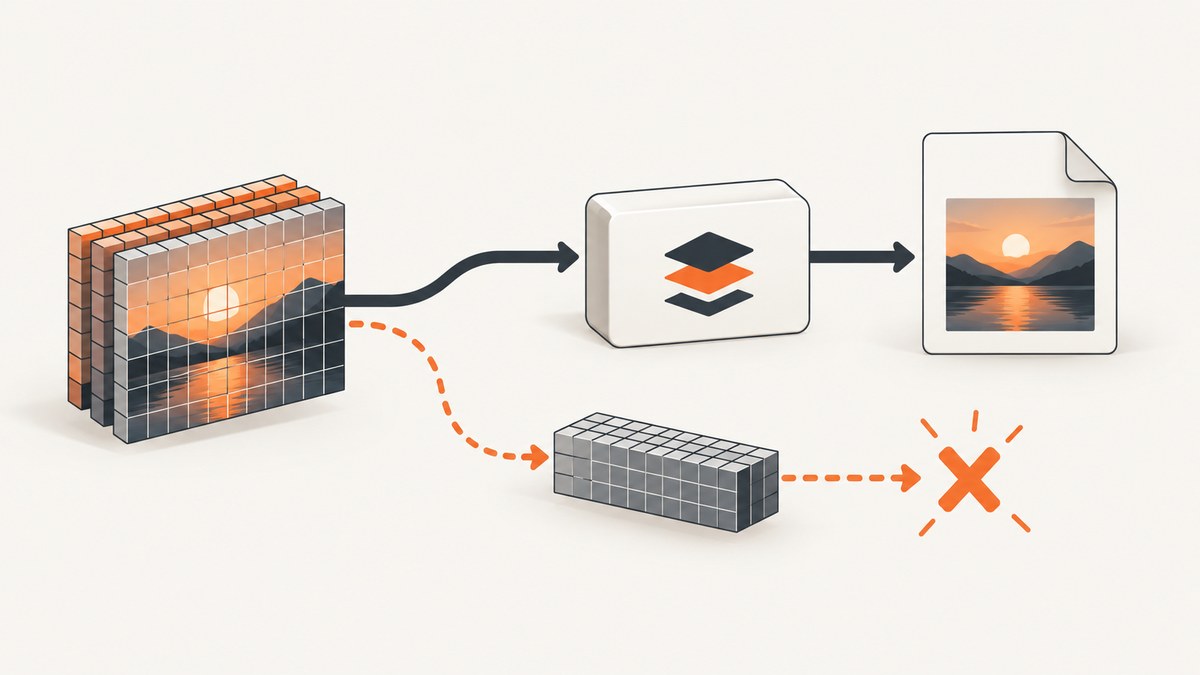
Use ImageIO v3, give the output an explicit .png extension, create the destination directory, and verify the screenshot array shape before writing.
from pathlib import Path
import imageio.v3 as iio

output = Path("screenshots/screenshot.png")
output.parent.mkdir(parents=True, exist_ok=True)

frame = iio.imread("screen.png")
print("shape:", frame.shape, "dtype:", frame.dtype)
iio.imwrite(output, frame)

assert output.exists() and output.stat().st_size > 0
print(f"wrote {output} ({output.stat().st_size} bytes)
")
Most failures come from one of five causes: the URI is a directory or unwritable, the format cannot be inferred, the array has an unsupported shape, the wrong v2/v3 keyword is used, or the required writer plugin is unavailable.
1. Check the path before debugging ImageIO
Pass a filename, not a directory. During diagnosis, use an absolute path and create the parent directory explicitly.
from pathlib import Path

output = Path("screenshots/screenshot.png").resolve()
output.parent.mkdir(parents=True, exist_ok=True)
print("directory:", output.parent)
print("directory exists:", output.parent.is_dir())
print("directory writable:", output.parent.exists())
If the process runs in a container, worker, notebook, or server, its current working directory may differ from the directory you inspect later. Print Path.cwd() and the resolved output path. For a file object, keep it open and writable until imwrite returns.
2. Use the correct ImageIO API generation
ImageIO v3
The v3 API uses imageio.v3. The filename extension normally selects the writer; extension and plugin make selection explicit when the target has no useful suffix.
import imageio.v3 as iio

frame = iio.imread("screen.png")
iio.imwrite("screenshots/screenshot.png", frame)
For an extensionless stream or bytes target:
import io
import imageio.v3 as iio

frame = iio.imread("screen.png")
buffer = io.BytesIO()
iio.imwrite(buffer, frame, plugin="pillow", extension=".png")
buffer.seek(0)
with open("screenshots/screenshot.png", "wb") as output:
    output.write(buffer.read())
ImageIO v2
Older code commonly imports imageio directly and uses the format keyword. Do not substitute the v3 extension keyword into a v2 call.
import imageio

frame = imageio.imread("screen.png")
imageio.imwrite("screenshots/screenshot.png", frame, format="PNG")
Check the installed version when behavior differs between machines:
import imageio
print(imageio.__version__)
3. Make the image format unambiguous
| Target | Recommended control | Example |
|---|---|---|
| Normal file path | Filename extension | screenshot.png |
| v3 stream or extensionless target | extension, optionally plugin |
extension=".png" |
| v2 output | format |
format="PNG" |
| Ordinary PNG writer | Pillow plugin | plugin="pillow" |
PNG, JPEG, and WebP have different capabilities. PNG preserves lossless pixels and supports alpha; JPEG is lossy and does not preserve transparency; WebP may require a backend that is installed and enabled. Use an extension that matches the data and your intended consumer.
4. Inspect and normalize the screenshot array
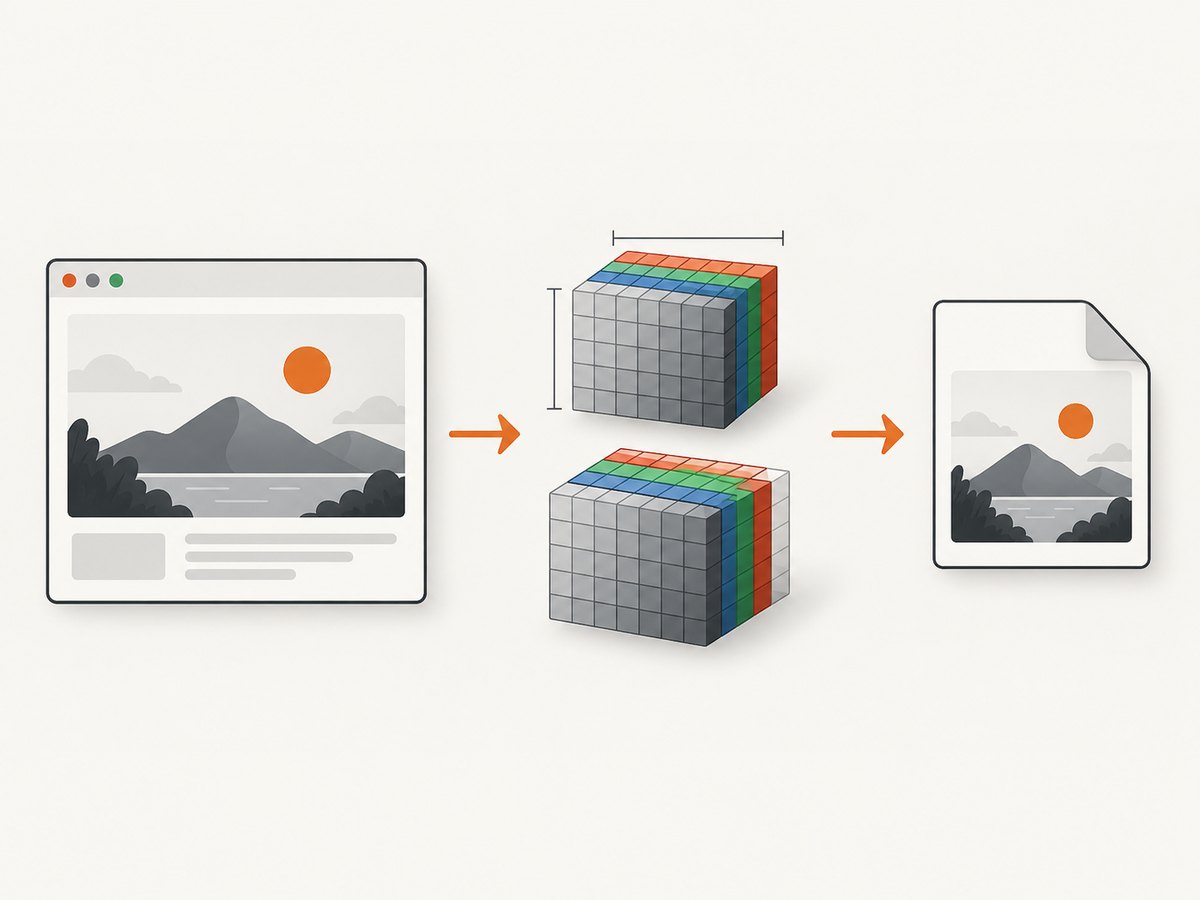
ImageIO expects an image array shaped as H×W for grayscale, H×W×3 for RGB, or H×W×4 for RGBA. Print both shape and dtype before writing.
print(frame.shape)
print(frame.dtype)
print(frame.min(), frame.max())
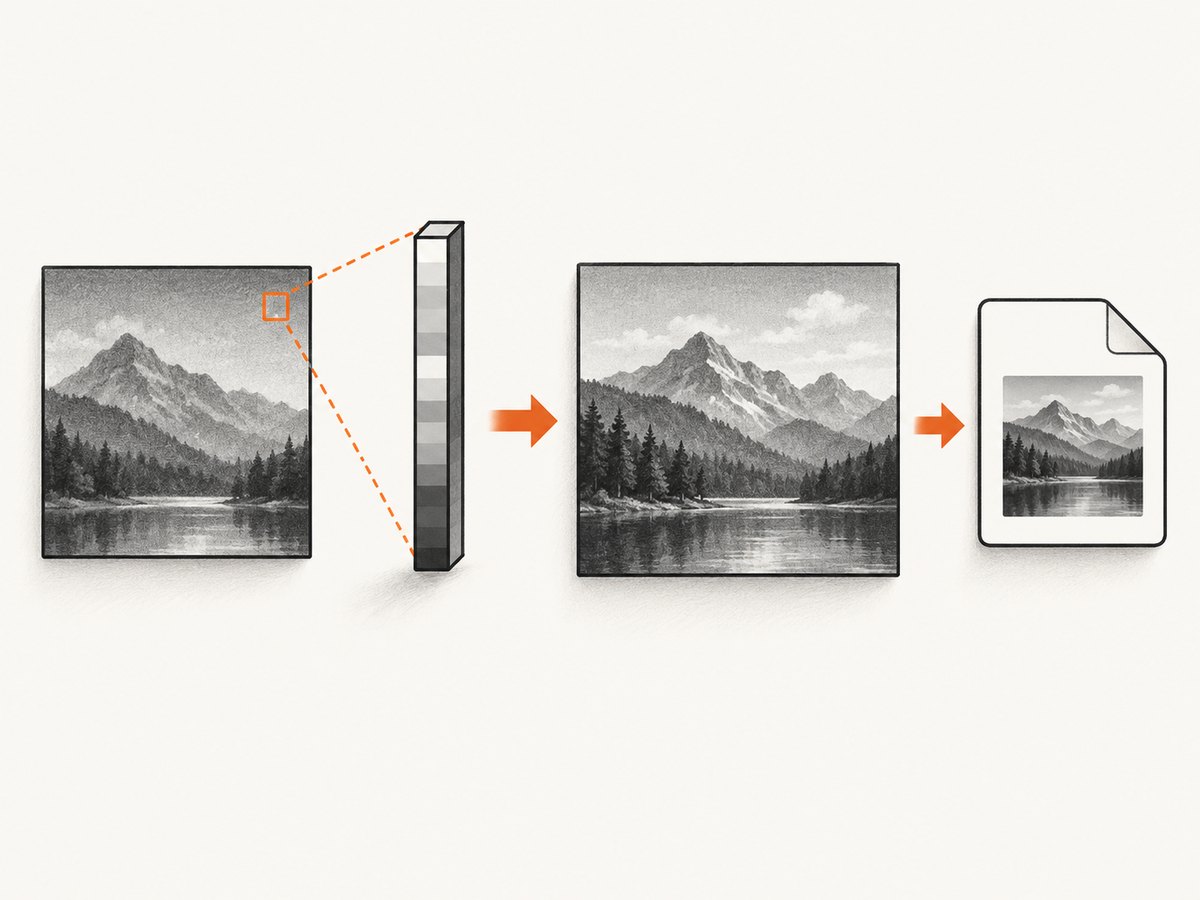
A frequent trap is (height, width, 1). That singleton third dimension can be interpreted as a batch rather than a grayscale channel, and PNG cannot write a batch. Normalize only after deciding what the data means:
import numpy as np

if frame.ndim == 3 and frame.shape[-1] == 1:
    # Use this only when the final dimension is truly a redundant grayscale channel.
    frame = np.squeeze(frame, axis=-1)

if frame.ndim not in (2, 3):
    raise ValueError(f"unsupported image shape: {frame.shape}")
if frame.ndim == 3 and frame.shape[-1] not in (3, 4):
    raise ValueError(f"expected RGB or RGBA, got {frame.shape}")
If the third dimension contains meaningful color information, convert to RGB or RGBA instead of squeezing it away. The documented grayscale PNG issue was fixed in ImageIO v2.22.4; raising an error protects pixel data from being silently discarded.
5. Complete diagnostic script
from pathlib import Path
import imageio
import imageio.v3 as iio

source = Path("screen.png").resolve()
destination = Path("screenshots/screenshot.png").resolve()
destination.parent.mkdir(parents=True, exist_ok=True)

if not source.is_file():
    raise FileNotFoundError(source)

frame = iio.imread(source)
print("ImageIO:", imageio.__version__)
print("source:", source)
print("shape:", frame.shape)
print("dtype:", frame.dtype)

if frame.ndim == 3 and frame.shape[-1] == 1:
    frame = frame[..., 0]
if frame.ndim == 3 and frame.shape[-1] not in (3, 4):
    raise ValueError(f"unsupported channel count: {frame.shape}")
if frame.ndim not in (2, 3):
    raise ValueError(f"unsupported shape: {frame.shape}")

iio.imwrite(destination, frame, plugin="pillow", extension=".png")

if not destination.exists() or destination.stat().st_size == 0:
    raise IOError(f"ImageIO produced no usable file: {destination}")

round_trip = iio.imread(destination)
print("saved:", destination)
print("bytes:", destination.stat().st_size)
print("round-trip shape:", round_trip.shape)
print("round-trip dtype:", round_trip.dtype)
6. Troubleshooting common errors
| Symptom | Likely cause | Fix |
|---|---|---|
| File not found after a successful-looking run | Relative path resolved from another working directory | Print Path.cwd(), use Path.resolve(), and inspect that exact path. |
| Permission denied | Parent directory is absent or not writable | Create it with mkdir(parents=True) and choose a writable location. |
| Cannot determine format | Stream or filename has no extension | Use v3 extension=".png" or v2 format="PNG". |
| Plugin not found | Writer backend is not installed | Install the project’s supported Pillow/ImageIO dependencies and select plugin="pillow" where appropriate. |
| Array has unsupported shape | Batch dimension or singleton channel | Print shape; squeeze only a verified singleton grayscale channel, or convert to RGB/RGBA. |
| Black, clipped, or unexpected colors | Unexpected dtype or value range | Inspect dtype and min/max; convert deliberately before writing. |
v3 rejects format |
v2 keyword used with v3 | Use the v3 extension and plugin-oriented arguments. |
v2 rejects extension |
v3 keyword used with v2 | Use a filename suffix or v2 format="PNG". |
| Empty output | Write failed, wrong destination inspected, or stream position not reset | Check exceptions, file size, absolute path, and call seek(0) before reading a stream. |
7. Saving screenshots captured as bytes
If another tool returns PNG bytes, write those bytes directly when no decoding or conversion is needed. Decode with ImageIO when you need to inspect or transform pixels.
from pathlib import Path
import imageio.v3 as iio

raw = Path("capture.png").read_bytes()
frame = iio.imread(raw, extension=".png")
iio.imwrite("screenshots/reencoded.png", frame, extension=".png")
When using an open stream, do not close it until ImageIO has finished. Reset its position before handing it to another reader.
8. Performance, reliability, and cost considerations
- Use PNG for deterministic, lossless screenshots; use JPEG or WebP when smaller files matter and their quality or alpha behavior is acceptable.
- Read and write once when possible. Repeated format conversions consume CPU and memory.
- Large full-page screenshots can require substantial RAM because the complete pixel array is held in memory. Process one frame at a time and release references promptly.
- Validate existence, nonzero size, and a round-trip read in production jobs that cannot silently lose a capture.
- Pin compatible ImageIO and Pillow versions in the project environment, then verify the installed version at startup or in diagnostics.
- ImageIO itself does not charge per write; infrastructure cost comes from storage, memory, CPU, and any upstream browser or screenshot service.
9. Or skip the browser setup
If your goal is a reliable screenshot file rather than managing browser capture and cleanup yourself, ScreenshotNeo returns a PNG, JPEG, WebP, or PDF from one GET request. Its cleanup steps accept cookie and consent banners before capture and remove more than 60 known consent platforms, newsletter popups, and chat widgets. Bot checks, blank pages, timeouts, failed loads, and cache hits are not billed, and response headers identify the page verdict and billing status.
See the ScreenshotNeo API documentation for all options.
cURL
curl -G "https://api.screenshotneo.com/v1/shot" -d access_key=YOUR_API_KEY --data-urlencode url=https://stripe.com -o shot.webpPython
import requests
r = requests.get("https://api.screenshotneo.com/v1/shot", params={"access_key": "YOUR_API_KEY", "url": "https://stripe.com"}, timeout=90)
open("shot.webp", "wb").write(r.content)
Node.js
const q = new URLSearchParams({ access_key: 'YOUR_API_KEY', url: 'https://stripe.com' });
const res = await fetch(`https://api.screenshotneo.com/v1/shot?${q}`);
ScreenshotNeo also provides an MCP server for Claude, Cursor, and other MCP clients, plus controls for full-page and element capture, devices and viewports, dark mode, custom CSS and JavaScript, waits, blocking rules, headers, cookies, geolocation, caching, signed links, asynchronous jobs, bulk capture, PDFs, and usage reporting. The free plan includes 1,000 screenshots per month with no card; paid plans start at $5 for 3,000. Create a free ScreenshotNeo account.
10. FAQ
Should I use ImageIO v2 or v3?
Use v3 for new code unless your project is intentionally pinned to v2. Keep the keyword set matched to the API generation.
Can ImageIO save a NumPy array with shape H×W×1?
Not reliably as a PNG image. Confirm that the final dimension is redundant, then convert it to H×W before writing.
Why does adding .png fix the error?
The suffix tells ImageIO which writer and format to select. Without it, a stream or extensionless target needs an explicit extension, format, or plugin.
How do I know whether ImageIO wrote the file I expected?
Resolve and print the destination, check that it exists and has nonzero size, then read it back and compare shape and dtype.


