How to Fix Images That Appear in HTML but Not in wkhtmltopdf PDFs
Fix missing wkhtmltopdf images by checking image loading, local-file access, paths, permissions, JavaScript timing, and media errors.
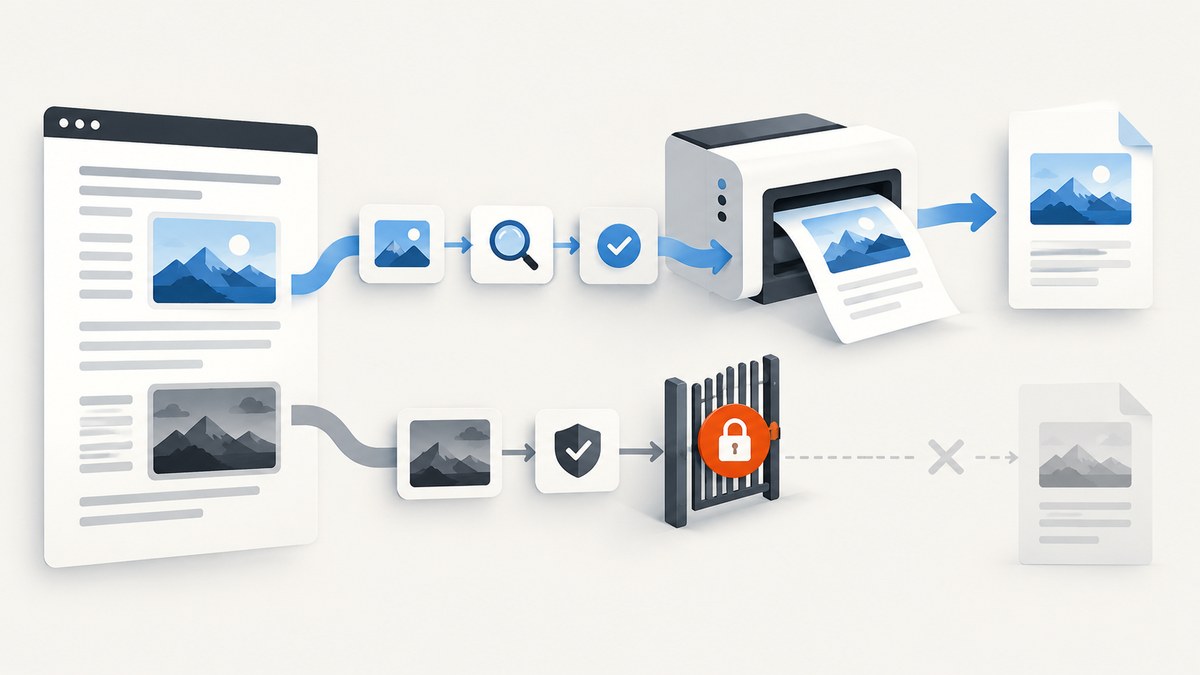
Images can appear in a browser and still be absent from a wkhtmltopdf PDF because the converter has different settings, file permissions, path resolution, or timing. Check these in order: image loading, local-file access, the resolved path or URL, the converter process’s permissions, JavaScript timing, and media-load errors.
This guide uses the official wkhtmltopdf command-line documentation, the libwkhtmltox settings reference, and the project’s security and deployment guidance. Issue reports demonstrate the symptom, but no single cause applies to every environment.
1. Confirm that wkhtmltopdf is allowed to load images
wkhtmltopdf loads images by default. A wrapper, deployment script, or inherited option may nevertheless add --no-images. Inspect the exact command that runs, including arguments generated by your framework.
wkhtmltopdf --images input.html output.pdf
# Do not use this when images are required:
# wkhtmltopdf --no-images input.html output.pdf
For a library integration, inspect the effective web.loadImages setting. Configuration in application code wins over what you expect from a command-line example.
2. Determine whether the image is remote or local
Classify every missing image as one of these:
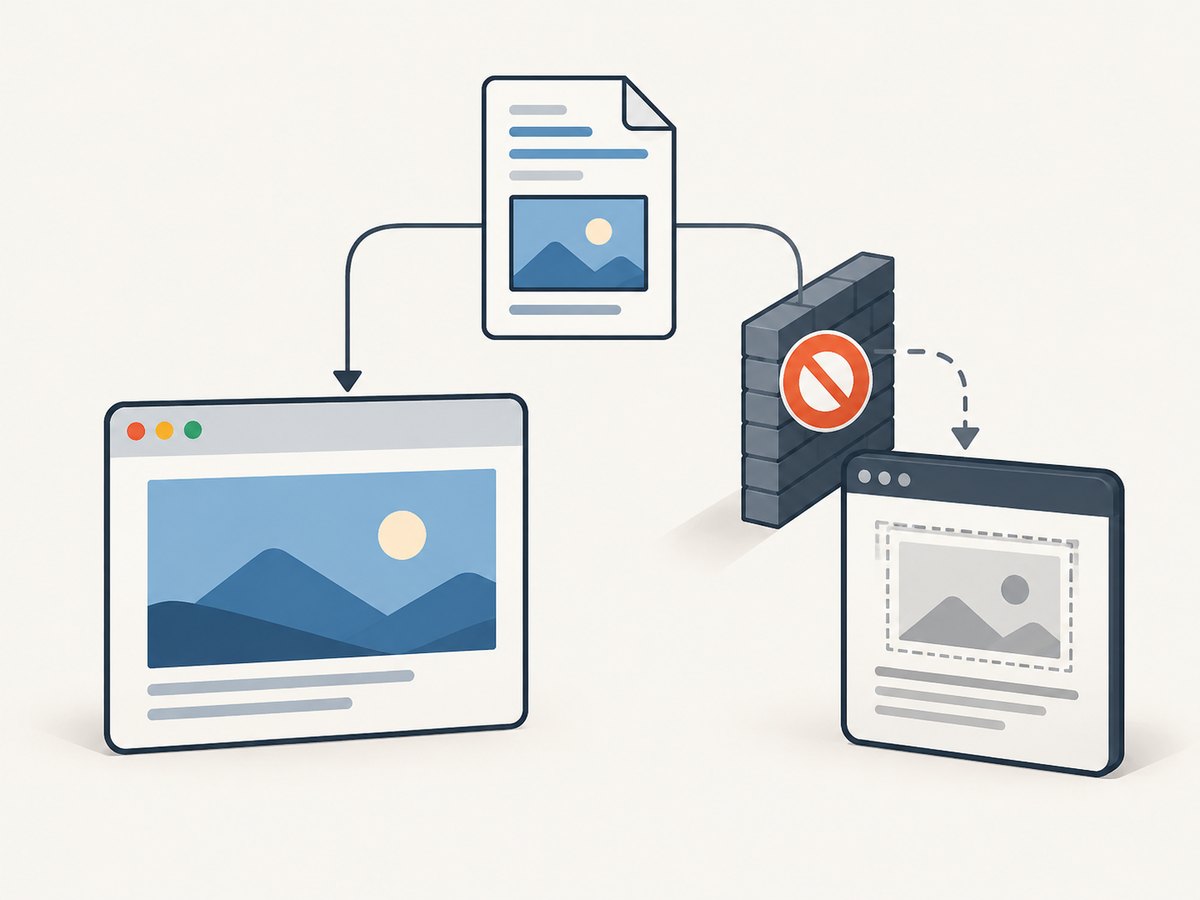
| Image source | What to verify |
|---|---|
| HTTP or HTTPS URL | The converter can reach the host, DNS and TLS work in its runtime, authentication is present, and the server returns an image response. |
| Relative path | The path is resolved from the HTML document’s location, not necessarily from your shell’s current directory. |
| Absolute local path | The path is valid for the operating system and readable by the account running wkhtmltopdf. |
| JavaScript-created image | JavaScript is enabled and rendering waits until the image’s src is assigned and the resource has loaded. |
A browser may run as your desktop user with access to a project directory. A queue worker, container, web server account, or sandbox may have a different working directory and no permission to read that same file.
3. Check local-file access deliberately
Local-file access is separate from image loading. The command-line options include --disable-local-file-access, --enable-local-file-access, and --allow for explicitly permitted locations. The library setting is exposed as load.blockLocalFileAccess.
# Prefer a narrow allow-list for known asset directories
wkhtmltopdf --enable-local-file-access \
  --allow /srv/app/public/images \
  input.html output.pdf
Use the smallest directory that contains the intended assets. Do not grant broad filesystem access when converting untrusted HTML. The wkhtmltopdf documentation describes the policy as preventing a local file from reading other local files unless explicitly allowed with --allow.
4. Make the image URL unambiguous
Use a minimal document and an explicit base location to learn what the converter sees.
<!doctype html>
<html>
<head>
  <base href="file:///srv/app/public/">
</head>
<body>
  <img src="images/logo.png" alt="Logo">
</body>
</html>
On a remote page, use an absolute HTTPS URL while diagnosing:
<img src="https://example.com/assets/logo.png" alt="Example">Then verify the exact resolved resource from the same machine, container, and user as the conversion process. A successful browser request from your laptop does not prove that a worker can reach or read the file.
5. Verify permissions and the execution environment
- Identify the account that launches wkhtmltopdf.
- Check each parent directory for execute permission and the image file for read permission.
- Confirm the file exists inside the container or worker where conversion occurs.
- Confirm that a temporary or mounted directory remains available until conversion finishes.
# Run as the same service account where possible
sudo -u www-data test -r /srv/app/public/images/logo.png && echo readable
namei -l /srv/app/public/images/logo.png
For remote assets, inspect the HTTP response and redirect chain from that environment:
curl -I -L https://example.com/assets/logo.png6. Check JavaScript and rendering timing
If script inserts the image or changes its src, confirm JavaScript is enabled. wkhtmltopdf provides a JavaScript delay option; library integrations expose JavaScript and delay settings as well.
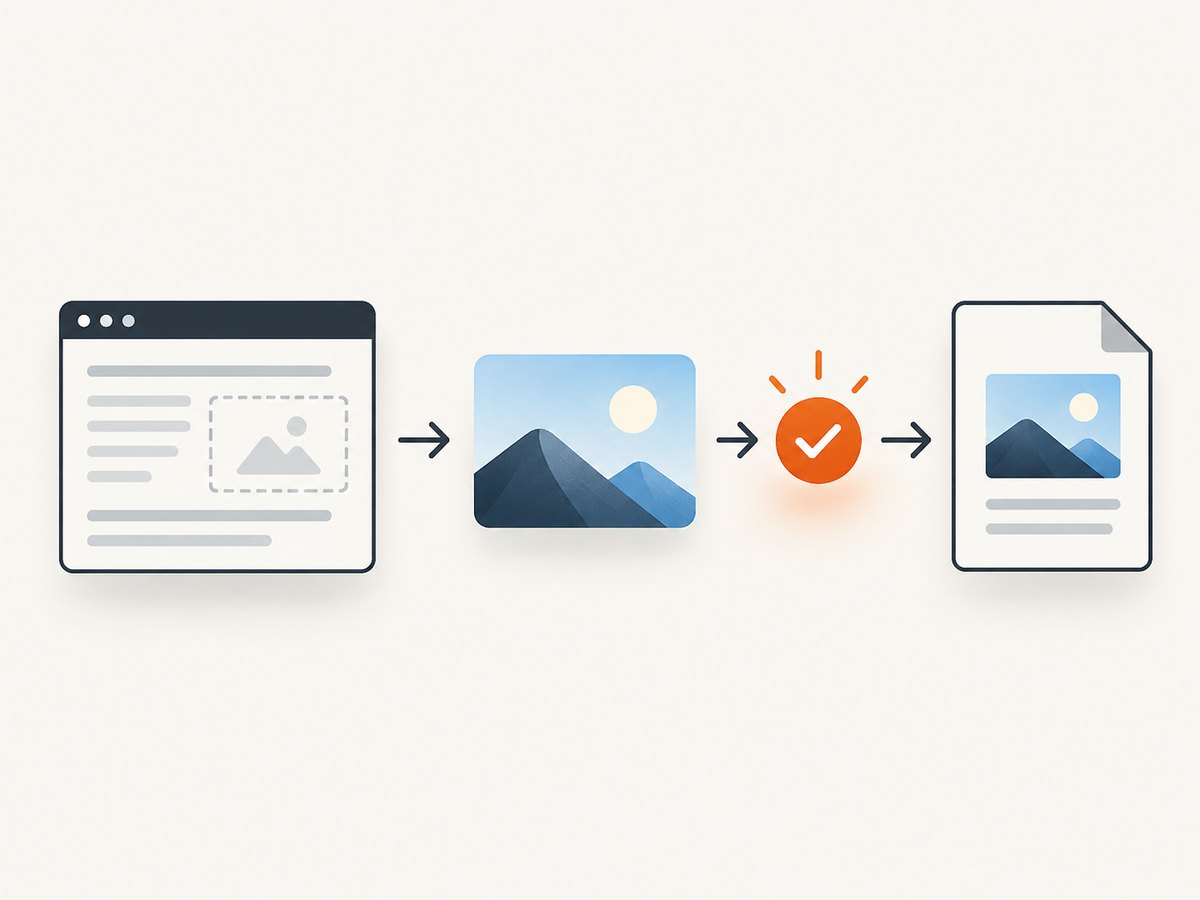
wkhtmltopdf --enable-javascript --javascript-delay 1500 input.html output.pdfA fixed delay is a fallback. Prefer an application condition that means the image is ready, such as setting a marker element after the image’s load event, then configure your wrapper to wait for that condition if it supports it. Delays that are too short produce missing images; delays that are too long reduce throughput.
7. Surface media-load failures
wkhtmltopdf documents --load-media-error-handling with abort, ignore, and skip behaviors. During diagnosis, choose a policy that exposes failures and capture stderr. An ignore policy can make a broken image look like a successful conversion.
wkhtmltopdf --load-media-error-handling abort input.html output.pdf 2>conversion.log
cat conversion.log
8. Reproduce with a minimal file
Create a page containing one known image and run it with the same executable, user, container, and arguments as the failing job.
cat > /tmp/image-check.html <<'HTML'
<!doctype html>
<html><body>
  <img src="file:///srv/app/public/images/logo.png" alt="check">
</body></html>
HTML
wkhtmltopdf --enable-local-file-access \
  --allow /srv/app/public/images \
  --load-media-error-handling abort \
  /tmp/image-check.html /tmp/image-check.pdf
Change one variable at a time: image loading, URL or path, permissions, local-file policy, then JavaScript timing. This isolates independent controls documented by wkhtmltopdf and its library settings.
Common errors and fixes
| Symptom | Likely cause | Fix |
|---|---|---|
| Every image is missing | --no-images or web.loadImages=false |
Remove the disabling option and enable image loading. |
| Only local images are missing | Local-file access is blocked | Use a narrow --allow path or the appropriate explicit local-file setting. |
| Relative images fail | Unexpected base directory | Use an absolute URL or add a correct <base>; verify the resolved path. |
| Works locally, fails in production | Different user, container, mount, DNS, or network policy | Test from the production runtime with the conversion account. |
| Static image works, generated image fails | JavaScript has not finished | Enable JavaScript and wait for the actual ready condition. |
| Conversion succeeds with a blank image area | Media errors are ignored or skipped | Use an explicit failure policy and inspect stderr. |
| Intermittent failures | Temporary files removed early, network instability, or a race with script rendering | Keep assets available through conversion, add bounded retries for remote resources, and wait for readiness. |
Security considerations for local HTML
Local-file access can expose files to content being rendered. When HTML is untrusted, restrict access to an asset directory, run the converter with a least-privilege account, isolate it where practical, and avoid broad allow-lists. The project’s AppArmor guidance discusses constraining filesystem access.
Performance and reliability checklist
- Prefer local, stable assets when the document is generated in a controlled environment.
- Keep allow-listed directories small.
- Use explicit image dimensions to reduce layout shifts.
- Wait for a real readiness signal instead of an unnecessarily large fixed delay.
- Capture stderr and retain the exact command for reproducibility.
- Set a deliberate media error policy so missing resources are observable.
- For remote images, make authentication, redirects, DNS, and TLS behavior explicit.
- Pin the wkhtmltopdf build used by workers and reproduce failures with that same binary.
Or skip the browser setup
ScreenshotNeo provides a website screenshot API and MCP server. One GET request returns a PNG, JPEG, WebP, or PDF, so you do not need to manage a wkhtmltopdf process for a URL capture. See the ScreenshotNeo API documentation for all options.
cURL
curl -G "https://api.screenshotneo.com/v1/shot" -d access_key=YOUR_API_KEY --data-urlencode url=https://stripe.com -o shot.webpPython
import requests
r = requests.get("https://api.screenshotneo.com/v1/shot", params={"access_key": "YOUR_API_KEY", "url": "https://stripe.com"}, timeout=90)
open("shot.webp", "wb").write(r.content)
Node.js
const q = new URLSearchParams({ access_key: 'YOUR_API_KEY', url: 'https://stripe.com' });
const res = await fetch(`https://api.screenshotneo.com/v1/shot?${q}`);
Cookie banners, newsletter popups, and chat widgets are removed before the shot. Bot checks, blank pages, failed loads, timeouts, and cache hits are not billed, and response headers identify the page verdict and billing result. ScreenshotNeo also includes an MCP server for AI agents, with tools including take_screenshot, get_page_info, and capture_pdf. The free plan includes 1,000 screenshots each month with no card; paid plans start at $5 for 3,000.
Create a free ScreenshotNeo account and start with 1,000 screenshots per month at no charge.
FAQ
Does wkhtmltopdf support images by default?
Yes. Image loading is enabled by default, but --no-images or an equivalent wrapper setting can disable it.
Should I always enable local-file access?
No. Enable only the access required by trusted, known assets, preferably with a narrow --allow directory.
Why does adding a delay sometimes help?
It gives JavaScript-created content time to load. It does not fix a bad path, blocked local file, missing permission, or unreachable remote host.
What information is needed for a case-specific diagnosis?
Provide the wkhtmltopdf version, exact invocation, HTML source, image URL or path, execution user and environment, and conversion warnings.


