How to Fix IMGKit Errno::EACCES Permission Denied Errors in Rails
Find the pathname behind IMGKit’s EACCES error, then fix the exact executable, asset, cache, tempfile, or output permission that Rails needs.
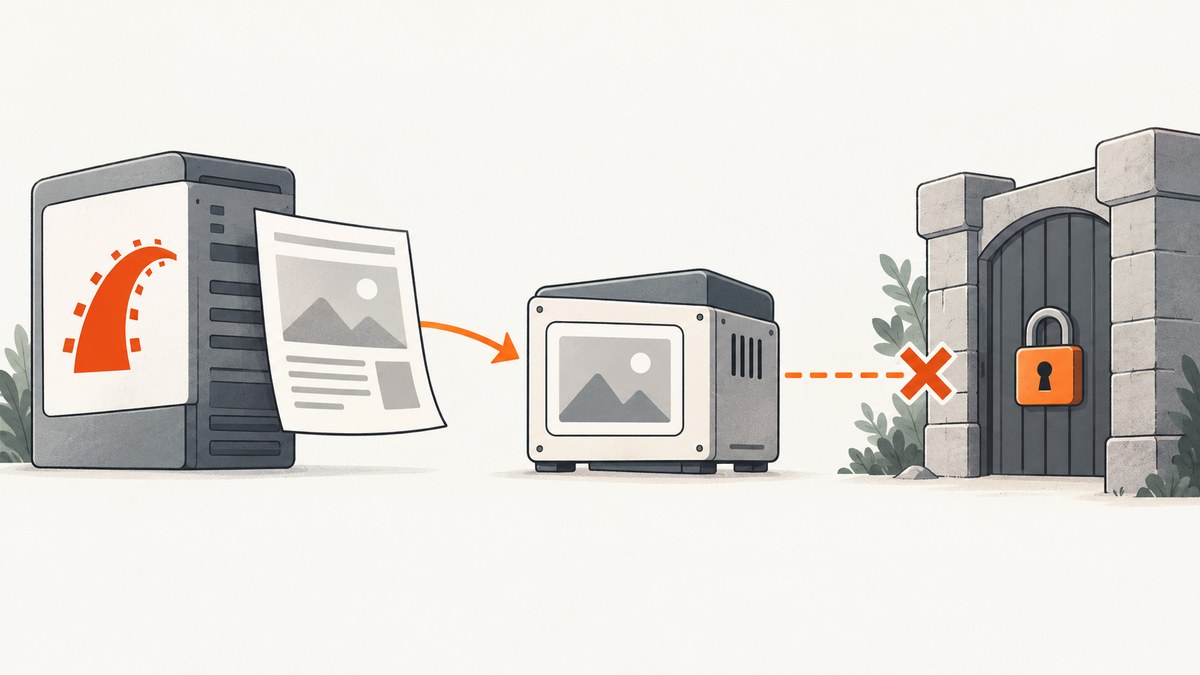
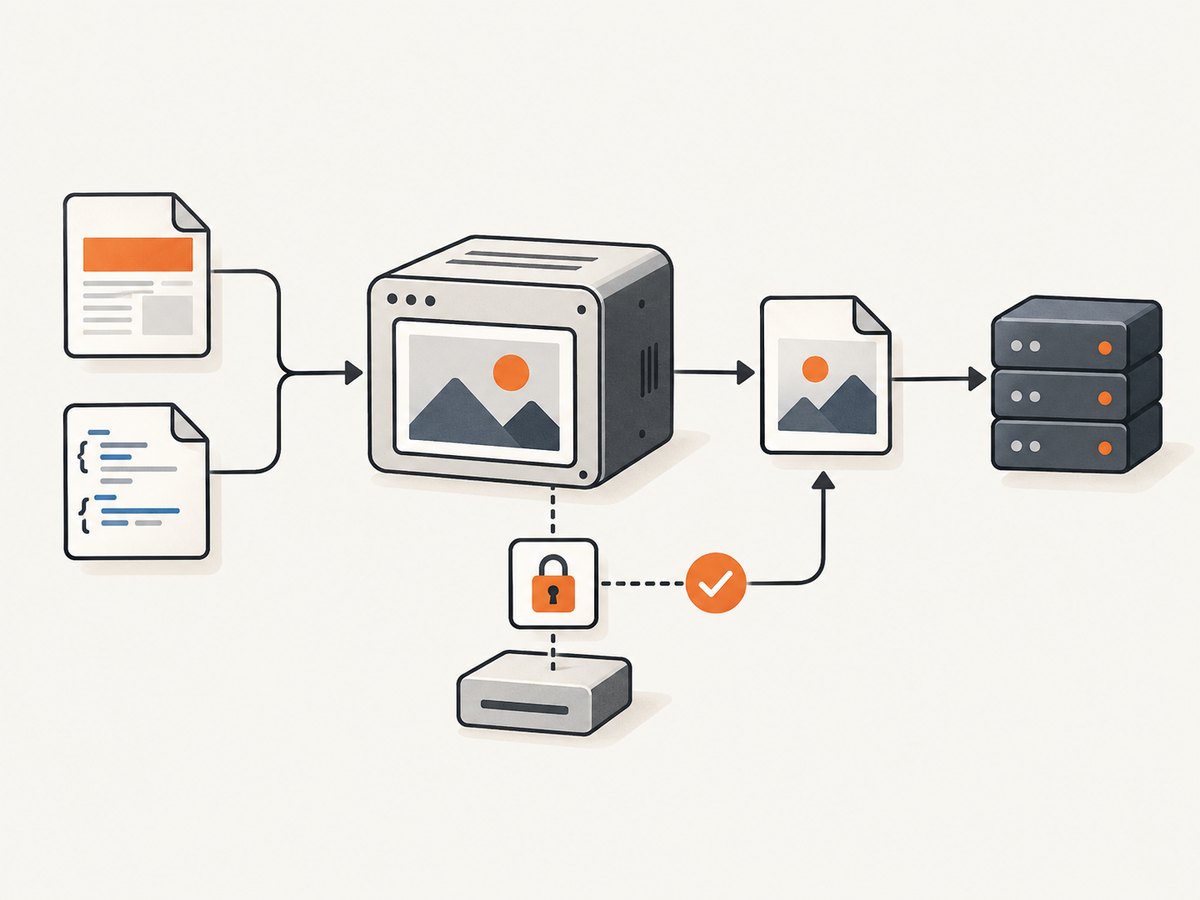
IMGKit’s Errno::EACCES: Permission denied means a process tried to access a particular path without the required operating-system permission. In Rails, that path may be the wkhtmltoimage executable, one of its parent directories, a local asset, a cache or temporary directory, or the image file you asked IMGKit to write. The pathname in the complete exception is the best starting point: fix the smallest permission boundary that explains it.
IMGKit wraps the external wkhtmltoimage renderer to create JPG or PNG images from HTML and CSS. Installing the Ruby gem alone does not ensure that the renderer exists, is executable, or is reachable by the account running Rails. See the IMGKit project documentation for installation and usage details.
1. Read the exception before changing permissions
Capture the entire exception, especially the pathname and the operation that failed. These cases need different fixes:
| Path named in the error | Likely operation | First thing to check |
|---|---|---|
wkhtmltoimage or a binary path |
Execute the renderer | File execute permission, parent-directory traversal, configured path |
| A CSS, image, or other local asset | Read an input file | Read permission on the file and traversal permission on its parent directories |
| A cache or temporary directory | Create or update a file | Write permission for the Rails process and the configured directory |
| Your destination image path | Create or replace output | Writable parent directory and any existing file’s ownership or mode |
Do not respond to an unknown pathname by recursively setting directories to mode 0777. That grants broad access, can create a security problem, and may not fix the actual issue. Identify the Rails runtime account and the specific operation it must perform first.
2. Check whether Rails can find and execute wkhtmltoimage
Run these checks in the same deployment environment where the error occurs. They show which executable your shell resolves and whether it can be invoked:
command -v wkhtmltoimage
wkhtmltoimage --version
If the first command prints nothing, the executable may be missing or absent from the runtime’s PATH. If the version command reports permission denied, inspect the executable and every parent directory. On Unix-like systems, a process needs execute permission on the file and traversal permission on each directory in its path. A binary can be present and still be unusable to Rails.
Use namei where available to inspect each directory component, then inspect the executable itself:
namei -l /path/to/wkhtmltoimage
ls -l /path/to/wkhtmltoimage
Replace the example path with the actual path. The Rails service user needs to be able to traverse the parent directories and execute the file. Prefer granting access to the intended service account or group over opening the path to every user. The exact ownership or mode change depends on how the binary is installed and how the service runs.
Confirm the identity of the Rails process
A command that succeeds in your login shell does not prove that Passenger, Puma, a systemd service, a container, or a hosted platform can run it. Find the service account through the service configuration or process information, then perform the binary and destination checks as that account where you can. For example, on a system where sudo is available and the service user is app:
sudo -u app -- /path/to/wkhtmltoimage --versionUse the real account and executable path for your deployment. If you cannot switch users, compare the service configuration, environment, and filesystem permissions directly. Also check whether a container mount, read-only filesystem, or platform policy prevents the required access.
3. Verify IMGKit’s configured executable path
IMGKit can be configured with an explicit wkhtmltoimage path. That value must point to the executable file itself, not to a gem directory or an installation folder. The IMGKit README gives an application-managed binary path as one configuration pattern.
# config/initializers/imgkit.rb
IMGKit.configure do |config|
  config.wkhtmltoimage = Rails.root.join("bin", "wkhtmltoimage-linux-amd64").to_s
end
Use this only if that executable is actually present at that application path and is usable by the process. Check it after deployment, because the file may be missing from the release, have lost its executable bit, or have incompatible permissions in the deployed image.
If you installed wkhtmltoimage-binary through your Gemfile, review old initializer overrides. A published Rails troubleshooting case reports resolving the problem by removing an explicit config.wkhtmltoimage line that was no longer needed after installing the binary gem. An override copied from another Ruby installation or machine can send IMGKit to a nonexistent or inaccessible executable. Remove the override if the gem’s setup is meant to locate the renderer, or replace it with a verified path. See the IMGKit README and the reported Rails case.
4. Check output files, tempfiles, and buffering
If you call to_file, or pass IMGKit output to an uploader, the Rails process must be able to create the destination file. Check that the parent directory exists and is writable by the service account. If the destination already exists, check whether its owner and permissions allow the process to replace it. A directory that is writable in development may be read-only in a production release or container.
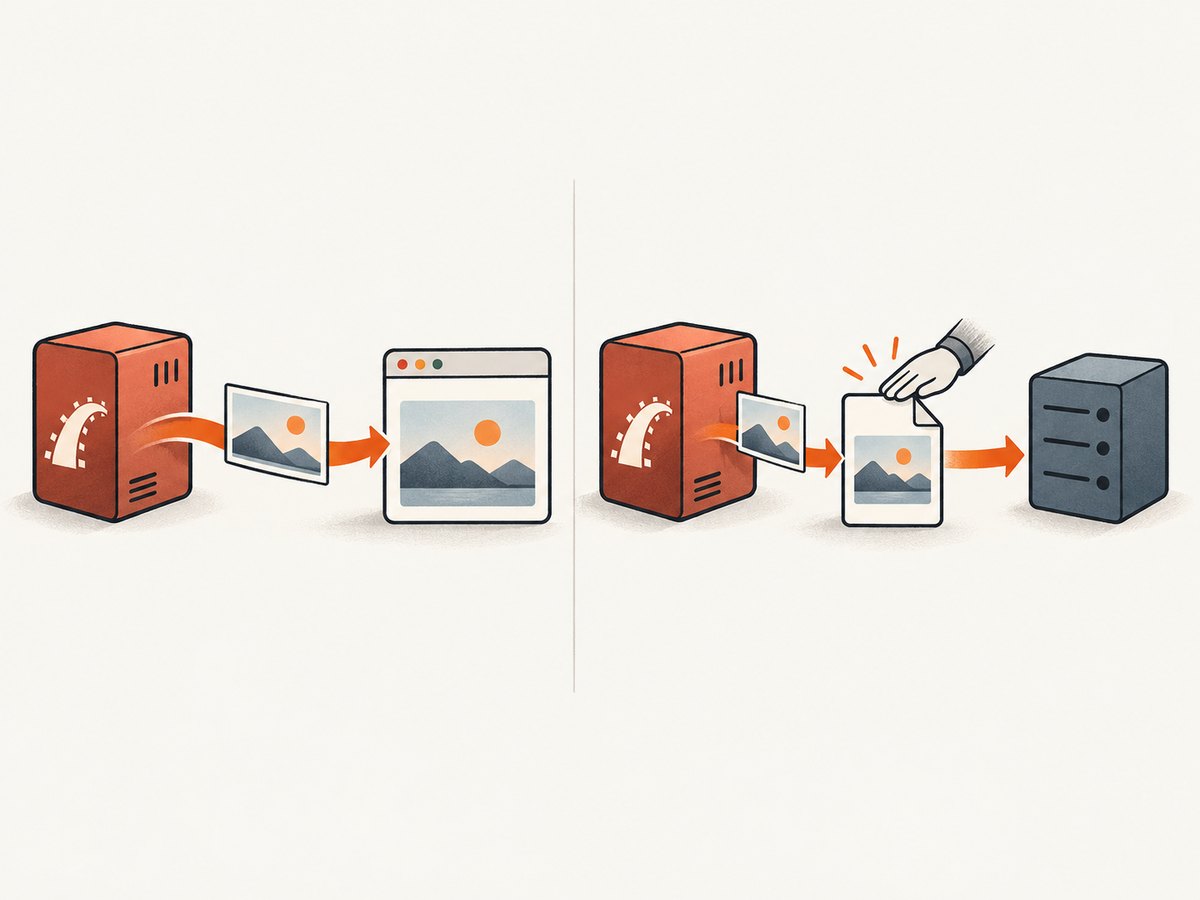
When an HTTP response is all you need, avoid writing a persistent image file just to read it back. Rails can send the generated bytes directly:
class PreviewsController < ApplicationController
  def show
    html = "<html><body><h1>Preview</h1></body></html>"
    image = IMGKit.new(html).to_png

    send_data image,
      type: "image/png",
      disposition: "inline",
      filename: "preview.png"
  end
end
For a JPEG response, use to_jpg and the matching image/jpeg content type. If you use a helper that returns image bytes, select the output method and MIME type that match the format you requested. The IMGKit README includes Rails examples using send_data with to_jpg, to_png, and to_img.
If another component needs a tempfile, keep the file lifecycle explicit. IMGKit documents flushing buffered data before another component reads the file; without a flush, bytes may still be in Ruby’s buffer. Ensure the tempfile’s directory is usable in the deployment and do not unlink the file until the consumer has finished with it.
kit = IMGKit.new("<html><body>Preview</body></html>")
tempfile = kit.to_img

tempfile.flush
# Pass tempfile to the consumer here while it is still available.
# Unlink it only after the consumer has finished.
Adapt the consumer step to the API you use: the example is a lifecycle outline, not a complete uploader integration. Consult the IMGKit usage documentation for the return type and tempfile handling for your installed version. The relevant README note explains that Ruby buffered I/O may require #flush before a string written to a file or tempfile can be read by another component. See the IMGKit README.
5. Inspect local assets and cache directories
Sometimes the renderer runs, but it cannot read a local stylesheet or image, or cannot write to a cache directory. Follow the exception pathname to the specific input or directory. For a local asset, the Rails process and renderer need read access to the file and traversal access to its parent directories. For a cache or temporary directory, they need the write access required by the operation.
IMGKit’s issue tracker has separate reports about --enable-local-file-access and --cache-dir, so local-file and cache behavior can matter in restricted deployments. These flags do not replace filesystem permissions: enabling local-file access cannot grant Unix read permission, and a cache option cannot make a read-only directory writable. Check the renderer’s behavior and deployment policy before changing those options. See the IMGKit issue tracker.
Keep local-file access limited to assets the application intends to expose to the renderer. If your environment intentionally blocks renderer access to local files, use a permitted asset-delivery approach or adjust the deployment configuration deliberately; do not broaden file access blindly.
6. A practical diagnostic sequence
- Record the full error. Copy the exception and pathname from Rails logs, including the operation if shown.
- Classify the path. Decide whether it is the renderer, an input asset, a cache/temp location, or output destination.
- Identify the runtime account. Determine which user runs the relevant Rails process in the failing environment.
- Check only the required access. The process needs execute access for the renderer, read access for inputs, and write access for output or cache paths.
- Verify IMGKit configuration. Confirm an explicit setting points to the intended executable; remove stale overrides when relying on the binary gem.
- Repeat under the deployment conditions. Check the same path and operation as the service account, inside the container or host that runs Rails.
- Retest one capture. Confirm both that rendering succeeds and that the resulting bytes reach the intended response or consumer.
7. Troubleshooting common EACCES cases
| Symptom | Likely cause | Fix to investigate |
|---|---|---|
| It works locally but fails under Passenger or Puma | The server runs under a different user or environment | Check the actual service account, its PATH, and access to every path in the exception. |
| The binary exists but IMGKit still gets EACCES | The file is not executable for the service account, a parent directory cannot be traversed, or the configured path is wrong | Verify the complete path, executable mode, ownership/group access, and initializer value. |
wkhtmltoimage --version works in a shell only |
Your shell user differs from the Rails runtime user | Run the check as the service user or inspect the service’s actual permissions and environment. |
| The exception names a generated image file | The output parent is missing, read-only, or not writable; an existing file may have incompatible ownership | Choose a valid writable destination or stream the image with send_data. |
| An upload receives an empty or incomplete tempfile | Buffered bytes were not flushed before the consumer read the tempfile, or it was removed too early | Call flush where required and keep the tempfile available through the consumer’s read. |
| The exception names a stylesheet or image | The renderer cannot read that local file, or deployment configuration blocks local-file access | Check file and parent-directory access, then review the renderer’s local-file policy. |
| It fails only in Docker or on a hosted platform | The image may omit the executable, mount files read-only, use a different user, or enforce a platform restriction | Inspect the built image and runtime user; verify the named path from inside the deployed environment. |
| Changing permissions has no effect | The failing path may be elsewhere, or an override may point to a different binary | Return to the complete exception pathname and confirm the exact executable IMGKit invokes. |
8. Performance, reliability, and cost considerations
For a local IMGKit deployment, each capture depends on the Rails process being able to invoke the renderer and on the renderer being able to access the required inputs and destination. Avoid adding file writes when the response can be streamed: this reduces the number of filesystem paths your application must manage. For background jobs or uploads, treat temporary storage and cleanup as part of the job lifecycle, and make failures observable in logs with the renderer path and destination context.
Permission changes do not solve unrelated rendering failures such as a missing executable, an incompatible binary, a failed page load, or inaccessible web content. Diagnose the first concrete error and preserve enough logs to distinguish process execution, asset access, rendering, and output handling. No published benchmark or success-rate figure is available in the research sources, so performance depends on the page, renderer, and deployment.
Self-hosting puts binary installation, updates, filesystem access, and runtime behavior in your deployment. If that setup is not appropriate for your use case, a hosted screenshot API is another approach. ScreenshotNeo is a website screenshot API and MCP server from Yorker Media; it accepts one GET request with a URL and returns an image or PDF. See ScreenshotNeo for the product overview.
Or skip the browser setup
If the goal is a website screenshot rather than rendering Rails-generated HTML through IMGKit, ScreenshotNeo can capture a URL with one API call. This example saves the response as WebP:
curl -G "https://api.screenshotneo.com/v1/shot" \
  -d access_key=YOUR_API_KEY \
  --data-urlencode url=https://stripe.com \
  -o shot.webp
See the ScreenshotNeo API docs for request options. Cookie banners, newsletter popups, and chat widgets are removed before the shot. Bot checks, blank pages, failed loads, timeouts, and cache hits are not billed, with response headers indicating the page verdict and billing status. An MCP server gives AI agents tools to take screenshots, get page information, and capture PDFs. The free plan includes 1,000 screenshots a month with no card; paid plans start at $5 for 3,000. Every feature is on every plan.
Sign up free for 1,000 screenshots a month, with no card.
Frequently asked questions
Does Errno::EACCES mean IMGKit is broken?
No. It reports a permission failure at a path. IMGKit’s renderer, an input, a cache or temporary location, or an output destination may be the path that the Rails process cannot access.
Should I use chmod 777 to fix it?
That is not a good diagnostic default. First identify the exact pathname and operation, then grant the runtime account only the access it needs.
Why does the error happen after deployment?
The deployed process may run as a different user, use a different executable path, or have different filesystem and local-file policies than your development environment. Test in the same runtime context as the failing Rails service.
Can I avoid writing the screenshot to disk?
For a Rails HTTP response, IMGKit’s byte-returning methods can be sent with send_data. This avoids needing a persistent destination file for that response.
Does enabling local-file access fix EACCES?
Not by itself. A renderer option may affect whether local paths are allowed, but operating-system permissions still determine whether the process can read or write those paths.


