How to Fix IMGKit’s Undefined to_file Method Error
Fix IMGKit’s undefined `to_file` error by keeping the IMGKit object separate from the image string returned by `to_img`.
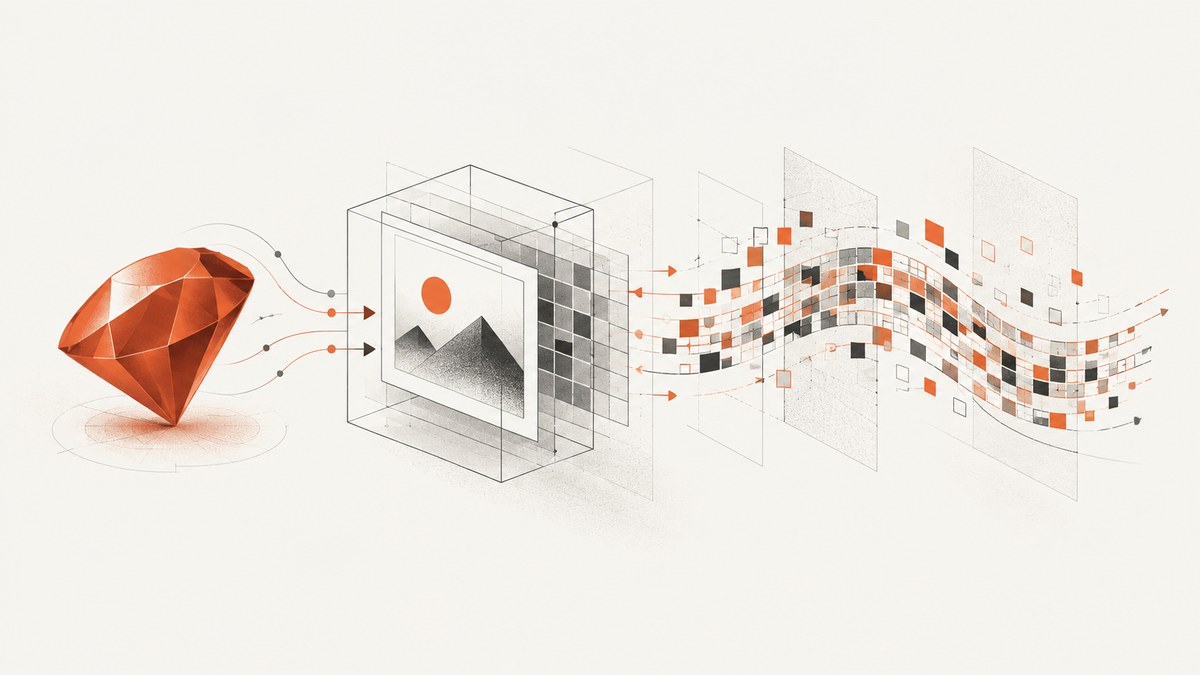
The error undefined method `to_file` for #<String:...> means Ruby is calling to_file on a String. In the common IMGKit example, that happens because kit = kit.to_img(:jpg) replaces the IMGKit object stored in kit with the generated image data. Keep the object and the image data in separate variables:
kit = IMGKit.new('https://example.com/')
image_data = kit.to_img(:jpg)
file = kit.to_file('public/images/page.jpg')
If all you need is a file, omit the to_img call:
kit = IMGKit.new('https://example.com/')
file = kit.to_file('public/images/page.jpg')
to_img returns image data, while to_file(path) saves the image using the IMGKit instance. IMGKit uses wkhtmltoimage as its rendering backend. That backend may print its own warnings, but those warnings do not explain this Ruby method error when the receiver is a String. IMGKit’s README documents the separate methods; the original error report shows the variable reassignment that caused the exception.
1. Confirm what kit contains
Ruby sends a method call to the object currently held by the variable on the left of the dot. The variable name does not preserve the object’s original type. For example:
kit = IMGKit.new('https://example.com/')
puts kit.class # IMGKit

kit = kit.to_img(:jpg)
puts kit.class # String

kit.to_file('page.jpg') # NoMethodError: undefined method `to_file` for String
The key assignment is kit = kit.to_img(:jpg). The right side runs first; its returned image data is then assigned to kit, replacing the original IMGKit instance. The subsequent kit.to_file(...) therefore asks the String for a method it does not provide.
You can inspect the receiver immediately before the failing call:
puts "kit is #{kit.class}"
file = kit.to_file('public/images/page.jpg')
If it prints String, look above the exception for an assignment to kit, including an assignment from to_img. The exact source line in the stack trace may be the later to_file call; the damaging reassignment happened earlier.
2. Choose the right IMGKit pattern
Save directly to a file
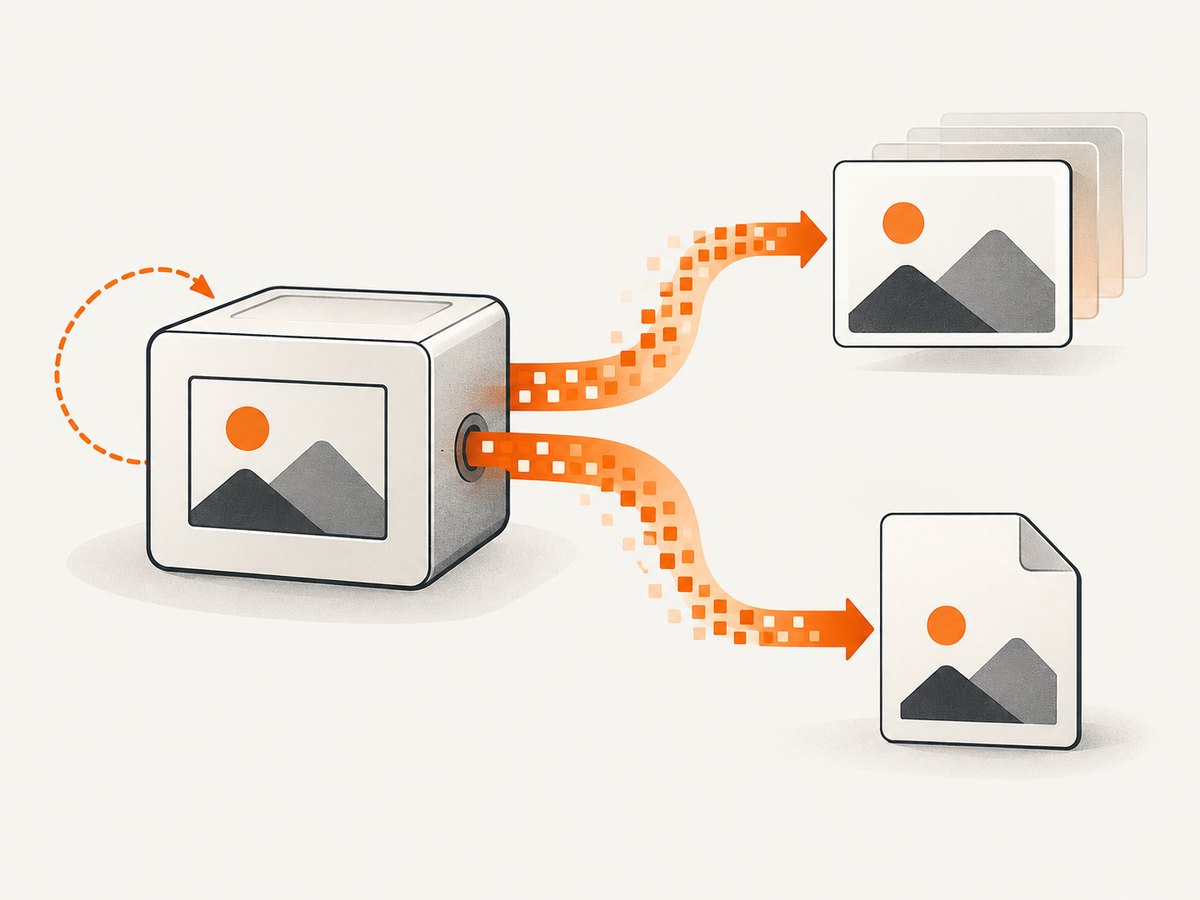
Use this when the application only needs a saved image. IMGKit’s documented pattern is to call to_file on the kit instance:
require 'imgkit'

kit = IMGKit.new('https://example.com/')
file = kit.to_file('public/images/page.jpg')

puts "Saved #{file.path}"
Make sure the destination directory already exists and that the process can write there. The example uses a URL reachable from the machine running the Ruby program. If the input is HTML instead, pass the HTML to IMGKit.new and use the same save call.
Keep both the image bytes and the saved file
If another part of the program needs the generated bytes—for example, to pass them to a different API—store them separately. Keep kit bound to the IMGKit instance:
require 'imgkit'

kit = IMGKit.new('https://example.com/')
image_data = kit.to_img(:jpg)
file = kit.to_file('public/images/page.jpg')

puts "Image data class: #{image_data.class}"
puts "Saved file: #{file.path}"
Use a descriptive name such as image_data, image_bytes, or jpg_data. This makes it less likely that a value and an object with different methods will be confused. If your application does not need the bytes separately, do not call to_img first.
Use distinct names when transforming or passing data
When you intentionally want to reuse a variable, give the new value a different name so the original receiver remains available:
kit = IMGKit.new('https://example.com/')
jpg_data = kit.to_img(:jpg)

# The kit is still the IMGKit object.
file = kit.to_file('public/images/page.jpg')
The important distinction is the object receiving the method call, not whether the variable is named kit. Calling to_file on a variable that holds an IMGKit instance is the intended pattern; calling it on the String returned by to_img is not.
3. Check the destination and rendering inputs
Once the receiver is fixed, check the ordinary inputs to file generation. These are separate from the String receiver error, but can cause the corrected call to fail for another reason.
- Directory: create the target directory before saving.
to_filedoes not make missing parent directories for you. - Permissions: confirm the Ruby process has write access to the destination.
- Filename and extension: choose a path and format consistent with the output you requested. The original pattern uses
:jpgwith a.jpgpath. - Input reachability: if rendering a URL, check that the machine can reach it and that the page loads in the renderer’s environment.
- Backend availability: IMGKit uses the
wkhtmltoimageexecutable. If Ruby gets past the method call but rendering fails, inspect whether that executable is installed and usable in the runtime environment.
Do not treat every line printed by wkhtmltoimage as the cause of this exception. The original report includes QPainter, SSL, and plugin messages in addition to the Ruby error, but the available source does not diagnose those renderer messages. First correct the receiver. If rendering still fails, investigate the backend and environment as a separate problem.
4. Or skip the browser setup
If your goal is simply to capture a website and you do not need IMGKit’s Ruby interface, ScreenshotNeo provides a screenshot API. One GET request returns an image or PDF. See the API documentation for options.

curl -G "https://api.screenshotneo.com/v1/shot" \
  -d access_key=YOUR_API_KEY \
  --data-urlencode url=https://stripe.com \
  -o shot.webp
Equivalent runnable requests in Python and Node.js:
import requests

r = requests.get(
    "https://api.screenshotneo.com/v1/shot",
    params={"access_key": "YOUR_API_KEY", "url": "https://stripe.com"},
    timeout=90,
)
open("shot.webp", "wb").write(r.content)
const q = new URLSearchParams({ access_key: 'YOUR_API_KEY', url: 'https://stripe.com' });
const res = await fetch(`https://api.screenshotneo.com/v1/shot?${q}`);
if (!res.ok) throw new Error(`Screenshot request failed: ${res.status}`);
await Bun.write('shot.webp', res);Replace YOUR_API_KEY with your key. The cURL command saves the response as shot.webp; the Python example writes the response body, and the Node.js example uses Bun’s file writer. In all cases, check the HTTP response and headers in your application before treating a response as an image.
- Cookie and consent banners, newsletter popups, and chat widgets are removed before the shot.
- Bot checks, blank pages, timeouts, failed loads, and cache hits are not billed; response headers report the page verdict and billing status.
- An MCP server offers
take_screenshot,get_page_info, andcapture_pdftools for Claude, Cursor, and other MCP clients. - The free plan includes 1,000 shots per month without a card. Paid plans start at $5 for 3,000 shots.
Sign up free for 1,000 screenshots a month, with no card required.
5. Troubleshooting
| Symptom | Likely cause | What to do |
|---|---|---|
undefined method `to_file` for #<String> |
The receiver was reassigned to the result of to_img. |
Keep the IMGKit instance in kit; assign the result to image_data, or omit to_img when saving directly. |
| The same error persists after changing one line | Another assignment or method return has replaced the variable before the call. | Search for every assignment to kit and print kit.class immediately before to_file. |
Ruby reports to_file is undefined for a different class |
The receiver is not an IMGKit instance, even if the variable has a familiar name. | Inspect the receiver’s class and trace the assignment that produced it. Verify the object comes from IMGKit.new(...). |
| Failure mentions a missing path or permission | The output directory may not exist or may not be writable by the process. | Create the directory and check filesystem permissions for the user running the app. |
| Renderer messages mention QPainter, SSL, or plugins | These are backend/environment messages, distinct from the String receiver exception; the cited report does not establish their cause. | After fixing the Ruby object, check the installed wkhtmltoimage environment and investigate the remaining renderer output on its own. |
| The Ruby call succeeds but the screenshot is blank or incomplete | The page may not have loaded as expected in the renderer, or the URL may not be reachable from that environment. | Confirm the input URL and runtime network access, then diagnose the renderer separately from Ruby method dispatch. |
6. Reliability, runtime, and cost considerations
The variable fix does not change how long a page takes to render or how much memory the image data uses. It only ensures the method is called on the object that defines it. For a save-only workflow, calling to_file directly avoids keeping a separate image-data variable in your application. When the bytes are needed as well, retain them under a separate name and account for the memory used by the generated image.
IMGKit delegates rendering to wkhtmltoimage, so failures after the Ruby call reaches that backend should be investigated at the executable and environment layer. The research sources do not establish current Ruby or Rails compatibility ranges, rendering benchmarks, or specific remedies for the QPainter and SSL messages. Avoid treating historical versions in the original report—Rails 4.0, Ruby 2.0, and IMGKit 1.3.10—as current compatibility guidance.
For ScreenshotNeo, the published plans are Free (1,000 shots/month), Starter ($5 for 3,000), Growth ($15 for 15,000), Pro ($39 for 60,000), Scale ($99 for 250,000), and Business ($249 for 1,000,000); yearly billing gives two months free. Every feature is on every plan. Only clean shots are billed, and cache hits cost nothing. Choose between the local IMGKit path and an API based on whether you need to own and operate the renderer or prefer a hosted screenshot request.
7. FAQ
Does to_img return the IMGKit object?
No. It returns the image BLOB as a String. Keep that return value separate from the IMGKit instance if you also need to call to_file.
Can I call to_file without calling to_img first?
Yes. For direct file saving, construct the kit and call to_file(path).
Did --use-xserver cause this specific exception?
The research does not support that conclusion. The reported receiver is a String because of the reassignment; renderer output is a separate issue to investigate only if it remains after that is fixed.
Does this exception prove my Ruby or Rails version is unsupported?
No. It identifies the receiver’s class at the failing call. The cited material does not establish a current supported Ruby or Rails version matrix.


