How to Fix Incorrect JavaScript Coverage in Pyppeteer
Diagnose missing or misleading Pyppeteer JavaScript coverage by checking timing, navigation resets, anonymous scripts, ranges, and browser versions.
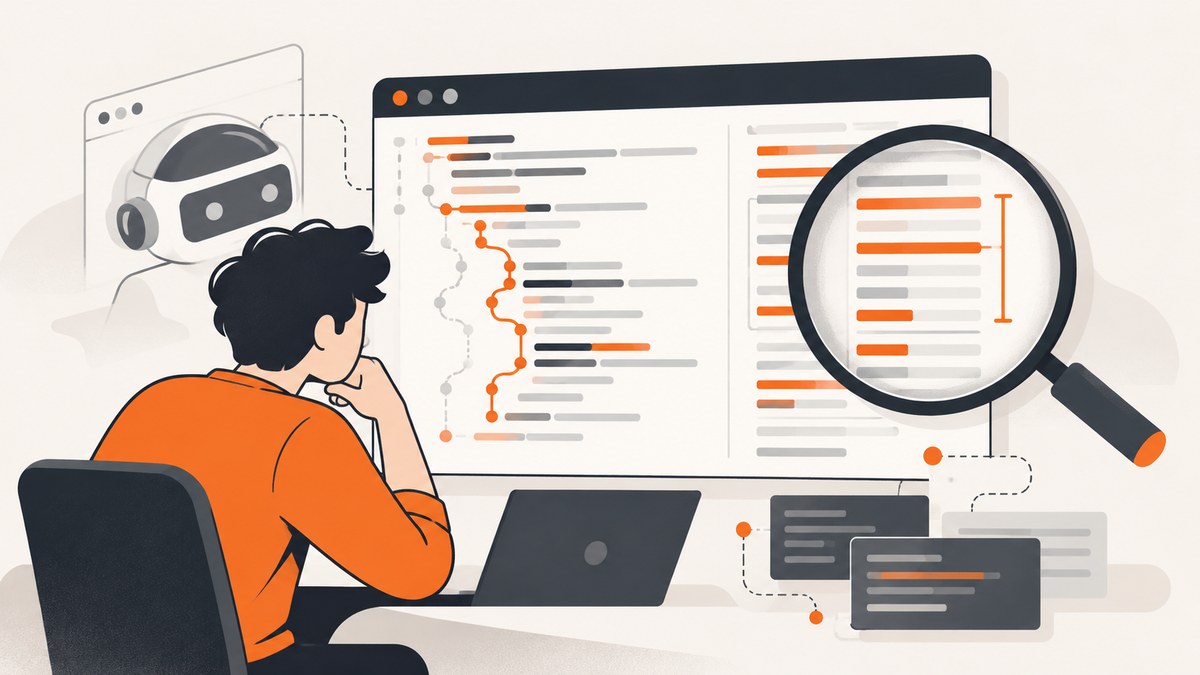
Pyppeteer JavaScript coverage is usually “incorrect” because the recording scope does not match the code you expect to see. Start coverage before navigation or script execution, exercise the exact routes and interactions you want to measure, then inspect each returned script’s URL, source text, and disjoint ranges together. After that, check navigation resets, anonymous scripts, offset handling, and the Chromium build.
There is no single confirmed Pyppeteer defect that explains every discrepancy. Coverage is a measurement of one browser session, not a complete inventory of all JavaScript in an application. The following workflow isolates the common causes without assuming a particular Pyppeteer or Chromium regression.
1. Reproduce the coverage capture with a controlled flow
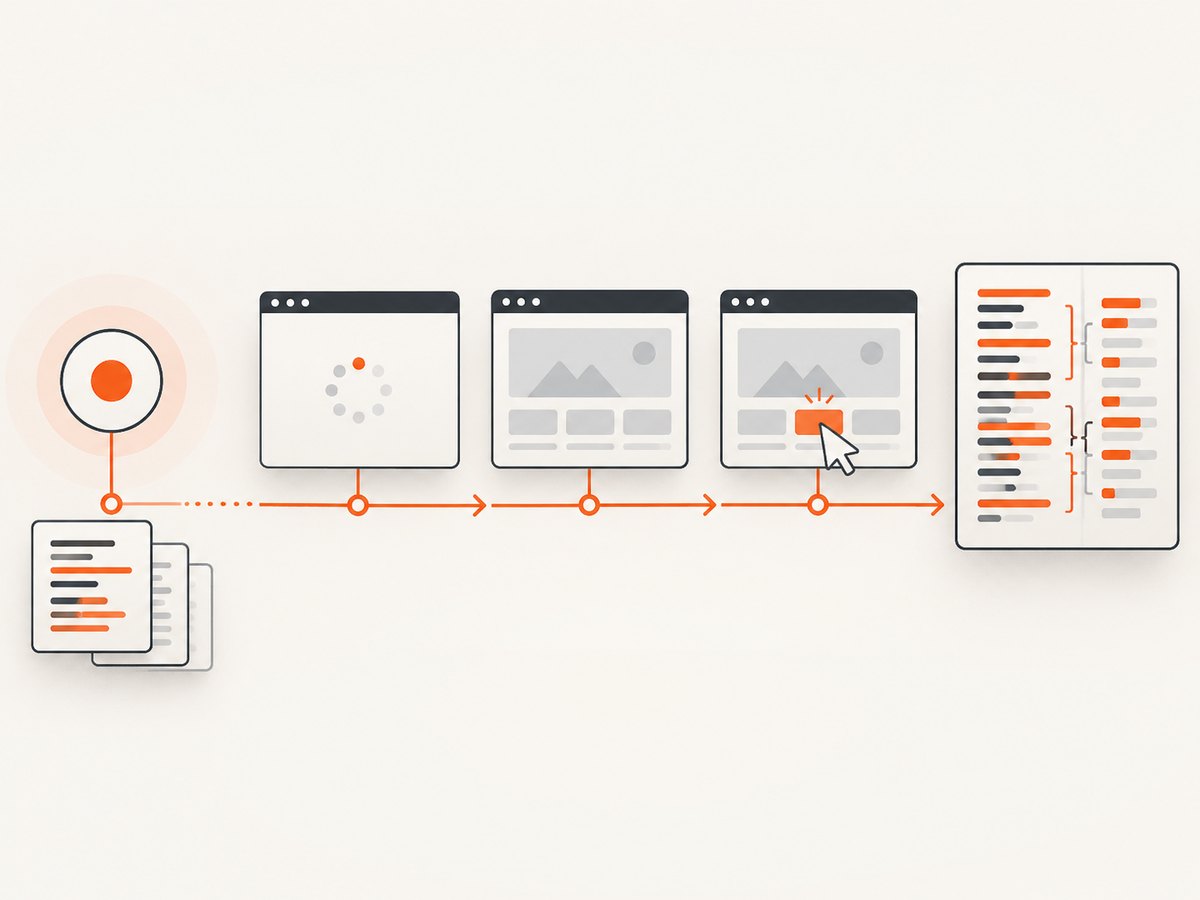
Record the exact environment before changing code. Include the Pyppeteer version, Chromium executable and version, operating system, URL, navigation sequence, clicks, waits, and any scripts injected into the page. Pyppeteer works best with its bundled Chromium, so reproduce there before comparing results with a system browser.
python -m pip show pyppeteer
python -c "import pyppeteer; print(pyppeteer.__version__)"
A minimal capture should start JavaScript coverage before goto() or any action that can execute application code:
import asyncio
from pathlib import Path
from pyppeteer import launch


async def capture_coverage():
    browser = await launch(headless=True)
    page = await browser.newPage()

    # Start before navigation and before application scripts run.
    await page.coverage.startJSCoverage(
        resetOnNavigation=True,
        reportAnonymousScript=False,
    )

    await page.goto(
        "https://example.com",
        {"waitUntil": "networkidle2", "timeout": 90_000},
    )

    # Exercise the behavior you want to measure.
    # await page.click("button[data-test='open-menu']")
    # await page.waitForSelector(".results")

    entries = await page.coverage.stopJSCoverage()

    for entry in entries:
        print("URL:", entry["url"])
        print("Source characters:", len(entry["text"]))
        print("Executed ranges:", entry["ranges"])

    await browser.close()


asyncio.get_event_loop().run_until_complete(capture_coverage())
The V8 protocol warns that “Coverage data for JavaScript executed before enabling precise code coverage may be incomplete.” Start measurement first, even when the page appears idle. Precise coverage changes execution instrumentation and can affect optimization, so treat the capture as an instrumented run rather than a performance benchmark.
2. Understand what stopJSCoverage() returns
Pyppeteer returns a list of entries. Each entry normally contains:
| Field | Meaning | Diagnostic question |
|---|---|---|
url |
The script URL or a synthetic URL for an anonymous evaluation script. | Did the expected file load, and is it attributed to the URL you expect? |
text |
The available source text for the script. | Is source text present and does its length match the offsets you process? |
ranges |
Executed byte or character intervals represented by start and end offsets. | Are you treating the intervals as half-open and avoiding overlap double-counting? |
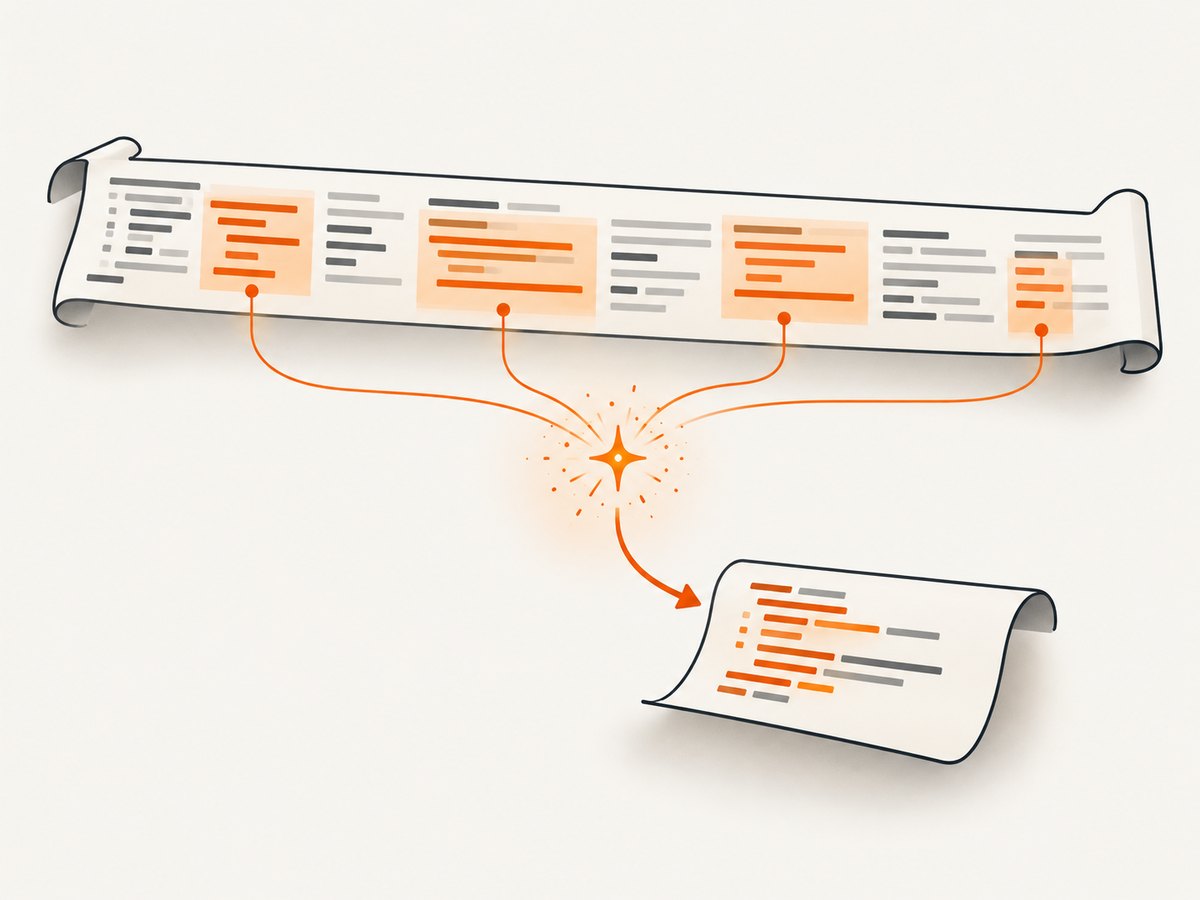
Pyppeteer normalizes function coverage into sorted, non-overlapping ranges. A range is conventionally [start, end): include the character at start and stop before end. Do not add nested ranges as though they were independent executions.
def covered_units(entry):
    """Return the number of covered source units for one Pyppeteer entry."""
    return sum(r["end"] - r["start"] for r in entry["ranges"])


def coverage_summary(entries):
    total_source = 0
    total_covered = 0

    for entry in entries:
        source = entry.get("text", "")
        total_source += len(source)
        total_covered += covered_units(entry)

    return {
        "source_units": total_source,
        "covered_units": total_covered,
        "ratio": (total_covered / total_source) if total_source else 0,
    }
Check the units expected by the consumer of your report. A tool that assumes UTF-16 code-unit offsets can disagree with code that counts Unicode code points or encoded bytes. Keep the original text and ranges together until conversion is complete.
3. Fix late instrumentation
The most common error is starting coverage after the code has already run. This happens when page.goto(), a reload, a framework bootstrap, or an injected script appears before startJSCoverage(). Those earlier statements cannot be reconstructed reliably.
Incorrect order
await page.goto("https://example.com")
await page.coverage.startJSCoverage()
entries = await page.coverage.stopJSCoverage()
Correct order
await page.coverage.startJSCoverage()
await page.goto("https://example.com", {"waitUntil": "networkidle2"})
# Perform clicks, form submissions, route changes, and other target actions.
entries = await page.coverage.stopJSCoverage()
If you need a clean page-load measurement, start coverage, then reload. If you need a single-page application route, start coverage before the initial load and perform the client-side navigation during the same capture.
4. Check navigation and resetOnNavigation
resetOnNavigation defaults to True. A navigation can therefore clear accumulated coverage. A capture that visits /home, then /pricing, may only contain the last document’s data when the default is used.
await page.coverage.startJSCoverage(resetOnNavigation=False)
await page.goto("https://example.com/home", {"waitUntil": "networkidle2"})
await page.goto("https://example.com/pricing", {"waitUntil": "networkidle2"})
entries = await page.coverage.stopJSCoverage()
Setting the option to False changes the request, but it is not a guarantee that data survives every cross-document navigation. Browser architecture can still reset coverage. Test the exact flow in the browser build you deploy. For reliable per-route reporting, stop and save coverage before each navigation, then start a new capture on the next page.
async def capture_route(page, url):
    await page.coverage.startJSCoverage()
    await page.goto(url, {"waitUntil": "networkidle2"})
    # Exercise route-specific behavior here.
    result = await page.coverage.stopJSCoverage()
    return {"url": url, "entries": result}
5. Include anonymous and dynamically generated scripts
reportAnonymousScript defaults to False. Code created with eval, new Function, or another mechanism without a source URL can therefore be absent even though it executed. Source maps do not automatically give every generated script a URL.
await page.coverage.startJSCoverage(
    resetOnNavigation=True,
    reportAnonymousScript=True,
)
await page.goto("https://example.com", {"waitUntil": "networkidle2"})
entries = await page.coverage.stopJSCoverage()

for entry in entries:
    if entry["url"] == "__pyppeteer_evaluation_script__":
        print("Anonymous script:", entry["text"])
Pyppeteer labels reported anonymous scripts with __pyppeteer_evaluation_script__. Treat that label as attribution metadata, not as the original application filename. If your build emits a //# sourceURL=... directive, the generated script can instead be associated with that source URL.
6. Exercise the code paths you actually care about
Coverage records execution, not download. A load-only capture does not include a modal opened by a click, an error branch reached by an invalid form, a lazy component rendered after scrolling, or a route loaded only after authentication.
- List the routes and interactions that define the measurement.
- Start coverage before the first relevant navigation.
- Wait for the application state that enables each action.
- Perform representative clicks, typing, scrolling, route changes, and error cases.
- Stop coverage only after asynchronous work has settled.
await page.coverage.startJSCoverage()
await page.goto("https://example.com/dashboard", {"waitUntil": "networkidle2"})
await page.waitForSelector("[data-test='dashboard-ready']")
await page.click("[data-test='reports']")
await page.waitForSelector("[data-test='report-table']")
await page.evaluate("window.scrollTo(0, document.body.scrollHeight)")
await page.waitFor(500)
entries = await page.coverage.stopJSCoverage()
Use the same flow when comparing Pyppeteer with Chrome DevTools Coverage. DevTools records a reload followed by interactions; changing the reload behavior, browser build, login state, or wait conditions changes the result.
7. Compare against DevTools without overinterpreting the difference
A difference between Pyppeteer and DevTools does not by itself prove a bug. Compare:
- the same Chromium version and executable;
- the same initial URL, cache state, cookies, and authentication;
- the same reload and interaction sequence;
- the same treatment of anonymous scripts;
- the same source-map and script attribution conditions; and
- the same range and offset calculations.
DevTools’ report is tied to the resources loaded and exercised during its recording session. Pyppeteer is subject to the same scope limitation. Neither result is a claim about code paths that the browser never executed.
8. A complete diagnostic script
This script prints environment details, captures a route, and writes raw coverage so you can inspect the evidence before calculating percentages.
import asyncio
import json
import platform
import sys

import pyppeteer
from pyppeteer import launch


async def main():
    print("Python:", sys.version)
    print("Platform:", platform.platform())
    print("Pyppeteer:", pyppeteer.__version__)

    browser = await launch(headless=True)
    try:
        version = await browser.version()
        print("Browser:", version)
        page = await browser.newPage()

        await page.coverage.startJSCoverage(
            resetOnNavigation=True,
            reportAnonymousScript=True,
        )
        await page.goto(
            "https://example.com",
            {"waitUntil": "networkidle2", "timeout": 90_000},
        )
        entries = await page.coverage.stopJSCoverage()

        with open("coverage.json", "w", encoding="utf-8") as output:
            json.dump(entries, output, indent=2)

        for entry in entries:
            ranges = entry.get("ranges", [])
            covered = sum(r["end"] - r["start"] for r in ranges)
            print({
                "url": entry.get("url"),
                "source_units": len(entry.get("text", "")),
                "covered_units": covered,
                "range_count": len(ranges),
            })
    finally:
        await browser.close()


asyncio.get_event_loop().run_until_complete(main())
9. Troubleshooting common incorrect results
| Symptom | Likely cause | Fix |
|---|---|---|
| Initial application code is missing | Coverage started after navigation. | Start before goto(), reload, or script injection. |
| Only the last route appears | resetOnNavigation=True cleared earlier data. |
Capture each route separately, or test False in the exact browser flow. |
eval code is absent |
Anonymous reporting is disabled. | Set reportAnonymousScript=True and inspect the synthetic URL. |
| Coverage percentage exceeds 100% | Overlapping ranges were added twice or offsets were converted incorrectly. | Use Pyppeteer’s disjoint ranges and half-open arithmetic once. |
| Expected file has no entry | The resource was not loaded, source text was unavailable, or attribution changed. | Inspect network activity, the entry URL, and the returned text before processing. |
| Async handlers are missing | Capture stopped before the interaction completed. | Wait for a selector, network state, or explicit application signal before stopping. |
| DevTools and Pyppeteer disagree | Different browser build, flow, cache, login state, or attribution rules. | Make every input identical, then compare raw entries rather than only percentages. |
| Capture hangs or times out | The page never reaches the chosen wait condition or a request remains open. | Use a bounded timeout, choose an appropriate wait condition, and wait for a page-specific selector. |
10. Performance, reliability, and measurement limits
Precise coverage instrumentation can prevent some JavaScript optimization and resets execution counters. Keep coverage runs separate from latency benchmarks. Use a bounded page timeout, close every browser in a finally block, and save raw entries before transforming them.
For repeatable results, pin the Pyppeteer and Chromium versions, use a stable test URL or fixture, control cookies and authentication, and run the same interaction script. Record whether the browser used its bundled Chromium. A coverage result is more useful when the capture metadata travels with the JSON output.
Coverage also has an important cost: it observes only one execution session. It cannot prove that unvisited routes, feature flags, server-rendered branches, or future user interactions are unused. Build a route matrix and combine several captures when making release decisions.
Or skip the browser setup
If your goal is a clean visual capture rather than JavaScript execution analysis, ScreenshotNeo returns a screenshot or PDF from one API request. See the ScreenshotNeo documentation for all options.
curl -G "https://api.screenshotneo.com/v1/shot" -d access_key=YOUR_API_KEY --data-urlencode url=https://stripe.com -o shot.webp
import requests
r = requests.get("https://api.screenshotneo.com/v1/shot", params={"access_key": "YOUR_API_KEY", "url": "https://stripe.com"}, timeout=90)
open("shot.webp", "wb").write(r.content)
const q = new URLSearchParams({ access_key: 'YOUR_API_KEY', url: 'https://stripe.com' }); const res = await fetch(`https://api.screenshotneo.com/v1/shot?${q}`);
Cookie banners, newsletter popups, and chat widgets are removed before the shot. Bot checks, blank pages, failed loads, timeouts, and cache hits are never billed, and response headers identify the page verdict and billing result. An MCP server lets AI agents use take_screenshot, get_page_info, and capture_pdf from Claude, Cursor, or another MCP client. The Free plan includes 1,000 screenshots a month with no card; paid plans start at $5 for 3,000 shots.
Create a free ScreenshotNeo account to get started.
FAQ
Does a zero-length range mean the script failed?
Not necessarily. Check whether the script loaded, whether source text was available, and whether your flow executed the relevant function. A loaded but unvisited script can legitimately have no executed range.
Should I always enable anonymous-script reporting?
Enable it when your application or test uses generated code and you need that code in the report. Leave it disabled when anonymous evaluations are noise for the measurement you are making.
Can I merge coverage from multiple pages?
Yes, but preserve each entry’s URL, source text, and browser metadata. Merge only entries that refer to the same source and use the same offset convention; otherwise keep route-level reports separate.
Is Pyppeteer coverage suitable for production monitoring?
It is primarily a controlled diagnostic capture. Instrumented execution changes runtime behavior, and a single session cannot represent every production path. Use it in repeatable test or analysis workflows.
What should I include in a bug report?
Include Pyppeteer and Chromium versions, operating system, launch options, the complete navigation and interaction sequence, coverage options, raw entries, and a minimal reproducible page. State whether the discrepancy is missing scripts, unexpected ranges, navigation loss, or a calculation error.


