How to Fix Intermittent HTTP Failure Responses in Cypress
Diagnose Cypress HTTP failures by separating network errors, status codes, browser traffic, retries, timeouts, and test data—then apply the right fix.
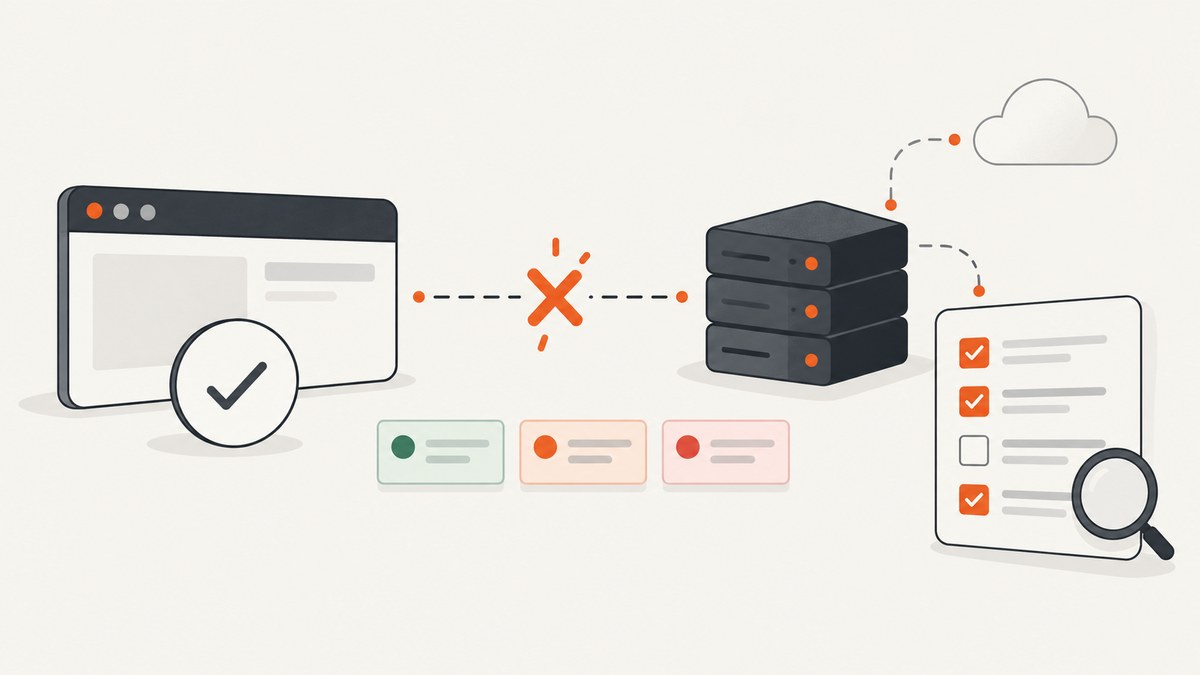
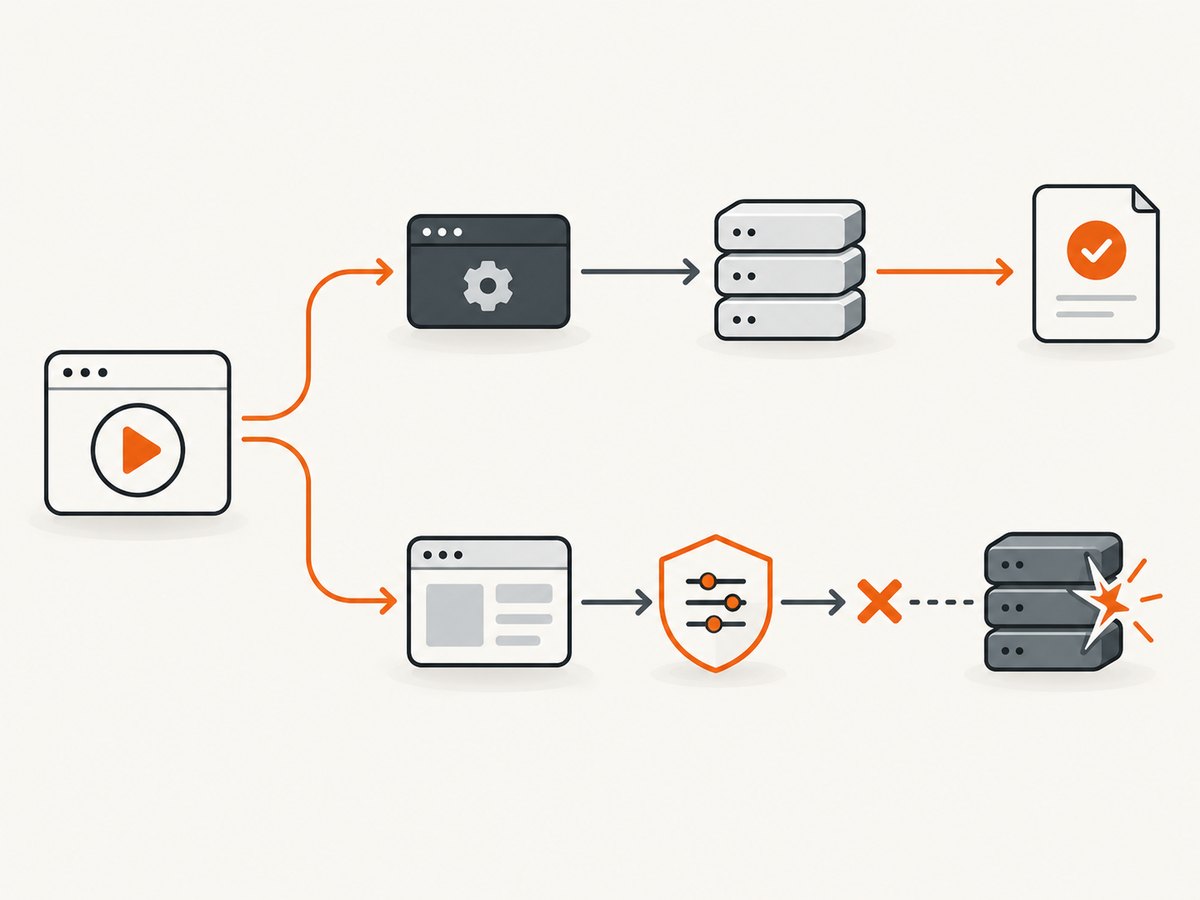
Intermittent HTTP failures in Cypress become manageable when you first identify which request path failed and whether Cypress received an HTTP response. A non-2xx or 3xx response is different from a network failure. Direct API calls made with cy.request() run from Cypress’s Node process; application calls made in the browser can be observed with cy.intercept(). These paths have different retry, timeout, and diagnostic behavior.
Use this sequence:
- Capture the exact command, URL, method, status or network error, response body, Cypress version, browser, environment, and elapsed time.
- Classify the failure as a received HTTP status, a transport/network error, or a timeout.
- Choose
cy.request()settings for direct API tests orcy.intercept()matching and waiting for browser traffic. - Use retries only after recording the first failure and deciding that repeating the operation is safe.
- Keep live responses for contract coverage and use stubs for deterministic error states.
1. Separate HTTP status failures from network failures
By default, cy.request() fails when the server returns a status outside the 2xx and 3xx ranges because failOnStatusCode is true. If the test is meant to verify a 4xx or 5xx response, disable that behavior and assert the response yourself. Cypress documents this distinction in the cy.request() API documentation and its FAQ.
it('returns a validation error for an invalid payload', () => {
  cy.request({
    method: 'POST',
    url: '/api/orders',
    body: { quantity: 0 },
    failOnStatusCode: false
  }).then((response) => {
    expect(response.status).to.eq(422)
    expect(response.body).to.have.property('error')
  })
})
Do not “fix” an expected application error by adding retries. A 422, 401, or intentionally generated 500 is an HTTP response, not a transport failure.
What Cypress retries
| Setting | Default | Use |
|---|---|---|
retryOnNetworkFailure |
true |
Retries transient network failures, up to four attempts. |
retryOnStatusCodeFailure |
false |
Opt-in retries for received non-2xx/3xx statuses, up to four attempts. |
failOnStatusCode |
true |
Fails cy.request() on non-2xx/3xx responses unless disabled. |
These are request-level retries. Cypress test retries rerun the whole test, and command assertions have their own retry-ability. A passing rerun proves intermittency, not its cause. See Cypress API testing guidance and the test retries introduction.
2. Diagnose cy.request() failures
cy.request() executes outside the browser, from Cypress’s Node process. It is appropriate for setup, direct API assertions, and health checks. It is not visible to the browser proxy used by cy.intercept().
Check the target host
If a request follows cy.visit(), Cypress can use that visit’s host. If it is the first command, Cypress uses the configured baseUrl where applicable. Make the URL explicit while debugging so a local, staging, or production host cannot be confused.
describe('API diagnostics', () => {
  it('records the response details', () => {
    cy.request({
      method: 'GET',
      url: 'https://api.example.test/health',
      failOnStatusCode: false,
      retryOnNetworkFailure: false,
      retryOnStatusCodeFailure: false
    }).then((response) => {
      cy.log(`status=${response.status}`)
      cy.log(`headers=${JSON.stringify(response.headers)}`)
      cy.log(`body=${JSON.stringify(response.body)}`)
      expect(response.status).to.be.oneOf([200, 503])
    })
  })
})
Temporarily disabling request retries preserves the first failure for diagnosis. Re-enable a documented retry only when the endpoint operation is safe to repeat.
Handle slow responses with the right timeout
cy.request() uses Cypress’s responseTimeout. Increasing it changes how long Cypress waits; it does not explain why the server, DNS, proxy, database, or CI host was slow. Compare the elapsed time with server and CI logs before changing unrelated command timeouts.
cy.request({
  url: '/api/report',
  timeout: 60000,
  failOnStatusCode: false
}).then((response) => {
  expect(response.status).to.eq(200)
})
3. Diagnose browser requests with cy.intercept()
Use cy.intercept() for requests made by the application in the browser. Register the route before the UI action, match the method and URL, assign an alias, and wait for that alias. Cypress’s network request guide, intercept API, and wait API describe this flow.
it('waits for the order request and inspects it', () => {
  cy.intercept('POST', '**/api/orders').as('createOrder')

  cy.get('[data-cy=submit-order]').click()

  cy.wait('@createOrder', { requestTimeout: 10000, responseTimeout: 30000 })
    .then((interception) => {
      expect(interception.request.body).to.include({ quantity: 1 })
      expect(interception.response).to.exist
      expect(interception.response.statusCode).to.eq(201)
    })
})
If no request matches, verify that the click or navigation really triggers a request, the HTTP method is correct, the URL pattern includes the actual host and path, and the intercept was declared early enough. If Cypress reports a network error, preserve that distinction and correlate the run with browser, proxy, service, and CI logs.
Do not intercept cy.request()
Cypress explicitly states that cy.request() runs from the Node process and does not enter the browser proxy. Therefore, an intercept will not spy on it. Use cy.request() for direct calls and cy.intercept() for application traffic.
Force a network error to test the UI
it('shows the offline state', () => {
  cy.intercept('GET', '**/api/profile', { forceNetworkError: true }).as('profileError')
  cy.visit('/account')
  cy.wait('@profileError')
  cy.contains('Unable to load your profile').should('be.visible')
})
4. Decide between live responses and stubs
| Approach | Best for | Trade-off |
|---|---|---|
| Live server | Critical end-to-end paths and client-server contract coverage | Slower; requires seeded data and depends on service health. |
| Stubbed response | Deterministic 4xx/5xx states, unusual payloads, and controlled delays | Does not prove the live service is healthy. |
| Hybrid | Most suites: a small live contract layer plus broad deterministic UI coverage | Requires clear ownership of which behavior each test proves. |
it('renders a server error deterministically', () => {
  cy.intercept('GET', '**/api/invoices', {
    statusCode: 503,
    body: { error: 'temporarily unavailable' },
    delay: 250
  }).as('invoices')

  cy.visit('/invoices')
  cy.wait('@invoices')
  cy.contains('temporarily unavailable').should('be.visible')
})
If every check is stubbed, the suite cannot establish that the real service produced the expected response. If every test calls live integrations, data setup and service variability can make runs slow and fragile.
5. A repeatable troubleshooting checklist
- Save the first failure. Record the command, Cypress version, browser, CI or local context, URL, method, status, body, headers, elapsed time, and exact error text.
- Classify the failure. Separate a received HTTP status from a network error and from a timeout.
- Confirm the request path. Decide whether it is
cy.request()or browser traffic observed bycy.intercept(). - Check environment resolution. Verify
baseUrl, DNS, TLS, proxy settings, credentials, cookies, and seeded data. - Match browser traffic early. Register the intercept before the action and use the exact method and URL pattern.
- Inspect the response. Log status, body, headers, and request payload before broadening timeouts or retries.
- Compare CI evidence. Correlate Cypress artifacts with server logs, proxy logs, browser console output, and dependency health.
- Choose the smallest fix. Correct the URL, data, intercept, timeout, or retry setting that matches the observed failure.
6. Common errors and fixes
| Symptom | Likely cause | Fix |
|---|---|---|
cy.request() fails on 401, 422, or 500 |
Expected non-2xx/3xx response with default failOnStatusCode |
Set failOnStatusCode: false and assert status and body. |
| Intermittent connection or DNS error | Transport, proxy, DNS, service, or CI instability | Capture the first attempt; inspect environment logs; leave network retries enabled only when repeat is safe. |
| Intermittent 5xx | Server returned an error; status retries are off by default | Inspect the first response. Opt into retryOnStatusCodeFailure only for safe, idempotent operations. |
cy.intercept() never sees the request |
The call was made with cy.request(), or the route did not match |
Use the correct command; verify method, URL, and registration order. |
cy.wait('@alias') times out |
No matching request, action did not trigger it, or response exceeded timeout | Verify the UI action and matcher; set request and response timeouts deliberately. |
| Test passes on a rerun | Intermittent state or dependency issue | Use retry artifacts and logs to identify the failed layer; do not treat the rerun as a root-cause fix. |
| Longer timeout hides the problem | Slow server, dependency, or CI host | Measure and investigate the slow component before changing global settings. |
7. Performance, reliability, and cost considerations
- Keep retries narrow. Request retries can multiply load and may repeat writes. Prefer idempotent health checks or requests with safe deduplication.
- Use deterministic fixtures. Stable test data reduces failures caused by races, expired records, and shared environments.
- Separate contract and UI layers. A small number of live API checks gives signal about the service; stubs keep broad UI scenarios fast and reproducible.
- Measure before tuning. Record request duration and status on the first attempt. A timeout setting affects waiting time, not server performance.
- Control parallelism. Excessive CI concurrency can exhaust connection pools, rate limits, or test data and create failures that look random.
- Review test retries separately. Whole-test retries can hide a flaky dependency while increasing suite duration. Keep artifacts from every attempt.
8. Or skip the browser setup
If your Cypress workflow needs reference screenshots of pages or states, ScreenshotNeo provides a website screenshot API and MCP server. After the page is available, one request returns PNG, JPEG, WebP, or PDF without maintaining browser automation:
curl -G "https://api.screenshotneo.com/v1/shot" -d access_key=YOUR_API_KEY --data-urlencode url=https://stripe.com -o shot.webpimport requests
r = requests.get("https://api.screenshotneo.com/v1/shot", params={"access_key": "YOUR_API_KEY", "url": "https://stripe.com"}, timeout=90)
open("shot.webp", "wb").write(r.content)const q = new URLSearchParams({ access_key: 'YOUR_API_KEY', url: 'https://stripe.com' });
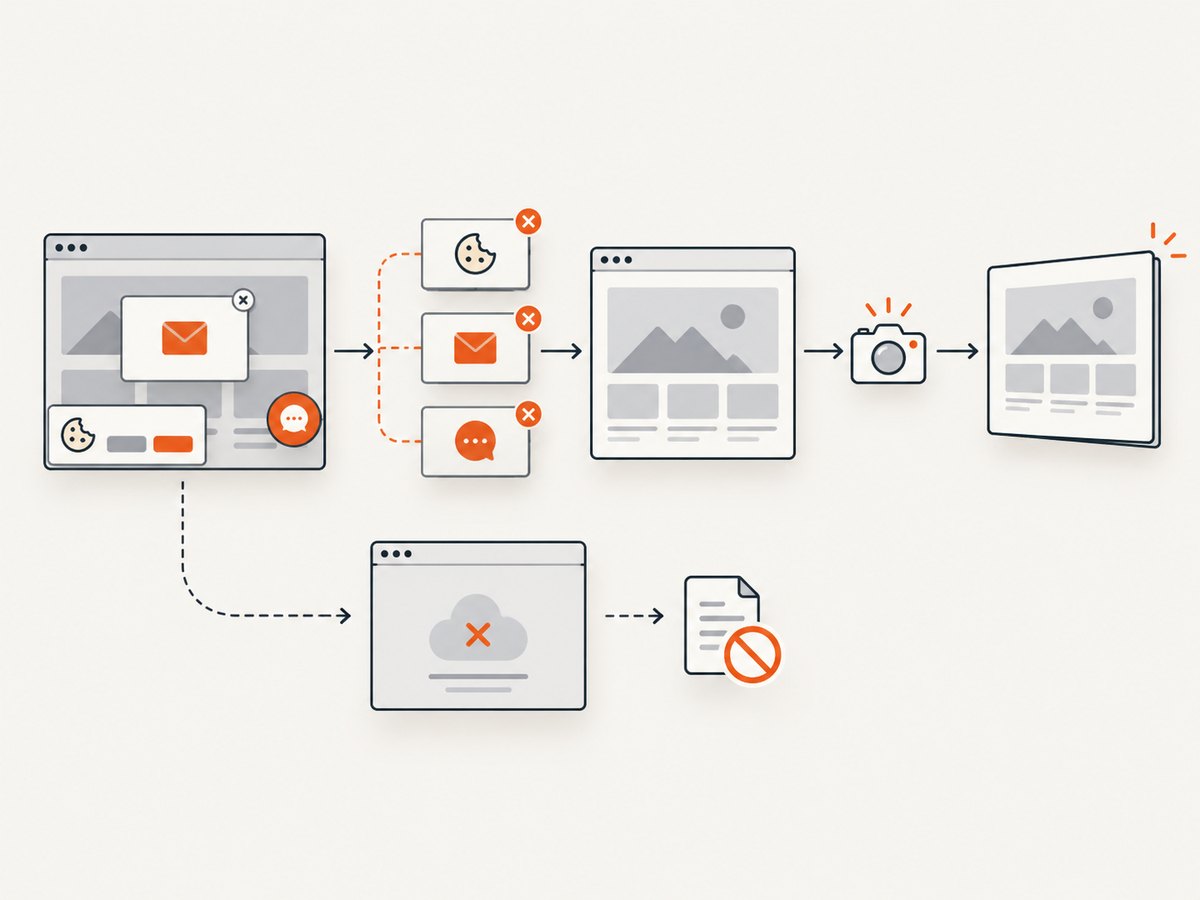
const res = await fetch(`https://api.screenshotneo.com/v1/shot?${q}`);See the ScreenshotNeo documentation for request options. Cookie banners, newsletter popups, and chat widgets are removed before the shot; bot checks, blank pages, timeouts, failed loads, and cache hits are not billed, and response headers report the page verdict and billing status. Its MCP server lets AI agents take screenshots. The free plan includes 1,000 screenshots a month with no card, and paid plans start at $5 for 3,000. Create a free ScreenshotNeo account.
9. FAQ
Should I enable retryOnStatusCodeFailure for every test?
No. First determine why the server returned the status. Enable it only when repeating the operation is safe and a transient status is part of the scenario.
Why does cy.intercept() miss a request?
It may be a cy.request() call, or the browser route may not match the method or URL. Register the intercept before the action that triggers the request.
Is a 500 response a network failure?
No. A 500 is an HTTP response. A network failure means Cypress could not complete the transport and receive a response.
Should I increase the global timeout?
Only after measuring the operation and checking server and CI evidence. Prefer a targeted request or wait timeout when the endpoint is known to be slower.
Can stubs replace all live API tests?
No. Stubs are useful for deterministic client behavior, while live checks verify the actual client-server contract and service response.
What information should a bug report include?
Include the exact error, Cypress version, browser, command, URL and method, status or network-error distinction, response details, timing, environment, retry attempt, and relevant server or CI logs.


