How to Fix iText XMLWorker Invalid Nested Tag Errors
Fix XMLWorker invalid nested tag errors by repairing XHTML structure, validating markup, and configuring iText 5 correctly.

Short answer: iText XMLWorker throws an invalid nested tag exception when the tags in your XHTML do not close in the same last-in, first-out order in which they opened. Repair missing or crossed end tags, use XHTML syntax for empty elements, keep block elements out of paragraphs, escape text correctly, and validate the input before parsing. Then pass the corrected XHTML and charset to XMLWorkerHelper.parseXHtml.
The message RuntimeWorkerException: Invalid nested tag html found, expected closing tag body is usually an input well-formedness problem. It is not normally a failure in PDF writing. XMLWorker reads markup with an open-tag stack; when the next closing tag does not match the top of that stack, parsing stops.
1. What the exception means
XMLWorkerHelper is iText 5’s helper for parsing XHTML, CSS, or XML flow into a PDF. It expects XML-like nesting even when the source originally came from browser HTML.
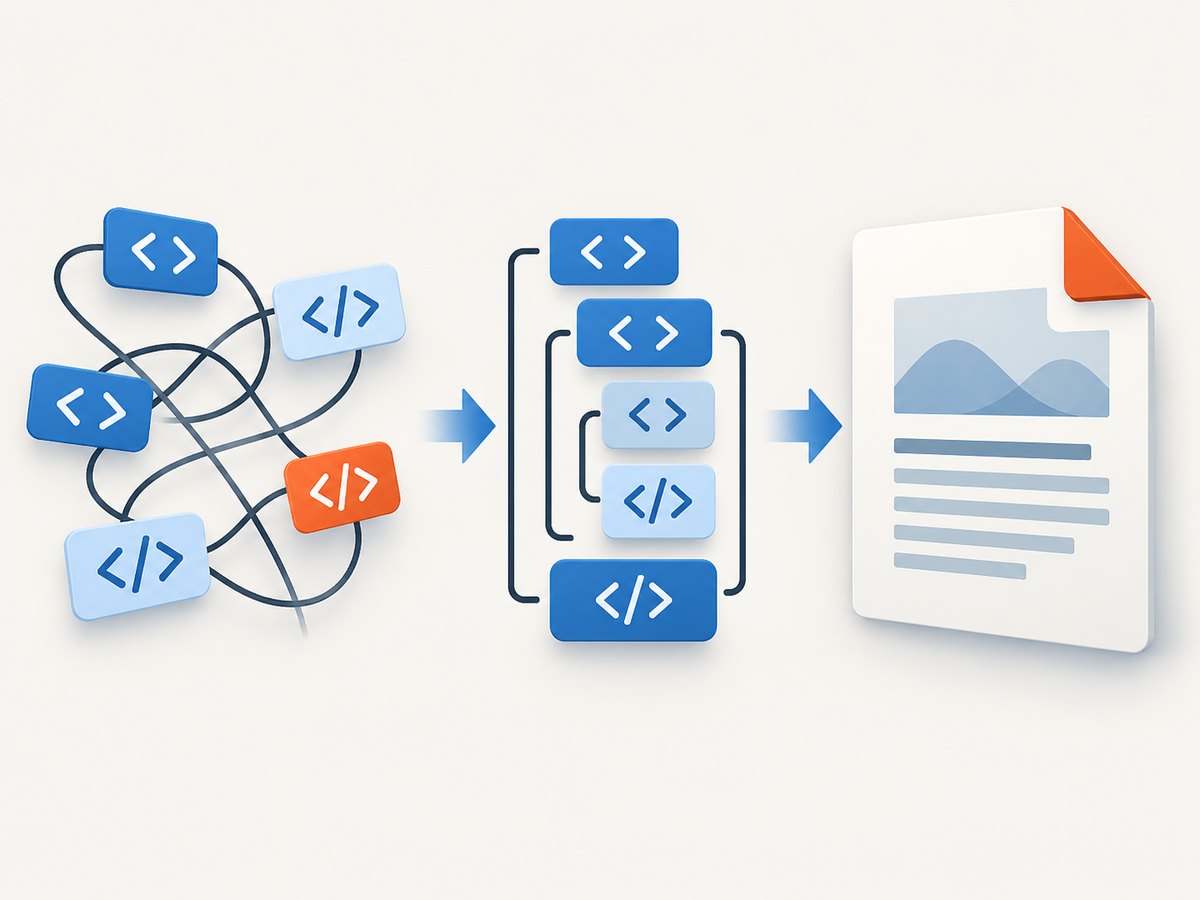
For example, this fragment opens div, then p, but closes div first:
<div>
  <p>Invoice total</div>
</p>
The parser is still inside p when it sees </div>. The corrected version closes the paragraph first:
<div>
  <p>Invoice total</p>
</div>
Other frequent triggers are:
- Missing
</td>,</tr>,</li>,</p>, or wrapper end tags. - HTML-only empty elements such as
<br>,<hr>, and<img>in a strict XHTML input. - A
div, table, list, heading, or other block element started before the current paragraph ends. - Raw ampersands, less-than signs, or unquoted attribute values in text and attributes.
- Browser HTML that relies on optional end tags or error recovery.
2. A repeatable repair process
Step 1: capture the exact input
Log the XHTML string or file immediately before XMLWorker receives it. Do not debug a template or database field that may differ from the actual runtime value. Preserve the character encoding and identify the smallest fragment that still throws.
Step 2: repair the tag stack
Close elements in reverse opening order. A simple indentation pass often exposes the error:
<html>
  <head><title>Report</title></head>
  <body>
    <div class="summary">
      <p>Ready</p>
    </div>
  </body>
</html>
Use one root document, matching html, head, and body boundaries when those wrappers are present. Do not place two sibling roots in one XHTML stream.
Step 3: use XHTML empty-element syntax
<br />
<hr />
<img src="logo.png" alt="Logo" />
XMLWorker’s default tag factory has processors for common tags including br, hr, and img. The slash is part of making the input well formed; it is not a CSS or PDF option.
Step 4: make block structure legal
End a paragraph before starting a block element. Close table cells before rows, and rows before the table. Close each list item before the next item when your generated markup requires explicit end tags.
<p>Introduction</p>
<div>A separate block</div>

<table>
  <tr>
    <td>Name</td>
    <td>Value</td>
  </tr>
</table>
Step 5: escape data
Escape user or database values before inserting them into markup. In text, use & for &, < for <, and > for >. Quote attribute values and escape quotes according to the serializer you use.
Step 6: validate before conversion
Run an XML parser or XHTML validator as a separate preflight. This gives a line and column for malformed markup before PDF conversion adds its own stack trace. XMLWorker is not a browser and should not be expected to repair arbitrary HTML.
3. Minimal Java conversion that works
The following example uses the standard helper path. The input is already XHTML and UTF-8. Check the exact XMLWorker version loaded by your application; XMLWorker 5.5.13.6 is a legacy iText 5 artifact with AGPL-3.0 licensing.
import com.itextpdf.text.Document;
import com.itextpdf.text.pdf.PdfWriter;
import com.itextpdf.tool.xml.XMLWorkerHelper;

import java.io.ByteArrayInputStream;
import java.io.FileOutputStream;
import java.nio.charset.StandardCharsets;

public final class XmlWorkerPdf {
    public static void main(String[] args) throws Exception {
        String xhtml = """
            <html>
              <head>
                <style>body { font-family: Helvetica; }</style>
              </head>
              <body>
                <h1>Report</h1>
                <p>Generated with XMLWorker.</p>
                <img src=\"file:///tmp/logo.png\" alt=\"Logo\" />
              </body>
            </html>
            """;

        Document document = new Document();
        try (FileOutputStream output = new FileOutputStream("report.pdf")) {
            PdfWriter writer = PdfWriter.getInstance(document, output);
            document.open();
            XMLWorkerHelper.getInstance().parseXHtml(
                writer,
                document,
                new ByteArrayInputStream(xhtml.getBytes(StandardCharsets.UTF_8)),
                StandardCharsets.UTF_8
            );
        } finally {
            document.close();
        }
    }
}
Keep the writer, document, stream, and charset aligned. A UTF-8 string parsed as a different charset can produce apparently random attribute or entity errors.
4. When the helper overload is not enough
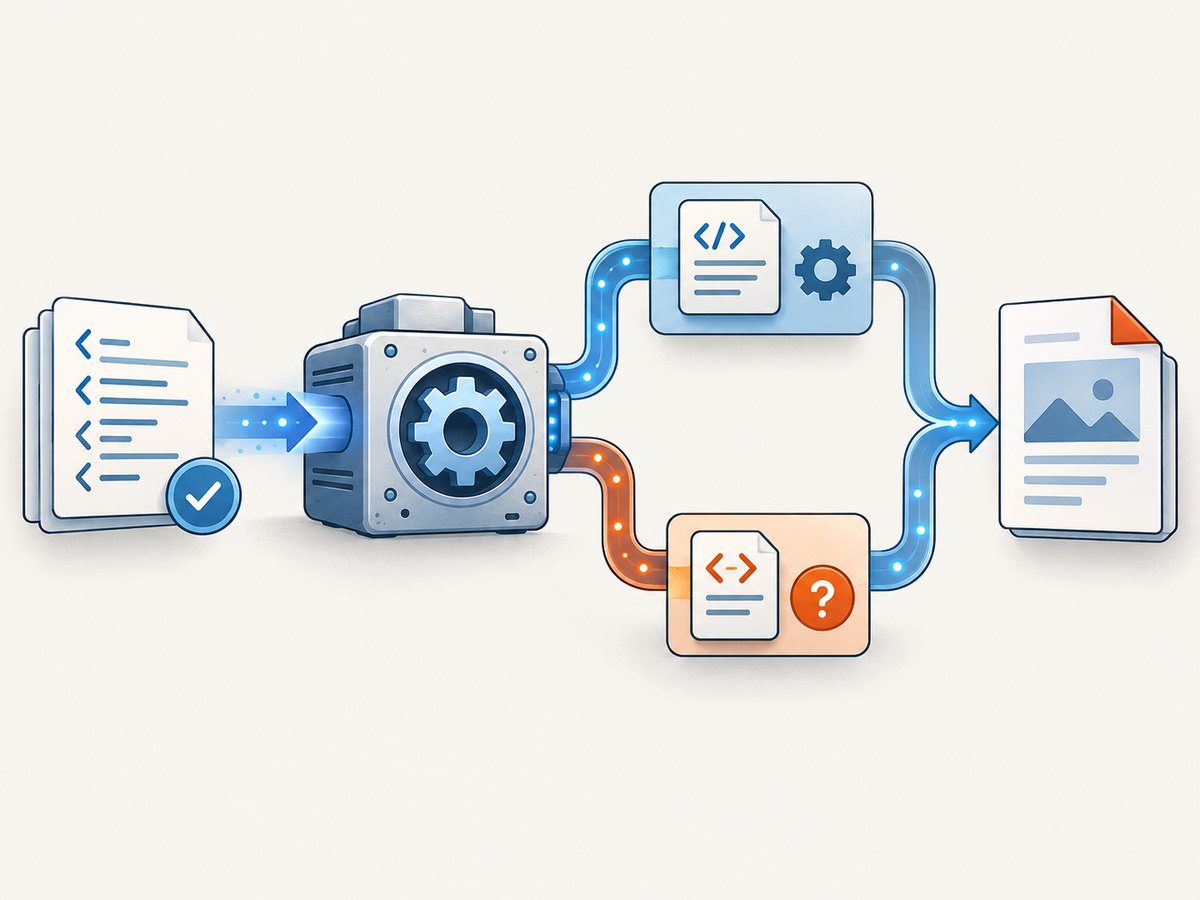
Use the pipeline API when you need a custom CSS resolver, font provider, image root, or tag factory. The sequence is a CSSResolver, HtmlPipelineContext, HtmlPipeline, and PdfWriterPipeline, connected through a Pipeline<?> and passed to XMLParser.
CSSResolver cssResolver = XMLWorkerHelper.getInstance()
    .getDefaultCssResolver(true);

HtmlPipelineContext htmlContext = new HtmlPipelineContext(null);
htmlContext.setTagFactory(Tags.getHtmlTagProcessorFactory());

PdfWriterPipeline pdf = new PdfWriterPipeline(document, writer);
HtmlPipeline html = new HtmlPipeline(htmlContext, pdf);
CssResolverPipeline pipeline = new CssResolverPipeline(cssResolver, html);

XMLWorker worker = new XMLWorker(pipeline, true);
XMLParser parser = new XMLParser(worker, StandardCharsets.UTF_8);
parser.parse(new ByteArrayInputStream(xhtml.getBytes(StandardCharsets.UTF_8)));
Register a custom processor before parsing when your document contains a custom element. A processor can extend an existing one, such as Span, and is attached through htmlContext.setTagFactory(factory). An unknown tag and an invalidly nested known tag are separate failures.
5. Unknown tags versus invalid nesting
TagProcessorFactory maps tag names to processors. If a custom element has no mapping, the parser may report an unknown tag. HtmlPipelineContext.setAcceptUnknown(true) can allow tags that are not in the factory, but it does not repair a missing end tag or crossed closures.
HtmlPipelineContext context = new HtmlPipelineContext(null);
context.setAcceptUnknown(true);
context.setTagFactory(customFactory);
Use this only when dropping or passing through the unknown element is safe. If the element carries visible content, write and register a processor instead.
6. Browser HTML and migration decisions
Normalize browser HTML to XHTML before handing it to XMLWorker. Optional end tags, modern CSS, JavaScript-generated content, and layout features outside XMLWorker’s iText 5 design can remain problematic after validation.
XMLWorker is a controlled-XHTML choice for stable legacy pipelines. iText’s comparison material describes pdfHTML as the successor with more robust handling of imperfect HTML and broader HTML/CSS support. Treat migration as a compatibility project: compare fonts, page breaks, tables, images, licensing, and output snapshots before switching.
7. Troubleshooting checklist
| Symptom | Likely cause | Fix |
|---|---|---|
Expected closing tag body |
Earlier tag is missing or crossed | Inspect backward from the reported location and close the open stack in order. |
Error at br, img, or hr |
HTML empty-element syntax | Use <br />, <img ... />, and <hr />. |
| Failure starts after a paragraph | Block content nested in p |
Close p before div, table, list, or heading. |
| Unknown custom element | No tag processor mapping | Register a processor or safely enable setAcceptUnknown(true). |
| Only some languages fail | Wrong charset or unescaped data | Use UTF-8 consistently and escape entities before parsing. |
| Works in a browser, fails in XMLWorker | Browser recovery or unsupported CSS | Serialize valid XHTML and reduce the fragment to supported structure. |
| Different behavior after deployment | Older iText/XMLWorker dependency loaded transitively | Inspect the dependency tree and verify the runtime jars and licenses. |
8. Performance, reliability, and cost considerations
- Validate once, convert many: cache normalized XHTML when the same template and data are reused. This moves failures to a cheap preflight step.
- Keep fragments small while debugging: binary-search large documents by removing sections until the failing tag pair is isolated.
- Control resources: local images, fonts, and CSS roots avoid network variability during conversion. Set explicit timeouts in any resource loader you add.
- Watch memory: very large tables and embedded images increase heap use. Stream source data where possible and resize images before embedding.
- Measure output, not just runtime: compare page count, missing glyphs, image placement, and page breaks after dependency or template changes.
- Account for licensing: verify whether AGPL-3.0 XMLWorker fits your distribution model and whether a commercial iText license is required.
9. Or skip the browser setup
If your real task is capturing a web page as an image or PDF before putting it into a report, a browser automation stack introduces its own setup: Chromium versions, waits, cookie banners, popups, chat widgets, failed loads, and bot checks. ScreenshotNeo provides a single screenshot API request and an MCP server for AI agents.
See the ScreenshotNeo API documentation for all options. A minimal call is:
curl -G "https://api.screenshotneo.com/v1/shot" -d access_key=YOUR_API_KEY --data-urlencode url=https://stripe.com -o shot.webpimport requests
r = requests.get("https://api.screenshotneo.com/v1/shot", params={"access_key": "YOUR_API_KEY", "url": "https://stripe.com"}, timeout=90)
open("shot.webp", "wb").write(r.content)const q = new URLSearchParams({ access_key: 'YOUR_API_KEY', url: 'https://stripe.com' });
const res = await fetch(`https://api.screenshotneo.com/v1/shot?${q}`);Cookie banners, newsletter popups, and chat widgets are removed before the shot. Bot checks, blank pages, failed loads, timeouts, and cache hits are not billed, and response headers report the page verdict and billing status. The MCP server exposes take_screenshot, get_page_info, and capture_pdf for Claude, Cursor, and other MCP clients. You get 1,000 screenshots a month free with no card; paid plans start at $5 for 3,000.
Create a free ScreenshotNeo account.
10. FAQ
Does adding setAcceptUnknown(true) fix this exception?
No. It addresses tags without a processor. It cannot fix crossed, missing, or improperly nested closing tags.
Should I always include html, head, and body?
Use one complete wrapper when your pipeline expects a document. For fragments, keep a single well-formed root and do not concatenate sibling roots.
Can XMLWorker parse normal web pages?
Only after the page is reduced and normalized to supported XHTML and CSS. Browser HTML recovery and JavaScript rendering are outside its design.
When should I evaluate pdfHTML?
Consider it when valid XHTML still cannot express the required HTML/CSS, or when normalizing every source page costs more than a migration. Validate licensing and compare rendered output first.
Why does the same template fail only in production?
Production often has different data, encoding, dependency versions, resource paths, or custom tags. Log the exact input and runtime dependency tree at the failing conversion.


