How to Fix Out-of-Heap-Memory Errors When Generating Multiple PDFs with iText 7 in Java
Stop iText 7 batch PDF jobs from exhausting Java heap memory with correct lifecycle, flushing, streaming, concurrency limits, and JVM diagnostics.

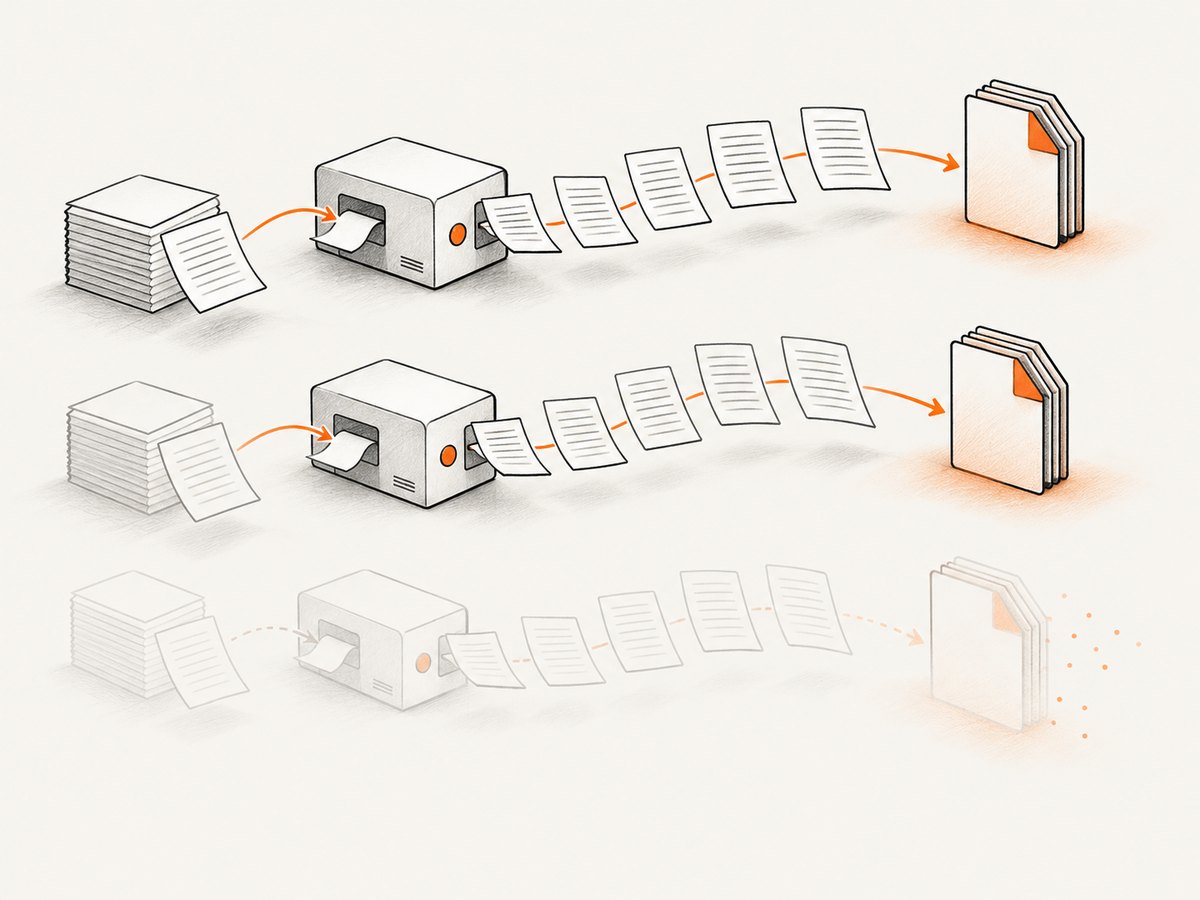
Short answer: create and close a new PdfWriter, PdfDocument, and layout Document for every output file. Stream each result directly to disk or another output stream, release image bytes and other large inputs after each job, and avoid retaining completed iText objects or byte buffers. For ordinary documents, enable immediate flushing. Bound parallelism so only a small number of PDFs are live at once.
java.lang.OutOfMemoryError: Java heap space means the JVM could not satisfy an allocation in the Java heap. It can indicate an undersized effective -Xmx, but it can also indicate retained references, unclosed PDF objects, oversized images, in-memory output buffers, or too many concurrent jobs. The error alone does not establish an iText defect. Oracle’s troubleshooting guidance describes both insufficient heap and unintended retention as possible causes (Oracle Java troubleshooting).
1. Use a separate, short-lived iText object graph per PDF
The safest ownership model is one writer, PDF document, and layout document per job. Close the layout Document as soon as the PDF is complete. iText documents that Document.close() closes its associated PdfDocument; PdfDocument is also AutoCloseable in the 7.x API (Document API, PdfDocument API).
for (Job job : jobs) {
    try (PdfWriter writer = new PdfWriter(job.outputPath());
         PdfDocument pdf = new PdfDocument(writer);
         Document doc = new Document(pdf, PageSize.A4, true)) {
        addJobContent(doc, job);
    }
}
The third constructor argument, true, enables immediate flushing. Pages and page-related instructions are written as soon as possible instead of remaining live in layout state until the entire document closes. If your exact iText version does not permit every wrapper to be used safely in a try-with-resources declaration, keep the same ownership rule and close Document in a finally block. Consult the versioned API for the precise close behavior.
Do not reuse a closed document
Do not create one Document outside a loop and repeatedly change its output. A PDF’s writer and indirect-object graph belong to that output. Reuse can keep pages, fonts, images, and caches reachable longer than expected and can also produce invalid lifecycle calls. Construct the three objects inside the loop.
Release application-owned data
iText cannot release an image byte array that your own collection still references. Avoid lists such as allPdfBytes, allImages, or a job-result cache when the batch does not require them. Pass one job into the renderer, write its file, then remove references to source data before starting the next job.
2. Stream output instead of building every PDF in memory
A ByteArrayOutputStream is appropriate only when the caller truly needs bytes in memory. For a batch export, use a file path or a streaming response. Holding ten completed byte arrays can consume more memory than iText’s live layout state.
static void render(Job job) throws IOException {
    try (PdfWriter writer = new PdfWriter(job.outputPath());
         PdfDocument pdf = new PdfDocument(writer);
         Document doc = new Document(pdf, PageSize.A4, true)) {
        addJobContent(doc, job);
    }
}

static void addJobContent(Document doc, Job job) {
    doc.add(new Paragraph(job.title()));
    for (String row : job.rows()) {
        doc.add(new Paragraph(row));
    }
}
If an HTTP endpoint must return bytes, generate one request’s PDF at a time and write the output stream as the response body. Do not retain prior responses in a process-wide collection. Also watch for framework response buffering: a server can defeat streaming by copying the complete body into a byte array before sending it.
3. Understand immediate flushing and its limits
The Document constructor’s immediateFlush flag controls whether pages and page-related instructions are flushed as soon as possible. It is useful for large ordinary reports and for incremental table construction. Add table rows progressively rather than first materializing a huge two-dimensional structure.
PdfWriter writer = new PdfWriter(path);
PdfDocument pdf = new PdfDocument(writer);
Document doc = new Document(pdf, PageSize.A4, true); // immediateFlush
try {
    Table table = new Table(4);
    for (Record record : records) {
        table.addCell(record.id());
        table.addCell(record.name());
        table.addCell(record.status());
        table.addCell(record.updatedAt().toString());
    }
    doc.add(table);
} finally {
    doc.close(); // closes the associated PdfDocument
}
Flushing is not a universal switch. PDF/A and PDF/UA conformance checks can require pages to remain available until close. Complex layouts can also defer work. For those jobs, reduce concurrency and size the heap from measurements rather than assuming that immediate flushing will eliminate peak usage.
4. Control concurrency deliberately
Sequential generation is the best baseline. If throughput requires parallel jobs, use a small, bounded executor. Each active PDF can hold layout state, fonts, images, and indirect objects, so a pool sized to CPU count may still exhaust memory.
int workers = 2; // choose from measurements, not available CPU count alone
ExecutorService pool = Executors.newFixedThreadPool(workers);
try {
    List<Future<?>> futures = new ArrayList<>();
    for (Job job : jobs) {
        futures.add(pool.submit(() -> render(job)));
    }
    for (Future<?> future : futures) {
        future.get();
    }
} finally {
    pool.shutdown();
}
A bounded queue prevents an unbounded producer from retaining every pending job and its source data. Keep job descriptors small; load large images or records inside the worker and release them when the task completes. If failures occur only with concurrency, the likely issue is simultaneous live documents, buffers, or source objects rather than a single-document leak.
5. Diagnose before changing -Xmx
- Classify the exception. Distinguish
Java heap space,GC overhead limit exceeded,Requested array size exceeds VM limit, and native-memory messages. Their remedies differ. - Verify effective JVM settings. Inspect the launcher, container, service unit, and environment. The process may not use the heap size configured on a developer workstation.
- Reproduce in stages. Generate one PDF, then a sequential batch, then the intended concurrency. Record page count, document size, image dimensions, iText version, Java version, and JVM flags.
- Enable a heap dump. Run with
-XX:+HeapDumpOnOutOfMemoryErrorand optionally-XX:HeapDumpPath=/path/to/dumps. Oracle documents these HotSpot options (Java launcher options). - Inspect dominators and retained sizes. Look for collections containing completed jobs, image byte arrays, thread locals, caches, and unclosed iText objects.
- Compare post-full-GC live sets. A rising baseline after each job suggests retained references. A stable baseline followed by failure during one large allocation suggests peak-size or array pressure.
- Change one variable at a time. Close resources, lower concurrency, enable permitted flushing, reduce image resolution or buffering, and only then adjust
-Xmxwith native-memory headroom.
6. Common causes and fixes
| Symptom | Likely cause | Fix |
|---|---|---|
| Memory rises after every file | Documents, writers, jobs, or byte arrays remain referenced | Close each Document; clear result collections; inspect heap dominators |
| One large PDF fails alone | Large images, tables, fonts, or a single allocation exceeds available heap | Downsample images, stream output, add rows incrementally, measure peak usage |
| Sequential works, parallel fails | Too many live object graphs or queued inputs | Use a bounded executor and lower worker count |
| Failure only with PDF/A or PDF/UA | Conformance checks require deferred page access | Expect higher retention; lower concurrency and size heap from measurements |
GC overhead limit exceeded |
GC spends most time reclaiming little memory | Find retained references and reduce peak live data before raising heap |
Requested array size exceeds VM limit |
A buffer or array request is intrinsically too large | Avoid whole-file arrays; split work or stream output |
| Closing throws an exception | Double close, use-after-close, or version-specific wrapper behavior | Define one owner; close in one finally; check the exact iText API version |
7. Images, tables, and other peak-memory traps
Images are frequent peaks because decoding can require substantially more memory than the compressed file size. Keep source resolution appropriate for the output, avoid retaining original byte arrays after creating the image element, and process image-heavy jobs with fewer workers. A table with millions of rows should be fed incrementally, but remember that conformance modes may prevent page flushing.
Fonts, templates, and shared caches should have a defined lifecycle. A cache that is useful for one request can become a process-wide retention point if it stores per-document objects. Never put Document, PdfDocument, page objects, or layout elements in static fields.
8. JVM sizing and reliability
Increasing -Xmx can postpone an allocation failure, but it does not repair retained references. Leave room for class metadata, thread stacks, direct buffers, the operating system, and container limits. A container killed by its memory limit may show no Java heap dump, so monitor the process’s total resident memory as well as heap usage.
For production batches, log a job identifier, page count, output path, elapsed time, peak heap, and exception category. Make output names deterministic and write to a temporary path before renaming on success. That prevents a failed job from being mistaken for a complete PDF. Retry only failures that are safe to repeat; do not blindly retry an OOM without reducing concurrency or input size.
9. A complete sequential batch example
public final class PdfBatch {
    public static void generate(List<Job> jobs) throws Exception {
        for (Job job : jobs) {
            Path temp = job.outputPath().resolveSibling(job.outputPath().getFileName() + ".tmp");
            try (PdfWriter writer = new PdfWriter(temp.toString());
                 PdfDocument pdf = new PdfDocument(writer);
                 Document doc = new Document(pdf, PageSize.A4, true)) {
                doc.add(new Paragraph(job.title()));
                for (String line : job.lines()) {
                    doc.add(new Paragraph(line));
                }
            }
            Files.move(temp, job.outputPath(), StandardCopyOption.REPLACE_EXISTING,
                       StandardCopyOption.ATOMIC_MOVE);
        }
    }

    public record Job(String title, List<String> lines, Path outputPath) {}
}
This pattern gives each output an independent lifecycle, writes directly to disk, flushes ordinary pages, and publishes the file only after close succeeds. If your filesystem does not support an atomic move, use the strongest rename semantics available in your deployment.
10. Or skip the browser setup
If the actual requirement is to turn web pages into PDFs or screenshots rather than render application data with iText, ScreenshotNeo provides a single HTTP endpoint. It handles browser startup and page capture for you.

Read the ScreenshotNeo API documentation for the current parameters and response details.
curl -G "https://api.screenshotneo.com/v1/shot" \
  -d access_key=YOUR_API_KEY \
  --data-urlencode url=https://stripe.com \
  -o shot.webp
import requests
r = requests.get(
"https://api.screenshotneo.com/v1/shot",
params={"access_key": "YOUR_API_KEY", "url": "https://stripe.com"},
timeout=90,
)
r.raise_for_status()
open("shot.webp", "wb").write(r.content)const q = new URLSearchParams({ access_key: 'YOUR_API_KEY', url: 'https://stripe.com' });
const res = await fetch(`https://api.screenshotneo.com/v1/shot?${q}`);
if (!res.ok) throw new Error(`HTTP ${res.status}`);
const buffer = Buffer.from(await res.arrayBuffer());
await fs.promises.writeFile('shot.webp', buffer);ScreenshotNeo removes cookie and consent banners, newsletter popups, and chat widgets before the shot. Bot checks, blank pages, failed loads, timeouts, and cache hits are not billed, and response headers identify the page verdict and billing result. Its MCP server lets Claude, Cursor, and other MCP clients call take_screenshot, get_page_info, and capture_pdf. The free plan includes 1,000 screenshots per month with no card; paid plans start at $5 for 3,000. Create a free ScreenshotNeo account.
11. Performance and cost checklist
- Start with sequential generation and measure peak live heap.
- Stream each output; avoid collecting completed PDFs in memory.
- Use immediate flushing where the document’s features and conformance rules allow it.
- Bound concurrency and queue size.
- Downsample oversized images and release source bytes per job.
- Capture a heap dump before making speculative architecture changes.
- Increase
-Xmxonly after removing avoidable retention and reserving native-memory headroom. - For web-page capture, compare the operational cost of maintaining browsers and iText code with ScreenshotNeo’s per-plan limits and no-charge failure handling.
12. FAQ
Should I call System.gc() after every PDF?
No. Explicit GC does not fix live references and can reduce throughput. Close resources and remove references first; use heap analysis to verify the result.
Does Document.close() close PdfDocument?
Yes, iText documents that the layout document closes its associated PDF document. Keep one clear owner and avoid double-close patterns.
Is immediate flushing safe for every PDF?
No. PDF/A and PDF/UA validation, plus some complex layouts, can require pages at close. Test the required conformance mode and measure memory.
How many worker threads should a batch use?
There is no universal number. Begin with one, measure, then increase gradually while watching post-GC live heap and total resident memory. Stop when throughput gains threaten the memory budget.
When is a larger heap the right fix?
When profiling shows a stable, intentional live set and a legitimate single allocation needs more room. It is not a substitute for closing documents, streaming output, or removing retained collections.


