How to Fix Installation Problems with jsPDF 1.5.3
Fix jsPDF 1.5.3 install failures by checking Git, GitHub access, and your lockfile. Includes npm, Yarn, CDN, CI, and compatibility fallback steps.
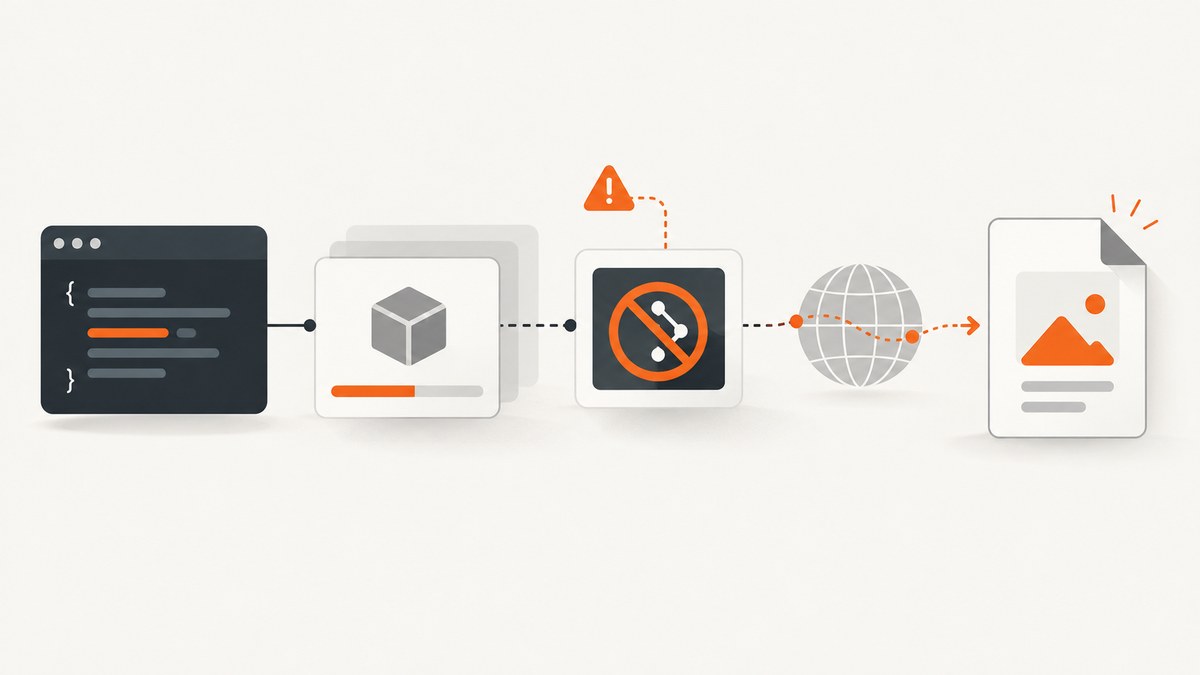
For npm ERR! spawn git ENOENT while installing jspdf@1.5.3, first check whether Git is installed and available on PATH. jsPDF 1.5.3 declares a dependency on FileSaver.js through a GitHub repository reference, so npm may need to run Git and fetch that dependency. Install Git in the environment, verify the GitHub transport in the error can connect, then retry the pinned install. This is an install and source-fetch problem, not a PDF-generation API error. [Reported install failure] [jsPDF 1.5.3 package manifest]
jsPDF is a JavaScript library for generating PDFs in the browser. Its 1.5.3 package includes browser and Node builds, and its dependency tree includes older pinned packages such as html2canvas@1.0.0-alpha.12 and the GitHub-sourced FileSaver.js reference. [jsPDF project] [1.5.3 manifest]
1. Identify which installation problem you have
Read the complete npm error, not just its final summary. The key phrases distinguish a missing executable from a network or authentication failure.
| Error clue | Likely cause | First check |
|---|---|---|
spawn git ENOENT |
npm tried to launch Git, but the executable was not found on the installer process’s PATH. | Run git --version in the same shell or CI job that runs npm. |
An SSH URL such as git@github.com:..., permission denied, or host key error |
Git exists, but SSH access, keys, host verification, or outbound network policy is blocking the fetch. | Inspect the exact URL and test GitHub access using the same transport. |
| Timeout, DNS, proxy, or connection refused | The environment cannot reach the Git host through its configured network path. | Check proxy settings, DNS, firewall rules, and CI egress policy. |
| Install succeeds, then app build fails | The dependency installed; investigate bundler resolution, module syntax, or compatibility separately. | Review the first build error and the project’s import style. |
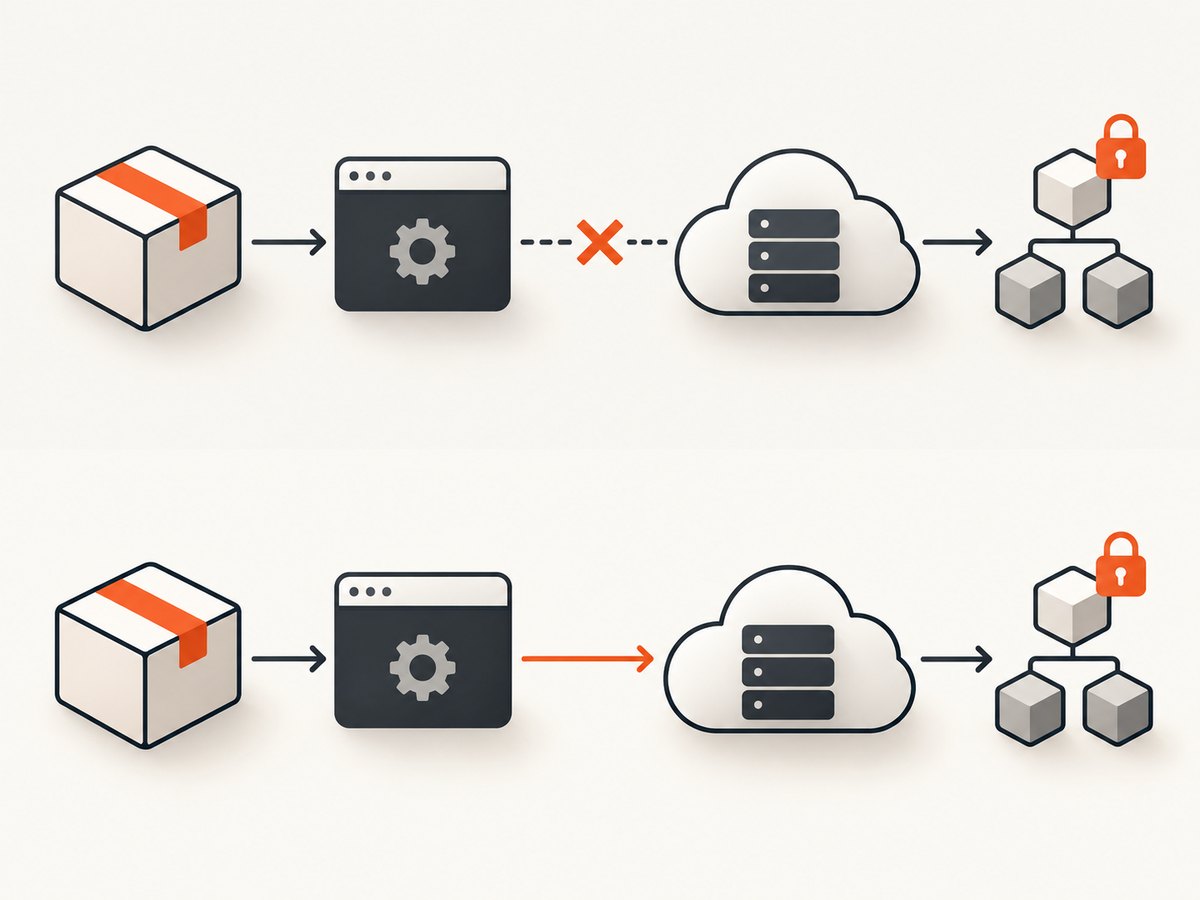
The historical report for jsPDF 1.5.3 includes both spawn git ENOENT and an SSH fetch of the FileSaver.js repository. These are related but distinct failure stages: the first means Git could not be launched; an SSH or network error means it launched but could not complete the fetch. [Failure report]
2. Repair the install environment
- Confirm the project needs 1.5.3. Check
package.json, the lockfile, and any code or integration that depends on this version. Avoid changing versions as a first diagnostic step. - Check Git in the exact environment running npm. Run
git --version. Installing Git on a developer workstation does not fix a separate container, build agent, or CI image. - Install Git or add it to PATH. Use the operating system package mechanism or the maintained base image used by your environment. After installation or PATH changes, start a fresh shell or job so the process receives the updated environment.
- Check the fetch transport and network. If the error shows SSH, ensure the CI identity has the required key and host verification configuration, and that outbound SSH is allowed. If policy blocks SSH, use an approved HTTPS-based setup if the dependency resolution configuration permits it. Do not place private keys or tokens in source-controlled files.
- Retry the exact pinned install. Preserve the lockfile and inspect the resulting diff. This confirms the intended dependency tree rather than silently upgrading unrelated packages.
# Confirm Git is visible to this shell
git --version

# Install exactly the requested version
npm install --save-exact jspdf@1.5.3

# Review dependency changes before committing
git diff -- package.json package-lock.json
The install command above is suitable when the project uses npm and a package lock. If the repository uses another lockfile or package manager, keep that project’s convention and commit the corresponding lockfile update.
3. Install in CI and containers reproducibly
CI failures often occur because a minimal image contains Node.js but not Git, or because the build environment can reach the npm registry but not GitHub. The local machine can succeed while CI fails because its executable path, credentials, proxy, firewall, or outbound rules differ.
- Use a project-local Node.js and bundler toolchain. The jsPDF-era webpack guidance recommends starting from a compatible Node.js release and cautions that globally installed webpack can conflict with project dependencies. [webpack installation guidance]
- Ensure Git is installed in the image or runner before dependency installation.
- Configure network access and credentials through the CI platform’s secret mechanism. Give the job only the access it needs.
- Use the committed lockfile and the package manager’s clean-install mode. For npm,
npm ciinstalls from the lockfile and fails if the manifest and lockfile disagree. - Rebuild from a clean job to confirm the fix is not relying on a developer’s cached Git checkout or package cache.
# In CI, after Node.js, Git, and approved GitHub access are configured
node --version
git --version
npm ci
npm run build
If the lockfile already resolves jspdf@1.5.3, do not regenerate it casually as part of fixing missing Git. A lockfile makes dependency resolution more repeatable, but it cannot make an unavailable Git executable or blocked host reachable. Conversely, a warm cache may hide the missing-fetch problem until a clean agent runs.
4. Choose the right installation path
The versioned documentation describes CDN, npm, and Yarn options. Choose based on how the application is built; changing the loading mechanism can change bundling and deployment behavior. [jsPDF project documentation]
npm package
npm install --save-exact jspdf@1.5.3Use this when the application bundles dependencies. Keep the lockfile, and use imports appropriate to the framework and bundler. The old documentation includes both namespace and default import forms, reflecting differences among project setups:
// A documented namespace-style form
import * as jsPDF from 'jspdf';

// Some framework setups use a default import instead
import jsPDF from 'jspdf';
These forms are not universally interchangeable across transpilers and module configurations. If installation succeeds but the import is undefined or cannot be resolved, check the package’s exports as seen by your bundler, the transpilation configuration, and the import style already supported by the application.
Yarn
yarn add jspdf@1.5.3Use the repository’s Yarn lockfile and installation convention. The Git dependency still means the installation environment may need Git and GitHub access; switching from npm to Yarn does not necessarily remove that requirement.
CDN script
For a browser page that does not need package bundling, the 1.5.3 documentation provides a debug build script. Pin the version in the URL rather than loading an unversioned latest build. Check the project’s documentation or archived release assets for the exact CDN URL before adding it; the research dossier confirms the documented file name, jspdf.debug.js, but does not provide a verified CDN host URL. Do not guess a production URL.
5. When a downgrade is a reasonable fallback
Community answers to the reported failure mention jsPDF 1.5.2 or 1.4.1 as versions that avoid the problematic dependency route in some setups. Treat this as a compatibility fallback, not a guaranteed fix: older releases may alter behavior or dependency versions relevant to html2canvas, autotable, or application-specific integrations. [Community workaround report]
# Try only after confirming the version change is acceptable
npm install --save-exact jspdf@1.5.2

# Or test the older reported fallback
npm install --save-exact jspdf@1.4.1
Before adopting a fallback:
- Check whether the application’s required jsPDF API is present in the candidate version.
- Exercise PDF creation, download, fonts, images, and any html2canvas or autotable integration used by the project.
- Review and commit the lockfile changes so the downgrade is reproducible.
- Document the reason and the condition for upgrading later, such as restoring GitHub access or moving to a supported dependency strategy.
If GitHub access is permitted, fixing Git and connectivity usually preserves the requested version and is the most direct repair. Downgrading is appropriate when project policy forbids Git dependencies or the environment cannot be changed and the application has been checked against the older release.
6. Troubleshooting common errors
| Symptom | Cause | Fix |
|---|---|---|
spawn git ENOENT persists after installing Git |
The npm process still has an old PATH, or Git was installed in a different environment. | Open a new shell/job; print PATH in the failing step; run git --version immediately before npm. |
Permission denied (publickey) |
The GitHub SSH fetch lacks an authorized key. | Configure an approved deploy key or CI identity and verify repository access. If policy permits, configure an approved HTTPS transport. |
| SSH host key verification failed | The runner has no trusted host key configuration or the connection is intercepted. | Provision host verification using the organization’s approved process; do not disable verification as a permanent workaround. |
| Connection timeout or refused | Firewall, proxy, egress policy, or routing blocks the Git host/transport. | Ask the network owner to allow the required destination and transport, or select a policy-compliant version/install route. |
| Local install works but clean CI fails | Local cache, credentials, or installed Git hide missing CI prerequisites. | Reproduce with a clean environment and make Git, access, and lockfile setup explicit in the job. |
| Install passes but bundler cannot find the module | Dependency installation and module resolution are separate; the import syntax may not match the toolchain. | Verify jspdf appears in the dependency tree, then use the import form compatible with the project’s bundler. |
| Default import is not constructible or is undefined | Interop behavior differs among framework and transpiler configurations. | Try the documented namespace form where appropriate and inspect the bundled module shape. |
| Downgrade installs but PDFs regress | The application or an integration relies on behavior that changed between versions. | Run application-level PDF checks, then either keep the compatible version with a lockfile or restore 1.5.3 after repairing Git access. |
7. Performance, reliability, and cost considerations
Installation reliability depends on all required sources being available: the package registry and, for the GitHub dependency, the Git host over the configured transport. A lockfile controls versions; it does not mirror source repositories or guarantee network reachability. For repeatable builds, provision Git explicitly, keep network policy documented, avoid relying on warm caches, and test clean CI installs.
For build performance, caching dependencies can reduce repeated downloads, but caches should be treated as an optimization. Periodically validate a clean install so missing credentials or inaccessible Git dependencies are not discovered only during a release. Avoid changing the Node.js or bundler version and jsPDF version simultaneously while diagnosing an install issue; isolate variables so the error remains interpretable.
There is no benchmark or fixed cost figure established here for jsPDF installation. Practical costs are the CI time spent fetching dependencies and the maintenance risk of a legacy dependency tree. If a Git dependency conflicts with organizational policy, compare the effort of maintaining an approved version fallback against fixing the environment, and include compatibility testing in that decision.
8. Or skip the browser setup
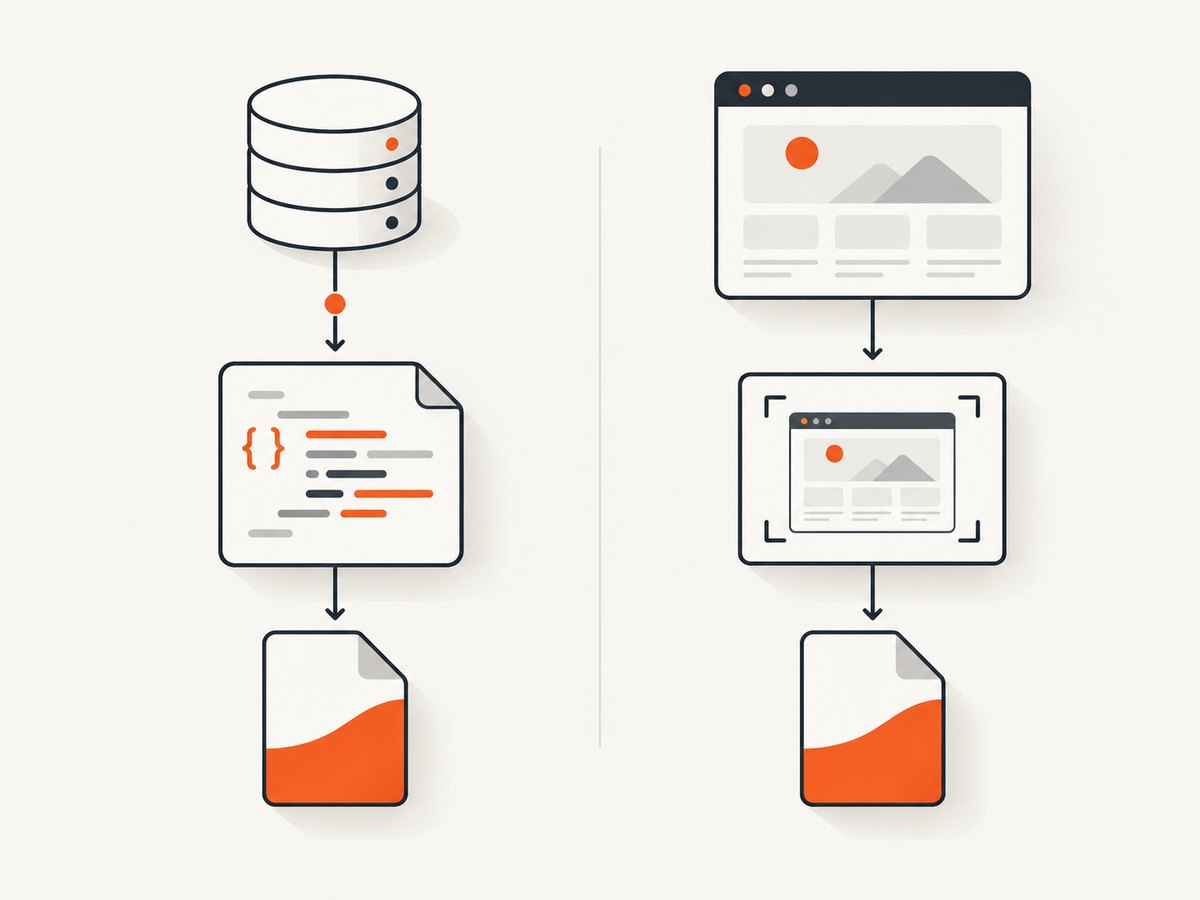
If the task is to capture a website as a PDF rather than generate a PDF from application data, ScreenshotNeo offers a one-call website screenshot or PDF API. It is a website screenshot API and MCP server from ScreenshotNeo; its API accepts a URL and can return an image or PDF. See the ScreenshotNeo API documentation for parameters and response details.
curl -G "https://api.screenshotneo.com/v1/shot" \
  -d access_key=YOUR_API_KEY \
  --data-urlencode url=https://stripe.com \
  -o shot.webp
import requests
r = requests.get(
"https://api.screenshotneo.com/v1/shot",
params={"access_key": "YOUR_API_KEY", "url": "https://stripe.com"},
timeout=90,
)
open("shot.webp", "wb").write(r.content)const q = new URLSearchParams({ access_key: 'YOUR_API_KEY', url: 'https://stripe.com' });
const res = await fetch(`https://api.screenshotneo.com/v1/shot?${q}`);
if (!res.ok) throw new Error(`Screenshot request failed: ${res.status}`);
const bytes = new Uint8Array(await res.arrayBuffer());
// Save bytes using the file-writing method for your Node.js runtime.ScreenshotNeo accepts cookie and consent banners like a visitor and removes more than 60 known consent platforms, newsletter popups, and chat widgets before capture; each step can be turned off. Bot checks, blank pages, timeouts, failed loads, and cache hits cost nothing, and response headers report the page verdict and billing status. Its MCP server provides take_screenshot, get_page_info, and capture_pdf tools for Claude, Cursor, and other MCP clients. The free plan includes 1,000 shots a month with no card; paid plans start at $5 for 3,000 shots. These are website captures, distinct from creating a PDF from arbitrary application data with jsPDF.
Create a free ScreenshotNeo account for 1,000 screenshots a month with no card.
9. Frequently asked questions
Does jsPDF 1.5.3 require Git for every installation?
The manifest contains a GitHub repository dependency, so an install that must fetch it can require a working Git executable and access to that repository. A cache or pre-resolved environment may mask the requirement temporarily.
Is spawn git ENOENT caused by my PDF code?
No. It indicates npm could not launch Git during dependency installation. Fix the executable or environment first; investigate PDF code only after installation succeeds.
Should I use 1.5.2 instead?
Only if the project can accept that version and its PDF integrations pass compatibility checks. It is a reported workaround, not a universal replacement.
Can I use jsPDF without npm?
The 1.5.3 documentation describes a CDN script option. That can suit a direct browser page, while a bundled application typically uses npm or Yarn and its project lockfile.
Does ScreenshotNeo replace jsPDF?
No. jsPDF builds PDFs in application code. ScreenshotNeo captures a rendered web page and can return a PDF of that page.


