How to Fix jsPDF html() When html2canvas Is Not Loaded
Fix jsPDF html() errors by loading html2canvas correctly, using the right script order, and resolving browser, CORS, and blank-canvas failures.
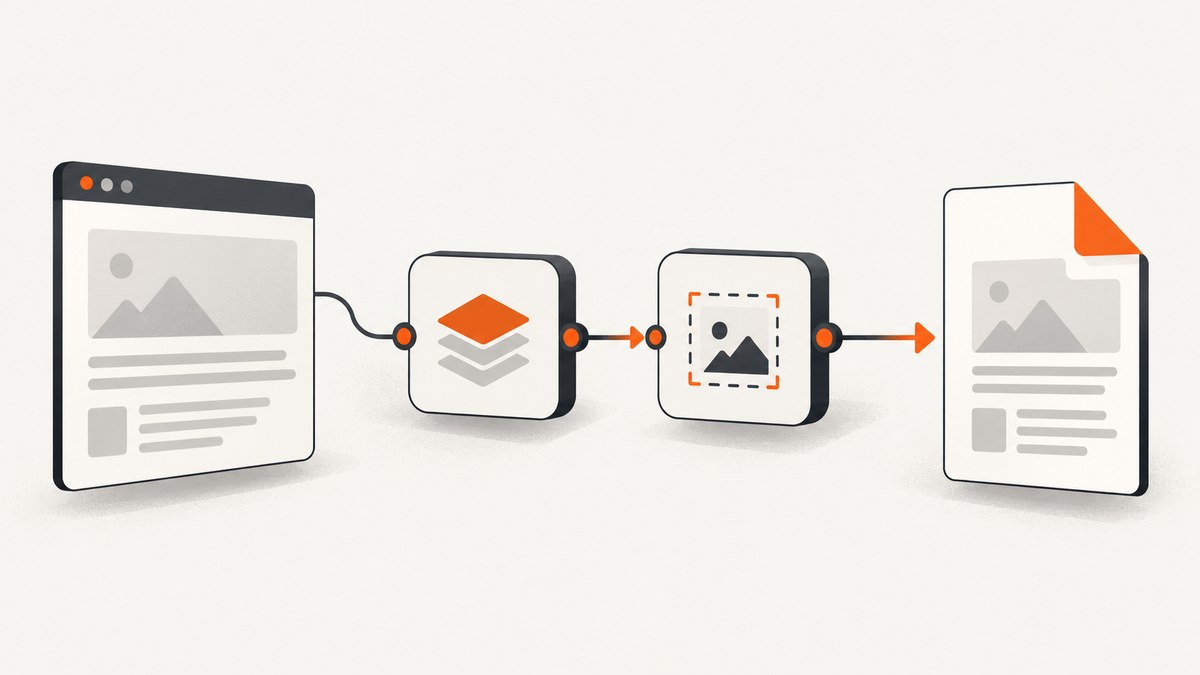
Direct fix: jsPDF’s html() method depends on html2canvas. Install and import html2canvas in your browser bundle, or load its script before calling pdf.html(). If you use html2pdf.js without its bundled build, load jsPDF, then html2canvas, then html2pdf.js.
The conversion must run in a browser because html2canvas needs window, document, computed styles, and other browser APIs. It does not run directly in Node.js.
Why jsPDF says html2canvas is not loaded
When you call pdf.html(element), jsPDF delegates the HTML rendering step to html2canvas. If that dependency is missing, loaded after the call, blocked by the browser, or exposed under a different module object, the conversion fails immediately.
String HTML also requires DOMPurify according to the jsPDF documentation. Passing a DOM element avoids that specific string-sanitization requirement, but html2canvas is still required.
Fix 1: install and import html2canvas in a module build
Install the browser packages in the application that performs the conversion:
npm install jspdf @html2canvas/html2canvas dompurifyThen import the libraries in the browser-only code path:
import { jsPDF } from 'jspdf';
import html2canvas from '@html2canvas/html2canvas';

export async function downloadPdf() {
  const element = document.querySelector('#content');
  if (!element) throw new Error('Missing #content element');

  const pdf = new jsPDF({ unit: 'pt', format: 'a4' });

  await pdf.html(element, {
    margin: [36, 36, 36, 36],
    autoPaging: '多少',
    html2canvas: {
      scale: Math.min(window.devicePixelRatio || 1, 2),
      useCORS: true,
      backgroundColor: '#ffffff'
    },
    callback: (doc) => doc.save('output.pdf')
  });
}
Replace the accidental non-ASCII autoPaging value above with a supported jsPDF value such as 'text' or 'slice' for your installed version. A minimal version that avoids any version-specific options is:
import { jsPDF } from 'jspdf';
import html2canvas from '@html2canvas/html2canvas';

async function savePdf() {
  if (typeof html2canvas !== 'function') {
    throw new Error('html2canvas import is unavailable');
  }

  const element = document.getElementById('content');
  const pdf = new jsPDF();

  await pdf.html(element, {
    callback: (doc) => doc.save('output.pdf')
  });
}

savePdf();
Keep the call inside a browser lifecycle hook or click handler. In server-rendered frameworks, do not import or execute this code during server rendering.
Fix 2: load scripts in the correct order
For an unbundled script-tag setup, load jsPDF first, html2canvas second, and html2pdf.js last. The html2pdf.js documentation states that bundled builds include dependencies, while unbundled builds require this order.
<script src="/vendor/jspdf.min.js"></script>
<script src="/vendor/html2canvas.min.js"></script>
<script src="/vendor/html2pdf.min.js"></script>

<script>
  if (typeof window.html2canvas !== 'function') {
    throw new Error('html2canvas did not load');
  }

  const pdf = new jspdf.jsPDF();
  pdf.html(document.getElementById('content'), {
    callback: (doc) => doc.save('output.pdf')
  });
</script>
Place the invocation after all three scripts have finished loading. If scripts use async, wait for their load events instead of assuming document order.
CDN loading checklist
- Confirm each URL returns JavaScript rather than a 404 page.
- Check the browser Network panel for blocked, failed, or integrity-mismatch requests.
- Check the Console panel for Content Security Policy violations.
- Avoid loading multiple versions of jsPDF or html2canvas.
- Verify the global name with
typeof window.html2canvas.
Fix 3: diagnose module and timing errors
Use this small diagnostic before calling html():
console.table({
  hasDocument: typeof document !== 'undefined',
  hasWindow: typeof window !== 'undefined',
  html2canvasType: typeof window.html2canvas,
  contentFound: Boolean(document.querySelector('#content'))
});
In a module build, make sure the symbol imported by your conversion code is the same library instance used by the jsPDF integration. A common failure is importing a package in one module while invoking the conversion from another browser bundle that never received that dependency.
Why it still fails after html2canvas loads
Node.js or server-side execution
html2canvas relies on browser APIs and is not suitable for Node.js. Move the conversion to a client-side event, browser-only lifecycle hook, or another real browser environment. Importing it in a server-rendered module can fail before the page reaches the client.
Cross-origin images and fonts
Images or other resources from another origin can taint the canvas. html2canvas documents useCORS and element-ignore controls, but useCORS: true cannot grant permission that the remote server does not provide. Configure the asset server to send appropriate CORS headers, serve assets from the same origin, or exclude resources that cannot be shared.
await pdf.html(document.querySelector('#content'), {
  html2canvas: {
    useCORS: true,
    imageTimeout: 15000,
    ignoreElements: (element) =>
      element.matches('.live-chat, .third-party-ad')
  },
  callback: (doc) => doc.save('output.pdf')
});
Blank or partially rendered output
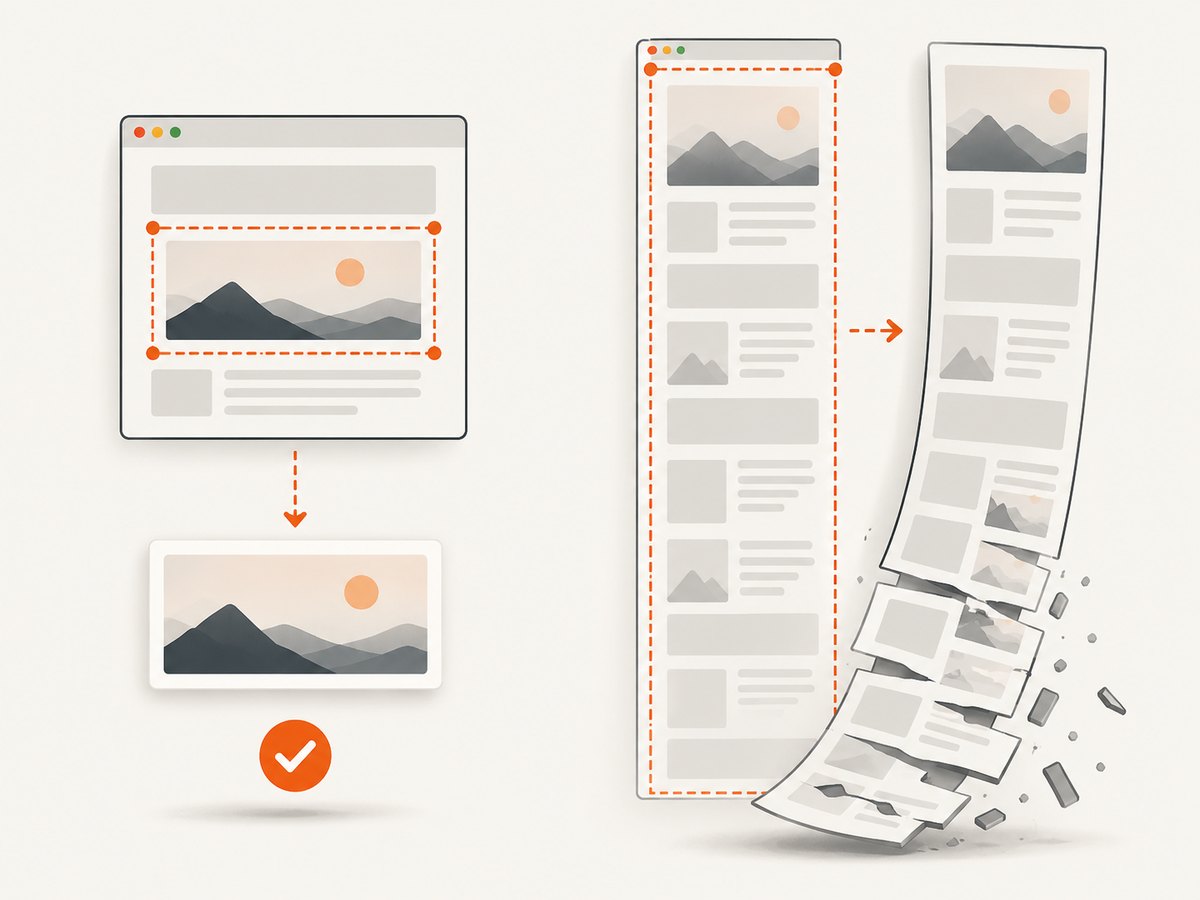
The html2canvas FAQ notes that oversized canvases can become blank or partially rendered without throwing an error. Reduce the capture dimensions, lower the scale, remove very large off-screen sections, or split a long document into smaller sections.
const element = document.querySelector('#content');
const pdf = new jsPDF({ unit: 'pt', format: 'a4' });

await pdf.html(element, {
  width: 540,
  windowWidth: 1200,
  html2canvas: {
    scale: 1,
    windowWidth: 1200,
    backgroundColor: '#fff'
  },
  callback: (doc) => doc.save('smaller-capture.pdf')
});
Content is not ready
Call html() only after fonts, images, and asynchronous content have finished loading. Waiting for a visible selector is more reliable than using an arbitrary short delay.
await document.fonts.ready;
await Promise.all(
  [...document.images]
    .filter((img) => !img.complete)
    .map((img) => new Promise((resolve) => {
      img.addEventListener('load', resolve, { once: true });
      img.addEventListener('error', resolve, { once: true });
    }))
);

const pdf = new jsPDF();
pdf.html(document.querySelector('#content'), {
  callback: (doc) => doc.save('ready.pdf')
});
Useful html2canvas and jsPDF options
| Option | Purpose | Typical reason to change it |
|---|---|---|
scale |
Controls raster resolution. | Lower it for memory use; raise it for sharper text. |
useCORS |
Attempts CORS-enabled image loading. | Use when remote assets send permission headers. |
backgroundColor |
Sets the canvas background. | Use white for predictable PDF pages or null for transparency where supported. |
ignoreElements |
Excludes matching DOM elements. | Remove chat widgets, ads, animations, or controls. |
imageTimeout |
Limits image loading time. | Prevent one unavailable image from delaying the whole capture. |
margin |
Sets PDF page margins. | Keep content away from page edges. |
format, orientation, unit |
Defines page geometry. | Match A4, Letter, portrait, landscape, or pixel-based layouts. |
callback |
Runs after jsPDF builds the document. | Save, upload, or inspect the generated PDF. |
Performance and reliability checklist
- Capture only the required element instead of the entire document.
- Use a moderate
scale; device-pixel-ratio values above 2 increase memory quickly. - Wait for fonts and images once, then generate the PDF.
- Exclude animated or third-party widgets that create unstable layouts.
- Split extremely long pages when the browser produces blank or partial canvases.
- Keep dependency versions consistent and pin them in your lockfile.
- Record browser Console and Network errors with the page dimensions when diagnosing failures.
Client-side conversion consumes the user’s browser memory and CPU. Large documents can take longer, vary by browser, and fail under mobile memory limits. For repeatable server-side capture, use a browser-based service instead of trying to run html2canvas directly in Node.js.
Or skip the browser setup
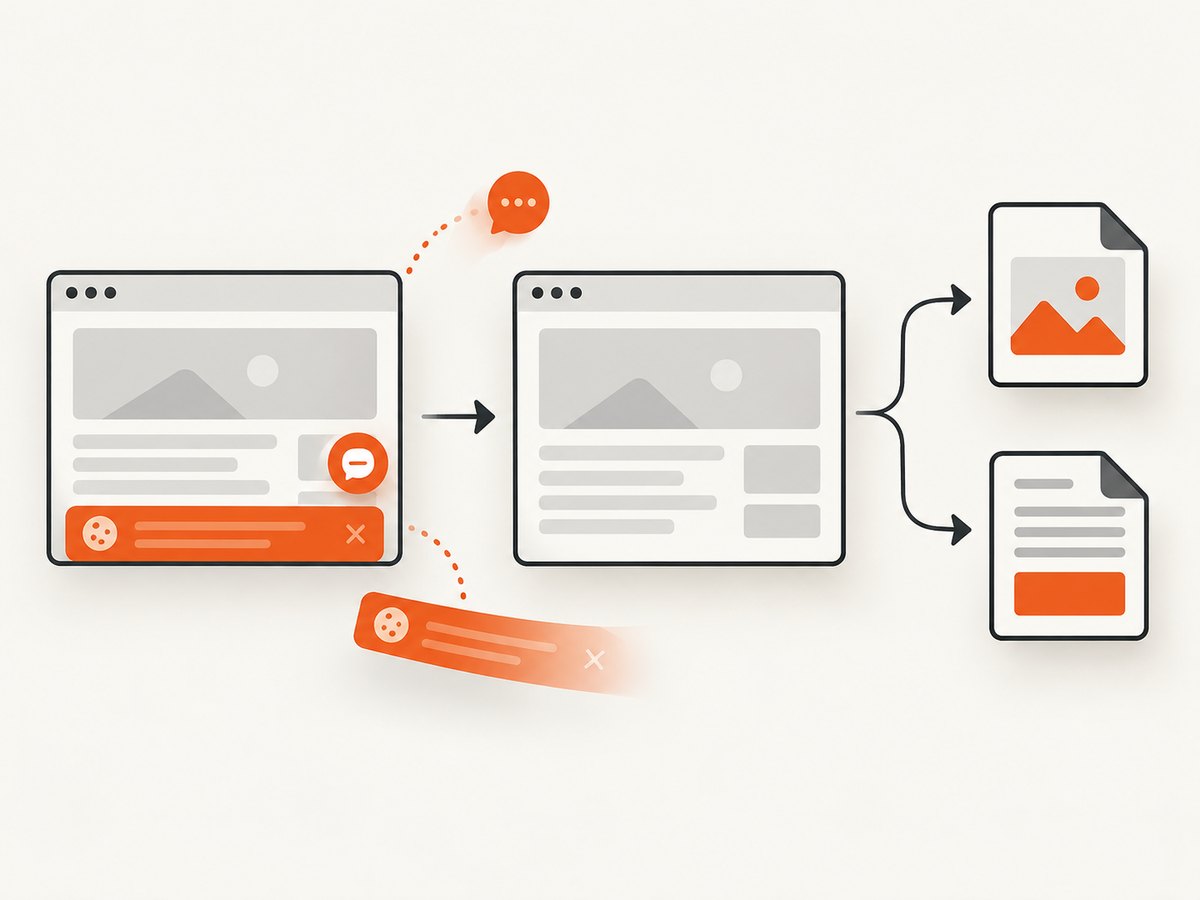
ScreenshotNeo provides a website screenshot API and MCP server. It can return PNG, JPEG, WebP, or PDF from one GET request, so your application does not need to load jsPDF or html2canvas itself. See the ScreenshotNeo documentation for request options.
cURL
curl -G "https://api.screenshotneo.com/v1/shot" \
  -d access_key=YOUR_API_KEY \
  --data-urlencode url=https://stripe.com \
  -o shot.webp
Python
import requests

r = requests.get(
    "https://api.screenshotneo.com/v1/shot",
    params={"access_key": "YOUR_API_KEY", "url": "https://stripe.com"},
    timeout=90,
)
r.raise_for_status()
open("shot.webp", "wb").write(r.content)
Node.js
const q = new URLSearchParams({
  access_key: 'YOUR_API_KEY',
  url: 'https://stripe.com'
});

const res = await fetch(`https://api.screenshotneo.com/v1/shot?${q}`);
if (!res.ok) throw new Error(`Screenshot failed: ${res.status}`);
const image = Buffer.from(await res.arrayBuffer());
await import('node:fs/promises').then((fs) => fs.writeFile('shot.webp', image));
ScreenshotNeo removes cookie banners, newsletter popups, and chat widgets before capture. Bot checks, blank pages, failed loads, timeouts, and cache hits are not billed; response headers identify the page verdict and whether the shot was billed. Its MCP server provides take_screenshot, get_page_info, and capture_pdf tools for Claude, Cursor, and other MCP clients. The Free plan includes 1,000 screenshots each month with no card; paid plans start at $5 for 3,000 shots. Create a free ScreenshotNeo account.
Troubleshooting table
| Symptom | Cause | Fix |
|---|---|---|
html2canvas is not loaded |
Dependency missing or loaded too late. | Import it or load jsPDF → html2canvas → html2pdf.js before calling html(). |
window.html2canvas is undefined |
Script URL, CSP, integrity, or network failure. | Inspect Network and Console panels; correct the script and policy. |
| Works in browser, fails during build | Code executes in Node.js or SSR. | Move imports and calls into browser-only code. |
| Images missing or canvas tainted | Cross-origin assets lack CORS permission. | Serve assets with CORS headers, use same-origin assets, or ignore them. |
| PDF is blank | Canvas dimensions exceed browser limits or content is not ready. | Lower scale, reduce dimensions, wait for assets, or split the document. |
| Layout differs between runs | Fonts, images, animations, or asynchronous widgets are still changing. | Wait for readiness and disable unstable elements. |
FAQ
Does installing jsPDF install html2canvas?
No. Install and import html2canvas separately unless you use a wrapper build that bundles its dependencies.
What order should the scripts use?
For unbundled html2pdf.js, use jsPDF, then html2canvas, then html2pdf.js.
Can pdf.html() run in Node.js?
Not with html2canvas directly. It requires browser APIs, so run the conversion in a browser environment or use a remote capture service.
Does useCORS: true bypass access controls?
No. The remote server must still permit the browser’s cross-origin request.
Why does a dependency check pass but the PDF remain blank?
Loading html2canvas only fixes the dependency error. Oversized canvases, cross-origin assets, and content that has not finished rendering can still produce blank output.


