How to Fix Karma Disconnecting From Headless Chrome 83
Diagnose Karma's 30-second HeadlessChrome 83 disconnect with controlled binaries, launcher comparisons, CI checks and practical fixes.
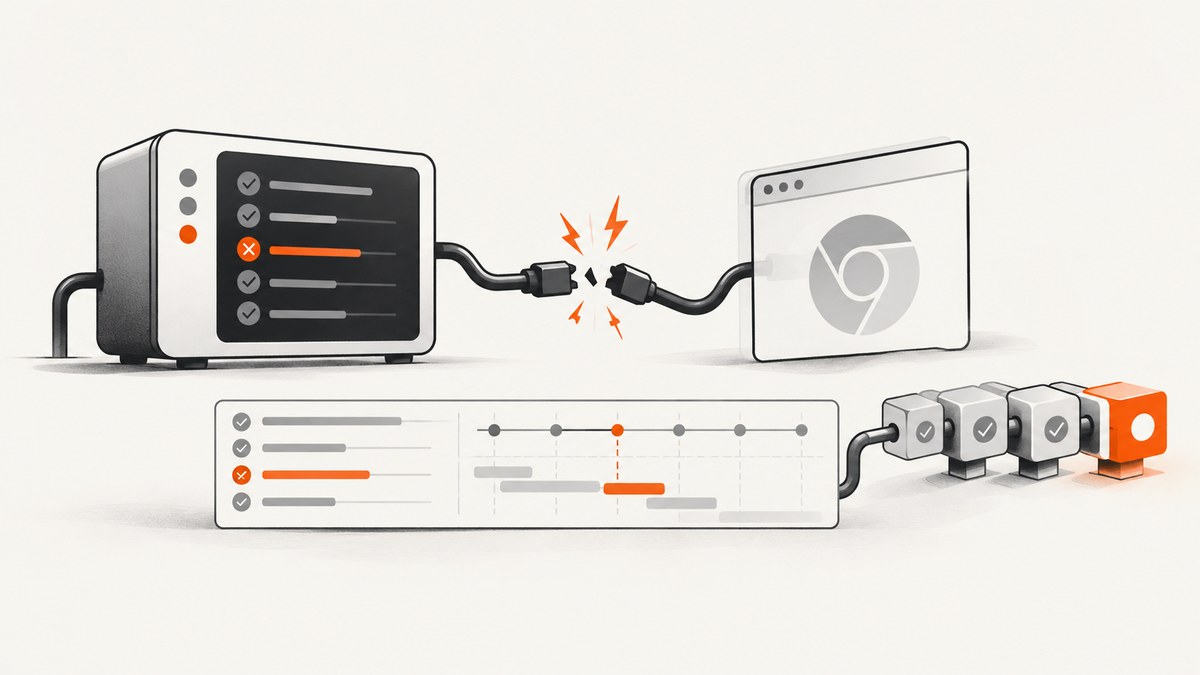
Direct answer: The message Disconnected, because no message in 30000 ms. on HeadlessChrome 83.0.4103 (Windows 10) is a version and environment specific failure. The available reports do not prove one universal root cause. Start by recording the exact browser binary, Karma and launcher versions, launch flags and complete log; then reproduce with one controlled browser binary, compare headless with regular Chrome, and change one variable at a time.
The original report says Chrome 81 avoided the disconnect, opening Karma’s localhost page did not make headless mode reliable, and regular Chrome worked as a workaround. A separate report describes Chrome 80 disconnecting only in Bitbucket Pipelines; that author used a custom launcher with --no-sandbox and Puppeteer’s executable path. Treat these as troubleshooting leads for their stated environments, not as a guaranteed Chrome 83 fix. See the Chrome 83 report and launcher issue #220.
What the 30-second disconnect means
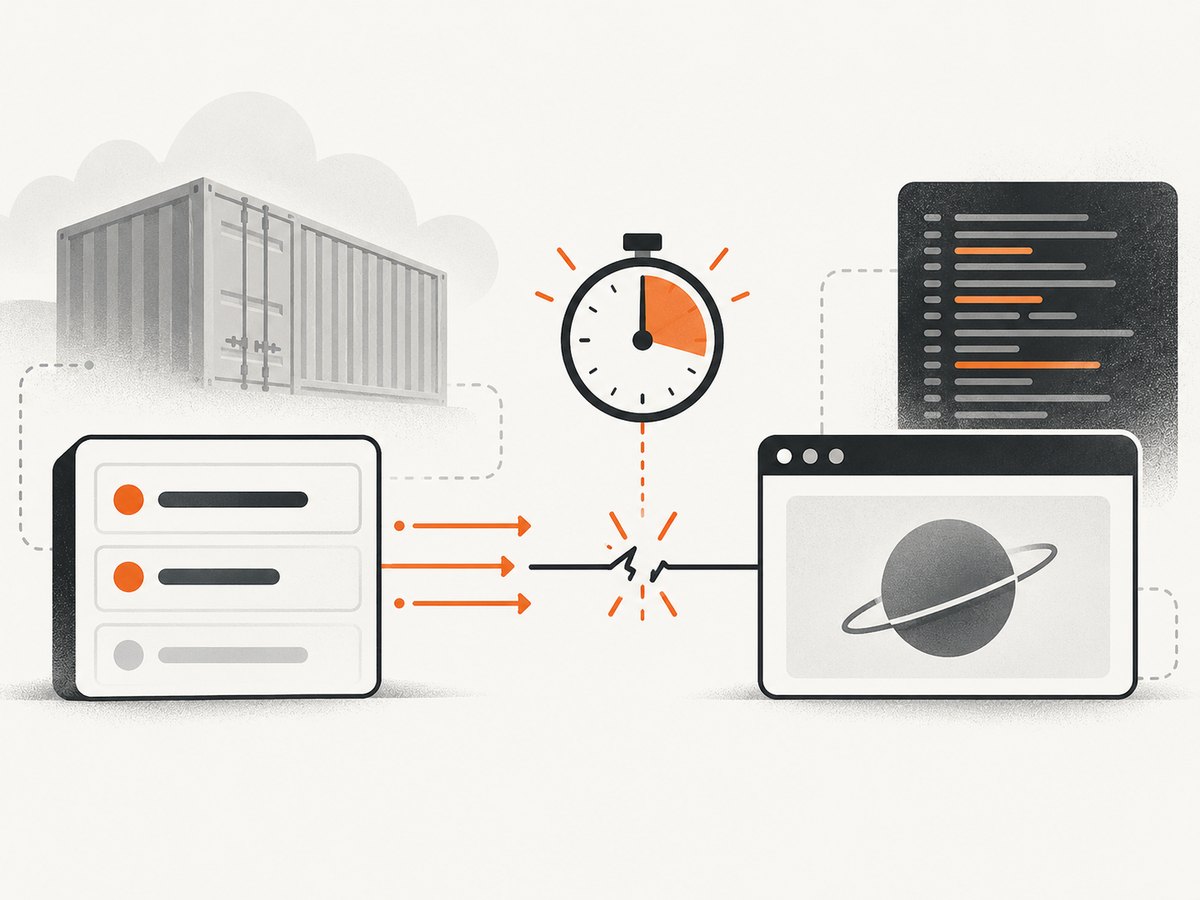
Karma launches a browser, injects its test page, and waits for messages from the browser-side Karma client. The 30,000 ms message timeout means the runner stopped hearing from that client. It does not, by itself, distinguish a browser crash, an early process exit, a blocked page, a renderer hang, a CI sandbox problem, or a network/socket interruption. Your first job is to identify which of those occurred.
Do not infer a Chromium root cause from the issue number referenced by the Stack Overflow answer. The cited Chromium issue was not independently inspected in the research for this article, so the evidence supports correlation and workarounds rather than a confirmed diagnosis.
1. Capture a reproducible baseline
Write down these values for a local run and the failing CI run:
- Chrome or Chromium full version and the absolute executable path.
- Operating system, container or CI image, CPU architecture and whether a display server is present.
karma,karma-chrome-launcher, test framework and Node.js versions.- The complete Karma log, browser stderr, exit code and the exact disconnect timestamp.
- Every launcher flag, environment variable (especially
CHROME_BIN) and proxy setting.
Run Karma with verbose logging and save the output from the same command used by CI. A minimal configuration makes later comparisons meaningful:
module.exports = function (config) {
  config.set({
    frameworks: ['jasmine'],
    files: ['src/**/*.spec.js'],
    browsers: ['ChromeHeadless'],
    singleRun: true,
    logLevel: config.LOG_DEBUG,
    browserDisconnectTolerance: 0,
    browserDisconnectTimeout: 30000,
    browserNoActivityTimeout: 30000
  });
};
The timeout values above expose failures quickly; increasing them can help diagnose a slow runner, but it cannot repair a browser process that has exited. Keep the original defaults in the project unless a measured startup delay requires a change.
2. Control the browser binary
System Chrome can change underneath a project or differ between a laptop and a CI image. The reports suggest using Puppeteer’s bundled executable path so the launcher starts a known binary. Install and pin a Puppeteer version that your project supports, then set CHROME_BIN for the Karma process:
const puppeteer = require('puppeteer');
process.env.CHROME_BIN = puppeteer.executablePath();
Put that assignment in the script that starts Karma, or export the equivalent environment variable in CI. Verify the path first:
node -e "console.log(require('puppeteer').executablePath())"
"$CHROME_BIN" --version
This approach trades a project-managed browser download for reproducibility and disk space. It is a community workaround, not current official Puppeteer installation guidance; validate the chosen Puppeteer and browser versions against your test suite.
3. Compare headless and regular Chrome
Run the same tests with Chrome (or your regular Chrome launcher) and with ChromeHeadless. If regular Chrome stays connected while headless disconnects, you have narrowed the condition to headless launch or rendering, but you have not identified the underlying bug. Keep the test page, browser binary, Karma version and timeout unchanged during this comparison.
module.exports = function (config) {
  config.set({
    frameworks: ['jasmine'],
    files: ['src/**/*.spec.js'],
    browsers: ['Chrome'],
    singleRun: true
  });
};
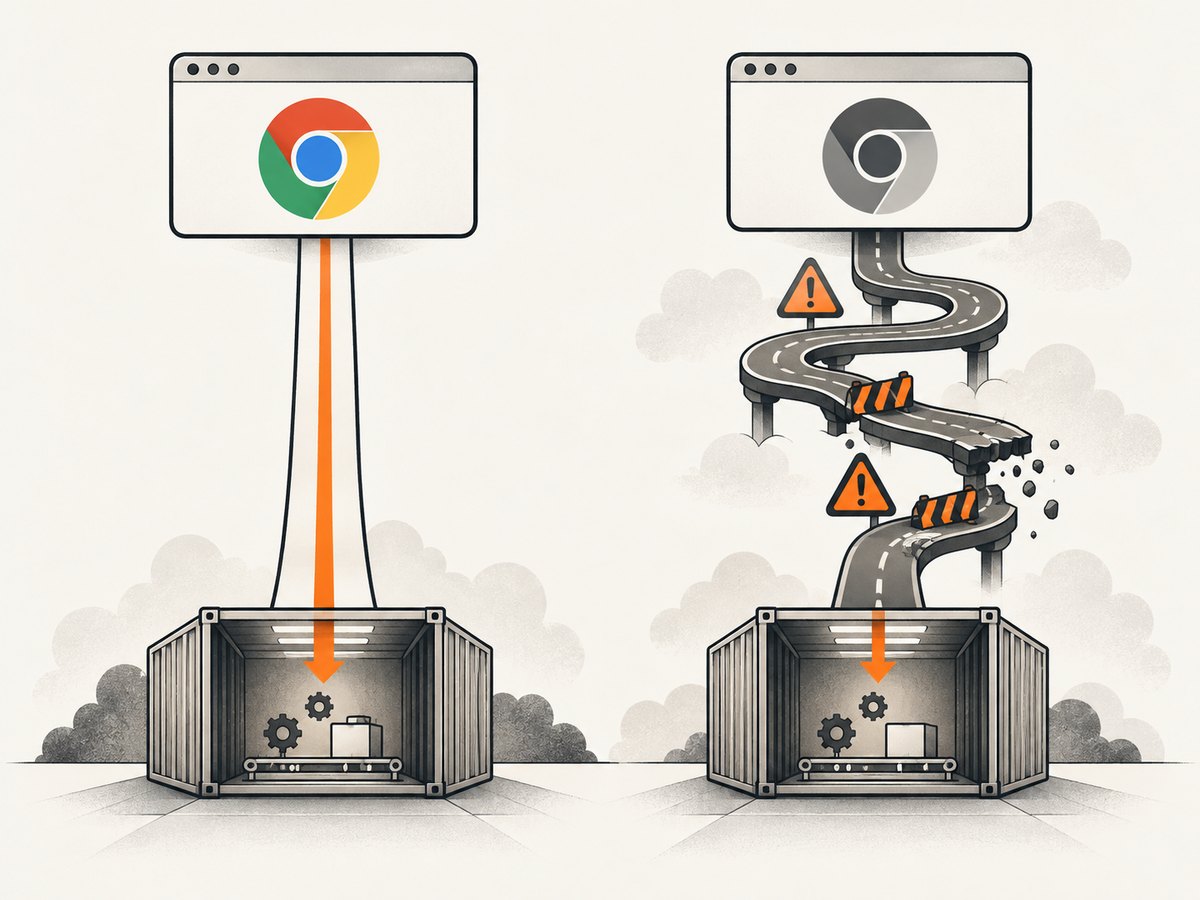
The Chrome 83 Windows report used regular Chrome as a practical workaround. It may be suitable for a developer workstation while you continue isolating headless mode, but it can require a display server in Linux CI.
4. Test the CI-only launcher case carefully
The Bitbucket Pipelines report used a custom launcher based on ChromeHeadless and added --no-sandbox:
module.exports = function (config) {
  config.set({
    browsers: ['ChromeHeadlessNoSandbox'],
    customLaunchers: {
      ChromeHeadlessNoSandbox: {
        base: 'ChromeHeadless',
        flags: ['--no-sandbox']
      }
    },
    singleRun: true
  });
};
Only test this in the container or pipeline that needs it. The cited report does not establish that the flag fixes Windows Chrome 83, and it does not evaluate the security consequences of disabling Chrome’s sandbox. Prefer a runner configuration that preserves sandboxing when possible; if your CI requires this flag, document the isolation boundary and review it with the team that owns the runner.
5. Use version changes as diagnostics
Try one browser release at a time. The original report says Chrome 81 did not show the disconnect, while the symptom appeared with Chrome 83. That observation can establish a version correlation for that machine; it does not define a supported long-term downgrade strategy. Pin the test binary temporarily, run the same minimal suite, and then test the versions your application must support.
| Change | What it isolates | What to record |
|---|---|---|
| System Chrome to Puppeteer binary | Binary packaging and auto-update differences | Exact path, version and Puppeteer version |
| Headless to regular Chrome | Headless launch or renderer behavior | Display setup and browser stderr |
| Chrome 83 to 81 (temporary) | Release correlation | Pass/fail on identical tests |
| Add CI flags | Container sandbox or shared-memory constraints | Image, privileges and security review |
Troubleshooting checklist
It disconnects immediately
Check the executable path and run that binary with --version. A missing binary, incompatible shared library or permission error can terminate Chrome before Karma receives its first message. Inspect process exit status and stderr rather than increasing timeouts.
It fails only in CI
Compare the CI image, Chrome version, Node.js version, environment variables, sandbox privileges and available shared memory with local. The Chrome 80 Bitbucket report demonstrates that a pipeline can fail while local Chrome works. Reproduce inside the same image and use a controlled binary before changing flags.
It fails after a fixed 30 seconds
Look for a renderer hang or a page that never finishes loading. Check whether Chrome remains alive, whether the Karma client request reached the browser, and whether a proxy blocks localhost. Increasing browserNoActivityTimeout helps only when tests are legitimately quiet; it does not fix a dead connection.
Regular Chrome works but headless does not
Keep regular Chrome as a temporary diagnostic, then compare launch flags and browser versions. Capture a minimal reproduction and test a pinned binary. Avoid changing the test framework and browser release in the same run.
--no-sandbox appears to fix it
Confirm that the success is limited to the affected Linux container. Record the image and user privileges, and decide whether the security trade-off is acceptable. Do not copy this flag into Windows or production browser workloads based only on the separate CI report.
Puppeteer changes the failure
Record the Puppeteer package and bundled Chrome versions. A different result means the browser binary or its launch environment changed; it does not prove that Puppeteer itself fixed Karma. Keep the known-good pair pinned while you test upgrades.
Reliability and performance practices
- Make startup observable. Preserve browser stderr, Karma debug logs, exit codes and the binary version as CI artifacts.
- Keep one variable per experiment. A matrix of browser version, launch mode and image makes regressions traceable.
- Use a small smoke suite. Run one deterministic page before the full test suite so browser startup failures are separated from test failures.
- Control parallelism. Several headless Chrome processes can exhaust memory or shared memory and create secondary disconnects; scale workers only after measuring.
- Pin and refresh deliberately. A pinned browser improves repeatability, while scheduled upgrade jobs reveal compatibility problems before an emergency.
There is no benchmark in the cited evidence for a particular timeout, launcher or browser release. Measure your own startup time and failure rate on the target runner.
Or skip the browser setup
If your goal is a reliable image of a URL rather than running Karma tests, ScreenshotNeo provides a GET endpoint that returns PNG, JPEG, WebP or PDF. It handles the browser process for you and exposes verdict and billing headers so failed captures are distinguishable from clean shots.
cURL (see the ScreenshotNeo API docs):
curl -G 'https://api.screenshotneo.com/v1/shot' \
  -d access_key=YOUR_API_KEY \
  --data-urlencode url=https://stripe.com \
  -o shot.webp
Python:
import requests
r = requests.get(
    'https://api.screenshotneo.com/v1/shot',
    params={"access_key": "YOUR_API_KEY", "url": "https://stripe.com"},
    timeout=90,
)
open('shot.webp', 'wb').write(r.content)
Node.js:
const q = new URLSearchParams({ access_key: 'YOUR_API_KEY', url: 'https://stripe.com' });
const res = await fetch(`https://api.screenshotneo.com/v1/shot?${q}`);
const bytes = new Uint8Array(await res.arrayBuffer());
await require('fs').promises.writeFile('shot.webp', bytes);
ScreenshotNeo removes cookie and consent banners, newsletter popups and chat widgets before capture; each cleanup step can be disabled. Bot checks, blank pages, timeouts, failed loads and cache hits are not billed, and the response identifies the page verdict and billing state with X-Page-Verdict and X-Billed headers. Its MCP server exposes take_screenshot, get_page_info and capture_pdf for Claude, Cursor and other MCP clients. You can also configure full-page or element capture, device presets or custom viewports, dark mode, retina scale, waits, request blocking, headers, cookies, user agent, timezone, geolocation, custom CSS and JavaScript, caching, signed links, async webhooks and bulk capture.
The Free plan includes 1,000 screenshots each month without a card. Paid plans start at $5 for 3,000 shots; every feature is available on every plan, and yearly billing gives two months free. Create a free ScreenshotNeo account.
FAQ
Is Chrome 83 itself proven to be broken?
No. The evidence is a Windows report tied to Chrome 83 and a separate Linux CI report tied to Chrome 80. It supports environment-specific investigation, not a universal defect claim.
Should I always downgrade to Chrome 81?
No. Use a downgrade as a temporary diagnostic or compatibility choice, then test the browser versions your project supports.
Does opening the Karma localhost page fix the timeout?
The original report tried that and still needed other workarounds. It can confirm that the server responds, but it does not prove the headless browser connection is healthy.
When is --no-sandbox appropriate?
Only when the affected Linux runner requires it and the security boundary is understood. The cited success was specific to a Bitbucket Pipelines setup.
Can ScreenshotNeo run my Karma test suite?
No. It is a URL screenshot and PDF API. Use it when you need rendered page assets without maintaining a local Chrome and Karma launcher.


