How to Fix Kendo Images Missing From Generated PDFs
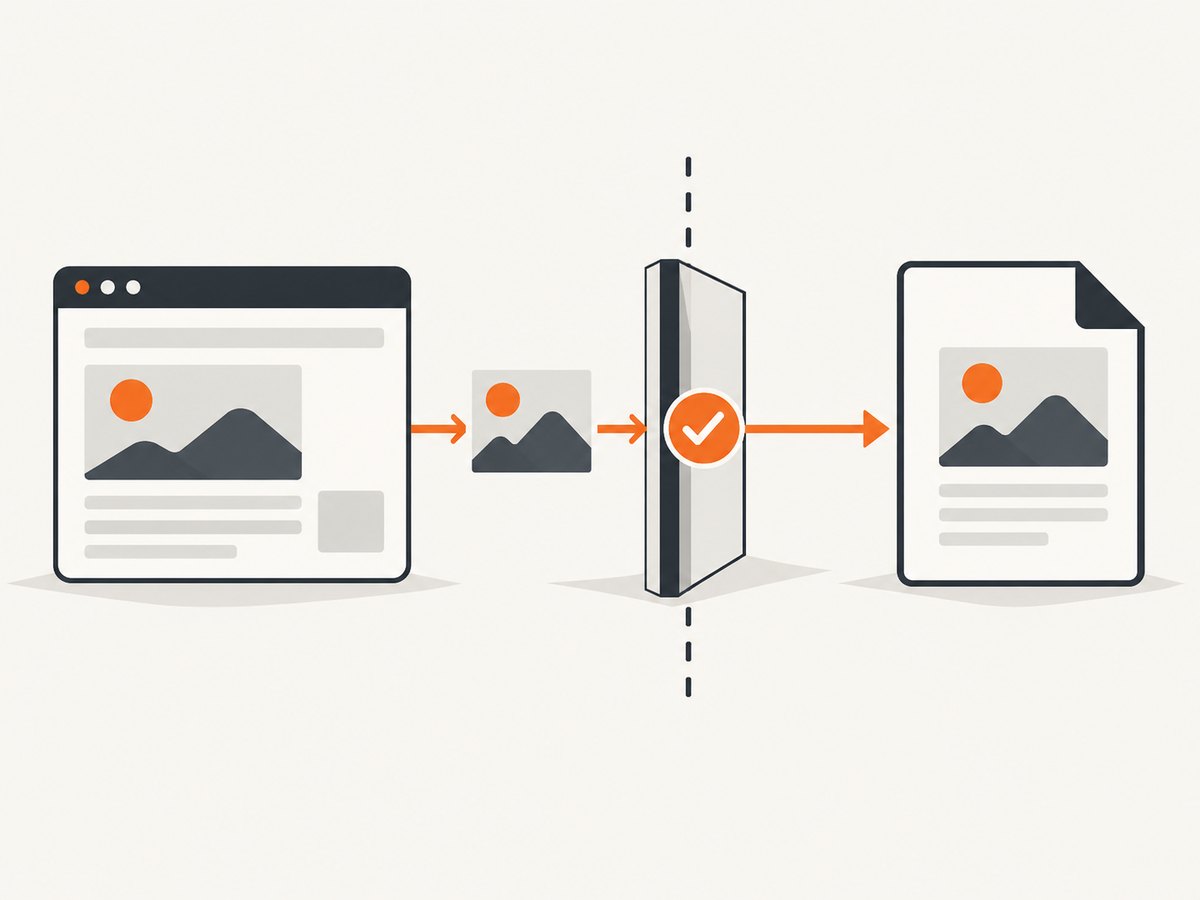
Fix missing Kendo PDF images by checking origin, CORS headers, file formats, canvas tainting, file:// testing, and async export.

Images disappear from a Kendo UI PDF when the export pipeline cannot legally read or decode the image pixels. Start with the final image request in DevTools: verify its origin, CORS response headers, and the real file format. Then repeat the export over HTTP(S), check for a tainted canvas, and confirm that your code waits for Kendo’s asynchronous drawing and PDF save operation.
Telerik documents the core rule plainly: scene images must be same-origin or CORS-enabled. Kendo UI Drawing exportPDF API also warns that an image whose bytes do not match its extension can be omitted or can make a PDF reader throw an exception.
1. The fastest fix checklist
- Open the page over
http://orhttps://, never by double-clicking an HTML file with afile://URL. - In Network, open the image request after redirects. Compare the image origin with the page origin.
- For a different origin, make the image response include a permissive
Access-Control-Allow-Originvalue and load the image with CORS enabled when you create it in script. - Inspect the response bytes and
Content-Type. A PNG served from a URL ending in.jpgis a documented failure case. - If the image passed through a canvas, ensure every source image was CORS-readable before drawing. A tainted canvas cannot be serialized into the export.
- Use Kendo’s asynchronous
drawDOM→pdf.saveAsflow and wait for its promise. - Confirm the browser, Kendo release, framework flavor, and source type (
img, CSS background, SVG, or canvas).
2. A complete Kendo UI for jQuery export
The following page is a minimal, runnable pattern. Replace the image URL with your asset, serve the page from an HTTP server, and include the Kendo UI for jQuery scripts and styles from your licensed installation.
<div id="report">
  <h1>Quarterly report</h1>
  <img id="revenue-chart" src="https://assets.example.com/charts/revenue.png" alt="Revenue chart">
</div>
<button id="export" type="button">Export PDF</button>

<script>
  $('#export').on('click', function () {
    kendo.drawing.drawDOM($('#report'), {
      paperSize: 'A4',
      margin: { top: '1cm', left: '1cm', right: '1cm', bottom: '1cm' },
      multipage: true,
      scale: 0.8
    }).then(function (group) {
      return kendo.drawing.pdf.saveAs(group, 'report.pdf');
    }).catch(function (error) {
      console.error('Kendo PDF export failed', error);
    });
  });
</script>
The PDF export overview describes which widgets have built-in export and notes that most options use the Drawing library. The API operation is asynchronous, so code that immediately assumes a file exists can hide the real error.
When you create an image in JavaScript
const image = new Image();
image.crossOrigin = 'anonymous';
image.onload = () => {
  const canvas = document.querySelector('canvas');
  canvas.getContext('2d').drawImage(image, 0, 0);
};
image.onerror = (event) => console.error('Image could not be loaded', event);
image.src = 'https://assets.example.com/charts/revenue.png';
crossOrigin only asks the browser to use CORS. The asset server must still send an appropriate response header before the image is drawn.
3. Find the failing image request
Same-origin versus cross-origin
Two URLs are same-origin only when scheme, host, and port all match. A page at https://app.example.com and an image at https://cdn.example.com are different origins even though they share a parent domain. Follow redirects in the Network panel; the final response is what the browser evaluates.
For a cross-origin image, inspect the response headers. A typical response for a public asset is:
HTTP/1.1 200 OK
Content-Type: image/png
Access-Control-Allow-Origin: https://app.example.com
If the asset is intentionally public and your policy allows it, the value may be *. If credentials are involved, use an explicit origin and configure credentials consistently. The export code cannot grant permission that the image server did not provide; change the asset host or proxy the file through your application origin.
Check the bytes, not just the filename
Download the response or inspect it with an image tool. The extension, MIME type, and bytes should agree: PNG data should be served as PNG, JPEG as JPEG, and so on. Telerik specifically calls out a PNG using a JPG extension as a reason an image can be missing or a PDF reader can fail.
Local files and canvas pixels
A page opened from disk has a file:// origin and can trigger CORS restrictions that do not occur in the deployed app. Run a local HTTP server and test through that origin. If your page draws remote pixels into a canvas, any unreadable source can taint the canvas; Kendo can render a canvas only when it is non-tainted.
# from the directory containing your HTML file
python3 -m http.server 8000
# then open http://localhost:8000/
SVG and browser-specific behavior
Check the actual browser and image type. Telerik documents an Internet Explorer limitation for SVG documents referenced through an img element. Treat that as a conditional legacy-browser issue, not a blanket ban on SVG in every browser.
4. Choose the appropriate fix
| Situation | Preferred fix | Why |
|---|---|---|
| Image is on the same origin | Keep the URL same-origin and serve a correct Content-Type. |
No cross-origin permission is needed. |
| Image is on a CDN you control | Add Access-Control-Allow-Origin for the application origin; use crossOrigin='anonymous' for scripted loads. |
The browser can read the pixels during export. |
| Image host cannot change headers | Proxy or copy the asset through your own origin, subject to your licensing and caching rules. | The page then reads a same-origin response. |
| URL extension disagrees with bytes | Rename the URL or regenerate the response with matching format and MIME type. | Kendo and PDF readers can reject mismatched data. |
| Page was opened from disk | Serve it over HTTP(S) and test again. | file:// can fail the required origin checks. |
| Canvas is tainted | Fix CORS on every source image and set crossOrigin before src; redraw the canvas. |
A tainted canvas cannot be safely exported. |
5. Troubleshooting common errors
| Symptom | Likely cause | Fix |
|---|---|---|
| Image is visible in the page but absent in the PDF | Cross-origin response lacks permissive CORS headers. | Inspect the final response, add CORS on the image host, or serve it same-origin. |
| Console reports a canvas security error | Cross-origin pixels tainted a canvas. | Load each source with CORS enabled and confirm the server header before drawing. |
| PDF reader reports an invalid image or throws | Bytes do not match the filename/format. | Correct the extension, MIME type, and actual encoded bytes. |
| Works in production but not from a local folder | The document uses file://. |
Use a local HTTP server or the deployed HTTP(S) origin. |
| Export finishes before images appear | Export started before image loading or before the asynchronous promise completed. | Wait for image load state, then await drawDOM(...).then(...). |
| Only SVG fails in one old browser | Documented Internet Explorer SVG-in-img limitation. |
Use a supported browser or convert the asset to a supported raster path. |
| Nothing downloads and no useful error is shown | Wrong Kendo product/version or an unhandled promise rejection. | Check the framework and release, watch Console/Network, and attach a rejection handler. |
6. Reliability, performance, and cost considerations
- Reliability: Make image URLs deterministic, return stable HTTP status codes, and avoid expiring signed URLs during the export window. Test the same browser and Kendo version used by your users.
- Performance: Large full-page images increase decode and PDF size. Resize source assets to their displayed dimensions, prefer an efficient format that your browser and PDF path support, and avoid repeated downloads by using normal HTTP caching.
- Debugging: Preserve the final request URL, status, response headers, and browser console output for one failing image. This separates a network problem from a drawing pipeline problem.
- Cost: The client-side Kendo path has no per-export API charge, but your application still pays for image bandwidth, storage, and any proxy or CDN egress. If you move capture to a hosted service, account for its billing rules and failed-render behavior.
7. Or skip the browser setup
If you need a clean image of the rendered page rather than a Kendo-generated PDF, ScreenshotNeo provides a single GET request. Its capture flow accepts cookie and consent banners before the shot and removes more than 60 known consent platforms, newsletter popups, and chat widgets. Bot checks, blank pages, timeouts, failed loads, and cache hits are not billed, and each response reports the result in X-Page-Verdict and X-Billed headers. An MCP server provides take_screenshot, get_page_info, and capture_pdf tools for Claude, Cursor, and other MCP clients.

See the ScreenshotNeo API docs for all options. This is the one-call example:
curl -G "https://api.screenshotneo.com/v1/shot" -d access_key=YOUR_API_KEY --data-urlencode url=https://your-app.example.com/report -o shot.webpimport requests
r = requests.get("https://api.screenshotneo.com/v1/shot", params={"access_key": "YOUR_API_KEY", "url": "https://your-app.example.com/report"}, timeout=90)
open("shot.webp", "wb").write(r.content)const q = new URLSearchParams({ access_key: 'YOUR_API_KEY', url: 'https://your-app.example.com/report' });
const res = await fetch(`https://api.screenshotneo.com/v1/shot?${q}`);Free usage includes 1,000 screenshots each month with no card. Paid plans start at $5 for 3,000 shots, and every feature is on every plan. Create a free ScreenshotNeo account.
8. FAQ
Does making the image URL public solve the problem?
No. Public access and browser cross-origin permission are separate. The response still needs a suitable CORS header, or the image must be same-origin.
Can JavaScript add CORS after the request?
No. The server response controls CORS. Client code can request CORS mode, but it cannot rewrite a missing response header.
Why does the image work in an img tag but not in a canvas?
A canvas becomes tainted when it receives pixels the browser could not read under its origin rules. Fix CORS before drawing, then redraw and export.
Should every missing image be treated as a Kendo bug?
No. Origin, headers, format mismatches, local-file testing, browser limitations, and asynchronous sequencing are all documented causes. Verify those facts first.
Is ScreenshotNeo a replacement for Kendo’s PDF exporter?
It is an alternative capture path. Keep Kendo when you need its document layout and export controls; use ScreenshotNeo when a hosted screenshot or PDF capture endpoint fits your workflow.


