How to Fix Knp Snappy Exit Status Code 1 Errors
Diagnose and fix Knp Snappy exit status code 1 errors in Symfony and Laravel by tracing stderr, paths, permissions, network access and wkhtmltopdf.
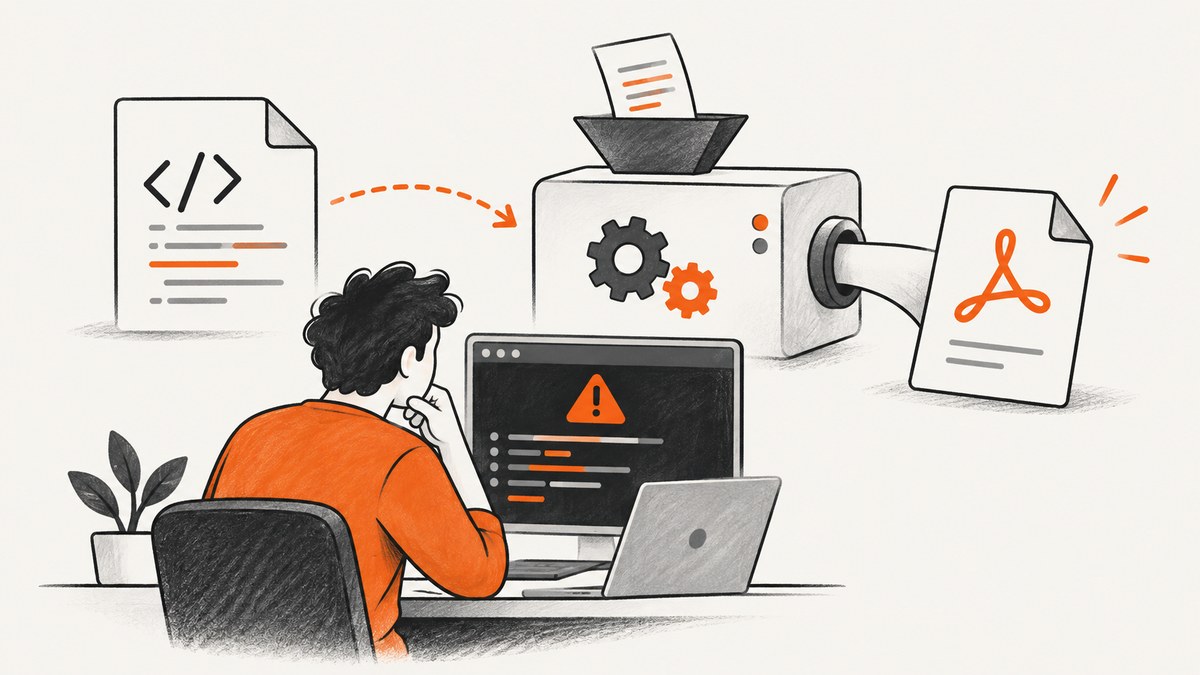
Exit status code 1 is not the root cause. Knp Snappy is a PHP wrapper around the wkhtmltopdf command-line program, so code 1 only says that the child process failed. The useful evidence is the complete stderr message, stdout, command line, binary path, input URL or HTML, and output path.
The fastest reliable fix is to preserve the exception, run the printed command manually as the same service account, then classify the failure as a binary/path problem, filesystem problem, network problem, rendering problem, or security restriction. This guide gives a repeatable process for Symfony, Laravel, and plain PHP.
1. Preserve the complete exception before changing settings
Do not replace the exception with a generic “PDF failed” message. Log:
- stderr and stdout from Symfony Process or Snappy
- the exact command and every argument
- the URL or generated HTML fixture
- the temporary directory and final destination
- the PHP/web-service user and working directory
- operating-system version and
wkhtmltopdf --version
The Knp Snappy README documents the wrapper, binary configuration, URL/HTML generation, and Composer installation. The wkhtmltopdf support guidance also asks for the version, operating system, and a small reproducible HTML/CSS/JavaScript case.
2. Run the exact command outside PHP
Copy the command printed in the exception and run it from a shell. Then run it as the account that executes PHP-FPM, Apache, Supervisor, or your queue worker. A command that succeeds as your login user can fail for the service account because of permissions, environment variables, DNS, or a different home directory.
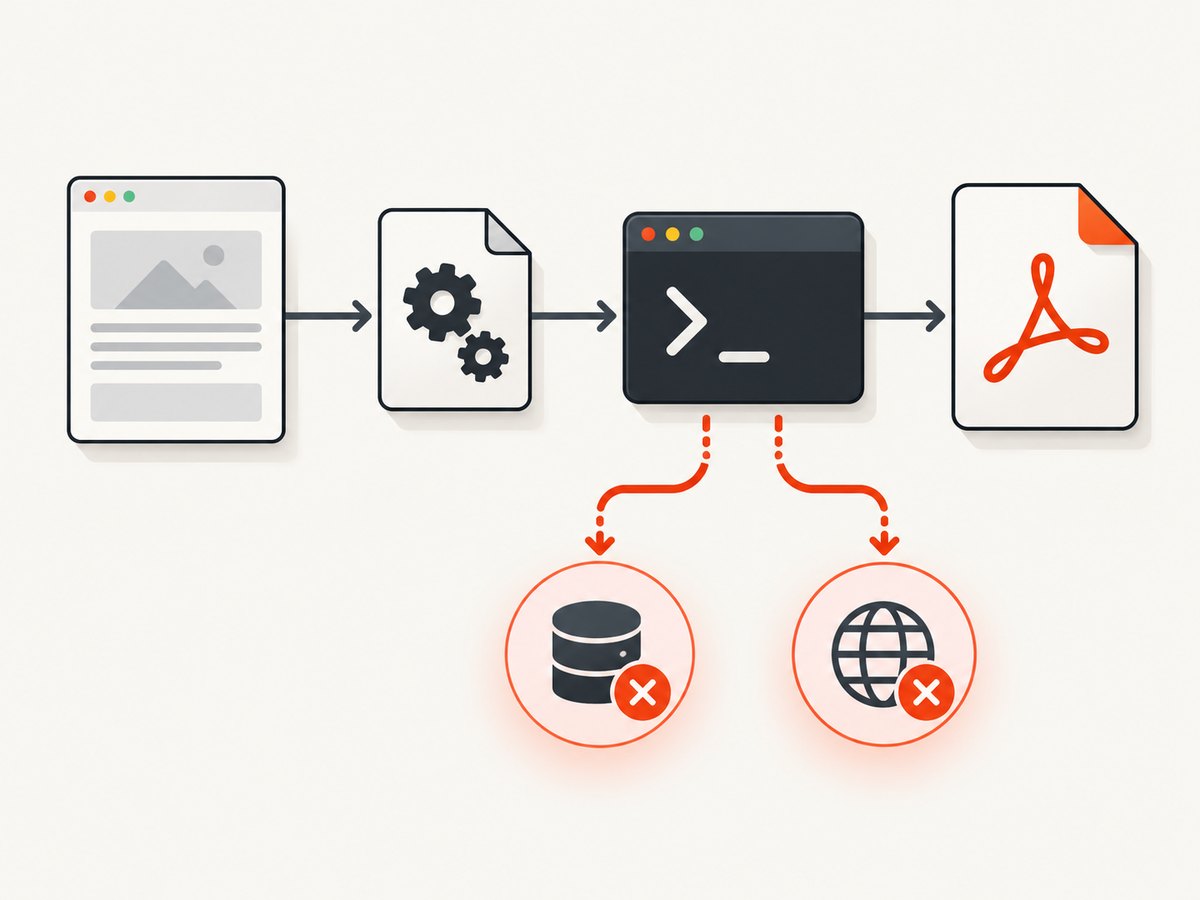
# Confirm the executable and version
command -v wkhtmltopdf
wkhtmltopdf --version

# Run a minimal known-good conversion
printf '%s' '<html><body>ok</body></html>' > /tmp/snappy-test.html
wkhtmltopdf /tmp/snappy-test.html /tmp/snappy-test.pdf

# Repeat as the PHP service account (replace www-data when needed)
sudo -u www-data wkhtmltopdf /tmp/snappy-test.html /tmp/snappy-test.pdf
If the manual command fails identically, Knp configuration is not the primary problem. Fix the converter, filesystem, or network first. If it succeeds manually but fails through PHP, compare users, environment, working directory, temporary paths, and the exact generated command.
3. Verify the binary path and installation
Configure an explicit executable path. On Unix-like systems this is commonly /usr/local/bin/wkhtmltopdf. On Windows, quote a path such as C:\Program Files\wkhtmltopdf\bin\wkhtmltopdf.exe. A Laravel report that says “The system cannot find the path specified” indicates a missing or incorrectly escaped path, not a PDF-content error.
Plain PHP
<?php
require __DIR__ . '/vendor/autoload.php';

use Knp\Snappy\Pdf;

$snappy = new Pdf('/usr/local/bin/wkhtmltopdf');
$snappy->generateFromHtml(
    '<html><body><h1>Invoice</h1></body></html>',
    __DIR__ . '/var/invoice.pdf'
);
Symfony with KnpSnappyBundle
# config/packages/knp_snappy.yaml
knp_snappy:
    pdf:
        enabled: true
        binary: '/usr/local/bin/wkhtmltopdf'
        options:
            encoding: 'UTF-8'
            print-media-type: true
            quiet: true
    temporary_folder: '%kernel.cache_dir%/snappy'
Create the temporary directory during deployment and ensure the PHP user can traverse and write it. Keep the binary path in environment-specific configuration when development and production use different installation locations.
Laravel Snappy
// config/snappy.php
return [
    'pdf' => [
        'enabled' => true,
        'binary' => env('WKHTML_PDF_BINARY', '/usr/local/bin/wkhtmltopdf'),
        'timeout' => false,
        'options' => [
            'encoding' => 'UTF-8',
            'print-media-type' => true,
        ],
        'env' => [],
    ],
];
After changing configuration, clear Laravel’s cached configuration and restart queue workers or PHP-FPM so they load the new value.
4. Fix temporary and destination write failures
Errors such as QPainter::begin(): Returned false followed by Error: Unable to write to destination usually mean that wkhtmltopdf cannot create or write the output file. Check both the temporary directory and the final directory; either one can be the failing location.
# Inspect ownership, mode, and free space
ls -ld /var/www/app/var/cache/snappy /var/www/app/var
id www-data
df -h /var/www/app

# Create the directory during deployment, then grant only required access
install -d -o www-data -g www-data -m 0750 /var/www/app/var/cache/snappy
Use an absolute output path. Do not write into a directory that exists only in a developer workstation, a read-only container layer, or a request-specific temporary location that the worker cannot see. Check inode exhaustion as well as byte capacity. In containers, mount a writable temporary volume and keep its path consistent between web and queue processes.
5. Check URL, DNS, TLS, and asset reachability
Conversion can begin and still end with Exit with code 1 due to network error: ConnectionRefusedError. Test the target and every external stylesheet, image, font, and script from the converter host, not from your laptop.
# Test DNS and HTTPS from the application host
getent hosts example.com
curl -I -L --max-time 20 https://example.com/
curl -I -L --max-time 20 https://cdn.example.com/styles.css
Use absolute asset URLs in generated HTML. Verify firewall egress, proxy settings, certificate chains, redirects, authentication, and internal hostnames. If the page requires an authenticated session, pass cookies or headers through Snappy options, or render a self-contained HTML fixture. A URL that resolves only inside a browser VPN will not resolve in a server worker.
6. Reduce rendering complexity and JavaScript assumptions
Start with a tiny document and add one dependency at a time: CSS, images, fonts, scripts, then application data. This identifies the first failing input instead of masking several failures behind one large template.
<!doctype html>
<html>
<head><meta charset="utf-8"></head>
<body><h1>Render probe</h1><p>Static text only.</p></body>
</html>
wkhtmltopdf is not fully compatible with modern ES6 APIs. If a template depends on newer JavaScript, add a compatible polyfill or render the required values on the server. Avoid waiting forever for an application that never reaches a stable state; set a bounded JavaScript delay and remove scripts that are unnecessary for a document.
7. Choose options deliberately
| Need | Typical option | Failure risk to watch |
|---|---|---|
| Correct print CSS | --print-media-type |
Stylesheets still must be reachable |
| Non-UTF content | --encoding UTF-8 or the source encoding |
Malformed bytes can break text or fonts |
| JavaScript rendering | --javascript-delay |
Long delays increase worker time and timeout risk |
| Large documents | Explicit margins, page size, and a controlled image set | Memory and output-disk pressure |
| Local assets | --enable-local-file-access only when required |
Security exposure with untrusted HTML |
Never enable local-file access merely to silence a missing-image error. The Snappy README warns that --enable-local-file-access can expose local files or enable remote code execution when HTML or JavaScript is untrusted. The wkhtmltopdf project likewise warns against using it with unsanitized user HTML. Sanitize input, isolate the process, restrict filesystem access, and prefer hosted, allowlisted assets.
8. Confirm the installed version and platform
Record the actual binary version in diagnostics. The wkhtmltopdf project lists the stable 0.12.6 series, released June 11, 2020, with builds for Windows, macOS, and Debian. Snappy documentation refers to wkhtmltopdf 0.12.x; the Composer package version and binary version are separate facts. Packagist currently lists Knp Snappy v1.7.3 with PHP 8.1 or newer and Symfony Process 5 through 8 requirements. Pin the package and binary in deployment so a base-image update does not silently change rendering behavior.
9. A repeatable production checklist
- Capture the complete exception, stderr, command, paths, user, OS, and versions.
- Run the command manually as the service account.
- Verify the executable exists and prints the expected version.
- Verify temporary and destination directories, ownership, free space, and inodes.
- Test DNS, TLS, redirects, authentication, and every external asset from the server.
- Reproduce with minimal HTML, then add dependencies incrementally.
- Review JavaScript compatibility and bounded waits.
- Review local-file access and sanitize untrusted input.
- Pin versions and restart long-lived workers after configuration changes.
10. Troubleshooting common messages
| Message or symptom | Likely cause | Fix |
|---|---|---|
| The system cannot find the path specified | Wrong binary or output path | Use an absolute, verified path; check Windows quoting and service-user access. |
| Unable to write to destination | Directory missing, unwritable, full, or read-only | Create it, correct ownership, check disk/inodes, and use an absolute filename. |
| ConnectionRefusedError | Target or asset rejected the server connection | Test from the converter host; fix DNS, firewall, proxy, TLS, or authentication. |
| Works locally, fails in production | Different user, binary, environment, network, or filesystem | Compare the manual command and environment under the production service account. |
| Blank or incomplete PDF | JavaScript timing, inaccessible assets, or unsupported APIs | Use a minimal fixture, add a bounded delay, polyfill ES6 needs, and verify assets. |
| Exit code 1 with no useful application message | stderr was discarded | Log Symfony Process output and retain the exact command for reproduction. |
11. Performance, reliability, and cost considerations
Rendering time grows with page size, image count, font downloads, JavaScript delays, and network latency. Keep templates deterministic, reuse a controlled asset host, avoid unnecessary scripts, and queue large jobs instead of blocking an HTTP request. Set process and application timeouts above the expected render time but below the worker’s maximum lifetime. Record duration, exit code, stderr, URL, and output size so recurring failures can be correlated with deployments.

For reliability, retry only transient network failures with a limit and backoff. Do not blindly retry permission errors, invalid paths, malformed HTML, or security-policy failures. Cache stable documents when their inputs have not changed, and clean temporary files after success and failure. Treat generated PDFs as untrusted output until virus scanning and content policies are applied where required.
Or skip the browser setup
If your goal is a clean website capture rather than maintaining wkhtmltopdf, ScreenshotNeo provides a website screenshot API and MCP server. One GET request returns PNG, JPEG, WebP, or PDF. Cookie and consent banners, newsletter popups, and chat widgets are removed before capture; bot checks, blank pages, timeouts, failed loads, and cache hits are not billed, and response headers report the page verdict and billing status.
See the ScreenshotNeo API documentation for all options.
cURL
curl -G "https://api.screenshotneo.com/v1/shot" \
  -d access_key=YOUR_API_KEY \
  --data-urlencode url=https://stripe.com \
  -o shot.webp
Python
import requests

r = requests.get(
    "https://api.screenshotneo.com/v1/shot",
    params={"access_key": "YOUR_API_KEY", "url": "https://stripe.com"},
    timeout=90,
)
r.raise_for_status()
open("shot.webp", "wb").write(r.content)
Node.js
const q = new URLSearchParams({ access_key: 'YOUR_API_KEY', url: 'https://stripe.com' });
const res = await fetch(`https://api.screenshotneo.com/v1/shot?${q}`);
if (!res.ok) throw new Error(`Screenshot failed: ${res.status}`);
const fs = await import('node:fs/promises');
await fs.writeFile('shot.webp', Buffer.from(await res.arrayBuffer()));
ScreenshotNeo includes full-page captures with lazy images loaded, CSS-selector element shots, dark mode, device presets or custom viewports, retina scale, PDF paper and margin controls, custom CSS and JavaScript, clicks, waits, request blocking, headers, cookies, user agents, authorization, timezone, geolocation, transparent backgrounds, resizing, TTL caching, signed links, asynchronous jobs with signed webhooks, bulk capture for up to 100 URLs per call, a usage API, and an OpenAPI specification. Parameter names used by other screenshot APIs also work, which helps when switching.
An MCP server exposes take_screenshot, get_page_info, and capture_pdf to Claude, Cursor, and other MCP clients. The Free plan includes 1,000 shots each month with no card; paid plans start at $5 for 3,000 shots. Create a free ScreenshotNeo account.
FAQ
Does exit code 1 identify a specific bug?
No. It is a generic process failure signal. stderr and the exact command identify the actual cause.
Should I reinstall Knp Snappy first?
Only after checking the binary path, service account, filesystem, network, and version. Reinstallation does not fix a read-only destination or blocked URL.
Why does a browser load the page while wkhtmltopdf cannot?
Your browser may have different DNS, cookies, certificates, proxy settings, JavaScript support, or network access. Test from the converter host under its service account.
Is local-file access safe for customer HTML?
It can expose server files or enable code execution with untrusted HTML or JavaScript. Avoid it when possible; otherwise sanitize input and sandbox the converter.
When should I replace wkhtmltopdf?
Consider a managed capture service when you need consistent browser setup, consent cleanup, API-based retries, or AI-agent access and do not want to maintain a converter binary on every worker.


