How to Fix Laravel Browsershot Navigation Timeouts
Fix “Navigation timeout of 30000ms exceeded” in Laravel Browsershot by identifying the failing layer, readiness condition, and runtime network.
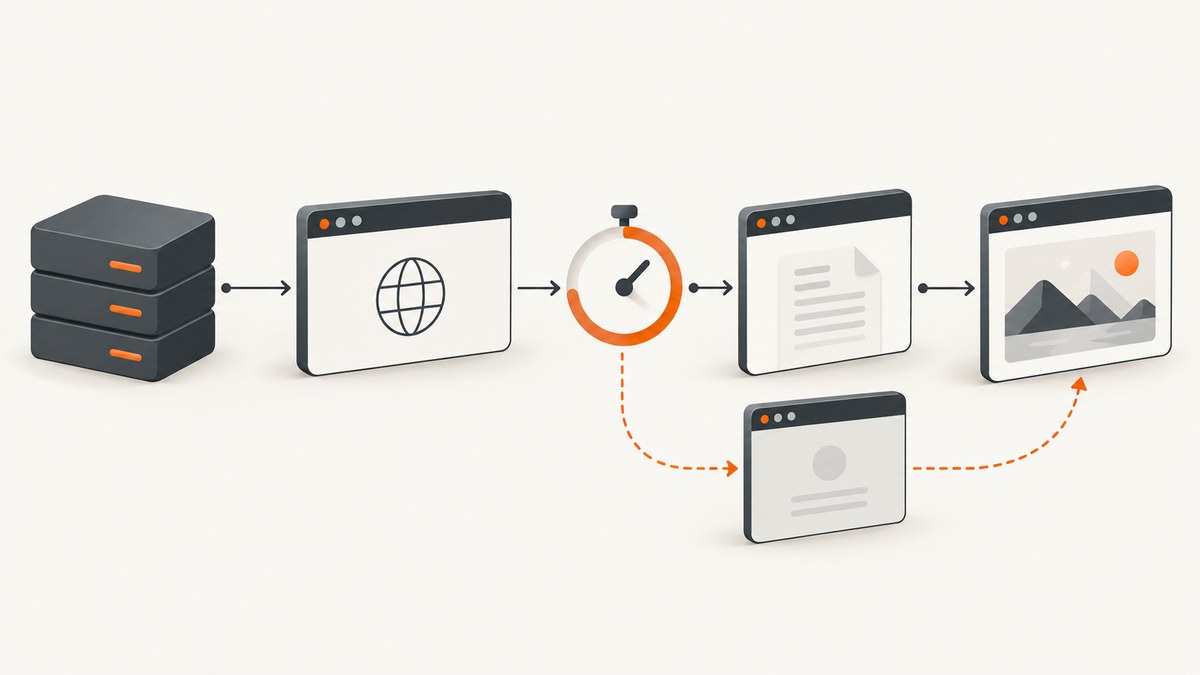
The error usually appears as Navigation timeout of 30000ms exceeded or TimeoutError: Navigation timeout of 30000 ms exceeded. In Laravel Browsershot, first determine which operation is timing out. A navigation timeout, a Chrome DevTools Protocol timeout, a Browsershot process timeout, and a later selector or function wait are different failures. Increasing the wrong setting only delays the same error.
The practical sequence is:
- Record the complete exception and stack trace.
- Check the installed Browsershot, Puppeteer, Node.js, and Chrome or Chromium versions.
- Verify that the browser process can reach the URL and every required asset from its own container, worker, or server.
- Check whether the page is waiting for an unsuitable readiness condition, especially network idle.
- Only then increase
timeout(), or useprotocolTimeout()when the exception identifies that layer.
What the Browsershot timeout settings mean
Browsershot’s timeout($seconds) method accepts seconds and converts the value to milliseconds for Puppeteer. For example, timeout(90) becomes a 90000-millisecond navigation timeout. The Browsershot test suite verifies this conversion. The underlying Puppeteer navigation timeout documentation describes the millisecond-level browser option.
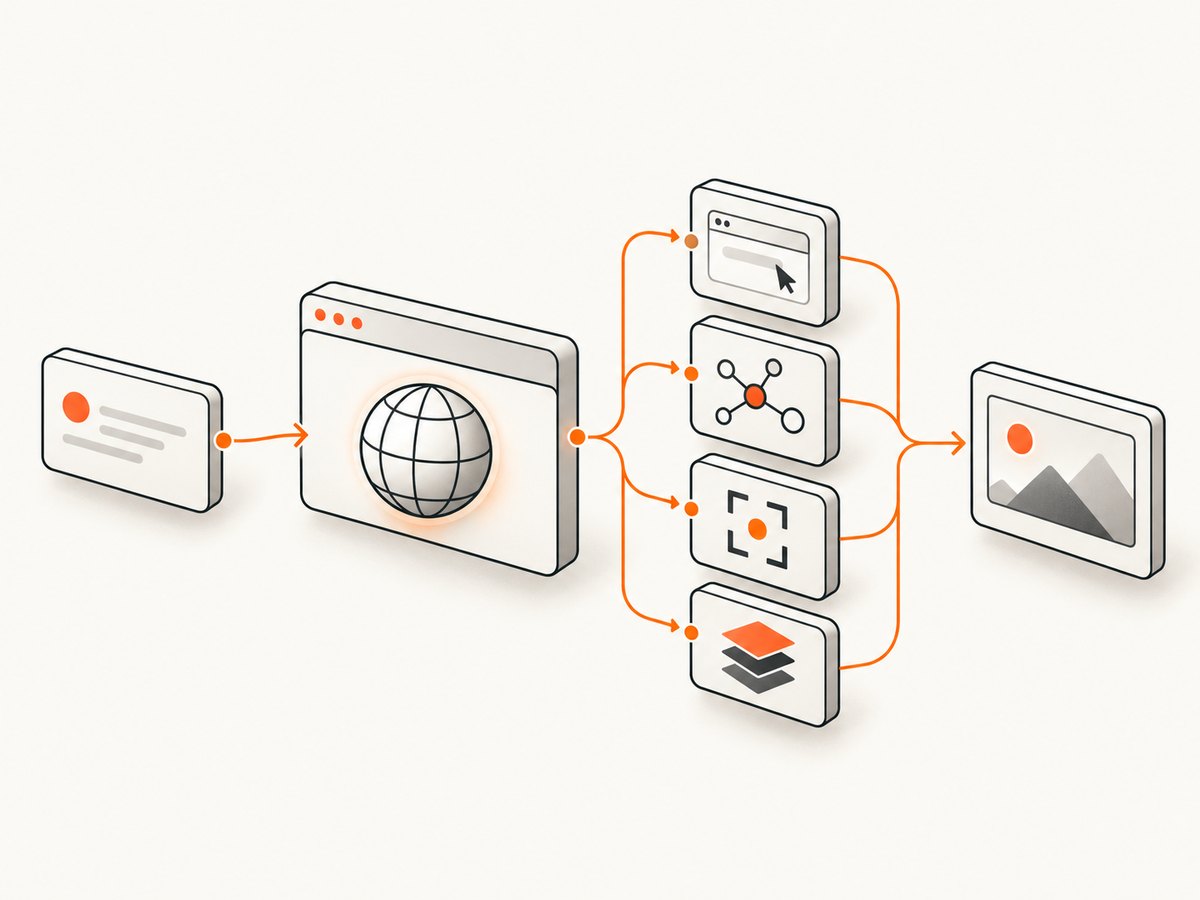
Browsershot also has protocolTimeout($seconds). It converts seconds to milliseconds too, but it controls a different layer: communication with the Chrome DevTools Protocol. Do not assume that changing timeout() changes the protocol limit.
Use the version installed by your project as the authority. Inspect composer.lock, the package source in vendor/spatie/browsershot, and your Node lockfile. The current repository and Puppeteer “next” documentation can change after your project was pinned.
| Symptom | Likely layer | First check |
|---|---|---|
Navigation timeout ... exceeded |
Page navigation | URL reachability, redirects, and readiness condition |
| Protocol or CDP timeout | Browser protocol | Installed Browsershot/Puppeteer versions and protocolTimeout() |
| Process or command timeout | Browsershot/Node process | Worker limits, Chrome startup, memory, and command logs |
| Selector or function wait timeout | Post-navigation page condition | Selector spelling, JavaScript state, and page timing |
Step 1: Capture the complete error and versions
Do not troubleshoot from the final exception message alone. Log the exception class, stack trace, URL, and the operation being performed. Then record versions from the same runtime that executes the queue job or HTTP request.
composer show spatie/browsershot
node --version
npm list puppeteer puppeteer-core --depth=0
which google-chrome || which chromium || which chromium-browser
php artisan about
If the screenshot runs in a queue worker, execute these commands in that worker’s container or deployment environment. A browser available in your interactive shell may not be available to the queue user.
Step 2: Verify reachability from the browser runtime
A common cause is that the URL works in your desktop browser but not from the process running Chrome. This is especially common with Laravel routes on localhost, private hostnames, Docker service names, VPN-only domains, or assets served by another container.
- Test the target URL from the same container or host as Browsershot.
- Test the final URL after redirects, not only the initial URL.
- Check CSS, JavaScript, image, font, and API requests required to render the page.
- Confirm DNS, firewall rules, proxy settings, TLS certificates, and authentication headers.
- For a local Laravel route, use a hostname reachable from the browser container.
localhostinside a container refers to that container, not necessarily the PHP application.
curl -I -L --max-time 30 https://example.test/report
curl -sS -o /dev/null -w '%{http_code} %{url_effective}\n' https://example.test/report
A community report describes a 30-second timeout while rendering a local Laravel route and points to local asset reachability as a diagnostic lead. It does not establish a universal root cause; inspect your own runtime and requests. See the Browsershot timeout discussion.
Step 3: Use a longer navigation timeout when the page is genuinely slow
When the page is reachable and simply needs more time, set a larger timeout at the PHP API boundary. The value below is seconds.
<?php

use Spatie\Browsershot\Browsershot;

$url = route('reports.monthly', ['month' => '2026-09']);
$output = storage_path('app/reports/monthly.png');

Browsershot::url($url)
    ->timeout(90) // Browsershot seconds; passed to Puppeteer as 90000 ms
    ->save($output);
A 90-second limit is an API example, not a universal recommendation. Choose a limit based on the expected page and your request or queue budget. If the same page always fails at the new limit, the problem is probably reachability, readiness, or a different timeout layer.
Step 4: Fix an unsuitable network-idle wait
Network idle is a readiness condition, not a guarantee that the required content is visible. Browsershot’s waitUntilNetworkIdle(true) selects Puppeteer’s networkidle0; passing false selects networkidle2. A page with analytics polling, WebSockets, streaming responses, advertisements, or other long-lived requests may never satisfy the strict condition.
Browsershot::url($url)
    ->timeout(60)
    ->waitUntilNetworkIdle(false)
    ->save($output);
Use the least broad condition that represents a completed render. If a report is ready when a known element exists, wait for that element. If readiness is represented by application state, wait for a JavaScript function.
Browsershot::url($url)
    ->timeout(60)
    ->waitForSelector('#report-complete')
    ->save($output);

Browsershot::url($url)
    ->timeout(60)
    ->waitForFunction(
        '() => document.body.dataset.renderState === "complete"',
        'raf',
        30000
    )
    ->save($output);
Check the installed package for the accepted selector and function options. The Browsershot API and test suite confirm support for waitForSelector() and waitForFunction().
Choosing the right readiness signal
| Condition | Use it when | Risk |
|---|---|---|
| Navigation/load | HTML and synchronous assets are enough | Async data may not be present |
networkidle2 |
A few background requests can remain | Polling can still postpone completion |
networkidle0 |
The page truly becomes quiet | Analytics or sockets can prevent completion |
waitForSelector() |
A specific element marks usable output | Selector may be missing or rendered conditionally |
waitForFunction() |
Your app exposes a reliable state condition | Expression or polling settings can be wrong |
Step 5: Investigate protocol and process timeouts
If the exception identifies a protocol timeout, inspect the Browsershot version and use the protocol setting supported by that release.
Browsershot::url($url)
    ->timeout(90)
    ->protocolTimeout(90)
    ->save($output);
Set both only when your evidence shows that both limits are relevant. A protocol timeout setting cannot repair a URL that the browser cannot resolve, and a navigation timeout cannot repair a broken Chrome process.
For process-level failures, check PHP and queue worker time limits, available memory, Chrome startup flags required by your environment, temporary-directory permissions, and whether multiple jobs are exhausting the host. Keep the browser executable and Node packages version-matched with Browsershot.
Laravel-specific examples
Rendering a route that needs authentication
use Spatie\Browsershot\Browsershot;

Browsershot::url(route('dashboard'))
    ->setExtraHttpHeaders([
        'Authorization' => 'Bearer ' . config('services.reporting.token'),
    ])
    ->timeout(60)
    ->waitForSelector('[data-dashboard-ready]')
    ->save(storage_path('app/dashboard.png'));
Use the exact header, cookie, or session approach supported by your installed Browsershot release. If the page redirects to a login screen, the browser may be waiting on a different document than you expect.
Rendering a local page with a deterministic completion marker
window.addEventListener('load', async () => {
  await renderReport();
  document.body.dataset.renderState = 'complete';
});
Browsershot::url(route('reports.preview'))
->timeout(60)
->waitForFunction(
'() => document.body.dataset.renderState === "complete"',
'raf',
30000
)
->save(storage_path('app/report.png'));
Troubleshooting checklist
“Navigation timeout of 30000ms exceeded”
Cause: navigation did not complete within the default allowance, or the selected readiness condition never became true. Fix: verify reachability, inspect redirects and requests, choose a narrower selector or function wait, then raise timeout() if the page is expected to be slow.
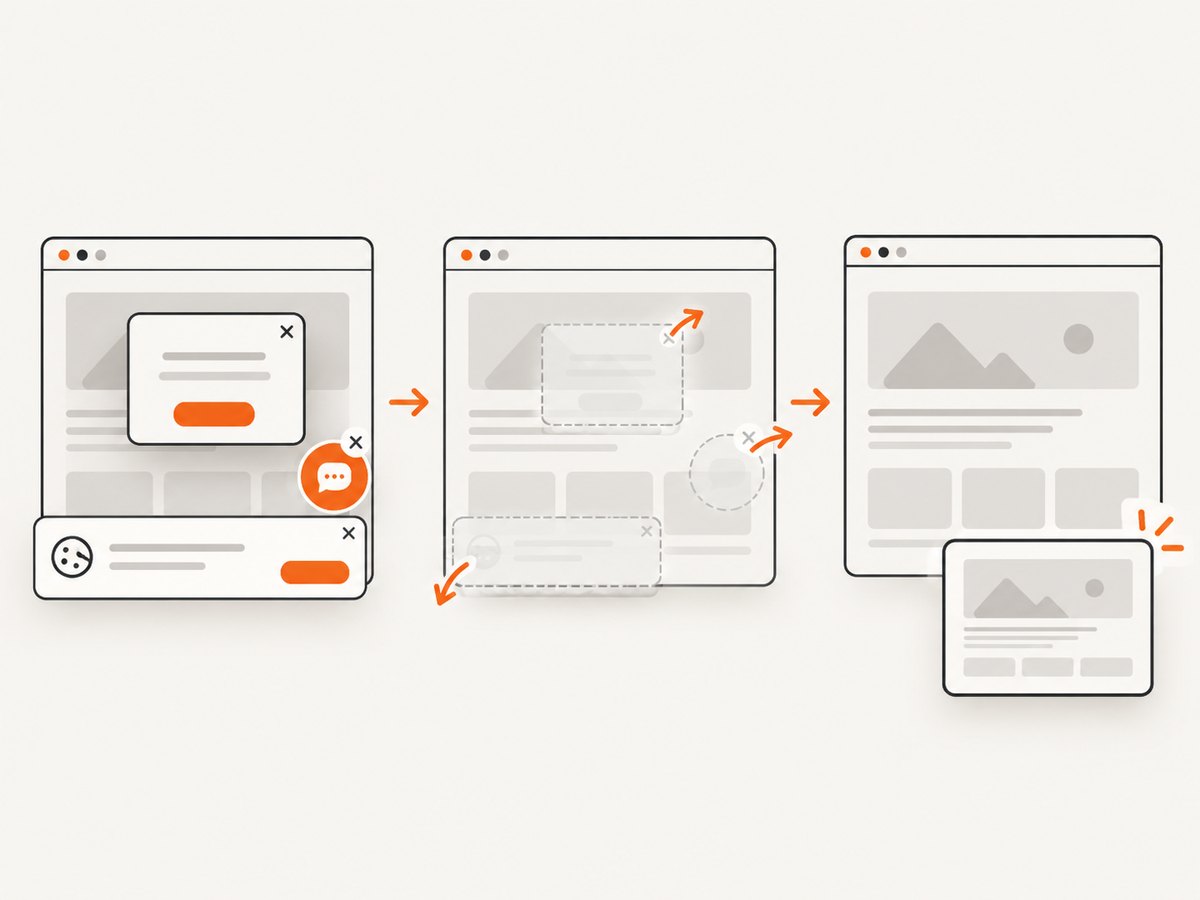
The timeout remains after increasing timeout()
Cause: the failure is in protocol communication, process startup, or a later wait. Fix: read the exception class and stack trace, then inspect protocolTimeout(), worker limits, and selector/function configuration.
Only queue jobs fail
Cause: the worker has different DNS, credentials, environment variables, filesystem permissions, proxy settings, or Chrome availability. Fix: run the reachability and version checks as the queue user inside its deployment environment.
Network idle never completes
Cause: polling, WebSockets, analytics, ads, or another long-lived request. Fix: use waitUntilNetworkIdle(false) or, preferably, wait for the element or application state that proves the required output is ready.
The selector wait times out
Cause: a typo, an iframe, a conditional render, a failed API request, or a selector that appears before its contents are useful. Fix: inspect the rendered DOM and browser console, verify the request that populates the element, and choose a completion marker tied to the final content.
Desktop works but the server fails
Cause: different network namespace, missing fonts or libraries, TLS validation, blocked outbound traffic, or a private URL. Fix: test every dependency from the server process and install the runtime requirements for the pinned Chrome build.
Performance, reliability, and cost considerations
- Keep waits specific. A selector or function condition often finishes sooner and more consistently than waiting for all network activity to stop.
- Set realistic budgets. A very large timeout ties up PHP workers and queue slots when a dependency is down. Pair browser limits with job retry and overall request limits.
- Make output deterministic. Use a stable route, fixed data, known fonts, and an explicit completion marker. Avoid relying on incidental timing.
- Observe the failure type. Record the URL, selected wait condition, elapsed time, exception class, and versions. This separates slow pages from unreachable pages.
- Do not hide failures with retries. Retries help transient network errors; they do not fix a permanently unreachable hostname or a selector that never exists.
Or skip the browser setup
If your goal is a reliable screenshot or PDF rather than maintaining Chrome, Node, fonts, and container networking, ScreenshotNeo provides a website screenshot API and MCP server. The request below returns an image; see the ScreenshotNeo API documentation for the complete option list.
curl -G "https://api.screenshotneo.com/v1/shot" -d access_key=YOUR_API_KEY --data-urlencode url=https://stripe.com -o shot.webpimport requests
r = requests.get(
"https://api.screenshotneo.com/v1/shot",
params={"access_key": "YOUR_API_KEY", "url": "https://stripe.com"},
timeout=90,
)
r.raise_for_status()
open("shot.webp", "wb").write(r.content)const q = new URLSearchParams({ access_key: 'YOUR_API_KEY', url: 'https://stripe.com' });
const res = await fetch(`https://api.screenshotneo.com/v1/shot?${q}`);
if (!res.ok) throw new Error(`Screenshot failed: ${res.status}`);
const image = Buffer.from(await res.arrayBuffer());
await import('node:fs/promises').then(fs => fs.writeFile('shot.webp', image));ScreenshotNeo removes cookie and consent banners, newsletter popups, and chat widgets before the capture. Bot checks, blank pages, failed loads, timeouts, and cache hits are not billed, and response headers identify the page verdict and billing result. It also offers an MCP server with take_screenshot, get_page_info, and capture_pdf for Claude, Cursor, and other MCP clients.
You can use full-page capture, lazy-image loading, CSS-selector element capture, custom CSS and JavaScript, click actions, selector or delay waits, request blocking, headers, cookies, user agents, authorization, timezone, geolocation, transparent backgrounds, resizing, caching, signed links, asynchronous jobs, bulk capture, and PDF controls. Plans include 1,000 screenshots per month free with no card; paid plans start at $5 for 3,000 screenshots. Create a free ScreenshotNeo account.
FAQ
Does timeout(90) mean 90 milliseconds?
No. Browsershot’s PHP method takes seconds and converts them to milliseconds for Puppeteer, so 90 means 90,000 milliseconds.
Should I always use protocolTimeout() too?
No. Use it when the exception points to the Chrome DevTools Protocol layer. Navigation and protocol timeouts control different operations.
Is networkidle0 better than networkidle2?
Neither is universally better. Choose the condition that matches the page. Persistent background requests can make either broad idle condition unsuitable; a selector or function can be more precise.
Why does a longer timeout sometimes make the system worse?
It keeps workers occupied longer when the underlying problem is unreachable infrastructure or a condition that can never become true. Diagnose the layer before raising the limit.
Can ScreenshotNeo replace Browsershot for every Laravel workflow?
It is suited to capturing a reachable website URL, an element, or a PDF through its API. Keep Browsershot when you need a tightly integrated local browser workflow or application-specific browser automation.


