How to Fix Laravel Snappy When the PDF File Is Not Created
Diagnose Laravel Snappy PDF creation failures by checking wkhtmltopdf, its configured path, permissions, platform compatibility, and the exact error.
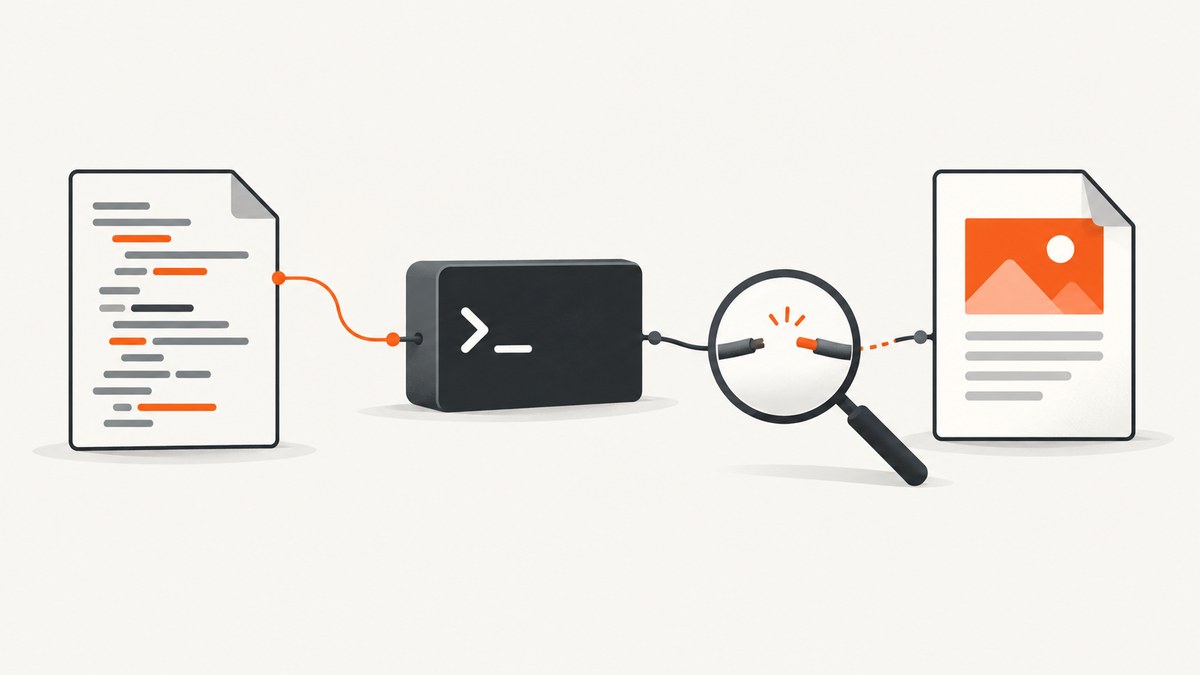
If Laravel Snappy says “The file … was not created,” the message confirms the expected output is missing; it does not identify the cause. Snappy is a Laravel wrapper around KnpLabs Snappy, which runs the separate wkhtmltopdf executable. Start by testing that executable on the same host or container as PHP, then check the configured binary path, the PHP worker’s permissions, and whether the binary matches the deployment platform. Laravel Snappy’s maintainer documentation and KnpLabs Snappy’s documentation describe these separate parts.
1. Find which part failed
Before changing Blade templates or enabling file access, collect the exact exception and identify the stage that fails. Snappy delegates PDF rendering to an external program, so an installation, startup, access, or output-path problem can look like a Laravel PDF problem.
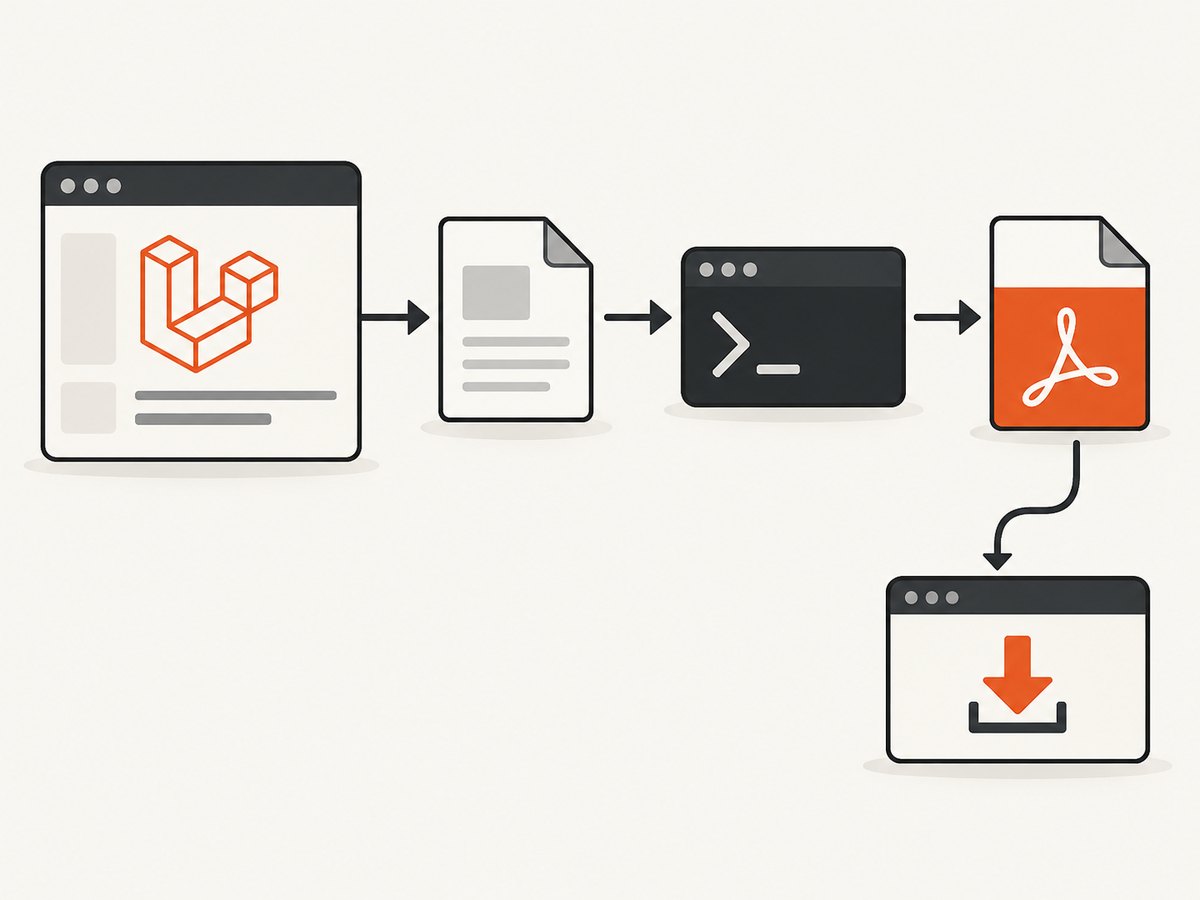
- Copy the entire exception, including the command line, exit status, stderr, stdout, and any temporary input and output paths shown.
- Record the host OS and version, PHP execution environment (including container or worker if applicable), Laravel Snappy and KnpLabs Snappy versions, wkhtmltopdf version and installation source, configured binary path, and the account running PHP.
- Check whether the configured output directory exists and whether that PHP account can write there.
- Run the configured binary from a shell in the same host or container. A failure there points first to the executable, its dependencies, permissions, or platform compatibility.
- Once the binary runs, reproduce the issue with the smallest HTML or view that still fails. This separates environment issues from rendering and asset issues.
The distinction between a generated file and an HTTP response matters. Snappy has separate flows for writing a file, returning PDF bytes, and serving a download. A successful download response does not prove that a file was saved at a filesystem path you expected.
2. Verify wkhtmltopdf outside Laravel
Run the exact configured executable on the deployment host, as close as possible to the same environment and service account that runs PHP. First inspect its version:
/path/to/wkhtmltopdf --versionReplace the example path with the real configured path. KnpLabs documents a requirement for wkhtmltopdf 0.12.x. The command-line test is useful because it removes Laravel’s view rendering and response handling from the first diagnostic step. If the executable is missing or exits before rendering, changing the Blade template is unlikely to solve the immediate problem.
If it starts in an interactive shell but not in the application, compare the shell user and environment with the PHP worker. Check whether the binary is available inside the application’s container, whether its directory is mounted in production, and whether required shared libraries are installed. Laravel Snappy’s documentation specifically notes that dependencies such as libXrender may need to be installed on the system.
Capture output and status when testing a small local HTML file:
/path/to/wkhtmltopdf /tmp/snappy-check.html /tmp/snappy-check.pdfUse harmless test HTML that you created yourself. If the command produces no PDF, retain its standard error and exit status. If it succeeds, compare this invocation with the command printed in the Laravel exception, including input, output, options, and execution user.
3. Check Laravel Snappy’s binary setting
Inspect config/snappy.php in the deployed application, especially the PDF binary setting. The value must resolve to the executable that exists on that host. A path copied from a developer laptop, another container, or a different operating system is not portable by itself.
The Laravel Snappy README documents this Composer-binary example:
'binary' => base_path('vendor/h4cc/wkhtmltopdf-amd64/bin/wkhtmltopdf-amd64'),It also shows a system-installed path such as /usr/local/bin/wkhtmltopdf-amd64 and a quoted Windows path. These are examples, not universal paths. Verify the deployed value directly. If you changed configuration, ensure Laravel is using the updated configuration in the deployed environment, following the project’s normal configuration-cache and deployment process.
If the config file is absent or the package is newly installed, consult the package README for its Composer installation and configuration publishing steps. The README notes auto-discovery for Laravel 5.5 and later; check the project’s Laravel version rather than applying that version-specific detail indiscriminately.
4. Fix permissions and exit status 126
Check two distinct permissions: the PHP worker must be able to execute the binary, and it must be able to write to the output directory. Verify both as the service account, not just as your own shell user. For example, after identifying the correct account and paths, inspect the file and directory permissions with the platform’s normal tools.
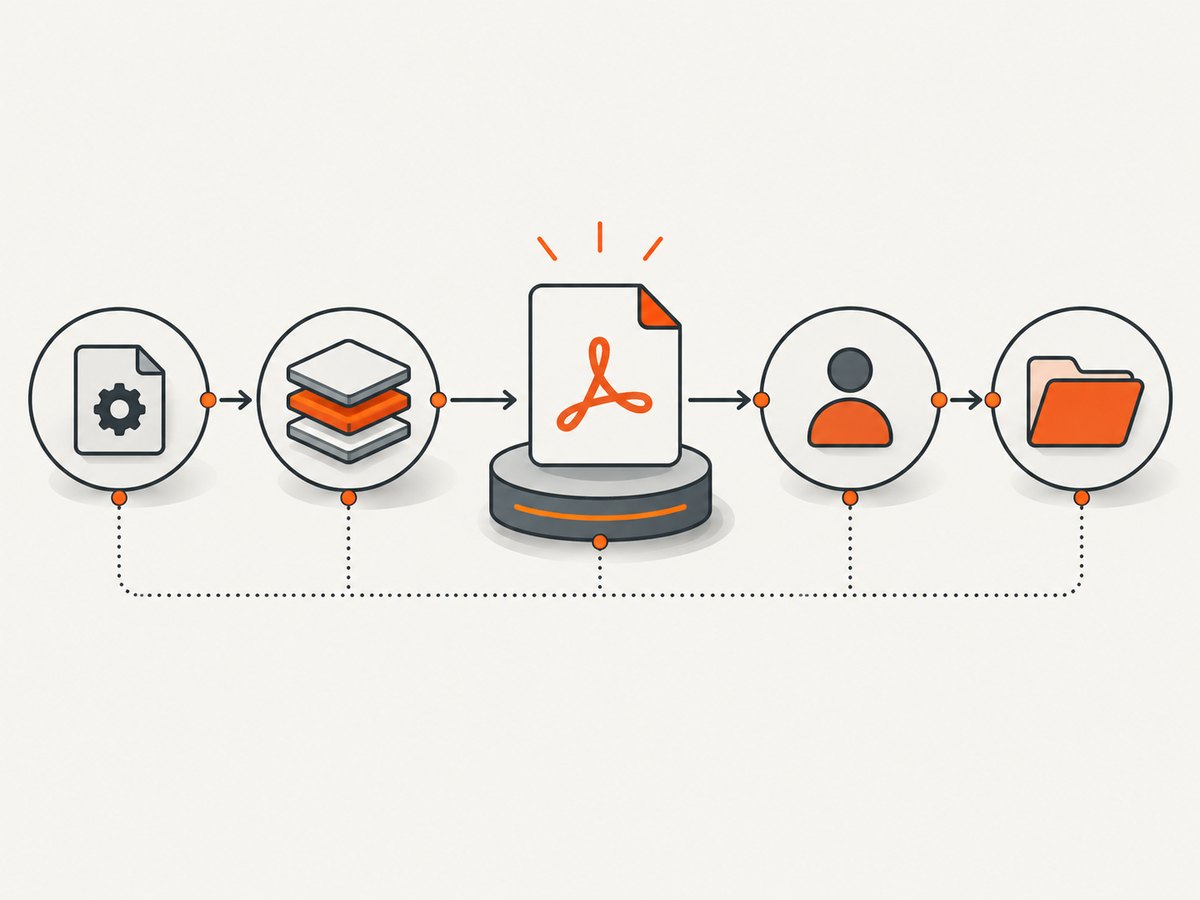
The Laravel Snappy README documents making a Composer-distributed binary executable with chmod +x. It also warns that a binary in a Vagrant synced folder can cause error 126 and recommends copying it out of that folder in that scenario. Treat status 126 as an execution clue: inspect executable permissions, mount behavior, and whether the operating system can run the binary. Do not assume it means only that the destination directory is unwritable.
# Example only: run with the actual binary path and deployment process
chmod +x /path/to/wkhtmltopdf
Do not solve a production permission problem by making the whole application writable or granting broad permissions. Give the PHP worker the access it needs to the specific executable and output location.
5. Match the executable to OS and architecture
Confirm that the binary was built for the production operating system and CPU architecture, and that its required libraries are available. KnpLabs documents Composer packages for i386 and amd64, but says its static binaries were extracted from Debian 7 packages and may not work on non-Debian Linux distributions. A package that installed successfully through Composer is not proof that its executable will run on every deployment host.
Choose between an OS-installed binary and a Composer-distributed binary based on the target platform, required libraries, deployment and pinning needs, and whether PHP can execute the installed location. Neither route is a universal winner. Keep the binary source and version consistent across environments where possible, and verify the actual production artifact after deployment.
An issue report describes status 126 on an Apple Silicon Mac using an amd64 Composer binary. That is a concrete example of why architecture matters, not evidence that every status 126 has the same cause. Diagnose against your own OS and architecture.
6. Separate file output from response output
Once the binary works, use the output mode that matches the intended result. Laravel Snappy documents generating a PDF from HTML to a named file, generating from a URL, returning PDF bytes in an HTTP response, and using a view for a download. These are different behaviors.
A direct file-generation example from the package documentation follows. Confirm that the directory exists and is writable by PHP:
$snappy->generateFromHtml($html, '/tmp/bill-123.pdf');For an HTTP download, a documented Laravel-style flow is:
return PDF::loadView('pdf.invoice', $data)->download('invoice.pdf');The download response may stream bytes to the client without leaving a file at a separate path. If you require a persistent file, use a file-generation method and then check the exact destination. If a direct library call succeeds but the Laravel view flow fails, inspect the rendered HTML and assets; if both fail, return to the binary and environment checks.
7. Investigate missing assets safely
A PDF that is created but lacks images, stylesheets, or fonts has a different symptom from a PDF file that is never created. For missing local assets, check the URLs or paths in the rendered HTML and whether the renderer can access them. Do not turn on local-file access as a generic fix for a missing output file.
KnpLabs warns that --enable-local-file-access can expose local files or enable remote code execution when untrusted HTML or JavaScript is processed. Only enable local access when your use case requires it, and account for the security implications: avoid processing untrusted markup, sanitize inputs, and isolate the renderer appropriately. A missing PDF alone is not evidence that local-file access is the cause.
8. Common errors and fixes
| Symptom | Likely area to inspect | Next step |
|---|---|---|
| “wkhtmltopdf not found” | Configured path or deployment contents | Check config/snappy.php on the deployed host and verify the file exists at that exact path. |
| Exit status 126 | Executable permissions, mount behavior, OS or architecture mismatch | Run the binary as the PHP service account; inspect executable permissions and platform compatibility. |
| “The file … was not created” | Any failed command stage or wrong output destination | Read the full exception, stderr, stdout, exit status, and paths; run the printed binary command directly. |
| Binary runs in a shell but not in Laravel | Different user, container, environment, or filesystem mounts | Test from the application’s actual runtime and verify its service account can execute and write. |
| PDF exists but assets are absent | HTML asset URLs or access restrictions | Inspect the rendered HTML and asset availability; assess local-file access carefully. |
| Download works but expected file is absent | Response mode versus filesystem generation | Use an explicit file output path if persistence is required, then verify that path. |
These are diagnostic branches, not guaranteed causes. A Windows Server issue report includes a missing-file exception and command but does not establish a general root cause. Preserve the exact environment and command when seeking help; KnpLabs asks for OS and version, wkhtmltopdf version and installation method, and a complete reproducer.
9. Reliability, performance, and cost considerations
PDF generation depends on both the PHP application and an external executable, so monitor and diagnose them as separate components. For repeatable deployments, record the binary source and version, verify it in the target image or host, and run a small representative generation after deployment. Capture the full command failure context in logs while avoiding sensitive document contents or credentials.
Rendering time depends on the document and the resources it loads; the cited maintainer documentation does not provide a universal performance benchmark. Large or asset-heavy documents can take longer than simple HTML. Keep asset URLs stable and reachable, use a bounded timeout appropriate to the application, and avoid concurrent rendering beyond the worker and host capacity you have allocated. Measure with your actual document workload before setting queue concurrency or latency expectations.
There is no single cost figure in the maintainer sources. Account for the compute and storage of the application hosts, binary maintenance, and any external resources the HTML loads. A failed render can still consume application resources even though it creates no output, so log failures and prevent unbounded retries.
Or skip the browser setup
Laravel Snappy and wkhtmltopdf address server-side PDF rendering. If what you need is a screenshot of a web page, ScreenshotNeo is a website screenshot API and MCP server for developers. One GET request returns a PNG, JPEG, WebP, or PDF. See the ScreenshotNeo API documentation for options.
curl -G "https://api.screenshotneo.com/v1/shot" -d access_key=YOUR_API_KEY --data-urlencode url=https://stripe.com -o shot.webpimport requests
r = requests.get("https://api.screenshotneo.com/v1/shot", params={"access_key": "YOUR_API_KEY", "url": "https://stripe.com"}, timeout=90)
open("shot.webp", "wb").write(r.content)const q = new URLSearchParams({ access_key: 'YOUR_API_KEY', url: 'https://stripe.com' });
const res = await fetch(`https://api.screenshotneo.com/v1/shot?${q}`);Cookie and consent banners, newsletter popups, and chat widgets are removed before capture. Bot checks, blank pages, failed loads, timeouts, and cache hits are not billed; response headers identify the page verdict and billing status. An MCP server gives AI agents tools to take screenshots, get page information, and capture PDFs. The free plan includes 1,000 screenshots per month with no card; paid plans start at $5 for 3,000 shots. Sign up for 1,000 free screenshots a month, with no card.
FAQ
Does the exception tell me why the PDF failed?
No. It tells you the expected output was not created. Use the command, status, stderr, stdout, and paths to narrow down the cause.
Can I fix this by switching to a download response?
Only if the intended result is a response to the browser. A download flow does not establish that a file exists at a separate server path.
Should I always use a Composer binary?
No. Choose and verify a binary that runs on the deployment OS and architecture, with its required dependencies available.
Does this article diagnose my deployment’s exact cause?
No. The OS, binary, configured path, complete exception, and PHP execution account are needed to identify the specific failure.


