How to Fix Strange Screenshot Behavior in LibGDX
Fix upside-down, black, transparent, or incorrectly sized libGDX screenshots with back-buffer readback, HDPI-aware dimensions, and framebuffer checks.
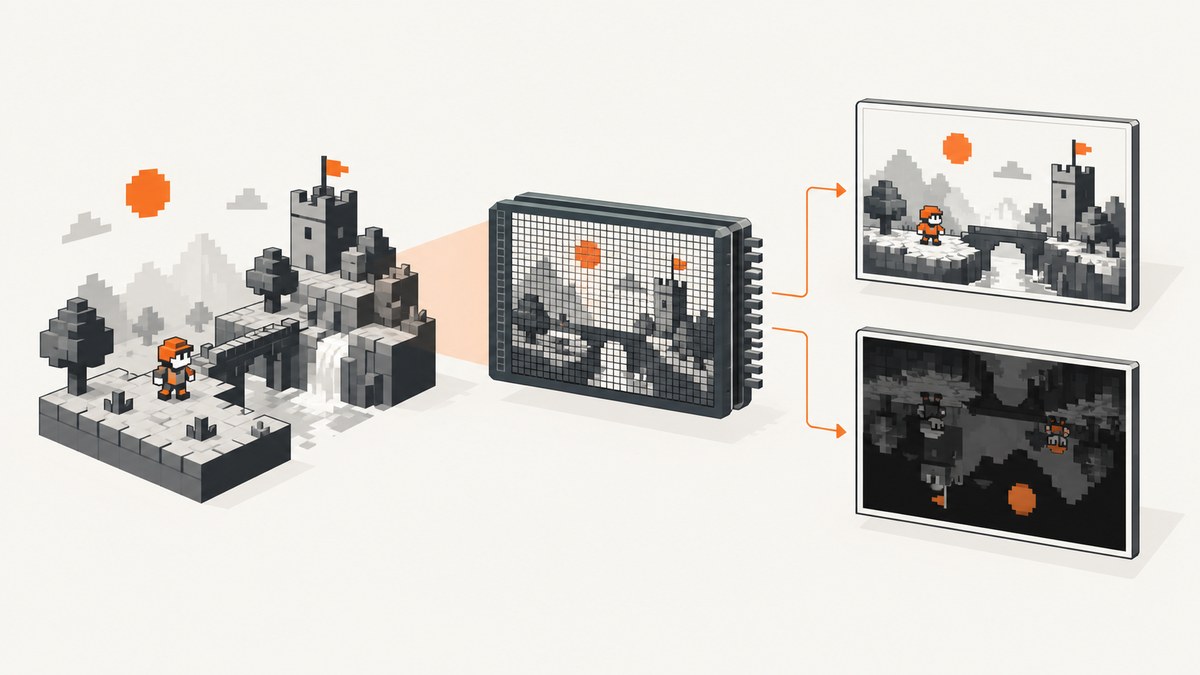
For a reliable full-screen libGDX screenshot, read the actual back-buffer pixel dimensions after the scene has rendered, write the resulting Pixmap, then dispose it. Upside-down output usually needs a Y flip; cropping or stretching usually means logical dimensions were used where pixel dimensions are required; unexpected transparency can be fixed by forcing alpha to opaque. If the result is black on only one device, check capture timing, framebuffer binding, dimensions, and the device backend before blaming PNG encoding.
1. Capture the rendered back buffer
Run readback on the graphics thread and after the frame’s drawing commands have completed. The official libGDX baseline uses Pixmap.createFromFrameBuffer, PixmapIO.writePNG, and explicit Pixmap disposal. For devices with HDPI scaling, use the back-buffer dimensions in pixels:
Gdx.app.postRunnable(() -> {
    int width = Gdx.graphics.getBackBufferWidth();
    int height = Gdx.graphics.getBackBufferHeight();
    Pixmap pixmap = Pixmap.createFromFrameBuffer(0, 0, width, height);
    try {
        PixmapIO.writePNG(Gdx.files.external("screenshot.png"), pixmap);
    } finally {
        pixmap.dispose();
    }
});
This writes an opaque or transparent PNG according to the pixels in the back buffer. If the callback is invoked at a point before rendering has finished, it may capture an earlier frame or an empty buffer. Schedule it at a point in your render lifecycle where the scene’s drawing commands have been issued.
Force an opaque image when transparency is unintended
Some rendering pipelines leave alpha values below 255. PNG preserves those values, so the screenshot can look transparent or unusually dark when composited by an image viewer. If the screenshot should be opaque, set each RGBA pixel’s alpha byte to 255 before encoding:
Gdx.app.postRunnable(() -> {
    int width = Gdx.graphics.getBackBufferWidth();
    int height = Gdx.graphics.getBackBufferHeight();
    Pixmap pixmap = Pixmap.createFromFrameBuffer(0, 0, width, height);
    try {
        ByteBuffer pixels = pixmap.getPixels();
        for (int i = 3; i < width * height * 4; i += 4) {
            pixels.put(i, (byte) 255);
        }
        PixmapIO.writePNG(Gdx.files.external("screenshot.png"), pixmap);
    } finally {
        pixmap.dispose();
    }
});
Only use this when the intended result is opaque. Leave the alpha channel intact when transparency is part of the image.
2. Diagnose the symptom
| Symptom | Likely cause | What to check or change |
|---|---|---|
| Image is upside down | OpenGL framebuffer coordinates are y-up; common image orientation is y-down. | Flip a framebuffer-backed texture vertically, or reverse rows after raw glReadPixels. |
| Image is transparent or looks dark | Alpha values from layered rendering are preserved in the PNG. | Force alpha to 255 for an opaque capture, or keep transparency and inspect the compositing background. |
| Image is cropped, stretched, or offset on HDPI | Logical window dimensions were passed to an API operating in pixels. | Use getBackBufferWidth() and getBackBufferHeight(); size FBOs in pixels too. |
| Image is all black on one device | Capture timing, wrong target, dimensions, or a device/backend-specific readback issue. | Reproduce on that device; verify the rendered frame and framebuffer binding; compare direct readback. |
| Scene goes black after using an FBO, especially on iOS | FrameBuffer.end() may restore the wrong framebuffer target. |
Save GL_FRAMEBUFFER_BINDING before the FBO pass and explicitly bind it again afterward. |
3. Correct orientation and dimensions
Framebuffer textures
Framebuffer textures commonly appear vertically inverted when drawn as ordinary textures. Flip the TextureRegion vertically:
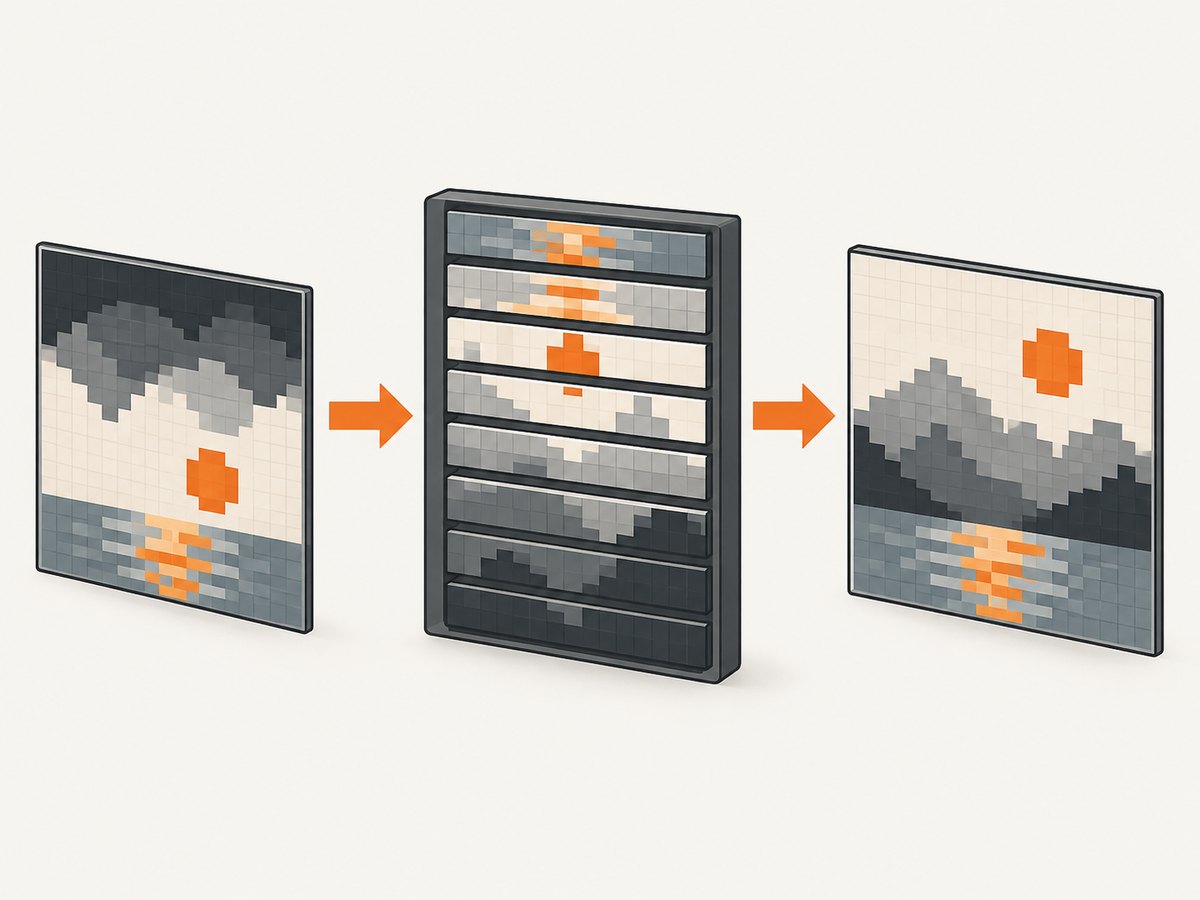
TextureRegion region = new TextureRegion(frameBuffer.getColorBufferTexture());
region.flip(false, true);
batch.draw(region, x, y, width, height);
Apply the flip once when constructing or configuring the region. Repeatedly flipping the same region toggles its orientation and can make a fix appear inconsistent.
Raw glReadPixels
When reading pixels directly, reverse the row order while copying if the output format expects top-to-bottom rows. Set GL_PACK_ALIGNMENT to 1 when your row byte count may not satisfy OpenGL’s default alignment. The copy direction and pixel format must match the buffer allocation and the image encoder’s expectations.
HDPI and pixel coordinates
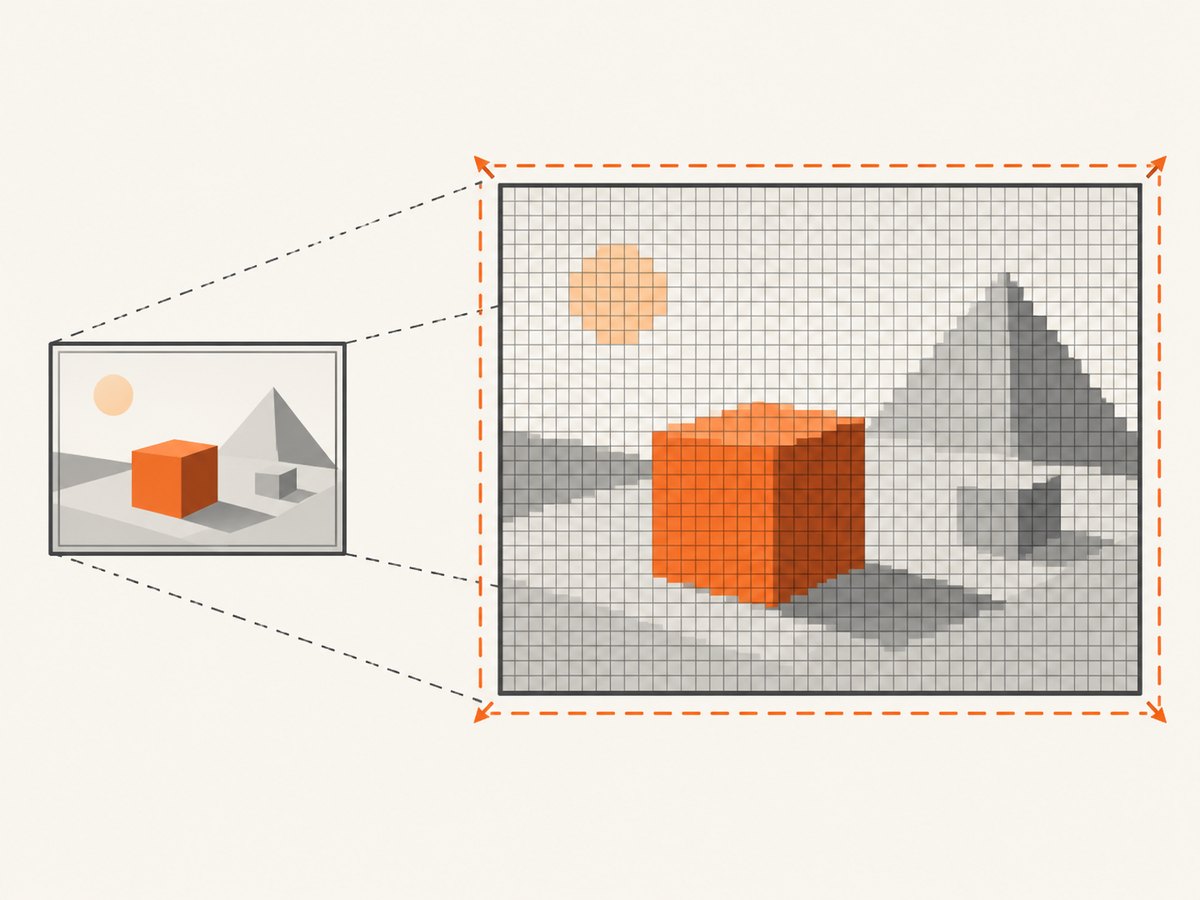
Logical display dimensions and framebuffer pixel dimensions can differ. Use pixel dimensions with glViewport, glScissor, glReadPixels, and FBO allocation. If rendering through an FBO, either create it at the real back-buffer pixel size or temporarily use pixel HDPI mode around the FBO’s begin()/end() operations. Restore the prior HDPI mode and graphics state after the pass.
4. Choose direct capture or an intermediate framebuffer
| Approach | Source | Good fit | Extra concerns |
|---|---|---|---|
| Back-buffer capture | The screen’s rendered back buffer | A straightforward screenshot of what the game rendered. | Capture timing, physical pixel dimensions, device readback behavior, and alpha. |
| Intermediate FBO | An off-screen render texture | A pipeline that already uses post-processing or needs a controlled render target. | Y orientation, HDPI-aware sizing, framebuffer binding restoration, and extra render/readback work. |
Prefer direct back-buffer capture when you need the displayed scene as-is. Use an FBO when the scene is already rendered there or a controlled off-screen target is required. An FBO introduces more graphics state and orientation decisions, so verify those explicitly.
5. Restore framebuffer state after FBO rendering
A documented libGDX iOS issue describes FrameBuffer.end() restoring the wrong target in a particular setup. Save the currently bound framebuffer before beginning the FBO pass, then restore that binding afterward:
IntBuffer previousFramebuffer = BufferUtils.newIntBuffer(1);
Gdx.gl.glGetIntegerv(GL20.GL_FRAMEBUFFER_BINDING, previousFramebuffer);
int previous = previousFramebuffer.get(0);

frameBuffer.begin();
try {
    // Render the scene or pass into the framebuffer.
} finally {
    frameBuffer.end();
    Gdx.gl.glBindFramebuffer(GL20.GL_FRAMEBUFFER, previous);
}
Keep this on the graphics thread. If the renderer uses nested passes, each pass should restore the binding it observed, rather than assuming the default framebuffer is always zero.
6. Troubleshooting checklist
- Confirm the capture point. Capture after the scene’s render commands have run. If capture is requested from another thread, post it to the application/render thread.
- Log the dimensions. Compare logical width and height with back-buffer width and height. Use the latter for full-screen readback and pixel-sized FBOs.
- Check the active target. Before readback, confirm the intended back buffer or FBO is bound. After an FBO pass, restore the saved binding.
- Separate orientation from content. If the scene is present but inverted, fix row order or texture-region flip; do not change the camera projection just to compensate for image encoding.
- Inspect alpha independently. Check whether the pixels have alpha below 255. Force opacity only if that matches the intended output.
- Compare devices and backends. If the same code works on desktop but fails on a specific Android device, reproduce there and test the direct back-buffer path separately from FBO rendering.
- Keep resource ownership clear. Dispose each Pixmap after writing or handing its pixels to another owner. Do not dispose it while another operation still reads its buffer.
A reported Samsung Galaxy S9 case produced an all-black PNG while other devices worked, even after trying direct buffer readback approaches. That report is evidence that device/backend-specific behavior can occur; it does not establish a universal cause or a guaranteed workaround. If dimensions, timing, and target binding are correct and the issue remains isolated to one device, reduce the capture path to a minimal reproduction and compare its backend and driver behavior.
7. Performance, reliability, and file handling
GPU readback can stall rendering while pixels move from the graphics pipeline to CPU-visible memory. Keep the readback on the graphics thread as required by the graphics context, but defer expensive PNG encoding, file work, or further processing when possible and when ownership of the pixel data is safe. A full-screen RGBA buffer uses approximately width × height × 4 bytes before encoder overhead, so large or high-resolution captures increase memory use and may cause a visible frame hitch.
- Capture only when needed; avoid reading the entire frame every render tick.
- Use actual pixel dimensions, but avoid allocating a larger FBO than the output requires.
- Dispose Pixmaps in a
finallyblock so errors during encoding do not leak native memory. - Choose whether alpha should be preserved before modifying pixels.
- For repeated captures, consider a queue or rate limit so encoding and disk writes do not overwhelm the render loop.
There is no universal device-independent guarantee that a readback path behaves identically across every backend. Validate on the platforms and devices you ship, especially when using FBOs, HDPI scaling, or custom post-processing.
8. Or skip the browser setup
If the screenshot you need is of a website rather than your libGDX render target, ScreenshotNeo is a website screenshot API and MCP server for developers. One GET request returns a PNG, JPEG, WebP, or PDF. Its API documentation covers the request options.
curl -G "https://api.screenshotneo.com/v1/shot" -d access_key=YOUR_API_KEY --data-urlencode url=https://stripe.com -o shot.webpimport requests
r = requests.get(
"https://api.screenshotneo.com/v1/shot",
params={"access_key": "YOUR_API_KEY", "url": "https://stripe.com"},
timeout=90,
)
open("shot.webp", "wb").write(r.content)const q = new URLSearchParams({ access_key: 'YOUR_API_KEY', url: 'https://stripe.com' });
const res = await fetch(`https://api.screenshotneo.com/v1/shot?${q}`);
if (!res.ok) throw new Error(`Screenshot request failed: ${res.status}`);
await Bun.write('shot.webp', res);- Cookie banners are accepted and removed before capture; newsletter popups and chat widgets are removed too. Each cleanup step can be turned off.
- Bot checks and CAPTCHAs, blank pages, timeouts, failed loads, and cache hits cost nothing; response headers identify the page verdict and billing status.
- An MCP server gives AI agents tools for screenshots, page information, and PDF capture.
- 1,000 screenshots a month are free with no card; paid plans start at $5 for 3,000 shots. Every feature is on every plan.
Sign up for 1,000 free screenshots a month, with no card required.
9. FAQ
Should I flip the camera or the screenshot?
Usually neither. Keep the game coordinate system intact and correct the framebuffer image at the texture or row-copy boundary.
Can I keep transparency in the PNG?
Yes. Omit the alpha overwrite loop and make sure the viewer or destination composites the PNG over the background you expect.
Why does an FBO screenshot differ from the screen?
The FBO may have different dimensions, render state, post-processing, alpha behavior, or orientation from the back buffer. Compare the source target and pixel dimensions first.
Does an all-black capture prove the PNG writer is broken?
No. Check whether the readback pixels are already black before encoding. A device-specific black capture has been reported, so isolate target, timing, and backend behavior.
Sources
- libGDX Frame Buffers — framebuffer textures and vertical flipping.
- libGDX coordinate system guidance — OpenGL and image orientation context.
- libGDX camera integration helper — raw readback alignment and row reversal pattern.
- libGDX issue #6867 — reported black screenshot on a Samsung Galaxy S9.
- libGDX issue #7342 — reported framebuffer restoration workaround.
- libGDX screenshot guidance — back-buffer Pixmap capture and alpha handling.


