How to Fix the Missing libicui18n.so.42 Error When Running wkhtmltoimage
Fix wkhtmltoimage startup failures by matching the ICU runtime to your binary, checking dependencies, and avoiding unsafe symlinks.
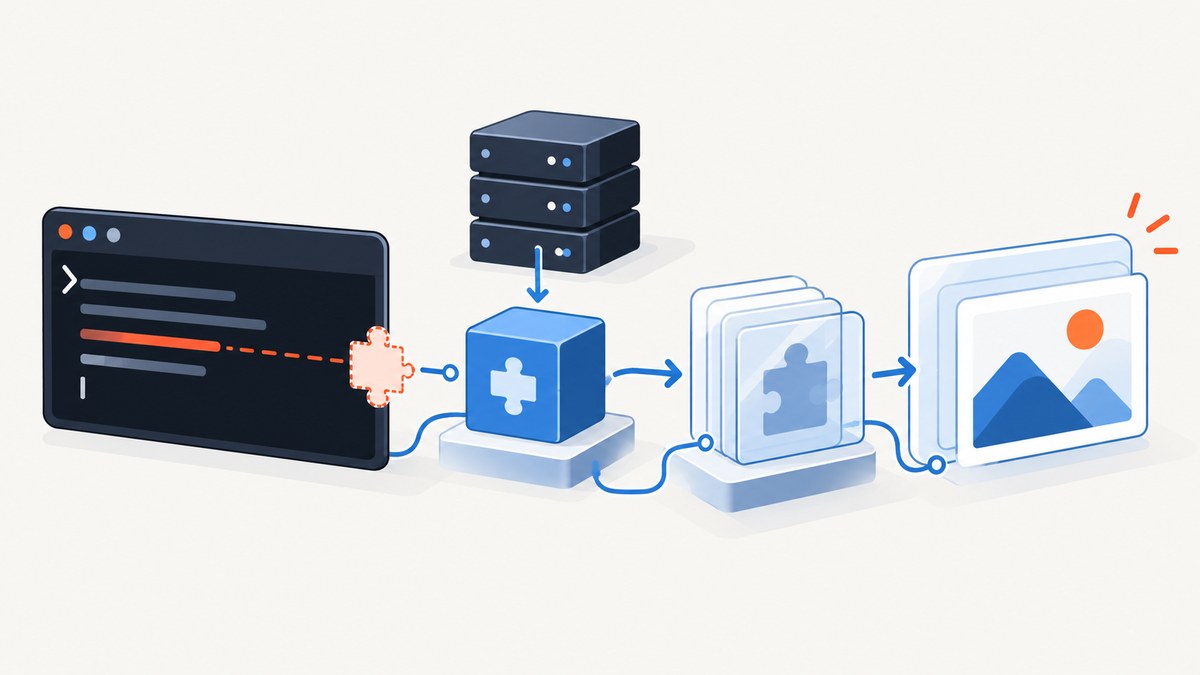
Direct answer: wkhtmltoimage is failing before it can render a page because the executable requests the versioned ICU library libicui18n.so.42, and the dynamic loader cannot find that exact soname. Confirm which binary is being run, identify the operating system and architecture, inspect its dependencies, then install the matching ICU runtime from that system’s appropriate repository or replace the binary with a build made for the host. Do not create a guessed symlink from another ICU version.
The message commonly looks like this:
wkhtmltoimage: error while loading shared libraries: libicui18n.so.42: cannot open shared object file: No such file or directoryThis is a startup-time dependency error. The HTML page, URL, CSS and image being captured have not been processed yet. Fix the loader dependency first; browser flags and rendering options cannot solve a missing shared object.
What the error means
Linux executables record the shared libraries they need. At startup, the dynamic loader searches configured library directories and cache entries for those names. ICU, the International Components for Unicode project, publishes versioned sonames. A binary built against ICU 42 may therefore request libicui18n.so.42 even when the operating system has a different ICU release installed.
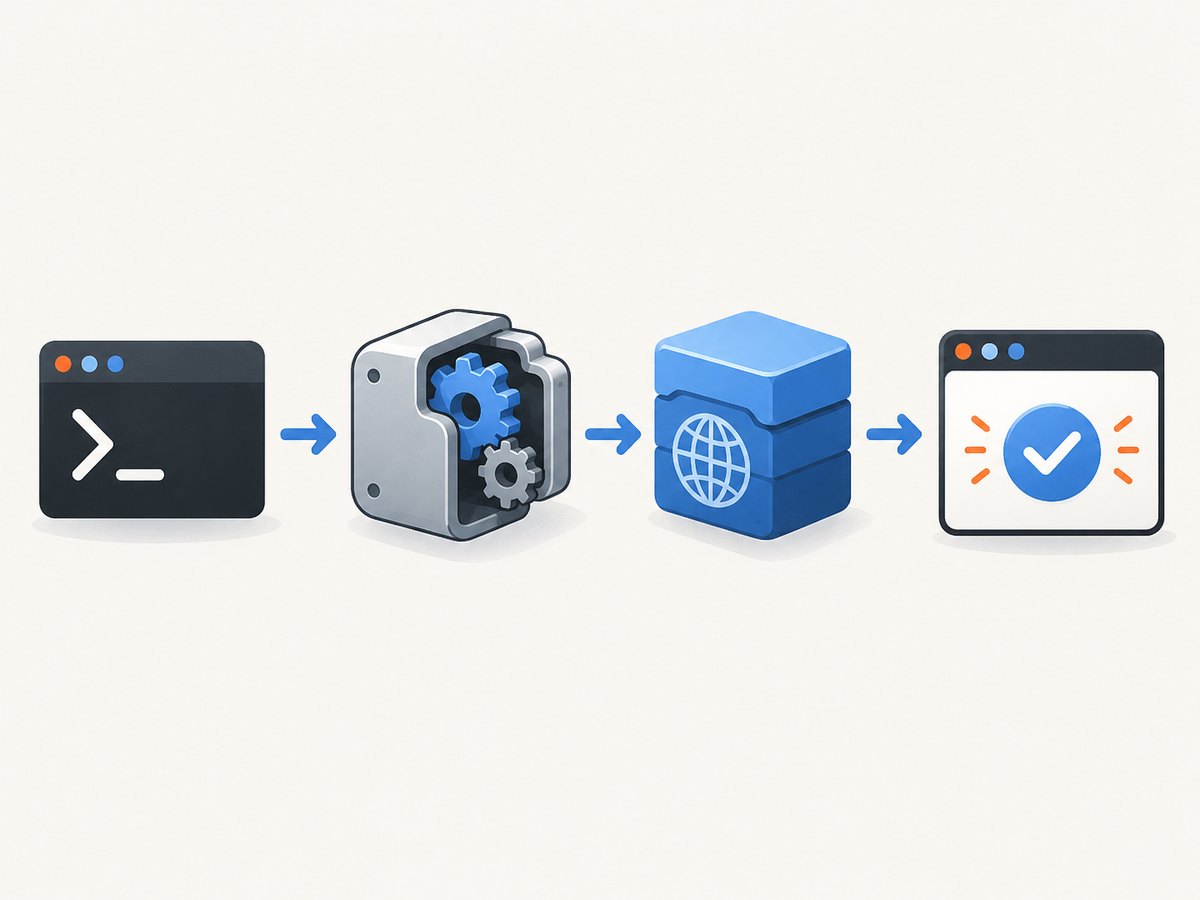
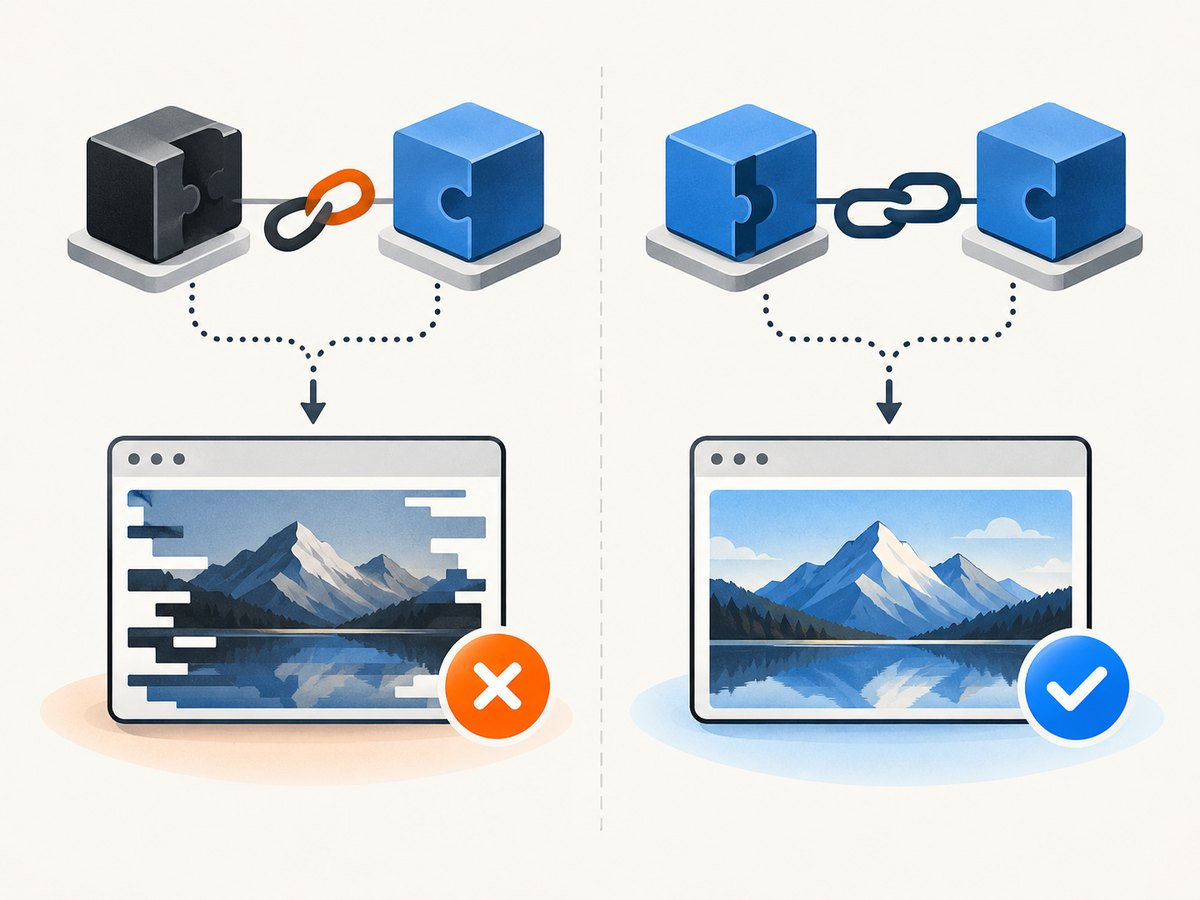
The important distinction is between the exact requested file and a similarly named file. An unversioned linker name or a newer or older soname is not proof of ABI compatibility. Historical Debian bug data shows multiple versioned ICU names alongside linker names, illustrating why package names and files differ between releases and architectures. Do not satisfy the loader by linking an unrelated ICU version to libicui18n.so.42; the program may crash or produce corrupted output later.
Step 1: Confirm the executable that is actually running
Wrappers can hide the real binary. Ruby gems, system packages, containers and application bundles may each provide a different wkhtmltoimage. Start with these commands:
command -v wkhtmltoimage
type -a wkhtmltoimage
readlink -f "$(command -v wkhtmltoimage)"
wkhtmltoimage --version
If your application invokes a path directly, inspect that path instead of assuming it is the result of command -v. The historical Stack Overflow report involved a Ruby image wrapper and /usr/bin/wkhtmltoimage on CentOS 6.6; that context explains the report but is not a universal installation recipe.
Step 2: Identify the host release and architecture
Package availability depends on the distribution, release, CPU architecture and enabled repositories. Record those values before choosing a package:
cat /etc/os-release
uname -m
getconf LONG_BIT
command -v rpm && rpm --version
command -v dpkg && dpkg --version
For containers, run the commands inside the same image that starts wkhtmltoimage. A library installed on the host is not automatically visible inside a container. Likewise, a 64-bit package does not satisfy a 32-bit executable’s dependency.
Step 3: Inspect the binary’s dynamic dependencies
Use ldd for a quick report and readelf for the recorded soname:
BIN="$(readlink -f "$(command -v wkhtmltoimage)")"
file "$BIN"
readelf -d "$BIN" | grep -E 'NEEDED|RPATH|RUNPATH'
ldd "$BIN" | grep -E 'icu|not found'
You are looking for a line similar to:
libicui18n.so.42 => not foundIf ldd reports additional not found entries, expect to resolve those too. Fixing ICU only proves that one lookup succeeded; it does not guarantee that the executable has every runtime dependency it needs.
Step 4: Check which ICU files are installed
Search the loader cache and common library directories:
ldconfig -p 2>/dev/null | grep icu
find /lib /lib64 /usr/lib /usr/lib64 -name 'libicui18n.so*' -print 2>/dev/null
On systems without ldconfig, inspect the directories listed in /etc/ld.so.conf and its included files. You may find a different soname such as libicui18n.so.XX. Treat that as evidence of a version mismatch, not as permission to rename or symlink it.
Step 5: Install the matching runtime or replace the binary
The correct command depends on the operating system and repository metadata. The available evidence does not establish one package name or command that is valid for every current Linux distribution. Use the official package search for your exact release and architecture, and search for the file name or soname libicui18n.so.42.
Package-based repair checklist
- Search the enabled repositories for the package that contains
libicui18n.so.42. - Confirm that the package architecture matches
file "$BIN". - Install the runtime package, not only a development header package.
- Refresh the loader cache if your distribution requires it.
- Run
ldd "$BIN"again and verify that the ICU entry resolves.
A Broadcom support article about a different application recommends installing the appropriate ICU package for unresolved ICU dependencies. That supports the general package-remediation approach, but it does not identify the correct wkhtmltoimage package for your distribution.
Binary replacement
If your release no longer provides ICU 42, select a maintained wkhtmltoimage build compiled for the libraries available on your host, or run the tool in an image whose userspace matches the build. Compare candidate builds by:
- distribution and release support;
- CPU architecture;
- the ICU soname recorded by the executable;
- all other
NEEDEDentries; - package source and maintenance status; and
- whether the build works with your application wrapper.
Do not copy a random executable into /usr/bin and assume the problem is solved. Keep the package or image definition reproducible so another deployment receives the same compatible runtime.
Why an ICU symlink is unsafe
A tempting workaround is:
ln -s /path/to/libicui18n.so.XX /path/to/libicui18n.so.42This only changes name lookup. It does not prove that exported symbols, data formats or ABI behavior match. ICU libraries are versioned for a reason, and the available evidence provides no compatibility matrix showing that another soname can substitute for 42. A guessed symlink can move the failure from startup to an intermittent crash, incorrect text handling or a corrupted image. Use a matching package or a compatible executable instead.
Verify the repair
After installing the runtime or changing the binary:
BIN="$(readlink -f "$(command -v wkhtmltoimage)")"
ldd "$BIN" | grep 'not found' || true
wkhtmltoimage --version
echo '<html><body>ICU check</body></html>' > /tmp/icu-check.html
wkhtmltoimage /tmp/icu-check.html /tmp/icu-check.png
file /tmp/icu-check.png
An empty result from the grep command means no unresolved dependencies were reported by ldd. The final command confirms that the program can start and write an image. If it starts but fails while loading a URL, that is a separate network, SSL, page-rendering or sandbox issue.
Troubleshooting common failures
| Symptom | Likely cause | Fix |
|---|---|---|
The same .so.42 error remains |
The package was installed in another container, architecture or library directory. | Run ldd, file and the package query inside the failing environment. Confirm the exact path and architecture. |
ldd shows a different ICU soname |
The host runtime does not match the binary. | Install the package containing the requested soname or replace the binary with a host-compatible build. |
| It works in a shell but not from Ruby or a service | The service has a different PATH, LD_LIBRARY_PATH, user, chroot or container. |
Log the resolved executable path and environment from the service, then fix the service image or package installation. |
Adding LD_LIBRARY_PATH changes nothing |
The directory does not contain the exact requested file, or the service strips the variable. | List the directory, check permissions and inspect the service environment. Do not rename another ICU file. |
| The loader error is replaced by another missing library | The binary has multiple unresolved dependencies. | Resolve every not found entry, one at a time, using packages for the same release and architecture. |
| The program starts but output has broken characters | An incompatible ICU library was substituted. | Remove the symlink or override and install the exact runtime expected by the binary. |
| Package search finds no ICU 42 | The operating system release may be too new, too old or unsupported by that binary. | Use a compatible wkhtmltoimage build or a controlled container matching its userspace. |
| Only one application fails | That application bundles or pins its own executable. | Inspect the wrapper’s configured binary path and update that dependency rather than only the system copy. |
Containers, CI and deployment
Reproduce the fix in the artifact that runs in production. In a container build, install the runtime package in the same image layer or copy a complete compatible userspace. In CI, print /etc/os-release, architecture, executable path and ldd output when diagnosing failures. This turns a machine-specific repair into a reviewable build change.
Keep the binary and its runtime on a supported release. A historical CentOS 6.6 report is useful for understanding the original error, but its package advice should not be copied to a current host without checking repositories and support status.
Performance, reliability and cost considerations
Installing the correct shared library fixes startup reliability; it does not make page rendering faster. Rendering time still depends on page size, JavaScript, fonts, network access and image loading. For repeatable output, pin the executable and operating-system image, make dependency installation part of the build, and run a small smoke capture after upgrades.
When a capture service repeatedly downloads pages, browser processes also consume CPU and memory. Reuse a controlled worker strategy, limit concurrency to the host’s capacity, and record exit status and stderr. Cache pages or generated images when your freshness requirements allow it. Treat failed starts separately from page-level failures so dependency regressions are visible.
Or skip the browser setup
If your goal is simply to obtain a reliable website screenshot, ScreenshotNeo provides a hosted screenshot API and MCP server. You do not install Chromium, ICU or wkhtmltoimage; one request returns PNG, JPEG, WebP or PDF.
ScreenshotNeo removes cookie and consent banners, newsletter popups and chat widgets before capture. Bot checks, blank pages, timeouts, failed loads and cache hits are not billed, and the response identifies the result with X-Page-Verdict and X-Billed headers. Its MCP server exposes take_screenshot, get_page_info and capture_pdf for Claude, Cursor and other MCP clients. One thousand screenshots per month are free with no card; paid plans start at $5 for 3,000 shots.
See the ScreenshotNeo API documentation for authentication and options.
curl -G "https://api.screenshotneo.com/v1/shot" -d access_key=YOUR_API_KEY --data-urlencode url=https://stripe.com -o shot.webpimport requests
r = requests.get("https://api.screenshotneo.com/v1/shot", params={"access_key": "YOUR_API_KEY", "url": "https://stripe.com"}, timeout=90)
open("shot.webp", "wb").write(r.content)const q = new URLSearchParams({ access_key: 'YOUR_API_KEY', url: 'https://stripe.com' });
const res = await fetch(`https://api.screenshotneo.com/v1/shot?${q}`);Use the API when you want to avoid local browser dependencies, clean captures before billing, configurable waits and selectors, device presets, dark mode, PDFs, custom headers and cookies, caching, signed links, asynchronous jobs, bulk capture and usage reporting. Create a free ScreenshotNeo account with 1,000 screenshots a month and no card.
Short FAQ
Is libicui18n.so.42 a command?
No. It is the filename of a shared ICU runtime library requested by the executable.
Can I install any package named ICU?
No. The package must provide the exact soname needed by your binary and match the host architecture.
Will reinstalling wkhtmltoimage always fix it?
Only if the replacement build targets libraries available on your host. Reinstalling the same incompatible binary leaves the dependency mismatch unchanged.
Does this error mean the target website is down?
No. The loader fails before wkhtmltoimage can request the target URL.
Why does the error mention ICU when I only need an image?
The renderer uses ICU for internationalized text and related browser functions, so the dependency is loaded at process startup.
What should I provide when asking for help?
Include the distribution and release, architecture, exact executable path, wkhtmltoimage --version, the relevant ldd lines and the package source. Remove secrets and private URLs.
Final checklist
- Confirm the exact
wkhtmltoimagebinary. - Record operating-system release and architecture.
- Verify that
libicui18n.so.42is the requested soname. - Install the matching runtime from the correct repository, or replace the binary.
- Resolve every remaining
not founddependency. - Avoid guessed cross-version ICU symlinks.
- Run a local smoke capture and repeat it in CI or the production container.


