How to Fix libjpeg.so.8 Not Found with the wkhtmltopdf Static Binary
Fix wkhtmltopdf’s libjpeg.so.8 error by identifying the binary, installing the matching ABI, or using a compatible distribution or container.
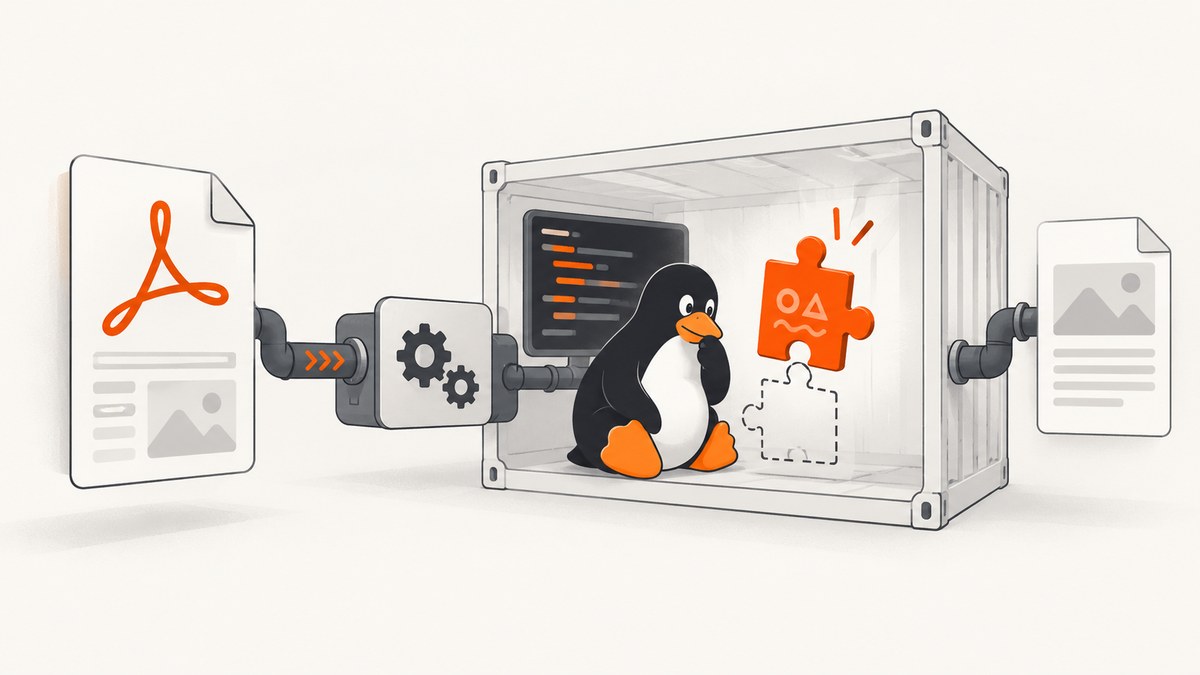
Short answer: libjpeg.so.8: cannot open shared object file means the exact wkhtmltopdf executable you ran requires the libjpeg.so.8 ABI, but the dynamic linker cannot find a compatible library. Confirm which binary is running, inspect its architecture and dependencies, then install the package that provides that ABI for your distribution. If your distribution cannot provide it, use a distribution-specific build or run wkhtmltopdf in a container with the required libraries and fonts.
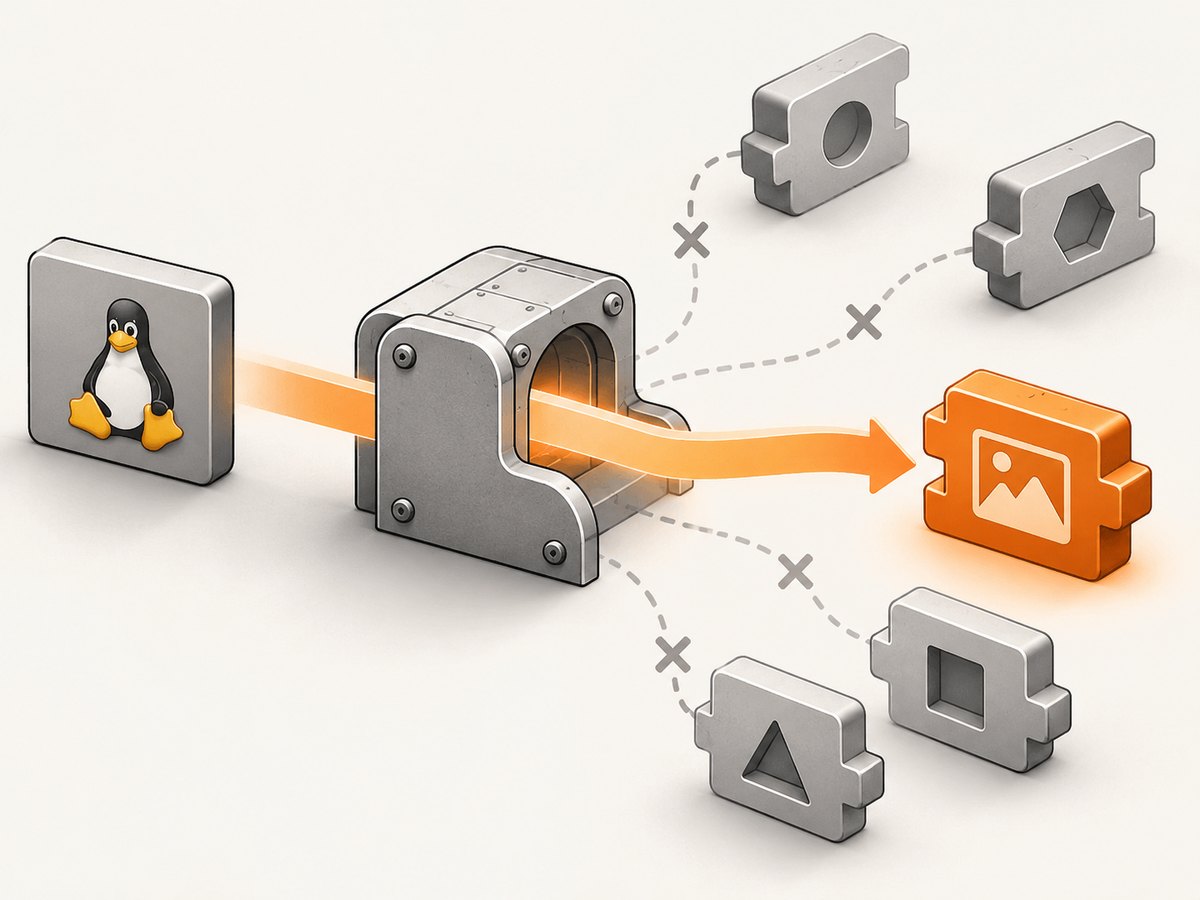
A “static” wkhtmltopdf binary is not fully self-contained on Linux. The project’s FAQ explains that only Qt is linked statically; system libraries such as JPEG, OpenSSL, libc, fontconfig and freetype still come from the host. See the official wkhtmltopdf FAQ.
1. Confirm the failing executable
Multiple wkhtmltopdf installations are common: an operating-system package, a vendor download, a language package, or a copy inside an application directory. Diagnose the file that your shell actually resolves.
command -v wkhtmltopdf
readlink -f "$(command -v wkhtmltopdf)"

# Replace this with the resolved path from the command above.
file /path/to/wkhtmltopdf
uname -m

ldd /path/to/wkhtmltopdf | grep -E 'jpeg|not found'
/path/to/wkhtmltopdf -V
The decisive output is usually:
libjpeg.so.8 => not foundIf command -v points at an unexpected copy, fix PATH or invoke the intended binary by its absolute path before changing packages.
2. Install the matching runtime on Debian or Ubuntu
First check the release and architecture. Linux builds are distribution-specific because JPEG, OpenSSL, libc, font and other runtime versions differ.
cat /etc/os-release
uname -m
dpkg --print-architecture
apt-cache policy libjpeg-turbo8
On supported releases that provide the ABI, install the runtime dependencies documented for the maintained 0.12.6.1 build:
sudo apt-get update
sudo apt-get install -y libjpeg-turbo8 libfontconfig1 libfreetype6 libx11-6 libxext6 libxrender1 xfonts-75dpi xfonts-base
sudo ldconfig

ldd /path/to/wkhtmltopdf | grep -E 'jpeg|not found'
/path/to/wkhtmltopdf -V
The package may be installed in a multiarch directory that is not obvious from a file search. Trust ldd: when it resolves libjpeg.so.8 to a path, the loader can see the library.
Repair a broken apt state
If installation reports unmet dependencies, repair the package database before testing wkhtmltopdf:
sudo apt-get -f install
sudo dpkg --configure -a
sudo apt-get update
sudo apt-get install -y libjpeg-turbo8
Missing font packages can produce a separate rendering failure even after the JPEG error is fixed. Keep libfontconfig1, libfreetype6, xfonts-75dpi and xfonts-base installed when using the documented package set.
3. Choose a compatible binary when the package is unavailable
| Option | Use it when | Advantages | Trade-offs |
|---|---|---|---|
| Install the distribution package | Your release provides libjpeg.so.8 |
Native updates and dependency tracking | Package version may differ from the binary you downloaded |
| Distribution-specific wkhtmltopdf build | The downloaded binary targets another libc or library set | Matches the host ABI and architecture | You must select and maintain the correct build |
| Container image | Native libraries are unavailable, conflicting or hard to reproduce | Controlled libraries, fonts and repeatable deployment | Requires a container runtime and image maintenance |
The upstream project documents why one generic Linux binary cannot cover every combination of JPEG, OpenSSL, libc, font and runtime versions. Select a build for your exact distribution family and architecture. Do not treat the word “static” as a promise that host dependencies are absent.
Run in a container
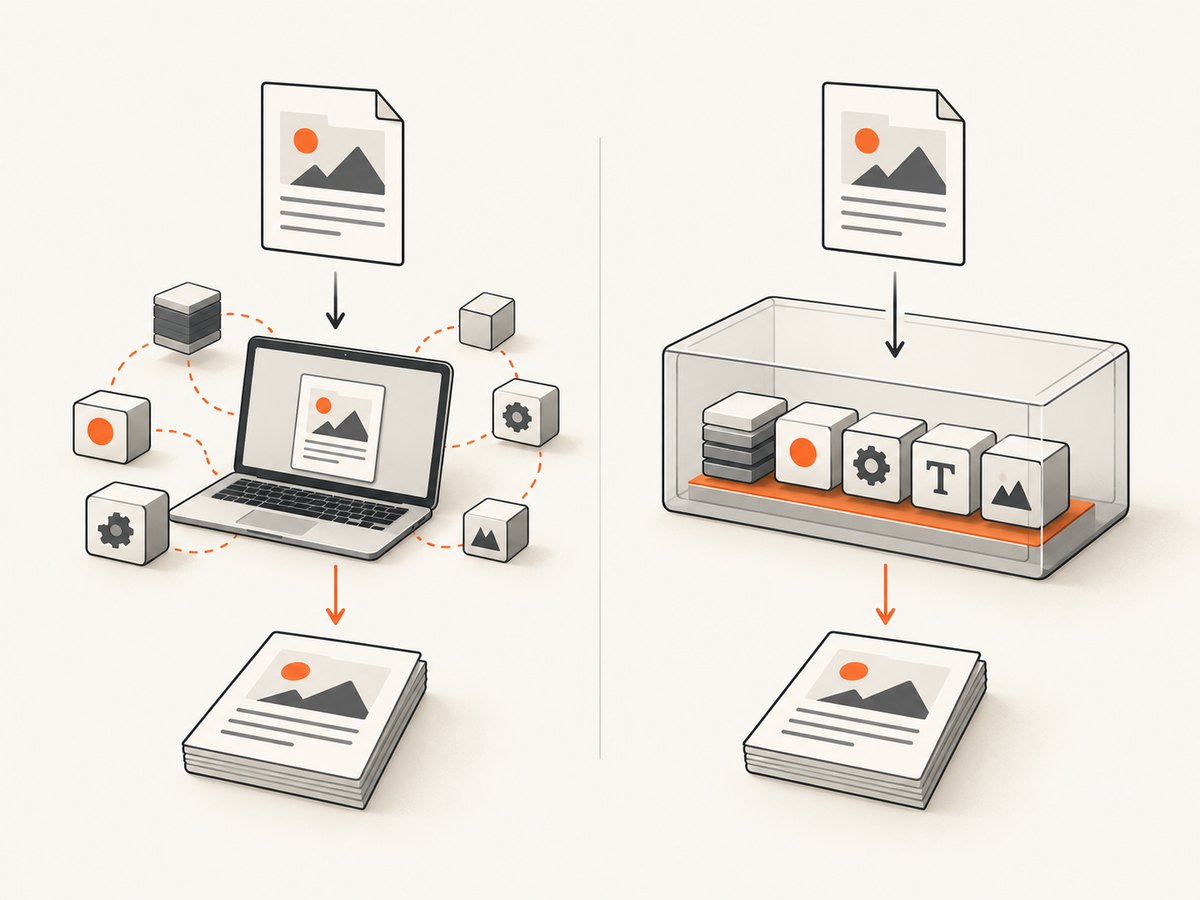
Use an image that contains wkhtmltopdf, libjpeg.so.8, fontconfig, freetype and the fonts your documents need. Keep the HTML and output in mounted directories, then verify inside the image:
docker run --rm -v "$PWD:/work" YOUR_WKHTMLTOPDF_IMAGE \
  sh -lc 'command -v wkhtmltopdf && ldd "$(command -v wkhtmltopdf)" | grep -E "jpeg|not found" && wkhtmltopdf /work/input.html /work/output.pdf'
Replace YOUR_WKHTMLTOPDF_IMAGE with an image selected for your distribution and architecture. The important check is that ldd resolves the JPEG ABI inside the same environment that performs conversion.
Use a private library directory only when it is a matching build
If your deployment bundles libraries, point the loader at a directory containing a libjpeg.so.8 built for the same architecture and compatible distribution family:
LD_LIBRARY_PATH=/opt/wkhtmltopdf/lib \
  ldd /opt/wkhtmltopdf/bin/wkhtmltopdf | grep -E 'jpeg|not found'

LD_LIBRARY_PATH=/opt/wkhtmltopdf/lib \
  /opt/wkhtmltopdf/bin/wkhtmltopdf -V
Do not copy a random libjpeg.so from an untrusted mirror or create a blind symlink from another SONAME. A matching filename does not prove ABI compatibility and can cause crashes or corrupt output.
4. Verify the complete conversion path
- Run
lddand confirm there are no remainingnot foundentries. - Run
wkhtmltopdf -Vas the same user and service account that will perform conversions. - Convert a minimal local document.
- Convert a document that loads the fonts, images and URLs used in production.
cat > /tmp/check.html <<'HTML'
<!doctype html>
<html><body><h1>wkhtmltopdf check</h1><p>JPEG runtime loaded.</p></body></html>
HTML

/path/to/wkhtmltopdf /tmp/check.html /tmp/check.pdf
file /tmp/check.pdf
For a service, record the resolved executable path, package versions, base image digest and architecture. This makes a later host or image change explainable.
5. Troubleshooting common errors
| Symptom | Likely cause | Fix |
|---|---|---|
libjpeg.so.8 ... not found |
The required ABI is absent from the loader path | Install the provider package, use a matching build, or run in a compatible container; verify with ldd. |
| Exit status 127 | The loader could not start the executable because a dependency is missing | Inspect ldd for every not found entry, not only JPEG. |
| Package cannot be located | Your release or architecture does not provide that package name | Check repositories and package metadata; choose a distribution-specific binary or container. |
apt reports broken dependencies |
Interrupted or inconsistent package state | Run sudo dpkg --configure -a and sudo apt-get -f install, then retry. |
| JPEG fixed, conversion still fails | Another host dependency or font is missing | Run ldd again and install the required fontconfig, freetype, X11 or font packages. |
| Works in a shell, fails in a service | Different PATH, user, architecture or LD_LIBRARY_PATH |
Log the absolute executable path and run the same ldd command as the service account. |
| Segmentation fault after a symlink workaround | Incompatible JPEG ABI | Remove the symlink and install a library built for the host ABI or isolate the converter in a compatible image. |
| Blank or incorrectly rendered PDF | Fonts, network resources or runtime libraries differ from development | Bundle fonts and dependencies, allow required resources, and compare versions inside the deployment environment. |
6. Performance, reliability and cost considerations
- Startup: a container can add process startup overhead, but it gives a stable dependency set. Reuse a worker or long-running service when conversion volume makes startup measurable.
- Reliability: pin the distribution, architecture, wkhtmltopdf build and fonts. Run
lddas a deployment check so a missing library fails before production traffic reaches the converter. - Security: treat HTML and remote URLs as untrusted input. Restrict outbound access where appropriate, run with a non-root user, and keep the image and packages updated.
- Cost: package installation has no separate converter fee, while containers consume the compute and storage of your deployment. The practical cost is usually operational maintenance and debugging time.
- Output consistency: font files, locale, timezone and network availability affect PDFs. Keep those inputs consistent between development, CI and production.
7. Or skip the browser setup
If you only need a clean screenshot or PDF from a URL, ScreenshotNeo handles the capture service for you. Its API removes cookie and consent banners, newsletter popups and chat widgets before capture. Bot checks, blank pages and failed loads are not billed, and the response reports the page verdict and billing status in headers. An MCP server lets Claude, Cursor and other MCP clients call take_screenshot, get_page_info and capture_pdf.
See the ScreenshotNeo API documentation for all options.
cURL
curl -G "https://api.screenshotneo.com/v1/shot" -d access_key=YOUR_API_KEY --data-urlencode url=https://stripe.com -o shot.webpPython
import requests
r = requests.get("https://api.screenshotneo.com/v1/shot", params={"access_key": "YOUR_API_KEY", "url": "https://stripe.com"}, timeout=90)
open("shot.webp", "wb").write(r.content)
Node.js
const q = new URLSearchParams({ access_key: 'YOUR_API_KEY', url: 'https://stripe.com' });
const res = await fetch(`https://api.screenshotneo.com/v1/shot?${q}`);
You get 1,000 screenshots a month free with no card; paid plans start at $5 for 3,000. Create a free ScreenshotNeo account.
FAQ
Does installing libjpeg-turbo8 always fix the error?
Only when your distribution package provides the ABI required by that exact executable and architecture. Confirm with ldd.
Can I rename libjpeg.so.9 to libjpeg.so.8?
No. SONAMEs identify ABI expectations; renaming or symlinking another ABI is unsafe.
Why does a static binary need shared libraries?
In wkhtmltopdf’s Linux builds, “static” primarily describes Qt linkage. JPEG, OpenSSL, libc, fontconfig and freetype remain system dependencies.
Should I use a container?
Use one when the host cannot provide the required ABI or when repeatable fonts and libraries matter more than native installation.


