How to Fix libQt5XcbQpa.so.5 Undefined Symbol FT_Property_Set
Diagnose and fix FT_Property_Set errors by tracing Qt, FreeType, bundled libraries, and LD_LIBRARY_PATH safely.

libQt5XcbQpa.so.5: undefined symbol: FT_Property_Set is a runtime dynamic-linker failure. Qt’s XCB platform library expects a FreeType symbol, but the process has loaded an incompatible libfreetype.so.6 or cannot find the intended one.
The safest repair is to identify the exact Qt library and the FreeType library selected for the failing process, then correct the search path or package installation that caused the mismatch. Do not delete or rename system libraries based on an online anecdote.
1. Confirm the failure and the exact files
Copy the complete error, including the executable and path. The same symbol has been reported with qjackctl, VirtualBox, wkhtmltopdf, and bundled applications, but those programs can ship different Qt and FreeType files.
# Reproduce the error and save all loader output
/path/to/application 2>&1 | tee loader-error.txt

# Find the Qt XCB library used by the application
find /usr /opt /app -name 'libQt5XcbQpa.so.5*' 2>/dev/null
Use the path named by your error in the commands below. The common Debian path /usr/lib/x86_64-linux-gnu/libQt5XcbQpa.so.5 is only an example.
2. Run the high-value dependency check
A Debian maintainer specifically recommended ldd -r on the affected libQt5XcbQpa.so.5. It resolves dependencies and reports unresolved symbols.
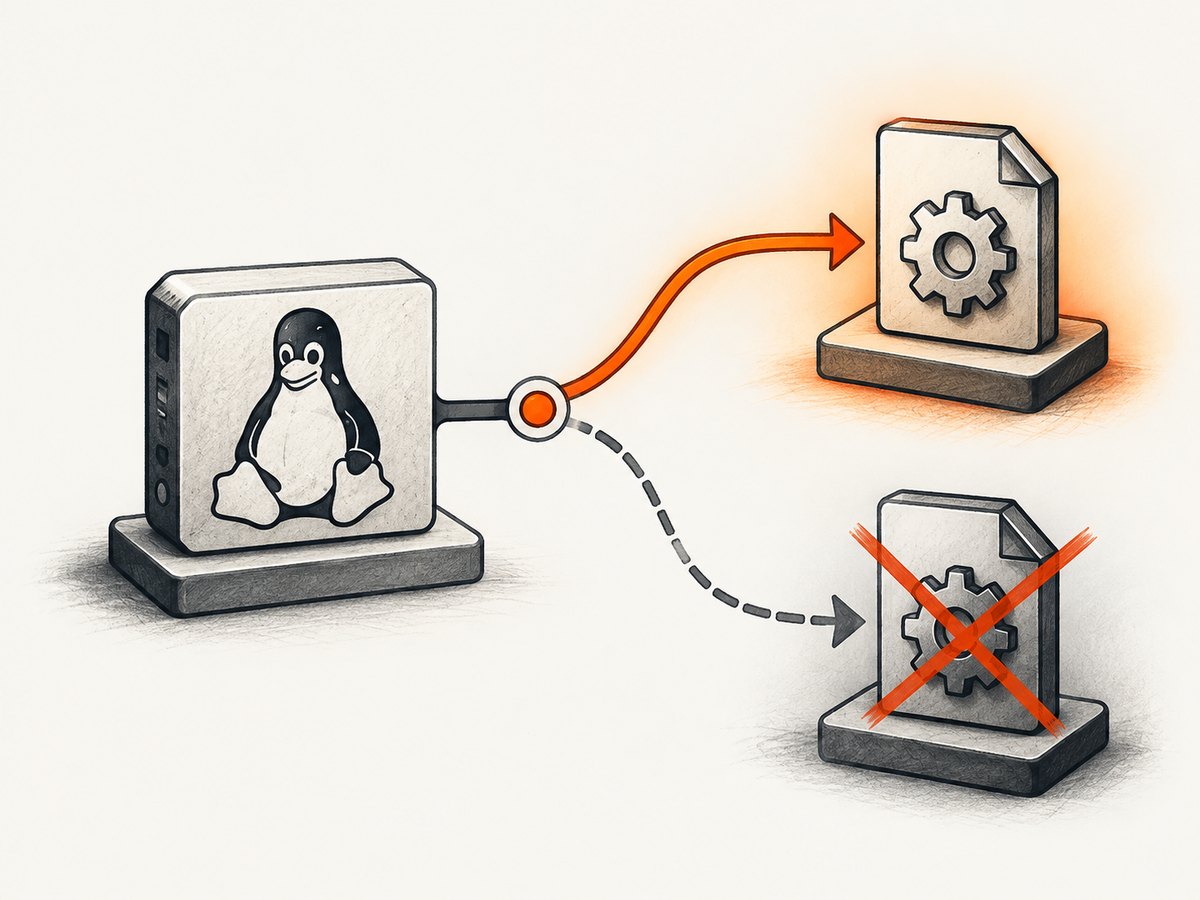
ldd -r /path/to/libQt5XcbQpa.so.5Look for the libfreetype.so.6 => line and for unresolved entries such as FT_Property_Set, FT_Property_Get, or FT_Get_Font_Format. Record the complete path selected after the arrow.
# Inspect the selected FreeType object
readlink -f /path/from/ldd/libfreetype.so.6
file /path/from/ldd/libfreetype.so.6

# See whether the expected symbol is exported
nm -D --defined-only /path/from/ldd/libfreetype.so.6 | grep ' FT_Property_Set$'
If the symbol is absent, the process is loading a FreeType build that does not match the Qt library. If ldd -r selects an unexpected directory, investigate the runtime search path before changing packages.
3. Check LD_LIBRARY_PATH and bundled libraries
LD_LIBRARY_PATH can take precedence over distribution libraries. It may point to an older custom FreeType build, an application bundle, or a directory left by another tool.
printf '%s\n' "${LD_LIBRARY_PATH-}"
env | sort | grep -E '^(LD_|QT_|PATH=)'

# Show the loader's library decisions for one run
LD_DEBUG=libs,versions /path/to/application 2>ld-debug.txt
less ld-debug.txt
Bundled Qt and system FreeType are another common combination. A bundled FPGA tool report, for example, showed application-provided Qt libraries alongside environment-dependent libraries. Compare the directory containing libQt5XcbQpa.so.5 with the directory containing libfreetype.so.6.
Test a corrected path without making a permanent change
After locating a compatible FreeType directory, run one test with that directory first in the environment:
env LD_LIBRARY_PATH=/path/to/compatible/freetype:/path/to/application/libs \
  /path/to/application
Preserve any directories the application genuinely needs. If this works, put the setting in the application’s launcher or service definition rather than globally exporting it for every program.
4. Repair distribution-managed installations
If the selected files are all distribution-managed, verify ownership and package state before reinstalling anything. The exact package names and paths vary by distribution.
# Debian or Ubuntu: identify package ownership and installed versions
dpkg -S /path/to/libQt5XcbQpa.so.5 /path/to/libfreetype.so.6
dpkg -l | grep -E '(^ii\s+libqt5|freetype)'

# RPM-based systems: equivalent ownership and version checks
rpm -qf /path/to/libQt5XcbQpa.so.5 /path/to/libfreetype.so.6
rpm -qa | grep -Ei 'qt5|freetype'
Use your distribution’s normal package repair procedure only after confirming that the files belong to the expected packages. Reinstalling libqt5gui5 did not resolve one Debian report, while installing freetype2-demos helped one individual system; that latter result is anecdotal and is not a general remedy.
5. Repair application-bundled installations
- List every Qt and FreeType copy under the application directory.
- Check the executable’s embedded search paths with
readelf -d /path/to/application | grep -E 'RPATH|RUNPATH'. - Run the application with a minimal, deliberate
LD_LIBRARY_PATHand confirm which FreeType file is selected usingLD_DEBUG=libs. - Use the vendor’s supported runtime or package update if the bundle contains incompatible libraries.
- Change one variable at a time and retest.
find /opt/my-app -type f \( -name 'libQt5XcbQpa.so*' -o -name 'libfreetype.so*' \) -print
readelf -d /opt/my-app/bin/my-app | grep -E 'RPATH|RUNPATH|NEEDED'
6. Common causes and fixes
| Symptom | Likely cause | Next action |
|---|---|---|
| FreeType resolves from an old custom directory | LD_LIBRARY_PATH precedence |
Remove that directory for the application or place the compatible directory first. |
| Qt comes from an application bundle, FreeType from the system | Mixed runtime components | Use the bundle’s compatible libraries or the vendor’s supported launcher. |
| Several FreeType symbols are unresolved | ABI or build mismatch | Inspect the selected object and package ownership; replace the mismatched library as a set. |
| Reinstalling a Qt package changes nothing | The wrong FreeType path is still selected | Repeat ldd -r and inspect the actual process environment. |
| Only one application fails | Private libraries or launcher configuration | Compare its paths and RPATH/RUNPATH with a working Qt application. |
7. Verification checklist
ldd -rshows the intendedlibfreetype.so.6.nm -Dconfirms whether that object exportsFT_Property_Set.- The application no longer loads an unintended library from
LD_LIBRARY_PATH. - The fix works from the real launcher, service, script, or desktop entry.
- No system library was deleted, renamed, or replaced without package ownership checks.
8. Reliability, performance, and operational notes
Library-path fixes are process-specific and usually have negligible runtime cost. A global LD_LIBRARY_PATH change can break unrelated applications, so prefer a wrapper script, desktop-entry environment, container image, or service-specific setting. Keep a record of the resolved Qt and FreeType paths so an application update can be checked quickly.
9. Or skip the browser setup
If the task that exposed this issue is generating screenshots in a browser workflow, ScreenshotNeo avoids maintaining a local Qt/browser capture stack. Its API returns a PNG, JPEG, WebP, or PDF from one request; see the ScreenshotNeo documentation for parameters.
curl -G "https://api.screenshotneo.com/v1/shot" -d access_key=YOUR_API_KEY --data-urlencode url=https://stripe.com -o shot.webpimport requests
r = requests.get("https://api.screenshotneo.com/v1/shot", params={"access_key": "YOUR_API_KEY", "url": "https://stripe.com"}, timeout=90)
open("shot.webp", "wb").write(r.content)const q = new URLSearchParams({ access_key: 'YOUR_API_KEY', url: 'https://stripe.com' });
const res = await fetch(`https://api.screenshotneo.com/v1/shot?${q}`);Cookie and consent banners, newsletter popups, and chat widgets are removed before the shot. Bot checks, blank pages, failed loads, timeouts, and cache hits are not billed, and response headers identify the page verdict and billing result. An MCP server lets Claude, Cursor, and other MCP clients take screenshots. The Free plan includes 1,000 screenshots a month with no card; paid plans start at $5 for 3,000.
Create a free ScreenshotNeo account.
10. FAQ
Is FT_Property_Set a missing Qt function?
No. The loader is trying to resolve a FreeType symbol while loading Qt’s XCB platform library. The selected FreeType object is the first thing to verify.
Should I install a random FreeType package?
No. Confirm the selected path and package ownership first. Historical reports are clues, not universal package instructions.
Why does the error appear only in a script?
Scripts, services, desktop launchers, and shells can provide different environment variables and library search paths. Compare the failing process environment with an interactive run.
Can a container hide the problem?
Yes. Containers can contain their own Qt and FreeType copies. Run ldd -r inside the same image and entrypoint that starts the application.
What if the symbol exists but the error remains?
Check that the process is loading that exact file, not another object with the same soname. Use LD_DEBUG=libs,versions and inspect RPATH, RUNPATH, and LD_LIBRARY_PATH.


