How to Fix MathJax Equations Rendering Too Small in wkhtmltopdf
Diagnose whether MathJax or wkhtmltopdf is shrinking equations, then fix viewport, scale, zoom, media, and timing issues with reproducible tests.
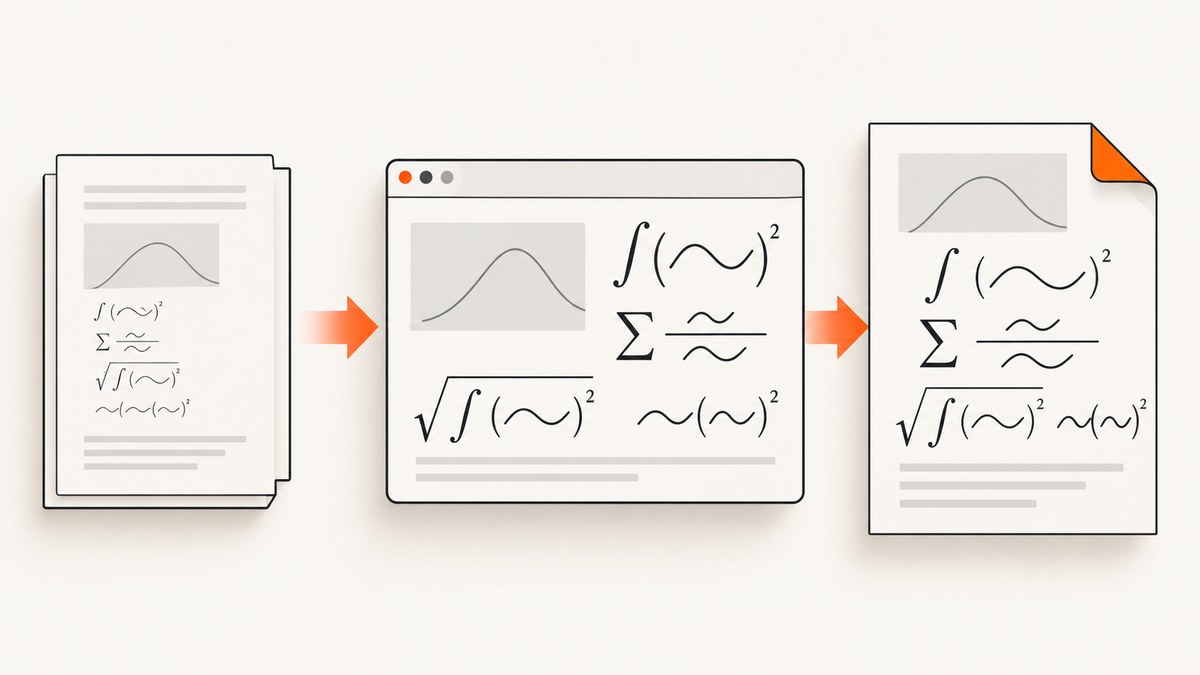
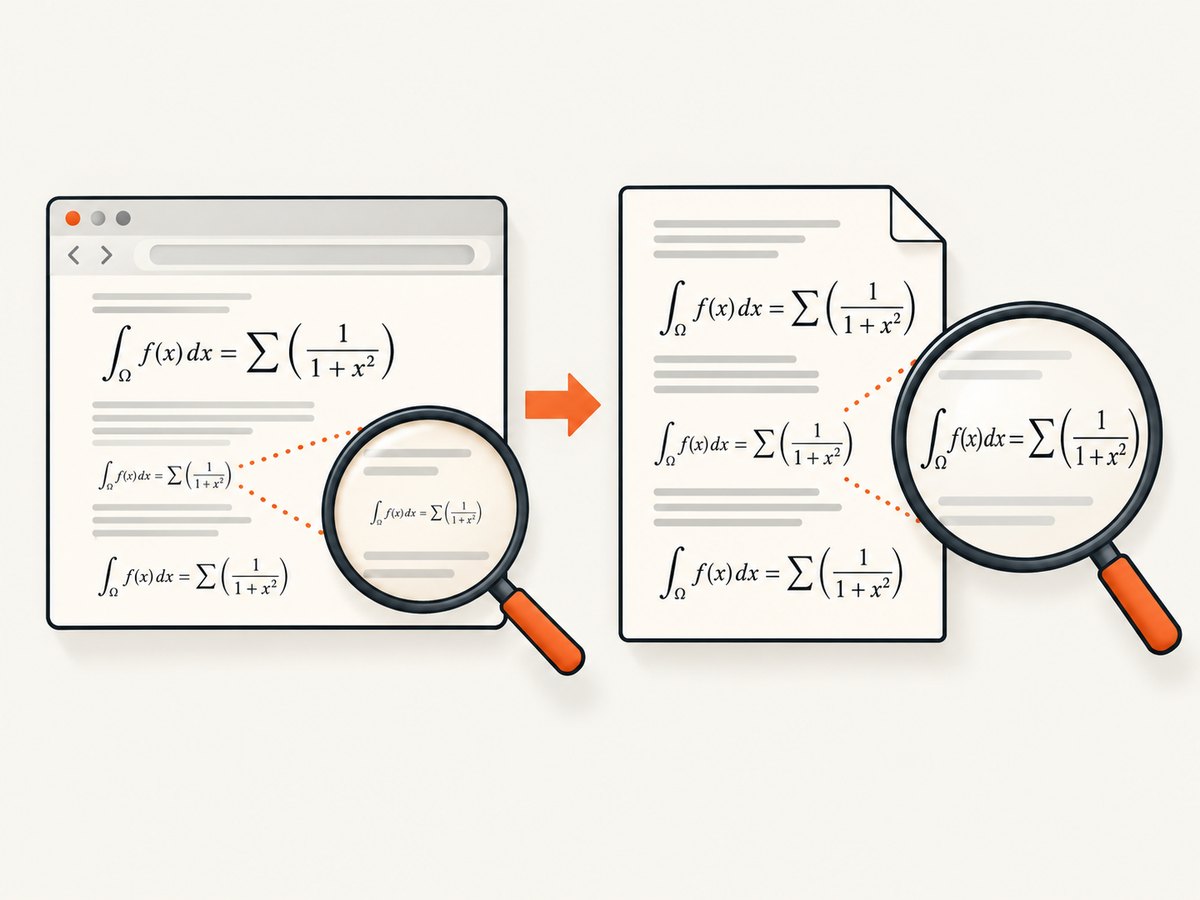
When MathJax equations look tiny in a wkhtmltopdf PDF, the fix depends on where the size changed. Inline mathematics is normally smaller than display mathematics. If the source HTML is also wrong, inspect MathJax configuration, surrounding CSS, and the viewport. If the browser looks correct but the PDF is wrong, investigate wkhtmltopdf zoom, smart shrinking, viewport, print media, and JavaScript timing.
This guide gives a repeatable workflow, version-specific configuration, complete command examples, troubleshooting steps, and production notes.
1. Identify which layer is shrinking the equation
- Classify the equation. Inline math such as
\\(a^2+b^2=c^2\\)is intentionally compact. Display math such as$$a^2+b^2=c^2$$receives its own line and usually appears larger. - Compare HTML with PDF. Open the exact HTML in the browser engine used for authoring, then generate a PDF from the same file. If both are small, adjust MathJax or CSS. If only the PDF is small, adjust wkhtmltopdf.
- Check the viewport. Missing or incorrect viewport information can cause MathJax to calculate very small fonts. MathJax documents the standard declaration as
<meta name="viewport" content="width=device-width, initial-scale=1">. - Record versions. MathJax 2 HTML-CSS settings are different from MathJax 4 output settings. wkhtmltopdf packages can also differ from the upstream executable.
Use a test page containing one inline equation, one display equation, a fraction, a radical, a subscript, and an equation number. Keep this page unchanged while testing one setting at a time.
2. Build a minimal reproducible MathJax page
<!doctype html>
<html>
<head>
  <meta charset="utf-8">
  <meta name="viewport" content="width=device-width, initial-scale=1">
  <style>
    body { font: 16px/1.5 Arial, sans-serif; margin: 32px; }
    .equation { margin: 20px 0; }
  </style>
  <script>
    window.MathJax = {
      tex: { inlineMath: [['\\\\(', '\\\\)'], ['$', '$']] },
      svg: { scale: 1 }
    };
  </script>
  <script async src="https://cdn.jsdelivr.net/npm/mathjax@4/tex-svg.js"></script>
</head>
<body>
  <p>Inline: \\( E = mc^2 \\)</p>
  <div class="equation">$$\\int_0^1 x^2\,dx = \\frac{1}{3}$$</div>
  <div class="equation">$$\\sqrt{a^2+b^2}$$</div>
</body>
</html>
For an offline build, download MathJax assets and reference them locally. A network-dependent script can finish after wkhtmltopdf starts unless you explicitly wait for it.
3. Fix MathJax sizing in the HTML layer
MathJax 2 HTML-CSS
MathJax 2’s HTML-CSS output exposes scale, which sets math size relative to surrounding text, and minScaleAdjust, which prevents excessive shrinking while matching available fonts. The documented defaults are scale: 100 and minScaleAdjust: 50. Configure the processor before MathJax loads:
window.MathJax = {
  "HTML-CSS": {
    scale: 110,
    minScaleAdjust: 80
  }
};
Use a modest change first. A larger scale can alter line wrapping and page breaks. If only inline equations need help, fix the surrounding text style or convert an important formula to display math instead of enlarging every expression.
MathJax 4
MathJax 4 uses common output options. Set scale for relative size. Set minScale to keep font matching from shrinking equations below a chosen fraction; the documented default is 0.5. Shared output settings are useful when switching between SVG and another renderer:
window.MathJax = {
  output: {
    scale: 1.1,
    minScale: 0.8
  }
};
Do not paste MathJax 2 configuration into MathJax 4 unchanged. Confirm the installed major version and output processor in your deployment.
Prevent CSS from changing size after typesetting
MathJax warns that changing the surrounding font size after typesetting can leave mathematics too small. Load your print stylesheet before MathJax runs, and avoid scripts that resize the document after typesetting. If a print rule changes body from 16px to 10px, rerun typesetting after that change or move the rule earlier.
/* Apply before MathJax typesets */
@media print {
  body { font-size: 16px; }
  .mjx-container { font-size: 1em; }
}
4. Verify viewport and page geometry
The viewport affects responsive CSS and MathJax’s font calculations. Include the standard meta tag and choose a wkhtmltopdf viewport that matches the layout you designed:
wkhtmltopdf \
  --viewport-size 1280x900 \
  input.html output.pdf
A narrow viewport can trigger mobile rules, reduce the base font, and cause additional fitting. A very wide viewport can produce long lines and unexpected page scaling. Inspect the generated PDF at the intended paper size, not only on a large monitor.
5. Control wkhtmltopdf scaling and print behavior
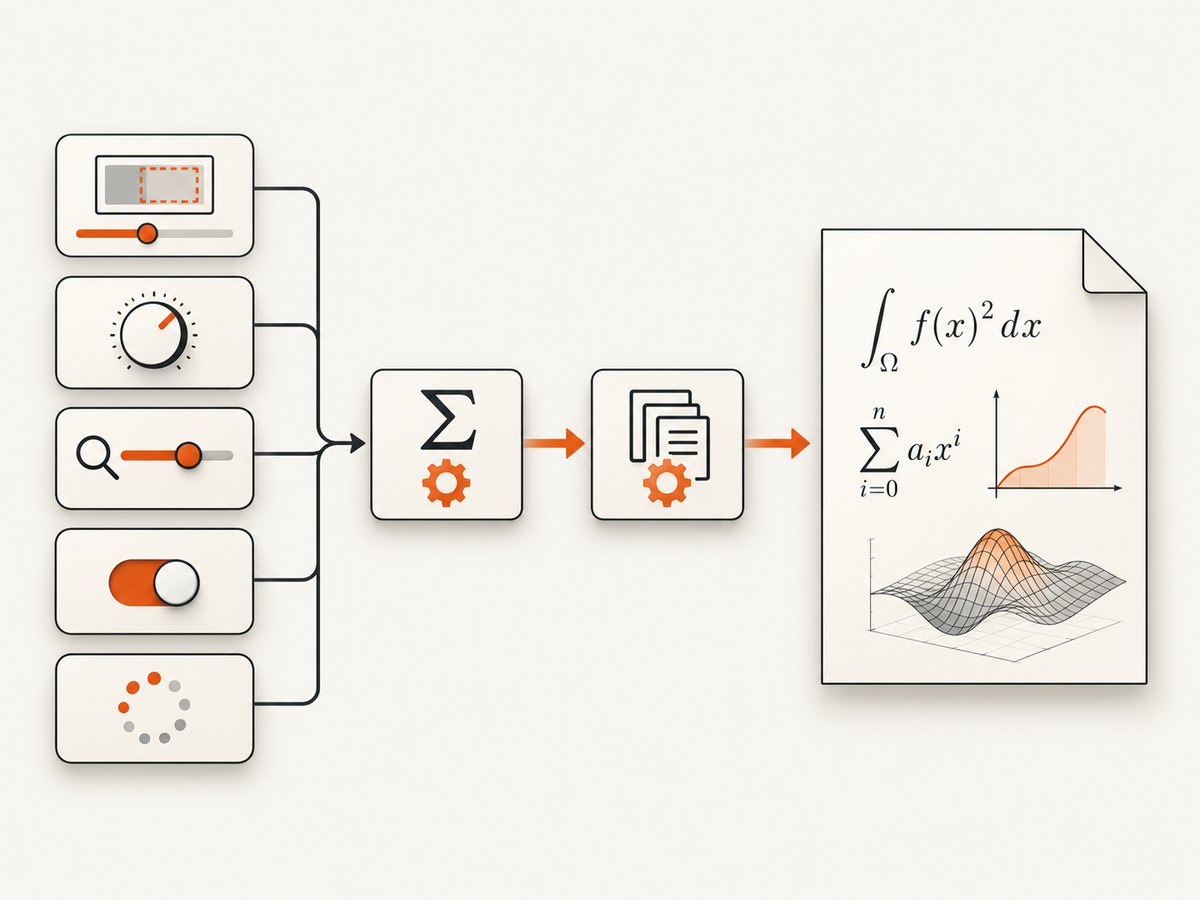
If browser HTML is correct, isolate wkhtmltopdf settings. Its --zoom option defaults to 1. Smart shrinking is a WebKit strategy that changes the pixel-to-DPI ratio to fit content. Test the default and a run with smart shrinking disabled:
# Baseline
wkhtmltopdf --zoom 1 --viewport-size 1280x900 input.html baseline.pdf

# Compare without smart shrinking
wkhtmltopdf --zoom 1 --disable-smart-shrinking \\
  --viewport-size 1280x900 input.html no-shrink.pdf
If disabling smart shrinking makes equations readable but causes clipping or extra pages, tune the CSS page width and margins rather than choosing an arbitrary universal zoom. The correct value depends on your paper size, CSS width, and content.
Check whether print CSS is active:
wkhtmltopdf --print-media-type input.html print-media.pdfCompare this with a screen-media render. A print stylesheet may intentionally reduce font sizes or change equation containers.
6. Wait for MathJax before capturing
wkhtmltopdf can execute JavaScript after loading with --run-script, but the script must wait until MathJax has completed typesetting. A fixed delay is less reliable than a readiness flag:
<script>
  window.mathReady = false;
  window.MathJax = {
    startup: {
      ready: () => {
        MathJax.startup.defaultReady();
        MathJax.startup.promise.then(() => { window.mathReady = true; });
      }
    }
  };
</script>
In environments where your wkhtmltopdf binding supports waiting for a window status, wait for math-ready. Otherwise use a conservative delay and verify that formulas are present in the PDF:
wkhtmltopdf --javascript-delay 1500 input.html delayed.pdfIncrease the delay only after confirming that the problem is incomplete typesetting. Delays do not fix a genuine scale or viewport issue.
7. Try SVG output when font rendering is the problem
MathJax’s SVG output is designed for high-quality, print-friendly rendering and can avoid some HTML-CSS font issues. MathJax also documents a tradeoff: variable-width tables become fixed after typesetting, which can affect equation-number alignment if the container is resized later. Generate a representative PDF and inspect long expressions, aligned equations, and numbered displays before switching globally.
window.MathJax = {
  tex: { tags: 'ams' },
  svg: { scale: 1 }
};
8. A controlled diagnostic matrix
| Observation | Likely cause | Next test |
|---|---|---|
| Only inline equations look small | Normal MathJax inline sizing | Compare with a display equation |
| HTML and PDF are both small | MathJax scale, CSS, or viewport | Inspect computed font size and version-specific options |
| HTML is correct, PDF is small | wkhtmltopdf shrinking or print CSS | Compare zoom, smart shrinking, and media type |
| Equations are missing or show source TeX | Typesetting did not finish | Use local assets and a readiness wait |
| Size changes between machines | Different fonts, packages, or wkhtmltopdf builds | Record executable version and install the same fonts |
9. Troubleshooting common errors
“The equation is tiny only in the PDF”
Cause: smart shrinking, an oversized CSS canvas, or print media rules. Fix: render with --disable-smart-shrinking, compare --zoom 1 and print media, then adjust page width and margins.
“Changing MathJax scale does nothing”
Cause: the option belongs to another MathJax major version or output processor, or CSS overrides the result. Fix: inspect the loaded version, use MathJax 2 HTML-CSS options for MathJax 2, and MathJax 4 output options for MathJax 4.
“The PDF contains raw \\frac text”
Cause: MathJax JavaScript or fonts were unavailable when capture began. Fix: use local assets, check browser-console errors in a reproduction page, and wait for the typesetting promise or a readiness signal.
“Equations overlap or are clipped after increasing zoom”
Cause: zoom changed the effective page width without corresponding CSS changes. Fix: reduce CSS content width, adjust margins, or use a slightly smaller scale. Recheck page breaks and line wrapping.
“Equation numbers move after switching to SVG”
Cause: SVG tables become fixed after typesetting and do not adapt to later resizing. Fix: finalize the viewport and container width before typesetting, then validate alignment in the final PDF.
“A containerized build differs from local output”
Cause: missing fonts, a distro-specific wkhtmltopdf build, or different WebKit behavior. Fix: pin the executable and fonts, capture version information in build logs, and keep a golden PDF from the diagnostic page.
10. Production checklist
- Confirm whether the equation is inline or display math.
- Compare browser HTML and wkhtmltopdf output from identical source.
- Declare the viewport explicitly.
- Confirm the MathJax major version and output processor.
- Apply one scale, minimum-scale, zoom, or viewport change at a time.
- Test both smart shrinking modes.
- Check screen and print media styles.
- Wait for MathJax completion instead of relying only on page load.
- Inspect fractions, radicals, subscripts, long equations, equation numbers, line wrapping, and page breaks.
- Validate the final PDF on the same wkhtmltopdf build and font set used in production.
11. Performance, reliability, and cost considerations
Local wkhtmltopdf gives you control but makes browser setup part of your application: executable versions, fonts, JavaScript timing, network access, and temporary files all affect reproducibility. Disabling smart shrinking or increasing zoom can increase page count and rendering time. Loading MathJax from a remote CDN adds network latency and another failure mode; package the assets locally when deterministic builds matter.
For batch jobs, reuse a warmed process where your binding supports it, keep test documents small, and cache identical source inputs. Treat a PDF as valid only after checking the process exit code and confirming that expected equation content exists. Keep a representative regression document so dependency updates reveal changes in scale, wrapping, or numbering.
12. Or skip the browser setup
If your goal is a dependable capture pipeline around rendered pages, ScreenshotNeo provides a single screenshot API request and an MCP server for AI agents. See the ScreenshotNeo documentation for the full option set.
curl -G "https://api.screenshotneo.com/v1/shot" -d access_key=YOUR_API_KEY --data-urlencode url=https://stripe.com -o shot.webpimport requests
r = requests.get("https://api.screenshotneo.com/v1/shot", params={"access_key": "YOUR_API_KEY", "url": "https://stripe.com"}, timeout=90)
open("shot.webp", "wb").write(r.content)const q = new URLSearchParams({ access_key: 'YOUR_API_KEY', url: 'https://stripe.com' });
const res = await fetch(`https://api.screenshotneo.com/v1/shot?${q}`);Cookie banners, newsletter popups, and chat widgets are removed before the shot. Bot checks, blank pages, failed loads, timeouts, and cache hits are not billed; response headers identify the page verdict and billing result. The MCP server exposes take_screenshot, get_page_info, and capture_pdf for Claude, Cursor, and other MCP clients. You can also control full-page capture, selectors, devices, retina scale, PDF paper and margins, custom CSS and JavaScript, waits, request blocking, headers, cookies, user agents, timezone, geolocation, caching, signed links, async webhooks, bulk capture, and usage reporting.
Every feature is included on every plan. The Free plan includes 1,000 shots each month with no card; paid plans start at $5 for 3,000 shots. Create a free ScreenshotNeo account.
FAQ
Are small inline equations always a bug?
No. MathJax intentionally makes inline expressions compact to preserve line spacing. Compare them with display equations before changing configuration.
Should I use zoom or MathJax scale?
Use MathJax settings when the HTML itself is wrong. Use wkhtmltopdf zoom or shrinking controls when browser HTML is correct but the PDF changes size.
Is there one correct zoom value?
No. The correct value depends on CSS width, paper size, margins, fonts, and content. Measure against a representative PDF.
Does SVG guarantee perfect PDF output?
No. SVG can improve font rendering, but fixed tables can affect equation-number alignment after resizing. Validate the final layout.
Where can I find the option references?
See the MathJax FAQ, MathJax 2 HTML-CSS options, MathJax 4 output options, and wkhtmltopdf usage documentation.


