How to Fix MCP Server Spawn uvx ENOENT Errors
Fix spawn uvx ENOENT in Claude Desktop and other MCP clients by finding uvx, correcting PATH, or using its absolute executable path.
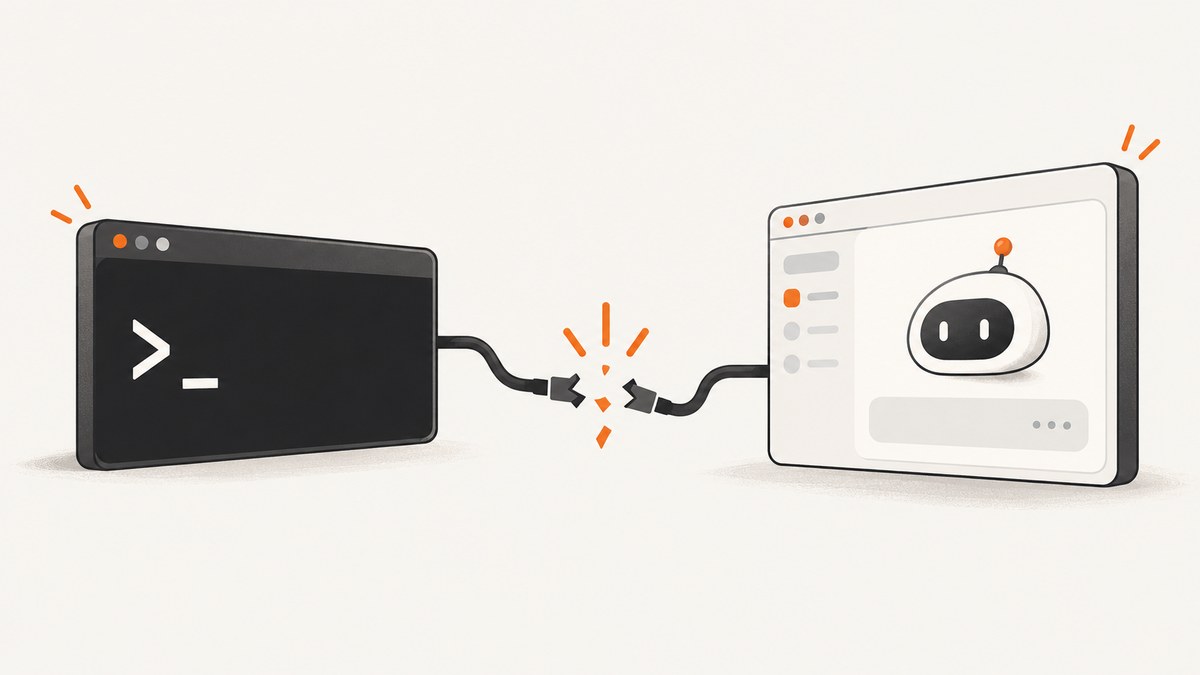
spawn uvx ENOENT means the MCP client cannot find the uvx executable when it starts your server. The fastest reliable fix is to locate uvx with your operating system’s command lookup, put that exact path in the MCP configuration, and fully restart the client.
This is usually an executable-discovery problem, not a failure in your MCP server code or the MCP protocol. A terminal can find uvx because your shell loads profile files, while a GUI application such as Claude Desktop may start with a smaller environment.
1. What the error means
Operating systems use ENOENT when a process tries to start a file that cannot be resolved. In an MCP configuration like this:
{
  "mcpServers": {
    "fetch": {
      "command": "uvx",
      "args": ["mcp-server-fetch"]
    }
  }
}
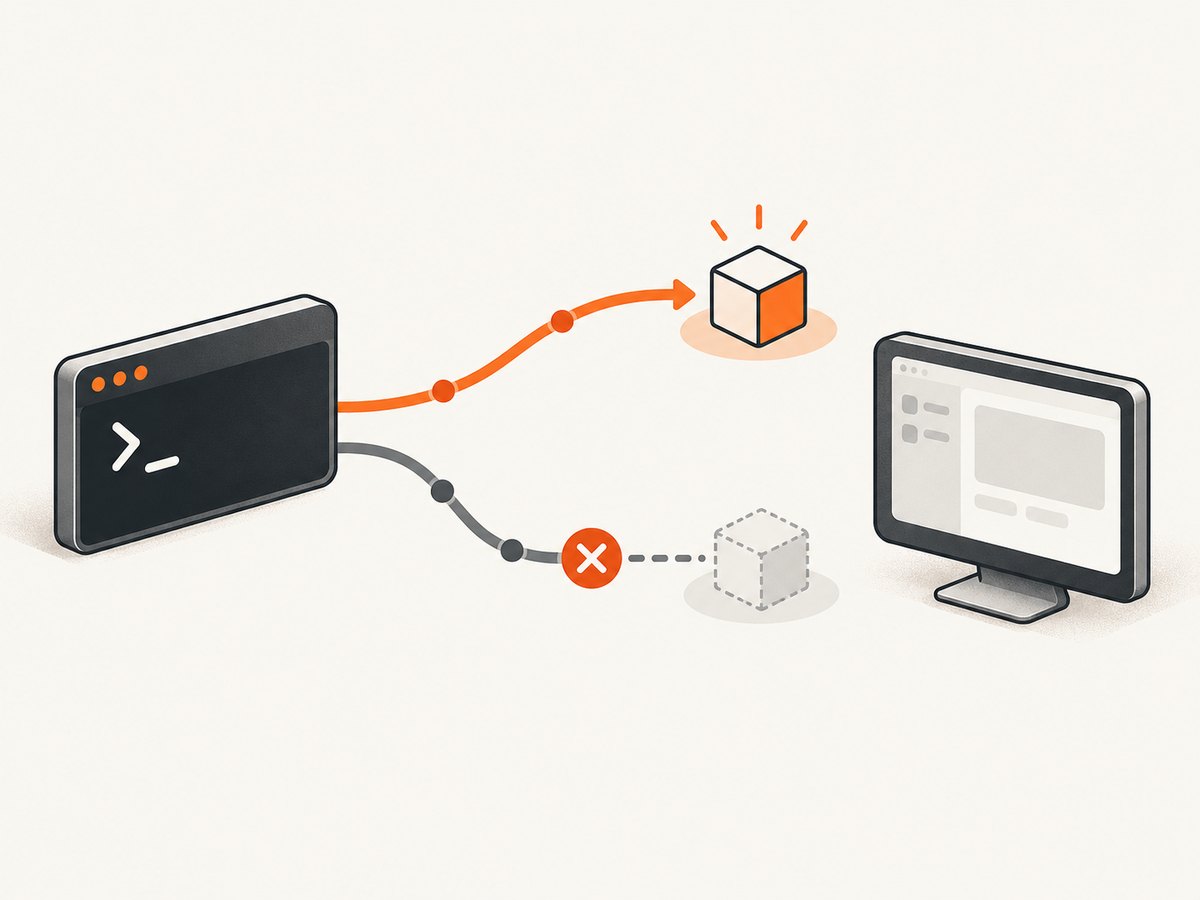
the client asks the operating system to find a program named uvx on its PATH. If the client’s process does not have the directory containing uvx, startup fails before the server receives any request. Files.com describes spawn uvx ENOENT as the uvx command not being found on the system PATH.
The same reasoning applies to spawn npx ENOENT, spawn uv ENOENT, and similar errors. The executable may be installed and usable in your terminal while remaining invisible to the application that launches the MCP server.
2. Find where uvx is installed
macOS
which uvx
uvx --version
which uvx prints the first matching executable in your shell’s PATH. A common result is a path under ~/.local/bin; Homebrew installations can be under a Homebrew prefix such as /opt/homebrew/bin. Run the returned path directly to verify it works:
/Users/you/.local/bin/uvx --versionWindows
where uvx
uvx --version
Use the complete .exe path returned by where. For example:
C:\Users\you\.local\bin\uvx.exe --versionLinux
Linux follows the same command-discovery model. Use your shell’s lookup and then check the executable:
command -v uvx
uvx --version
This is the same cross-platform PATH principle documented for macOS and Windows: first establish whether the executable exists, then determine whether the GUI client can discover it.
3. Fix the MCP configuration with an absolute path
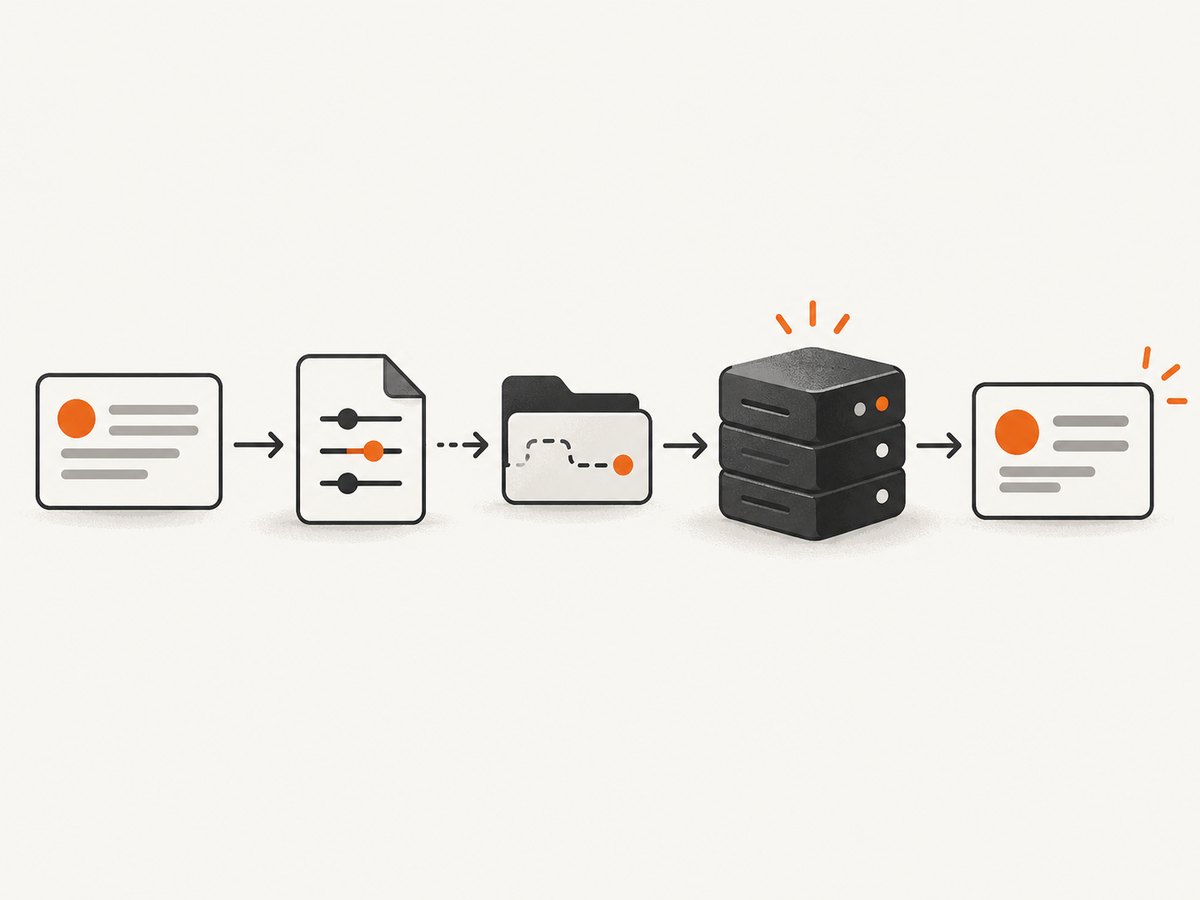
If the lookup command returns a path, replace the bare command with that path. This avoids relying on the desktop client inheriting your shell profile.
{
  "mcpServers": {
    "fetch": {
      "command": "/Users/you/.local/bin/uvx",
      "args": ["mcp-server-fetch"]
    }
  }
}
On Windows, use the executable path reported by where uvx:
{
  "mcpServers": {
    "fetch": {
      "command": "C:\\Users\\you\\.local\\bin\\uvx.exe",
      "args": ["mcp-server-fetch"]
    }
  }
}
JSON requires each backslash in a Windows path to be escaped as \\. If your client accepts an array-style command configuration, follow that client’s schema, but keep the same principle: provide the resolved executable rather than the word uvx.
Restart the client completely
Quit the desktop application, make sure it is no longer running, and launch it again. Restart after installing uv, changing your shell profile, editing the MCP JSON, or changing the system PATH. A client that was already open will normally keep its original environment.
4. If uvx is not installed
If which uvx, where uvx, or command -v uvx returns nothing, install uv using the method appropriate for your operating system. The exact installer can vary. One community report resolved the issue by installing uv with Homebrew on macOS.
After installation:
- Open a new terminal window.
- Run the platform lookup command again.
- Run the returned path with
--version. - Put that path in the MCP configuration.
- Quit and relaunch the MCP client.
Installing uv fixes a missing executable. It does not automatically fix a GUI client that cannot see the directory where uv was installed, which is why the absolute-path configuration remains useful.
5. Why uvx works in a terminal but not in Claude Desktop
Interactive shells commonly read files such as ~/.zshrc, ~/.bashrc, or other shell startup files. Those files may add directories to PATH. A GUI application launched from the Dock, Start menu, or desktop session may not read the same files.
An MCP Router issue describes Electron applications omitting shell-profile additions such as /opt/homebrew/bin. That explains the common pattern where which uvx succeeds in a terminal, but a configuration containing "command": "uvx" fails in Claude Desktop. A reported MCP servers case showed uvx working in the terminal at /Users/oliverangelil/.local/bin/uvx while Claude Desktop could not launch the bare command.
| Situation | What it means | Best next step |
|---|---|---|
| Lookup returns no path | uvx is not installed or is not on your shell PATH | Install uv, open a new terminal, and repeat the lookup |
| Lookup returns a path; client fails | The client does not inherit your shell PATH | Use the complete path in command |
| Absolute path also fails | The path is stale, inaccessible, or the JSON is invalid | Run the path directly, validate JSON, and inspect permissions |
| Server starts but tools fail | Executable discovery is fixed; the server or its arguments have another problem | Check arguments, package name, logs, and server-specific requirements |
6. A repeatable diagnostic checklist
- Check existence: run
which uvxon macOS,where uvxon Windows, orcommand -v uvxon Linux. - Check execution: run the returned path with
--version. - Check the server command: run the same executable with the MCP server argument in a terminal.
- Check configuration syntax: ensure the JSON has quoted keys, valid commas, and escaped Windows backslashes.
- Check the exact path: copy and paste the lookup result instead of typing it manually.
- Check permissions: confirm the file is executable and available to the desktop user account.
- Restart the client: quit it fully and relaunch it.
- Read the next error: once ENOENT is gone, a package, argument, network, or server error may become visible.
7. Common errors and fixes
“No such file or directory” after copying a path
The path may point to an old uv installation or contain a typo. Run the lookup command again and execute the returned path with --version. If the command works in a terminal but not from the client, check that the configuration contains the same path character for character.
The configuration looks correct but the error persists
Confirm that you edited the configuration file used by the active client profile. Then validate that the file is valid JSON. A syntax error can prevent the client from loading the server entry you changed. Fully quit and relaunch the application after saving.
Homebrew-installed uv is invisible
Homebrew’s directory may have been added only to your shell profile. Use the absolute path returned by which uvx, or correct the environment used to launch the client. The MCP Router report specifically calls out Homebrew locations such as /opt/homebrew/bin as directories Electron applications may omit.
Windows path contains backslashes
Use doubled backslashes in JSON, for example C:\\Users\\you\\.local\\bin\\uvx.exe. Alternatively, if supported by your client and Windows installation, use a properly escaped path format accepted by that client. Always verify the exact path with where uvx.
It changed after upgrading uv
An absolute path is explicit but machine-specific and can become stale if an installer moves the executable. Run the lookup command again after an upgrade and update the configuration. A PATH-based configuration is easier to move between machines, but only works when the client receives the expected environment.
spawn npx ENOENT
The same issue affects Node-based MCP servers. Files.com notes that npx is included with Node.js and recommends using the absolute npx path when the launching process cannot find it. Use which npx or where npx, put the result in command, and restart the client.
8. Reliability, portability, and maintenance
| Approach | Reliability on one machine | Portability | Maintenance |
|---|---|---|---|
| Absolute executable path | High when the path is valid | Low; paths differ by user and operating system | Update after reinstalling or moving uv |
Bare uvx with corrected client PATH |
High when the client consistently inherits that PATH | Better across machines with the same setup | Maintain the launch environment |
| Wrapper script | High if the script sets PATH explicitly | Moderate; requires a script per platform | Maintain the script and its permissions |
For a personal desktop, an absolute path is usually the quickest dependable repair. For a team configuration, document how each developer finds uvx and consider a controlled PATH or wrapper so the configuration does not contain one person’s home directory.
9. Performance and cost considerations
Changing uvx discovery does not make the MCP server itself faster. It only determines whether the process can start. Once the server launches, startup time depends on uv’s environment and package resolution, while tool latency depends on the server operation and network request.
Using an absolute path can reduce troubleshooting time because the client does not need to search PATH entries. It does not remove package downloads, network delays, or server-side work. If startup is slow after ENOENT is fixed, inspect the server’s own logs and whether it resolves or installs dependencies on launch.
10. Or skip the browser setup
If your goal is to let an MCP client or an AI agent obtain website screenshots, ScreenshotNeo provides an MCP server with take_screenshot, get_page_info, and capture_pdf tools. It can be used by Claude, Cursor, and other MCP clients, so you can avoid maintaining a browser automation setup for this task.
For direct HTTP capture, see the ScreenshotNeo API documentation. The one-call examples below return the image response:
cURL
curl -G "https://api.screenshotneo.com/v1/shot" -d access_key=YOUR_API_KEY --data-urlencode url=https://stripe.com -o shot.webpPython
import requests

r = requests.get(
    "https://api.screenshotneo.com/v1/shot",
    params={"access_key": "YOUR_API_KEY", "url": "https://stripe.com"},
    timeout=90,
)
r.raise_for_status()
open("shot.webp", "wb").write(r.content)
Node.js
const q = new URLSearchParams({ access_key: 'YOUR_API_KEY', url: 'https://stripe.com' });
const res = await fetch(`https://api.screenshotneo.com/v1/shot?${q}`);
if (!res.ok) throw new Error(`HTTP ${res.status}`);
const fs = await import('node:fs/promises');
await fs.writeFile('shot.webp', Buffer.from(await res.arrayBuffer()));
ScreenshotNeo removes cookie and consent banners, newsletter popups, and chat widgets before capture. Bot checks, blank pages, timeouts, failed loads, and cache hits are not billed, and each response reports the result through X-Page-Verdict and X-Billed headers. Its MCP tools can take screenshots for AI agents without you writing browser startup code.
The service supports full-page captures with lazy images loaded, element selectors, dark mode, device presets, arbitrary viewports, retina scale, PDFs, custom CSS and JavaScript, clicks, waits, request blocking, headers, cookies, user agents, authorization, timezone, geolocation, transparent backgrounds, resizing, caching, signed links, asynchronous jobs, bulk capture, usage reporting, and an OpenAPI specification. Every feature is available on every plan. The Free plan includes 1,000 screenshots each month with no card; paid plans start at $5 for 3,000 screenshots.
Create a free ScreenshotNeo account and start with 1,000 screenshots per month without a card.
11. FAQ
Does ENOENT mean my MCP server code is broken?
Usually no. It means the launching process could not resolve the executable named in the configuration. Fix command discovery first; only then investigate server code or arguments.
Should I install uv again if uvx works in my terminal?
Not necessarily. If the terminal lookup returns a working path, configure that absolute path in the client and restart it. Reinstall only when the executable is genuinely missing or damaged.
Can I use a relative path?
A relative path depends on the client’s working directory and is less predictable. Use the complete executable path returned by your operating system.
Why did restarting matter?
Desktop clients usually keep the environment and configuration loaded from startup. Restarting makes the client read the edited JSON and receive any new PATH values.
Will fixing uvx also fix npx?
The method is the same, but each executable has its own location. Find npx with the platform lookup command and configure that path separately.


