How to Fix Memory Leaks When Converting HTML to PDF in Spring Boot
Find the retaining reference behind Spring Boot HTML-to-PDF memory growth with post-GC measurements, JFR, heap dumps, and lifecycle fixes.
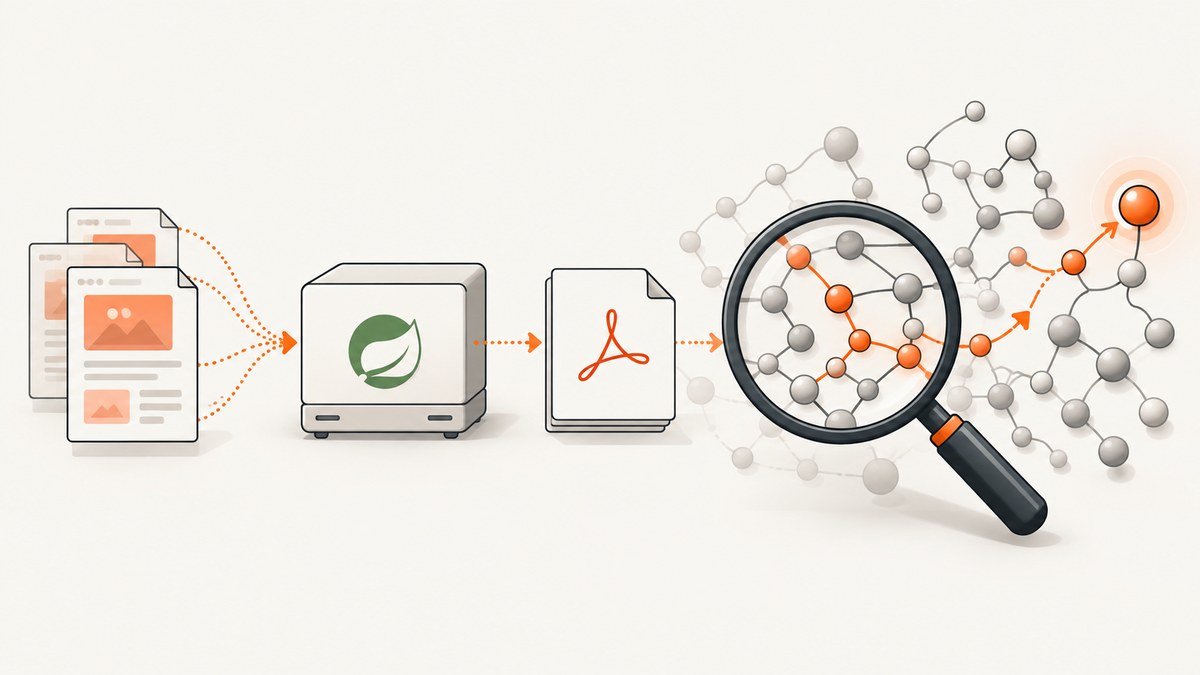
Short answer: reproduce conversions under a stable workload, then track the post-GC live set. A steadily rising live set is stronger evidence of a leak than a high transient peak. Capture a Java Flight Recorder (JFR), use jcmd for a class histogram or heap dump, and follow retained objects to a GC root. Fix the reference or lifecycle that keeps request data, renderer resources, caches, or PDF buffers reachable. Increasing -Xmx only delays exhaustion.
Oracle defines the key signal as follows: “If the live set increases over time after the application has reached a stable state and is under a stable load, that could be a strong indication of a memory leak.” Read Oracle’s leak troubleshooting guide.
1. Define the failure
Record Java, Spring Boot, converter, template engine, and JVM versions; heap and container limits; HTML size; page count; images and fonts; concurrency; and whether the symptom is Java heap OOM, Metaspace OOM, native allocation failure, or rising process RSS. Also record whether output is accumulated in a byte[], retained in a response object, written to disk, or streamed. These details determine which lifecycle APIs and diagnostics apply.
2. Reproduce with a controlled workload
- Warm the service until startup allocations and caches settle.
- Use the same representative templates, images, fonts, and page counts.
- Submit a fixed number of conversions at controlled concurrency.
- Record conversion count, success and failure, latency, output bytes, heap, GC activity, and process memory.
- Repeat through several full collections.
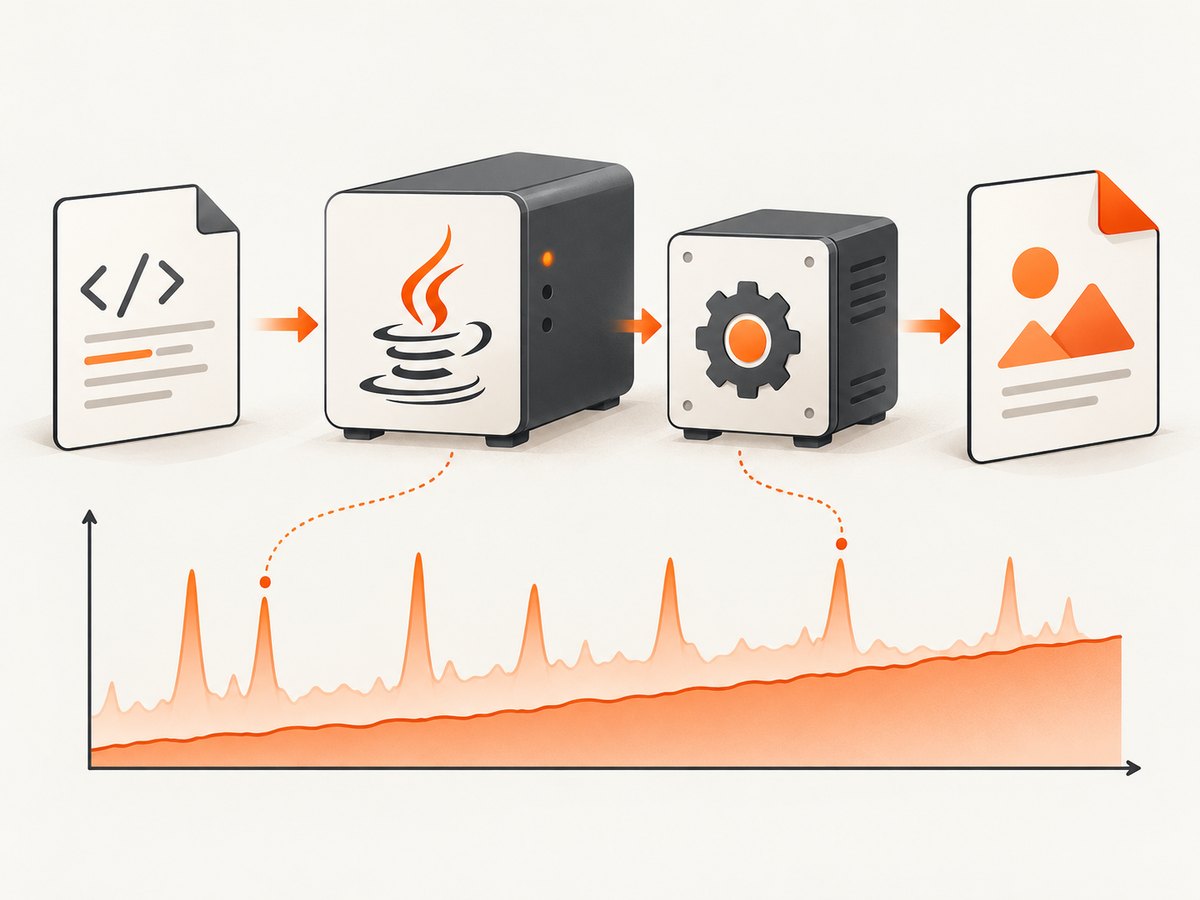
A spike that returns to a stable post-GC baseline suggests allocation pressure or buffering. A baseline that climbs after each full collection suggests retained objects.
3. Capture JVM evidence
JFR
jcmd <pid> JFR.start name=pdf-leak settings=profile duration=10m filename=pdf-leak.jfrOpen the recording in Java Mission Control. Review allocation by class, garbage-collection activity, heap usage, and live-object growth. Enable path-to-GC-root analysis when proving retention; it adds overhead.
Class histogram and heap dump
jcmd <pid> GC.class_histogram > classes.txt
jcmd <pid> GC.heap_dump /tmp/pdf-leak.hprof
Heap dumps can pause the process and require substantial disk space. In a heap analyzer, inspect dominators and paths to GC roots. A large object count alone is not proof of a leak; the retaining path is the evidence. See Oracle’s diagnostic-tools reference.
4. Find what retains objects
| Retained object | Possible owner | Fix direction |
|---|---|---|
| Rendered HTML or request models | Singleton fields, queues, callbacks, security context | Remove per-request state and bound queues. |
PDF byte[] or ByteArrayOutputStream |
Result cache, retry list, logging, async task | Release after response, stream where supported, and cap retained results. |
| Images, fonts, or parsed documents | Unbounded resource cache | Inspect key cardinality and add a bounded policy. |
| Renderer or document objects | Thread-local, pool, or incomplete finish/close path | Verify the installed release’s lifecycle and clean up on success and failure. |
| Tasks and futures | Executor queue or abandoned callback | Bound work, expire jobs, and cancel abandoned tasks. |
Do not add indiscriminate System.gc() calls. They change timing but do not remove objects still reachable from a GC root.
5. Check renderer compatibility and lifecycle
The title does not identify a PDF engine. OpenHTMLtoPDF renders a reasonable subset of well-formed XML/XHTML and some HTML5 with CSS. It is not a browser, does not run JavaScript, and does not implement many modern standards such as flex and grid. Its project documentation states Java 8 as the minimum for its FAQ compatibility statement; verify the current release before changing your runtime.
Flying Saucer targets XML/XHTML with CSS 2.1. Its repository lists Java 11 or later from 9.5.0, Java 17 or later for 9.6.0, and Java 21 or later for 10.0.0. Verify the version you install. Neither project source proves that a particular leak is a renderer defect.
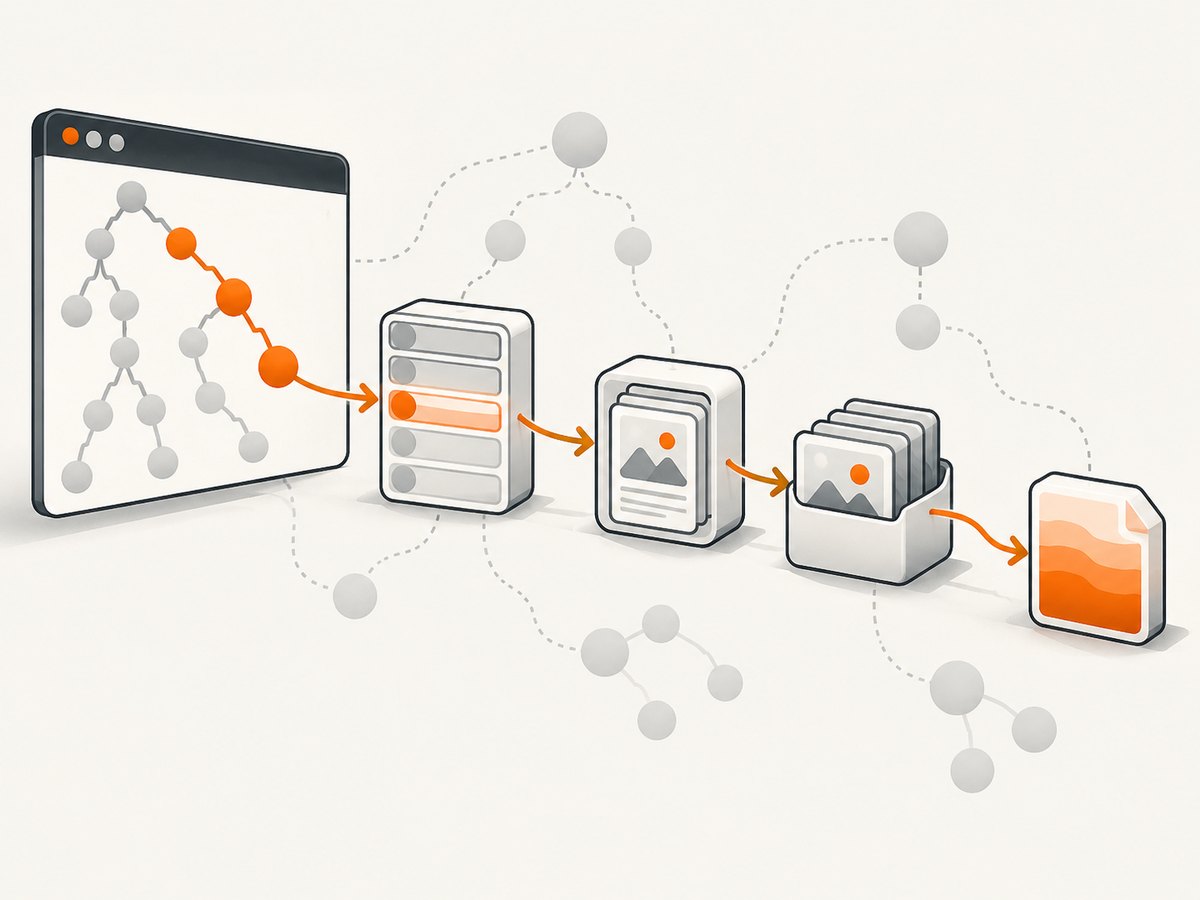
Read the lifecycle documentation for your installed artifact. Every conversion needs a complete success and exception path. Flying Saucer’s FAQ shows a sequence using setDocument, layout, createPDF, and finishPDF; do not copy calls blindly across versions or libraries.
Spring and Thymeleaf caches
Spring documents spring.thymeleaf.cache=false for development-time template reloads. It is not a universal production leak fix. Measure cache size and reload requirements before changing it. See Spring Boot’s hot-swapping guidance.
6. Make ownership explicit in Spring Boot
@Service
public class PdfService {
  public byte[] render(String html) {
    ByteArrayOutputStream out = new ByteArrayOutputStream(64 * 1024);
    Renderer renderer = new Renderer(); // use your library's type
    try {
      renderer.setDocumentFromString(html);
      renderer.layout();
      renderer.createPDF(out);
      return out.toByteArray();
    } finally {
      try { renderer.close(); } catch (Exception ignored) { }
      try { out.close(); } catch (IOException ignored) { }
    }
  }
}
This is a lifecycle checklist, not a universal API. Some renderers require a finish method, some are not closeable, and some support streaming. Confirm the exact API in your dependency’s documentation.
7. Troubleshooting
| Symptom | Likely cause | Action |
|---|---|---|
| Post-GC heap rises every batch | Retained request state, buffers, caches, or renderer objects | Take two histograms or a heap dump and compare GC-root paths. |
| Heap is stable but RSS rises | Native memory, direct buffers, image decoding, threads, or child processes | Use native and OS/container diagnostics; a heap dump cannot explain off-heap allocations. |
| Only large or image-heavy PDFs fail | Peak allocation or decoded image buffers | Measure peak and post-GC sets separately; constrain dimensions and concurrency. |
| Metaspace OOM | Class-loader retention or repeated redeploys | Inspect class histograms and class-loader paths. |
| Leak appears only with async jobs | Unbounded queue, retry, future, or webhook state | Bound queues, expire records, and inspect executor references. |
Changing -Xmx helps briefly |
More capacity, unchanged retention | Keep the reproduction and find the retaining path. |
| Renderer breaks after reuse | Unsupported reuse or missing reset/finish | Check the installed release’s lifecycle contract. |
8. Validate the fix
Repeat the original workload and compare post-GC live-set slope, retained classes, throughput, latency, failure count, and process memory. A fix is credible only when the same reproduction no longer shows the original growth.
9. Performance, reliability, and cost
- Bound concurrency by measured peak memory per conversion; parallel jobs multiply DOM, image, font, and PDF buffers.
- Streaming output helps only when the renderer and HTTP stack support it; it does not remove renderer-side retention.
- Reuse immutable font or template data only when documented as safe. Pooling mutable renderer state can create cross-request retention.
- JFR and heap dumps consume CPU, pause time, and disk. Capture them during a planned reproduction.
- Set request timeouts and queue limits so failed conversions cannot accumulate.
- No cited source provides a comparable memory benchmark for OpenHTMLtoPDF and Flying Saucer. Test the exact renderer, templates, assets, page counts, and concurrency used by your service.
Or skip the browser setup
If the input is a publicly reachable page and you need a clean capture or PDF without maintaining a browser stack, ScreenshotNeo provides a GET API and an MCP server. Cookie and consent banners, newsletter popups, and chat widgets are removed before capture. Bot checks, blank pages, failed loads, timeouts, and cache hits are not billed. Its MCP server lets Claude, Cursor, or another MCP client call screenshot tools. The free plan includes 1,000 screenshots per month with no card; paid plans start at $5 for 3,000 shots. See the ScreenshotNeo API docs for PDF options and configuration.
curl -G "https://api.screenshotneo.com/v1/shot" -d access_key=YOUR_API_KEY --data-urlencode url=https://stripe.com -o shot.webpimport requests
r = requests.get("https://api.screenshotneo.com/v1/shot", params={"access_key": "YOUR_API_KEY", "url": "https://stripe.com"}, timeout=90)
open("shot.webp", "wb").write(r.content)const q = new URLSearchParams({ access_key: 'YOUR_API_KEY', url: 'https://stripe.com' });
const res = await fetch(`https://api.screenshotneo.com/v1/shot?${q}`);Responses include X-Page-Verdict and X-Billed headers so jobs can distinguish clean billed shots from failed or cache results. Create a free ScreenshotNeo account with 1,000 shots monthly and no card.
FAQ
Is a high heap peak automatically a leak?
No. A peak that returns to a stable post-GC baseline is allocation pressure, not proof of retention.
Should I call System.gc() after every PDF?
No. It adds pauses and does not remove objects reachable from a GC root.
Can a heap dump explain rising container RSS?
Only the Java-heap portion. Native allocations, direct buffers, threads, and libraries require native or OS-level evidence.
Which renderer is least likely to leak?
The sources provide no comparable memory benchmark. Profile the exact release, templates, assets, and concurrency used by your service.


