How to Fix Missing Blink Files in Syncfusion HTML-to-PDF Docker Containers
Fix Syncfusion Blink errors in Docker by checking runtime files, paths, permissions, dependencies, architecture, and launch settings.
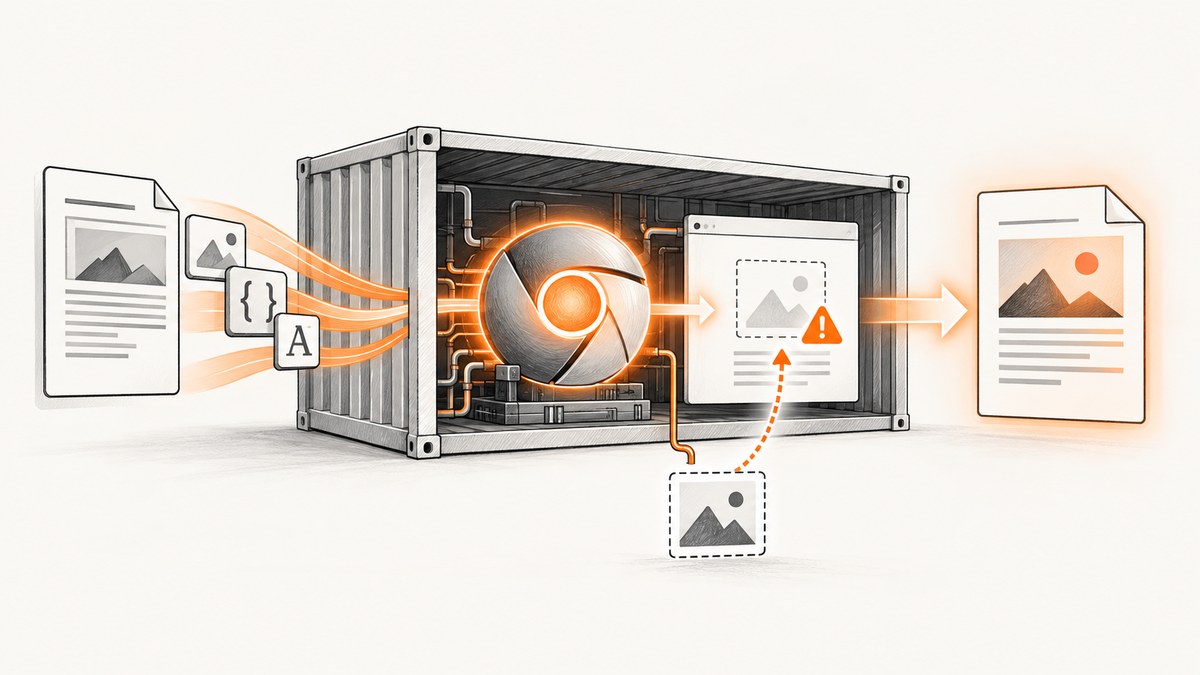
Direct answer: inspect the published application inside the final Docker image, confirm that Syncfusion’s Blink runtime files were copied into the image, and point BlinkConverterSettings.BlinkPath at the directory that actually contains them. Then verify executable permissions, native Linux dependencies, container architecture, temporary-directory permissions, and any sandbox flags required by the specific error. Syncfusion notes that the exception can occur when the runtimes folder is not copied from the NuGet package into the application’s bin output; the source tree and build machine are not enough evidence.
Use the following order because each check eliminates a different failure class:
- Inspect the final image and locate the Blink files.
- Correct
BlinkPathonly when the files are outside the package’s expected layout. - Make Chrome and its wrapper executable.
- Install the native libraries required by the selected Linux base image.
- Check x64 versus ARM64 before treating an architecture failure as a missing-file problem.
- Apply sandbox, temporary-path, Alpine, or crashpad settings only when the exception matches that case.
1. Confirm what is actually in the deployed image
Run a shell in the same image and runtime stage that serves production traffic. Do not inspect only obj, the source checkout, or an earlier build stage.
docker run --rm -it --entrypoint /bin/sh your-image:tag

# Find likely Syncfusion runtime directories
find /app -type d -name runtimes -o -type f -name chrome -o -type f -name chrome-wrapper

# Inspect the published output
find /app -maxdepth 5 -type f | sort | sed -n '1,200p'

# Record architecture and current user
uname -m
id
The package-managed Linux layout normally places the native payload below a path similar to runtimes/linux/native. Syncfusion’s Linux Blink guidance says that applications using the expected package layout generally do not need to set BlinkPath. If that directory is absent from the final image, fix publishing or image-copy rules before changing application code. See Syncfusion’s troubleshooting guide and Blink documentation.
2. Publish and copy the runtime payload correctly
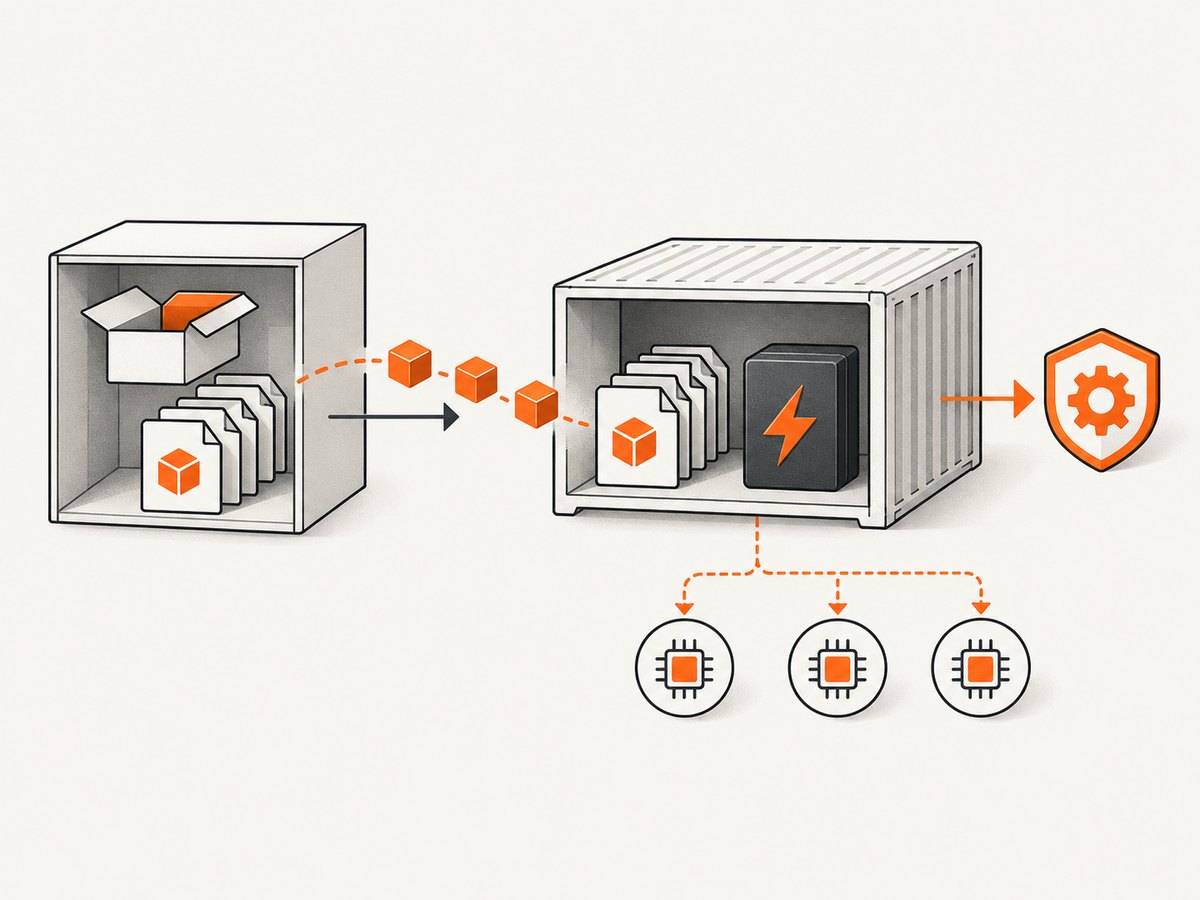
A multi-stage Docker build can compile successfully while dropping native files in the final stage. Copy the complete published directory, including its runtimes folder.
FROM mcr.microsoft.com/dotnet/sdk:8.0 AS build
WORKDIR /src
COPY . .
RUN dotnet restore
RUN dotnet publish ./PdfApp.csproj -c Release -o /out --no-restore

FROM mcr.microsoft.com/dotnet/aspnet:8.0 AS final
WORKDIR /app
COPY --from=build /out .

# Verify during the image build; remove after diagnosis if desired
RUN find /app -type f \( -name chrome -o -name chrome-wrapper \) -print
ENTRYPOINT ["dotnet", "PdfApp.dll"]
Also check the project file and package version used by the build. Syncfusion documents Syncfusion.HtmlToPdfConverter.Net.Linux for Linux containers and identifies the documented package as compatible with .NET 8 and later; verify those details against the package release in your application using the current Docker guide.
3. Set BlinkPath when the files are elsewhere
If you deliberately stage Blink files in another directory, configure the real path. First determine whether the API expects a directory containing the Blink payload or an executable path for the deployment example you are following. Do not copy a path from an ARM64 or system-Chromium example into a package-layout deployment without checking the matching documentation.
using Syncfusion.HtmlConverter;
using Syncfusion.Pdf;

var settings = new BlinkConverterSettings
{
    // Use the directory that exists inside this image.
    BlinkPath = "/app/runtimes/linux/native"
};

using var converter = new HtmlToPdfConverter(HtmlRenderingEngine.Blink);
converter.ConverterSettings = settings;
using PdfDocument document = converter.Convert("https://example.com");
using FileStream output = File.Create("/tmp/example.pdf");
document.Save(output);
document.Close(true);
When the package’s expected layout is intact, remove the override and let Syncfusion resolve the bundled runtime. An incorrect override can turn a healthy package layout into a missing-file error.
4. Fix execute permissions
Files copied from a build context or extracted from an archive may lose their executable bit. Syncfusion’s Docker troubleshooting example grants execute permission to both chrome and chrome-wrapper.
USER root
RUN chmod +x /app/runtimes/linux/native/chrome \
    /app/runtimes/linux/native/chrome-wrapper
Use the paths shown by find in your image. Confirm the result:
ls -l /app/runtimes/linux/native/chrome \
      /app/runtimes/linux/native/chrome-wrapper
If the application runs as a non-root user, ensure that user can traverse every parent directory and execute the files.
5. Install native dependencies for the base image
Blink can be present and executable while Chromium still fails to start because a shared library is missing. Follow the dependency list for the exact distribution and tag in Syncfusion’s Docker instructions; package names differ between Debian, Ubuntu, CentOS, and Alpine.
FROM mcr.microsoft.com/dotnet/aspnet:8.0
USER root
RUN apt-get update && apt-get install -y --no-install-recommends \
    ca-certificates \
    fontconfig \
    libnss3 \
    libx11-6 \
    libxcomposite1 \
    libxdamage1 \
    libxrandr2 \
    libgbm1 \
    libgtk-3-0 \
    libasound2 \
    && rm -rf /var/lib/apt/lists/*
Treat this as a starting point, not a universal list: verify every package against the selected base image and the Syncfusion package version. To identify a missing shared object, inspect the executable with the distribution’s tooling (for example, ldd) and compare the missing library with the Docker guide.
6. Check architecture before changing paths
Syncfusion’s packaged Linux Blink binaries are x64. An ARM64 Linux container, including common Mac M1 development setups, cannot execute x64 binaries as native ARM64 programs. Check both host and container architecture:
docker image inspect your-image:tag --format '{{.Architecture}}/{{.Os}}'
docker run --rm your-image:tag uname -m
For ARM64, use the compatible Chromium approach documented by Syncfusion, install that browser in the image, and set BlinkPath to the location expected by that deployment. Do not classify an exec format error as a copy problem. The remediation differs from a missing runtimes folder.
7. Handle sandbox and temporary-directory errors
Sandbox failures usually mean the browser launched but was blocked by the container security context. For the CentOS/Docker scenario described by Syncfusion, use executable permissions and the documented launch arguments:
var settings = new BlinkConverterSettings
{
    BlinkPath = "/app/runtimes/linux/native",
    CommandLineArguments = "--no-sandbox --disable-setuid-sandbox"
};
Use these flags only for the matching sandbox error and follow your container security policy. They do not restore files that were never copied.
If the converter cannot create or execute temporary files, configure TempPath to a directory with read, write, and execute permission:
RUN mkdir -p /app/tmp && chmod 700 /app/tmp

var settings = new BlinkConverterSettings
{
    TempPath = "/app/tmp"
};
8. Treat Alpine-specific crashes separately
Syncfusion documents separate Alpine cases, including a crash after the first conversion and a crashpad error. The suggested flags and settings are specific to those errors and to the Chromium/library versions involved. Check the exact exception against the official troubleshooting page before adding --disable-gpu or crashpad-related configuration. A generic missing-file fix will not resolve an Alpine crash caused by a different runtime condition.
9. A diagnostic checklist
| Symptom | Likely cause | Action |
|---|---|---|
| Blink files are missing at a configured path | Runtime folder was not copied, or path is wrong | List files in the final image; restore the runtimes folder or set BlinkPath to the actual location. |
| Permission denied | Chrome or wrapper is not executable | Run chmod +x and verify the service user can traverse parent directories. |
| Shared-library error | Native dependency absent | Install dependencies for the exact base-image distribution and tag. |
| Exec format error | x64 Blink on ARM64 container | Use the architecture-compatible Chromium approach and matching BlinkPath. |
| Chrome sandbox launch failure | Container sandbox restrictions | Apply the documented sandbox flags for that error after confirming files and permissions. |
| Crash after first Alpine conversion | Alpine-specific Chromium behavior | Follow the Alpine-specific Syncfusion guidance, including only matching flags. |
| Cannot create temporary files | Temp directory lacks permissions | Set TempPath to a writable, executable directory. |
10. Collect a reproducible incident record
- Syncfusion package name and version.
- .NET target framework.
- Docker base image and immutable tag.
- Container architecture from
uname -m. - Final-image listing of the
runtimesand Blink files. - Effective
BlinkPathandTempPath. - Process user and file permissions.
- Installed native libraries.
- Complete exception text, including inner exceptions.
This separates packaging, path, permission, dependency, architecture, sandbox, and distribution-specific failures so that a change in one area does not hide the original cause.
11. Performance, reliability, and cost considerations
Keep the Blink payload in the final image and avoid downloading browser files during each request. Build the image once, pin the base-image and package versions, and run a conversion smoke test during deployment. Reusing a long-lived application process avoids repeated browser initialization, while isolated temporary directories reduce collisions between concurrent conversions. The exact memory and CPU requirements depend on the HTML, fonts, images, concurrency, and container limits; the Syncfusion material cited here does not provide a universal benchmark.

For reliability, log the resolved Blink path, architecture, process identity, and complete launch exception at startup or on the first conversion. Rebuild when changing the base image because native package names and shared-library availability can change with the distribution tag.
Or skip the browser setup
If your goal is a clean website capture rather than running Syncfusion’s HTML-to-PDF engine inside Docker, ScreenshotNeo provides a single request to its screenshot API. Its service accepts cookie and consent banners as a visitor and removes more than 60 known consent platforms, newsletter popups, and chat widgets before capture; each cleanup step can be disabled. Bot checks, blank pages, timeouts, failed loads, and cache hits are not billed, and responses identify the result with X-Page-Verdict and X-Billed headers. It also has an MCP server with take_screenshot, get_page_info, and capture_pdf tools for Claude, Cursor, and other MCP clients.
See the ScreenshotNeo API documentation for all options.
curl -G "https://api.screenshotneo.com/v1/shot" \
  -d access_key=YOUR_API_KEY \
  --data-urlencode url=https://stripe.com \
  -o shot.webp
import requests
r = requests.get(
"https://api.screenshotneo.com/v1/shot",
params={"access_key": "YOUR_API_KEY", "url": "https://stripe.com"},
timeout=90,
)
r.raise_for_status()
open("shot.webp", "wb").write(r.content)const q = new URLSearchParams({ access_key: 'YOUR_API_KEY', url: 'https://stripe.com' });
const res = await fetch(`https://api.screenshotneo.com/v1/shot?${q}`);
if (!res.ok) throw new Error(`HTTP ${res.status}`);
const data = Buffer.from(await res.arrayBuffer());
require('fs').writeFileSync('shot.webp', data);There are 1,000 free screenshots each month with no card; paid plans start at $5 for 3,000. Create a free ScreenshotNeo account.
FAQ
Do I always need to set BlinkPath?
No. With the expected NuGet runtime layout, Syncfusion says the package can resolve Blink without an explicit path. Set it when you intentionally stage the files elsewhere or use the documented system-Chromium deployment.
Why does it work locally but fail in Docker?
The local machine may contain files, libraries, permissions, or an x64 browser that the final image does not. Inspect the deployed image and its architecture.
Can a chmod command fix missing files?
No. Permissions matter only after the files exist. Restore or copy the runtime payload first.
Should I use --no-sandbox for every container?
No. Apply it only to the corresponding sandbox launch failure and follow the security requirements of your environment.
Does ScreenshotNeo require a Docker image with Chromium?
No. The API call is remote, so your application does not package Syncfusion Blink binaries or Linux browser dependencies.


