How to Fix Missing Global Functions in Jasmine with Headless Chrome
Fix undefined describe, it, expect, and beforeEach in Jasmine by separating interface setup, file loading, and Headless Chrome launcher issues.
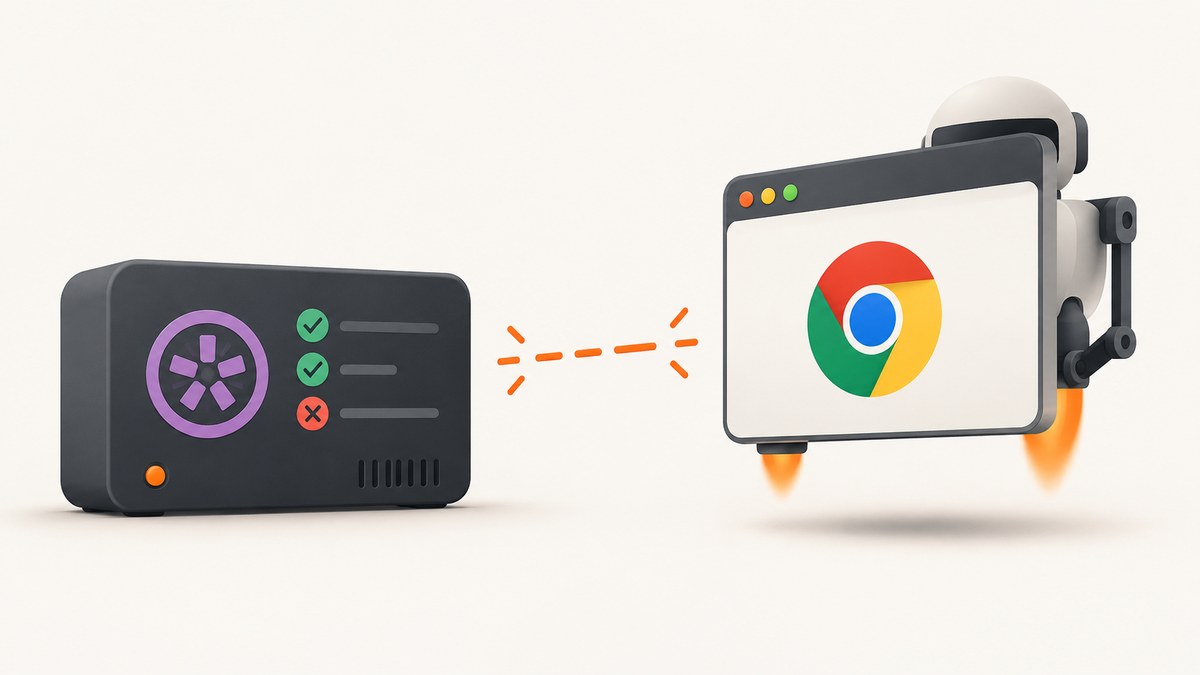
Undefined describe, it, expect, or beforeEach usually means Jasmine’s interface was not installed where the spec runs, the test is using no-globals mode, or setup files were not loaded before the specs. Headless Chrome only chooses the browser process. A successful Chrome launch does not prove that Jasmine’s interface or spec files are available.
Diagnose the problem in this order:
- Identify whether the runner is Jasmine in Node.js,
jasmine-browser-runner, or Karma. - Check whether the runner exposes Jasmine globals or expects explicit imports.
- Verify helper, source, and spec files and their load order.
- Only then debug the ChromeHeadless launcher.
The exact cause requires the first stack trace, Jasmine version, Chrome version, package manifest, runner, and configuration. The checks below cover the documented setup paths.
1. Identify the runtime and runner
| Environment | Interface setup to check | Browser-launch check |
|---|---|---|
| Jasmine in Node.js | Whether globals are enabled; with globals disabled, import the interface. | Usually irrelevant unless a separate browser process is used. |
jasmine-browser-runner |
Configured helpers, source files, specs, and module format. | Use the runner’s documented headlessChrome browser option. |
| Karma | jasmine framework integration and files supplied to the test page. |
Verify ChromeHeadless, Chrome discovery, and launcher logs. |
Common Jasmine globals include describe, it, expect, and lifecycle functions such as beforeEach. See the Jasmine global API.
2. Fix Node.js tests running without Jasmine globals
Jasmine 4.0 and later can run in Node.js with globals disabled. In that mode, a spec that calls bare describe fails unless you import Jasmine’s no-globals interface or enable globals in the runner. This is a Node.js configuration; do not apply it blindly to a browser page.
const Jasmine = require('jasmine');
const jasmineCore = require('jasmine-core');

const jasmine = new Jasmine({ globals: false });
const { describe, it, expect, beforeEach } = jasmineCore.noGlobals();

jasmine.env.configure({ random: false });

describe('calculator', () => {
  let value;

  beforeEach(() => {
    value = 2 + 2;
  });

  it('adds numbers', () => {
    expect(value).toBe(4);
  });
});

jasmine.execute();
Alternatively, remove globals: false when your project expects global names. Keep the choice consistent across every helper and spec file.
3. Configure jasmine-browser-runner
The browser runner controls which source, helper, and spec files are loaded into the test page. A missing helper or an incorrect order can look like a Chrome problem because the browser starts but the page fails before Jasmine’s interface is ready.
// jasmine-browser.json
{
  "spec_dir": "spec",
  "spec_files": ["**/*[sS]pec.?(m)js"],
  "helpers": ["helpers/**/*.?(m)js"],
  "src_dir": "src",
  "src_files": ["**/*.js"],
  "browser": "headlessChrome"
}
# Install and run the browser runner
npm install --save-dev jasmine jasmine-browser-runner
npx jasmine-browser-runner runUse the runner’s documented configuration for your installed version. Confirm that:
- The helper that initializes Jasmine is included.
- Source files load before specs that reference them.
- Spec globs match the actual filenames and directories.
- ES modules use the supported
.mjshandling and valid imports. - The browser option is
headlessChromewhen you want Headless Chrome.
Reference: jasmine-browser-runner documentation.
4. Fix Karma with ChromeHeadless
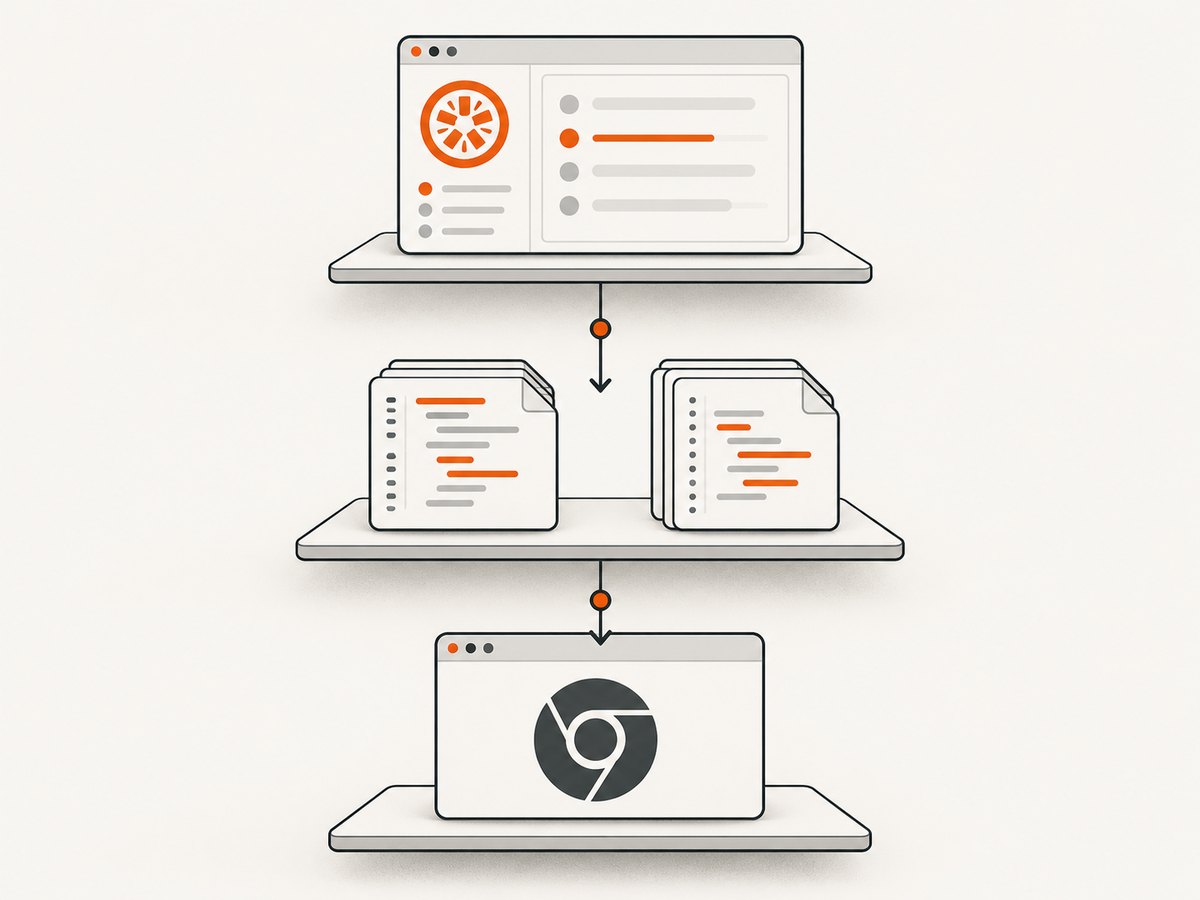
Karma separates the framework from the browser launcher. Configure Jasmine as a framework and ChromeHeadless as a browser, then make sure the files list contains the Jasmine setup, application code, helpers, and specs.
// karma.conf.js
module.exports = function (config) {
  config.set({
    frameworks: ['jasmine'],
    files: [
      'src/**/*.js',
      'spec/helpers/**/*.js',
      'spec/**/*.spec.js'
    ],
    browsers: ['ChromeHeadless'],
    singleRun: true,
    reporters: ['progress']
  });
};
# Typical commands
npm install --save-dev karma karma-jasmine jasmine-core karma-chrome-launcher
npx karma start karma.conf.jsIf Chrome is not installed in a discoverable location, the launcher documentation shows how to provide a Puppeteer executable path. That fixes browser discovery; it does not install Jasmine globals into the page.
References: Karma Chrome launcher documentation and Chrome for Developers’ Headless Chrome testing guide.
5. Read the first error and isolate the failing layer
| First error | Likely layer | Next action |
|---|---|---|
ReferenceError: describe is not defined |
Jasmine interface or globals mode | Check no-globals configuration and Jasmine framework initialization. |
beforeEach is not defined |
Same interface problem, often in a helper | Ensure the helper runs in the same Jasmine environment as the spec. |
expect is not defined |
Interface not installed or spec loaded too early | Inspect file order and framework setup. |
| Application function is not defined | Source file or module loading | Check source globs, module imports, and browser console errors. |
| Chrome failed to start | Launcher or executable | Check Chrome path, sandbox flags required by your CI image, and launcher logs. |
Inspect the first failing stack frame, not only the final Karma summary. If the undefined symbol is an application API rather than a Jasmine API, fix source loading instead.
6. Troubleshooting checklist
Globals are disabled accidentally
Cause: Node.js Jasmine was created with globals: false, while specs still use bare names.
Fix: import jasmineCore.noGlobals() symbols or enable globals and keep the convention consistent.
The wrong package is being configured
Cause: A jasmine-browser-runner configuration is being edited while Karma actually runs the tests, or vice versa.
Fix: inspect npm scripts and the command used by CI; edit the configuration consumed by that command.
Specs load before setup
Cause: Glob patterns or arrays place specs before helpers or framework files.
Fix: make setup and helpers load first, then application sources, then specs. Check the generated browser page or runner log when available.
ES module format mismatch
Cause: A module spec or helper is loaded as a classic script, or imports point to paths the browser cannot resolve.
Fix: use the runner’s documented module naming and import rules; verify .mjs handling and browser console errors.
Chrome launches but the page crashes
Cause: JavaScript syntax, missing modules, blocked resources, or an exception in setup.
Fix: run once with browser logging enabled, inspect the first page exception, and correct that error before changing Chrome flags.
Chrome cannot be found in CI
Cause: The launcher cannot discover an installed Chrome or Chromium executable.
Fix: install the browser in the image or configure the executable path supported by karma-chrome-launcher. This is independent of Jasmine globals.
7. Reliability, performance, and version notes
- Keep the runner, Jasmine, launcher, and Chrome versions explicit in the lockfile so local and CI environments use the same setup.
- Run a single focused spec while diagnosing file order; broad suites add noise and startup time.
- Use one browser session for a suite when possible, but reset application state in
beforeEachto avoid order-dependent failures. - Capture the complete first stack trace and runner configuration in CI artifacts.
- Jasmine 6.0 release notes list Chrome 143 as a tested environment for that release. Treat that as a version-specific snapshot, not a general compatibility guarantee: verify the versions installed in your project.
Headless Chrome executes browser JavaScript in a user-like environment, but browser launch success and Jasmine interface setup remain separate concerns.
8. Or skip the browser setup
If your goal is to capture a rendered test report, fixture page, or debugging artifact rather than run Jasmine itself, ScreenshotNeo provides a website screenshot API and MCP server. One request returns a PNG, JPEG, WebP, or PDF.

See the ScreenshotNeo API documentation for all options.
curl -G "https://api.screenshotneo.com/v1/shot" -d access_key=YOUR_API_KEY --data-urlencode url=https://stripe.com -o shot.webpimport requests
r = requests.get("https://api.screenshotneo.com/v1/shot", params={"access_key": "YOUR_API_KEY", "url": "https://stripe.com"}, timeout=90)
open("shot.webp", "wb").write(r.content)const q = new URLSearchParams({ access_key: 'YOUR_API_KEY', url: 'https://stripe.com' });
const res = await fetch(`https://api.screenshotneo.com/v1/shot?${q}`);Cookie banners, newsletter popups, and chat widgets are removed before the shot. Bot checks, blank pages, failed loads, timeouts, and cache hits are not billed, and response headers identify the page verdict and billing status. An MCP server lets Claude, Cursor, and other MCP clients call take_screenshot, get_page_info, and capture_pdf. The Free plan includes 1,000 screenshots per month with no card; paid plans start at $5 for 3,000 shots. Create a free ScreenshotNeo account.
9. FAQ
Does installing Headless Chrome create Jasmine globals?
No. It only supplies a browser. Jasmine’s framework or interface must still be initialized in the runtime.
Should I use no-globals mode in browser tests?
The documented no-globals interface is for Jasmine in Node.js. For browser runners, follow that runner’s framework and file-loading configuration first.
Why does only one helper fail?
That usually indicates the helper is outside the configured glob, loaded before Jasmine setup, or using a different module format.
What information is needed for a project-specific diagnosis?
Provide the first stack trace, Jasmine and Chrome versions, the test command, package manifest, runner configuration, and relevant file globs.
Can a healthy Karma run still have undefined application functions?
Yes. Karma and Chrome may be working while a source file is missing, ordered incorrectly, or failing during module evaluation.


