How to Fix the Missing libXrender.so.1 Error When Running wkhtmltoimage
Fix wkhtmltoimage’s missing libXrender.so.1 error with the right package, architecture checks, linker verification, Xvfb setup, and safer alternatives.
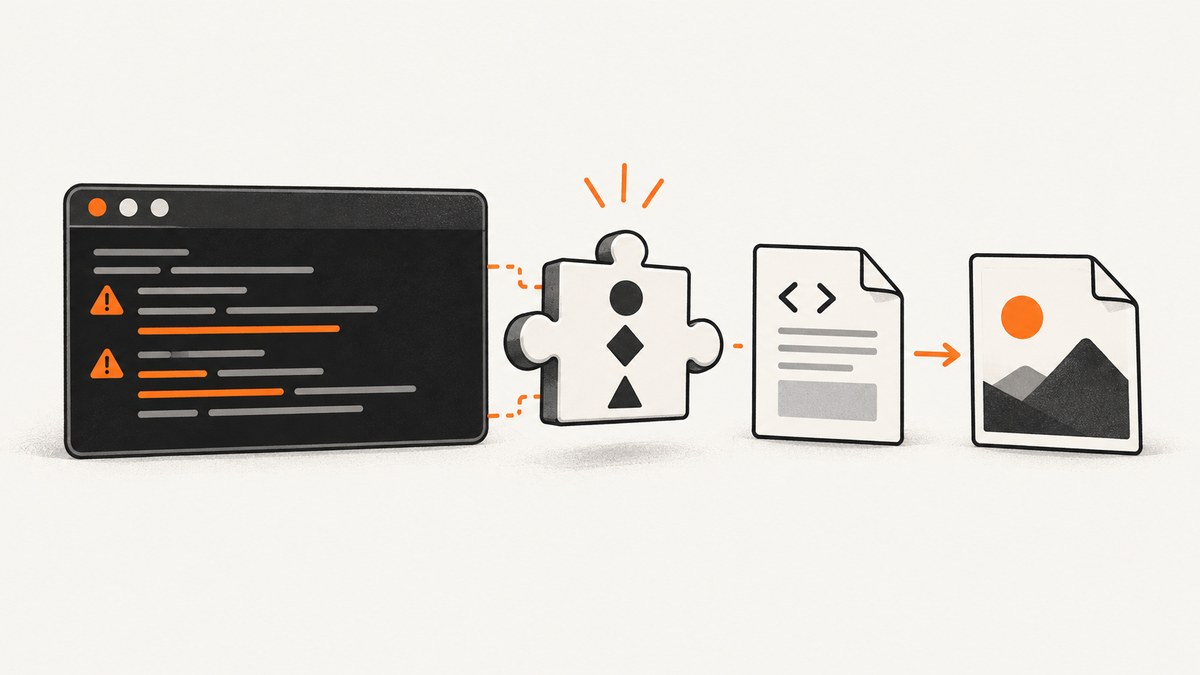
Direct answer: on Debian or Ubuntu, install the package that provides the missing library, then verify that the dynamic linker can resolve it:
sudo apt update
sudo apt install libxrender1
ldconfig -p | grep libXrender.so.1
ldd "$(command -v wkhtmltoimage)"
libXrender.so.1 is a shared-library dependency. It is not supplied by wkhtmltoimage itself. Ubuntu’s package metadata identifies libxrender1 as the X Rendering Extension client library and installs the library file under the architecture-specific library directory. If the executable is 32-bit, install the matching 32-bit package instead. If the library is present but the program still cannot start, refresh the linker cache and inspect every dependency with ldd.
What the error means
wkhtmltoimage converts an HTML document or URL into an image. Its documented command shape is:
wkhtmltoimage [OPTIONS]... <input file> <output file>Before rendering begins, Linux’s dynamic linker loads the executable and its shared objects. When it cannot find libXrender.so.1 in the configured library paths, the process exits immediately with an error such as:
wkhtmltoimage: error while loading shared libraries: libXrender.so.1: cannot open shared object file: No such file or directoryThe same diagnostic is documented in the wkhtmltopdf project issue tracker. Installing the application package alone does not guarantee that all system runtime libraries are installed, especially when the binary came from a standalone archive, a container image, or a different distribution release.
1. Identify the executable and its architecture
First confirm which binary your shell is executing and whether it is 64-bit or 32-bit:

command -v wkhtmltoimage
file "$(command -v wkhtmltoimage)"
Typical output includes ELF 64-bit or ELF 32-bit. The package architecture must match the executable. A 64-bit host can run a 32-bit program, but only when the required 32-bit runtime and multiarch support are installed.
Also check whether the command is a wrapper, symlink, or custom installation:
readlink -f "$(command -v wkhtmltoimage)"
ls -l "$(command -v wkhtmltoimage)"
If the path points into an application bundle, virtual environment, or manually unpacked directory, record that location. It helps explain why the system package manager may not have supplied all dependencies.
2. Install libXrender on Debian and Ubuntu
For a normal 64-bit Debian-family installation:
sudo apt update
sudo apt install libxrender1
Confirm that the package owns the expected file:
dpkg -L libxrender1 | grep 'libXrender.so.1'You should see an architecture-specific path similar to /usr/lib/x86_64-linux-gnu/libXrender.so.1. Ubuntu’s package file list records both the soname symlink and its versioned library. Do not download a random shared object from a website and copy it into /usr/lib; package-managed files receive security updates and are built for the system ABI.
Installing the 32-bit dependency
If file reports a 32-bit executable on a 64-bit Debian or Ubuntu host, enable the foreign architecture and install the matching package:
sudo dpkg --add-architecture i386
sudo apt update
sudo apt install libxrender1:i386
Use this only when the executable is actually 32-bit. Installing the wrong architecture does not satisfy the loader.
3. Refresh and inspect dynamic-linker resolution
When the file exists but the error remains, refresh the linker cache:
sudo ldconfig
ldconfig -p | grep libXrender.so.1
Then inspect the complete dependency set:
ldd "$(command -v wkhtmltoimage)"Every required library should resolve to a path. Any line ending in not found is another missing runtime dependency. Run the command again after each package installation until no required entry is unresolved.
For a binary outside the normal search path, inspect its embedded loader and search paths:
readelf -l "$(command -v wkhtmltoimage)" | grep 'interpreter\|Requesting program interpreter'
readelf -d "$(command -v wkhtmltoimage)" | grep -E 'NEEDED|RPATH|RUNPATH'
Do not permanently solve a package problem by setting a global LD_LIBRARY_PATH. That can make unrelated programs load incompatible libraries. Use it temporarily for diagnosis, then install the correct provider package or use a vendor-supported build.
4. Install the rest of the runtime set
Fixing the first missing library can reveal the next one. A wkhtmltopdf packaging matrix lists common Linux requirements including:
fontconfigandlibfreetype6for font discovery and rendering.libx11-6,libxcb1,libxext6, andlibxrender1for the X and Qt display stack.- The appropriate C and C++ runtime libraries.
- Installed fonts, especially in minimal containers.
On Ubuntu or Debian, package names commonly look like this:
sudo apt install fontconfig libfreetype6 libx11-6 libxcb1 libxext6 libxrender1
Package names and availability vary by release and architecture. Use your distribution’s repositories rather than copying .so files from another operating system. On Fedora, Arch, openSUSE, and other families, search the native package index for the package that owns libXrender.so.1, then install the package matching the executable architecture.
5. Handle headless servers with Xvfb
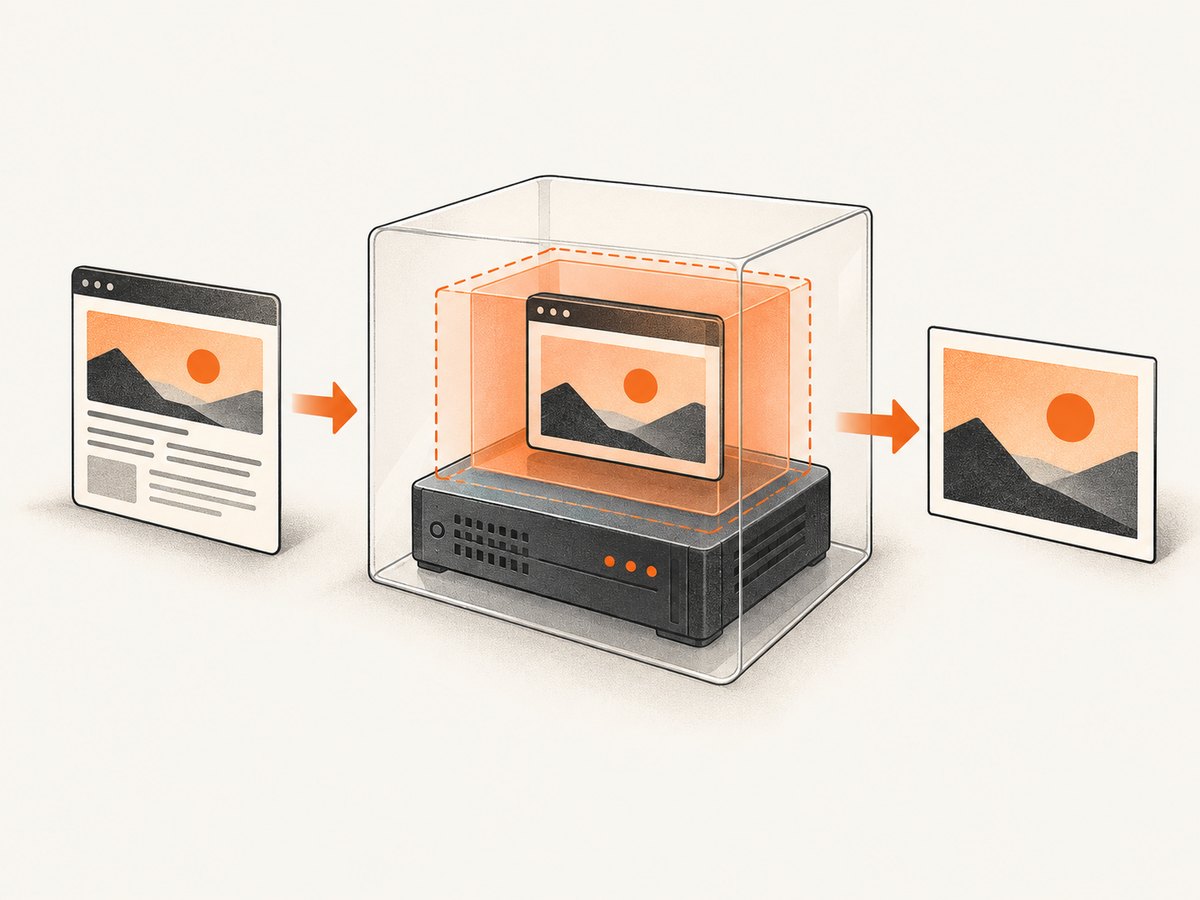
A resolved library does not create a display server. Ubuntu’s wkhtmltopdf package recommends an X server or xvfb. On a server with no graphical session, install a virtual framebuffer:
sudo apt update
sudo apt install xvfb
xvfb-run --auto-servernum wkhtmltoimage https://example.com page.png
If you pass options, put them after wkhtmltoimage:
xvfb-run --auto-servernum wkhtmltoimage \
  --width 1440 \
  --quality 90 \
  https://example.com page.jpg
Keep this diagnosis separate from the missing-library error. libXrender.so.1 fixes program startup; Xvfb supplies a display environment for builds that expect one. A build with different documented headless behavior may not need Xvfb, but follow that build’s own dependency instructions.
6. Test a minimal capture
After dependencies are installed, verify a local HTML file and a remote URL independently:
cat > /tmp/test.html <<'HTML'
<!doctype html>
<html><body><h1>wkhtmltoimage works</h1></body></html>
HTML

wkhtmltoimage /tmp/test.html /tmp/test.png
file /tmp/test.png

xvfb-run --auto-servernum wkhtmltoimage https://example.com /tmp/example.png
file /tmp/example.png
A local-file success followed by a remote failure points toward DNS, TLS, proxy, access-control, or JavaScript timing issues rather than the XRender package. A failure for both inputs means the runtime or display setup still needs attention.
Common errors and fixes
| Error or symptom | Likely cause | Fix |
|---|---|---|
libXrender.so.1: cannot open shared object file |
Provider package is absent or wrong architecture. | Install libxrender1 or libxrender1:i386, then run ldconfig and ldd. |
ldd shows another library as not found |
The first repair exposed the next missing dependency. | Install the package that owns that library from the native repository. |
cannot open display |
No X server is available. | Run under xvfb-run or configure a supported display server. |
| Works in a shell, fails in cron or a service | Different PATH, environment, user, or library path. |
Use the absolute binary path, preserve required environment variables, and compare ldd output under the service user. |
| Text is missing or boxes appear | Fonts or fontconfig cache are absent. | Install fonts and fontconfig; rebuild the cache with fc-cache -f. |
| Remote page is blank or incomplete | Page JavaScript has not finished, resources are blocked, or the site denies the client. | Test connectivity, increase the documented render delay, inspect the page independently, and consider a maintained browser-based service. |
| Segmentation fault after a manual symlink | ABI-incompatible library was substituted. | Remove the hand-made link and reinstall the distribution or vendor-supported packages. |
Unsafe workarounds to avoid
- Do not create a symlink from an unrelated
libXrender.soversion just to satisfy the filename. - Do not download a shared object from an untrusted file-hosting site.
- Do not mix libraries from another distribution release or architecture.
- Do not assume a static or bundled build has no runtime requirements; read its dependency documentation.
A mismatched ABI can replace a clear startup message with crashes, corrupted output, or intermittent rendering defects. Package-manager installation or a vendor-supported build is easier to update and audit.
Choosing a repair strategy
| Strategy | Best when | Trade-offs |
|---|---|---|
| Distribution packages | You control a Debian, Ubuntu, Fedora, Arch, or similar host. | Clean updates and dependency tracking; package versions follow the distribution. |
| Vendor-supported bundle | You need a specific wkhtmltoimage build and its documented runtime set. | May require extra libraries, fonts, or Xvfb; updates are your responsibility. |
| Container image | You need repeatable deployments. | The image must still include the correct architecture, fonts, libraries, and display setup. |
| Hosted screenshot API | You want screenshots without maintaining browser and system dependencies. | Requires an API key and network access; review the provider’s billing and failure behavior. |
Performance, reliability, and cost notes
Startup time is affected by package loading, Xvfb creation, DNS, TLS, page JavaScript, fonts, and image resources. Reusing a long-lived worker can avoid repeated process startup, but isolate untrusted pages and cap timeouts. Keep output dimensions and quality appropriate to the use case: very large full-page images consume more memory and take longer to encode.
For reliable batch jobs, record the URL, executable version, operating-system image, exit code, stderr, output dimensions, and elapsed time. Retry transient network failures with a bounded backoff, but do not retry deterministic dependency errors indefinitely. Verify that the output file exists and has the expected MIME type before publishing it.
Package installation itself is normally free, but operations still have costs: CPU and memory for rendering, storage for images, bandwidth, maintenance of fonts and browser binaries, and engineering time when a site changes. A hosted service can move those responsibilities out of your deployment, so compare total operational effort rather than only the command-line binary’s price.
Or skip the browser setup
If you only need a dependable screenshot endpoint, ScreenshotNeo accepts one GET request and returns PNG, JPEG, WebP, or PDF without requiring wkhtmltoimage, X libraries, or Xvfb on your server. See the ScreenshotNeo API documentation for all options.
curl -G "https://api.screenshotneo.com/v1/shot" -d access_key=YOUR_API_KEY --data-urlencode url=https://stripe.com -o shot.webpimport requests
r = requests.get("https://api.screenshotneo.com/v1/shot", params={"access_key": "YOUR_API_KEY", "url": "https://stripe.com"}, timeout=90)
open("shot.webp", "wb").write(r.content)const q = new URLSearchParams({ access_key: 'YOUR_API_KEY', url: 'https://stripe.com' });
const res = await fetch(`https://api.screenshotneo.com/v1/shot?${q}`);ScreenshotNeo removes cookie and consent banners, newsletter popups, and chat widgets before capture. Bot checks, blank pages, failed loads, timeouts, and cache hits are not billed, and response headers identify the page verdict and billing result. Its MCP server lets Claude, Cursor, and other MCP clients use take_screenshot, get_page_info, and capture_pdf. The Free plan includes 1,000 screenshots per month with no card; paid plans start at $5 for 3,000 screenshots.
Create a free ScreenshotNeo account and try the first 1,000 screenshots without a card.
FAQ
Is libXrender part of wkhtmltoimage?
No. It is a system shared library supplied by the operating system package that provides the X Rendering Extension client library.
Why did installing wkhtmltoimage not fix the error?
The installer may not include optional or distribution-specific runtime dependencies, or the binary may target a different architecture than the installed libraries.
Does installing libxrender1 solve headless rendering?
It solves the missing library when the package and architecture match. A headless machine may still need an X server or Xvfb.
Can I copy libXrender.so.1 from another server?
That is unsafe unless the file comes from a compatible, supported system image. Use the native package manager or documented vendor bundle instead.
What should I check after a distribution upgrade?
Run file, ldd, and ldconfig -p again, then perform a local and remote capture under the same user that runs production jobs.


