How to Fix Missing SVG Paths in wkhtmltopdf Rendering
Fix missing SVG paths in wkhtmltopdf by checking builds, embedding, asset loading, SVG features, timing, and renderer limits.
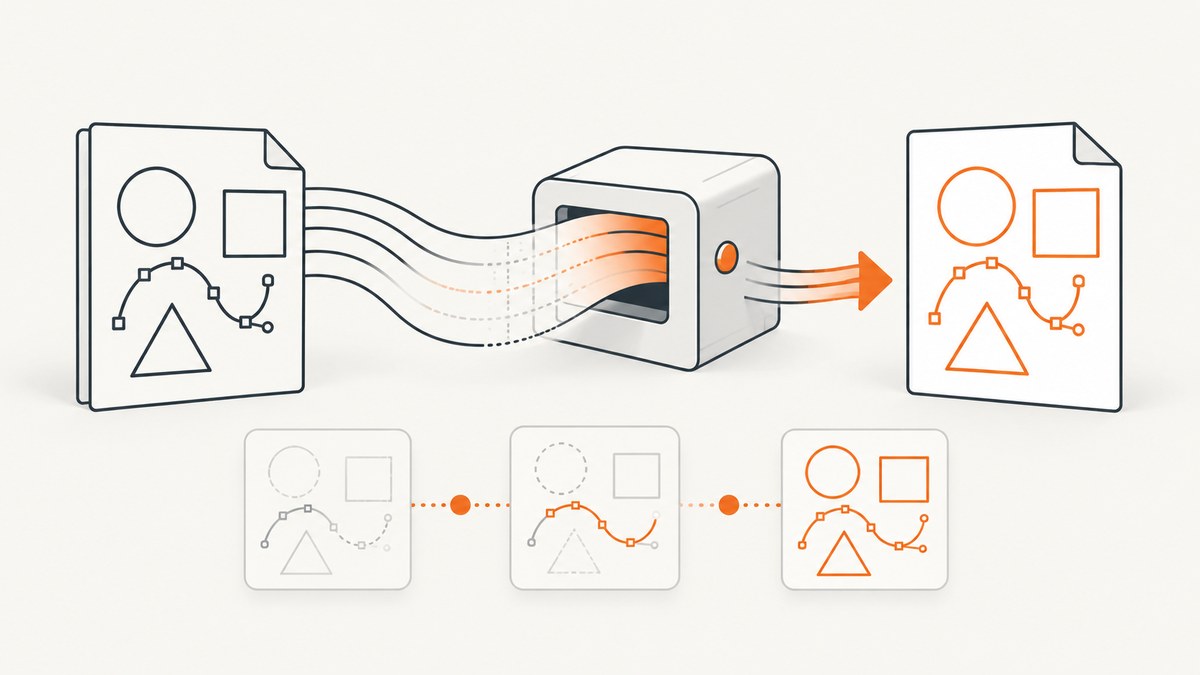
Missing SVG paths in a wkhtmltopdf PDF usually come from one of four places: the specific wkhtmltopdf build, the way the SVG is embedded, an SVG feature the renderer handles differently, or an asset and JavaScript loading problem. There is no universal switch that restores every missing path. The reliable approach is to reproduce the failure with the exact production binary, reduce the page to one SVG, then test embedding, resource loading, and the SVG features used by the missing geometry.
This guide gives you a repeatable diagnosis, runnable examples, command-line options, fallback choices, and an API alternative when maintaining a legacy browser-rendering stack is not worth the effort.
1. Confirm what “missing paths” means
Start by identifying the visual symptom. The remedy depends on whether the entire SVG is absent or only selected geometry disappears.
| Symptom | Likely area to investigate | First test |
|---|---|---|
| The PDF contains a blank area where an external SVG should be | Embedding mode, local-file access, URL loading, or timing | Replace <object> with an inline SVG or <img> and render a local fixture |
| Most artwork appears but particular paths vanish | SVG feature compatibility, especially clipping and opacity in some builds | Remove clip-path and opacity from a copy of the failing path |
| The SVG works in a browser but not in PDF output | Old WebKit behavior or a dependency that is unavailable to wkhtmltopdf | Run the same HTML with the exact production binary and inspect resource logs |
| The result changes between machines | Distribution package, patched Qt build, fonts, and system libraries | Record versions and package sources on both machines |
2. Record the exact wkhtmltopdf build
Run this on the machine that creates the PDF:
wkhtmltopdf --version
which wkhtmltopdf
uname -a
Save the complete output with your bug report or deployment record. Note whether the binary came from an operating-system repository, a vendor package, or a manually installed release. Two binaries that report the same broad 0.12.x version can still differ in patched Qt, system libraries, fonts, and build configuration. A 2020 issue report described different SVG behavior between an unpatched Ubuntu repository build labeled 0.12.4 and a patched 0.12.5 package, including reports of clip-path paths not rendering and opacity differences. Treat that as a build-specific observation, not a compatibility promise.
The wkhtmltopdf project status page explains why renderer differences matter: Qt 4 has been unsupported since 2015 and the embedded WebKit has not been updated since 2012. The same page points report authors toward WeasyPrint or Prince for controlled report generation and Puppeteer for sites that depend on dynamic JavaScript. Read the current project status before planning a migration: wkhtmltopdf project status.
3. Build a minimal reproduction
Do not debug a complete application first. Create one HTML file and one SVG containing only the failing geometry. Compare three artifacts:
- The original SVG opened directly in a modern browser.
- The minimal HTML rendered by the exact production wkhtmltopdf binary.
- The generated PDF opened at a zoom level that makes thin paths visible.
Keep the original file unchanged as a control. Remove unrelated CSS, web fonts, JavaScript frameworks, and page components. This tells you whether the failure is in the SVG itself or in the document context.
Minimal inline SVG fixture
<!doctype html>
<html>
<head>
  <meta charset="utf-8">
  <style>body { margin: 24px; } svg { width: 600px; height: 260px; }</style>
</head>
<body>
  <svg viewBox="0 0 600 260" xmlns="http://www.w3.org/2000/svg">
    <rect width="600" height="260" fill="white"/>
    <path d="M40 210 C140 20 260 20 360 210 S500 250 560 60"
          fill="none" stroke="#1463ff" stroke-width="8"/>
    <path d="M80 60 L220 60 L220 180 L80 180 Z"
          fill="none" stroke="#e04b35" stroke-width="6" opacity="0.8"/>
  </svg>
</body>
</html>
wkhtmltopdf --print-media-type fixture.html fixture.pdfIf this simple inline path renders, add back one feature at a time from the production SVG. The first addition that disappears identifies the investigation target.
4. Test each SVG embedding method
Embedding changes the loading path and the rendering context. Test the representations that fit your document:
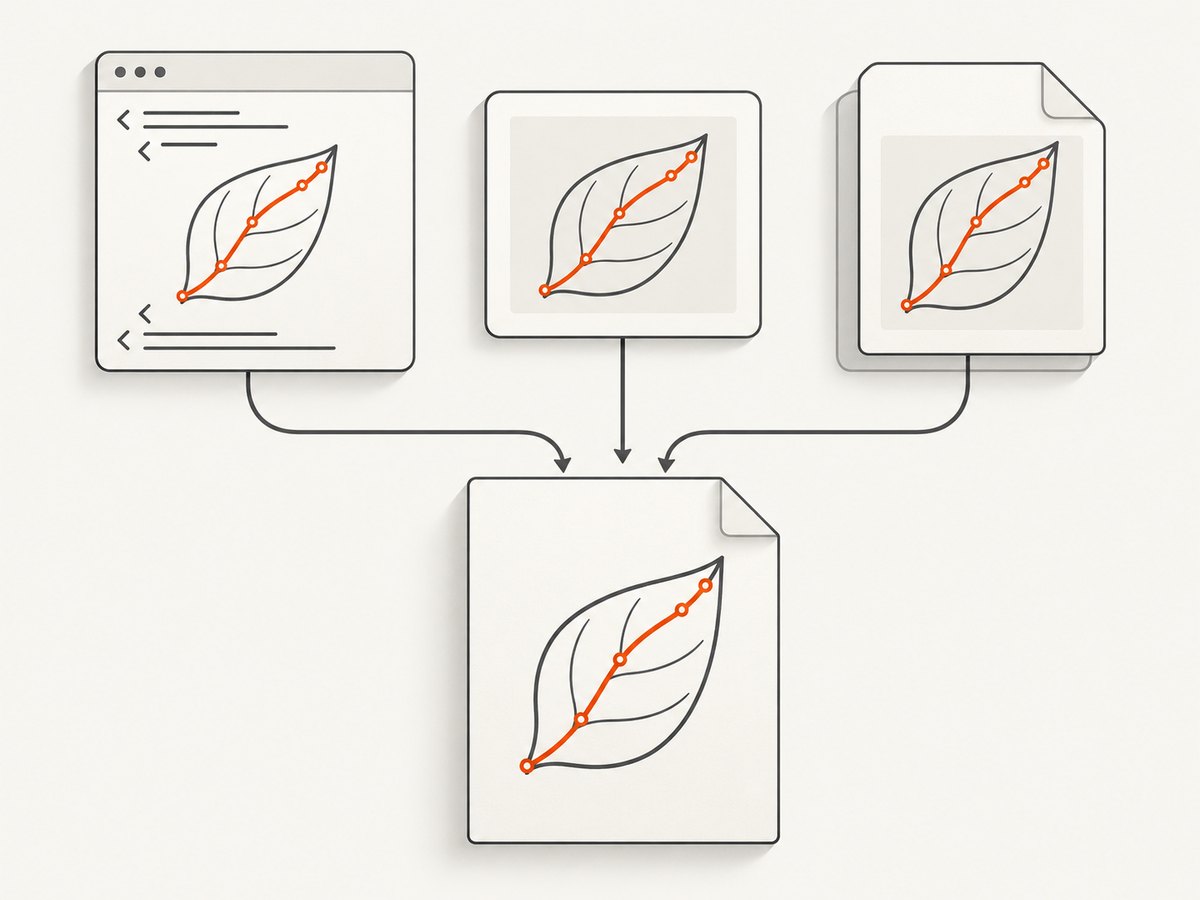
Inline SVG
<svg viewBox="0 0 100 100" xmlns="http://www.w3.org/2000/svg">
  <path d="M10 90 L50 10 L90 90 Z" fill="none" stroke="black" stroke-width="3"/>
</svg>
Inline SVG avoids a separate network or file request and is often the simplest diagnostic control. It can require changes to templating, sanitization, or CSS scope, so treat it as a controlled test before deciding to use it everywhere.
Static SVG with <img>
<img src="file:///opt/reports/assets/diagram.svg" width="600" height="260" alt="">For a static asset, <img> is a useful alternative to an external document embedding. Test both a local absolute path and an HTTP URL if your production page uses remote assets.
External document with <object>
<object data="file:///opt/reports/assets/diagram.svg" type="image/svg+xml"
        width="600" height="260"></object>
A project issue report described a blank PDF for an SVG included with <object>. The reporter said an Angular ng-include approach rendered in their setup, while also warning about cross-browser differences. This is a historical user observation, not an official fix. Validate the generated PDF on your own build before standardizing an embedding method.
5. Verify asset access and conversion timing
An SVG can be valid while wkhtmltopdf still cannot read it or its dependencies. The command-line documentation lists controls for images, local file access, JavaScript, delays, and waiting for a window status value. Review the wkhtmltopdf usage documentation for the options supported by your binary.

Remote assets
Use an absolute URL and make sure the conversion host can resolve DNS, negotiate TLS, and reach the origin. A browser on your laptop may have cookies, a VPN, or a proxy that the server running wkhtmltopdf does not.
wkhtmltopdf \
  --images \
  --javascript-delay 1000 \
  https://example.com/report.html report.pdf
Local assets
Modern wkhtmltopdf packages may restrict local file access. Prefer an explicit allow-list for the directory containing the SVG:
wkhtmltopdf \
  --enable-local-file-access \
  --allow /opt/reports/assets \
  report.html report.pdf
If your build does not recognize --enable-local-file-access, inspect wkhtmltopdf --extended-help and use the local-file controls exposed by that build. Do not broadly allow the entire filesystem when a single asset directory is sufficient.
JavaScript-generated SVG
If a framework creates or modifies paths after page load, conversion may begin too early. First make the page expose a completion marker:
<script>
  renderChart();
  window.status = 'svg-ready';
</script>
Then wait for it:
wkhtmltopdf \
  --enable-javascript \
  --window-status svg-ready \
  report.html report.pdf
If the page cannot set a reliable status, use a bounded delay:
wkhtmltopdf --enable-javascript --javascript-delay 1500 report.html report.pdfA delay is less deterministic than an explicit status. Keep it as short as the page needs and avoid unbounded waits that tie up workers.
6. Isolate unsupported or fragile SVG features
Once loading is proven, simplify the failing path. Copy the SVG and test these changes independently:
- Remove
clip-pathfrom the path or group. - Set opacity to
1on the path, group, and parent elements. - Replace a transformed path with coordinates already transformed in the source file.
- Replace CSS-driven presentation with explicit SVG attributes.
- Remove filters, masks, or patterns only when the failing asset uses them, then compare output.
The available issue evidence directly mentions clipping paths and opacity differences. It does not establish a universal failure for masks, filters, transforms, or every SVG feature. Use this process to identify the actual construct in your file rather than deleting features blindly.
Flatten clipping for a controlled fallback
If a path disappears only when clipped, export a copy with the clipping geometry applied to the path data. Many vector editors and SVG processing tools can perform this operation. The output is usually larger, but it removes a renderer dependency. Preserve the original SVG as the source of truth and generate the flattened asset during your build.
Rasterize only the problematic asset
When vector fidelity is less important than predictable PDF output, convert the problematic SVG to a PNG at the required print resolution and reference that PNG from the HTML. Render at the final physical size and account for device pixel ratio so thin lines do not blur. This changes the asset rather than the entire PDF stack, which can be easier to deploy and review.
7. Compare fixes before changing the renderer
| Remedy | Preserves SVG features? | Changes scope | Best fit |
|---|---|---|---|
| Inline SVG | Usually, subject to the same renderer limits | One document template | Diagnosing loading and embedding problems |
<img> instead of <object> |
Often preserves static artwork | One asset reference | Blank externally embedded SVGs |
| Flatten clipping or simplify opacity | Removes the affected advanced feature | One generated asset | Stable output on a fixed wkhtmltopdf build |
| Rasterize the asset | No; output is pixels | One asset and build step | Predictable print output |
| Move to WeasyPrint or Prince | Depends on the new renderer | Whole PDF stack | Controlled report generation |
| Move to Puppeteer | Uses a modern browser engine | Whole rendering service | Pages that depend on dynamic JavaScript |
Test representative pages, fonts, page breaks, headers, footers, and SVGs before migrating. Distribution-specific libraries and fonts can change output even after the HTML is unchanged.
8. Troubleshooting checklist
| Error or symptom | Cause to check | Fix |
|---|---|---|
Blocked access to file or a blank local SVG |
Local file access is disabled | Use the supported local-file option and an explicit --allow directory |
| Remote SVG is blank | DNS, TLS, authentication, proxy, or an incorrect URL | Fetch the URL from the conversion host; use an absolute URL and configure network access |
| Inline SVG works, external SVG fails | Embedding or asset loading | Try <img>, verify MIME type, and inspect the path or URL |
| Only clipped paths disappear | Build-specific clip-path behavior |
Flatten the clip for this asset or test a different supported renderer |
| Opacity is wrong or artwork vanishes | Opacity handling differs in the installed build | Set explicit opacity values and test a simplified copy |
| JavaScript chart is incomplete | Conversion starts before rendering finishes | Use --window-status or a bounded --javascript-delay |
| Works on one server only | Different patched Qt build, fonts, or system libraries | Pin the binary and record package provenance; compare --version output |
| Thin paths look missing only at normal zoom | PDF viewer antialiasing or very small stroke width | Inspect at high zoom and test a larger stroke; check printed output separately |
| PDF generation hangs | Unbounded JavaScript, network request, or window-status condition | Set an application timeout, reduce delays, and ensure every success path sets the expected status |
9. Operational, performance, and reliability notes
- Pin the renderer. Store the binary version, package source, OS image, installed fonts, and command-line flags with your application release.
- Use a fixture suite. Keep SVGs that exercise clipping, opacity, transforms, external references, and JavaScript-generated paths. Compare PDFs after upgrades.
- Bound every conversion. Apply a process timeout and terminate stuck workers. Network resources and scripts can otherwise consume a worker indefinitely.
- Prefer deterministic readiness. A window-status signal is generally easier to reason about than a large fixed delay. Use delays only for content with no reliable readiness marker.
- Reduce page weight. Inline only the SVGs that need it, avoid unnecessary animation, and block irrelevant requests when your wrapper supports request filtering.
- Review output at target size. A path that appears at 400% zoom may still be too thin for print. Test the PDF on the printer or viewer used by your readers.
- Keep a fallback. For a critical report, retain a simplified or rasterized asset and decide when to use it based on the detected renderer build.
10. Or skip the browser setup
If the goal is a clean screenshot or PDF rather than maintaining wkhtmltopdf, ScreenshotNeo provides a website screenshot API and MCP server. It captures a URL with one request and returns PNG, JPEG, WebP, or PDF. Before capture it accepts cookie and consent banners and removes more than 60 known consent platforms, newsletter popups, and chat widgets; each cleanup step can be disabled. Bot checks, CAPTCHAs, blank pages, timeouts, failed loads, and cache hits are not billed, and the response identifies the result with X-Page-Verdict and X-Billed headers.
See the ScreenshotNeo API documentation for the full option list. Relevant controls include full-page capture with lazy images loaded, CSS-selector element capture, dark mode, device presets or custom viewports, retina scale, PDF paper size and margins, custom CSS and JavaScript, selector waits, network-idle waits, request blocking, headers, cookies, user agents, authorization, timezone, geolocation, transparent backgrounds, resizing, cache TTLs, signed links, asynchronous jobs with signed webhooks, bulk capture for up to 100 URLs per call, usage reporting, and an OpenAPI specification.
curl -G "https://api.screenshotneo.com/v1/shot" -d access_key=YOUR_API_KEY --data-urlencode url=https://stripe.com -o shot.webpimport requests
r = requests.get("https://api.screenshotneo.com/v1/shot", params={"access_key": "YOUR_API_KEY", "url": "https://stripe.com"}, timeout=90)
open("shot.webp", "wb").write(r.content)const q = new URLSearchParams({ access_key: 'YOUR_API_KEY', url: 'https://stripe.com' });
const res = await fetch(`https://api.screenshotneo.com/v1/shot?${q}`);ScreenshotNeo also has an MCP server with take_screenshot, get_page_info, and capture_pdf tools for Claude, Cursor, and other MCP clients. The free plan includes 1,000 screenshots each month with no card; paid plans start at $5 for 3,000 shots. Create a free ScreenshotNeo account to try the capture flow.
11. FAQ
Is a newer wkhtmltopdf version guaranteed to fix missing paths?
No. Build provenance matters, and issue reports describe differences between patched and unpatched packages. Reproduce the failure with the exact binary before changing versions.
Should I always inline SVG?
No. Inline SVG is a strong diagnostic control because it removes a separate asset request. For static assets, <img> may be simpler to maintain.
Can CSS alone restore a missing path?
Sometimes explicit SVG attributes expose a styling issue, but CSS cannot add geometry that the renderer failed to parse. First determine whether the path data exists and whether the asset loaded.
When should I rasterize?
Rasterize when the affected SVG feature is not reliable on your fixed renderer and predictable output matters more than editable vector geometry. Render at the target print resolution.
What if the page is JavaScript-heavy?
Use an explicit readiness signal or a bounded delay. If the page fundamentally depends on modern browser behavior, evaluate Puppeteer or another current renderer, then compare representative PDFs.
12. Final diagnostic sequence
- Record
wkhtmltopdf --version, OS, package source, and patched-Qt status. - Create one HTML file with one failing SVG and compare it with the SVG opened directly.
- Test inline SVG,
<img>, and<object>where applicable. - Verify remote access, local-file permissions, image loading, JavaScript, and readiness timing.
- Simplify the failing path, beginning with
clip-pathand opacity when those features are present. - Choose the smallest durable fix: embedding change, flattened asset, raster fallback, or renderer migration.
- Pin the working environment and add the SVG to a regression fixture suite.
This sequence separates document bugs from renderer limitations and gives you evidence for the final choice. If maintaining that stack is unnecessary for your use case, ScreenshotNeo offers a managed capture path with cleanup, billing verdicts, PDF support, and an MCP server in one service.


