How to Fix Missing Table Row Borders in Multi-Page Flying Saucer PDFs
Fix missing row borders in multi-page Flying Saucer PDFs with pagination CSS, zero spacing, explicit cell borders, and a practical troubleshooting checklist.
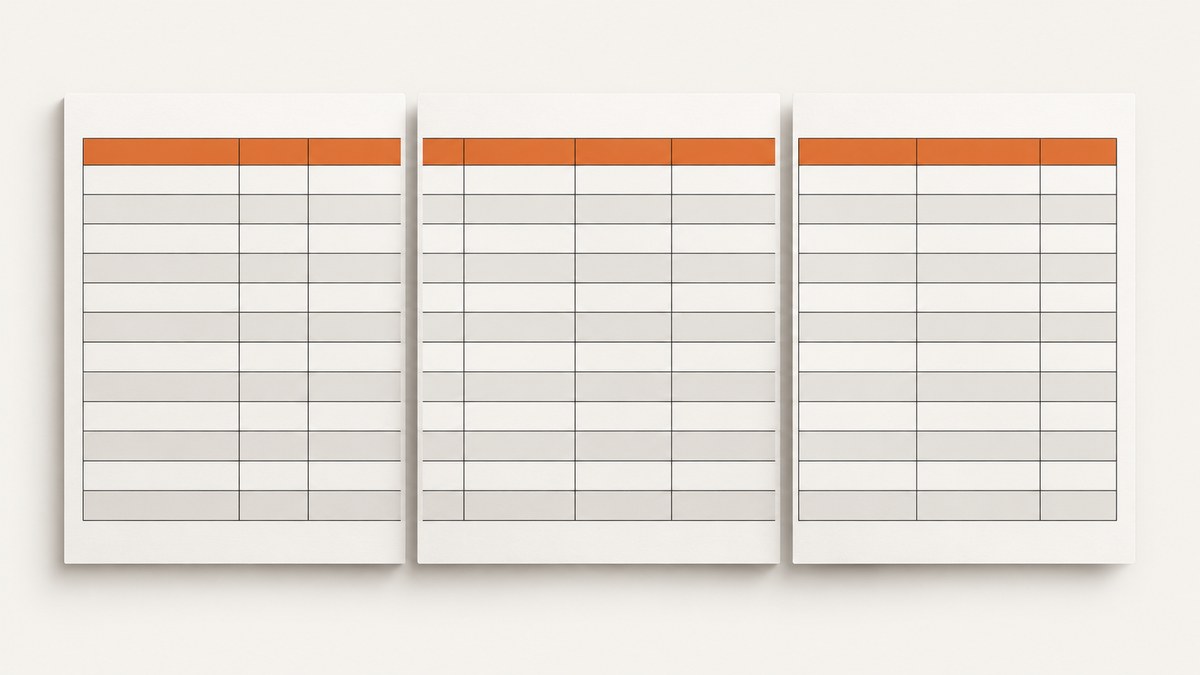
Direct fix: enable Flying Saucer’s table pagination extension and remove table spacing:
table {
  -fs-table-paginate: paginate;
  border-spacing: 0;
}
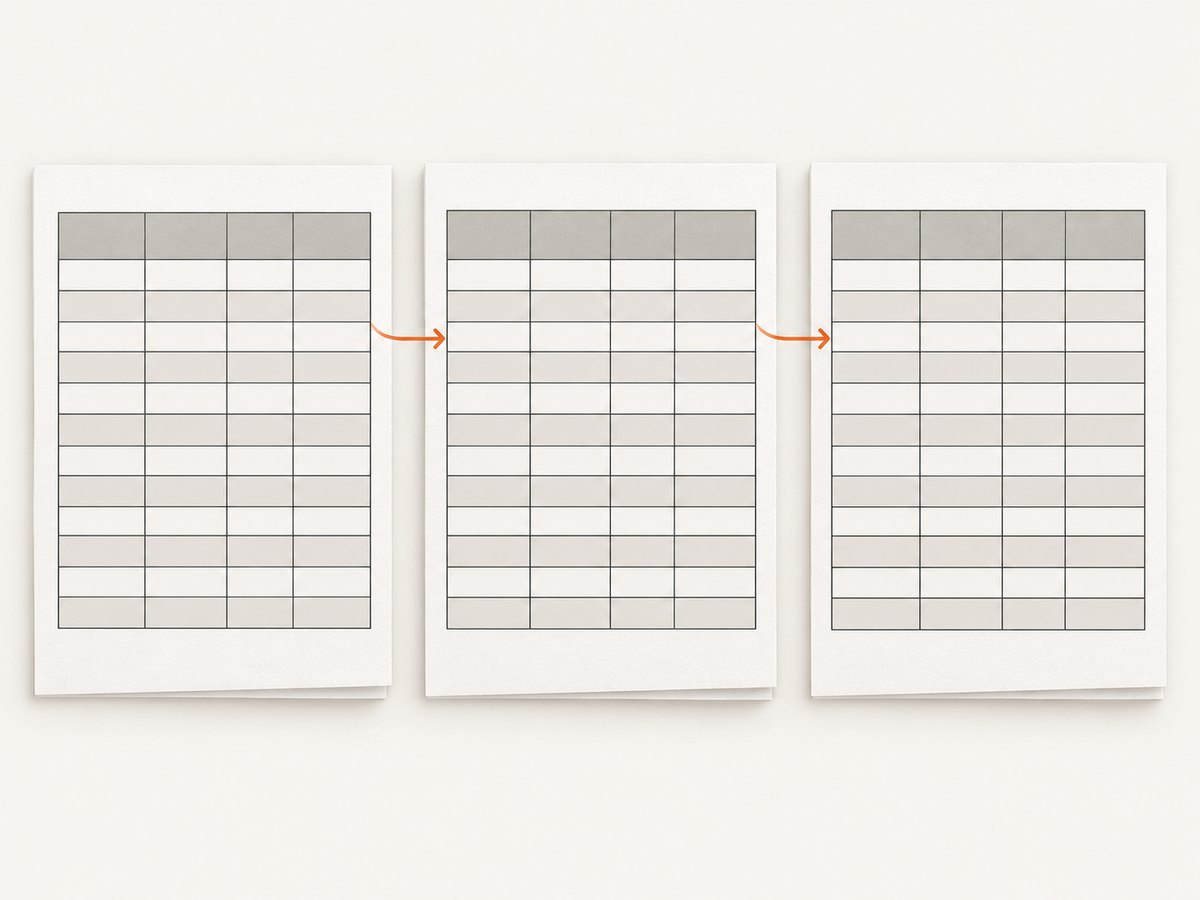
-fs-table-paginate: paginate changes Flying Saucer’s table layout algorithm so headers and footers repeat on later pages and cells that cross page boundaries can close and reopen their borders. border-spacing: 0 is the commonly reported follow-up for row borders that still disappear. This combination is a practical repair, not a guarantee for every Flying Saucer version or stylesheet.
1. Confirm the symptom and renderer
This fix applies to Flying Saucer’s XHTML-to-PDF renderer. Confirm that:
- The input is well-formed XHTML.
- The table actually continues across a page boundary.
- The missing line is a table border, rather than a page-break or clipping problem.
- You are viewing the PDF generated by Flying Saucer, not a later conversion step that may alter borders.
Flying Saucer supports CSS 2.1 with exceptions. Its FAQ recommends checking the issue tracker or mailing list when XHTML or CSS behaves unexpectedly. The directly documented pagination guidance is from the R8 User’s Guide, so verify behavior with the exact artifact version used by your application.
2. Apply the pagination and spacing fix
Put the properties on the table itself, either in a stylesheet or in a <style> element in the XHTML:
<style>
table {
  -fs-table-paginate: paginate;
  border-spacing: 0;
}
</style>
The -fs- prefix is a Flying Saucer extension. Browsers and other PDF renderers may ignore it. Regenerate the PDF after changing the stylesheet; do not rely on a browser preview to validate the result.
Complete XHTML example
<!DOCTYPE html>
<html xmlns="http://www.w3.org/1999/xhtml">
<head>
  <meta charset="UTF-8" />
  <style type="text/css">
    @page {
      size: A4;
      margin: 18mm;
    }

    body {
      font-family: sans-serif;
      font-size: 10pt;
    }

    table {
      width: 100%;
      -fs-table-paginate: paginate;
      border-spacing: 0;
    }

    thead {
      display: table-header-group;
    }

    tfoot {
      display: table-footer-group;
    }

    th,
    td {
      border: 0.5pt solid #444;
      padding: 4pt;
      vertical-align: top;
    }

    th {
      background: #eeeeee;
    }
  </style>
</head>
<body>
  <h1>Invoice lines</h1>
  <table>
    <thead>
      <tr><th>Item</th><th>Quantity</th><th>Amount</th></tr>
    </thead>
    <tbody>
      <tr><td>Long description that may wrap</td><td>1</td><td>100.00</td></tr>
      <tr><td>Another line</td><td>2</td><td>50.00</td></tr>
      <!-- Add enough rows to cross a page boundary. -->
    </tbody>
    <tfoot>
      <tr><td colspan="2">Total</td><td>200.00</td></tr>
    </tfoot>
  </table>
</body>
</html>
Explicit borders on th and td make the intended paint operation clear and are easier to debug than relying on implicit table-border behavior.
Java rendering example
With the Flying Saucer PDF renderer available on your classpath, a minimal program can render the XHTML file:
import java.io.FileOutputStream;
import java.io.OutputStream;
import org.xhtmlrenderer.pdf.ITextRenderer;

public final class RenderPdf {
    public static void main(String[] args) throws Exception {
        String input = "report.xhtml";
        String output = "report.pdf";

        ITextRenderer renderer = new ITextRenderer();
        renderer.setDocument(input);
        renderer.layout();
        try (OutputStream out = new FileOutputStream(output)) {
            renderer.createPDF(out);
        }
    }
}
Use the artifact and dependency versions already selected by your project. The CSS repair is independent of the Java entry point, but version changes can affect pagination and border painting.
3. Check pagination side effects
Pagination changes more than one border. Inspect every page transition for:
- The repeated header row and its spacing.
- The first row on the new page.
- The last row on the previous page.
- Footer repetition and the distance between footer and table content.
- Rows containing wrapped or unusually tall content.
The documented purpose of -fs-table-paginate: paginate includes repeating table headers and footers and improving cells broken across pages, for example by closing and reopening borders. It does not promise that every row remains intact.
4. If borders are still detached or missing
- Keep
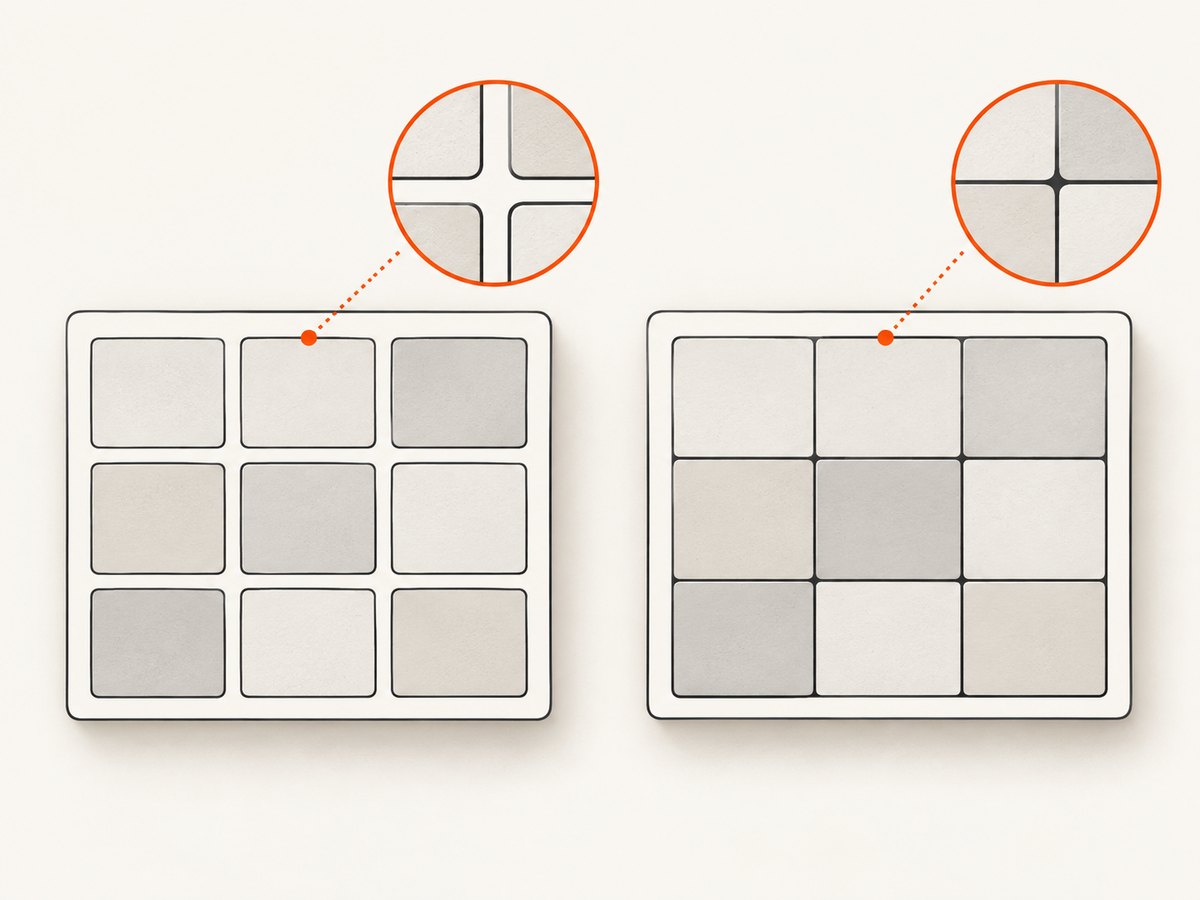
border-spacing: 0. Regenerate the PDF and inspect the same page boundary. - Use explicit cell borders. Set borders on both
thandtd. This avoids depending on an assumed interaction between collapsed borders and paginated layout. - Simplify the stylesheet. Temporarily remove nested tables, complex selectors, transforms, negative margins, and unusual line-height rules. Add them back one at a time.
- Review border-collapse settings. Historical reports describe different results with collapsed borders and explicit cell borders. Treat this as a configuration comparison, not a universal incompatibility rule.
- Validate the header markup. Use a real
theadfor the repeated header and check that its cells have the same border declarations as the body cells. - Test the exact renderer release. The available guide is an older R8 document and community reports cover older releases; behavior is not established for every current artifact.
5. Page breaks, wide tables, and unsatisfiable rules
Flying Saucer supports paged-media features such as @page, page size, margins, and page-break properties. A page-break rule is dropped when it cannot be satisfied. For example, content marked to avoid an internal break can still span multiple pages when it is taller than the available page area.
Do not assume that page-break-inside: avoid makes a large row unbreakable. Test rows with long text, images, and nested content.
Wide tables have a separate failure mode: if the table’s minimum width exceeds the page width, the guide warns that the table can be chopped off. Set a usable page size and margins, reduce cell padding or font size, and avoid fixed column widths that exceed the printable area.
6. Troubleshooting checklist
| Symptom | Likely cause | Fix |
|---|---|---|
| All borders disappear only after a page break | Pagination layout is not enabled | Add -fs-table-paginate: paginate. |
| One-pixel gaps remain between cells | Nonzero table spacing | Set border-spacing: 0. |
| Header repeats but has a different border | Header cells use different rules | Apply explicit borders and padding to th in thead. |
| Rows appear to have floating or doubled lines | Interaction between collapsed borders and pagination | Try explicit borders on every th/td and simplify border-collapse rules. |
| Table is cut off at the right edge | Minimum table width exceeds the page | Reduce widths, padding, or font size; adjust @page size and margins. |
| A row will not stay together | Its content cannot fit in one page area | Accept the break or redesign the row; avoid rules that cannot be satisfied. |
| CSS changes have no effect | Malformed XHTML or a different renderer | Validate XHTML and confirm the actual PDF pipeline and artifact version. |
7. Performance and reliability notes
- Pagination can change layout decisions across the entire table, so compare generated PDFs rather than measuring a single CSS rule in isolation.
- Large tables with repeated headers, wrapped text, and nested content require more layout work. Keep markup and CSS simple while diagnosing the issue.
- Run regression cases with a table ending just before a page break, crossing a page by one row, and containing a very tall row.
- Archive the exact XHTML, stylesheet, renderer artifact version, and output PDF for reproducibility.
Or skip the browser setup
If your goal is a clean visual capture of a page or generated report rather than maintaining a local PDF renderer, ScreenshotNeo provides a website screenshot API and MCP server. Cookie banners, newsletter popups, and chat widgets are removed before the shot; bot checks, blank pages, timeouts, failed loads, and cache hits are not billed. Its MCP server lets AI agents use take_screenshot, get_page_info, and capture_pdf.
See the ScreenshotNeo API documentation for all options.
cURL
curl -G "https://api.screenshotneo.com/v1/shot" -d access_key=YOUR_API_KEY --data-urlencode url=https://stripe.com -o shot.webpPython
import requests
r = requests.get("https://api.screenshotneo.com/v1/shot", params={"access_key": "YOUR_API_KEY", "url": "https://stripe.com"}, timeout=90)
open("shot.webp", "wb").write(r.content)
Node.js
const q = new URLSearchParams({ access_key: 'YOUR_API_KEY', url: 'https://stripe.com' });
const res = await fetch(`https://api.screenshotneo.com/v1/shot?${q}`);
ScreenshotNeo includes full-page capture, PDF options, custom CSS and JavaScript, waits, request blocking, authentication headers, cookies, caching, signed links, asynchronous jobs, bulk capture, and usage reporting. The Free plan includes 1,000 screenshots per month with no card; paid plans start at $5 for 3,000 shots. Create a free ScreenshotNeo account.
FAQ
Does -fs-table-paginate work in Chrome?
No. It is a Flying Saucer-specific extension. Other renderers may ignore it.
Should I use collapsed borders?
There is no universal setting for every stylesheet. If pagination produces detached lines, compare collapsed borders with explicit borders on each cell.
Will this prevent every row from splitting?
No. Page-break rules can be dropped when they cannot be satisfied, and oversized rows may span pages.
Why should I inspect the repeated header?
Pagination changes header and footer behavior as well as body-cell border painting. A header can expose spacing or border rules that differ from the body.


