How to Fix Missing Table Borders in iTextSharp HTML-to-PDF Conversion
Fix missing iTextSharp table borders by checking the parser, XHTML structure, CSS pipeline, cell settings, and library versions.
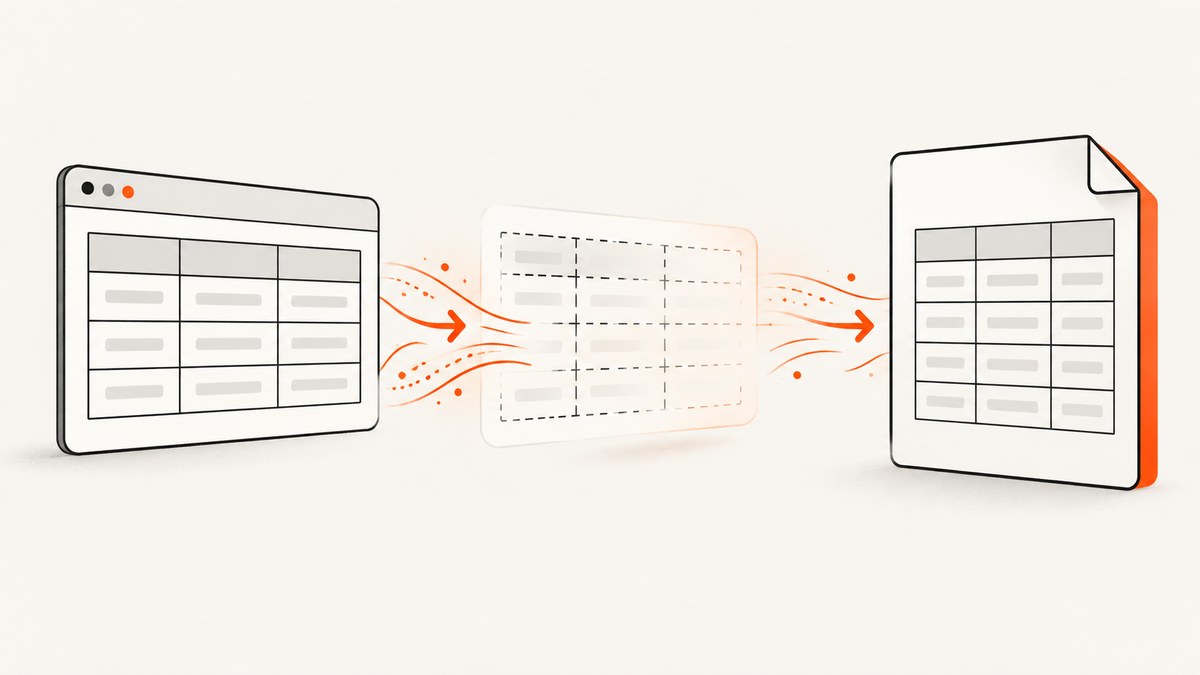
When table borders disappear in an iTextSharp HTML-to-PDF conversion, check the conversion path before changing CSS. The usual causes are a CSS-limited parser such as HTMLWorker, malformed or structurally inconsistent table markup, a stylesheet that never reaches XML Worker, or borders configured on the wrong PdfPCell objects.
For CSS-dependent HTML, move to the XML Worker pipeline, validate the generated XHTML-like markup, pass the CSS stream into the pipeline, and then inspect cell-level border properties if the content has already become a PdfPTable. No single change fixes every case; the correct branch depends on your parser, HTML, CSS, and package versions.
1. Identify which iTextSharp path you use
Start by locating the code that turns HTML into PDF:
HTMLWorker: limited CSS support, no CSS-file support in the documented workflow, and no longer actively worked on.- XML Worker: the iText 5 route shown for CSS-aware conversion. It accepts HTML and CSS streams through a resolver and pipeline.
- Programmatic
PdfPTable: the HTML parser is no longer the immediate source of the border. Inspect eachPdfPCelland the table’s default-cell settings.
If you find HTMLWorker.Parse or similar legacy code and your borders depend on external CSS, treat parser replacement as the first diagnostic step.
2. Check the generated markup and table structure
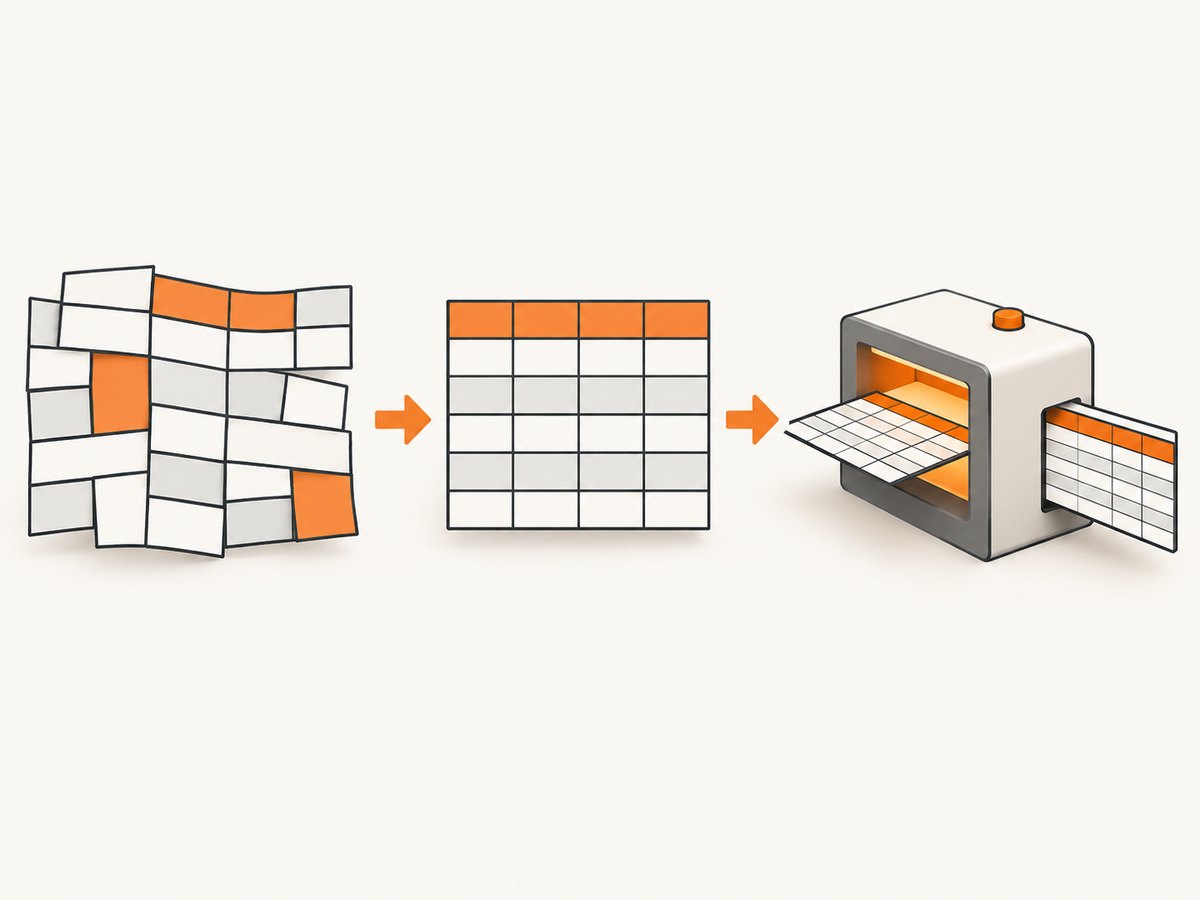
Inspect the actual HTML string sent to iTextSharp, rather than only the browser-rendered template. Check all of the following:
- Every
<table>,<tr>,<td>, and<th>tag is balanced. - Rows contain the expected number of cells.
colspanandrowspanvalues match the table grid.- CSS declarations are valid and attached to the intended table, row, or cell.
- HTML entities and special characters are valid for the parser.
A minimal diagnostic table helps separate markup problems from CSS-delivery problems:
<html>
<head>
  <style>
    table { border-collapse: collapse; }
    th, td { border: 1px solid #222; padding: 6px; }
  </style>
</head>
<body>
  <table>
    <tr><th>Name</th><th>Value</th></tr>
    <tr><td>Alpha</td><td>42</td></tr>
  </table>
</body>
</html>
First try an explicit inline or embedded rule. Then try the same rule from an external stylesheet. If the first works and the second does not, the parser is probably not receiving the stylesheet.
3. Convert HTML with XML Worker and pass the CSS
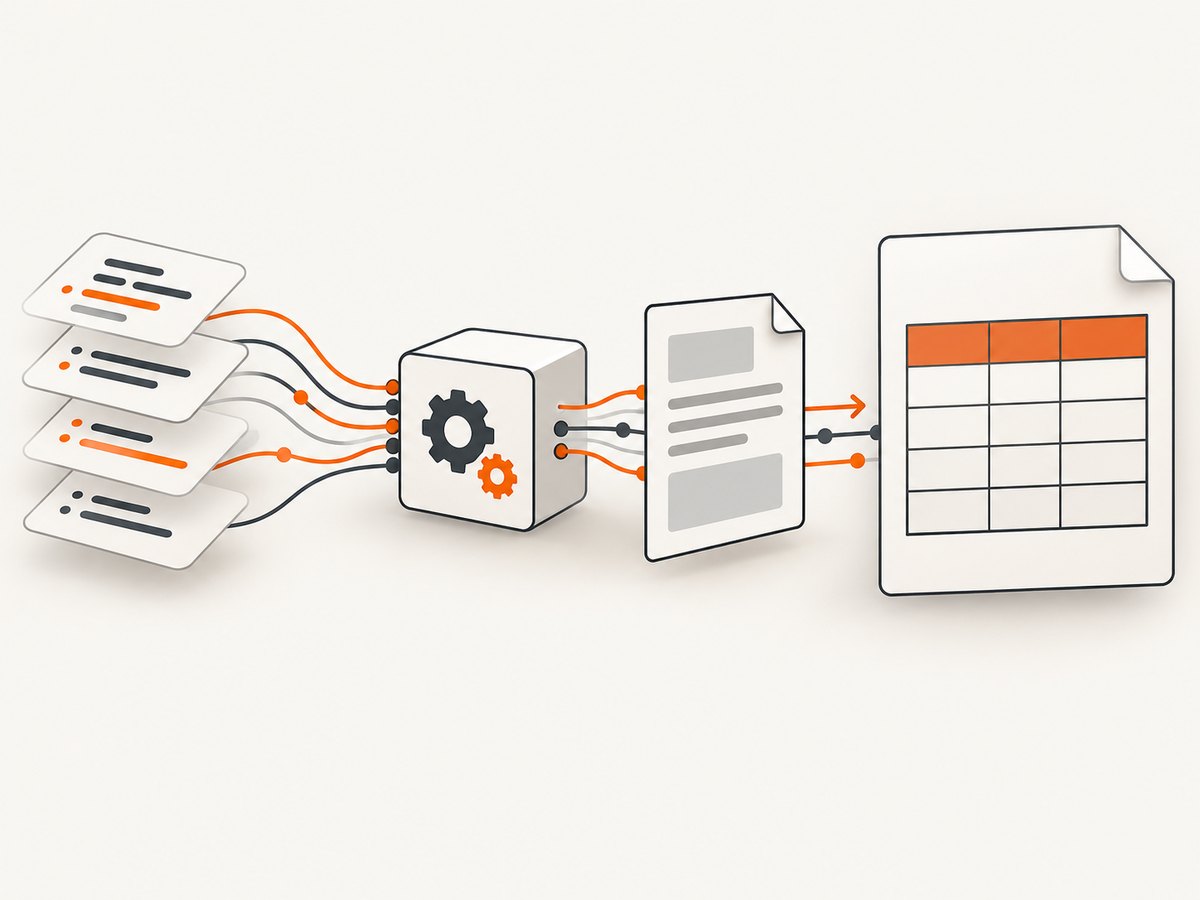
The documented iText 5 pipeline creates a CSS resolver, adds a CSS file, connects it to an HTML pipeline, and parses the HTML stream. A direct C# helper path is:
using (var document = new Document())
using (var output = File.Create("invoice.pdf"))
using (var html = File.OpenRead("invoice.html"))
using (var css = File.OpenRead("invoice.css"))
{
    var writer = PdfWriter.GetInstance(document, output);
    document.Open();
    XMLWorkerHelper.GetInstance().ParseXHtml(writer, document, html, css);
}
This is the important distinction: the CSS stream is an input to ParseXHtml. Loading a stylesheet in your web application does not automatically make it available to XML Worker.
Explicit XML Worker pipeline
Use the longer pipeline when you need to control the resolver or diagnose where styles are lost:
using iTextSharp.text;
using iTextSharp.text.pdf;
using iTextSharp.tool.xml;
using iTextSharp.tool.xml.css;
using iTextSharp.tool.xml.html;
using iTextSharp.tool.xml.pipeline;
using iTextSharp.tool.xml.pipeline.css;
using iTextSharp.tool.xml.pipeline.end;
using iTextSharp.tool.xml.pipeline.html;
using iTextSharp.tool.xml.parser;

using (var document = new Document())
using (var output = File.Create("table.pdf"))
using (var htmlStream = File.OpenRead("table.html"))
using (var cssStream = File.OpenRead("table.css"))
{
    var writer = PdfWriter.GetInstance(document, output);
    document.Open();

    var cssResolver = new StyleAttrCSSResolver();
    var cssFile = XMLWorkerHelper.GetCSS(cssStream);
    cssResolver.AddCss(cssFile);

    var htmlContext = new HtmlPipelineContext(null);
    htmlContext.SetTagFactory(Tags.GetHtmlTagProcessorFactory());

    var elements = new ElementList();
    var end = new ElementHandlerPipeline(elements, null);
    var html = new HtmlPipeline(htmlContext, end);
    var css = new CssResolverPipeline(cssResolver, html);

    using (var worker = new XMLWorker(css, true))
    using (var parser = new XMLParser(worker))
    {
        parser.Parse(htmlStream);
    }

    foreach (var element in elements)
    {
        document.Add(element);
    }
}
Class names and casing can vary with the iTextSharp XML Worker package version. The sequence is the part to preserve: CSS resolver, CSS file, HTML pipeline, CSS pipeline, worker, parser.
4. Make the border rule explicit
Do not depend on browser defaults. Set the border on the cells that must display it:
table {
  border-collapse: collapse;
  width: 100%;
}

td, th {
  border: 1px solid #222;
  padding: 6px;
}
If border-collapse behaves differently in your XML Worker version, test without it and give each cell a complete border declaration. Keep the diagnostic CSS small until the border appears, then add layout rules one at a time.
5. Inspect borders after HTML becomes a PdfPTable
In iText 5, borders are defined at the cell level, not at the table level. If your code creates or modifies a PdfPTable, inspect every PdfPCell:
var table = new PdfPTable(2);

table.DefaultCell.Border = Rectangle.BOX;
table.DefaultCell.BorderWidth = 1f;

table.AddCell(new PdfPCell(new Phrase("Alpha"))
{
    Border = Rectangle.BOX,
    BorderWidth = 1f
});

table.AddCell(new PdfPCell(new Phrase("42"))
{
    Border = Rectangle.BOX,
    BorderWidth = 1f
});

document.Add(table);
For existing tables, log or inspect each cell’s Border, BorderWidth, and side-specific widths. A cell created with Rectangle.NO_BORDER will remain borderless even if a neighboring cell has a border. Special outlines, conditional borders, and custom drawing may require cell events or table events.
6. Use a controlled diagnostic sequence
- Render a two-row, two-column table with an explicit
1pxborder. - Run it through the current parser.
- If it fails, switch from
HTMLWorkerto XML Worker. - Pass a known CSS stream directly into the XML Worker pipeline.
- Replace the external stylesheet with an inline rule to isolate stylesheet loading.
- Remove
rowspan,colspan, nested tables, and layout CSS until the minimal case works. - If the result is a
PdfPTable, inspect cell border settings and default-cell settings. - Record the exact iTextSharp and XML Worker versions before changing packages.
7. Troubleshooting common failures
| Symptom | Likely cause | Fix |
|---|---|---|
| All CSS appears ignored | HTMLWorker or CSS was never supplied to XML Worker |
Use XML Worker and pass the CSS stream through ParseXHtml or a CSS resolver. |
| Inline border works, external CSS does not | Stylesheet path, stream, or resolver setup is wrong | Open the CSS file explicitly, add it to StyleAttrCSSResolver, and verify the stream is readable. |
| Only some cells have borders | Individual PdfPCell objects have different border settings |
Inspect every cell and DefaultCell; remove unintended NO_BORDER values. |
| Rows shift or borders stop at a column | Incorrect column count or invalid colspan/rowspan |
Validate the table grid and reduce it to a fixed number of cells per row. |
| Browser output is correct but PDF is not | Browser CSS support is broader than XML Worker’s parser | Use simple table CSS, explicit cell borders, and XML Worker-supported markup. |
| Nested table renders unpredictably | Complex or malformed nested structure | Convert the inner table separately or simplify nesting during diagnosis. |
| Upgrade changed the result | Different parser or table behavior between package versions | Pin and record both iTextSharp and XML Worker versions; compare with a minimal reproduction. |
| Custom border is missing | Border requires event-based drawing | Use a cell event or table event for special outlines and conditional drawing. |
8. Version and compatibility checks
Older iTextSharp versions generally have weaker CSS and table support. Check the exact versions of both iTextSharp and XML Worker in the project file or deployed application. Release notes may document table-related changes, but a release note alone does not prove that a particular version fixes your symptom. Reproduce the issue with a minimal HTML, CSS, and package-version set before upgrading production code.
9. Performance, reliability, and cost considerations
- Performance: Smaller, valid markup parses faster and is easier to diagnose. Avoid sending an entire web page when a focused table fragment is enough.
- Reliability: Treat HTML-to-PDF conversion as a parser workflow, not a browser render. Keep CSS local and deterministic, validate inputs, and pin package versions.
- Memory: Large tables and embedded images increase memory use. Stream input where possible and split very large documents into controlled sections.
- Operational cost: XML Worker runs in your application, so costs come from your compute, storage, and maintenance. A screenshot or PDF API can reduce browser and rendering setup, but it does not replace iTextSharp when you need to generate a custom PDF from your own document model.
10. Or skip the browser setup
If your actual goal is to capture a rendered page or PDF rather than debug an iTextSharp conversion pipeline, ScreenshotNeo provides a single request for a screenshot or PDF. Cookie banners, newsletter popups, and chat widgets are removed before the shot. Bot checks, blank pages, failed loads, timeouts, and cache hits are not billed, and the response identifies the result with X-Page-Verdict and X-Billed headers. Its MCP server lets AI agents use take_screenshot, get_page_info, and capture_pdf.
See the ScreenshotNeo API documentation for all options. The basic call is:
cURL
curl -G "https://api.screenshotneo.com/v1/shot" \
  -d access_key=YOUR_API_KEY \
  --data-urlencode url=https://stripe.com \
  -o shot.webp
Python
import requests

r = requests.get(
    "https://api.screenshotneo.com/v1/shot",
    params={"access_key": "YOUR_API_KEY", "url": "https://stripe.com"},
    timeout=90,
)
r.raise_for_status()
open("shot.webp", "wb").write(r.content)
Node.js
const q = new URLSearchParams({
  access_key: 'YOUR_API_KEY',
  url: 'https://stripe.com'
});
const res = await fetch(`https://api.screenshotneo.com/v1/shot?${q}`);
if (!res.ok) throw new Error(`HTTP ${res.status}`);
const buffer = Buffer.from(await res.arrayBuffer());
require('node:fs').writeFileSync('shot.webp', buffer);
ScreenshotNeo includes full-page capture, element selection, device presets, custom viewports, retina scale, PDF options, custom CSS and JavaScript, waits, request blocking, headers, cookies, user agents, timezone and geolocation controls, caching, signed links, asynchronous jobs, bulk capture, usage information, and an OpenAPI specification. It has 1,000 free screenshots per month with no card; paid plans start at $5 for 3,000 screenshots. Create a free ScreenshotNeo account.
11. Short FAQ
Should I add border="1" to the table?
It can help as a diagnostic, but explicit CSS on th and td is easier to control in XML Worker.
Can I fix this by setting one property on PdfPTable?
Usually no. Borders belong to cells. Set the default cell before adding cells, and inspect existing cells individually.
Does upgrading iTextSharp always solve missing borders?
No. Version changes can affect CSS and table behavior, but you need a reproduction that matches the documented change.
What should I include in a bug report?
Include the exact iTextSharp and XML Worker versions, a minimal HTML file, its CSS, the generated PDF, and the smallest code path that parses it.


