How to Fix Missing Terminal Output with Capybara, RSpec, and Selenium WebDriver
Find missing Capybara, RSpec, and Selenium output by separating formatter, server, WebDriver, and browser evidence streams.
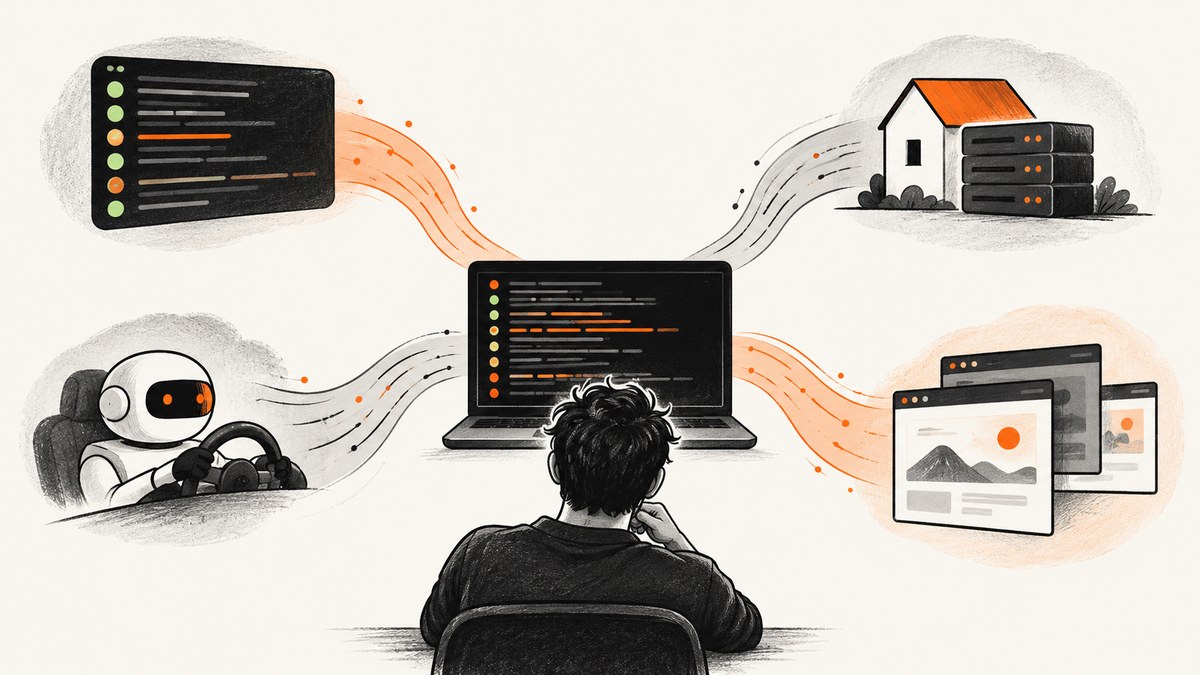
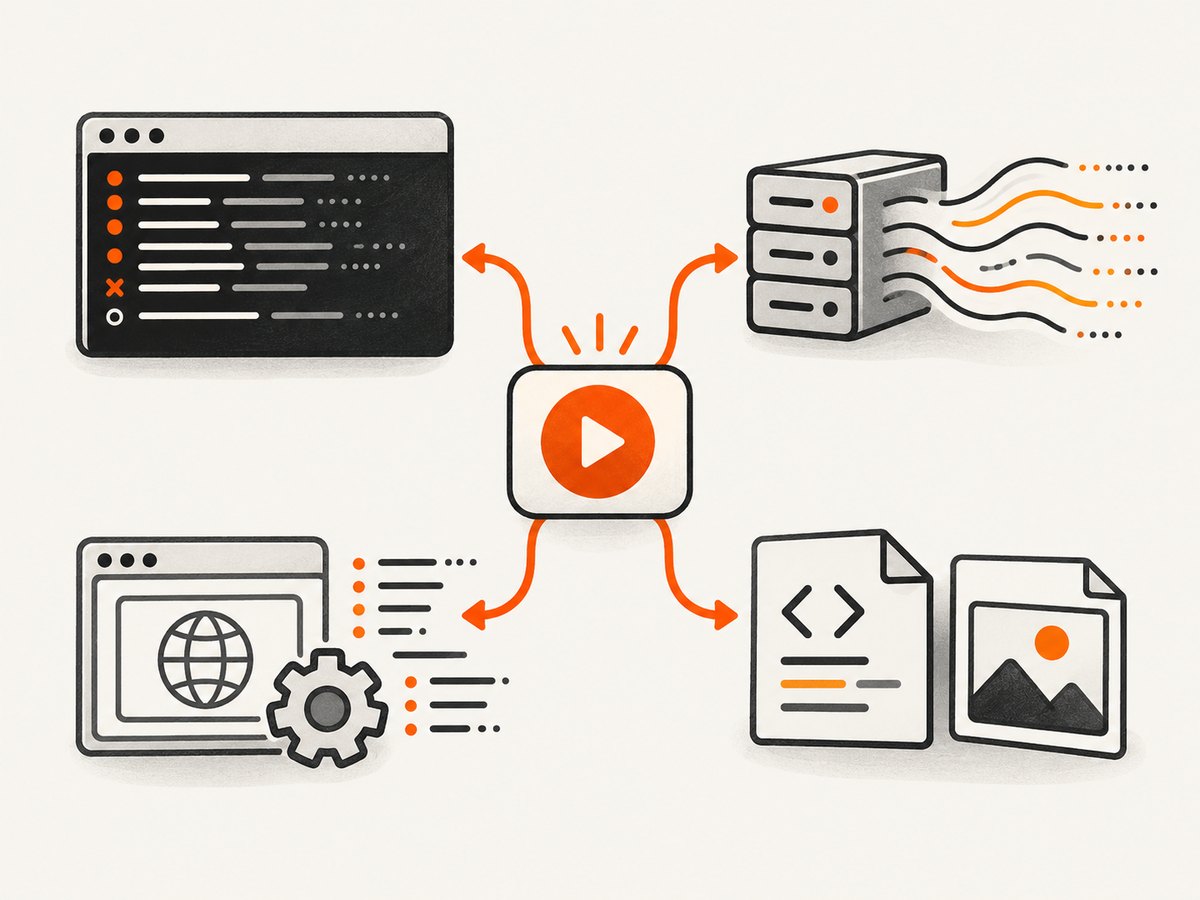
When a Capybara system spec appears to produce no terminal output, the test usually has not become silent. Its messages are being written to a different stream, hidden by the selected formatter, redirected by configuration, or replaced by server and browser logs that you are not collecting. RSpec output, Capybara’s Rack server output, Selenium’s logger, and saved HTML or screenshots are separate channels.
Start with an explicit RSpec formatter, then verify that the example really uses Selenium, enable Selenium’s file logger, and save the page and screenshot at the failure point. This sequence works locally and in CI.
1. Make RSpec output explicit first
Run one file with the documentation formatter. It prints example descriptions, failures, and the final summary instead of the terse progress characters that can look like no output:
bundle exec rspec spec/system/login_spec.rb --format documentationWrite the same formatter stream to a file when a terminal, IDE, or CI runner swallows stdout:
bundle exec rspec spec/system/login_spec.rb --format documentation --out tmp/rspec-output.txt
cat tmp/rspec-output.txt
RSpec uses $stdout by default. An explicit --out option, a custom formatter, or an application configuration can therefore make the terminal quiet by design. Check each of these places before changing your browser setup:
.rspecand.rspec-local- the
SPEC_OPTSenvironment variable - shell aliases or wrapper scripts
- IDE run configurations
- CI commands and reporter plugins
Look for inherited --out, --format, --no-color, or custom formatter flags. Deprecation warnings have their own destination: RSpec’s --deprecation-out can send them to a different file even when normal example output is visible.
For deliberate redirection in Ruby, configure the stream yourself:
RSpec.configure do |config|
  config.output_stream = File.open('tmp/rspec-output.txt', 'w')
end
Close a file that you open in long-running processes, or use your test runner’s lifecycle hooks. While diagnosing, remove accidental redirection so you know which destination is authoritative.
2. Confirm that Capybara selected Selenium
Capybara defaults to Rack::Test. Rack::Test does not execute JavaScript and does not start a browser, so a passing spec can produce no Selenium diagnostics because Selenium was never involved.
Load the RSpec integration in spec/rails_helper.rb or spec/spec_helper.rb:
require 'capybara/rspec'Mark a browser-dependent example with js: true:
RSpec.describe 'login', type: :feature, js: true do
  it 'logs in' do
    visit '/login'
    fill_in 'Email', with: 'person@example.test'
    fill_in 'Password', with: 'secret'
    click_button 'Sign in'
    expect(page).to have_content('Dashboard')
  end
end
You can select a driver explicitly when a single example needs it:
RSpec.describe 'login', type: :feature do
  it 'runs in Selenium', driver: :selenium do
    visit '/login'
    expect(page).to have_content('Sign in')
  end
end
For a temporary diagnostic run, set the current driver around the example and restore it afterward:
around do |example|
  previous = Capybara.current_driver
  Capybara.current_driver = :selenium
  example.run
ensure
  Capybara.current_driver = previous
end
Capybara pre-registers Selenium, Chrome, and headless Selenium variants. Use the driver name available in your installed version, and check the installed gem versions before changing configuration. Capybara 3.40.0 records Ruby 3.0+ and Selenium 4.8+ support requirements.
3. Separate server chatter from test output
Capybara may run your application through Puma. Startup and request lines can drown out the formatter, especially when a server writes to the same terminal. Silence only that server stream:
Capybara.server = :puma, { Silent: true }This setting is a noise control, not a general diagnostic switch. Keep RSpec’s formatter and Selenium’s logger enabled while investigating missing output. If the server itself fails to boot, temporarily remove Silent: true and capture the startup error.
4. Turn on Selenium WebDriver diagnostics
Selenium has its own Ruby logger. Configure it in a test setup file so browser-driver messages go to a durable file instead of competing with RSpec:
require 'selenium-webdriver'

Selenium::WebDriver.logger.level = :debug
Selenium::WebDriver.logger.output = 'tmp/selenium.log'

# Optional noise controls:
# Selenium::WebDriver.logger.ignore(:jwp_caps, :logger_info)
# Selenium::WebDriver.logger.allow(%i[selenium_manager example_id])
Create the directory before the run if your project does not already have it:
mkdir -p tmp
bundle exec rspec spec/system/login_spec.rb --format documentation
Debug logging can be verbose. Enable it for a failing file or around a failing example, then return to a less noisy level for normal development. In CI, upload the log as an artifact rather than printing credentials, cookies, or authorization headers into the job log.
5. Save the browser's actual page and screenshot
Terminal output cannot show what the browser rendered. Save the DOM and visual state at the point where the failure occurs:
it 'logs in', js: true do
  visit '/login'
  save_page('tmp/failure.html')
  page.save_screenshot('tmp/failure.png') if page.driver.respond_to?(:save_screenshot)

  expect(page).to have_content('Dashboard')
end
Capybara's Session API writes relative paths beneath its configured save path and returns the resulting path. Print that path if you need to find artifacts in a local run:
html_path = save_page('tmp/failure.html')
puts "Saved DOM to #{html_path}"
if page.driver.respond_to?(:save_screenshot)
  image_path = page.save_screenshot('tmp/failure.png')
  puts "Saved screenshot to #{image_path}"
end
For automatic artifacts after every failed example, add capybara-screenshot after Capybara's RSpec integration:
# Gemfile
gem 'capybara-screenshot', group: :test

# spec/rails_helper.rb
require 'capybara/rspec'
require 'capybara-screenshot/rspec'
The generated HTML and PNG are often the most reliable evidence when an IDE captures only part of stdout or a CI service suppresses it entirely. Upload tmp/ artifacts in the CI job and retain the RSpec and Selenium log files with the same build.
6. A complete diagnostic setup
The following setup keeps each channel identifiable and captures evidence only when an example fails:
# spec/support/diagnostics.rb
require 'selenium-webdriver'

Selenium::WebDriver.logger.level = :debug
Selenium::WebDriver.logger.output = 'tmp/selenium.log'
Capybara.server = :puma, { Silent: true }

RSpec.configure do |config|
  config.after do |example|
    next unless example.exception

    FileUtils.mkdir_p('tmp')
    save_page('tmp/failure.html')
    page.save_screenshot('tmp/failure.png') if page.driver.respond_to?(:save_screenshot)
  end
end
Require support files from your helper, then run one failing file:
# spec/rails_helper.rb
require 'capybara/rspec'
Dir[Rails.root.join('spec/support/**/*.rb')].sort.each { |file| require file }

# shell
bundle exec rspec spec/system/login_spec.rb --format documentation
If your project does not load FileUtils automatically, add require 'fileutils' to the support file.
7. Troubleshooting common missing-output cases
| Symptom | Likely cause | Fix |
|---|---|---|
| Only dots appear | Progress formatter is active | Run with --format documentation or choose another formatter. |
| The terminal is empty but a file has results | --out, output_stream, or CI redirection |
Inspect .rspec, SPEC_OPTS, IDE settings, and CI flags; read the configured file. |
| No Selenium log is created | The example uses Rack::Test or logger setup was not loaded | Require capybara/rspec, use js: true or driver: :selenium, and require the support file. |
| Puma lines obscure failures | Server chatter shares the terminal | Use Capybara.server = :puma, { Silent: true }; keep RSpec and Selenium streams active. |
| Screenshot method is missing | Current driver does not implement screenshots | Check page.driver.respond_to?(:save_screenshot) and select a Selenium driver. |
| Artifacts exist locally but not in CI | CI does not upload tmp/ |
Add artifact collection for HTML, PNG, RSpec output, and selenium.log. |
| Browser starts then exits without useful text | Driver startup failure or incompatible versions | Use Selenium debug logging, inspect the driver error, and verify Ruby, Capybara, Selenium, and browser versions. |
| Warnings are missing while tests print normally | Deprecations use a separate destination | Check --deprecation-out and the corresponding configured file. |
8. CI patterns that preserve evidence
Run the formatter explicitly in CI and write a second copy for artifact upload:
bundle exec rspec --format progress --format documentation --out tmp/rspec-output.txtRSpec accepts multiple formatter options; use the format your CI reporter expects and keep a human-readable documentation file. A typical failure bundle contains:
tmp/rspec-output.txtfor examples and summariestmp/selenium.logfor WebDriver and browser startup diagnosticstmp/failure.htmlfor the rendered DOMtmp/failure.pngfor visual state
Make artifact paths unique when tests run in parallel, for example by including the process number in the filename. Avoid writing secrets into debug output: custom headers, cookies, and authorization values can appear in driver or application logs.
9. Performance, reliability, and cost considerations
Documentation formatting and file logging add little browser time, but debug logs and screenshots add I/O. Enable them for failing examples or diagnostic jobs when a large suite makes artifact creation expensive. Saving the page after every passing example creates noise and slows CI.
Use a single-file reproduction before increasing logging globally. It narrows the problem, keeps logs readable, and makes driver-version differences easier to identify. Keep HTML and screenshots even when stdout is available because they show the state that assertions actually received.
For reliable diagnosis, treat each channel independently: a green RSpec summary does not prove Selenium ran, and a Selenium startup message does not prove the page rendered. Correlate the example name, WebDriver log, saved DOM, and screenshot using a unique test or CI job identifier.
Or skip the browser setup
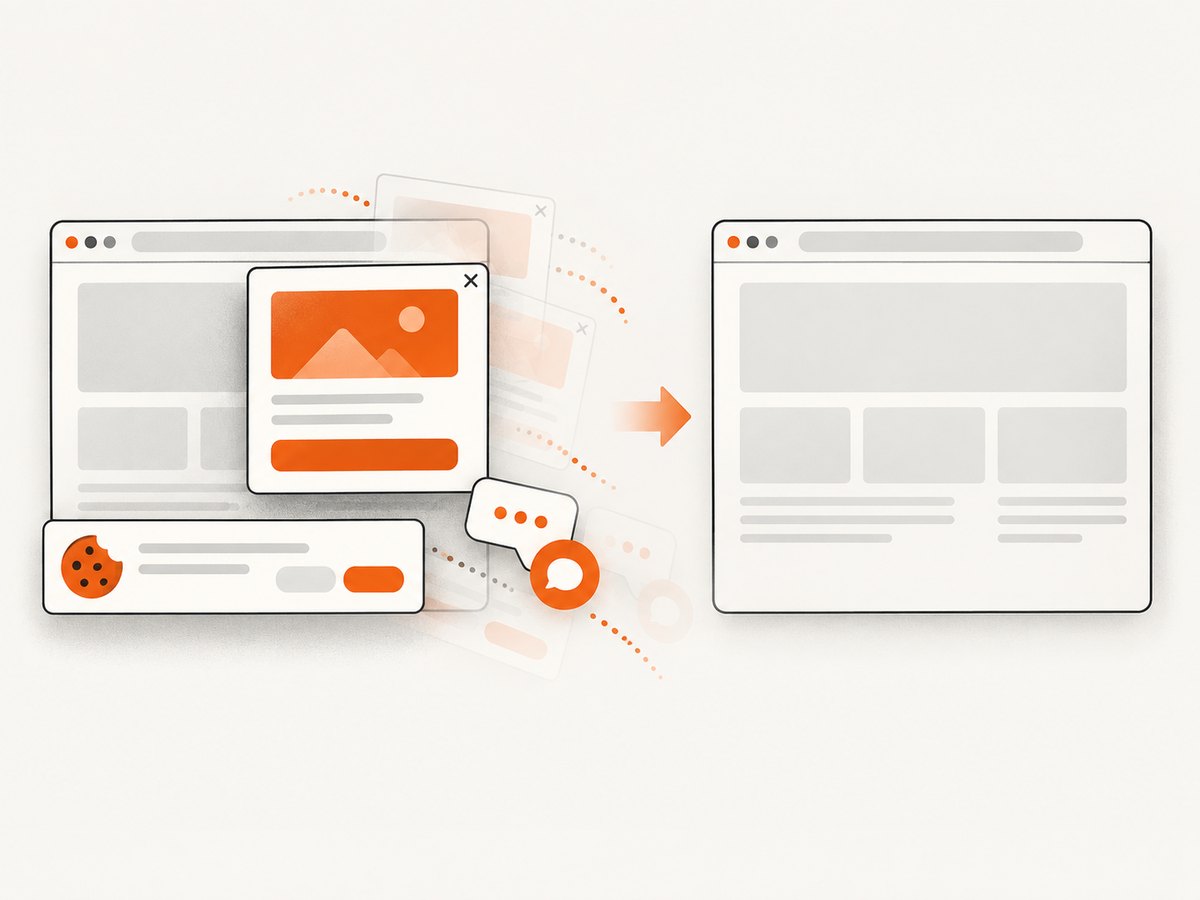
If your goal is a clean image of a URL rather than an interactive Capybara test, ScreenshotNeo provides a single HTTP request. Its API accepts cookie and consent banners before capture and removes more than 60 known consent platforms, newsletter popups, and chat widgets; each step can be turned off. Only clean shots are billed: bot checks, CAPTCHAs, blank pages, timeouts, failed loads, and cache hits cost nothing, and response headers identify the page verdict and billing result.
See the ScreenshotNeo API documentation for all options, including full-page screenshots with lazy images, CSS-selector element capture, dark mode, device presets, retina scale, custom CSS and JavaScript, waits, blocked resources, headers, cookies, user agents, authorization, timezone, geolocation, transparent backgrounds, resizing, caching, signed links, asynchronous jobs, bulk capture, usage reporting, and PDF output.
cURL
curl -G "https://api.screenshotneo.com/v1/shot" -d access_key=YOUR_API_KEY --data-urlencode url=https://stripe.com -o shot.webpPython
import requests
r = requests.get("https://api.screenshotneo.com/v1/shot", params={"access_key": "YOUR_API_KEY", "url": "https://stripe.com"}, timeout=90)
open("shot.webp", "wb").write(r.content)
Node.js
const q = new URLSearchParams({ access_key: 'YOUR_API_KEY', url: 'https://stripe.com' });
const res = await fetch(`https://api.screenshotneo.com/v1/shot?${q}`);
An MCP server also exposes take_screenshot, get_page_info, and capture_pdf to Claude, Cursor, and other MCP clients. The Free plan includes 1,000 screenshots per month with no card; paid plans start at $5 for 3,000. Create a free ScreenshotNeo account to try the API.
FAQ
Why does puts disappear inside an RSpec example?
It may be captured by an IDE or CI runner, redirected by RSpec configuration, or written to a stream that the formatter does not display. Run with --format documentation and inspect output redirection.
Does js: true always mean Selenium?
It selects the configured JavaScript driver. Confirm that Capybara.javascript_driver points to Selenium or another browser driver in your project.
Should I silence Puma while debugging?
Silence Puma only when its startup and request lines obscure the formatter. Keep Selenium debug logs and RSpec output enabled.
What evidence survives a CI log failure?
Uploaded files are usually most dependable: RSpec output, Selenium's log, Capybara's saved HTML, and a screenshot from the failing example.


