How to Fix Missing Text and Fonts in Chrome Launched with Selenium
Fix blank glyphs, boxes, and missing text in Selenium Chrome with a reproducible font, headless, version, and container diagnostic workflow.
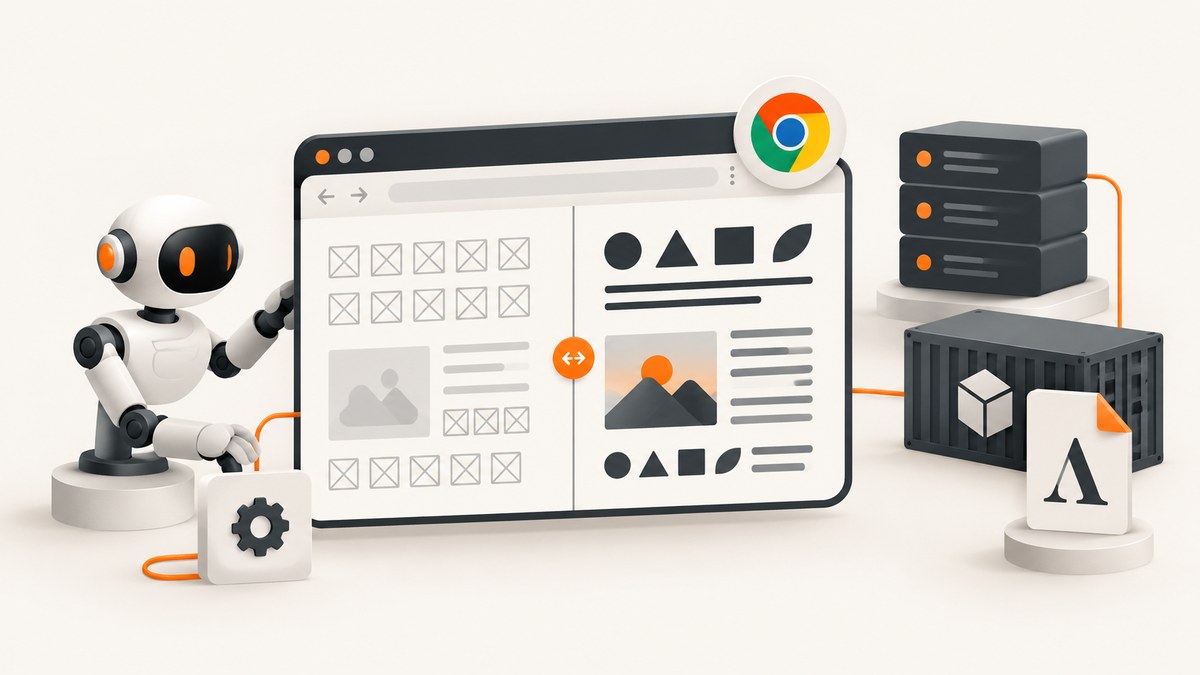
When Chrome launched by Selenium shows blank text, square boxes, or a different typeface, the browser is usually running in an environment that cannot discover the font or glyphs the page requests. Selenium does not borrow the fonts from your desktop session: it launches Chrome in the driver process’s container, VM, user account, and filesystem. Fix the runtime first, then investigate browser flags.
The shortest reliable path is:
- Prove whether the characters exist in the DOM.
- Inspect fonts from the same runtime with
fc-listandfc-match. - Install licensed font files in a directory Fontconfig searches.
- Rebuild the cache with
fc-cache -f -v. - Restart Chrome and compare controlled headful and headless runs.
- Verify Chrome and ChromeDriver major versions, then reproduce with the same binary and switches outside Selenium.
1. Determine whether the text is missing from the DOM or only from the screenshot
Do not install fonts until you know which layer is failing. A page can have no text because JavaScript has not finished, an iframe has not loaded, localization selected another string, or a request failed. Conversely, the DOM can contain the expected characters while Chrome cannot draw them.
from selenium import webdriver
from selenium.webdriver.common.by import By
from selenium.webdriver.chrome.options import Options

options = Options()
options.add_argument("--headless=new")
driver = webdriver.Chrome(options=options)
try:
    driver.get("https://example.com")
    node = driver.find_element(By.CSS_SELECTOR, "body")
    print("element.text:", repr(node.text))
    print("textContent:", repr(node.get_attribute("textContent")))
    print("innerHTML prefix:", node.get_attribute("innerHTML")[:500])
finally:
    driver.quit()
element.text is useful for what Selenium considers visible text. textContent includes text nodes even when CSS hides them. If both contain the expected characters but a screenshot contains blanks or replacement boxes, continue with font discovery and glyph coverage. If the DOM lacks the characters, debug navigation, waits, frames, scripts, and locale before changing font settings.
2. Check the exact runtime’s font inventory
Run these commands inside the same Docker container, VM, or user account that starts Chrome. Running them on your laptop is not evidence that a CI worker has the font.
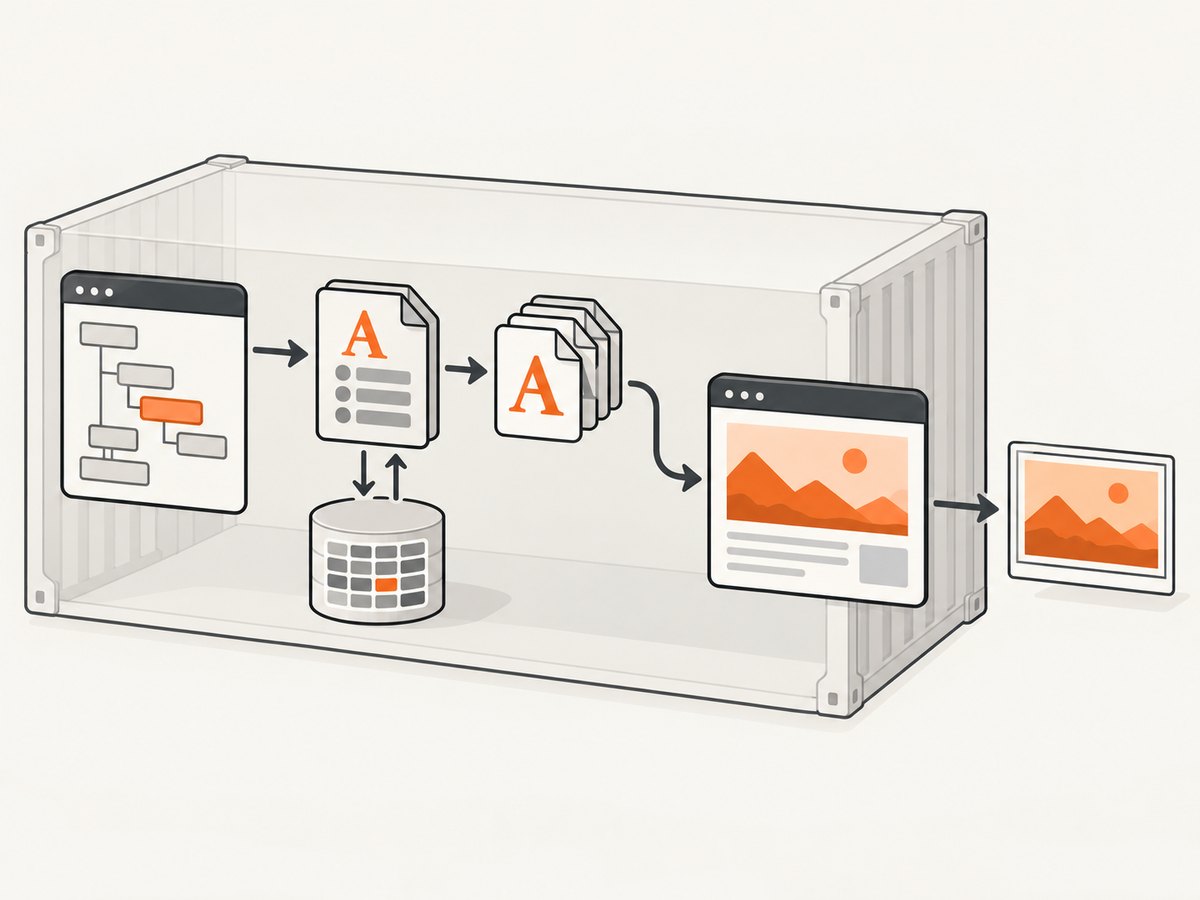
fc-list | head
fc-list | grep -i "Your Font Family"
fc-match "Your Font Family"
fc-match "Your Font Family:style=Bold"
fc-list inventories fonts available through Fontconfig. fc-match shows the file Fontconfig would select for a family. A successful match does not prove the exact family is installed: Fontconfig can return the nearest available face when the requested family is absent. See the Fontconfig user documentation for matching behavior and the fc-list reference for inventory usage.
Record the output with the browser versions and command-line arguments. For a reproducible bug report, capture:
- The requested CSS family and representative missing characters.
fc-listoutput (or a filtered copy).fc-matchoutput, including the selected file path.- Chrome and ChromeDriver versions.
- The Selenium options, viewport, locale, user, and font directories.
3. Install fonts where Chrome can discover them
Install the files in the runtime that launches Chrome. For one user, use the distribution’s supported per-user font directory, commonly ~/.fonts. For all users in a Linux image, use /usr/share/fonts or another directory included by Fontconfig. Ubuntu documents both per-user and system-wide installation patterns in its Fonts guide.
# Example for a single runtime user
mkdir -p "$HOME/.fonts"
cp ./fonts/YourFont-Regular.ttf "$HOME/.fonts/"
cp ./fonts/YourFont-Bold.ttf "$HOME/.fonts/"

# Rebuild Fontconfig's cache
fc-cache -f -v

# Confirm the selected file
fc-list | grep -i "Your Font Family"
fc-match "Your Font Family"

# Restart every Chrome process after the cache rebuild
Use only font files that your license permits you to copy into a build image or CI worker. TTF and OTF files are typical inputs, but the important requirement is that Fontconfig can read them. Close and reopen applications after installation; a running Chrome process can retain its previous font state.
Docker example
FROM selenium/standalone-chrome:latest

USER root
COPY fonts/YourFont-Regular.ttf /usr/share/fonts/truetype/custom/
COPY fonts/YourFont-Bold.ttf /usr/share/fonts/truetype/custom/
RUN fc-cache -f -v
USER 1200
Choose the final non-root user deliberately. A font installed under /root is not automatically visible to a Selenium process running as another user. Keep the browser user, HOME, font directories, locale, and Chrome profile explicit in the image.
4. Check glyph coverage and fallback
An installed family may still lack the Unicode blocks used by the page. Test characters from every script your application renders: Latin, CJK, Arabic, Devanagari, Cyrillic, emoji, and any symbols used in reports. A missing glyph can appear as an empty square even though ordinary Latin text works.
Create a small diagnostic page containing representative characters, then capture it in the same job. Run fc-match for the family and inspect the selected file. Add a font package or licensed fallback family that covers the required scripts, rebuild the cache, and restart Chrome. Fontconfig’s nearest-match behavior means that “a font was found” and “the requested glyph exists” are separate checks.
5. Compare headful and headless Chrome with identical inputs
Current Chrome Headless shares the regular Chrome code. Google documents Selenium usage with a headless argument in its Headless mode guide. Chrome 112 unified headless and headful implementations; in Chrome 132 the old implementation became the separate chrome-headless-shell binary.
from selenium import webdriver
from selenium.webdriver.chrome.options import Options

def make_driver(headless: bool):
    options = Options()
    if headless:
        options.add_argument("--headless=new")
    options.add_argument("--window-size=1440,1000")
    options.add_argument("--force-device-scale-factor=1")
    return webdriver.Chrome(options=options)

for headless in (False, True):
    driver = make_driver(headless)
    try:
        driver.get("https://example.com/font-diagnostic")
        driver.save_screenshot("headless.png" if headless else "headful.png")
    finally:
        driver.quit()
Keep the binary, profile, viewport, locale, user, network, and font directories the same in both runs. If headful succeeds and headless fails, the difference is evidence, not a reason to add random flags. Check that the headless mode is supported by the installed Chrome version and that both modes use the same profile and runtime fonts.
6. Verify Chrome and ChromeDriver versions
ChromeDriver’s documentation requires the Chrome and ChromeDriver major versions to match. Selenium’s Chrome documentation also explains Selenium 4 compatibility and supported driver management. Record versions from the machine that actually runs the test:
google-chrome --version || google-chrome-stable --version
chromedriver --version
python -c "import selenium; print(selenium.__version__)"
Use Selenium Manager or another supported driver-management path. If Chrome fails before a page opens, enable driver logging and inspect the log rather than diagnosing page fonts. ChromeDriver’s startup troubleshooting guide covers common launch failures and logging.
7. Reproduce outside Selenium’s harness
Launch the same Chrome binary directly with the same switches and as the same normal user. This separates browser rendering from WebDriver timing and session setup.
google-chrome \
  --headless=new \
  --user-data-dir=/tmp/chrome-font-debug \
  --window-size=1440,1000 \
  https://example.com/font-diagnostic
ChromeDriver warns that running Chrome as root on Linux is a common cause of startup crashes. Configure the environment to run as a regular user. The --no-sandbox switch is unsupported and highly discouraged; changing it can hide an environment problem while introducing a security risk. Prefer fixing user, permissions, shared memory, and container configuration.
8. Eliminate CI, container, and profile differences
Make the image explicit about browser path, font packages, locale, user, and profile. Avoid sharing a writable Chrome profile across parallel jobs; concurrent sessions can alter preferences and cache state. Use a minimal URL and save the DOM text, screenshot, Fontconfig output, browser versions, and arguments as job artifacts.
When a page loads fonts over the network, also check the browser’s console and network logs. A blocked font request, an incorrect MIME type, a certificate error, or a Content Security Policy violation can leave the local installation correct while the web font never arrives. Compare the computed font-family and the loaded network resources before changing system fonts.
Common errors and fixes
| Symptom | Likely cause | Fix |
|---|---|---|
| Desktop works, CI shows boxes | Font exists only on the desktop host | Install it in the CI image or runtime user, run fc-cache -f -v, restart Chrome. |
fc-match returns a different family |
Requested family is unavailable or misspelled | Check the CSS name, install the exact licensed file, and inspect the returned path. |
| Latin works, CJK or Arabic is blank | Installed family lacks glyph coverage | Add a family covering those scripts and test representative characters. |
| DOM text is empty | Page or JavaScript has not finished, or content is in an iframe | Wait for a selector or application state, switch into the iframe, and inspect network and localization. |
| Only headless fails | Different Chrome mode, profile, viewport, or runtime | Compare controlled runs with the same binary, user, profile, locale, and font directories. |
| Chrome crashes at startup | Version mismatch, root user, permissions, or profile collision | Match major versions, run as a regular user, use a unique profile, and read ChromeDriver logs. |
| New fonts are ignored | Cache or Chrome process still holds old state | Run fc-cache -f -v and terminate every Chrome process before retrying. |
Performance, reliability, and cost considerations
Font discovery is normally cheap after the cache is built. Rebuilding the cache for every test wastes startup time; bake fonts and the cache into the image when the set is stable. If tests install fonts dynamically, do it once per worker before parallel sessions begin.
Use a small diagnostic page to shorten feedback loops, then validate the real application. Keep screenshots and logs only for failing cases if artifact storage is expensive. A fixed viewport, device scale factor, locale, timezone, and font set reduces pixel differences between workers.
Do not treat a fallback font as a harmless visual difference when screenshots are used for regression testing. It can change line breaks, element heights, clipping, and pagination. Pin the browser image and font package versions when deterministic output matters, and update them deliberately.
Or skip the browser setup
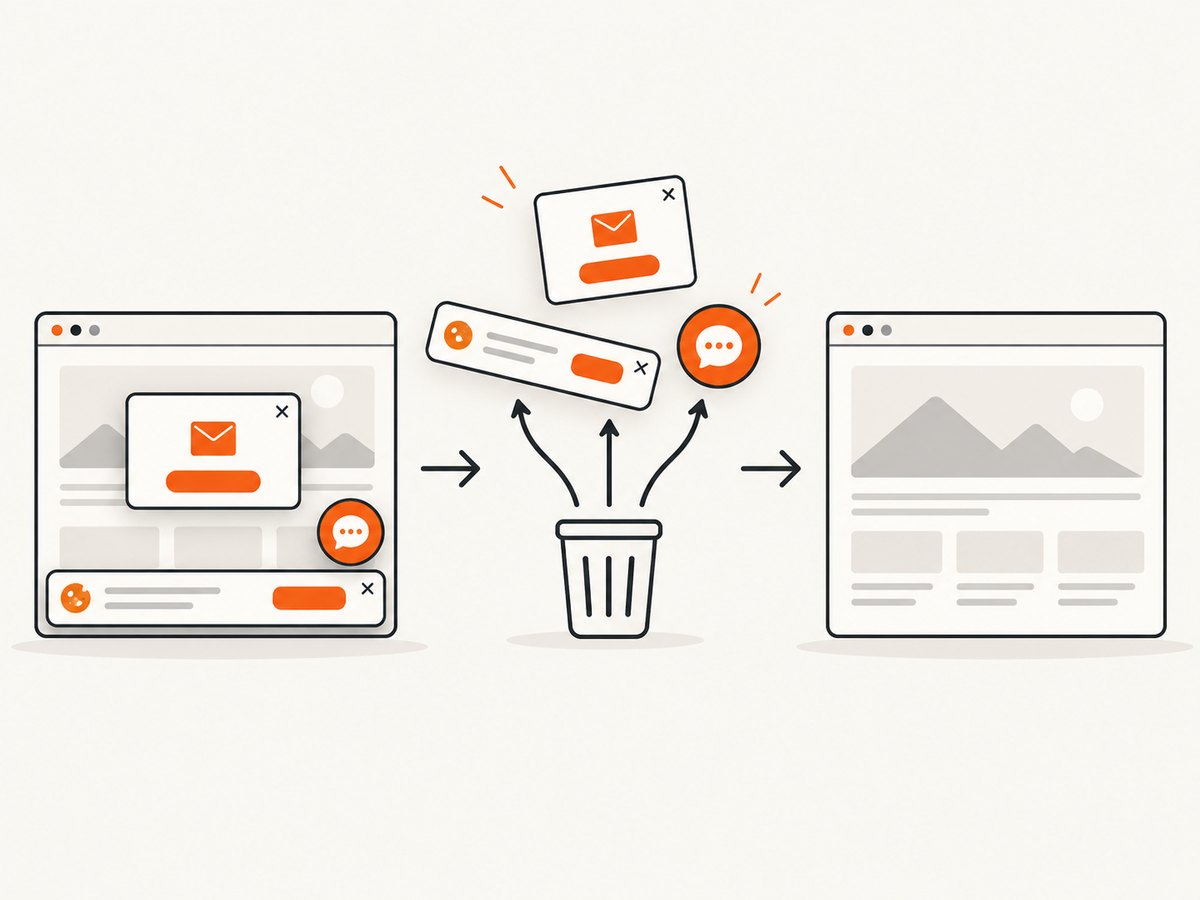
If your goal is a dependable website image rather than maintaining Selenium infrastructure, ScreenshotNeo provides a website screenshot API and MCP server. It accepts one GET request and returns PNG, JPEG, WebP, or PDF. Before capture it accepts consent banners and removes more than 60 known consent platforms, newsletter popups, and chat widgets; each step can be disabled.
Only clean shots are billed. Bot checks or CAPTCHAs, blank pages, timeouts, failed loads, and cache hits cost nothing, and the response identifies the result with X-Page-Verdict and X-Billed headers. Its MCP server exposes take_screenshot, get_page_info, and capture_pdf for Claude, Cursor, and other MCP clients.
See the ScreenshotNeo API documentation for all options. A basic call is:
cURL
curl -G "https://api.screenshotneo.com/v1/shot" -d access_key=YOUR_API_KEY --data-urlencode url=https://stripe.com -o shot.webpPython
import requests
r = requests.get("https://api.screenshotneo.com/v1/shot", params={"access_key": "YOUR_API_KEY", "url": "https://stripe.com"}, timeout=90)
open("shot.webp", "wb").write(r.content)
Node.js
const q = new URLSearchParams({ access_key: 'YOUR_API_KEY', url: 'https://stripe.com' });
const res = await fetch(`https://api.screenshotneo.com/v1/shot?${q}`);
ScreenshotNeo also supports full-page capture with lazy images loaded, CSS element capture, dark mode, 12 device presets or any viewport, retina scale, PDF paper sizes and page ranges, custom CSS and JavaScript, clicks, selector waits, delays, network-idle waits, request and resource blocking, headers, cookies, user agents, authorization, timezone, geolocation, transparent backgrounds, resizing, configurable caching, signed links, asynchronous jobs with signed webhooks, bulk capture of up to 100 URLs per call, a usage API, and an OpenAPI specification. Its parameter names match those used by other screenshot APIs to make switching easier.
You get 1,000 screenshots per month free with no card. Paid plans start at $5 for 3,000 shots; every feature is available on every plan. Create a free ScreenshotNeo account.
FAQ
Does Selenium copy fonts from my logged-in desktop?
No. The driver process uses the fonts visible to its own operating-system user and runtime. A remote worker or container needs its own installation and cache.
Does fc-match prove the exact font is installed?
No. It reports the best match Fontconfig can find, which may be a fallback family. Confirm the family in fc-list and inspect the returned file.
Should I always use --headless=new?
Use the headless mode supported by your installed Chrome and compare it with a controlled headful run when diagnosing rendering. Flags cannot fix a font absent from the runtime.
Can I redistribute any font into Docker?
No. Check the font license before copying files into an image, CI cache, or production worker.
What is the first artifact to attach to a bug report?
Attach DOM text, a failing screenshot, filtered fc-list, fc-match, Chrome and ChromeDriver versions, the Selenium arguments, and the exact runtime user and image.


