How to Fix Missing Turkish Characters in Dompdf Output
Fix missing ğ, ş, İ and other Turkish glyphs in Dompdf with UTF-8, DejaVu Sans, custom fonts and a practical diagnostic checklist.
Use a Unicode TrueType font and make the entire input path UTF-8. In Dompdf, set DejaVu Sans as the default and in CSS, declare <meta charset="UTF-8">, and call loadHtml($html, 'UTF-8'). This covers ğ, Ğ, ş, Ş, İ, ı, ö, Ö, ü, Ü, ç and Ç.
Dompdf’s core PDF fonts (Helvetica, Times, Courier and generic families) use Windows ANSI coverage, so a browser rendering correctly does not prove that the PDF font contains Turkish glyphs. Dompdf bundles DejaVu TrueType fonts for broad Unicode coverage. See the Dompdf documentation and its Unicode guide.
1. Apply the reliable fix
Install Dompdf with Composer if it is not already in your application:
composer require dompdf/dompdfThen render a literal diagnostic string before adding database data or templates:
<?php
require __DIR__ . '/vendor/autoload.php';

use Dompdf\Dompdf;
use Dompdf\Options;

$options = new Options();
$options->set('defaultFont', 'DejaVu Sans');
$dompdf = new Dompdf($options);

$html = <<<'HTML'
<!doctype html>
<html lang="tr">
<head>
  <meta charset="UTF-8">
  <style>
    body { font-family: "DejaVu Sans", sans-serif; }
  </style>
</head>
<body>
  <h1>Türkçe PDF testi</h1>
  <p>Türkçe karakterler: ğ, Ğ, ş, Ş, İ, ı, ö, Ö, ü, Ü, ç, Ç.</p>
</body>
</html>
HTML;

$dompdf->loadHtml($html, 'UTF-8');
$dompdf->setPaper('A4', 'portrait');
$dompdf->render();
$dompdf->stream('turkish-test.pdf', ['Attachment' => false]);
The explicit default and CSS declarations make font selection deterministic. The explicit encoding argument is appropriate when the PHP string is UTF-8; Dompdf also reads a BOM and meta declarations and can normalize non-UTF-8 input with mb_convert_encoding.
2. Verify encoding before Dompdf
- Save PHP source and template files as UTF-8 (preferably without a legacy editor conversion).
- Keep
<meta charset="UTF-8">in the HTML sent to Dompdf. - Confirm your database connection uses UTF-8 (for MySQL, use
utf8mb4at the connection and schema layers). - Inspect the raw PHP value before rendering. A browser can hide an upstream conversion error; log the byte sequence or use
mb_check_encoding($value, 'UTF-8'). - Pass the known encoding to
loadHtmland render the literal test string in the same template that fails.
$value = $row['name'];
if (!mb_check_encoding($value, 'UTF-8')) {
    throw new RuntimeException('Input is not valid UTF-8');
}
$dompdf->loadHtml($html, 'UTF-8');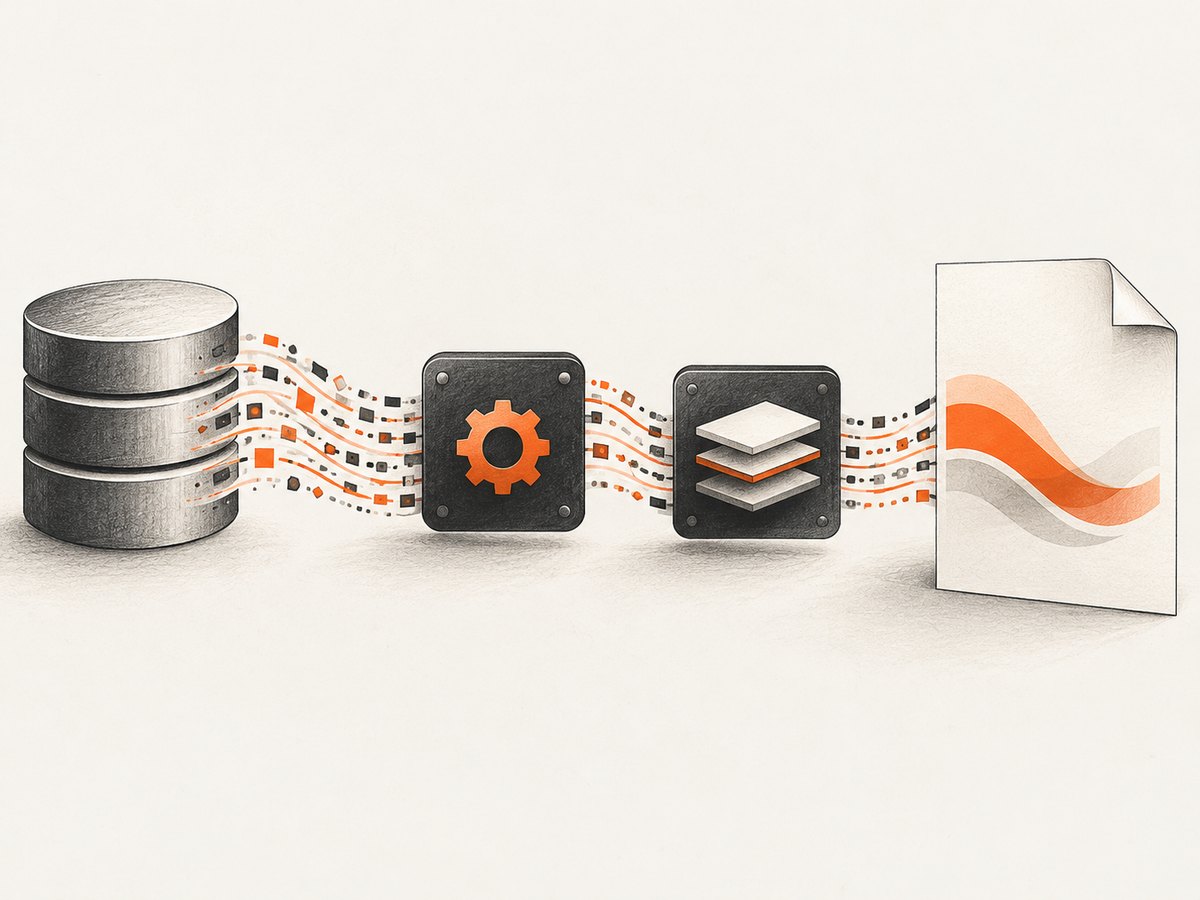
3. Use a custom Turkish font when branding requires it
Use a readable TrueType (.ttf) file containing every glyph in the document. Register it with CSS and retain DejaVu as a fallback:
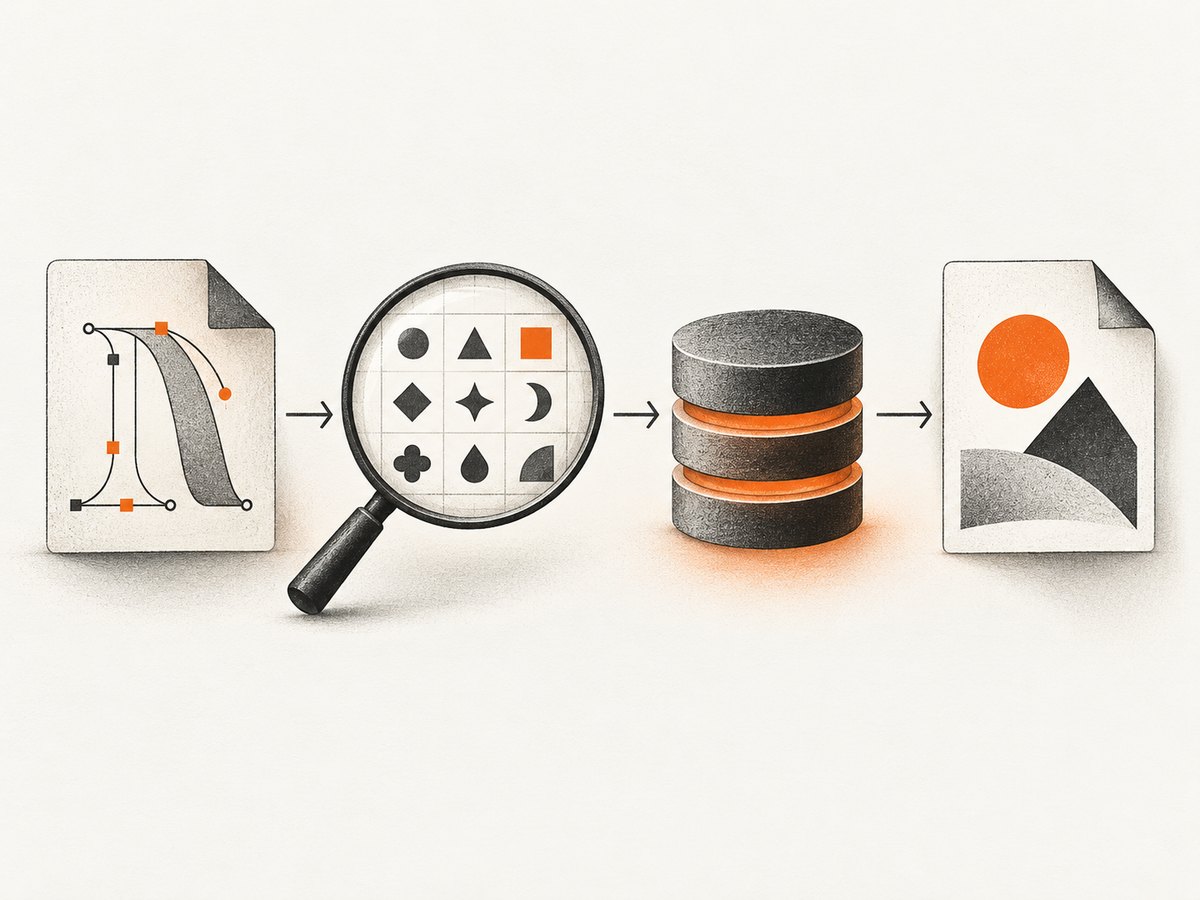
@font-face {
  font-family: 'Brand Turkish';
  src: url('fonts/BrandTurkish-Regular.ttf') format('truetype');
  font-style: normal;
  font-weight: 400;
}
body {
  font-family: 'Brand Turkish', 'DejaVu Sans', sans-serif;
}
The font path must be inside Dompdf’s allowed file scope (including its chroot rules) and readable by the PHP process. The font cache directory must be writable while Dompdf prepares metrics. Supply separate regular, bold and italic files when those weights are used; otherwise a missing variant can fall back unexpectedly. Clear stale generated metrics after replacing a font.
DejaVu Sans or a custom font?
| Choice | Use it when | Check |
|---|---|---|
| DejaVu Sans | You need a low-friction Unicode baseline | Glyphs render in the diagnostic string |
| Custom TrueType | Your visual identity requires a specific typeface | All Turkish glyphs, variants, path access and cache writes work |
4. Diagnose boxes, question marks and missing accents
- Literal test. Put
Türkçe: ğ Ğ ş Ş İ ı ö Ö ü Ü ç Çdirectly in the failing template. If it fails, the font or encoding setup is wrong. - Font isolation. Temporarily remove Arial, Helvetica, Times, Courier and generic-only declarations. Set
font-family: "DejaVu Sans"directly. - Input inspection. Check the PHP string and database bytes before Dompdf. Repair conversion at the boundary instead of replacing characters after rendering.
- Extension check. Install PHP’s
mbstringextension. Dompdf lists it as a requirement and uses it when normalizing non-UTF-8 input. - Custom font access. Verify the exact case-sensitive path, file permissions, chroot/allowed path and readable TTF file.
- Cache reset. Remove stale generated font metrics after changing a font, then render again with a writable cache.
- Inspect the PDF itself. If HTML looks correct in a browser but the PDF does not, the remaining fault is usually PDF font selection or font-file accessibility.
5. Common errors and fixes
| Symptom | Likely cause | Fix |
|---|---|---|
| ğ or ş becomes a box/question mark | Core ANSI font selected | Set DejaVu Sans or a Unicode TTF in CSS and options |
| Every accented character is corrupted | Input is not UTF-8 | Fix file/database encoding; validate with mb_check_encoding; pass UTF-8 to loadHtml |
| Custom font silently falls back | Path, chroot or permissions block access | Use an allowed readable path and inspect PHP process permissions |
| First render works, later renders fail | Font cache is stale or not writable | Clear generated metrics and grant cache write access |
| Bold Turkish text is missing | No bold face was supplied | Register a TTF for each weight/style used |
mb_convert_encoding is unavailable |
mbstring is not installed | Install/enable mbstring, then restart the PHP runtime |
6. Production checklist
- Use UTF-8 from source file through database, PHP string and HTML.
- Declare the charset and call
loadHtml($html, 'UTF-8'). - Choose DejaVu Sans explicitly, or verify every custom TTF glyph.
- Keep font files within allowed paths and readable by PHP.
- Make the font cache writable and clear metrics after font changes.
- Render a Turkish fixture in CI or a release smoke check and inspect the generated PDF.
Or skip the browser setup
If your goal is a clean PDF or page capture rather than maintaining a Dompdf font pipeline, ScreenshotNeo accepts one GET request and can return a PDF. Its capture step removes cookie banners, newsletter popups and chat widgets before the shot. Bot checks, blank pages and failed loads are never billed, and an MCP server lets AI agents take screenshots.
See the ScreenshotNeo API docs. cURL:
curl -G "https://api.screenshotneo.com/v1/shot" -d access_key=YOUR_API_KEY --data-urlencode url=https://example.com -o shot.webpPython:
import requests
r = requests.get("https://api.screenshotneo.com/v1/shot", params={"access_key": "YOUR_API_KEY", "url": "https://example.com"}, timeout=90)
open("shot.webp", "wb").write(r.content)
Node.js:
const q = new URLSearchParams({ access_key: 'YOUR_API_KEY', url: 'https://example.com' });
const res = await fetch(`https://api.screenshotneo.com/v1/shot?${q}`);
The free plan includes 1,000 screenshots a month with no card; paid plans start at $5 for 3,000. Create a free ScreenshotNeo account.
FAQ
Why does Chrome show Turkish text correctly?
Chrome and Dompdf may choose different fonts. Browser success does not prove the PDF font contains the glyphs.
Can I keep Arial?
Only if you provide and register a Unicode TrueType version that contains every glyph you use. For diagnosis, switch directly to DejaVu Sans.
Do I need to convert Turkish text manually?
No. Preserve valid UTF-8 end to end. Convert only at an input boundary when you have confirmed the source encoding.
Why are only bold or italic letters broken?
Dompdf may be resolving a separate face. Register readable TTF files for each weight and style used.


