How to Fix mPDF Adding a Blank First Page for Large HTML Tables
Stop mPDF from creating a blank first page before large HTML tables with pagination, sizing, CSS, and troubleshooting fixes.
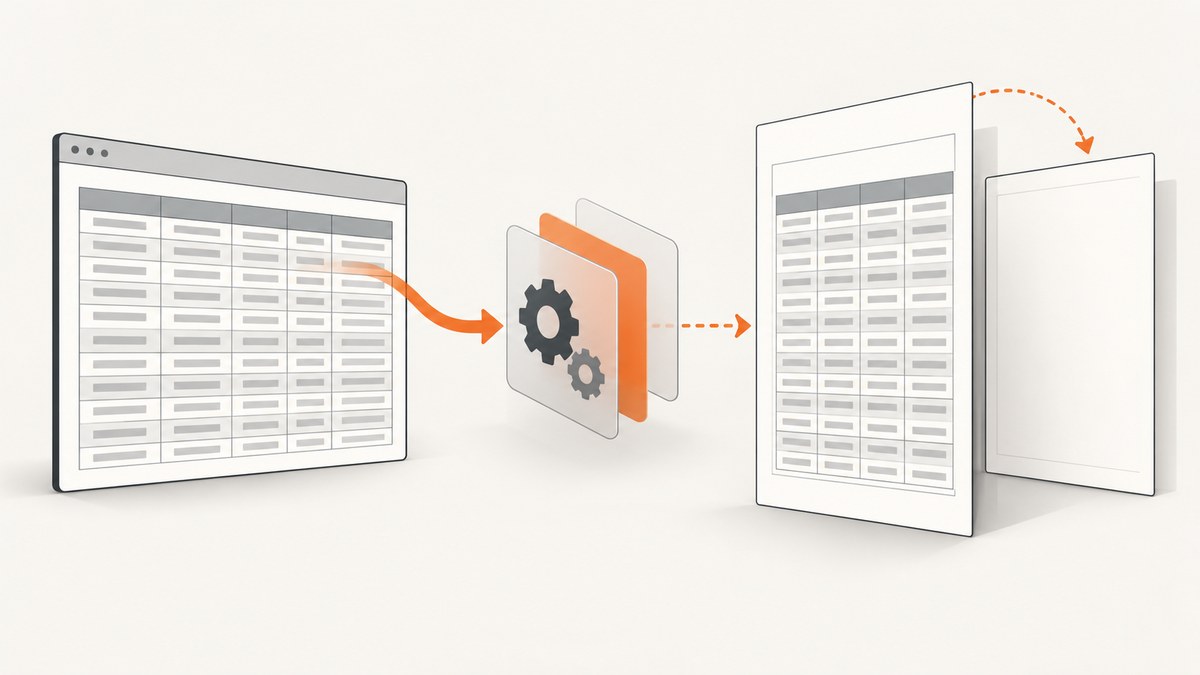
Remove table keep-together rules, prevent avoidable shrinking, and check for an extra page command. A large table can trigger a blank first page when mPDF cannot fit an effectively indivisible table or row in the available space, or when application code adds a page before WriteHTML() writes the document.
The usual repair is:
- Remove
page-break-inside: avoidfrom the table and its wrappers. - Keep the header in
<thead>so mPDF can repeat it after a split. - Set
$mpdf->shrink_tables_to_fit = 1or addautosize="1"when readability matters. - Allow cell text to wrap and remove oversized fixed widths, padding,
nowrap, and unbroken tokens. - Remove an unconditional initial
AddPage()or<pagebreak>. - Retest on a current mPDF release with a minimal fixture.
Why mPDF creates the blank page
mPDF’s table pagination has to preserve rows and calculate a minimum width and height. If a table uses page-break-inside:avoid and cannot fit in the remaining space, mPDF tries to shrink it; if it still cannot fit, it starts the table on a new page. The manual documents this behavior and the shrink_tables_to_fit control (mPDF page-break documentation).
Three conditions commonly combine:
| Condition | Effect | What to inspect |
|---|---|---|
| Keep-together CSS | The whole table or wrapper is moved to the next page. | page-break-inside: avoid, legacy page-break-before, and wrapper rules. |
| Indivisible content | A row cannot split or becomes taller than the page. | Long URLs, tokens, , nowrap, nested tables, large images, and excessive padding. |
| Application pagination | A page is created before the real content. | An unconditional AddPage() or leading <pagebreak>. |
Minimal corrected PHP example
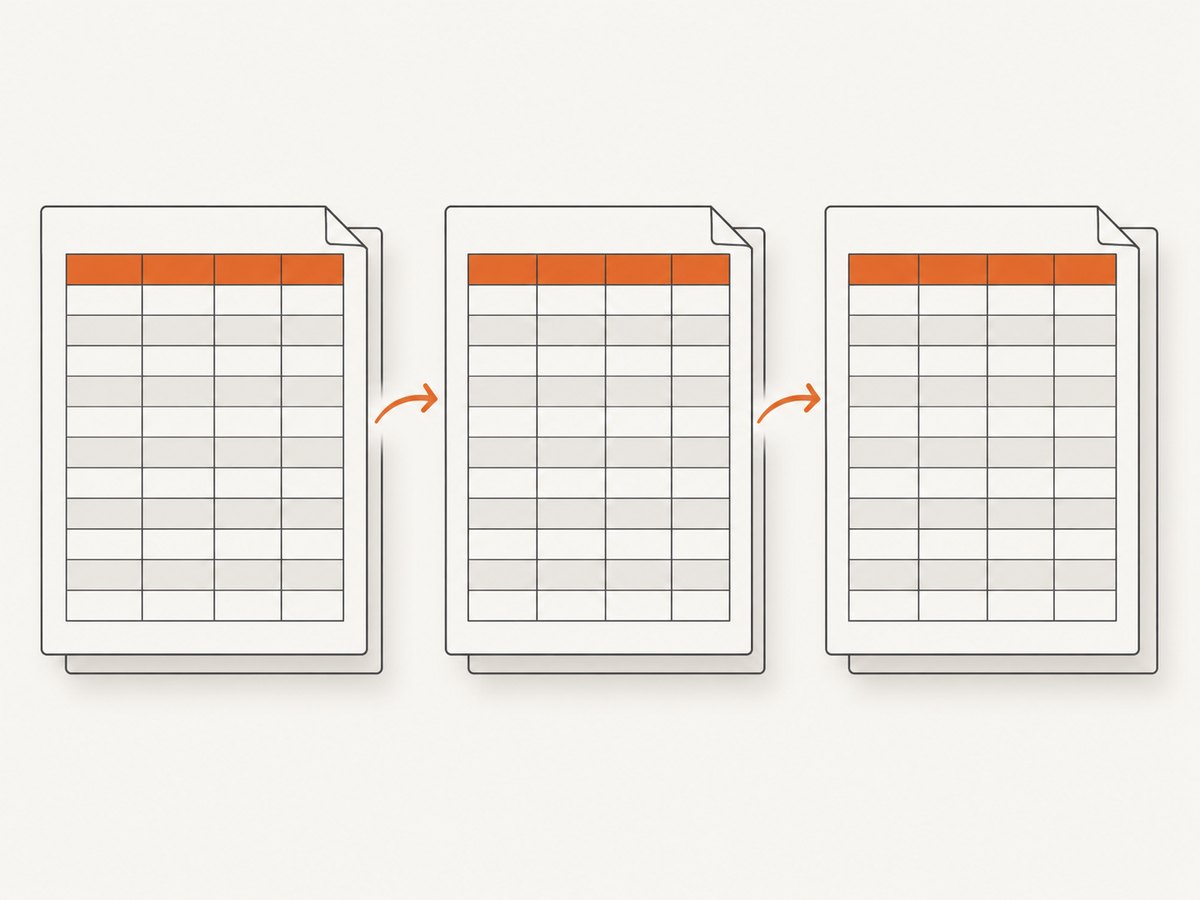
This baseline lets the table flow across pages, repeats the header, and limits automatic shrinking:
<?php
require_once __DIR__ . '/vendor/autoload.php';

$mpdf = new \Mpdf\Mpdf();
$mpdf->shrink_tables_to_fit = 1;

$html = '<style>
  table.large {
    width: 100%;
    page-break-inside: auto;
    border-collapse: collapse;
  }
  table.large th,
  table.large td {
    border: 0.2mm solid #999;
    padding: 2mm;
    white-space: normal;
    overflow-wrap: anywhere;
  }
</style>
<table class="large" autosize="1">
  <thead>
    <tr><th>Column A</th><th>Column B</th></tr>
  </thead>
  <tbody>
    <tr><td>Row 1</td><td>A value that can wrap normally.</td></tr>
    <tr><td>Row 2</td><td>Another value</td></tr>
  </tbody>
</table>';

// Do not call AddPage() here unless a deliberate cover page is required.
$mpdf->WriteHTML($html);
$mpdf->Output('table.pdf', \Mpdf\Output\Destination::INLINE);
WriteHTML() automatically creates the first page in a new document. An explicit first AddPage() therefore creates an empty page before the content (mPDF AddPage documentation).
Fix table pagination step by step
1. Let the table split
Use page-break-inside: auto (or remove the property) on the table. Remove the same rule from parent blocks such as div, section, and nested table containers. A large table is usually more readable when it breaks between rows than when it is compressed or moved wholesale.
2. Preserve readable sizing
Set $mpdf->shrink_tables_to_fit = 1 globally, or put autosize="1" on the affected table. These settings limit avoidable shrinking; they cannot make a single indivisible row split when its content cannot be broken.
3. Repeat the header correctly
Put column headings in <thead>. When a table spans pages, mPDF repeats the first row when a <thead> or <tfoot> is defined (mPDF table-break documentation).
4. Make cells breakable
- Remove
white-space: nowrapunless the value truly must stay on one line. - Replace runs of
with normal spaces where wrapping is acceptable. - Allow long URLs, hashes, and identifiers to wrap with an appropriate breaking rule.
- Reduce excessive cell padding and avoid very large inline images.
- Remove fixed widths that add up to more than the printable page width.
5. Split oversized logical rows
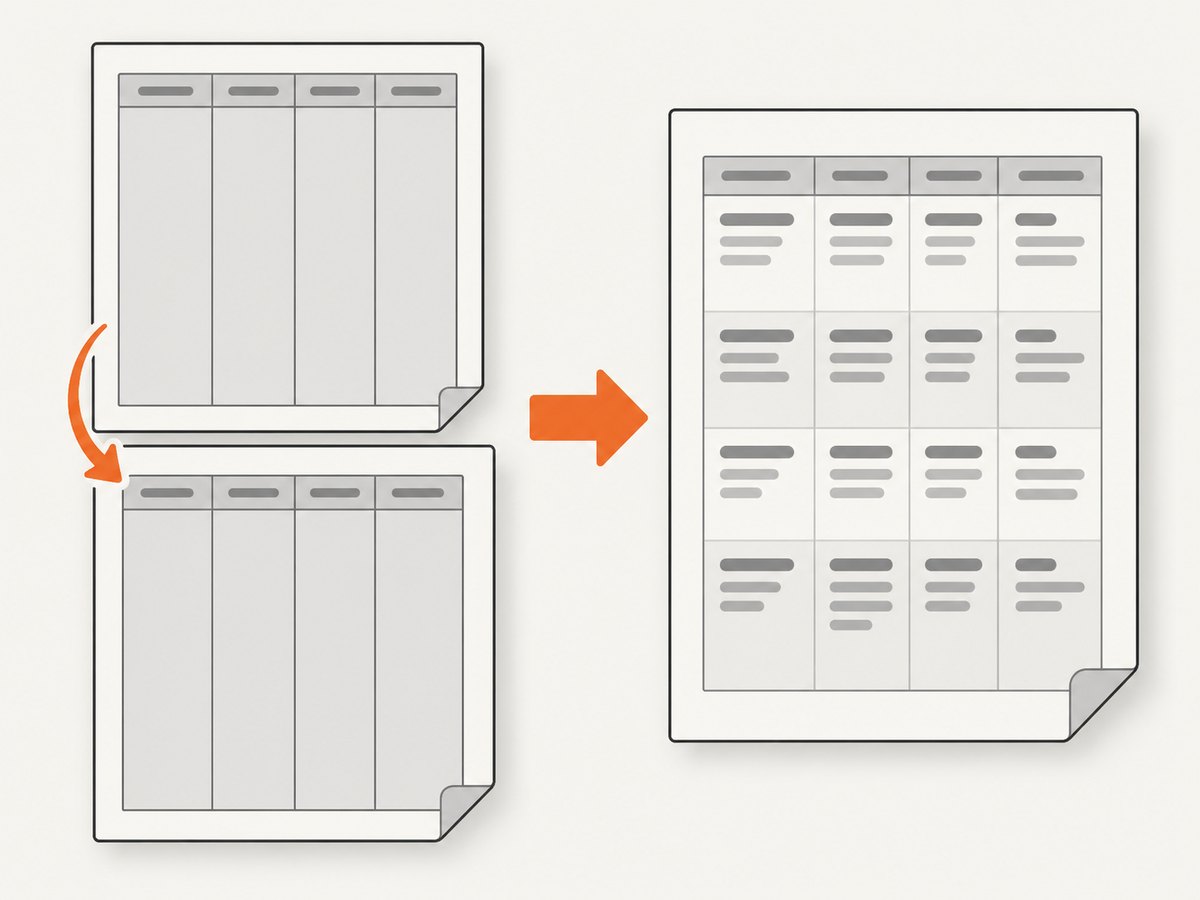
mPDF cannot safely split every row, especially when it contains nested tables or very tall content. If one record contains a long description, attachments, and multiple subitems, render it as several related rows or move the detail to a following block. This changes the data layout but prevents one row from forcing a page move.
6. Choose a width policy
For wide data, decide whether content should wrap, overflow visibly, or be clipped. Accidental fixed widths are a frequent cause of table resizing. Keep the table at width: 100% where possible and check that columns, borders, and padding fit inside the page margins.
7. Remove accidental page commands
// Usually wrong for the first content page:
$mpdf->AddPage();
$mpdf->WriteHTML($html);

// Correct when the document starts with this content:
$mpdf->WriteHTML($html);

// Use AddPage() only between intentional sections:
$mpdf->WriteHTML($cover);
$mpdf->AddPage();
$mpdf->WriteHTML($tableHtml);
Also search generated HTML for a leading <pagebreak>. A template that always emits a cover-page break can produce the same symptom.
Diagnose the exact cause
- Render only the table with a short, known dataset.
- Remove
page-break-inside:avoidand compare. - Remove
nowrap, fixed widths, nested tables, and large images one at a time. - Log or save the final HTML sent to
WriteHTML(); inspect its first element for<pagebreak>. - Comment out every initial
AddPage(). - Reintroduce rows until the first blank page returns. The last change identifies the triggering content.
Common errors and fixes
| Symptom | Likely cause | Fix |
|---|---|---|
| Blank page before every document | Initial AddPage() or <pagebreak> |
Remove it; let WriteHTML() create page one. |
| Blank page only with large tables | Table or wrapper has page-break-inside:avoid |
Use page-break-inside:auto; allow row-level pagination. |
| Table appears tiny on one page | Automatic table shrinking | Set shrink_tables_to_fit = 1 or autosize="1". |
| One row pushes the table to page two | Unbroken text, nowrap, nested table, or excessive height |
Allow wrapping, shorten/split content, and reduce padding. |
| Columns run off the page | Minimum table width exceeds printable width | Remove fixed widths, reduce padding, or choose an explicit overflow policy. |
| Header is missing after a split | Headings are ordinary body rows | Move them into <thead>. |
| Behavior differs between servers | Different mPDF versions or fonts | Record the dependency version, upgrade an old release, and retest a minimal fixture. Historical releases include blank-page and keep-together fixes. |
Performance, reliability, and cost considerations
- Performance: Large HTML tables require layout calculations for every row. Avoid deeply nested tables and oversized inline assets; paginate data in application batches when a report is very large.
- Reliability: Keep a minimal regression fixture containing the row that previously caused the blank page. Run it after mPDF upgrades, CSS changes, and font changes.
- Readability: Allowing page breaks usually preserves font size better than shrinking an entire table.
- Data integrity: Splitting a logical row may require a repeated identifier or continuation label so readers can associate the pieces.
- Output size: Compress or resize source images and avoid embedding unnecessary assets in every row.
Or skip the browser setup
If your goal is to capture a rendered page or PDF rather than maintain a PHP PDF layout, ScreenshotNeo provides a single request to its screenshot API. Cookie banners, newsletter popups, and chat widgets are removed before the shot. Bot checks, blank pages, timeouts, failed loads, and cache hits are not billed, and the response identifies the result with X-Page-Verdict and X-Billed headers. Its MCP server lets Claude, Cursor, and other MCP clients call take_screenshot, get_page_info, and capture_pdf.
See the ScreenshotNeo API documentation for all options.
curl -G "https://api.screenshotneo.com/v1/shot" -d access_key=YOUR_API_KEY --data-urlencode url=https://stripe.com -o shot.webpimport requests
r = requests.get("https://api.screenshotneo.com/v1/shot", params={"access_key": "YOUR_API_KEY", "url": "https://stripe.com"}, timeout=90)
open("shot.webp", "wb").write(r.content)const q = new URLSearchParams({ access_key: 'YOUR_API_KEY', url: 'https://stripe.com' });
const res = await fetch(`https://api.screenshotneo.com/v1/shot?${q}`);The free plan includes 1,000 screenshots each month with no card. Paid plans start at $5 for 3,000 shots, and every feature is available on every plan. Create a free ScreenshotNeo account.
FAQ
Should I always remove page-break-inside:avoid?
Remove it from large tables that must span pages. Keep it for small blocks that genuinely fit and must remain together.
Does autosize="1" fix an oversized row?
No. It limits avoidable table shrinking. A row containing unbreakable or extremely tall content still needs to be made breakable or split.
Why does the blank page disappear when I delete one row?
That row likely crosses a minimum width or height threshold. Inspect its text, padding, nested markup, images, and white-space rules.
Can I keep a table header on every page?
Yes. Put the header row in <thead>; mPDF repeats it when the table is split.
When is a separate PDF or screenshot service useful?
Use one when you need a rendered capture of an existing web page and do not want to maintain a browser or PDF layout pipeline. ScreenshotNeo can return PNG, JPEG, WebP, or PDF from one request.


