How to Fix the mPDF “Unable to Create Output File” Error
Fix mPDF output errors by checking the destination path, PHP permissions, tempDir, and version-specific output APIs.
Start with the full path in the exception. mPDF usually cannot create the final PDF because the parent directory does not exist, the PHP process cannot write there, or the output call does not match the installed mPDF version. Check that destination separately from mPDF’s temporary directory.
1. Read the path and verify the destination
Find the filename in the exception message. Treat it as the first diagnostic clue.
- Confirm it is a filesystem path, not a URL.
- Use an absolute path while diagnosing; relative paths depend on the process working directory.
- Confirm every parent directory exists, including nested folders such as
snapshots. - Check that the filename is valid for the operating system and does not contain unexpected characters.
<?php
$destination = __DIR__ . '/storage/pdfs/invoice-1001.pdf';
$directory = dirname($destination);

if (!is_dir($directory)) {
    throw new RuntimeException("Destination directory is missing: {$directory}");
}

if (!is_writable($directory)) {
    throw new RuntimeException("Destination directory is not writable: {$directory}");
}

require_once __DIR__ . '/vendor/autoload.php';

$mpdf = new \Mpdf\Mpdf();
$mpdf->WriteHTML('<h1>Invoice 1001</h1>');
$mpdf->Output($destination, \Mpdf\Output\Destination::FILE);
A missing nested directory is a documented cause in WordPress support cases. Create only the directory your application needs, then assign ownership and permissions to the account running PHP.
2. Check permissions as the web PHP user
is_writable() reflects the current runtime, but it does not explain ownership or server policy. A shell user may be able to write while PHP-FPM, Apache, a container user, or a hosting account cannot.
<?php
$directory = __DIR__ . '/storage/pdfs';
error_log(sprintf(
    'mPDF destination=%s exists=%s writable=%s user=%s',
    $directory,
    is_dir($directory) ? 'yes' : 'no',
    is_writable($directory) ? 'yes' : 'no',
    function_exists('get_current_user') ? get_current_user() : 'unknown'
));
On the server, inspect directory ownership, group membership, ACLs, read-only mounts, container volume settings, and hosting restrictions. Grant the narrow write access required by the PHP runtime. Do not make the whole project writable.
3. Keep the final destination separate from tempDir
The output filename is where the completed PDF is written. tempDir is where mPDF stores temporary files for images, fonts, cache data, and document processing. A writable output folder does not make an unwritable temporary folder work, and changing tempDir does not create a missing output folder.
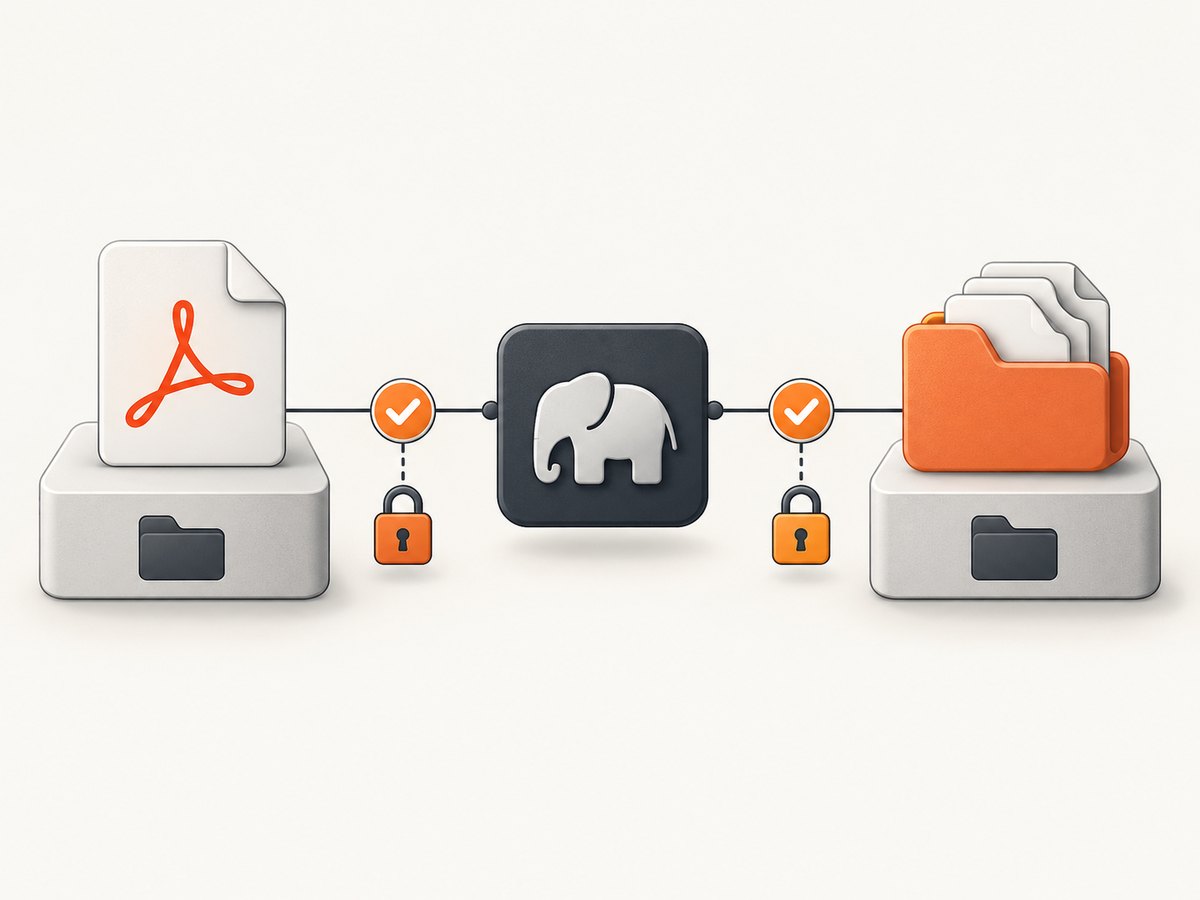
Configure a dedicated temporary directory (mPDF 7+)
<?php
require_once __DIR__ . '/vendor/autoload.php';

$tempDir = __DIR__ . '/storage/mpdf-temp';
$outputDir = __DIR__ . '/storage/pdfs';

foreach ([$tempDir, $outputDir] as $directory) {
    if (!is_dir($directory)) {
        throw new RuntimeException("Missing directory: {$directory}");
    }
    if (!is_writable($directory)) {
        throw new RuntimeException("PHP cannot write to: {$directory}");
    }
}

$mpdf = new \Mpdf\Mpdf([
    'tempDir' => $tempDir,
]);
$mpdf->WriteHTML('<h1>Report</h1>');
$mpdf->Output($outputDir . '/report.pdf', \Mpdf\Output\Destination::FILE);
The mPDF manual recommends a custom writable temporary directory, especially because the default is under the library installation and may be inside Composer’s vendor directory. The installation guidance recommends mode 775 where appropriate. Never use 777 as a default; mPDF warns that it can create a security issue. Use ownership, groups, ACLs, and the smallest practical mode instead. See the mPDF configuration documentation and v7+ installation guidance.
mPDF 8.0.9 and later cache behavior
From 8.0.9, mPDF creates a cache subdirectory in the temporary path. Ensure PHP can create and write that subdirectory, and review the documented cacheCleanupInterval setting if cache growth is a concern.
4. Match the output API to your installed version
OutputFile($filename) is available from mPDF 8.1.2. Older releases commonly use Output() with a file destination. Check the installed package before changing code.
composer show mpdf/mpdf
mPDF 8.1.2+
<?php
$mpdf->WriteHTML('<p>Generated PDF</p>');
$mpdf->OutputFile(__DIR__ . '/storage/pdfs/report.pdf');
Older supported releases using Output()
<?php
$mpdf->WriteHTML('<p>Generated PDF</p>');
$mpdf->Output(
    __DIR__ . '/storage/pdfs/report.pdf',
    \Mpdf\Output\Destination::FILE
);
Legacy mPDF 6.x and earlier used different configuration conventions. Do not copy modern constructor or output examples into an old installation without checking that release’s reference. The Output reference documents the filename and destination modes.
5. Catch and log the real runtime failure
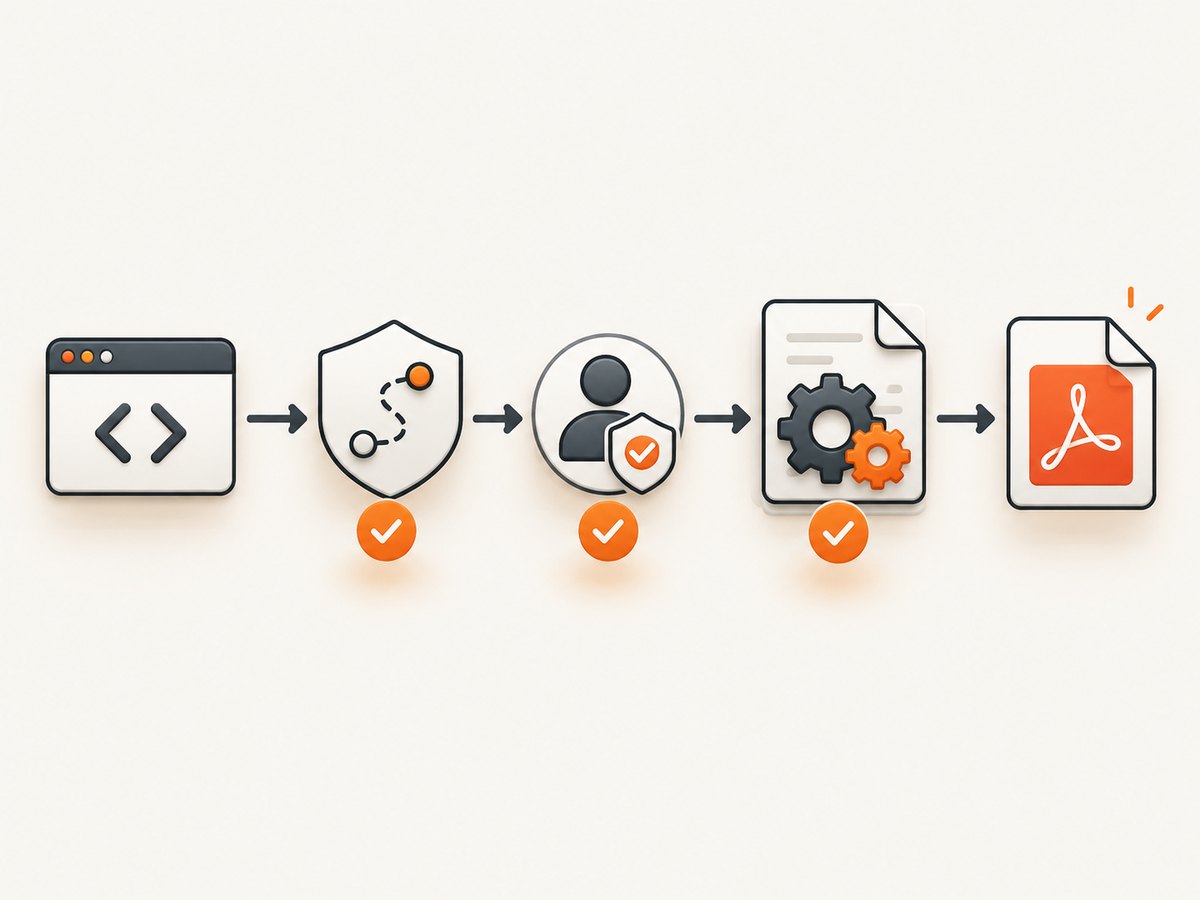
Catch \Mpdf\MpdfException around generation. Log the resolved destination, temporary directory, package version, and the exception message without exposing private document data.
<?php
use Mpdf\Mpdf;
use Mpdf\MpdfException;

try {
    $destination = __DIR__ . '/storage/pdfs/report.pdf';
    $mpdf = new Mpdf([
        'tempDir' => __DIR__ . '/storage/mpdf-temp',
    ]);
    $mpdf->WriteHTML($html);
    $mpdf->Output($destination, \Mpdf\Output\Destination::FILE);
} catch (MpdfException $e) {
    error_log('mPDF failed: ' . $e->getMessage());
    error_log('mPDF destination: ' . ($destination ?? 'unset'));
    throw $e;
}
Check PHP-FPM or Apache logs, container logs, and application logs in the environment where the request fails. The mPDF troubleshooting guidance recommends exception handling and server or PSR-3 logging when the message alone is unclear.
6. WordPress and plugin-specific paths
A WordPress plugin may create generated PDFs or snapshots under wp-content/uploads or a nested plugin directory. Verify the plugin’s configured path and whether it creates the directory before calling mPDF. A support case involving a missing snapshots directory was fixed by creating that directory; this does not mean every plugin uses the same folder.
- Identify the exact path in the logged exception.
- Check the plugin setting that controls generated-file or snapshot storage.
- Create the expected directory with the web server’s ownership.
- Test one document, then verify the file and logs.
7. Troubleshooting checklist
| Symptom | Likely cause | Fix |
|---|---|---|
| Parent folder does not exist | Nested destination was never created | Create the specific folder and verify PHP can write it. |
| Folder exists but write still fails | PHP-FPM/Apache user lacks permission, or a mount/ACL blocks writes | Inspect runtime identity, ownership, group, ACL, and mount mode. |
| Destination works for simple HTML but fails with images or fonts | tempDir is missing or unwritable |
Configure an existing dedicated writable tempDir. |
| Code errors after an upgrade | Output API differs from the installed version | Check composer show mpdf/mpdf and use the matching reference. |
| Works in CLI, fails in browser | Different PHP user, version, working directory, or open_basedir |
Log values from the web request and test paths under that runtime. |
Changing tempDir has no effect |
The final destination itself is invalid or unwritable | Fix the path named in the exception first. |
| 777 appears to “fix” it | Permissions were broadened unsafely | Restore narrow permissions and correct ownership/group access. |
8. Reliability, performance, and deployment notes
- Use absolute paths derived from a known application directory rather than the current working directory.
- Create storage directories during deployment, not during an end-user request.
- Keep temporary files outside public web roots when possible.
- Use a per-application temporary directory to avoid collisions between deployments.
- Monitor disk space and inode availability; both can prevent file creation.
- For containers, mount a writable volume for both final PDFs and
tempDir. - Do not recursively apply broad permissions to the entire project or Composer directory.
- Clean old generated PDFs and temporary cache files according to your retention policy.
9. Or skip the browser setup
If your workflow starts with a web page and ends with an image or PDF, ScreenshotNeo provides a single screenshot API request. It accepts cookie and consent banners before capture and removes more than 60 known consent platforms, newsletter popups, and chat widgets. Bot checks, blank pages, timeouts, failed loads, and cache hits are not billed, and the response identifies the result with X-Page-Verdict and X-Billed headers.
See the ScreenshotNeo API documentation for options such as full-page capture, element selectors, custom CSS and JavaScript, waits, headers, cookies, device presets, PDF output, caching, bulk capture, and signed webhooks.
cURL
curl -G "https://api.screenshotneo.com/v1/shot" -d access_key=YOUR_API_KEY --data-urlencode url=https://stripe.com -o shot.webpPHP
<?php
$url = 'https://stripe.com';
$apiUrl = 'https://api.screenshotneo.com/v1/shot?' . http_build_query([
    'access_key' => 'YOUR_API_KEY',
    'url' => $url,
]);

$context = stream_context_create(['http' => ['timeout' => 90]]);
$data = file_get_contents($apiUrl, false, $context);
if ($data === false) {
    throw new RuntimeException('Screenshot request failed');
}
file_put_contents(__DIR__ . '/shot.webp', $data);
Python
import requests
r = requests.get("https://api.screenshotneo.com/v1/shot", params={"access_key": "YOUR_API_KEY", "url": "https://stripe.com"}, timeout=90)
open("shot.webp", "wb").write(r.content)
Node.js
const q = new URLSearchParams({ access_key: 'YOUR_API_KEY', url: 'https://stripe.com' }); const res = await fetch(`https://api.screenshotneo.com/v1/shot?${q}`);
An MCP server provides take_screenshot, get_page_info, and capture_pdf tools for Claude, Cursor, and other MCP clients. The free plan includes 1,000 screenshots each month with no card; paid plans start at $5 for 3,000. Create a free ScreenshotNeo account.
10. FAQ
Does this error always mean tempDir is wrong?
No. The path passed to the output method is the first place to look. Check tempDir independently.
Should I create the PDF directory with PHP?
Prefer creating application directories during deployment. If runtime creation is required, handle failures explicitly and restrict the path.
Can a URL be passed to Output()?
No. File output expects a local filesystem destination. Download or stream the result separately if another service needs it.
Why does a CLI test pass?
CLI PHP may run as a different user with different configuration, permissions, and working directory than the web request.
Where should I start after an mPDF upgrade?
Run composer show mpdf/mpdf, then verify the output API and constructor configuration for that installed version.


