How to Fix Errors from Multiple cy.origin() Calls in a Cypress Test File
Fix Cypress errors caused by multiple cy.origin() calls with top-level origin blocks, exact matching, args, Cypress 14 guidance, and troubleshooting.

Use separate, top-level cy.origin() calls. Each callback may contain commands for only the origin declared in that call. Never nest one cy.origin() inside another callback. Pass values into a callback with the args option; outer variables, aliases and non-serializable objects are not available inside it.
const email = 'buyer@example.test'

it('works across several origins', () => {
  cy.visit('https://app.example.test')

  cy.origin('https://login.example.test', { args: { email } }, ({ email }) => {
    cy.get('[name=email]').type(email)
    cy.get('button[type=submit]').click()
  })

  cy.origin('https://billing.example.test', () => {
    cy.get('[data-cy=invoice]').should('be.visible')
  })
})
Why multiple calls fail
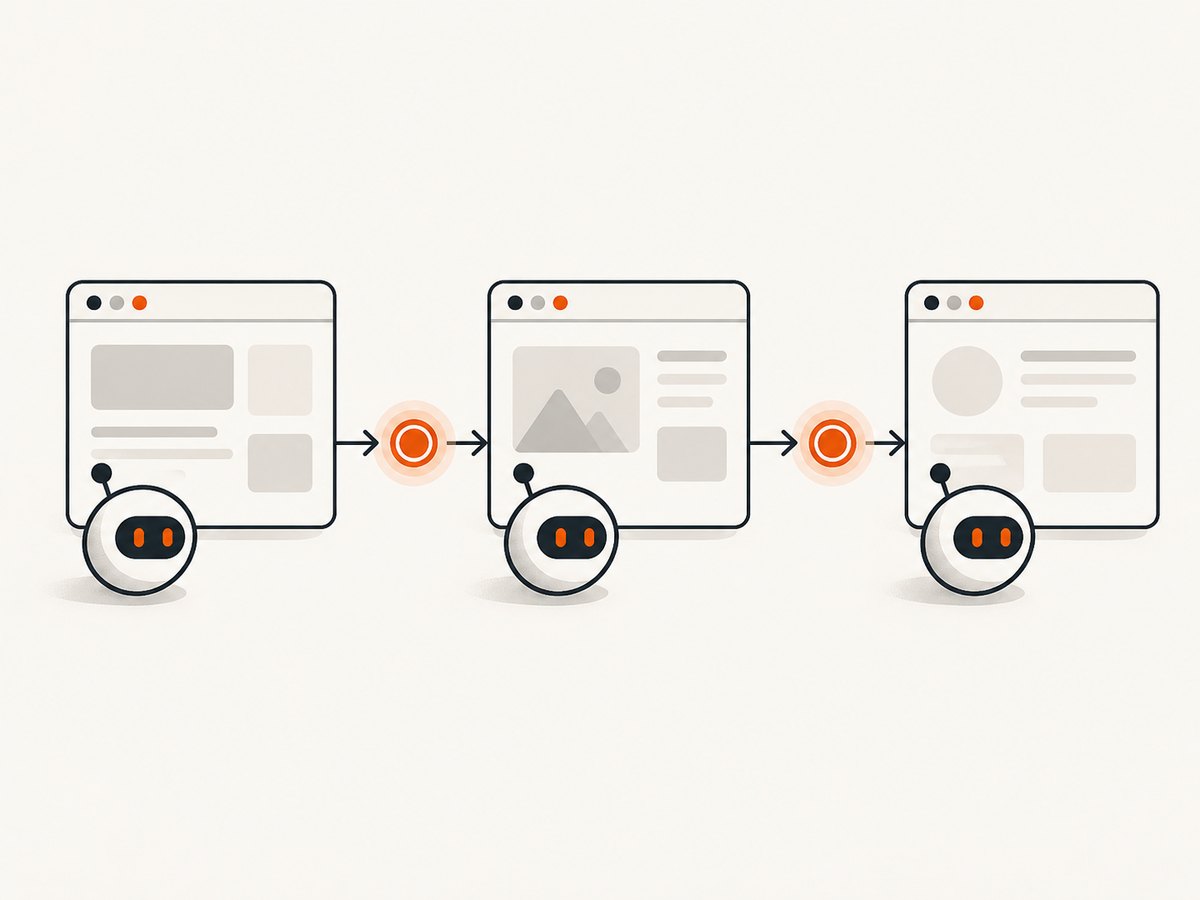
Cypress runs commands in an origin context. After navigation to a different scheme, hostname, subdomain or port, commands from the previous context cannot continue directly. Cypress documents that callbacks may not contain another cy.origin(); when a test visits several origins, each visit belongs in a top-level block. Cypress also requires cy.origin() when a test visits two different origins and continues interacting with both.
Repair a test step by step
- Find the first failing command. Record the page URL at that point, including scheme, hostname, subdomain and port.
- Finish navigation outside the callback. Use
cy.visit()or the click that causes navigation at the top level, then start a new origin block for the destination. - Move every interaction into its matching callback. Queries, assertions, typing, clicks and waits for that page all stay inside the block.
- Pass data with
args. Send strings, numbers, booleans, arrays and plain objects; recreate selectors and helper setup inside the callback. - Keep blocks top-level. Do not call
cy.origin()from a callback, custom command that runs there, or helper invoked there.
Complete three-domain example
describe('checkout', () => {
  const email = 'buyer@example.test'

  it('logs in, pays, and checks the receipt', () => {
    cy.visit('https://shop.example.test/checkout')
    cy.get('[data-cy=pay]').click()

    cy.origin('https://login.example.test', { args: { email } }, ({ email }) => {
      cy.get('[name=email]').type(email)
      cy.get('[name=password]').type('correct horse battery staple', { log: false })
      cy.get('button[type=submit]').click()
    })

    cy.origin('https://payments.example.test', () => {
      cy.get('[data-cy=card-number]').type('4242424242424242')
      cy.get('[data-cy=submit-payment]').click()
    })

    cy.origin('https://shop.example.test', () => {
      cy.get('[data-cy=receipt]').should('be.visible')
    })
  })
})
Origin matching rules
The string passed to cy.origin() must exactly match the page origin: scheme, hostname, subdomain and port. Use https://login.example.test, not a URL with a path, query string or hash. Treat http://example.test, https://example.test, https://www.example.test and https://example.test:8443 as different origins.
// Correct: origin only
cy.origin('https://accounts.example.test', () => {
  cy.get('form').should('be.visible')
})

// The path belongs in navigation, not in cy.origin()
cy.visit('https://accounts.example.test/settings')
Passing values across the boundary
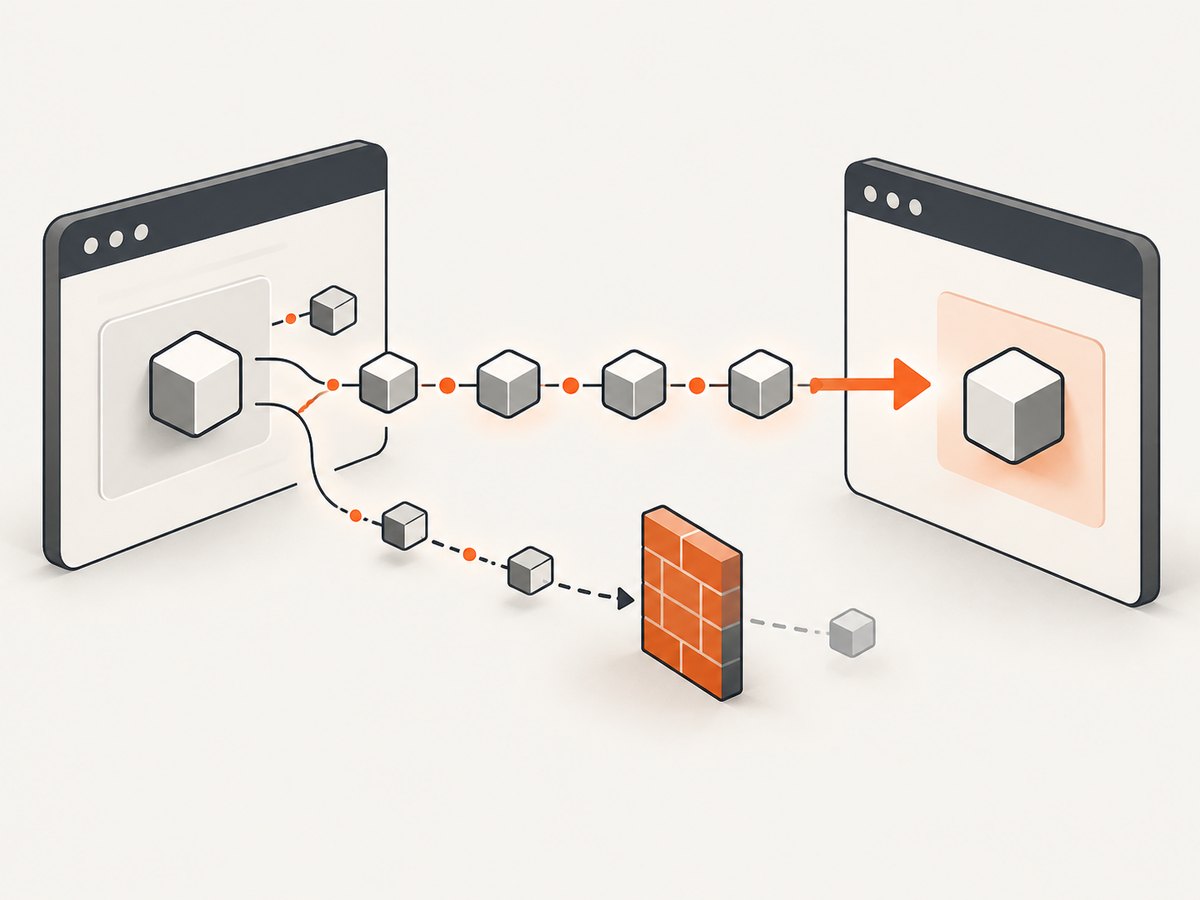
Callback code is serialized and evaluated in the target origin. Use args for data that can be serialized. Recreate aliases, DOM elements, functions, class instances and Cypress chains inside the callback.
const plan = { name: 'pro', seats: 3 }
cy.origin('https://billing.example.test', { args: { plan } }, ({ plan }) => {
  cy.get('[name=plan]').select(plan.name)
  cy.get('[name=seats]').clear().type(String(plan.seats))
})
Do not pass a subject returned by cy.get(), a promise, a function or a browser object. If a value is produced inside a callback, return a serializable value from that callback and use the yielded result at the top level.
Cypress 14 and the document.domain change
Cypress no longer injects document.domain by default. A test that previously relied on implicit same-superdomain access can fail after upgrading to Cypress 14. Add explicit blocks for each different origin, even when hosts share a registrable domain, and verify every port.
cy.visit('https://app.example.test')
cy.origin('https://admin.example.test', () => {
  cy.get('[data-cy=admin-nav]').click()
})
Contexts cy.origin() does not solve
- Cross-origin iframes: redesign the test around an origin you can control, or test the framed application separately.
- Second tabs or windows: Cypress runs in one browser tab. Assert the link target or navigate in the current tab instead of trying to automate another window.
- Nested origin calls: flatten the flow into successive top-level calls.
Troubleshooting checklist
| Symptom | Cause | Fix |
|---|---|---|
“cy.origin() cannot be nested” |
A callback calls another origin block. | Close the first callback and place the next block at test level. |
| Command timed out after navigation | The command ran in the old origin context, or the URL does not match the block. | Read the actual URL, then move the command into a matching top-level callback. |
| Second unique domain error | The test crossed origins without cy.origin(). |
Wrap all commands for the new origin in its own block. |
| “Cannot read” an outer variable | Values from the outer closure are unavailable in the callback. | Pass serializable data through args; recreate helpers and selectors inside. |
| Works on Cypress 13, fails on 14 | The test depended on injected document.domain. |
Add explicit origin blocks for same-superdomain navigation. |
| Iframe or popup commands fail | The target is a different browsing context. | Split the test, assert navigation, or redesign the flow for one tab. |
Fast diagnostic sequence
- Capture the first failing command and current URL.
- Compare scheme, host, subdomain and port with the
cy.origin()string. - Check that the callback has no
cy.origin(),cy.intercept()orcy.session(). - Reduce
argsto plain serializable data. - Run the smallest test that performs one navigation and one assertion per origin.
Reliability and execution notes
Keep each origin block focused: navigate, perform the page actions, and assert a stable result before leaving it. Prefer deterministic selectors and explicit assertions over arbitrary delays. Authentication state should be established in the origin where it is used; do not assume cookies or aliases from another origin are directly usable. A shorter command chain also makes timeout failures identify the responsible origin.
Or skip the browser setup
If your goal is a rendered image of a page rather than an interactive end-to-end assertion, ScreenshotNeo captures a URL with one request. It accepts consent banners before capture and removes more than 60 known consent platforms, newsletter popups and chat widgets. Bot checks, blank pages, timeouts, failed loads and cache hits are not billed, and the response reports the verdict in X-Page-Verdict and X-Billed headers. Its MCP server provides take_screenshot, get_page_info and capture_pdf tools for Claude, Cursor and other MCP clients. The free plan includes 1,000 screenshots a month with no card; paid plans start at $5 for 3,000.
See the ScreenshotNeo API docs for options such as full-page or element capture, device and viewport settings, waits, custom headers and cookies, blocking rules, caching, signed links, async jobs and bulk capture.
curl -G "https://api.screenshotneo.com/v1/shot" -d access_key=YOUR_API_KEY --data-urlencode url=https://stripe.com -o shot.webpimport requests
r = requests.get("https://api.screenshotneo.com/v1/shot", params={"access_key": "YOUR_API_KEY", "url": "https://stripe.com"}, timeout=90)
open("shot.webp", "wb").write(r.content)const q = new URLSearchParams({ access_key: 'YOUR_API_KEY', url: 'https://stripe.com' });
const res = await fetch(`https://api.screenshotneo.com/v1/shot?${q}`);Create a free ScreenshotNeo account with 1,000 screenshots each month and no card.
FAQ
Can I use several cy.origin() calls in one test?
Yes. Make one top-level call per origin and keep each callback limited to that origin.
Can the origin string include a path?
No. It is an origin, so use scheme, host and optional port only.
Why do aliases disappear?
Callbacks run in an isolated origin context. Pass serializable values with args and recreate aliases or setup inside the callback.
Does cy.origin() automate a cross-origin iframe?
No. Iframes and additional windows require a different test design.


