How to Fix n8n MCP Server Authentication Failed Errors
Fix n8n MCP authentication failures by identifying the endpoint, checking OAuth or bearer-token setup, verifying workflow access, and tracing proxy issues.
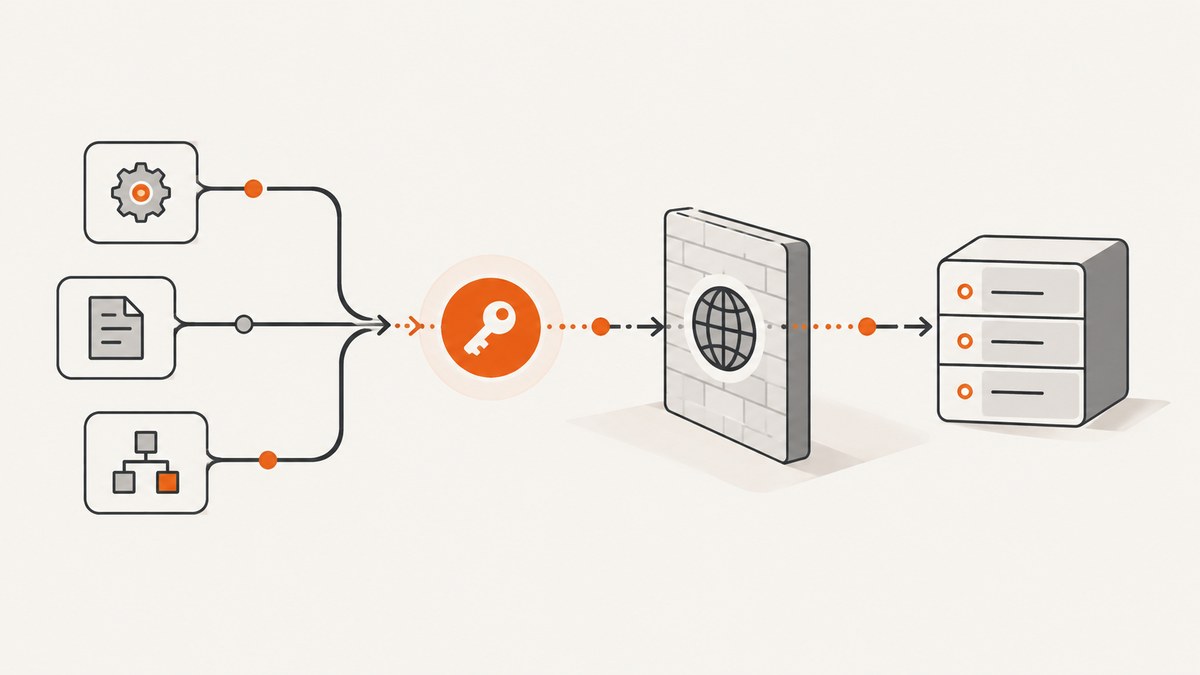
An n8n MCP authentication failure can come from different connection surfaces, and the fixes are not interchangeable. First identify whether your client connects to the n8n instance-level MCP server or to an MCP Server Trigger workflow. Then check the URL, authentication method, access permissions, and any proxy between the client and n8n. An n8n MCP Client node is a third case: it connects outward to another MCP server.
This guide follows n8n’s documented setup and troubleshooting guidance. A 401 or “authentication failed” message alone does not identify the cause; the endpoint, client, exact error, n8n version, and network path all matter. n8n’s instance-level MCP guide is the primary reference for the steps below.
1. Identify which MCP connection is failing
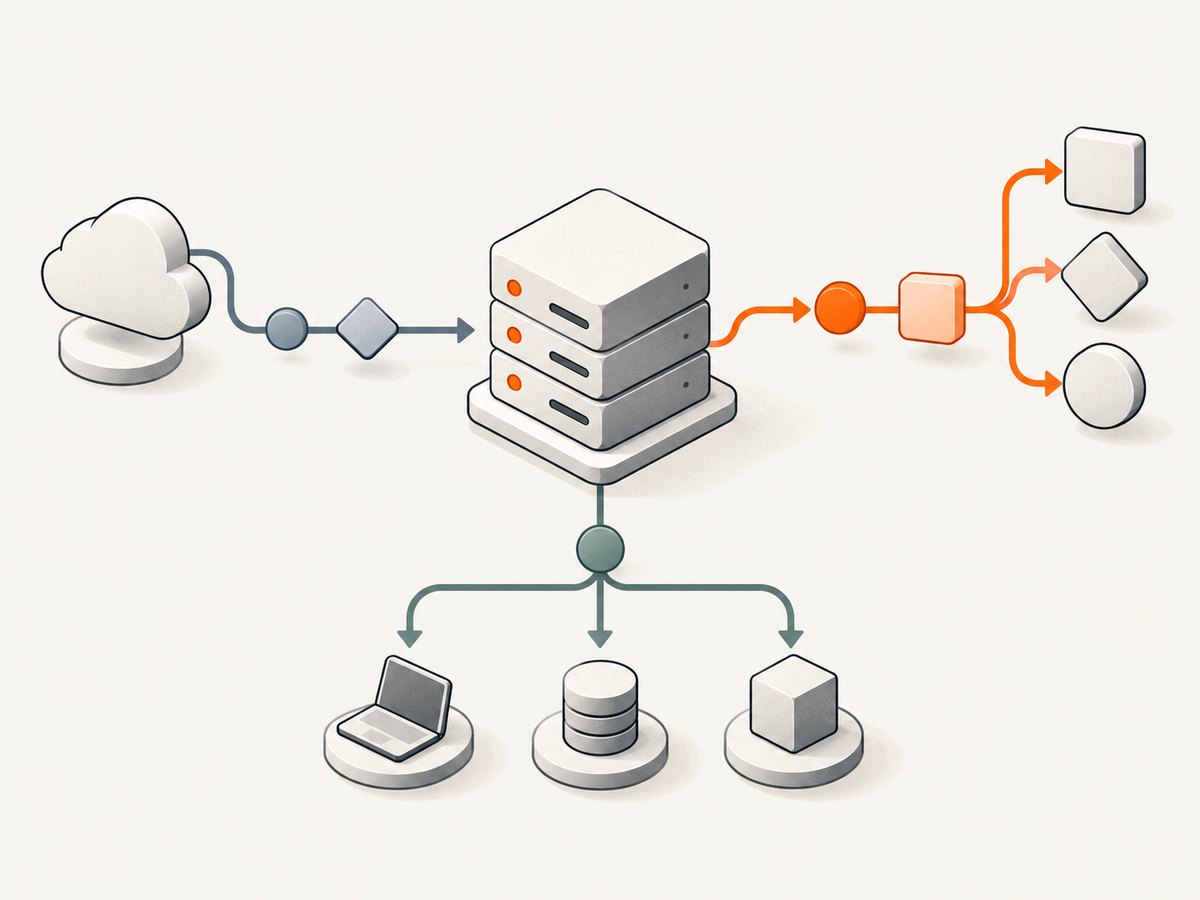
Before changing credentials, determine which component is involved. n8n uses “MCP” for more than one connection surface:
| Surface | What it does | Where its settings come from |
|---|---|---|
| Instance-level MCP server | External MCP clients connect to workflows made available by an n8n instance. | Settings > Instance-level MCP, including its Connect a client instructions. |
| MCP Server Trigger | A workflow node exposes that workflow to external agents. | The node’s own MCP URL and bearer-token settings. |
| MCP Client node | An n8n workflow connects outward to an external MCP server. | The node’s credential configuration for that external server. |
Write down the failing client and endpoint before proceeding. Do not assume an instance-level URL or token applies to an MCP Server Trigger, or that the settings for an inbound MCP server apply to an outbound MCP Client node. n8n documents these configurations separately: instance-level MCP, MCP Server Trigger, and MCP Client node.
2. Fix instance-level MCP authentication
- Enable access. In n8n, open Settings > Instance-level MCP and confirm instance-level MCP access is enabled. If OAuth reports “You do not have sufficient permissions to authorize this request,” n8n’s troubleshooting guidance identifies disabled instance-level MCP access as the cause. Ask an instance owner or admin to enable it.
- Copy the current server URL and client instructions. Open Connect a client in the same settings page. Use the Server URL and setup details shown for your client. n8n’s documented endpoint examples use
/mcp-server/http, but the URL displayed by your instance is the one to configure; avoid relying on a copied URL from an old setup. - Choose the matching authentication flow. Instance-level setup offers OAuth or an n8n-generated personal access token. For OAuth, start authentication from the client, sign in to n8n, and approve the requested access. For API-key setup, copy the generated token while it is visible and configure the client to send it as
Authorization: Bearer YOUR_TOKEN. - Check workflow availability and granted access. Make sure the intended workflows are marked Available in MCP. For OAuth, confirm the connected client was granted the access it needs. Review connected client access in Instance-level MCP settings if authorization succeeded but the expected workflows are unavailable.
- Inspect the instance logs. If the settings and permissions look right, review n8n server logs for MCP connection errors. Record the timestamp, client, endpoint and exact status or message to narrow the investigation.
Bearer-token request shape
For an API-key connection, the relevant HTTP authentication header has this form:
Authorization: Bearer YOUR_N8N_PERSONAL_ACCESS_TOKENThe word Bearer and the space before the token are part of the header value. A raw token without that prefix is not the documented bearer-token format. Keep the token secret: do not paste it into issue trackers, logs, screenshots, or a public workflow. If it is lost, generate a replacement and update every client that used it.
Token rotation invalidates the old token
n8n says the generated token is redacted after you leave its tab. If you no longer have the value, create a replacement rather than trying to recover a redacted token. Generating a new token revokes the previous one, so update all clients that relied on the old credential. A client that still has the old token will fail even if its URL and header format are otherwise correct. See n8n’s MCP client connection examples.
3. Check MCP Server Trigger configuration separately
If an external agent is connecting to a workflow’s MCP Server Trigger node, open that workflow and check the trigger’s own MCP URL and bearer-token configuration. Copy the address and credential context from the trigger setup. An instance-level MCP token or URL is not a substitute unless the trigger itself is configured to use it.
Then confirm the workflow is active or otherwise configured for the intended use according to the trigger’s setup, and check the n8n logs for the request. If the client offers a URL and a token field, compare both character for character with the trigger configuration, taking care not to expose the token while sharing diagnostics. The node-specific requirements are documented in the MCP Server Trigger reference.
4. Configure the n8n MCP Client node for the remote server
If the failing connection is made by an n8n workflow’s MCP Client node, configure credentials to match the external MCP server. The node supports bearer authentication, generic header authentication, multiple headers, and OAuth2. Selecting None means the connection is attempted without authentication; choose it only if the remote server allows that.
For bearer authentication, use the credential type expected by the server. For a generic header or multiple headers, copy the exact header names and values from that server’s documentation. For OAuth2, make sure the configured OAuth details match the remote service and that its authorization flow completes. A credential valid for the n8n instance-level MCP server does not automatically authenticate this outbound connection. Refer to the MCP Client node documentation.
5. Check proxies, firewalls, and public reachability
Self-hosted deployments often place a reverse proxy, load balancer, tunnel, or web application firewall between the MCP client and n8n. Verify that the client can reach the intended public endpoint and that the intermediary forwards the request to n8n without changing the path or stripping required headers.
n8n specifies these MCP routing headers for forwarding through proxies:
MCP-Protocol-Version
Mcp-Method
Mcp-Name
If your proxy uses an allowlist, permit those headers and inspect its access logs alongside n8n’s logs. Also check TLS termination, path rewrites, authentication middleware, and any rule that filters unfamiliar HTTP headers. For a cloud-based MCP client, n8n says the instance must be publicly reachable.
n8n documents CORS allowance for the specified routing headers from version 2.36.0 onward. This is a version-specific CORS note; it is not a universal minimum version for every MCP authentication setup. Check the documentation for the version you run before applying version guidance.
6. Troubleshooting common symptoms
| Symptom | Likely checks | Fix to try |
|---|---|---|
| OAuth says you lack permission to authorize | Instance-level MCP access may be disabled. | Have an instance owner or admin enable access in Instance-level MCP settings, then retry authorization. |
| 401 or unauthorized response | Wrong endpoint type, stale token, missing bearer prefix, or an intermediary altering the request. | Copy the current URL from the relevant settings; verify Authorization: Bearer …; rotate and update the token if needed; inspect proxy and server logs. |
| Authentication succeeds, but no expected workflow appears | The workflow may not be available in MCP, or the OAuth client may lack the intended access. | Mark the workflow Available in MCP and review the connected client’s granted access. |
| Works locally but not from a hosted client | The instance may not be publicly reachable, or a proxy may block or rewrite traffic. | Check external reachability, URL path forwarding, TLS and required MCP headers. |
| Trigger endpoint rejects credentials | The client may be using instance-level credentials against a trigger URL, or vice versa. | Use the MCP Server Trigger’s own URL and bearer-token settings. |
| n8n workflow cannot connect to external MCP server | The MCP Client node’s selected credential type may not match the remote server. | Configure bearer, header, multiple-header, or OAuth2 authentication as the remote server requires; use None only when authentication is not required. |
A community report describes a self-hosted setup receiving a 401 and “Missing Bearer prefix” despite the reporter saying a Bearer header was present. That report is not proof of a general n8n bug or a universal fix. Treat it as a reminder to inspect the actual outgoing request, configured path, version-specific docs, proxy behavior, and server logs rather than concluding that every 401 has the same cause. See the individual community report.
7. A reliable diagnostic sequence
- Record whether the connection is instance-level, a Server Trigger, or the MCP Client node.
- Capture the exact endpoint host and path from the relevant n8n settings or node.
- Note the client name, exact error text or status, n8n version, and whether the connection is direct or passes through a proxy or tunnel.
- For instance-level MCP, confirm access is enabled, then re-run the chosen OAuth or API-key setup from Connect a client.
- Verify workflow availability and client permissions.
- Check that proxies forward
MCP-Protocol-Version,Mcp-Method, andMcp-Name. - Compare proxy and n8n logs at the same timestamp. Redact credentials before sharing any request details.
This order separates configuration problems from transport problems. It also avoids rotating credentials unnecessarily: token rotation revokes the old value and requires every dependent client to be updated.
8. Security, reliability, and operational notes
Protect credentials
Treat personal access tokens as secrets. Store them in the client’s credential store or an environment-backed secret mechanism, restrict who can view them, and avoid putting them in source control or command history. If a token may have been exposed, rotate it and update every client that used the old token. Review connected-client access and revoke access that is no longer needed.
Make failures diagnosable
Keep the endpoint type, current URL, authentication method, n8n version, client, proxy path, and relevant log timestamp in your internal runbook. This information is more useful than a generic “MCP auth failed” note. Do not infer a universal cause from a status code: the research sources do not establish a universal error-to-cause mapping.
Plan for network intermediaries
When using a proxy or WAF, validate the full request path after configuration changes. Header allowlists and path rewrites can affect MCP routing even when the token itself is valid. If you change the public host or route, copy the current URL into the client and retest through the same network path the actual client uses.
9. Capture a screenshot of an n8n error page
If the failure is visible in a browser and you need a shareable record, a screenshot can preserve the visible message while you investigate the endpoint and logs. Avoid capturing secrets, tokens, or private workflow data. A browser screenshot cannot identify the server-side cause by itself; pair it with the exact request context and n8n logs.
DIY browser capture with Playwright
For a local capture, install Playwright and its Chromium browser, then save this as capture.mjs. Replace the URL with the page you are authorized to capture.
npm install playwright
npx playwright install chromium
import { chromium } from 'playwright';
const url = 'https://n8n.example.com';
const browser = await chromium.launch({ headless: true });
try {
const page = await browser.newPage({ viewport: { width: 1440, height: 1000 } });
await page.goto(url, { waitUntil: 'domcontentloaded', timeout: 30000 });
await page.screenshot({ path: 'n8n-error.png', fullPage: true });
} finally {
await browser.close();
}Run it with node capture.mjs. If your error appears only after signing in, use a controlled test account and an isolated browser context; do not save authentication state where others can access it. Use a shorter screenshot region if the page is very long, and check that the visible capture does not include credentials.
cURL, Python, and Node.js with ScreenshotNeo
ScreenshotNeo is a website screenshot API and MCP server for developers, made by Yorker Media. These examples capture a page at a URL; replace the target with an authorized, non-sensitive page. See the ScreenshotNeo API documentation for the request details.
curl -G "https://api.screenshotneo.com/v1/shot" -d access_key=YOUR_API_KEY --data-urlencode url=https://stripe.com -o shot.webpimport requests
r = requests.get(
"https://api.screenshotneo.com/v1/shot",
params={"access_key": "YOUR_API_KEY", "url": "https://stripe.com"},
timeout=90,
)
open("shot.webp", "wb").write(r.content)const q = new URLSearchParams({ access_key: 'YOUR_API_KEY', url: 'https://stripe.com' });
const res = await fetch(`https://api.screenshotneo.com/v1/shot?${q}`);
if (!res.ok) throw new Error(`Screenshot request failed: ${res.status}`);
await Bun.write('shot.webp', res);The Node.js example uses Bun’s file writer for concise saving; with Node.js, save the response body using your preferred filesystem handling. Keep the access key private. ScreenshotNeo accepts a URL in one GET request and can return PNG, JPEG, WebP, or PDF. Its available options include full-page capture with lazy images loaded, CSS-selector element capture, viewport and device presets, dark mode, custom CSS or JavaScript, waiting conditions, hidden selectors, cookies and headers, request blocking, caching, and more; see the docs for parameter names and configuration.
Or skip the browser setup
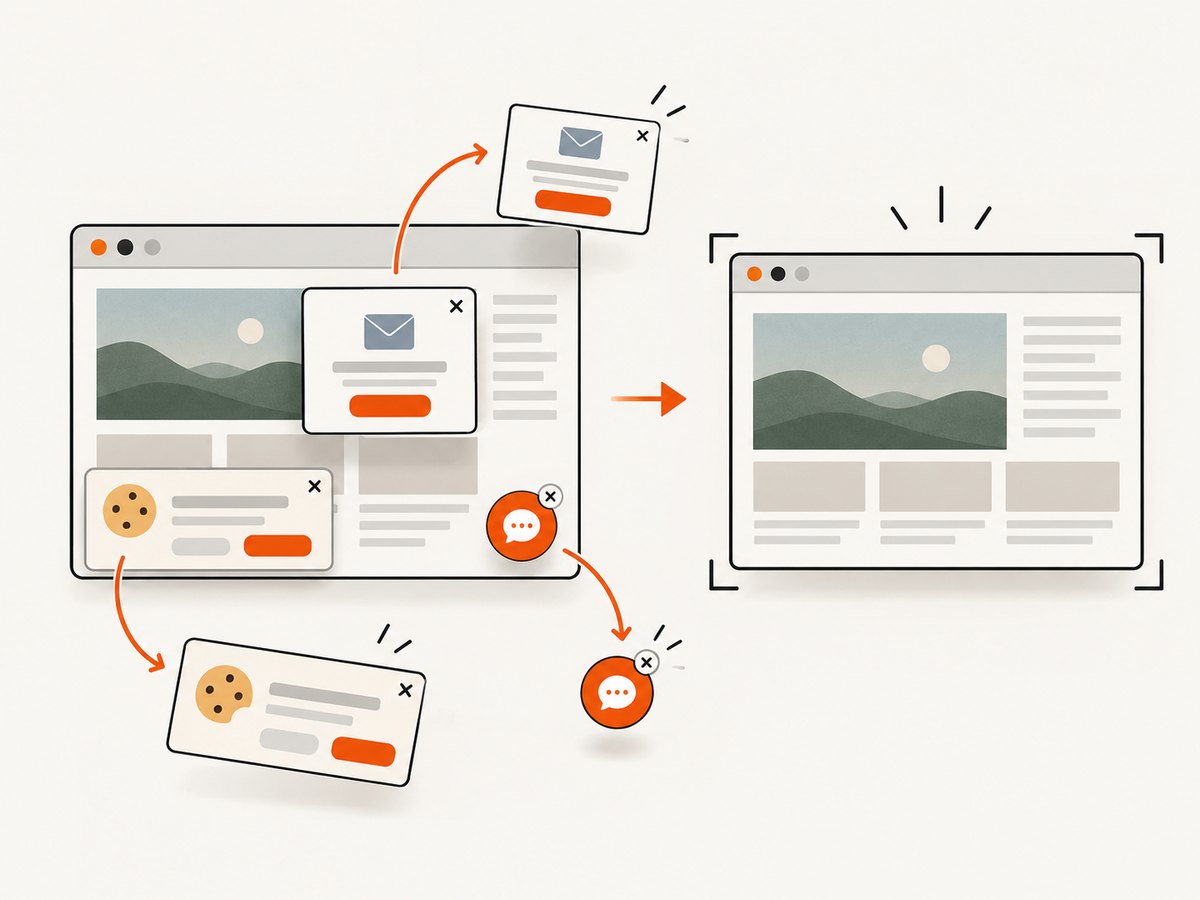
ScreenshotNeo can capture a page with one API call. Cookie banners, popups, and chat widgets are removed before the shot; bot checks, blank pages, failed loads, timeouts, and cache hits are never billed. Its MCP server lets AI agents use take_screenshot, get_page_info, and capture_pdf. The Free plan includes 1,000 screenshots per month with no card; paid plans start at $5 for 3,000 shots. Every feature is available on every plan. The cURL example above is the one-call setup; the docs cover options.
Sign up free for 1,000 screenshots a month, no card required.
Frequently asked questions
Does every n8n MCP 401 mean the token is wrong?
No. The endpoint type, URL, access setting, client permissions, proxy path, and header forwarding can all be relevant. Use logs and the actual request context to diagnose it.
Does n8n 2.36.0 determine whether MCP authentication works?
The cited 2.36.0 note concerns CORS allowance for specified MCP routing headers. It does not establish a universal minimum version for all MCP authentication.
Can I reuse an instance-level token after creating a replacement?
No. Generating a replacement revokes the previous token. Update all clients that used it.
Is the community “Missing Bearer prefix” report an official diagnosis?
No. It is an individual report, useful as a prompt to inspect request details, but it does not prove a general bug or fix.


