How to Fix No module named main When Importing wkhtmltopdf
Fix the legacy wkhtmltopdf import error by checking your Python environment, replacing obsolete wrappers, or configuring pdfkit correctly.
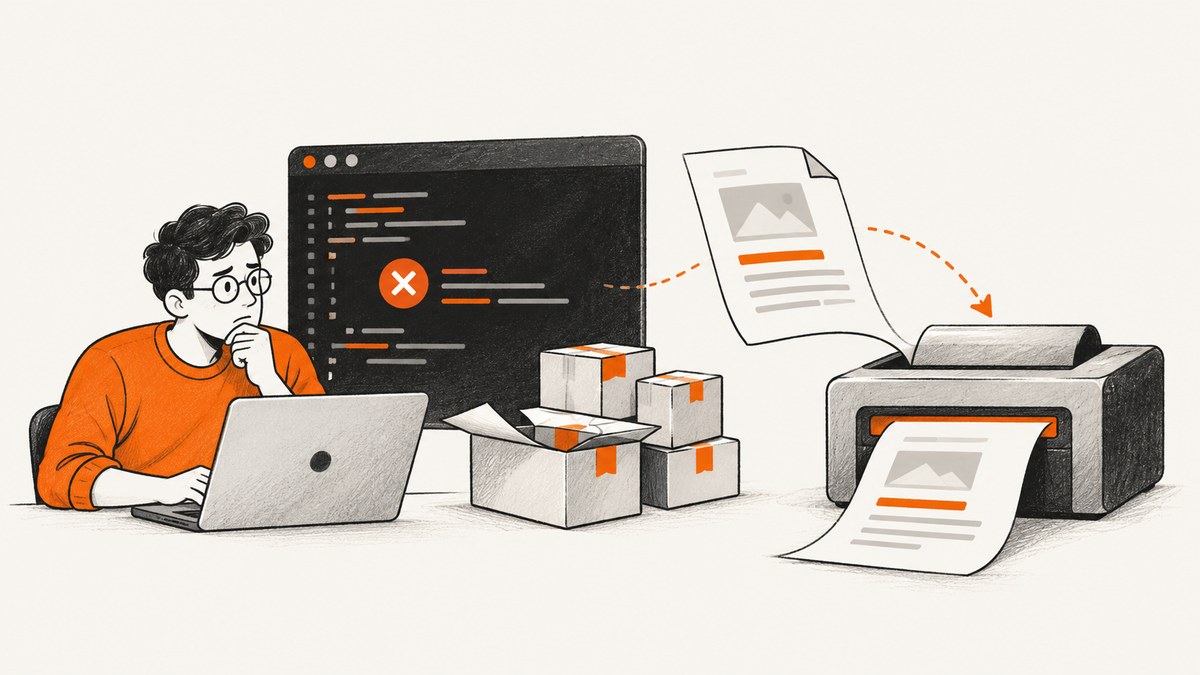
Short answer: the error usually comes from an old wkhtmltopdf Python wrapper whose __init__.py contains an unqualified import such as from main import WKhtmlToPdf, wkhtmltopdf. That import layout may work under older Python assumptions but fails in Python 3, producing ImportError: No module named 'main' or ModuleNotFoundError: No module named 'main'. Confirm the interpreter and installed package first, then replace the obsolete wrapper or use a maintained integration such as pdfkit with the separate wkhtmltopdf executable.
1. Confirm which Python and package are failing
Run these commands with the same command used to start your application:
python -c "import sys; print(sys.executable); print(sys.version)"
python -m pip show wkhtmltopdf
python -m pip list | grep -Ei 'wkhtml|pdfkit'
Using python -m pip matters because a system may contain several Python installations. Installing a package with one interpreter does not make it available to another virtual environment, container, service account, or web worker.
Read the traceback, not just the final line
If the traceback points into wkhtmltopdf/__init__.py and shows an import like from main import ..., it matches the legacy wrapper problem reported in the original issue. The PyPI wkhtmltopdf package record lists version 0.2, uploaded in 2011. The original qoda/python-wkhtmltopdf repository is archived and its README says “NO LONGER MAINTAINED”; GitHub records the archive date as 2020-03-11.
2. Remove or replace the obsolete wrapper
Do not assume reinstalling the same package fixes a compatibility problem. First inspect your dependency files and application imports:
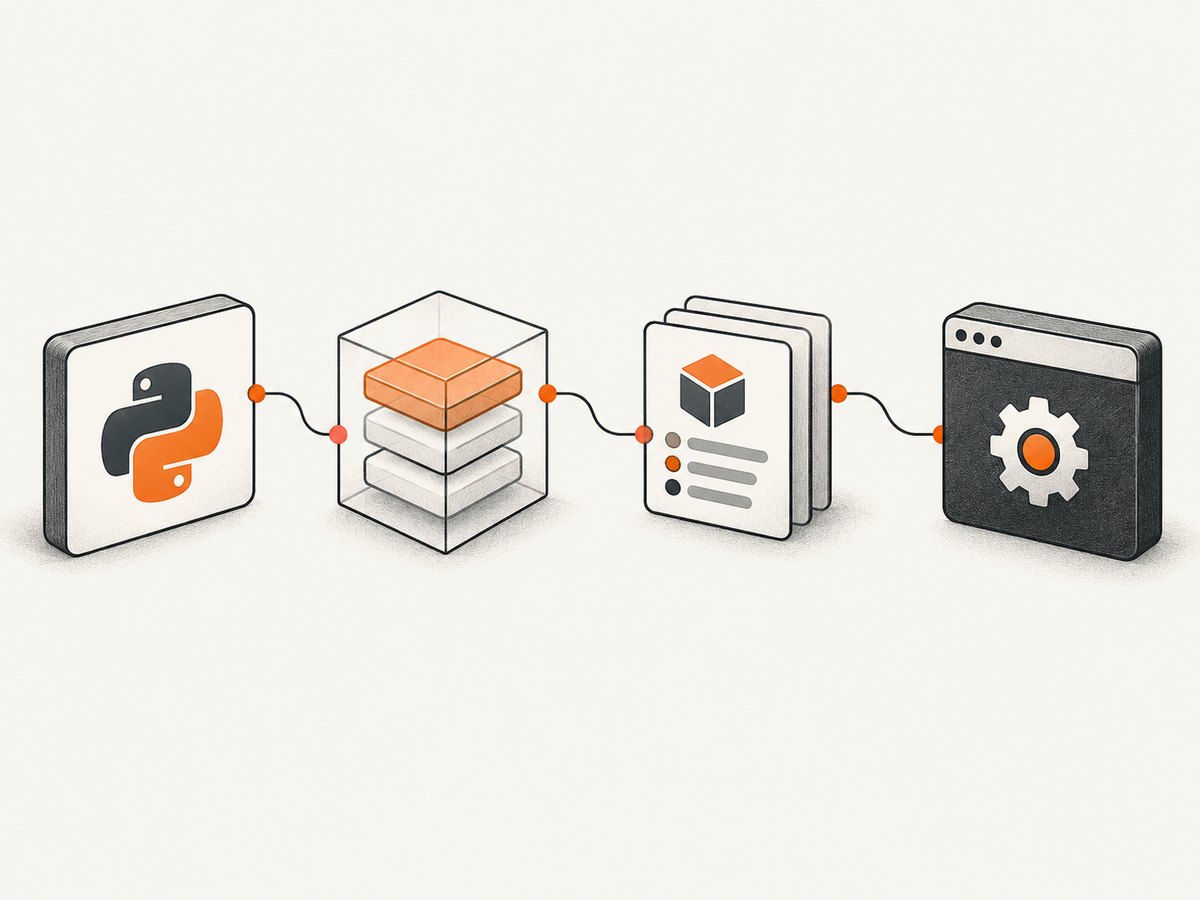
rg -n "wkhtmltopdf|pdfkit|WKhtmlToPdf|wkhtmltoimage" .
python -m pip uninstall wkhtmltopdf
Only uninstall after checking what imports the package. If another dependency requires it, replace that dependency or pin a compatible environment deliberately rather than leaving a broken import behind.
3. Option A: try the Python 3 fork with its documented limits
py3-wkhtmltopdf is documented on PyPI as a Python 3 fork of the unmaintained qoda project. Its latest listed release is 0.4.1 from 2020, and it is classified as Beta. Its documentation says Windows is unsupported. Treat it as a compatibility option only when those limits fit your project.
python -m pip install py3-wkhtmltopdf
python -c "import wkhtmltopdf; print(wkhtmltopdf)"
The import name and API may differ from the package you are replacing. Check the fork’s project documentation and update your application imports accordingly. A successful import still does not prove that PDF rendering works.
4. Option B: use pdfkit and install the renderer separately
pdfkit is a Python wrapper around the separate wkhtmltopdf command-line program. Installing the Python package alone is insufficient: the executable must also be installed and discoverable by the process. See the pdfkit package documentation for wrapper and executable installation guidance. The upstream wkhtmltopdf project describes wkhtmltopdf as an HTML-to-PDF command-line renderer and wkhtmltoimage as its image counterpart; that repository is archived.
Install and verify both components
python -m pip install pdfkit
wkhtmltopdf --version
python -c "import pdfkit; print(pdfkit.__version__)"
If wkhtmltopdf --version fails, fix the operating-system installation or PATH before changing Python code. In a service, use an absolute executable path when PATH differs between your shell and the service process.
Minimal runnable pdfkit example
import pdfkit

html = "<h1>Invoice</h1><p>Rendered by wkhtmltopdf.</p>"
pdfkit.from_string(html, "invoice.pdf")
Explicit executable path
import pdfkit

config = pdfkit.configuration(wkhtmltopdf="/absolute/path/to/wkhtmltopdf")
pdfkit.from_url("https://example.com", "example.pdf", configuration=config)
Use the path appropriate to your operating system and deployment image. Do not copy a path from a different machine into production.
5. Option C: call wkhtmltopdf directly
If you do not need a Python wrapper, invoke the executable directly. This separates Python package imports from rendering completely:
wkhtmltopdf https://example.com example.pdfFor HTML generated by your application:
printf '%s' '<h1>Report</h1>' | wkhtmltopdf - report.pdfCheck the command’s exit status and capture stderr in automation. A successful Python import does not guarantee that the executable can load a URL, access local files, or render JavaScript.
6. Choose the route that fits your environment
| Route | Python support | External executable | Maintenance or platform constraint |
|---|---|---|---|
Legacy wkhtmltopdf wrapper |
Often incompatible with Python 3 | Yes | Version 0.2 is from 2011; qoda project archived |
py3-wkhtmltopdf |
Python 3 documented | Yes | Latest listed release 0.4.1 (2020), Beta; Windows unsupported in its documentation |
pdfkit |
Python wrapper | Yes | Wrapper and renderer are separate installations |
| Direct CLI | Independent of Python imports | Yes | You manage command execution, paths, errors, and security |
7. Common errors and fixes
| Error or symptom | Likely cause | Fix |
|---|---|---|
No module named 'main' inside wkhtmltopdf/__init__.py |
Legacy absolute import in the old wrapper | Remove the obsolete package; evaluate py3-wkhtmltopdf, pdfkit, or direct CLI use. |
No module named wkhtmltopdf |
Package installed into another interpreter or virtual environment | Run python -m pip show ... with the application’s exact Python executable. |
No module named pdfkit |
The wrapper is not installed in the active environment | Run python -m pip install pdfkit in that environment. |
OSError: No wkhtmltopdf executable found |
The renderer is missing or absent from PATH | Install the executable and verify wkhtmltopdf --version; configure an absolute path if needed. |
| Import succeeds but conversion fails | Renderer, URL access, JavaScript, fonts, or permissions problem | Run a small direct CLI conversion, inspect stderr, then test the same URL and account permissions used by the service. |
| Works in a shell but fails in a web worker | Different PATH, user, working directory, sandbox, or filesystem permissions | Log sys.executable, use an absolute renderer path, and grant access to temporary and output directories. |
Advice to install django-wkhtmltopdf does not help |
A package for a different integration was added without checking the application API | Verify the project’s documented imports and dependencies before changing package names. |
8. A repeatable diagnostic checklist
- Save the complete traceback and identify the file that raises the import error.
- Print
sys.executablefrom the failing process. - Run
python -m pip show wkhtmltopdfwith that interpreter. - Inspect
pyproject.toml,requirements.txt, or deployment manifests for the obsolete package. - Choose a replacement whose import API and operating-system support match the application.
- Verify the external renderer independently with
wkhtmltopdf --version. - Run a minimal HTML conversion before testing a complex page.
- Only then test the full application path, including its service user and filesystem permissions.
9. Reliability, performance, and cost considerations
Package selection affects more than the import line. The archived qoda wrapper and archived upstream renderer require you to own installation, binary compatibility, fonts, process limits, and security updates. A wrapper does not make page loading deterministic: remote DNS, TLS, JavaScript execution, slow assets, and blocked resources can all change conversion time.
- Reliability: pin the Python dependency and renderer version together, use a repeatable build image, set process timeouts, and capture stderr.
- Performance: render a small diagnostic page first; avoid unnecessary JavaScript and oversized assets; reuse a warm worker where your deployment permits it.
- Security: treat user-supplied URLs and HTML as untrusted. Restrict network access and filesystem permissions according to your threat model.
- Cost: self-hosting shifts costs to compute, image maintenance, storage, and debugging. Measure your own workload rather than assuming a package or renderer has a fixed speed.
10. When the package is the wrong tool
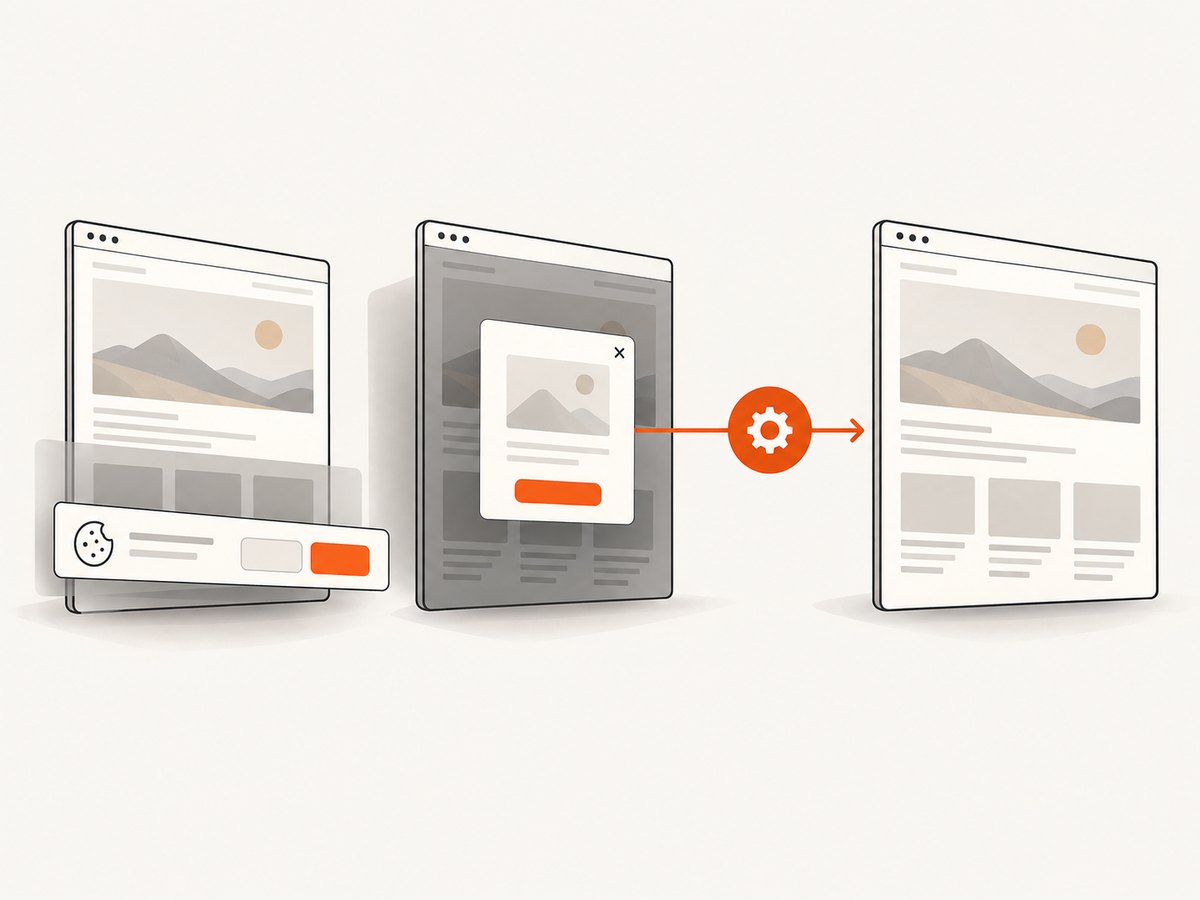
If your actual requirement is “give me a clean screenshot or PDF of a URL,” maintaining a browser or wkhtmltopdf installation may be unnecessary. ScreenshotNeo provides a website screenshot API and MCP server. It accepts one GET request and returns PNG, JPEG, WebP, or PDF. It removes cookie and consent banners, newsletter popups, and chat widgets before capture; failed loads, bot checks, blank pages, timeouts, and cache hits are not billed.
11. Or skip the browser setup
Use the same request from cURL, Python, or Node.js. See the ScreenshotNeo API documentation for request options and response details.
cURL
curl -G "https://api.screenshotneo.com/v1/shot" -d access_key=YOUR_API_KEY --data-urlencode url=https://stripe.com -o shot.webpPython
import requests

r = requests.get(
    "https://api.screenshotneo.com/v1/shot",
    params={"access_key": "YOUR_API_KEY", "url": "https://stripe.com"},
    timeout=90,
)
r.raise_for_status()
open("shot.webp", "wb").write(r.content)
Node.js
const q = new URLSearchParams({ access_key: 'YOUR_API_KEY', url: 'https://stripe.com' });
const res = await fetch(`https://api.screenshotneo.com/v1/shot?${q}`);
if (!res.ok) throw new Error(`Screenshot failed: ${res.status}`);
const fs = await import('node:fs/promises');
await fs.writeFile('shot.webp', Buffer.from(await res.arrayBuffer()));
ScreenshotNeo supports full-page and element capture, device presets or custom viewports, dark mode, retina scale, PDF settings, custom CSS and JavaScript, waits, request blocking, headers, cookies, user agents, authorization, timezone, geolocation, transparent backgrounds, resizing, caching, signed links, asynchronous jobs, bulk capture, and a usage API. Each response includes X-Page-Verdict and X-Billed headers so your code can distinguish clean shots from non-billable failures and cache hits. Its MCP server exposes take_screenshot, get_page_info, and capture_pdf for Claude, Cursor, and other MCP clients.
The Free plan includes 1,000 screenshots each month with no card. Paid plans start at $5 for 3,000 shots, and every feature is available on every plan. Create a free ScreenshotNeo account.
12. FAQ
Can I fix this by changing from main to from .main?
That may address the specific relative-import mistake, but editing installed package code is fragile. Replace or upgrade the dependency and verify its supported Python versions instead.
Is py3-wkhtmltopdf guaranteed to work?
No. Its PyPI documentation lists it as Beta, its latest listed release is from 2020, and Windows is unsupported according to its documentation.
Does installing pdfkit install wkhtmltopdf?
No. pdfkit is a Python wrapper. The separate wkhtmltopdf executable must be installed and available to the process.
Why does the error mention main instead of wkhtmltopdf.main?
The legacy package initializer uses an unqualified import. Python 3 resolves that differently from the package’s older assumptions, exposing the missing top-level module.
Should I use a Django-specific package?
Only if your Django application’s documented integration requires it. Similar package names do not imply compatible imports or APIs.


